Complete Collection: 3D Maps, Free Models, Scene Cleanup
- Products: 4
- Sales: 0
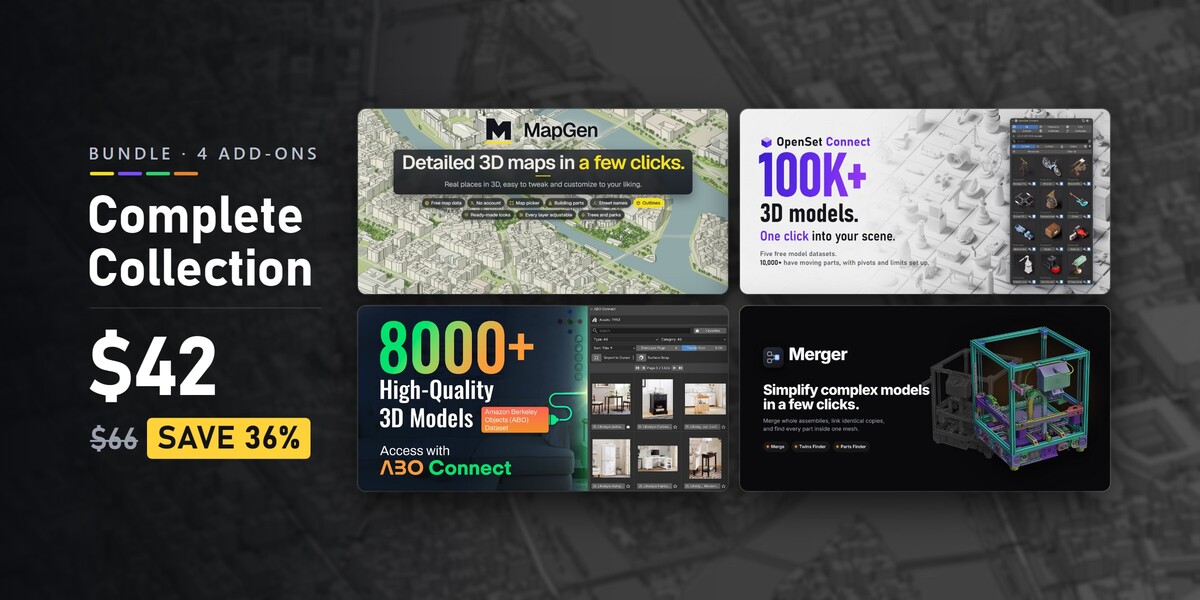
THE COMPLETE COLLECTION
Every add-on I sell today,
in one bundle.
For much less than buying them one by one.
MapGen
3D maps
OpenSet Connect
Model library
ABO Connect
Real product models
Merger
Scene cleanup
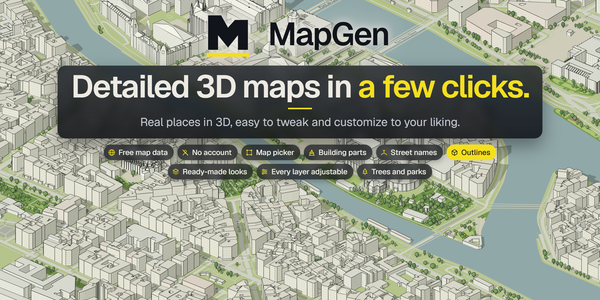
3D maps
MapGen
Detailed 3D maps in a few clicks.
Real places in 3D, easy to tweak and customize to your liking. Free map data, no account.

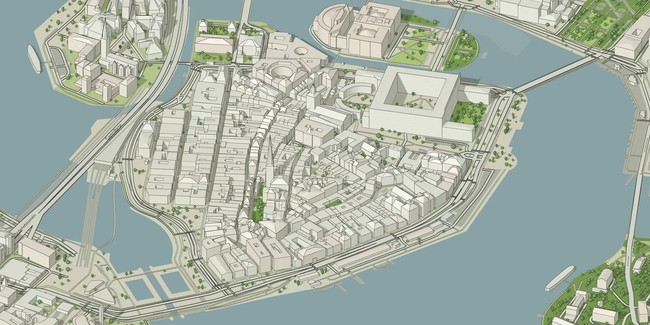
Stockholm, around Gamla Stan, built with MapGen.
Any place
Anywhere with open map data.
Full control
Recolor or hide any part.
Ready-made looks
Or save your own.
Needs Windows 64-bit and Blender 5.2 or newer.
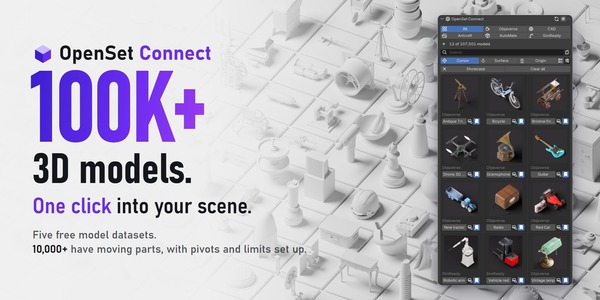
Model library
OpenSet Connect
100,000+ free 3D models right in your Blender sidebar.
Furniture, vehicles, electronics, tools, kitchen gear and more. Browse by thumbnail and add a model to your scene.

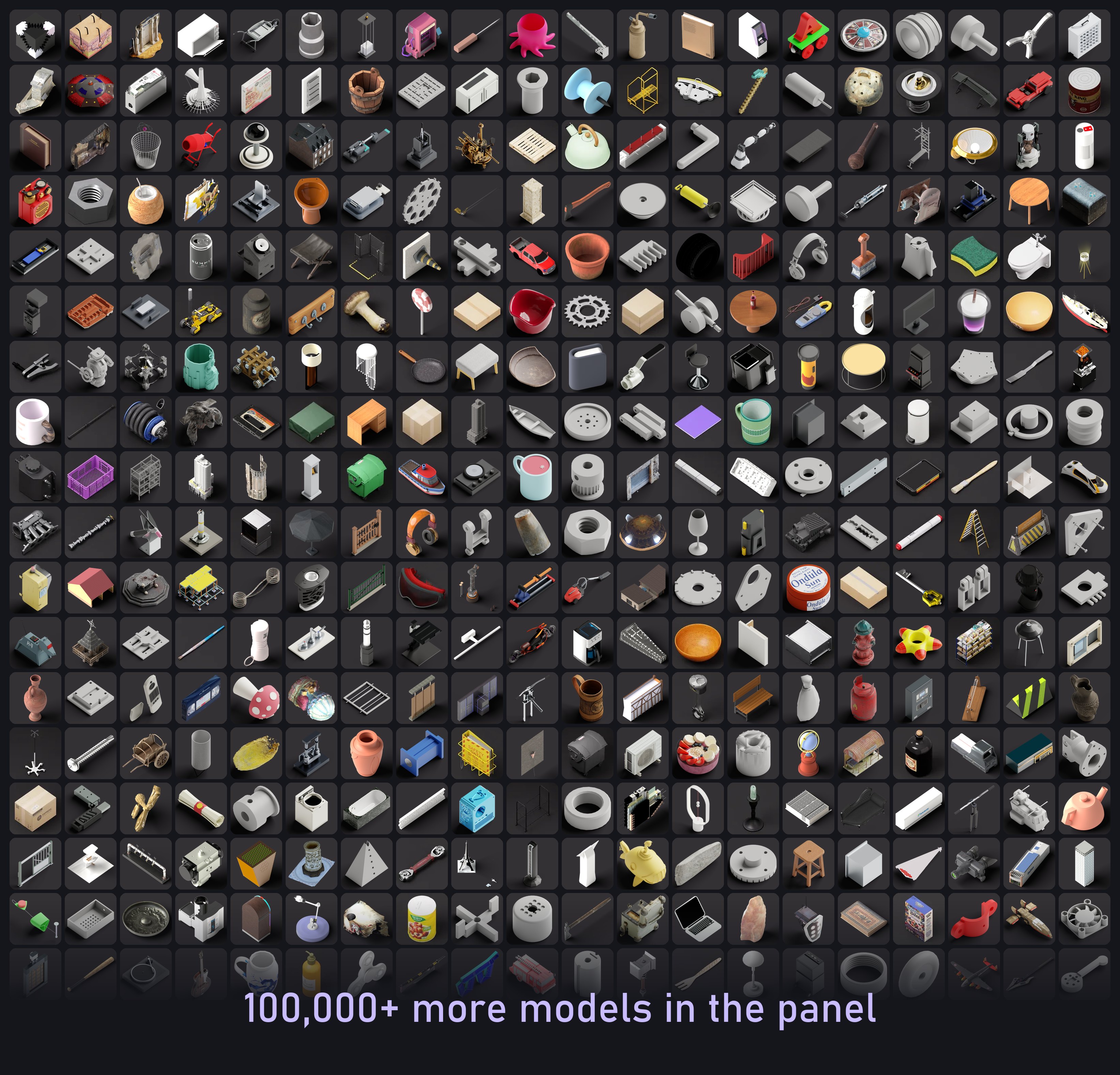
Real thumbnails from the OpenSet Connect catalog.
Five datasets
Objects, vehicles, machines, parts and props.
Real textures
Many models come with their authors' own materials.
Only what you import
Models stay online until you add one.
Real product models
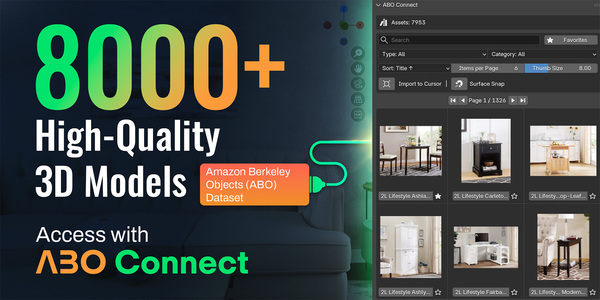
ABO Connect
Nearly 8,000 free, high-quality 3D models of real products.
Furniture, electronics, home goods and toys. Browse by thumbnail and import only what you need.
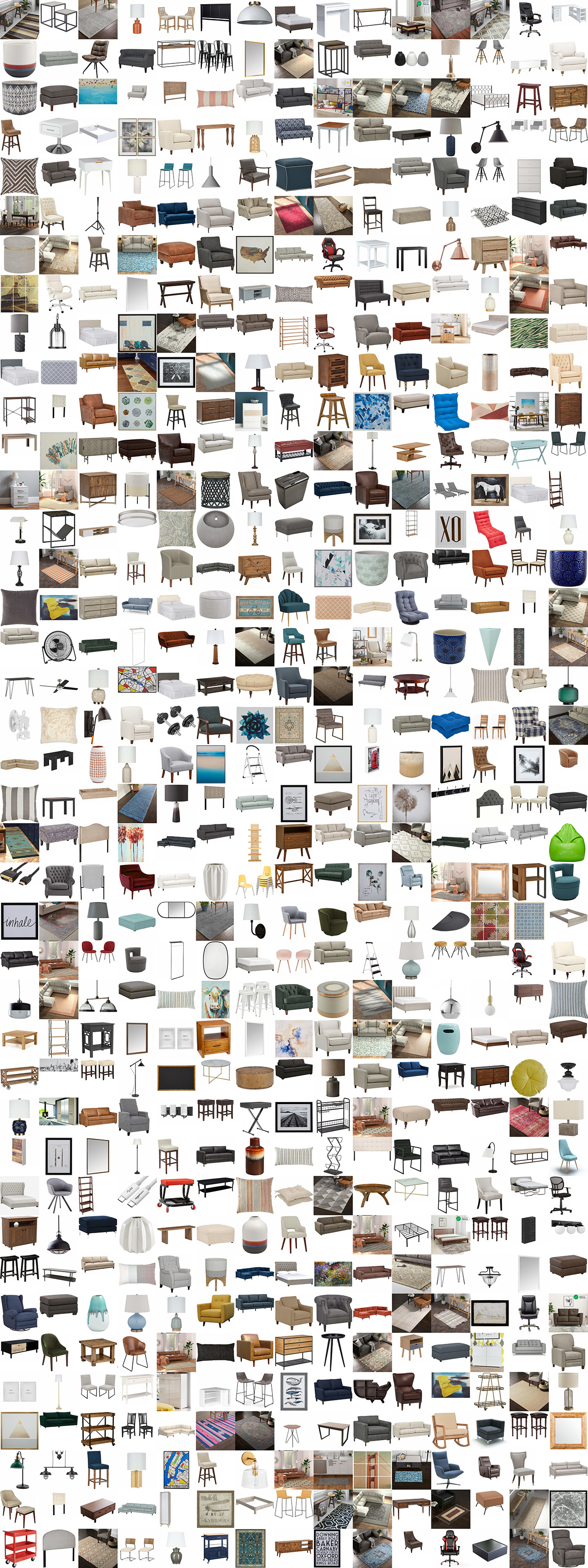
A few of the real product models in ABO Connect.
Real products
From the Amazon Berkeley Objects dataset.
On-demand
Only the models you import are downloaded.
Search and filter
By category or product type.
Scene cleanup
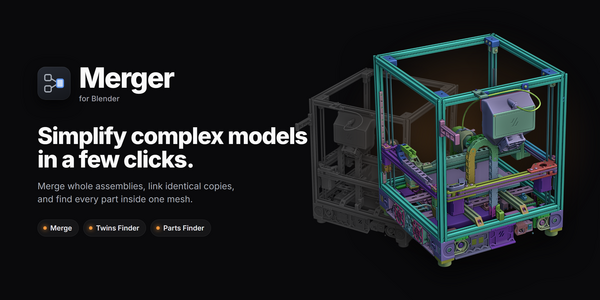
Merger
Simplify complex models.
For imported models with hundreds or thousands of objects: merge whole assemblies into one mesh or one per group, link identical copies, and find the separate parts inside a single mesh.

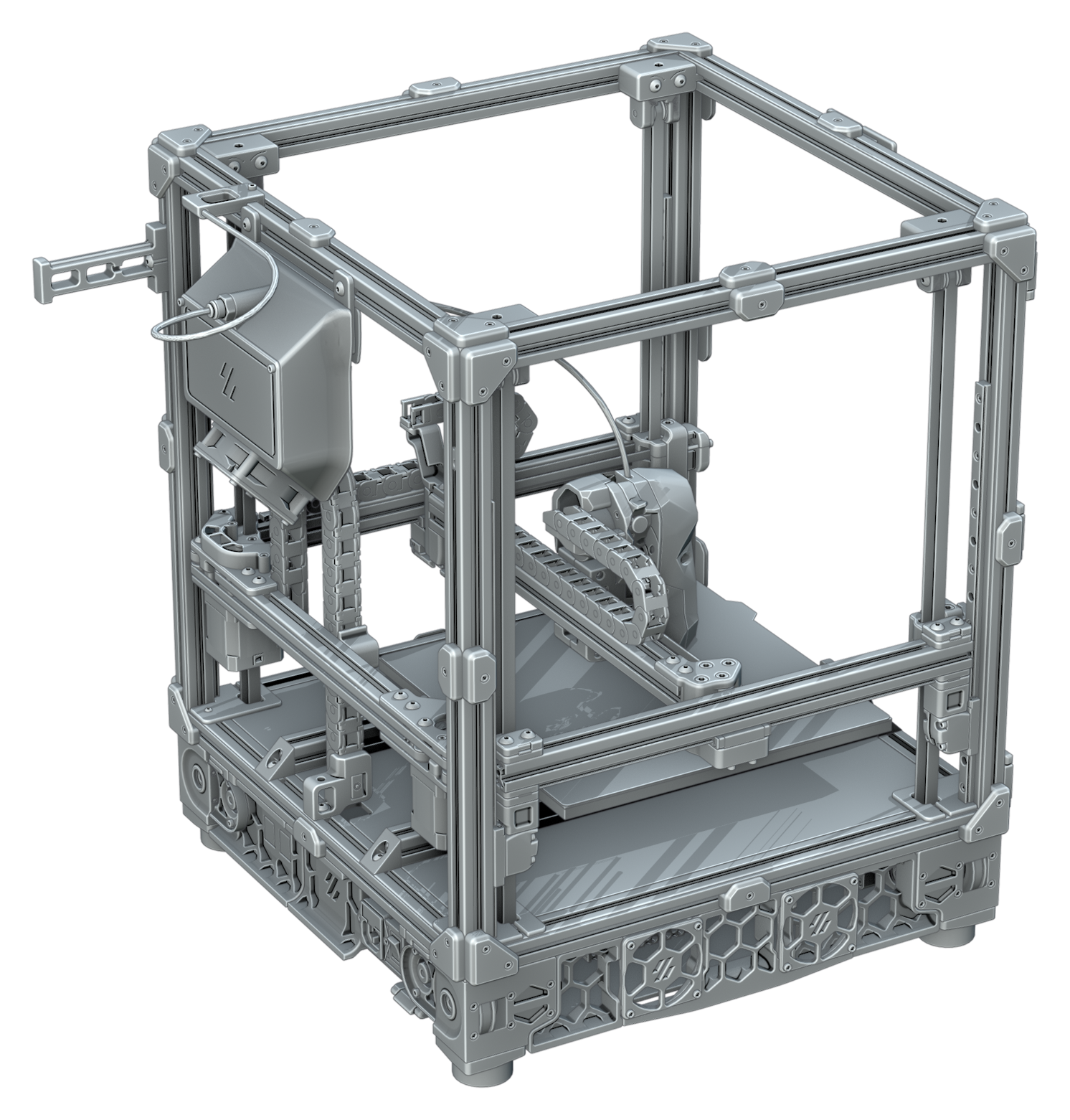
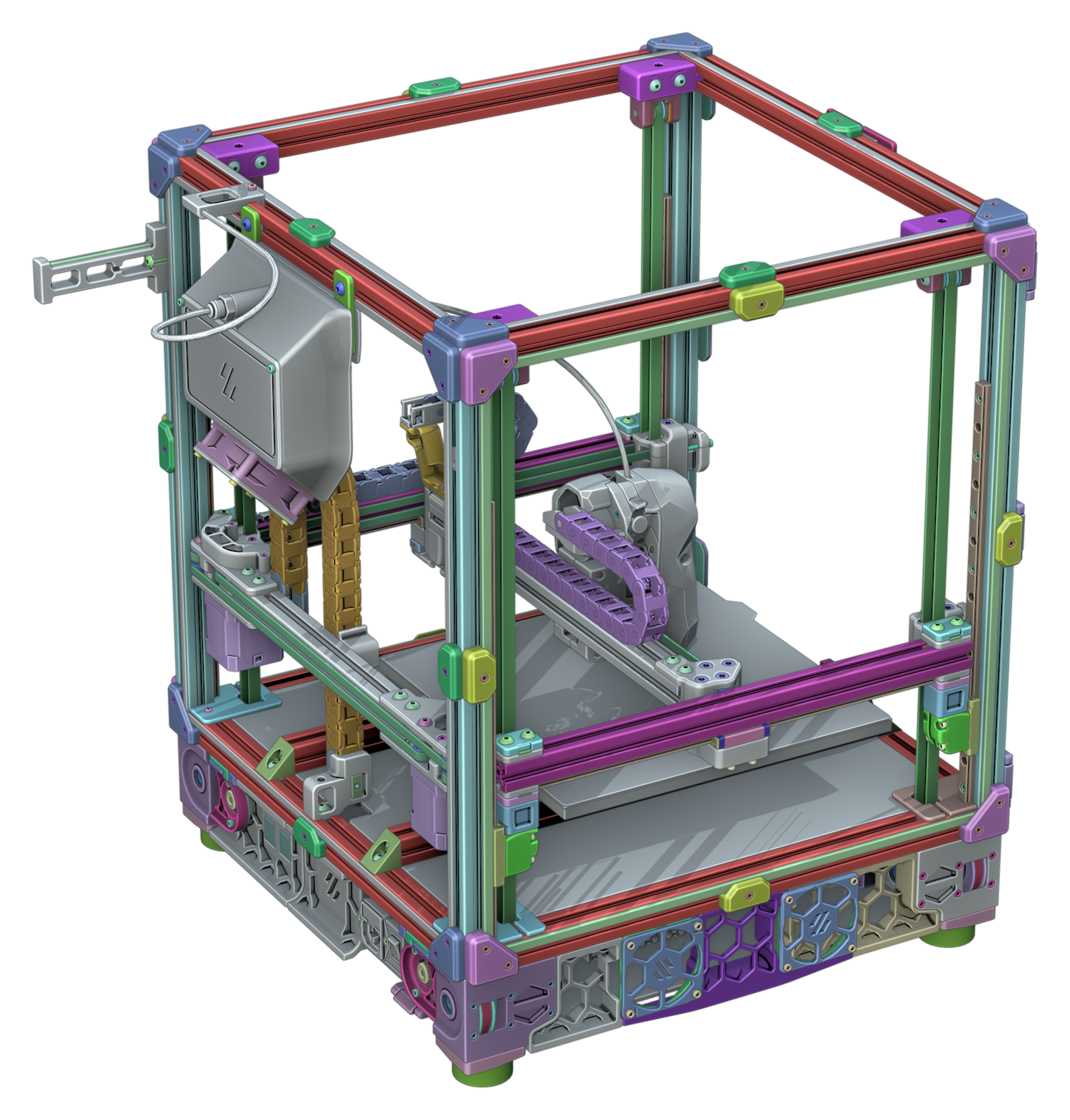
Before and after Link All Twins: each group of copies shares one mesh and one color. Demo model: Voron 2.4 by the Voron Design team, GPL-3.0.
Merge
Whole hierarchies into one mesh, or one per group.
Twins Finder
Identical copies found and linked to one mesh.
Parts Finder
The separate parts inside one mesh, found and colored.
The models in OpenSet Connect and ABO Connect are free to download, and each one keeps its own license.
Every add-on here is tested in Blender 5.2 and 5.3.
Each has its own page with docs and FAQ.