CGDive Rigify Bundle
- Products: 3
- Sales: 2
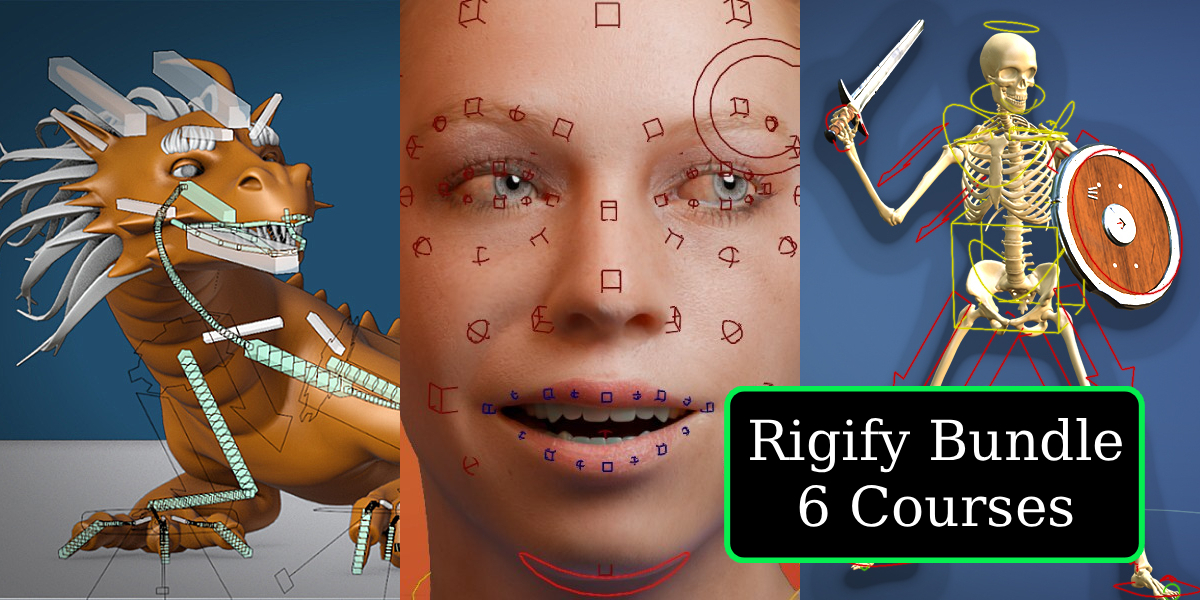
So Rigify is pretty awesome... The only problem is figuring out how to use it.
➡➡➡This is where this course bundle comes in.
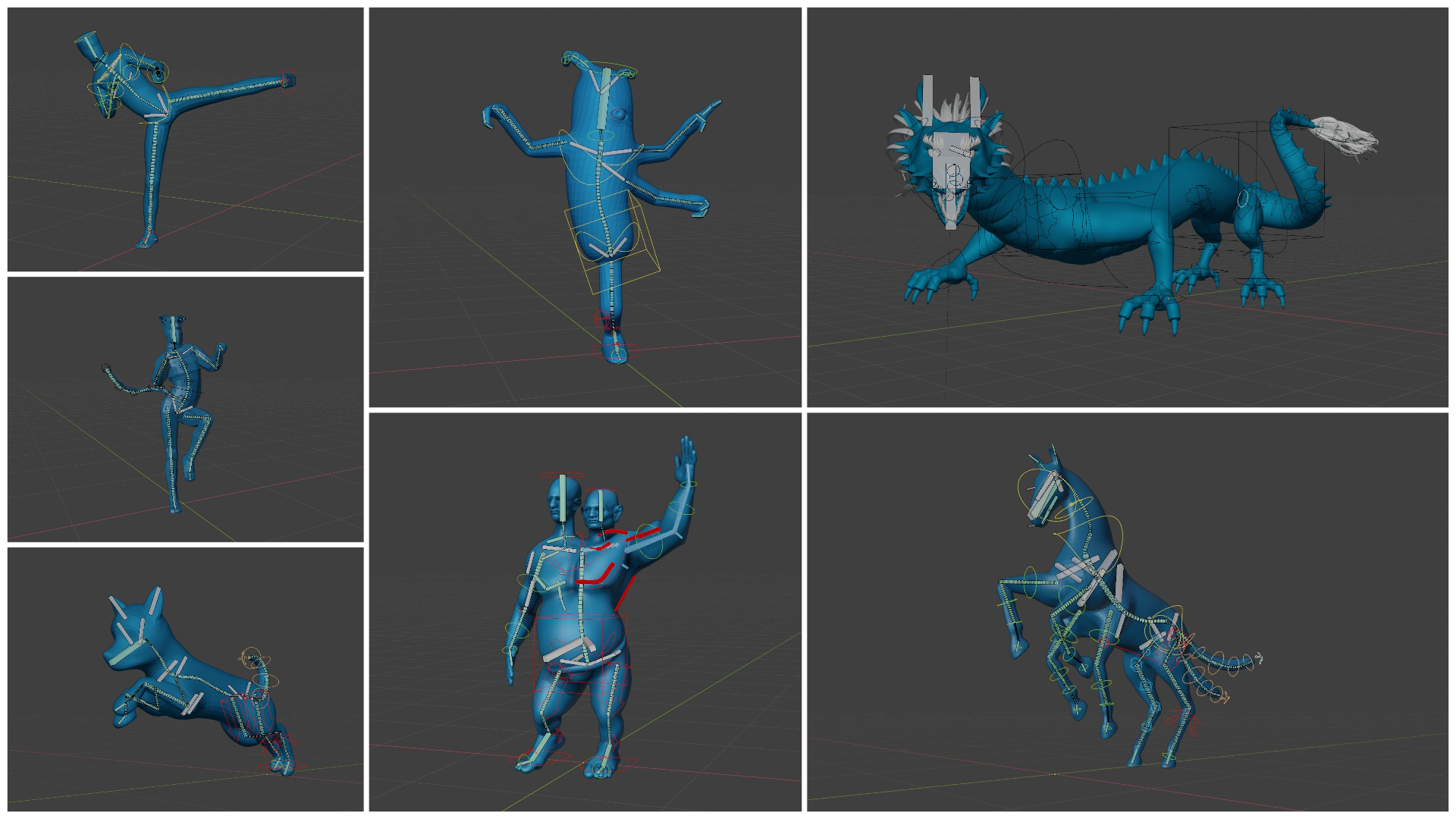
With this Rigify Course Bundle, you'll get as many as 6 Full Rigify 5-star* courses, covering everything from the absolute basics, and all the way to advanced topics that very few Blender users know about.
(*over the years, CGDive's Rigify courses have consistently earned a 5-starh ★★★★★ rating on multiple marketplaces!)
The original "Rig anything with Rigify" consists of 4 courses:
- "Rigify Basics" - (Blender 2.8 / 4.0 variations): learn the fundamentals first. This is the basis on which we can go into the advanced courses.
- "Rigify Video Manual" - discover every setting Rigify has to offer in short, to-the-point videos.
-
"Two-headed Ogre Rigging" - in this advanced rigging session you'll learn how to:
- customize your Rigify rig to handle two heads and faces
- add corrective bones for better deformation in difficult areas like knees, elbows, shoulders, hips, etc.
- add clothes and props and rig a shoulder armor
- create automated belly bones
- weight painting practice
-
"Dragon Rigging" - in this advanced rigging session you'll learn how to:
- rig long spines and necks
- build a fully custom face rig and integrate it into your Rigify armature
- hair rigging and weight painting
- walk cycle animation including wiggle bones
More about the custom face rig:
In addition, you also get two more stand-alone courses:
- "Modular Face Rigging" - a unique course about Rigify's "skin" system which allows you to create custom face rigs.
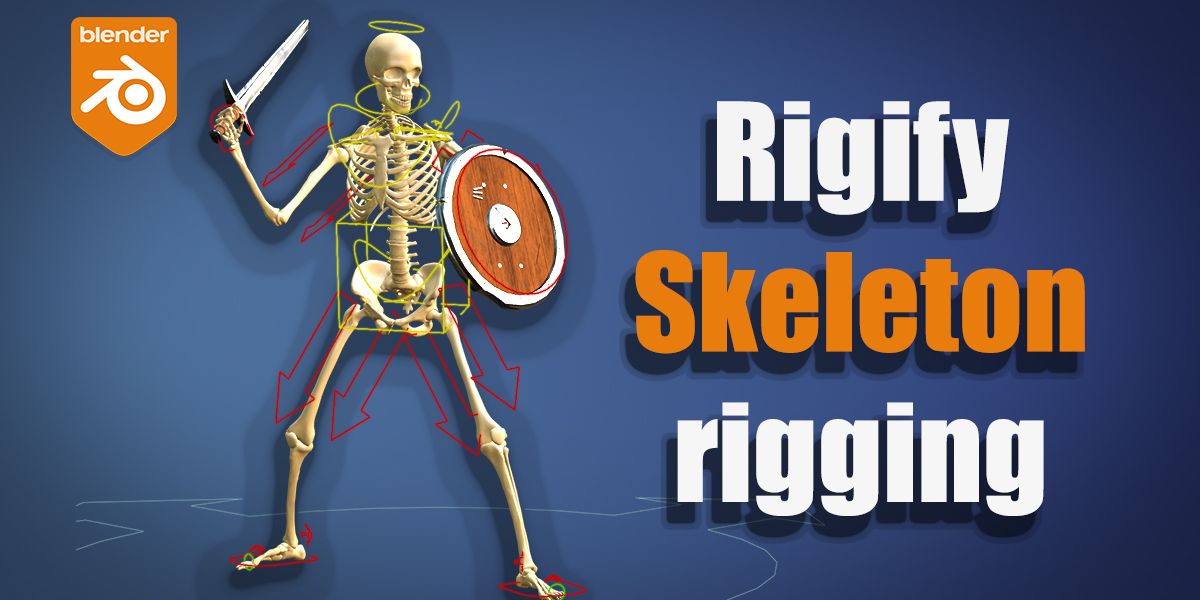
- "Skeleton Rigging" - in this advanced rigging session you'll learn how to adapt the Rigify rig to make a Skeleton model move the way it should. Rigging a Skeleton requires significant rig customization, as well as a different approach to weight painting. These challenges will push your ability to customize Rigify rigs.
Individual
Courses are for personal use by the person who purchased them




Studio
Courses are available to everyone in your organization, for use within the organization only
What's included in this bundle?
Six powerful rigging courses from CGDive, focused on helping you rig (almost) anything using Rigify.
Is Rigify right for me?
I believe most Blender users will benefit from knowing how to fully use Rigify. You'll love this addon and the course if you are:
- a 3d generalist who needs to rig occasionally but not often enough to develop your own efficient rigs
- a hobbyist who doesn't have the time to learn manual rigging
- an animator who wants to practice with a super versatile, customizable rig (rather than downloading random, inconsistent rigs from the internet)
- a Pro rigger who is trying to save some time
You may not like Rigify if:
- you have very particular requirements for your rigs. Rigify rigs can be customized to some extent but in the end, it does things in its own way
- you're in need of tools for mechanical rigging. Rigify does not currently offer much in this area.
Can I really rig *anything* with Rigify?
Any standard organic character is within your reach when you master Rigify. Of course there are highly specialized rigs that cannot be automated. In particular, Rigify does not offer presets for mechanical parts such as wheels, pistons, gears, etc.
What version of Blender are these courses for?
Some of the videos use older versions of Blender, but the workflow and
approaches taught in the course will work for any modern version of
Blender.
Keep in mind that I provide support for my courses. If you get stuck
because of a UI change, I'll do my best to help you get through the
hurdle.