Youthcloud Procedural Blender Bundle (3-in-1 Add-ons)
- Products: 3
- Sales: 0



How do I download and install the 3 add-ons in this bundle?
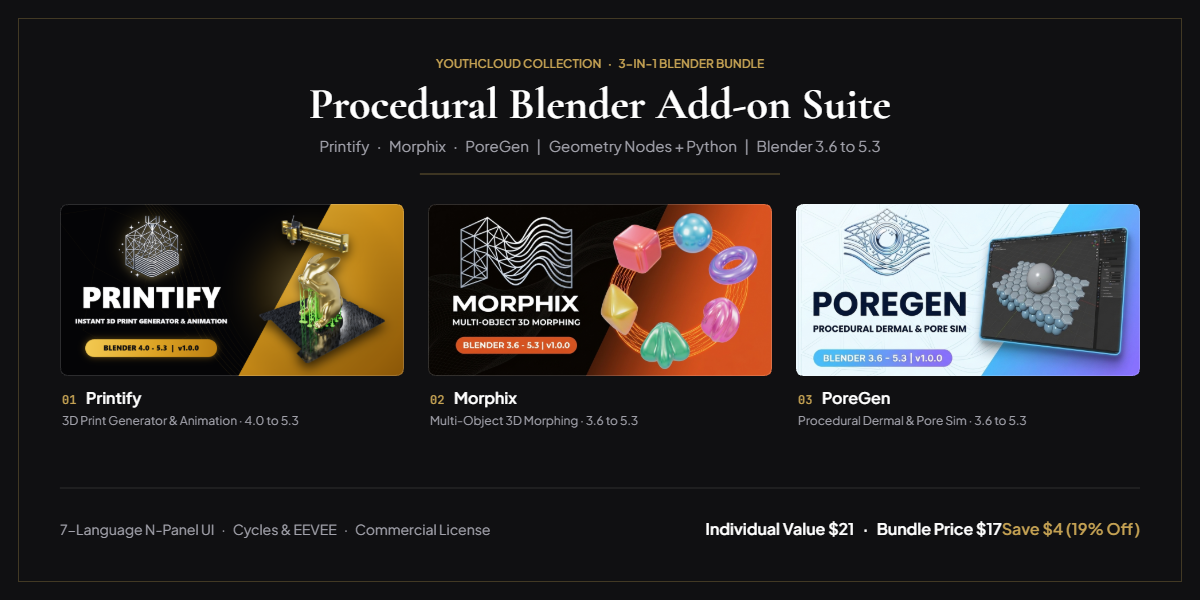
Once purchased, all three add-ons (Printify, Morphix, and PoreGen) are unlocked automatically in your Superhive orders/library page. Download each .zip file independently and install them in Blender via Edit > Preferences > Add-ons > Install. Do not extract or unzip the files beforehand.
Which Blender versions are supported?
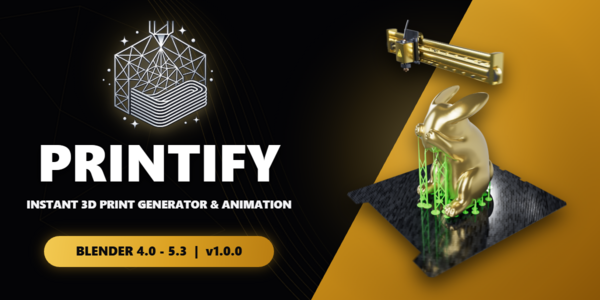
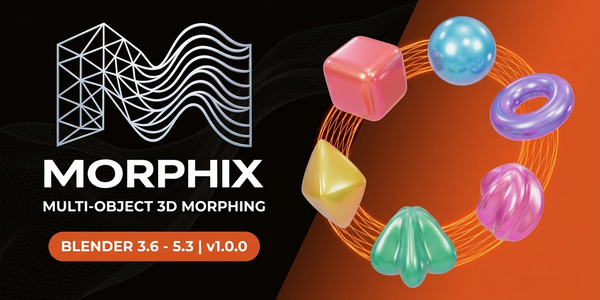
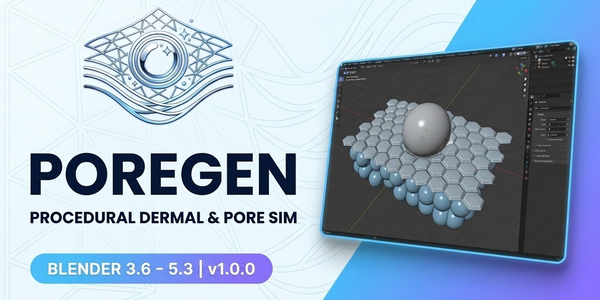
Morphix and PoreGen support Blender 3.6 LTS through 5.3, while Printify supports Blender 4.0 through 5.3. All three tools are built on native Geometry Nodes and lightweight Python operators for forward compatibility.
Do I need to enable all three add-ons at once?
No. Each add-on is a standalone tool with its own dedicated tab in Blender's N-Panel sidebar. You can enable all three simultaneously or activate only the specific tools you need for your current project without any UI clutter or conflicts.
Does Morphix require matching vertex counts or clean quad topology?
No. Morphix works across completely mismatched topologies, triangulated 3D scans, CAD imports, and multi-object Collections while preserving 100% exact target shapes at the start and end of every transition.
Can Printify animate my own custom 3D models and multi-part collections?
Yes. Select any single mesh or an entire Collection, choose your interior infill lattice (Hex, Grid, Gyroid, Cubic), support type (Bionic Organic Tree or SLA Scaffold), and procedural build plate preset, and Printify generates the live Z-height slicing animation, nozzle rig, and extrusion effects automatically.
How does PoreGen handle dermal detail and surface interaction?
PoreGen uses non-destructive Geometry Nodes to generate procedural skin pores and micro-details, complete with real-time collision physics (stretch, break, part aside, bidirectional Z pass-through, and squishy collision) without requiring manual sculpting or high-res displacement maps.
Are these tools compatible with both Cycles and EEVEE?
Yes. All procedural shaders, PBR build plates, dermal micro-details, and Geometry Nodes setups render natively in both Cycles and EEVEE. Printify also includes a FastPlay 60 FPS optimization mode for smooth real-time viewport playback.
Can I bake, apply, or export the generated geometry to other software (Unreal Engine, Unity, etc.)?
Yes. Because all three add-ons are 100% non-destructive modifier setups, you can convert static states to standard meshes anytime via Object > Convert > Mesh, or export animated sequences using Alembic (.abc) or USD.
How does the 7-language N-Panel UI work?
Every add-on in the Youthcloud suite includes a built-in language selector directly inside its N-Panel sidebar, allowing instant one-click language switching without restarting Blende
Do I receive future updates for all three add-ons?
Yes. Purchasing this bundle grants full access to all future v1.x updates and Blender compatibility patches for Printify, Morphix, and PoreGen at no extra cost.