A Practical Buyer’s Guide for 3D Hobbyists, Freelancers, and Studios
-
 Written by Wes Burke
There are two ways to build a Blender toolkit. One is slow and intentional. The other is fueled by late night scrolling and “that looks cool.” 🙂 Most 3D artists do the second one for a while. Trust me, I’ve been there with you.
Here’s the truth: you don’t need more stuff. You need the right upgrade for the stage you’re in. Hobbyist, freelancer, or studio. Each one has a different priority. If you buy out of order, you waste money. If you buy in sequence, your toolkit compounds.
This guide walks through what to buy first, what to skip, and when bundles actually make sense.
Jump to: Hobbyist | Freelancer | Studio
Disclaimer: We’re featuring some products that bubbled to the surface for us, though the key takeaway is the mindset to assess the stage you’re in to guide your Blender toolkit building. 🙂 This is why some tools are listed twice, depending on the stage you assess yourself in.
Key Takeaways
- Buy tools that remove your current bottleneck, not your future ambition
- Early on, invest in learning speed. Later, invest in production speed
- If a tool does not save time or increase quality, it is probably a distraction
- Bundles make sense when you will realistically use most of what is inside
- Curated beats random downloads every time 🙂
Before You Buy Anything - Step 1: Identify the Real Bottleneck
What’s the papercut? 🤔
- What slows me down every single week?
- What task do I repeat constantly?
- What do I avoid because it feels painful?
That’s where your next dollar goes. If you cannot answer these clearly, you are not ready to buy yet. I know, strange coming from a marketplace. 😅
Step 2: Is This a Skill Problem or a Tool Problem?
Be honest here. If you do not understand the workflow, a tool will not fix it. If you understand it but it takes forever, a tool might fix it.
Sometimes the right upgrade is training. Sometimes it is an asset pack. Sometimes it is an add on that removes a chunk of friction. Also yes, buying from a curated marketplace helps. Fewer mystery zips. More products that are actually used, reviewed, and supported by humans. 🙂
The Hobbyist Upgrade Path
Your Goal: Learn Faster and Stay Motivated
At this stage, speed is not the priority. Clarity is. You are building taste. Building fundamentals. Building consistency. So the best early purchases are the ones that keep you moving without overwhelming you.
Buy First
1) Two high quality learning resources
Projects first, then fundamentals. Both of these clear the “proven and loved” bar (real sales, real reviews, and still relevant today).
- Creating 3D Environments
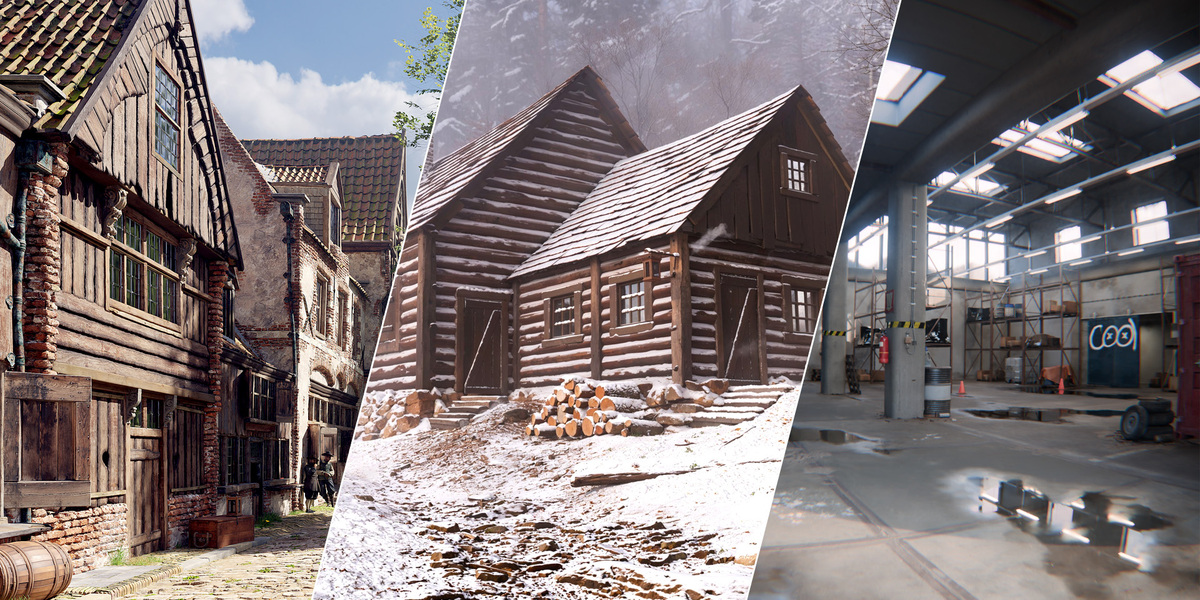
This is your “build something real” path. It’s structured, long form, and beginner friendly enough to follow, but deep enough to grow into. If you want a course that results in finished work you can actually be proud of, start here.
View Creating 3D Environments
- Cinematic Lighting in Blender
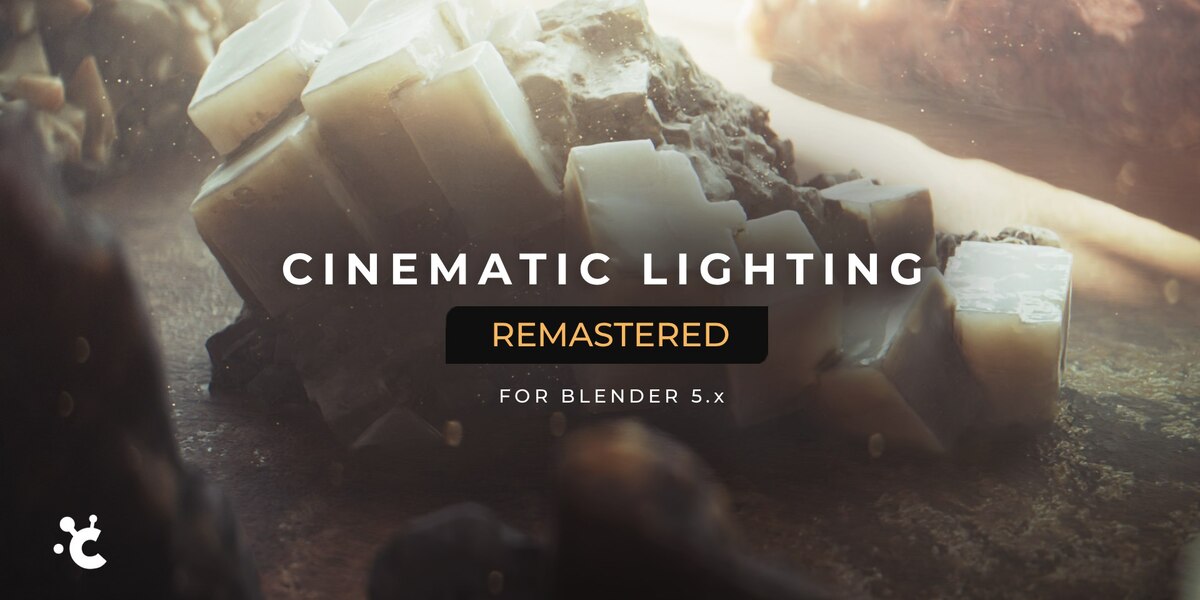
This is your fundamentals multiplier. Lighting is where hobbyists get discouraged fast, because “my render looks bad” feels personal. This course fixes that in a way that sticks.
View Cinematic Lighting in Blender
2) Two workflow tools that remove friction
Beginner friendly tools should make Blender feel smoother, not more complicated.
- Poly Haven Asset Browser
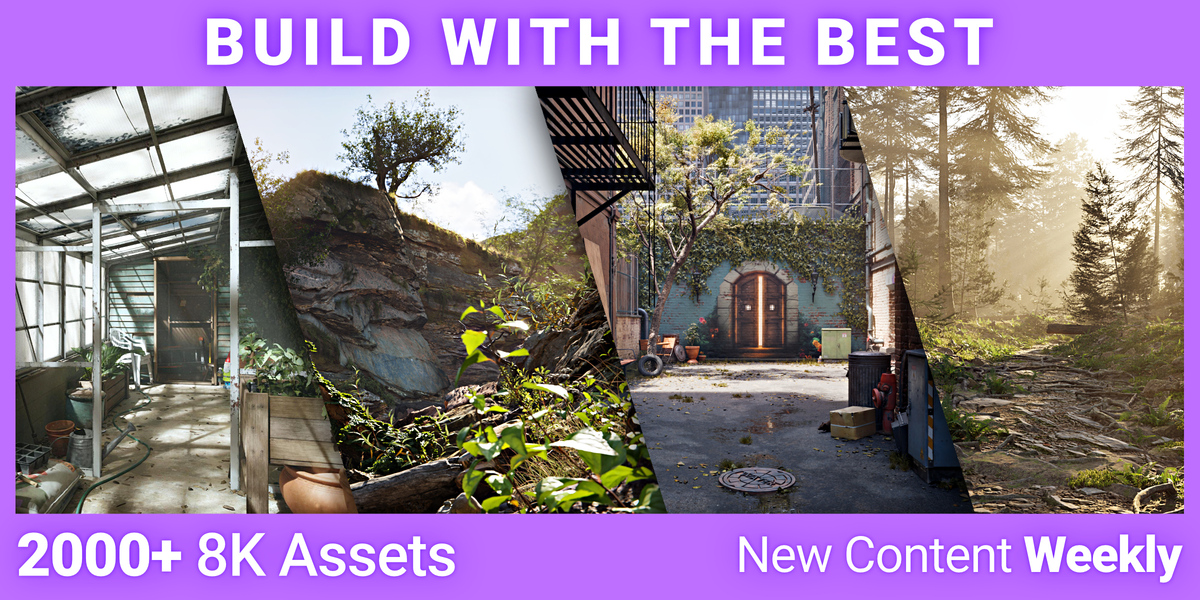
Huge value, huge adoption, and it removes the constant “where do I find decent HDRIs and textures” problem. It’s a confidence booster because your scenes instantly look better.
View Poly Haven Asset Browser
- Node Preview
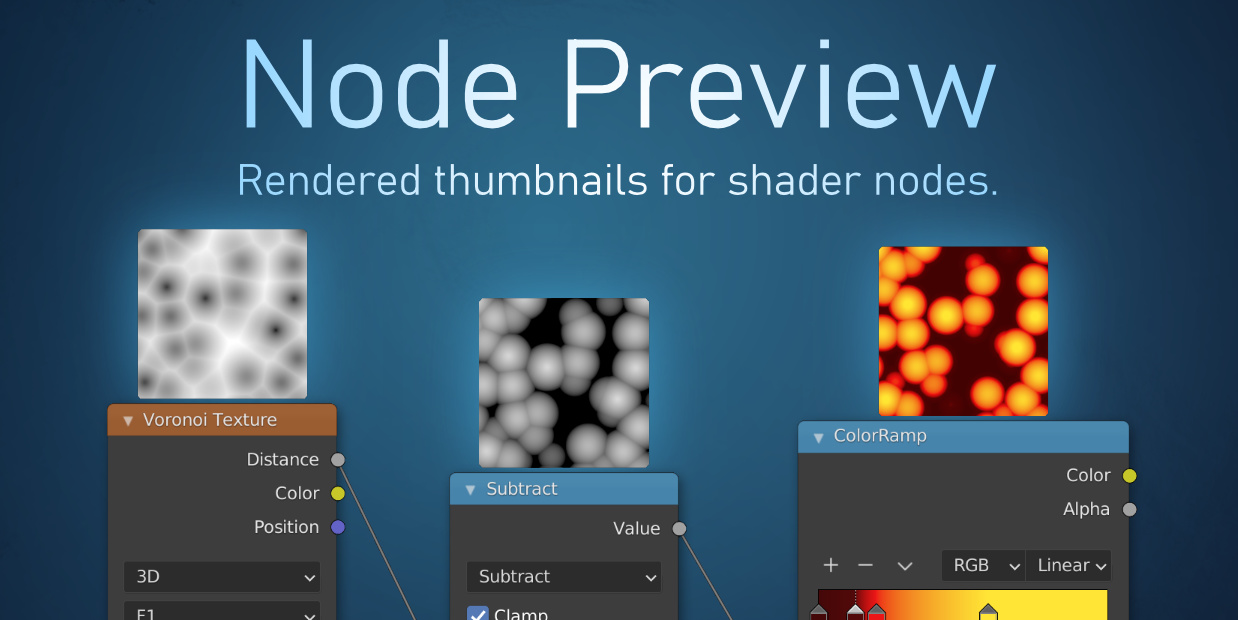
If you have ever felt blind in the shader editor, this is the fix. It adds previews right on nodes, which makes learning materials way less frustrating.
View Node Preview
3) A small, well made practice asset pack
The goal here is “enough to practice” without turning shopping into the hobby.
- Adjustable Mannequin
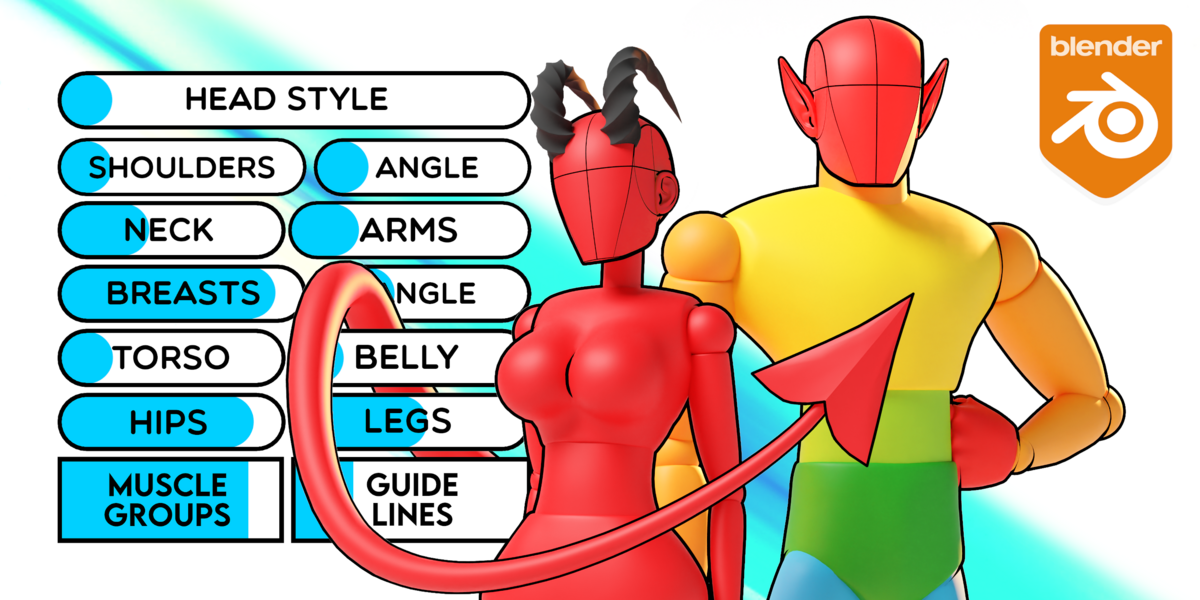
Not flashy, but insanely practical: posing, proportion study, blocking characters, lighting practice, camera practice. It’s one of those tools you keep using for years.
View Adjustable Mannequin
Optional stretch extras for hobbyists
- Core | Unlock The Heart Of Blender And Elevate Your Craft.
View Blender Fundamental Core Series
What to Ignore (For Now)
- Massive environment mega packs
- Hyper specialized simulation tools
- “Studio pipeline” solutions
- Huge bundles just because they look like a deal
Buying advanced tools too early creates overwhelm. Overwhelm kills momentum.
When Bundles Make Sense for Hobbyists
Bundles work when:
- They are structured around one learning goal
- You would have bought multiple pieces individually
- They are curated, not just bulk
Rule of thumb: if you will not touch most of it in the next three months, skip it.
The Freelancer Upgrade Path
Your Goal: Save Time and Increase Income. Now we are in a different game. Your time has a dollar value. A tool that saves two hours per project is not an expense. It is leverage.
When I think of freelancing, I think “Time = Money.” The quicker you are, the more work you can do and the more you make. These picks are focused on speed, quality, and expanding what you can deliver confidently.
Buy First
1) Two tools that speed up production workflows
- MACHIN3tools
One of the most established workflow accelerators around. It’s the kind of add on that makes Blender feel like a power tool instead of a craft project.
View MACHIN3tools
- UVPackmaster 4
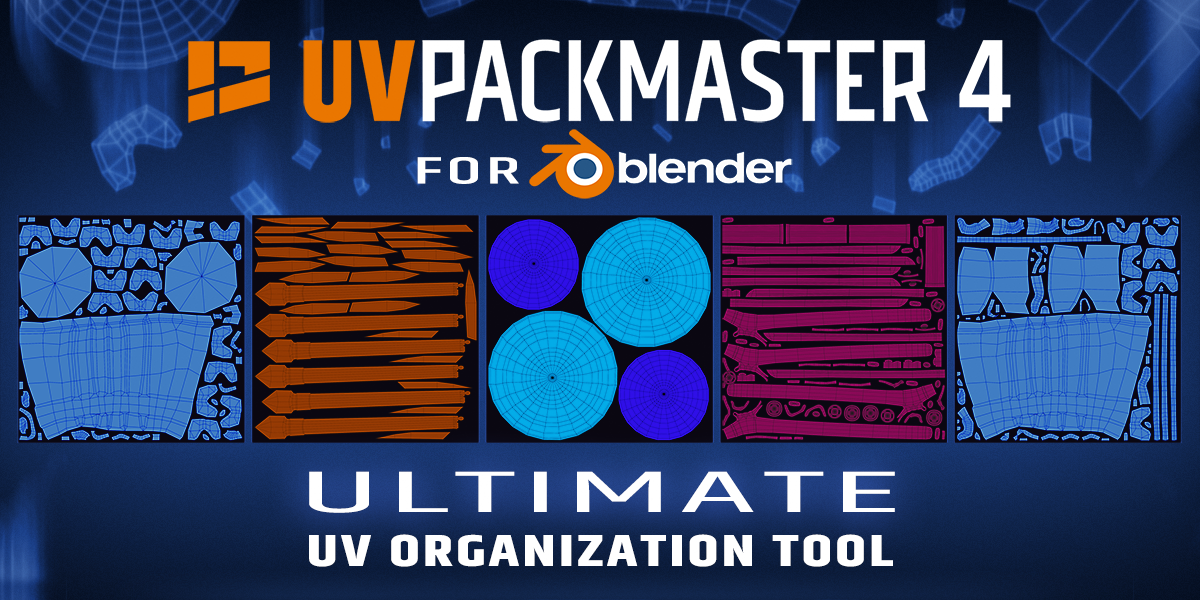
If UVs are part of your deliverables, this pays for itself fast. Widely adopted, consistently updated, and trusted by pros.
View UVPackmaster
2) Two tools that increase perceived quality
Clients do not just buy your hours. They buy the result.
- Omega Particle FX
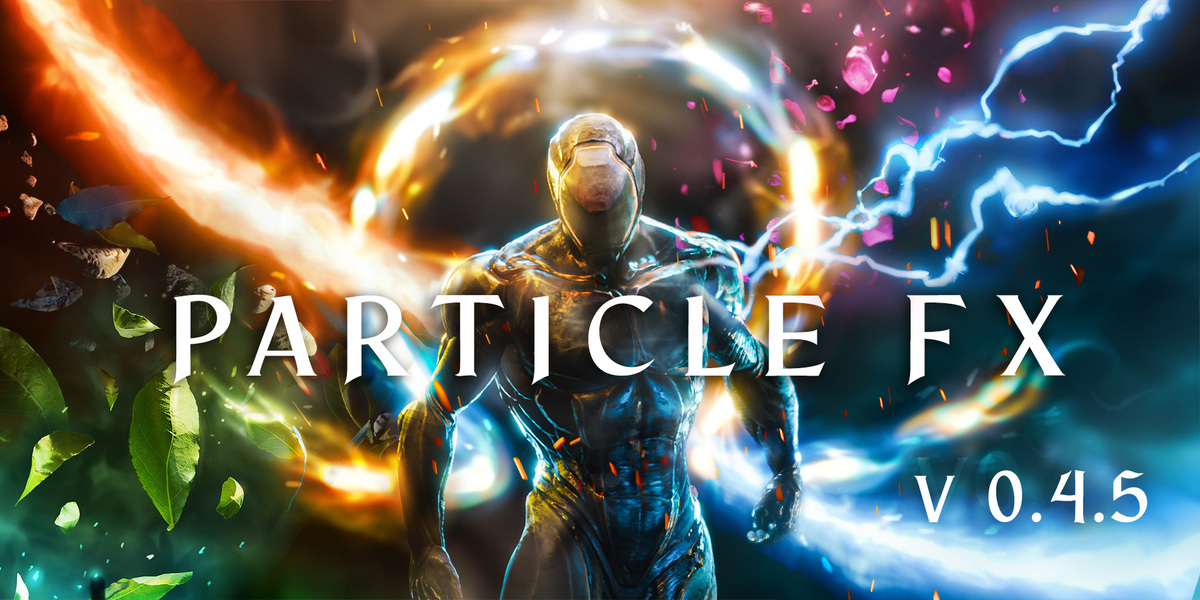
Easy, good looking VFX elements (embers, snow, dust, rain, electricity, etc.) that level up shots without two days of custom effects work.
View Omega Particle FX
- True TERRAIN 5
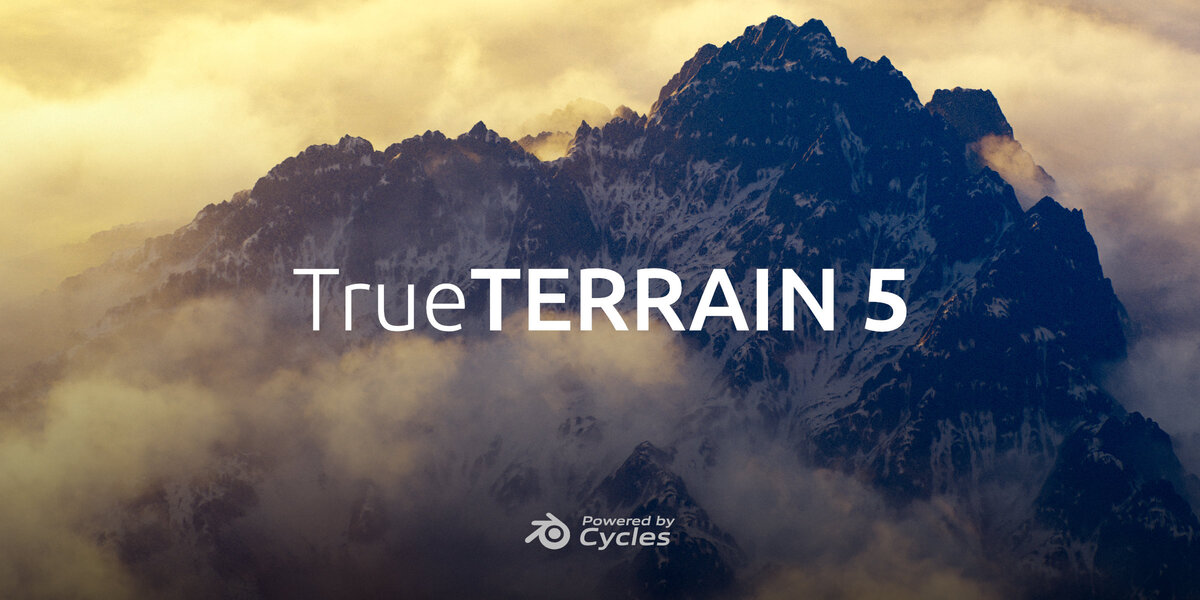
A serious quality multiplier for environment work, with real adoption and strong reviews.
View True TERRAIN
3) Two tools that expand the services you can confidently offer
This is where you turn “I could do that” into “yes, I deliver that.”
- Auto Rig Pro
A proven cornerstone tool if you want to offer character rigging, retargeting, and game ready export workflows with confidence.
View Auto Rig Pro
- Ultimate Animators Bundle (Blastframe)
A curated set of animation workflow tools that make keyframing and cleanup dramatically faster. Leverage, in bundle form.
View Ultimate Animators Bundle
Optional stretch extras for freelancers
- Hard Ops + Boxcutter Ultimate Bundle (hard surface niche, very proven)
View Hard Ops + Boxcutter Ultimate Bundle -
Simple N-Panel
View Simple N-Panel on Superhive
What to Ignore
- Cheap assets of lower quality
- Trend based tools outside your niche
- Overlapping tools that do the same thing
Tool clutter is real. It slows you down.
When Bundles Make Sense for Freelancers
Bundles are smart when:
- They support your main revenue stream
- You regularly produce this type of work
- They replace multiple individual purchases you would have made anyway
If the bundle does not map to how you actually make money, it’s a dopamine purchase with extra steps.
The Studio Upgrade Path
Your Goal: Consistency and Scale
Studios do not buy tools for fun. They buy tools to reduce chaos and create effective, repeatable production pipelines. At this level, consistency is more valuable than novelty.
Buy First
1) Three tools that standardize production workflows
The best studio tools reduce, “everyone does it differently.”
- MACHIN3tools
Standardizes a bunch of everyday modeling and scene tasks, which helps teams move faster without everyone reinventing their own micro workflow.
View MACHIN3tools
- Auto Rig Pro
If your studio touches characters at all, this becomes a standard. Same rigging approach, same export expectations, fewer surprises.
View Auto Rig Pro
2) Two tools for shared asset libraries
- True Assets

Built for asset browser organization and turning “stuff we already have” into a usable library. Proven, reviewed, and adopted.
View True Assets
- Poly Haven Asset Browser
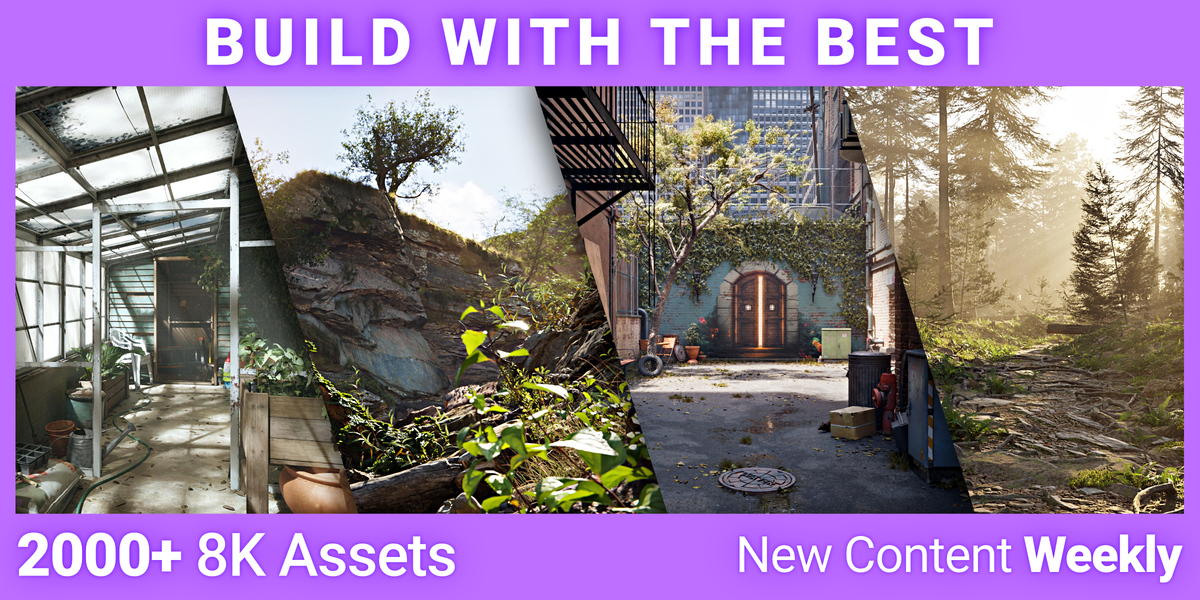
A reliable baseline library with huge adoption, and it keeps procurement simple because it’s one consistent source integrated into Blender.
View Poly Haven Asset Browser
3) Tips that reduce onboarding time
Onboarding is expensive. Confusion is even more expensive. Two practical studio moves here:
- Standardize your starter file and scene templates
- Standardize your tool stack (the fewer “secret personal add-ons” artists rely on, the better)
A consistent tool stack anchored by True Assets + Poly Haven + MACHIN3tools gets you most of the way there fast.
Depending on your studio, add one of these specialist tools
These are not mandatory for every team. They shine when they match the work you ship.
- RetopoFlow 4 (character and sculpt heavy teams)
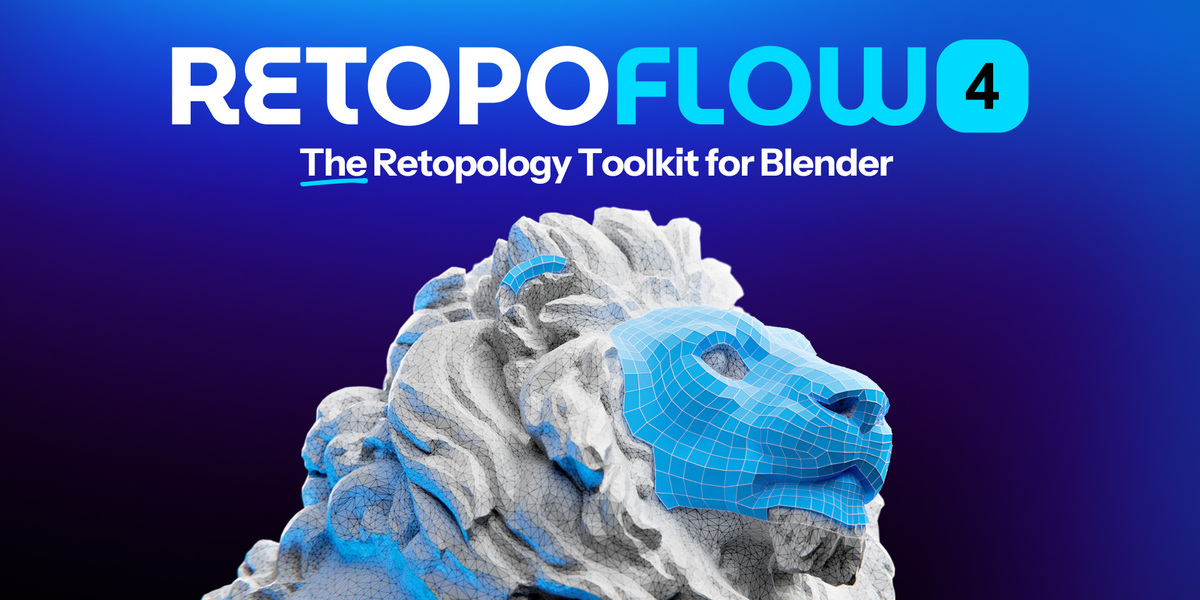
A serious retopology workflow that turns “this is going to take forever” into “ok, we can actually do this today.” If your pipeline touches sculpting, scans, or character work, this one earns its keep.
View RetopoFlow 4
- Hard Ops / Boxcutter Ultimate Bundle (hard surface and product teams)

If your studio lives in booleans, bevels, panels, and mechanical detail, this is a standard for a reason. It also helps unify how artists approach hard surface work across the team.
View Hard Ops / Boxcutter Ultimate Bundle
- KIT OPS 3 Pro (rapid prototyping and kitbash workflows)
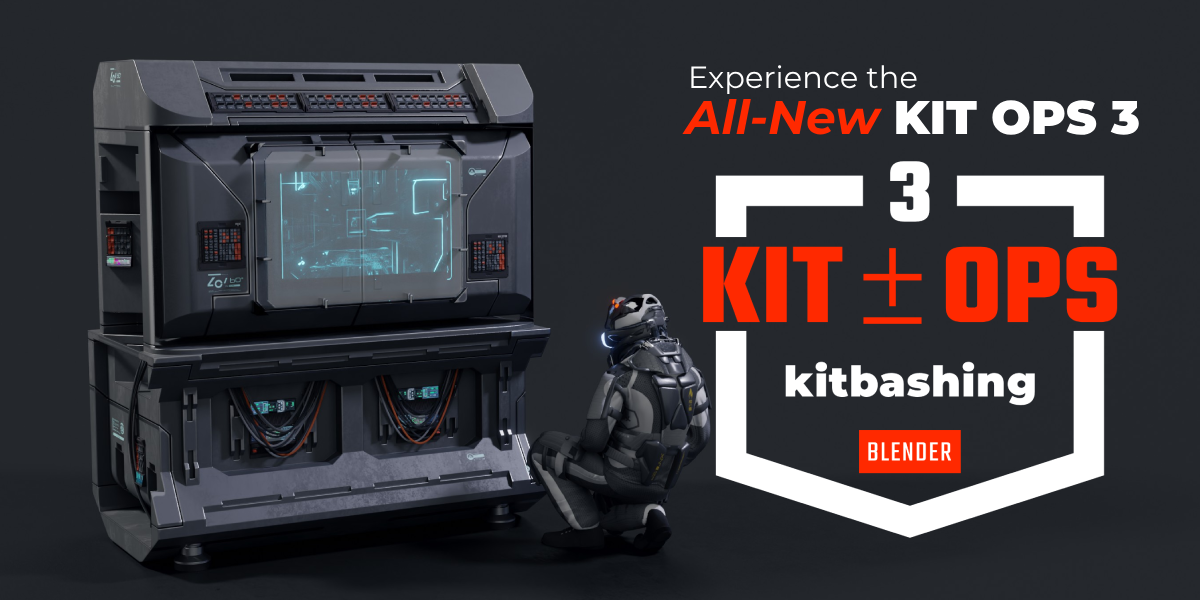
Great for teams that need speed, variations, and consistent detail passes without reinventing the wheel in every file.
View KIT OPS 3 Pro
- Grid Modeler (blockouts and hard surface modeling speed)
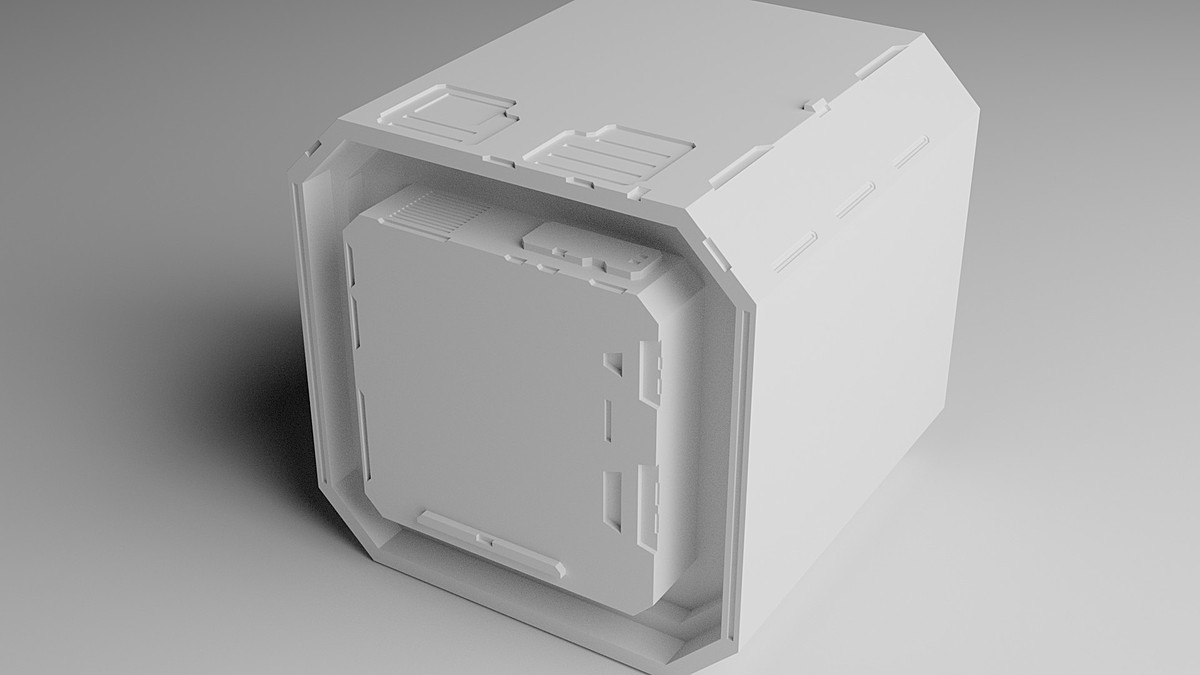
A different way to model that can be very fast for certain teams. If you do a lot of sci fi, industrial shapes, or quick design exploration, it can be a real accelerator.
View Grid Modeler
What to Ignore
- One-off passion purchases
- Tools that only one artist knows how to use
- Assets without clear usage rights
Studios bleed money through inconsistency, not through tool costs.
When Bundles Make Sense for Studios
Bundles make sense when they:
- Establish visual direction across projects
- Reduce procurement time
- Support multi artist licensing
If you’re outfitting a team, do not assume the listed license is your only option. Many creators offer multi seat or extended commercial licenses if you reach out, and it can be cheaper than buying seats one by one.
A Simple Framework for Buying Bundles
Before you click buy, answer:
- Would I buy at least 60 percent of this Blender Bundle individually?
- Does this support work I am already doing?
- Will I use this in the next 90 days?
If you answer no to two of these, close the tab. Impulse purchases are expensive. Focused upgrades compound.If you answered yes, check out what bundles are currently offered on Superhive.
Common Money Traps Blender Artists Fall Into
- Buying tools during hype cycles
- Confusing inspiration with necessity
- Collecting assets instead of finishing projects
- Buying duplicates because you forgot what you own
If you feel a spike of excitement and zero specific plan, wait 48 hours.
Conclusion
Upgrading your Blender toolkit is not about owning more. It is about removing friction at the right stage. Hobbyists buy clarity. Freelancers buy speed. Studios buy consistency. If you upgrade in that order, your toolkit becomes an advantage. If you buy randomly, it becomes clutter.
Start with your bottleneck. Buy intentionally. Build from there, you've got this.
Thanks for reading and happy Blending!
Wes Burke & the Superhive Team
FAQ
What Blender add-ons should beginners buy first?
Start with one proven course that leads to finished work and one friction remover that makes Blender easier to use daily. Avoid mega packs early on.
Are Blender bundles worth it?
Yes, when you will realistically use most of what is included within a few months, and it supports your current work.
Should I invest in courses or assets first?
If you are confused, invest in learning. If you are confident but slow, invest in tools.
How often should I upgrade my Blender toolkit?
Upgrade when you hit a recurring bottleneck, not when a new release drops.
I'm still not sure what I should purchase for my situation, can I ask for help?
Yes, please email us at [email protected], and we'll do our best to point you in the right direction, assist in enterprise purchases, and more.