 231 Studios
The AAA Production Pipeline for Blender
Your team's established; you know what needs to be done - you're just being slowed down by a bad production pipeline. Sound familiar? 231 Export Pro is here to help. It's the all-in-one pipeline tool for artists working with massive scenes, modular assets and dedicated production files. Validate assets before they break in-engine, automatically generate organised file structures and packages, promote blockout assets into structured production files, and keep your team's Blender workflow quick & predictable.Version 2 is a complete overhaul of the tool, adding new, more efficient ways to work quickly across a production.

Time saved is money earned
For those of us who have worked on asset packs or in production for games, we know how costly time-wasting can be. AAA productions have had this problem solved for years, but the tools are internal use only or cost you a fortune. Our mission with 231 Export Pro is to bring the power of a AAA production tool to solo developers and small teams, at a price that doesn't break the bank.
Features Overview
Naming
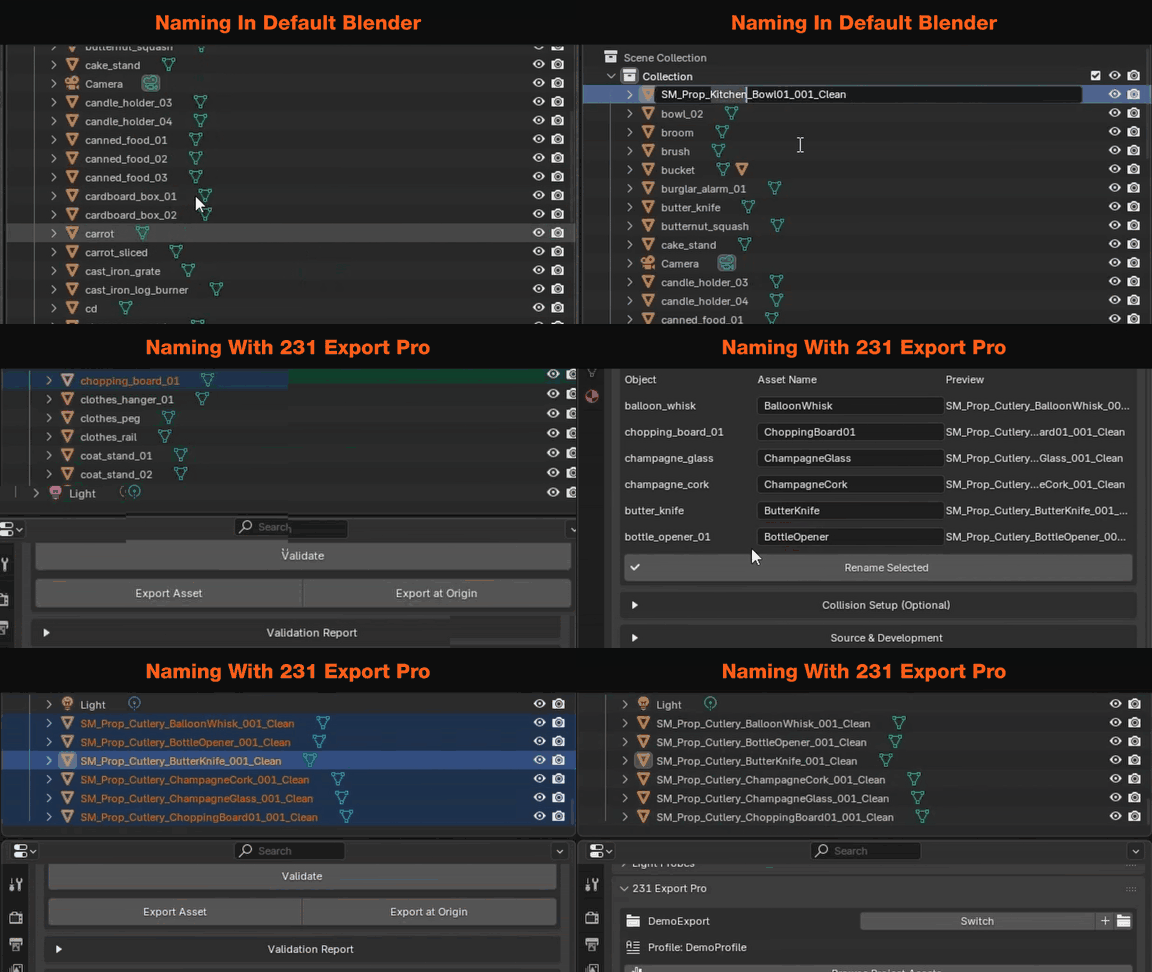
Renaming assets by hand can be tedious, slow and boring. On top of that, when working across larger teams or more complex projects, it's difficult to maintain conventions. 231 Export Pro addresses both these issues by letting you batch-set names quickly and easily using our friendly UI, as well as set conventions that apply across all assets in a project.
Exporting & Validation
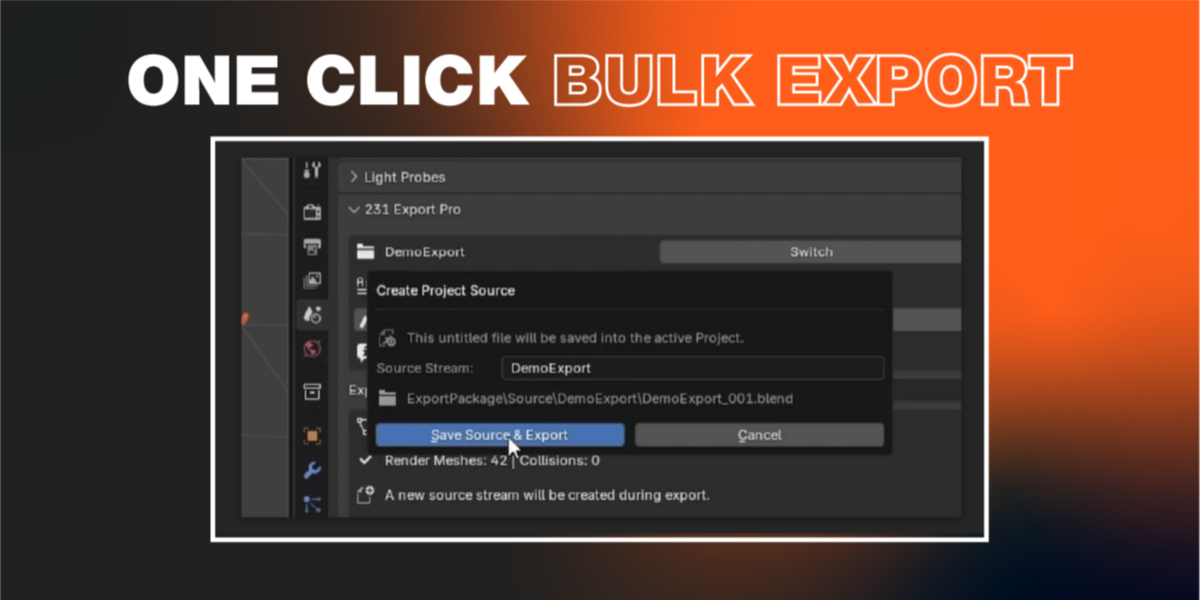
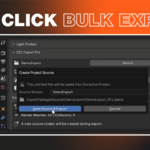
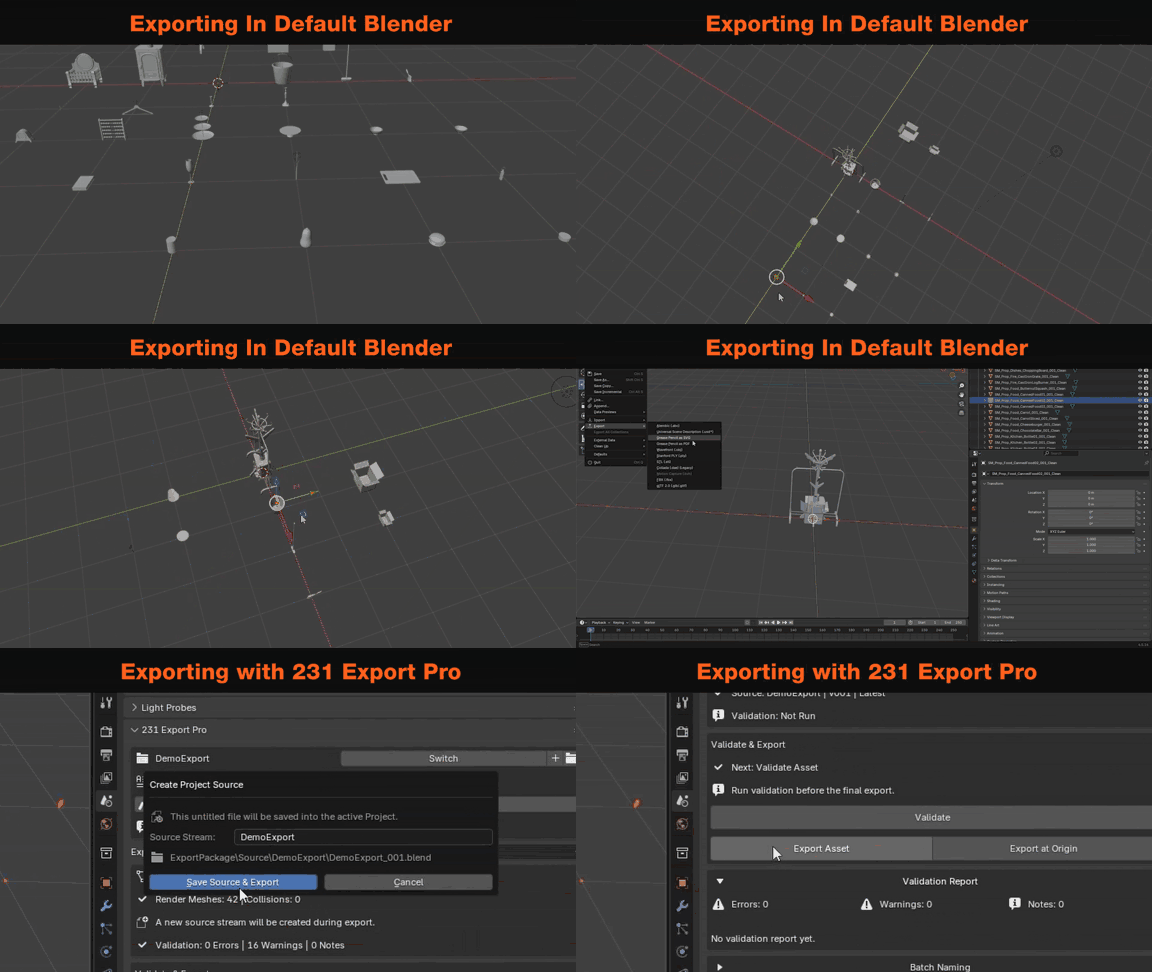
Exporting in Blender is a nightmare. Exporting with 231 Export Pro is a dream. Gone are the days of manually renaming and exporting one by one. 231 Export simplifies the whole process into one button, allowing you to batch export and create neat and structured folders for each asset - all whilst never exiting Blender.
Struggling to maintain any rules or conventions across a whole team? 231 Export Pro solves this issue too, by checking a host of validation categories, including transforms, material, UV checks, naming checks and a host of other rules. 231 Export Pro blocks exports for important errors and warns you about issues that will cause problems in engine - saving you and your team countless headaches before they become headaches.
Folder Structures
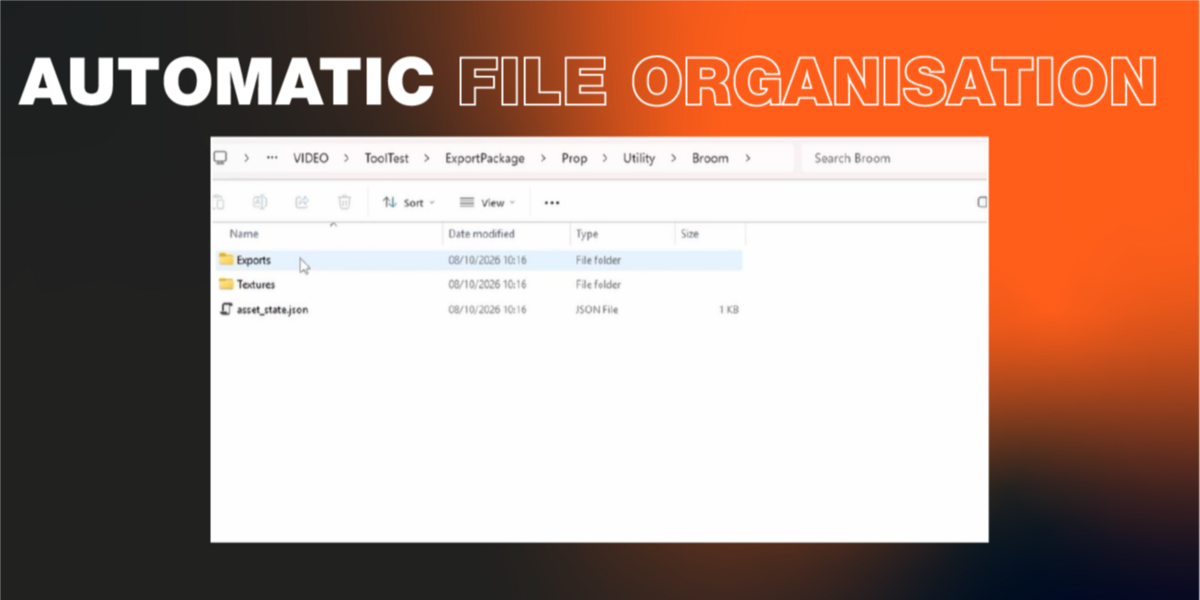
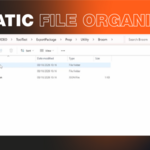
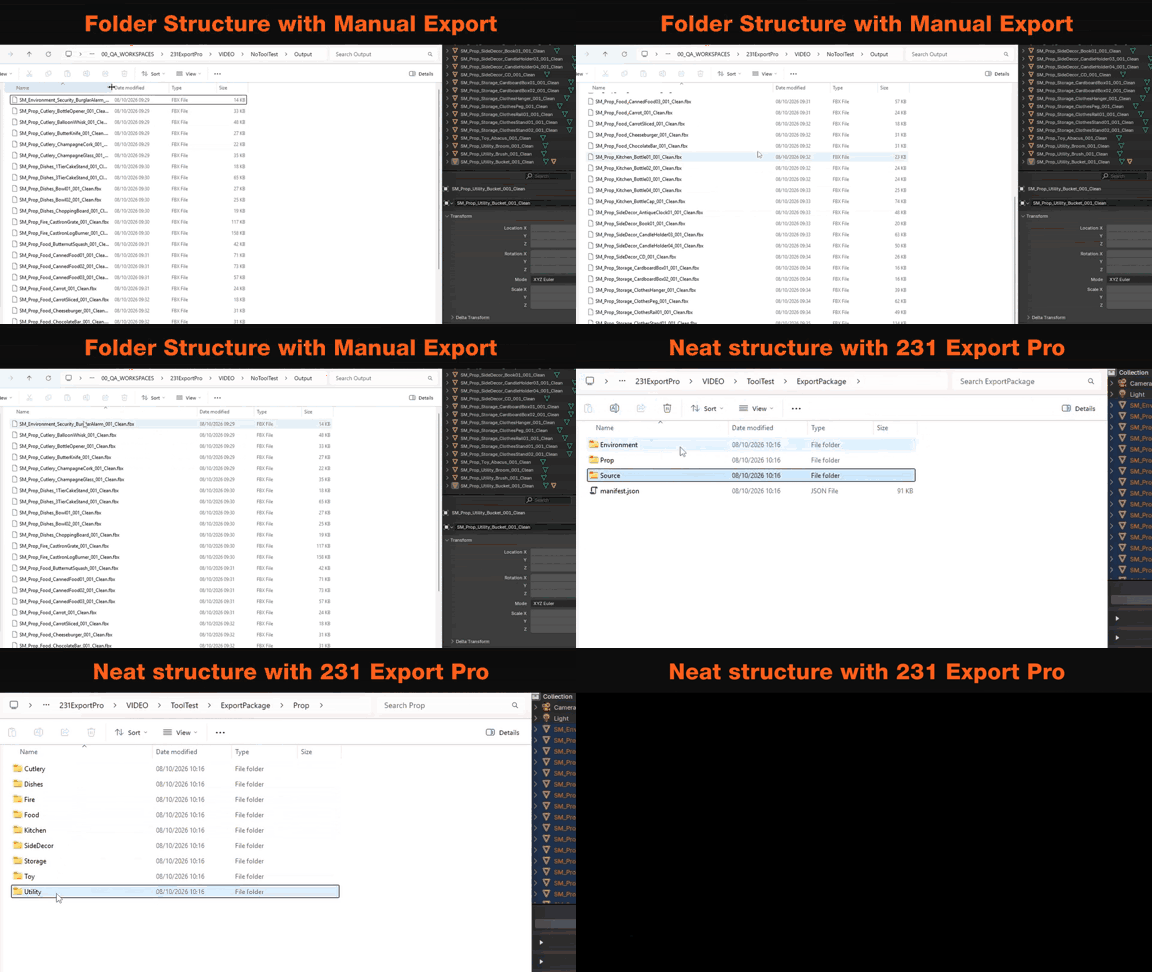
When exporting manually, the structure is as strong as your willpower to keep it clean. In the worst-case scenarios, it ends up as a mess of assets, all in a single file.231 Export Pro solves this by automatically exporting your files into structured and consistent folder structures based on their naming conventions- the same for everyone, no matter the day, organised in one click.
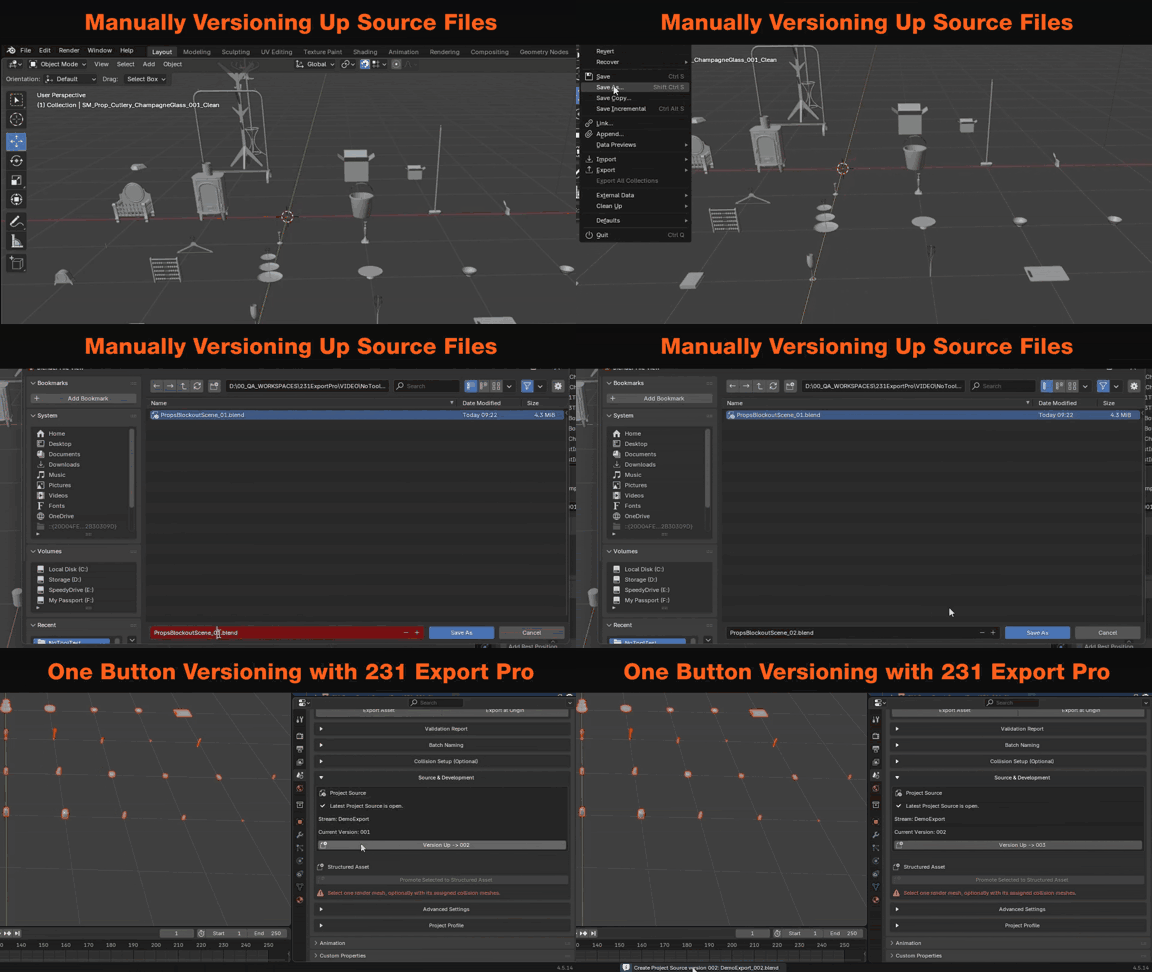
Source File Versioning
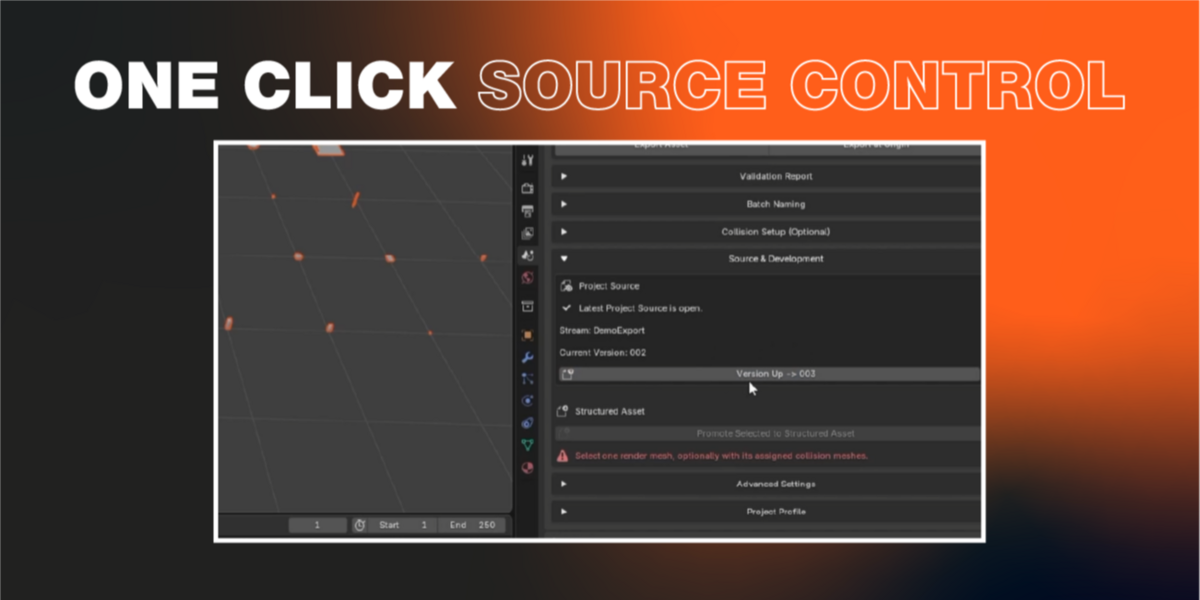
231 Export Pro makes source file versioning a button press - save, increment and open a new file without ever leaving your workspace.
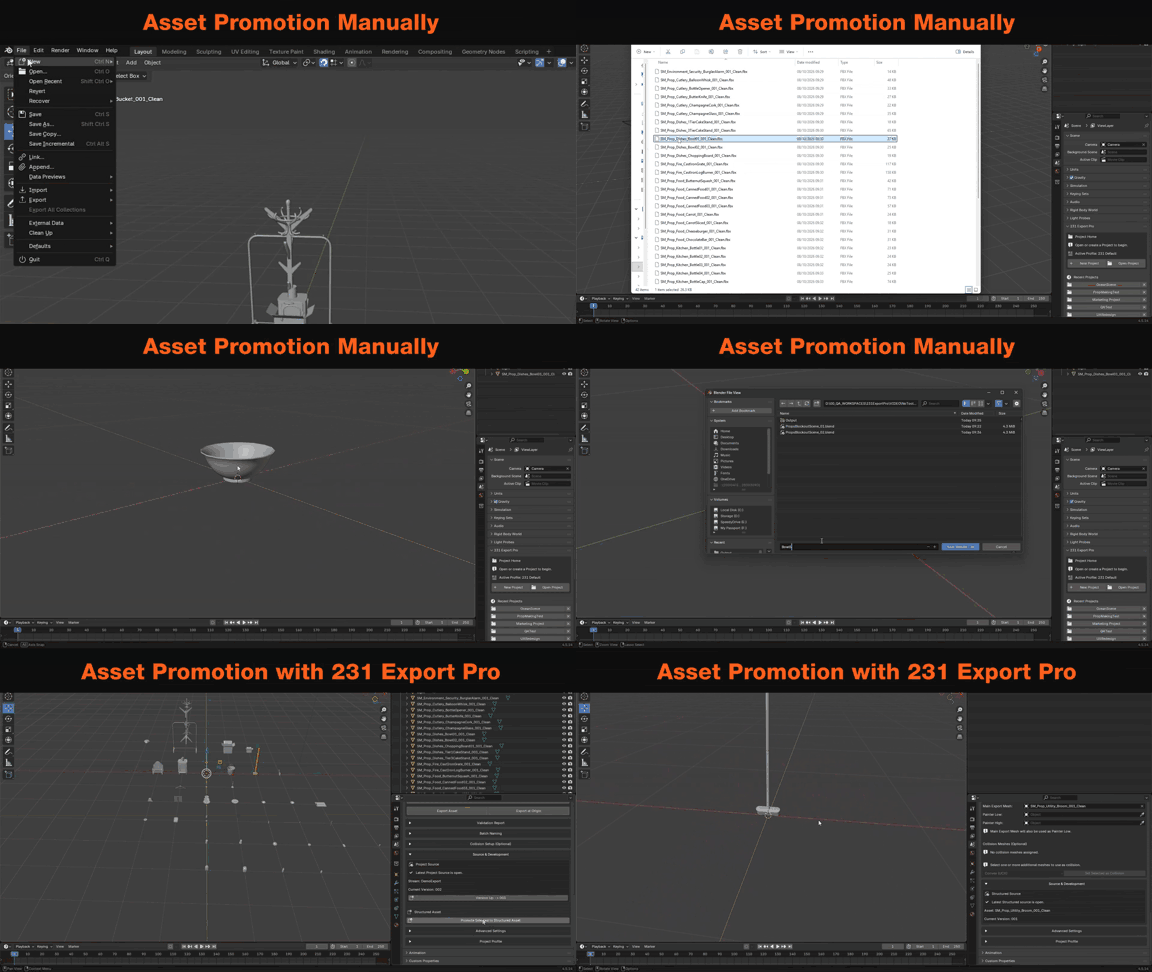
Asset Promotion
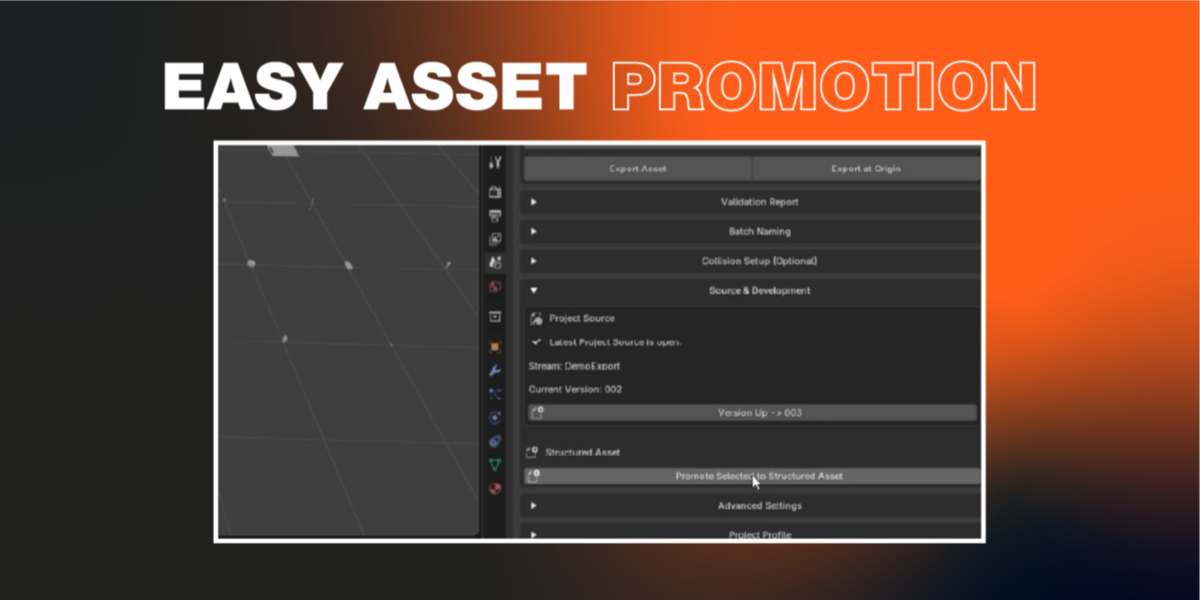
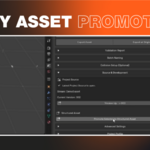
Your prop blockouts are all in one file, and now you've got to start the high & low poly's. Usually, exporting these blockouts out to their own files manually would be a huge time sink - But with 231 Export Pro, you can select any mesh in your blockout file and promote it to its own structured file. One click, and it's all done for you - No file explorer, and no worries.
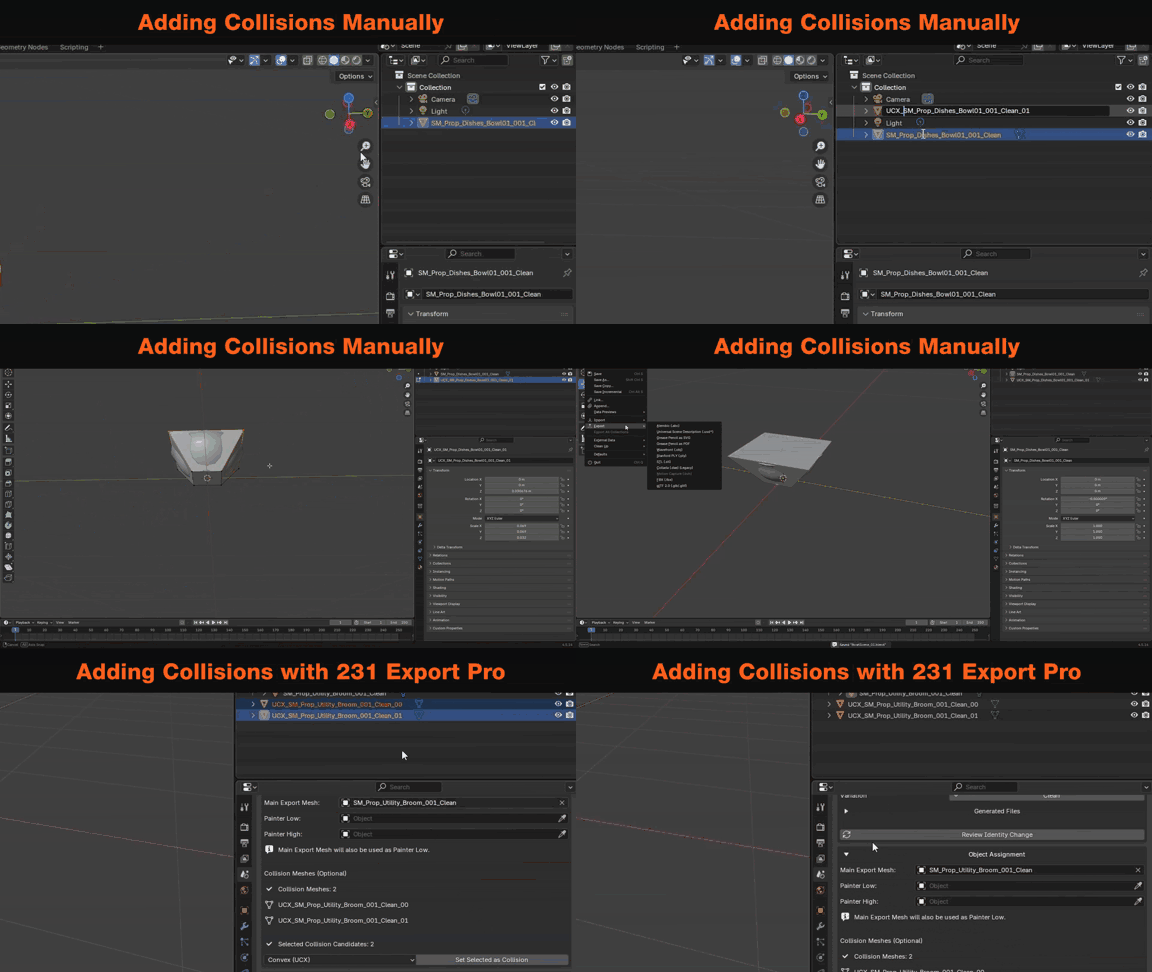
Adding Collisions
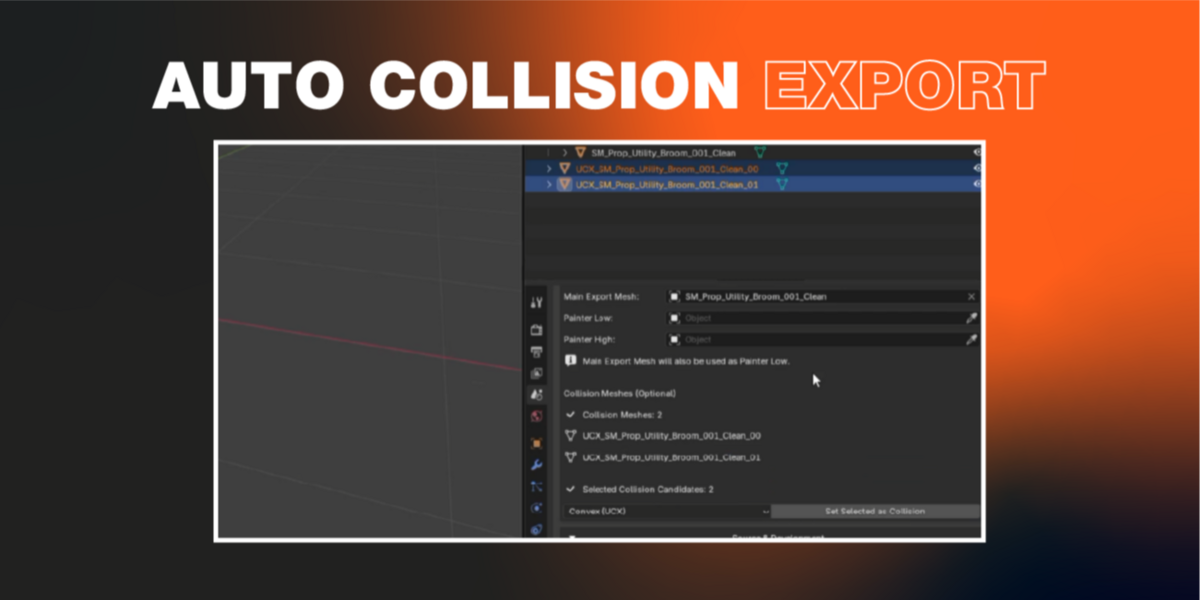
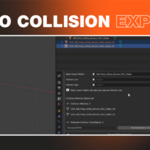
Creating custom collisions for game assets is usually a slow and tedious task - not with 231 Export Pro. Automatically name and number your collisions, and let 231 Export Pro detect them in your scene, ensuring they export correctly with your mesh every time- all handled for you, no manual selection needed.
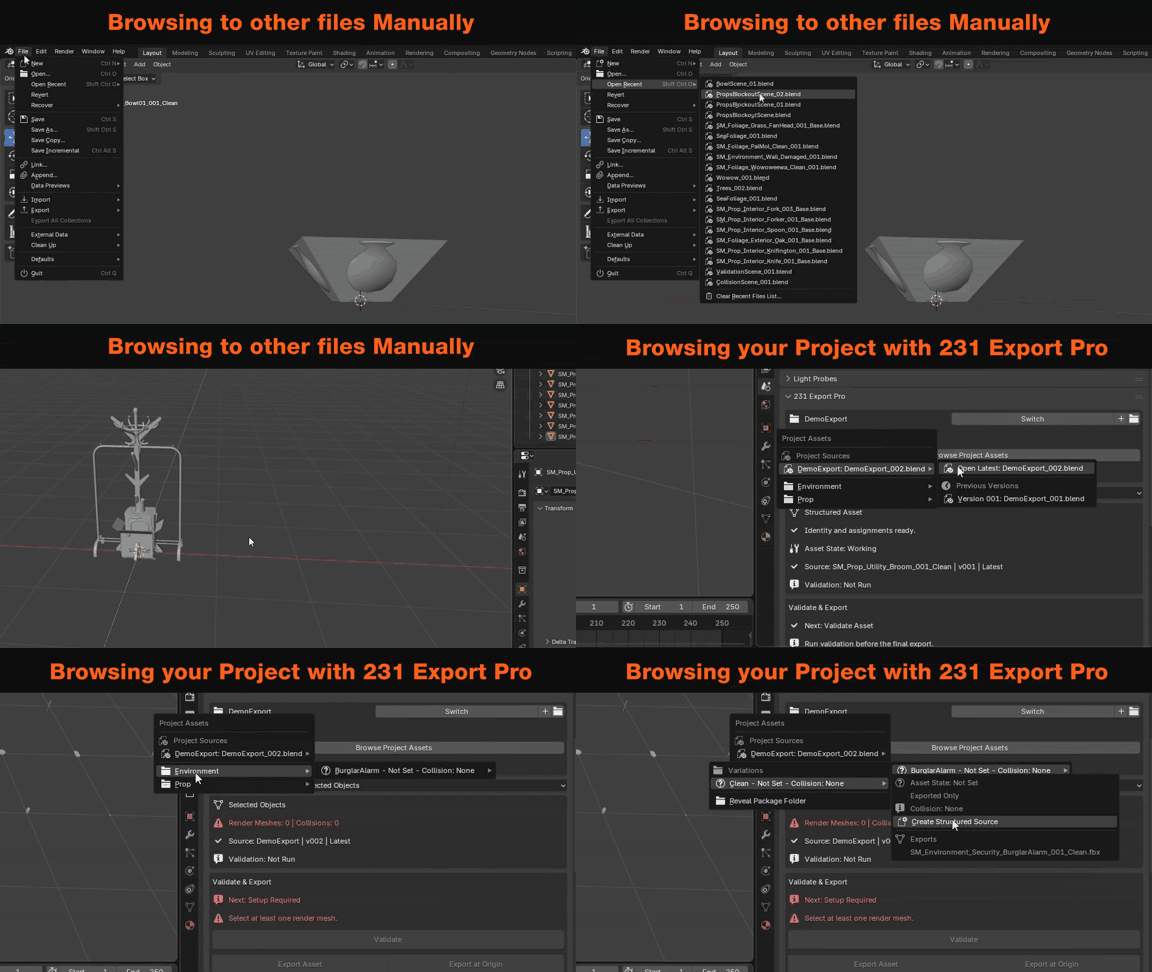
Project Browsing
Project browsing has never been easier - 231 Export Pro gives you a project-wide view of all source files & assets, helping you keep track of the asset working state easier than ever before.
Need support?
Encountered a bug, need help getting set up, or have a few questions? Reach out to us at [email protected], where a member of our team can assist you with your enquiry.
Join the 231 Studios Community Discord Server for updates on all our latest tools and projects: https://discord.gg/Eyc8E2rAfx
__________________________________________________________________________________
Version: 2.0.0
Requires: Blender 4.2-4.5
Licence: GNU GPL v3.0 or later
Developed by 231 Studios.