 Haseeb Ahmed


Turn Words into Motion.
Shape Every Frame.
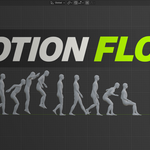
Type what you want your character to do. Motion Flow generates smooth, continuous full-body keyframes directly on your Blender timeline in seconds—100% offline with zero cloud fees.
Real animations. Generated in seconds.
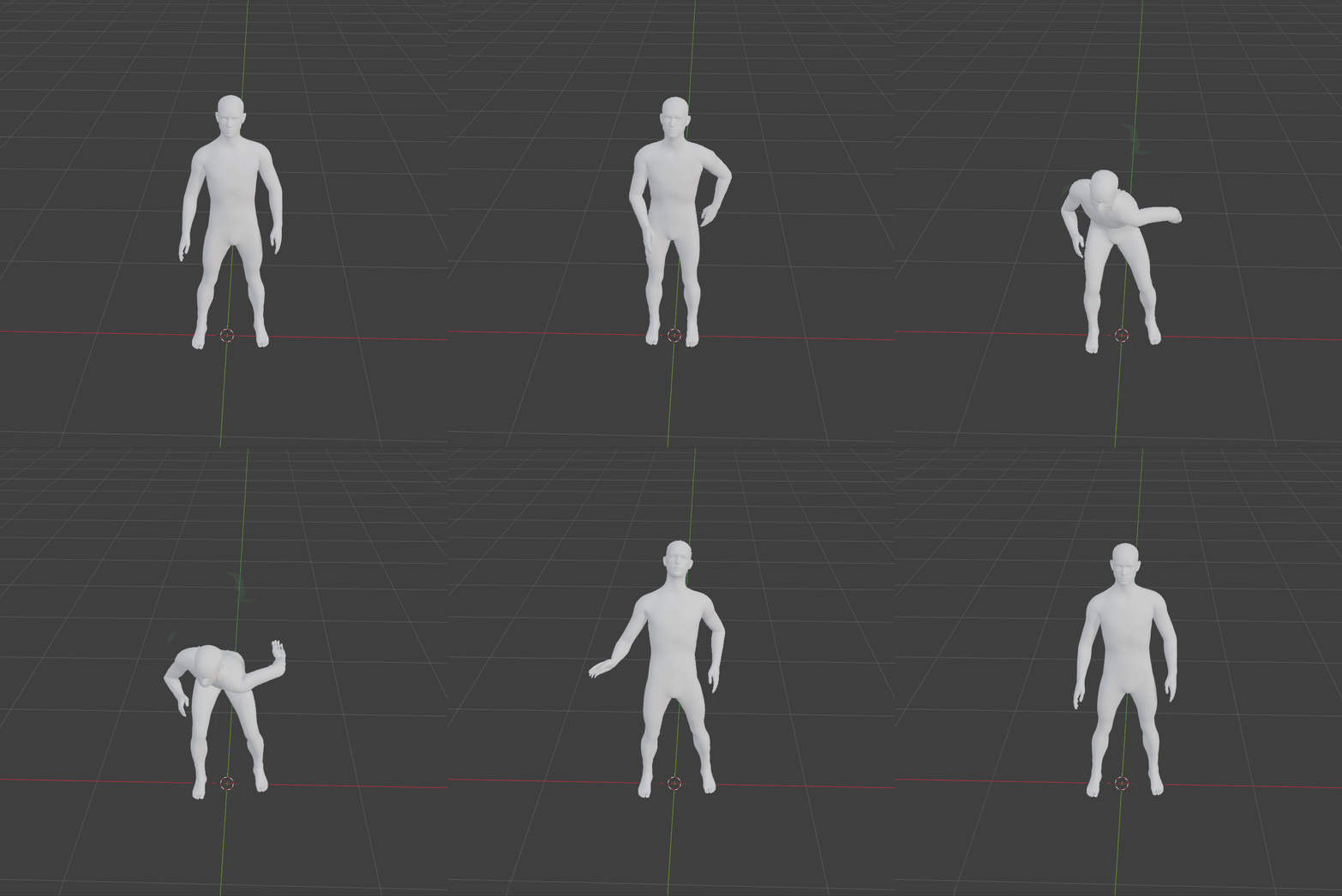
Every clip below was generated directly inside Blender from a single text prompt—no keyframing and no mocap suits needed.
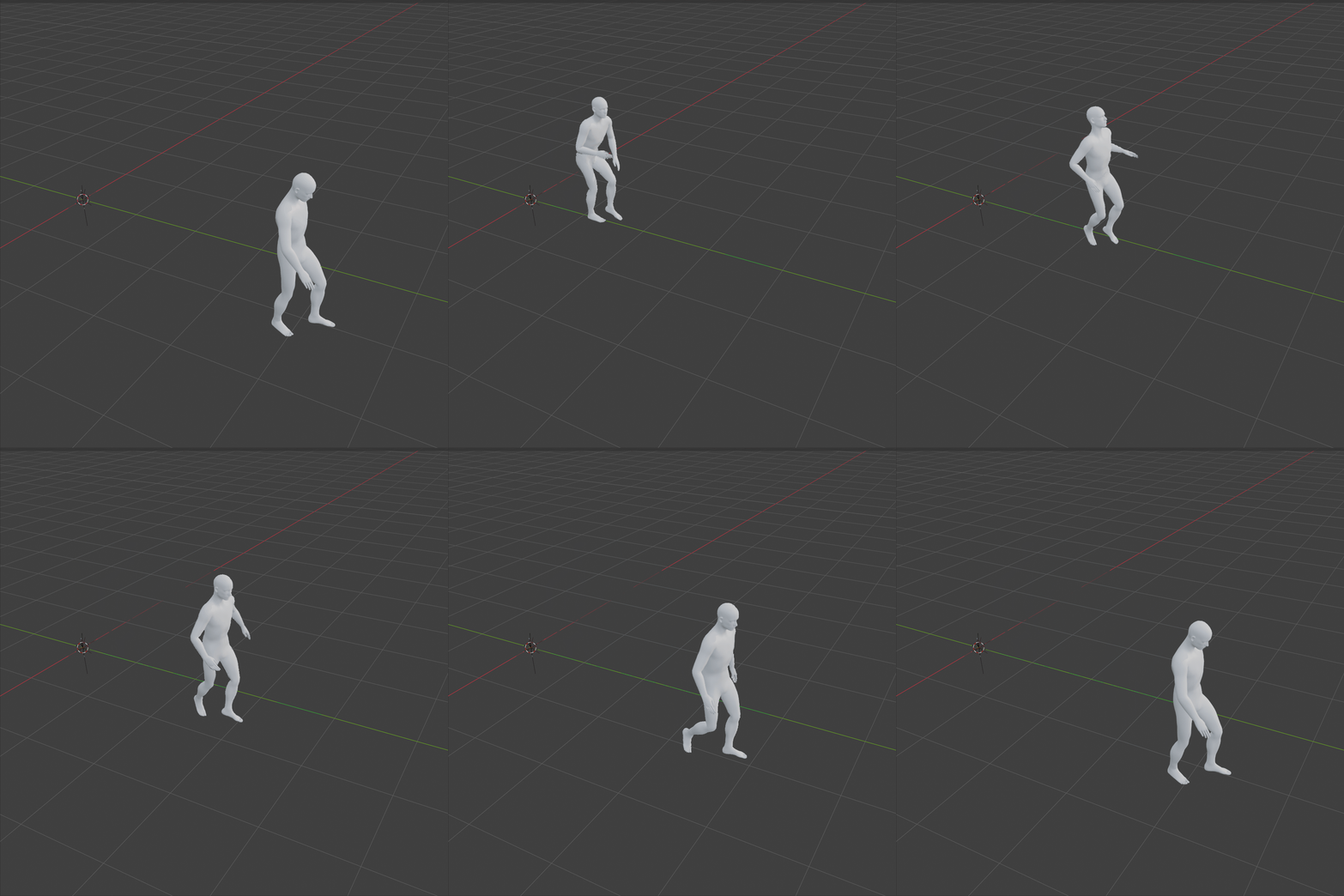
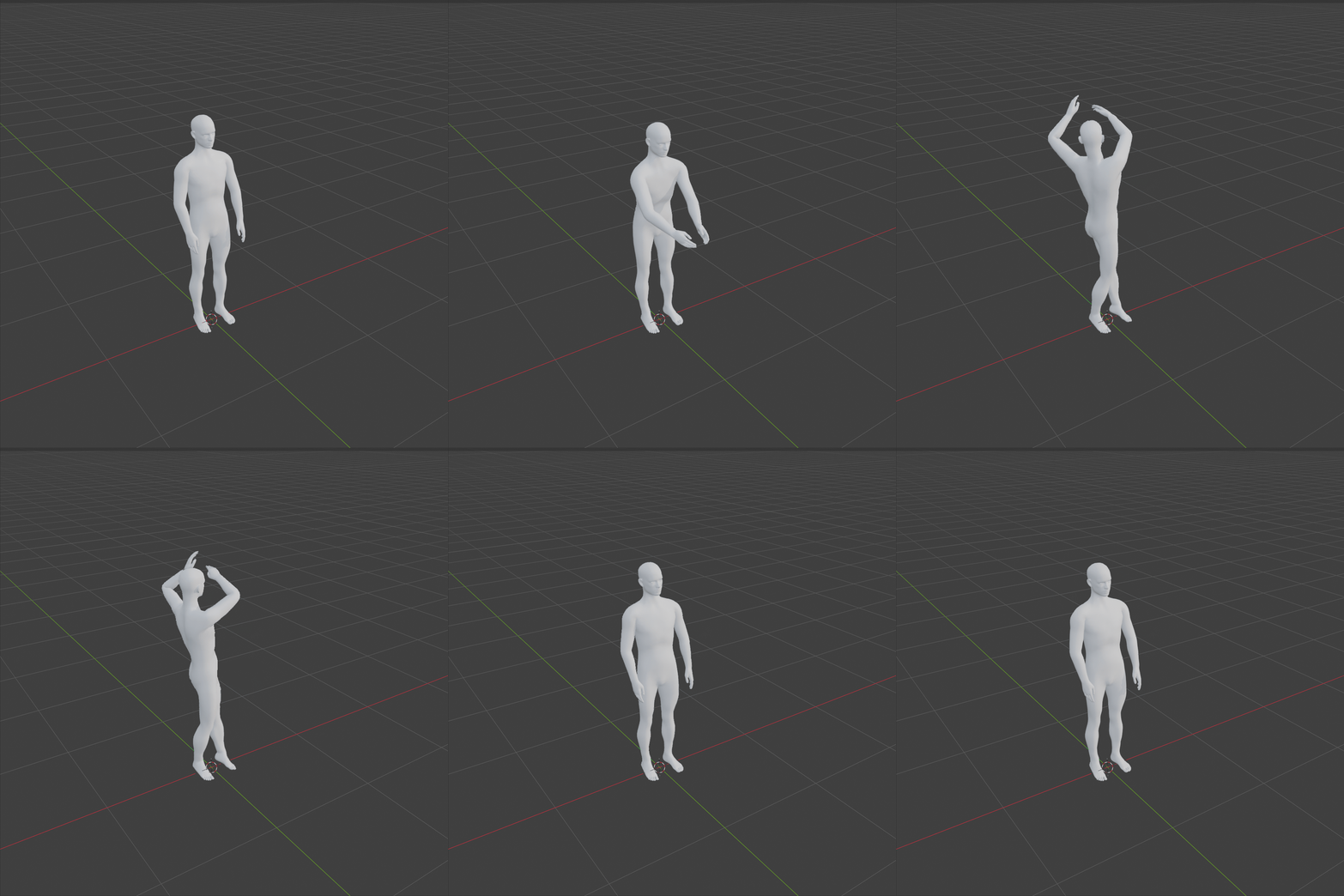
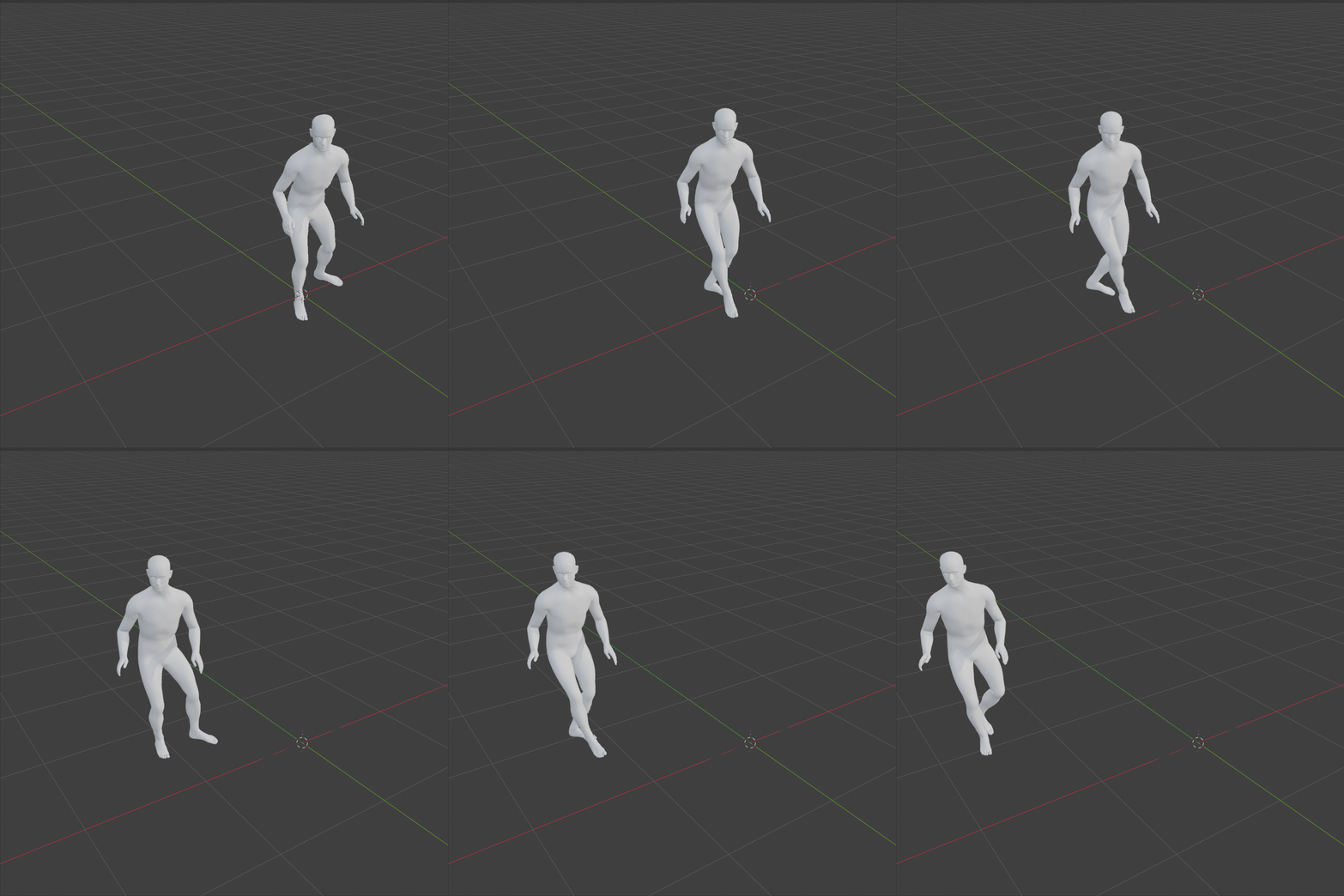
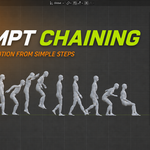
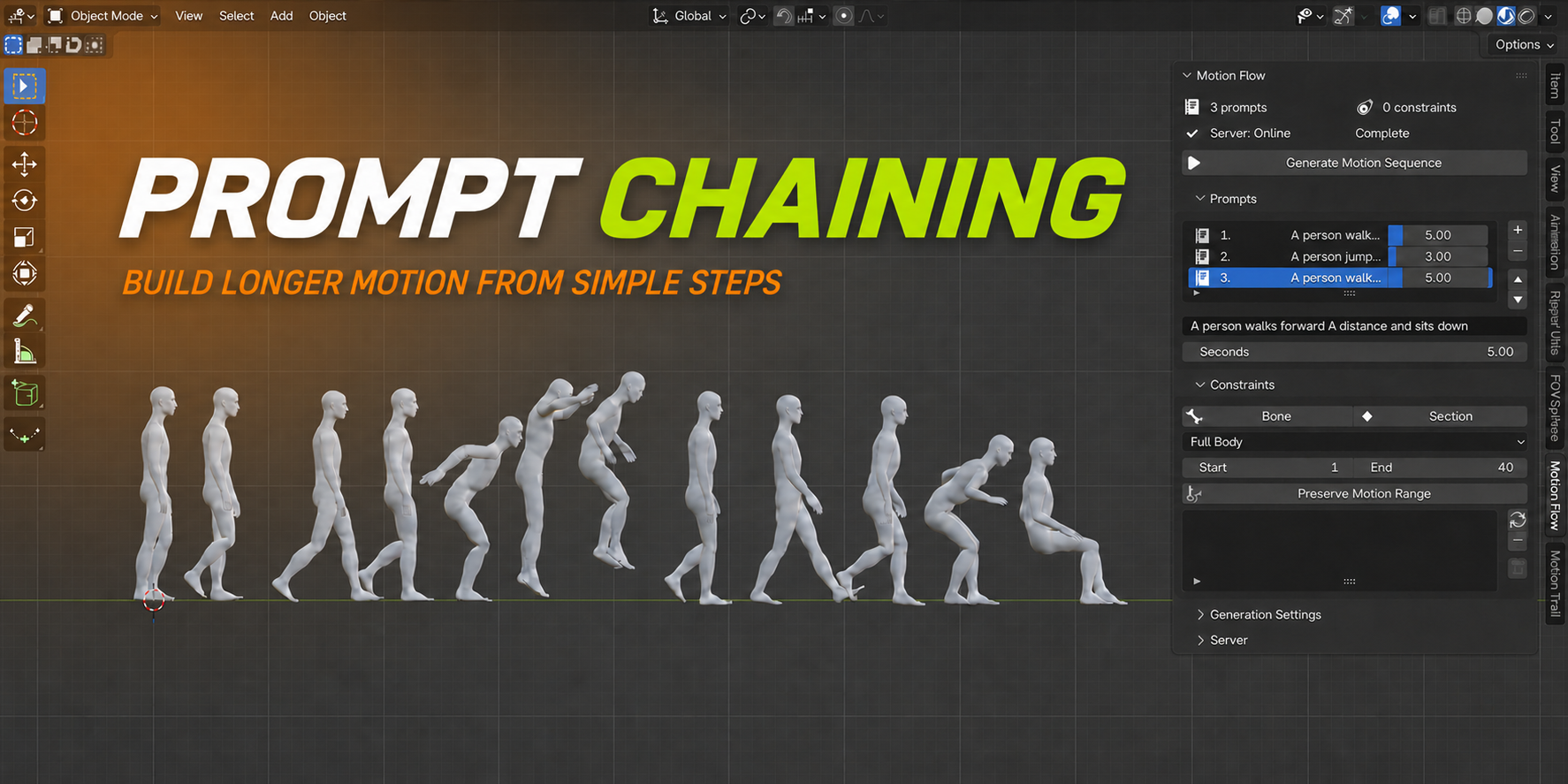
Chain multiple actions into one continuous sequence.
Don't settle for short, repeated 2-second clips. Stack simple actions together to create a continuous 10–20 second performance in one take.
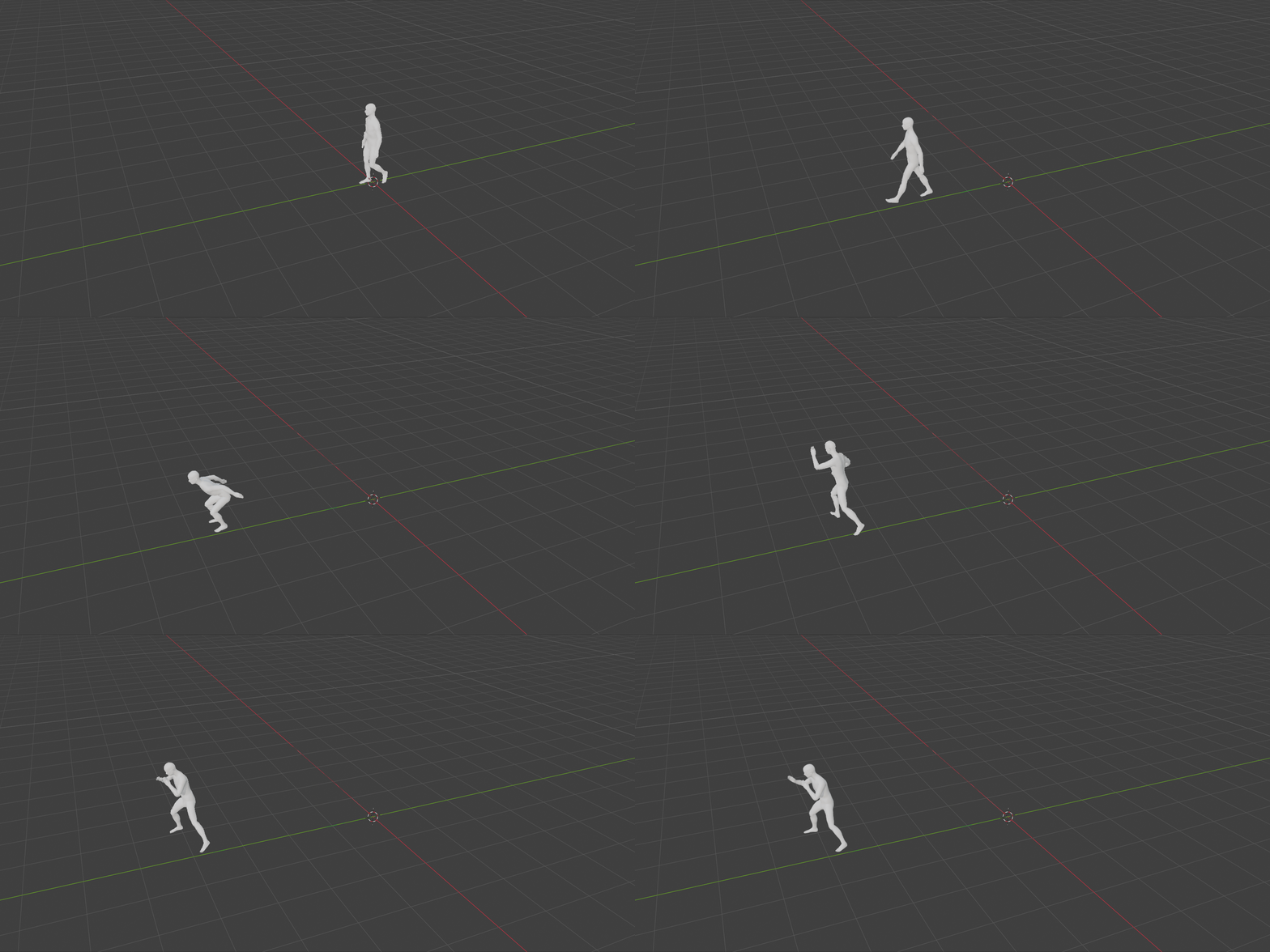
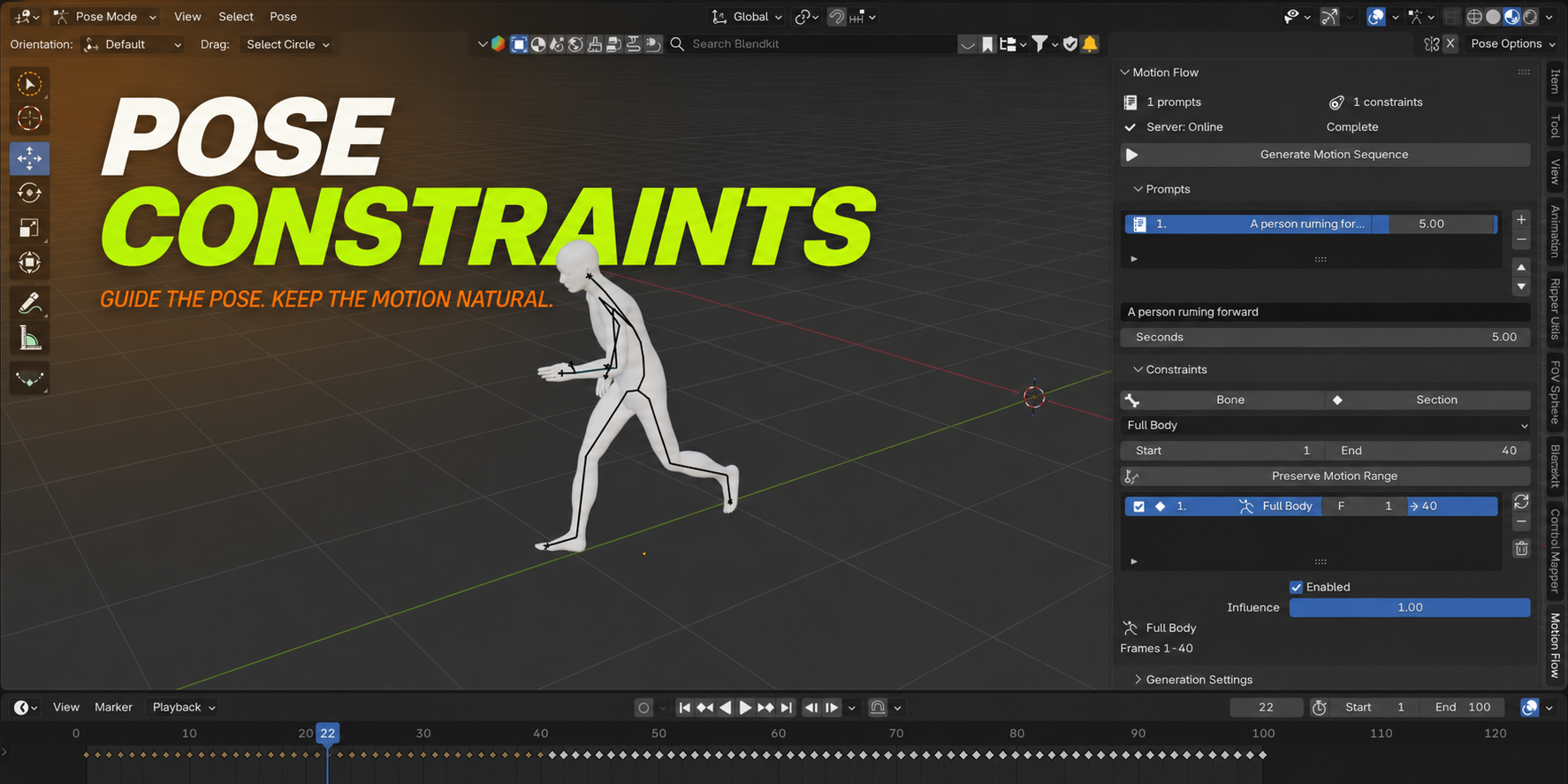
Guide poses and lock body parts to your 3D scene.
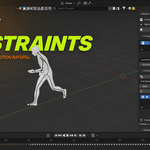
Need your character's hand to touch a doorknob, grab a prop, or plant their foot on stairs? Set a spatial constraint, and the AI guides the body to hit that exact target.
Text-to-Motion
Describe what you want in simple words. Get natural full-body keyframes instantly.
Prompt Chaining
Compose long performances. Reorder, lengthen, or adjust each step at any time.
Pose Pinning
Lock hands, feet, hips, or full poses to specific 3D coordinates in your scene.
Preserve Motion
Keep existing animation before or after a selected frame range as context.
Smooth Background Run
Blender stays fully responsive while motion generates in the background.
100% Local & Private
Runs on your local NVIDIA GPU. No cloud servers, no credits, no subscriptions.
3 rules for writing great prompts.
Direct the character just like speaking to an actor on set:
Who
Start with “a person” so the model recognizes the character.
What
Use clear physical verbs: walks, crouches, jumps, waves, kicks.
Where
Give direction: forward, to the right, backwards, in a circle.
Simple sentences work best
| Desired Animation | What to Write |
|---|---|
| Basic Movement | a person is walking forward casually |
| Directional Shift | a person side steps to the right and stops |
| Multi-Action Take | a person runs, jumps over an obstacle, and lands |
Powered by NVIDIA’s state-of-the-art ARDY diffusion model—running 100% locally on your machine with zero cloud delays.
Retarget to ANY character rig in minutes.
Motion Flow generates standard, editable keyframes on a lightweight humanoid rig. You can easily transfer this motion to any character in your scene:
Blender Native
Transfer motion directly onto standard Rigify character armatures.
1-Click Preset
Map once using ARP Remap, save as a preset, and retarget all future motions in 1 click.
Game Ready
Works with Unreal Engine mannequins, Unity humanoids, CC4, and custom armatures.
Once you match the bones once using Auto-Rig Pro or Rokoko Remap, export your preset. Every future animation you generate will transfer to your character in a single click!
Setup once. Animate forever.
No command lines or manual library compiling. Motion Flow handles the local server setup directly inside Blender preferences.
Windows 10/11 · NVIDIA RTX GPU with 8GB+ VRAM (RTX 3060, 4060, 3070, 4070 or higher) · 16 GB System RAM.
Install Add-on
In Blender, go to Preferences → Add-ons → Install from Disk and select motion_flow_addon.zip.
Setup Local Server
In the add-on preferences, click Setup Local Server to prepare the bundled local runtime.
Install AI Models
Select models_bundle.zip and click Install Models from ZIP.
Ready to Animate!
Press N in your 3D Viewport, open the Motion Flow tab, type your prompt, and generate!
See the complete setup in 3 minutes.
Quick video guide covering installation, your first prompt, constraints, and generating animation.
Need Detailed Parameter Guides?
Complete guides for parameter tuning, constraint workflows, and common troubleshooting.
Open Full Documentation ↗
Spend less time building the first pass.
Spend more time shaping the performance.
Clear terms for your work.
Motion Flow is sold through Blender Market. Your use is covered by the license selected at checkout. Motion Flow uses NVIDIA's ARDY model under the ARDY Apache 2.0 license. The AI model weights are governed by the NVIDIA Open Model Agreement, allowing both commercial and non-commercial projects.

