 EdenWeby 3D
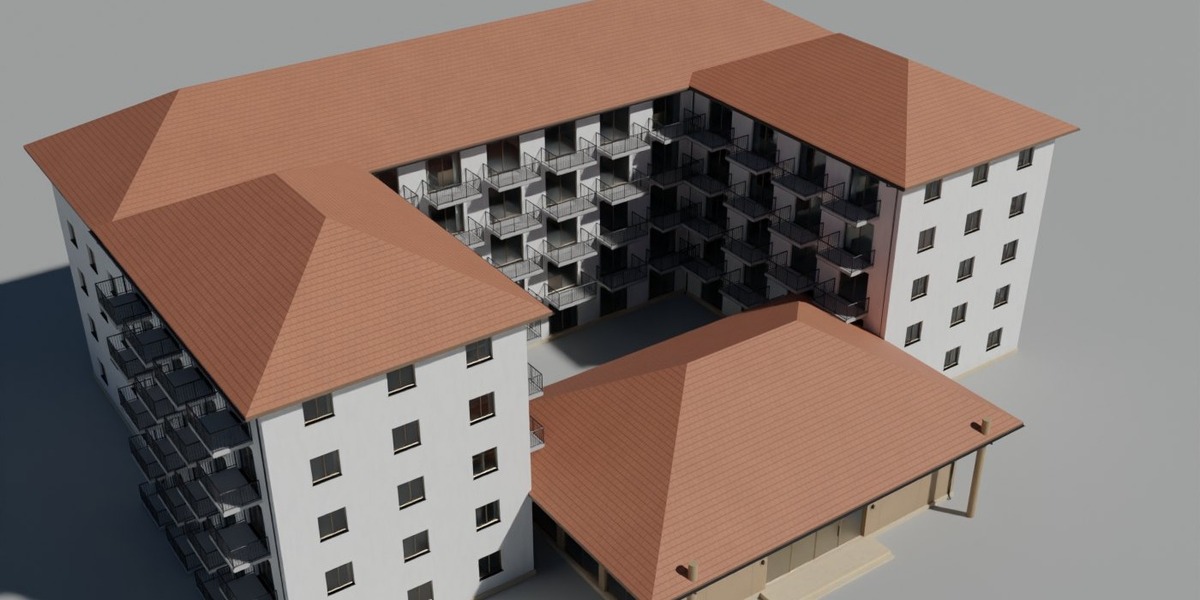
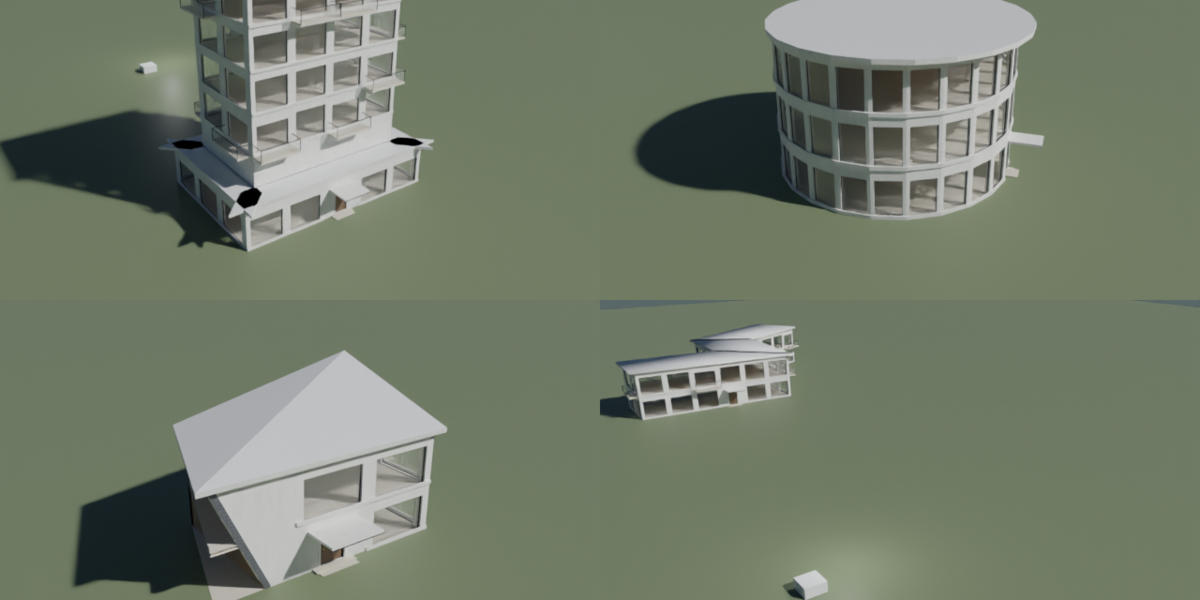
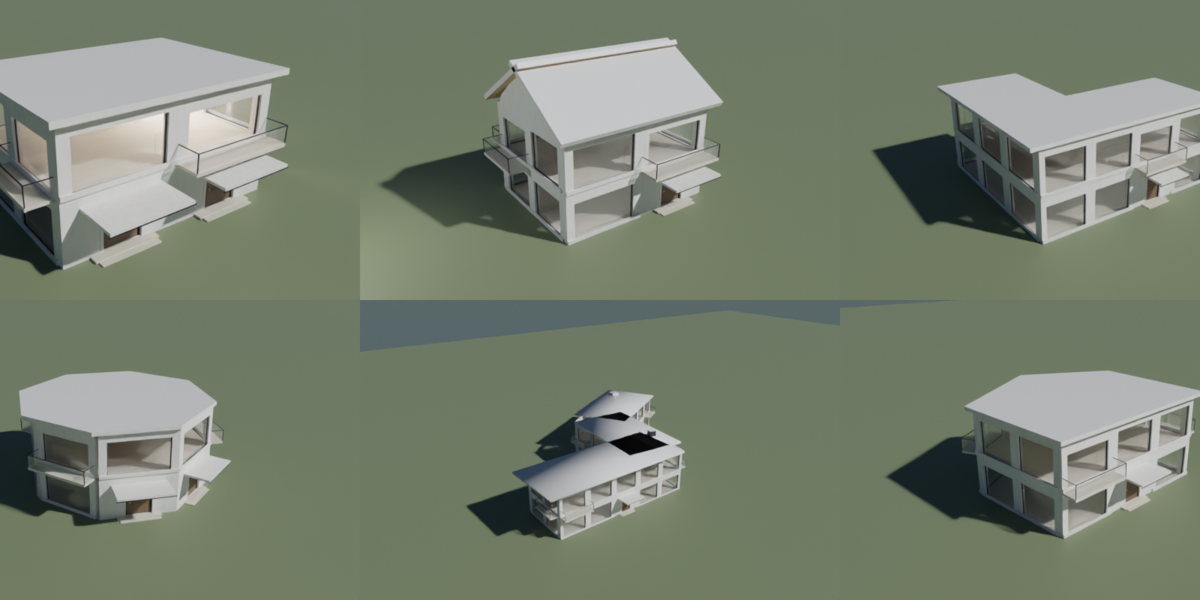
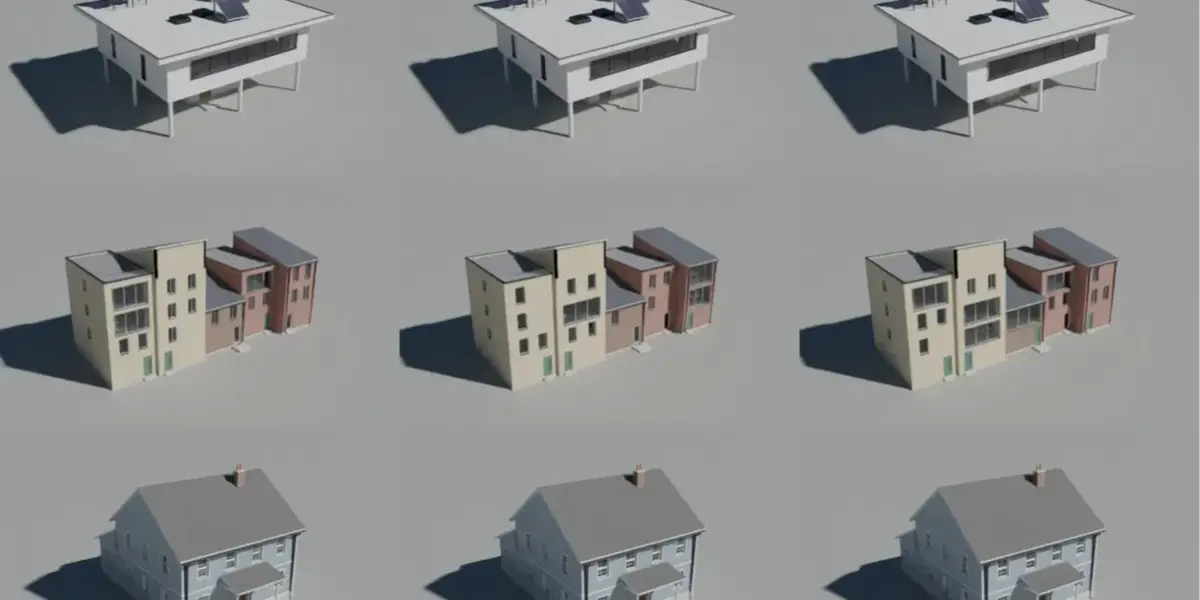
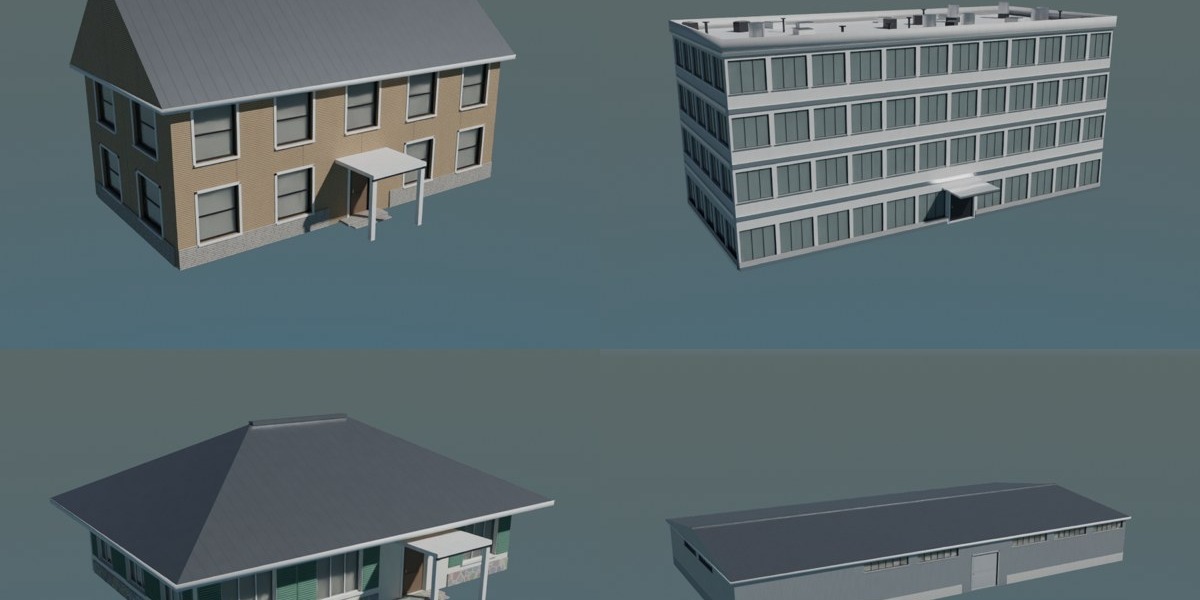
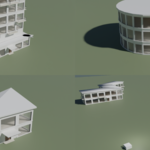
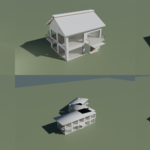
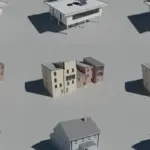
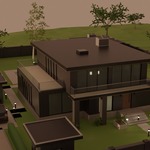
BLENDER PROCEDURAL ADDON
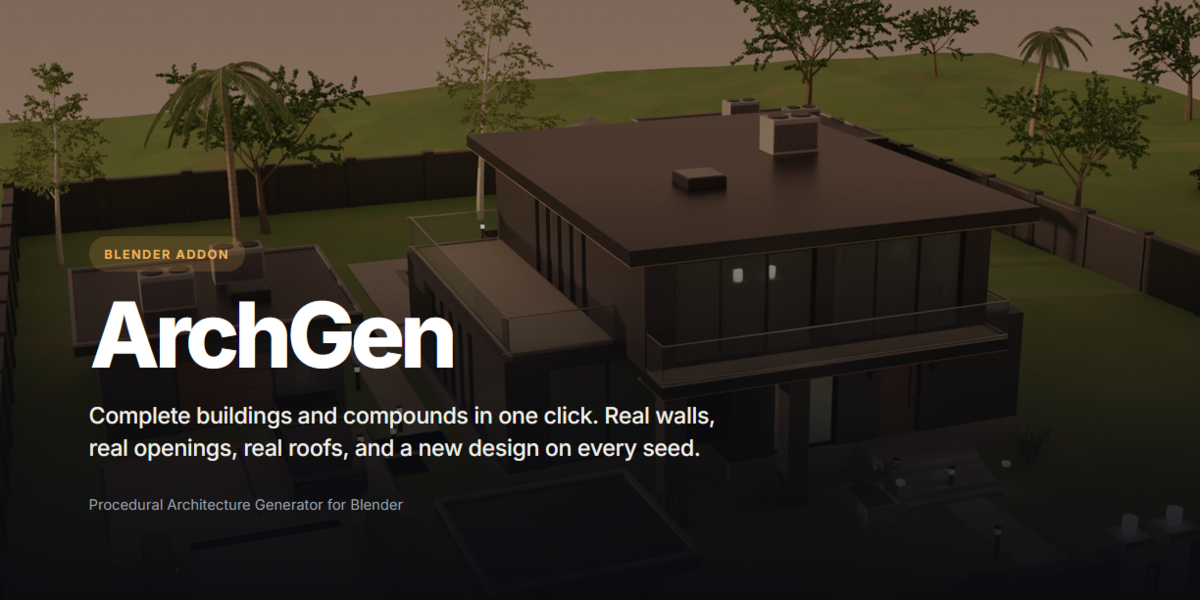
ArchGen
Complete buildings and compounds in one click. Real walls, real openings, real roofs, and a new design on every seed.
Procedural Architecture Generator for Blender
Get 25% off Valid till 15th use code sh25eden
20+
building families
75
presets with thumbnails
10
live Box Mode styles
81
procedural PBR materials
BUILT FROM RULES, NOT KITS
Architecture that makes sense.
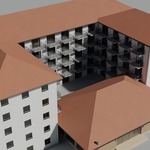
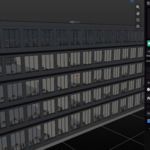
Every family is its own rule set: massing, facade rhythm, roof system and detail vocabulary. Windows sit in real openings cut into real walls. Stairs climb the real level difference. Nothing is a texture pretending to be geometry.
- ✓Framed windows with mullions, sills, heads and shutters
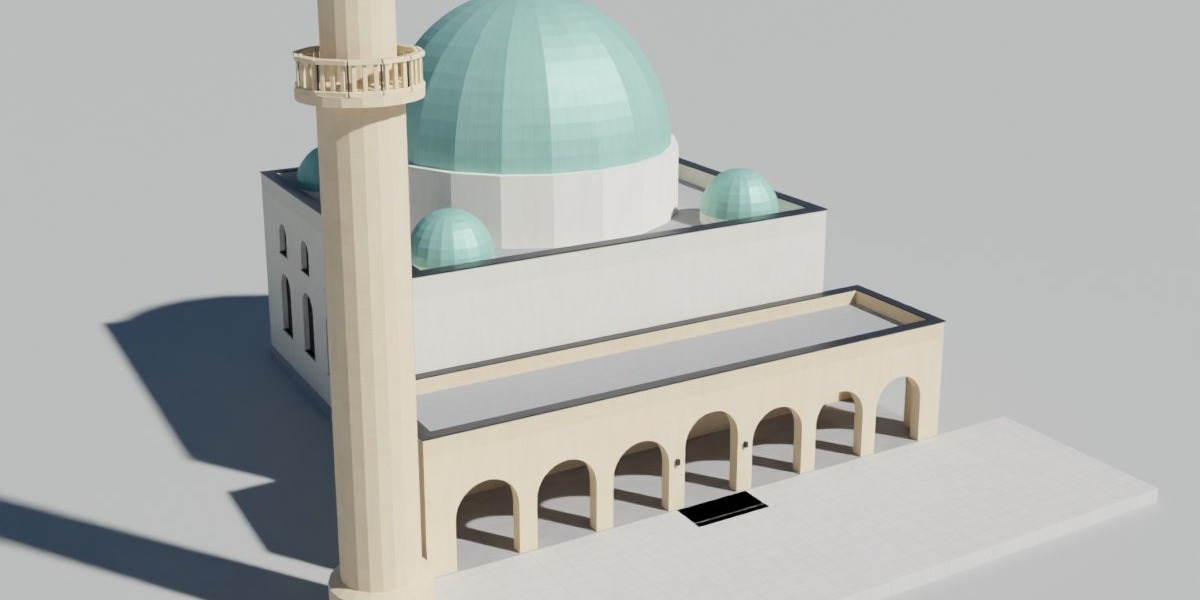
- ✓Gable, hip, mansard, butterfly, sawtooth, dome and more roof systems
- ✓Balconies, porches, canopies, cornices, chimneys and roof plant
- ✓Flat shading and metric UVs: one UV unit is one metre
GEOMETRY NODES BOX MODE IN PRO AND MAX
Draw a box. Get a building.
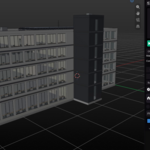
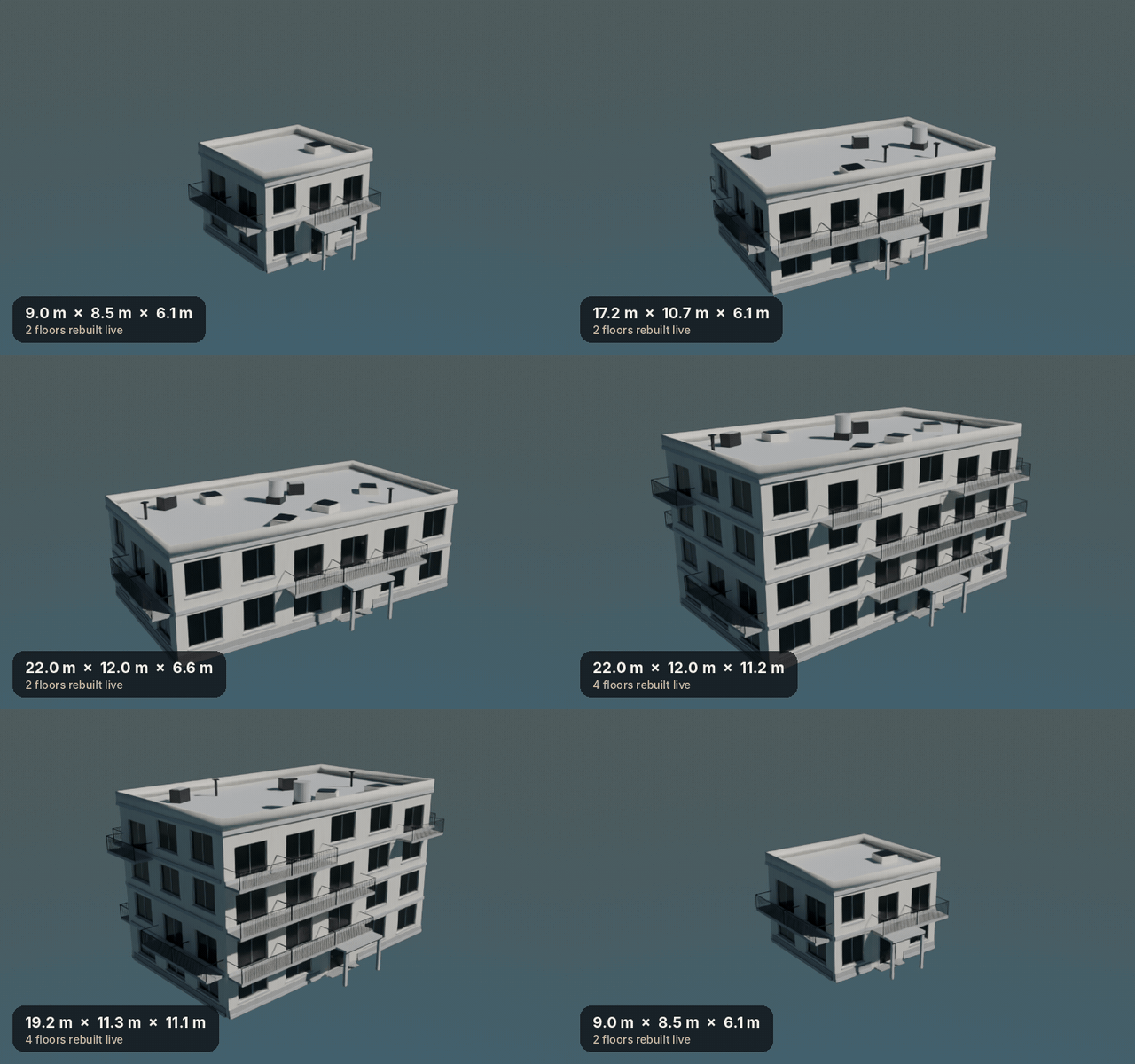
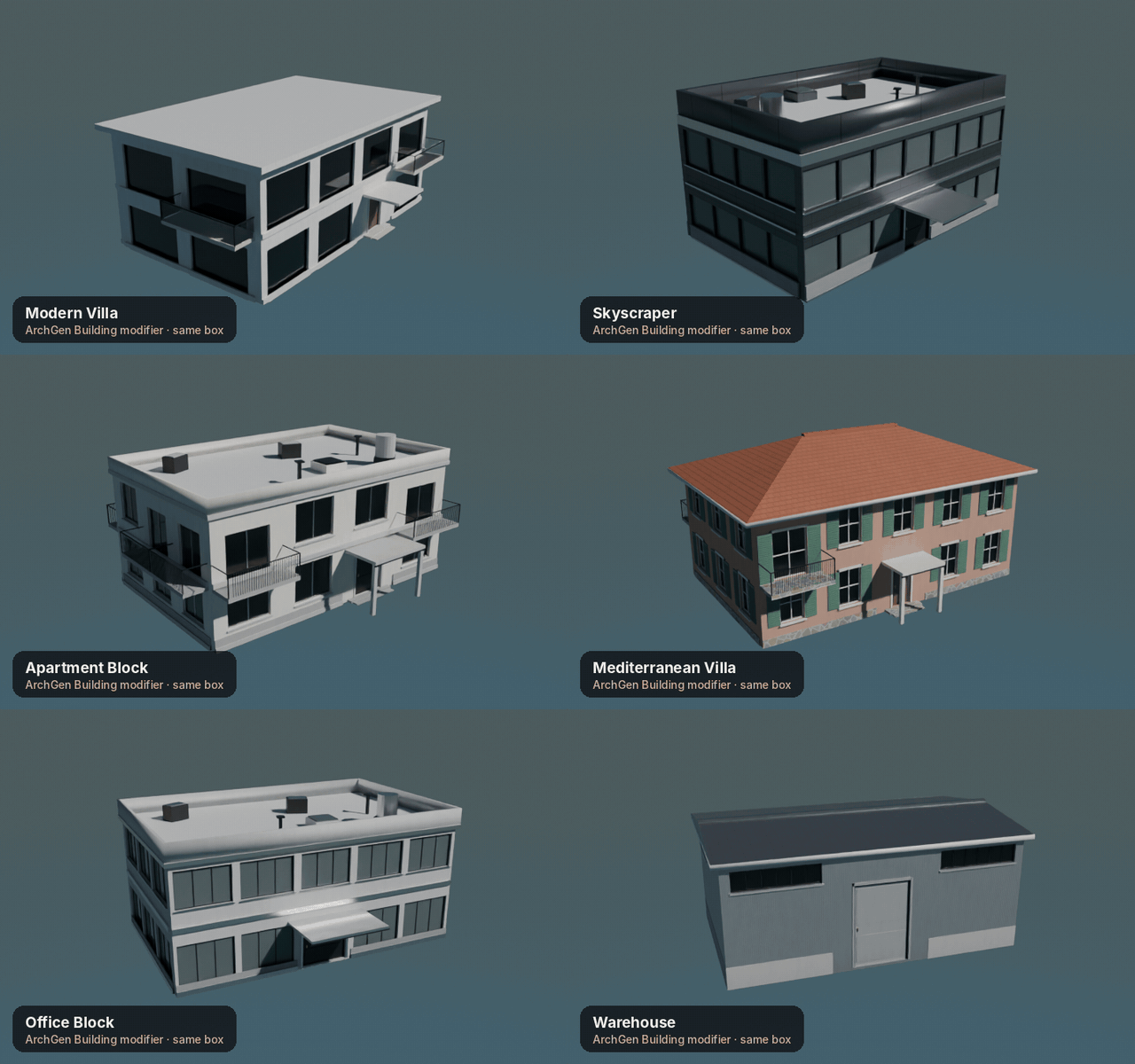
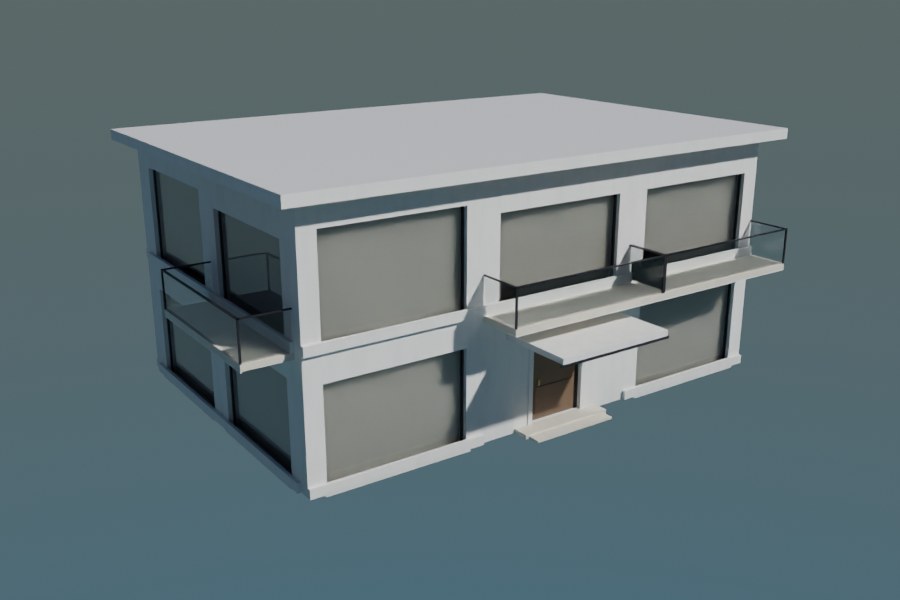
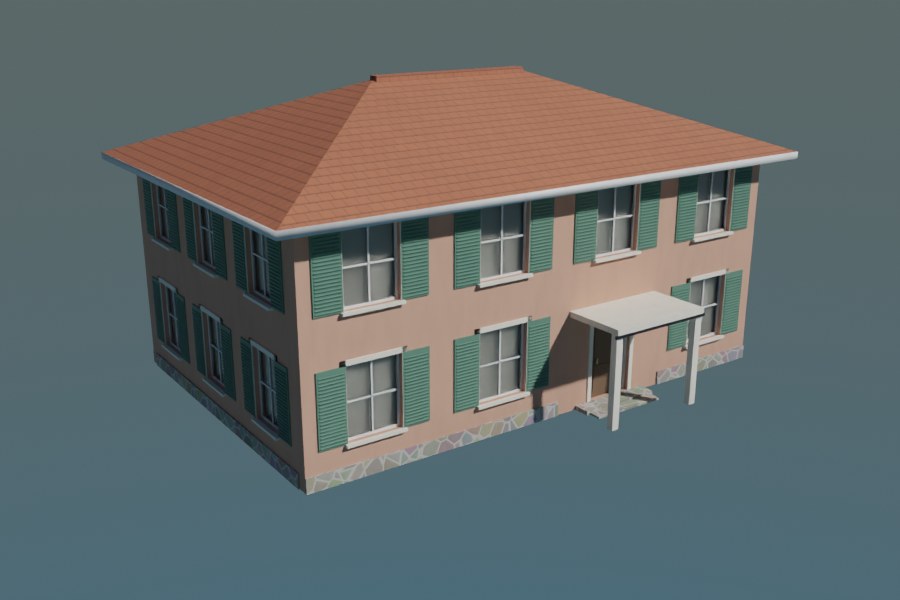
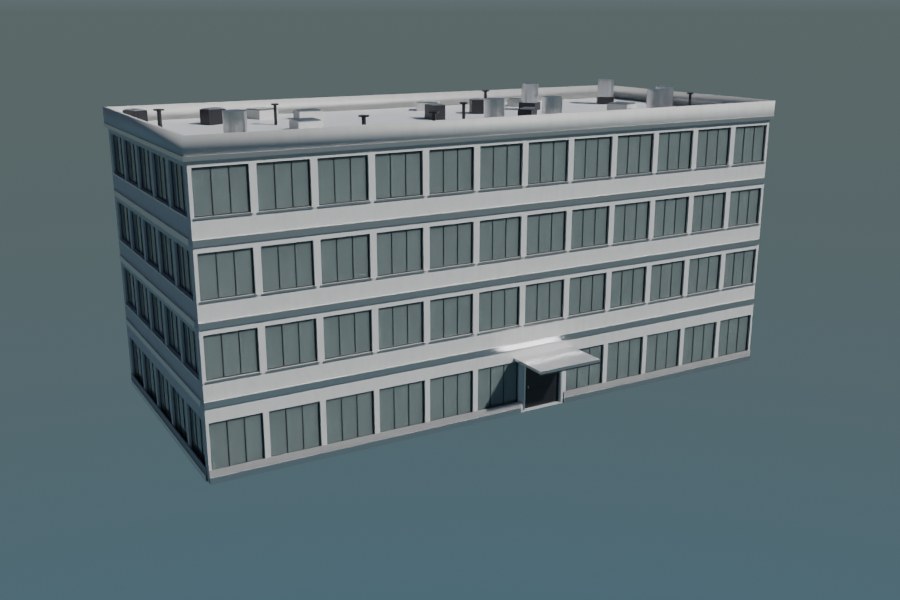
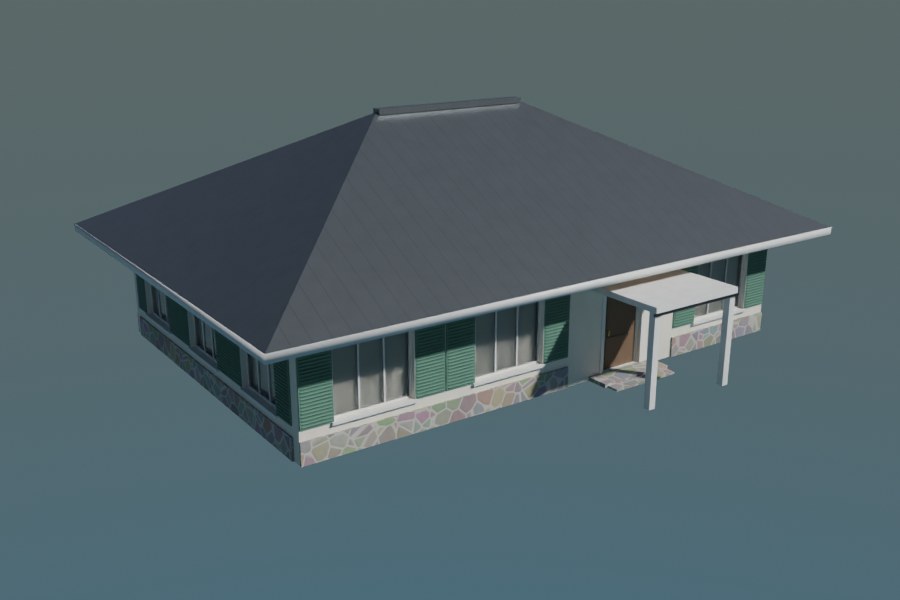
Add a plain box, pick a style, then drag it bigger. A fully detailed building builds itself on the box, live, in real Geometry Nodes. Scale it in Object Mode or move vertices in Edit Mode and the floors, bays and roof follow.
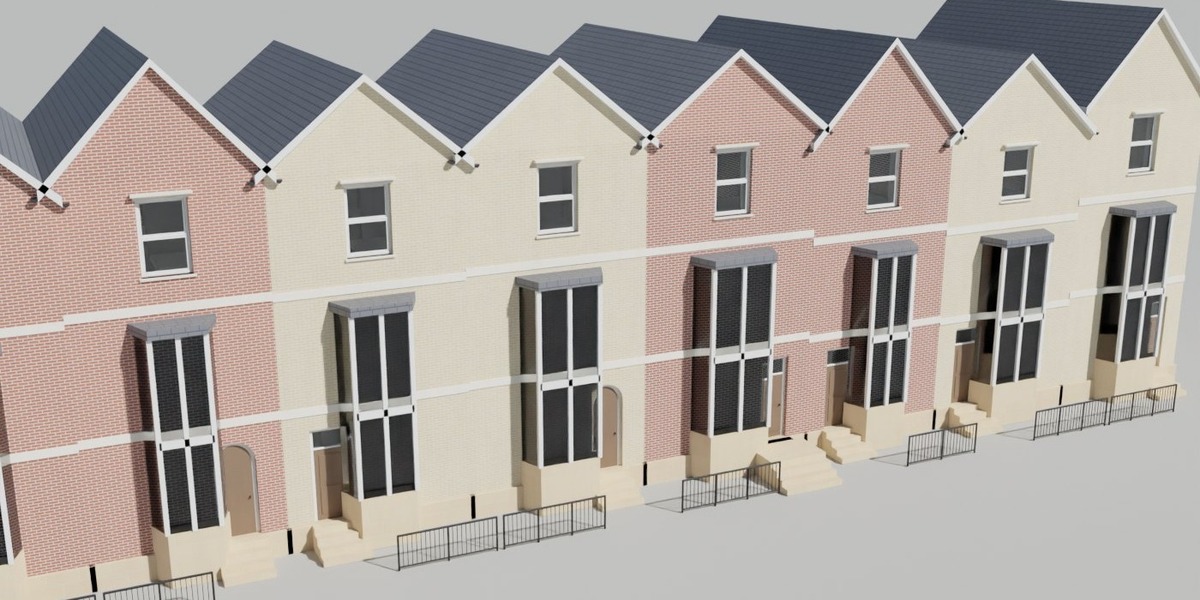
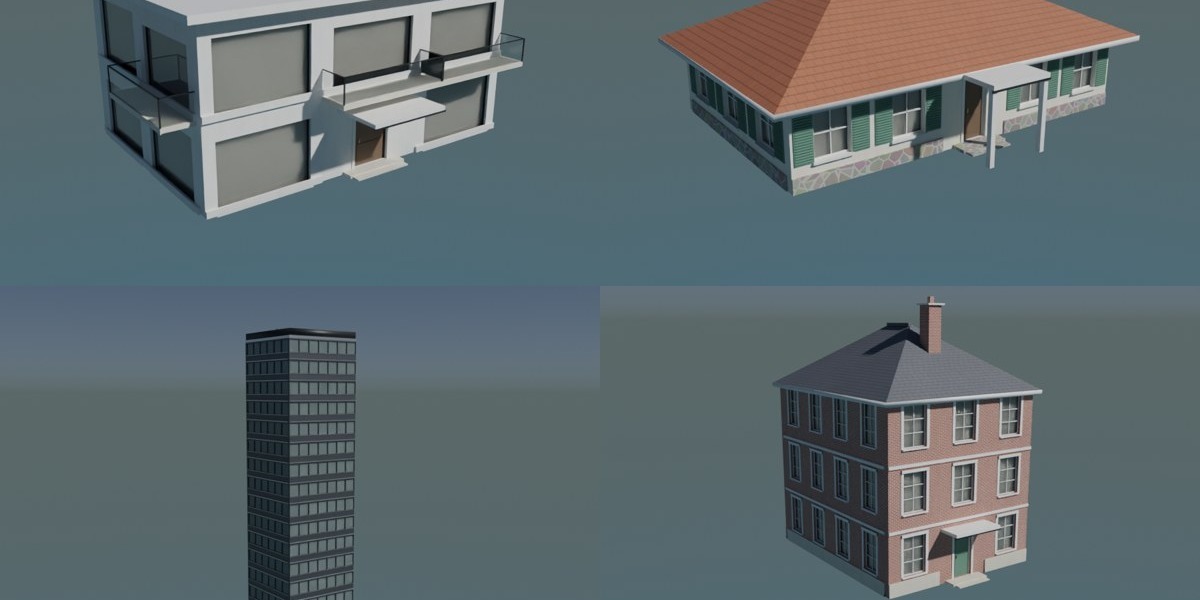
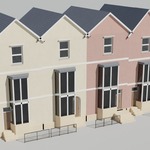
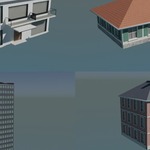
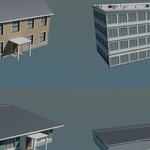
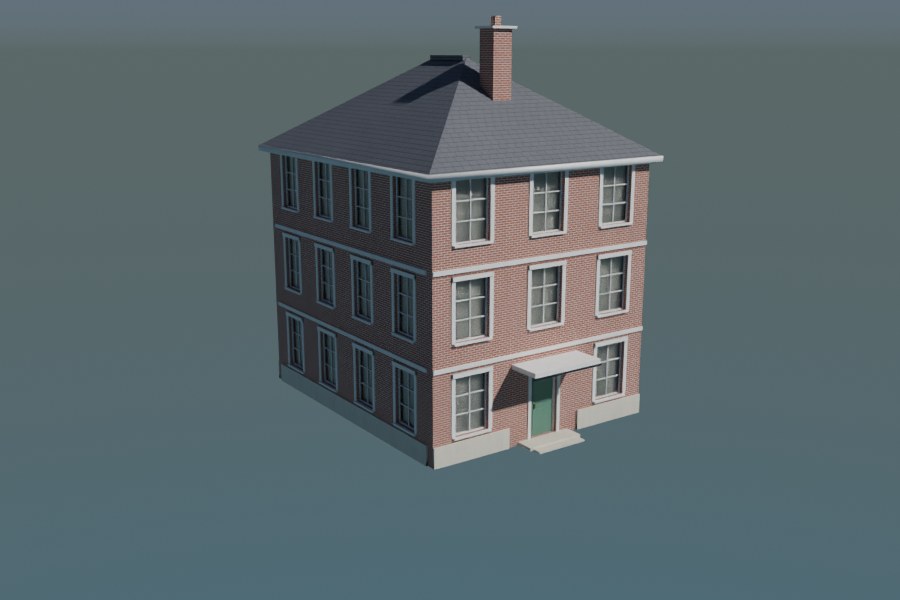
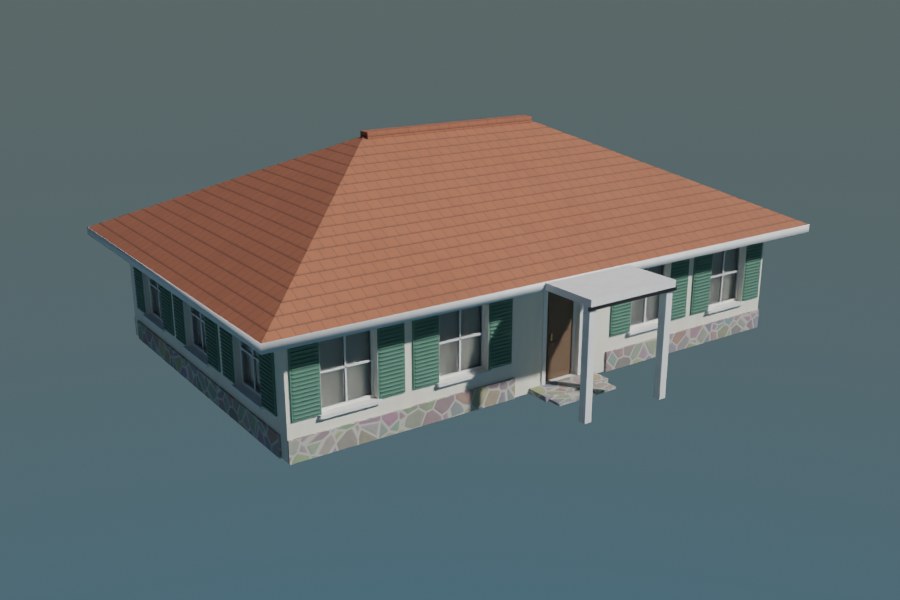
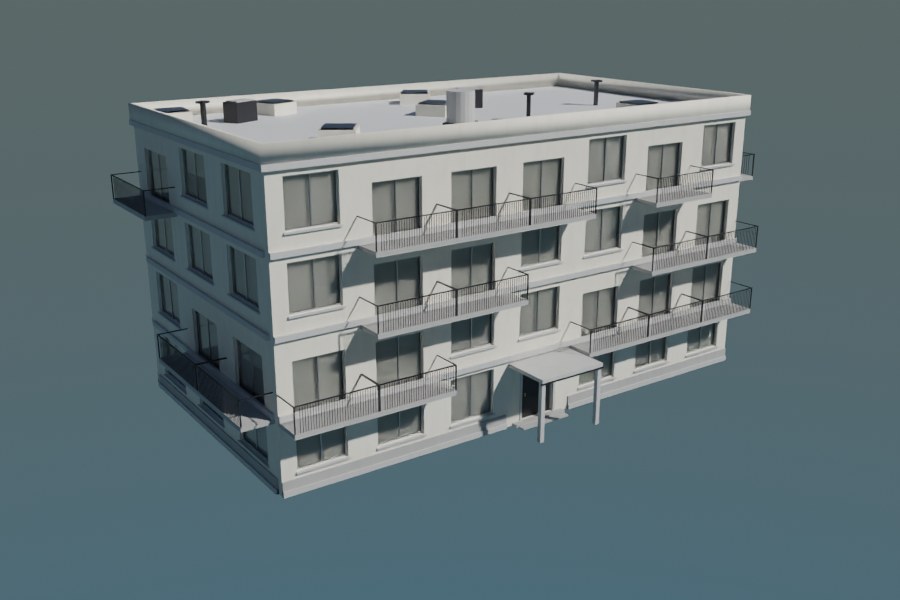
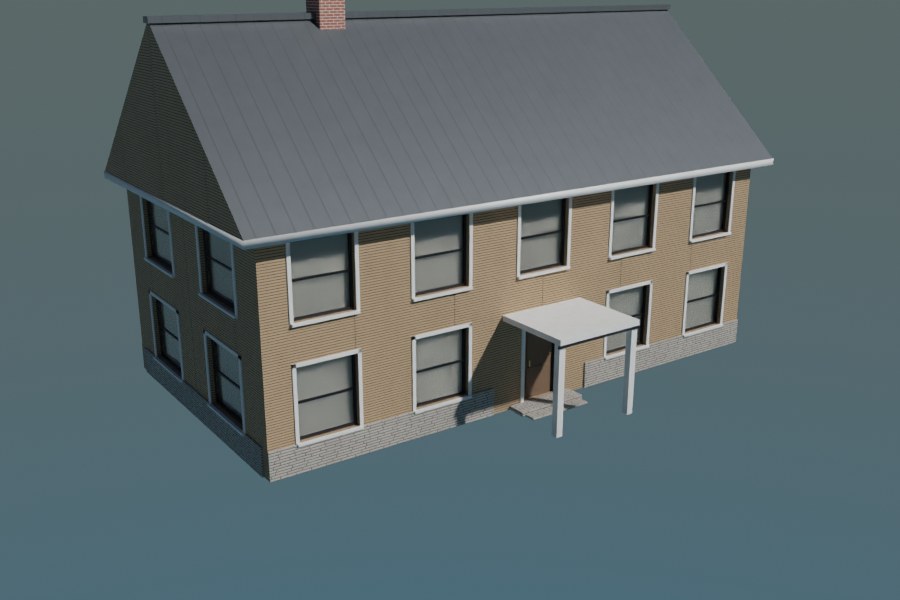
- ✓10 styles: villa, bungalow, skyscraper, townhouse, apartments, farmhouse and more
- ✓Wall faces become facades; floors and bays are counted from the face size
- ✓Top faces become roofs: flat, gable, hip, shed or mansard
- ✓Mark an entrance face, then Apply to bake it, or Send to Full ArchGen for plot and interiors
- ✓Every value is overridable in the modifier panel
01
Real detail
Reveals, framed windows with mullions, sills, shutters, balconies with balusters, floor bands, plinths, cornices, doors with panels, canopies, chimneys, parapets and roof plant.
02
Live and fast
A 58 m skyscraper with 28,000 faces evaluates in about 0.06 seconds, so resizing stays smooth.
03
No lock-in
Apply the modifier to get a normal mesh with materials, or hand the footprint to the full generator.
ONE ADD-ON, EVERY BRIEF
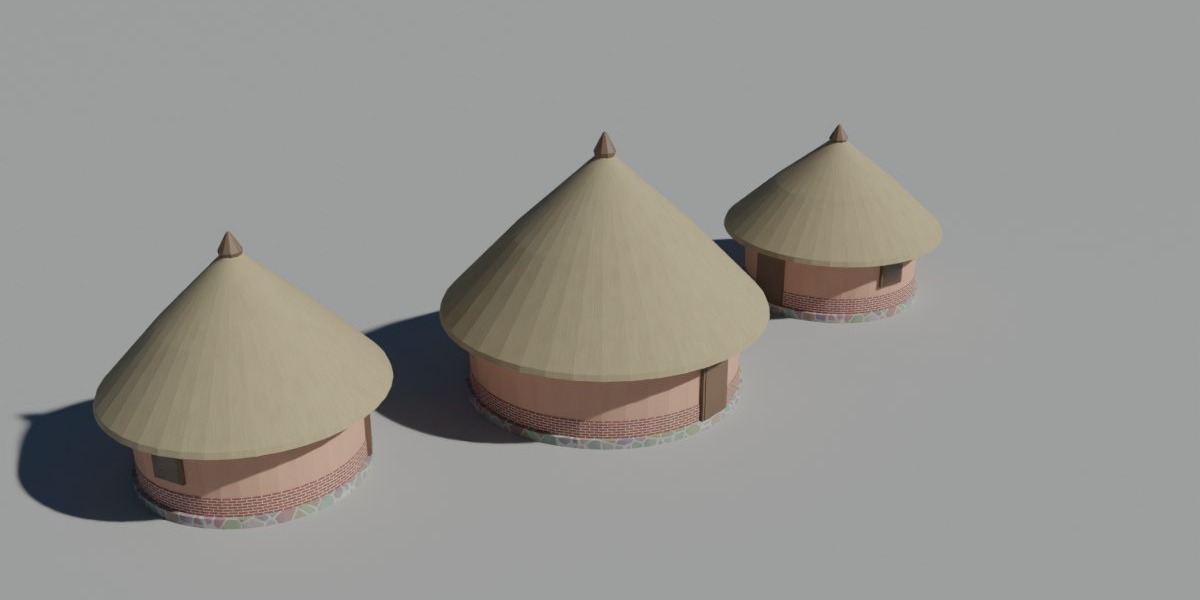
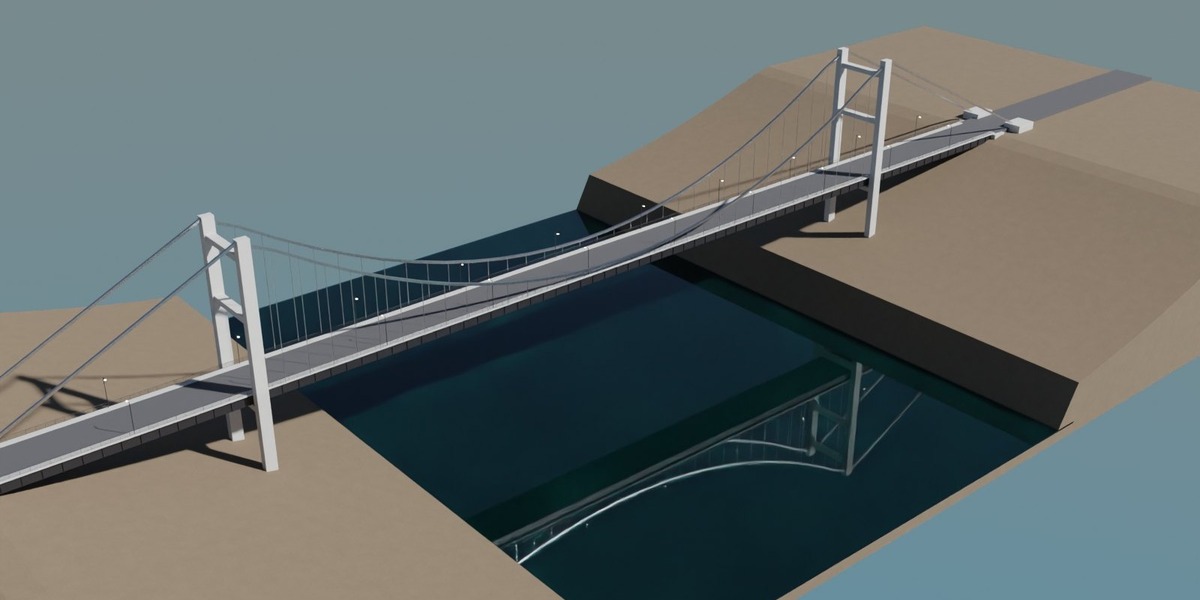
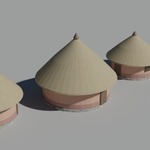
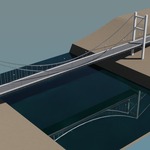
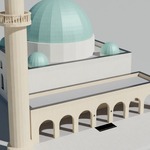
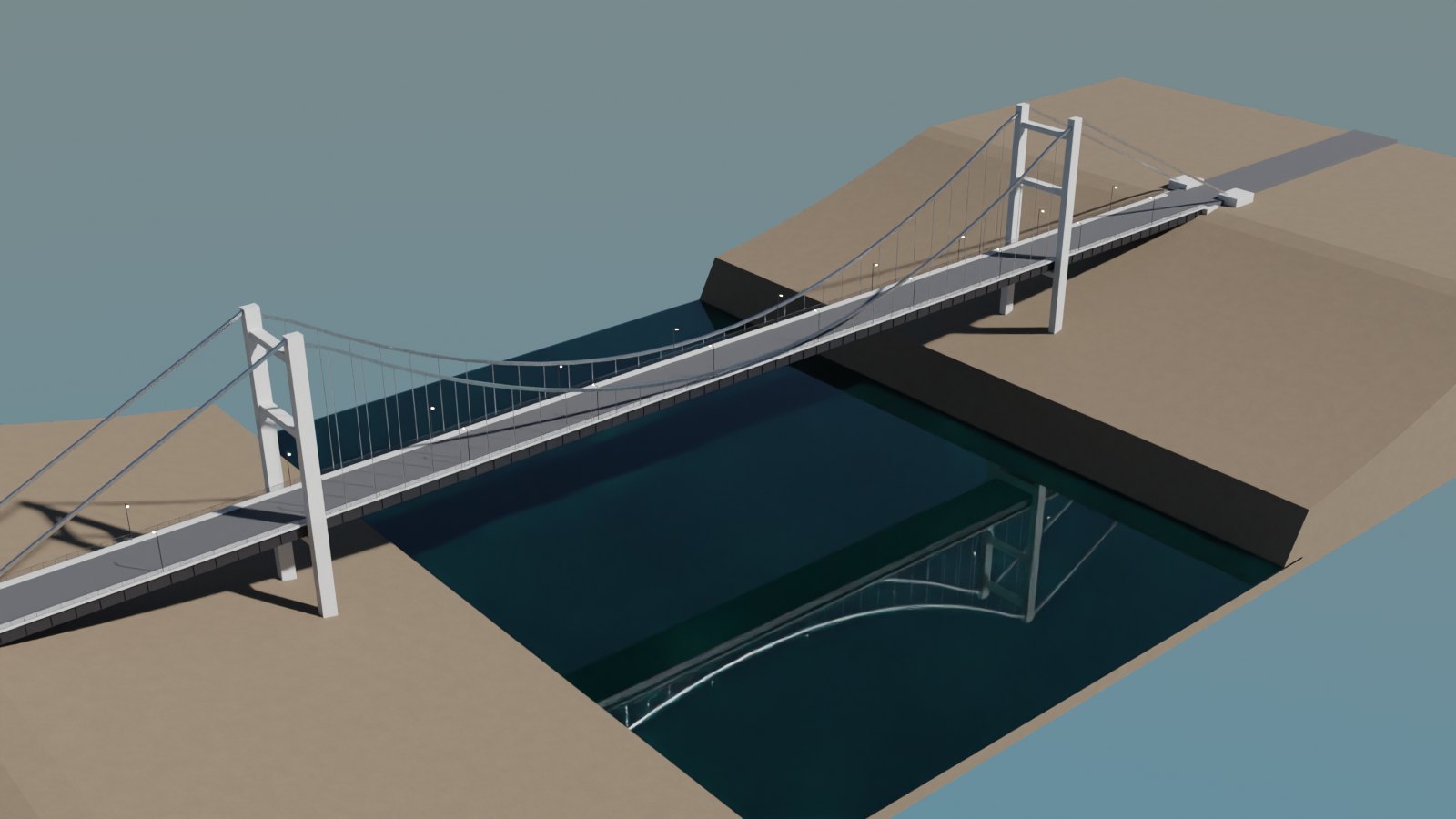
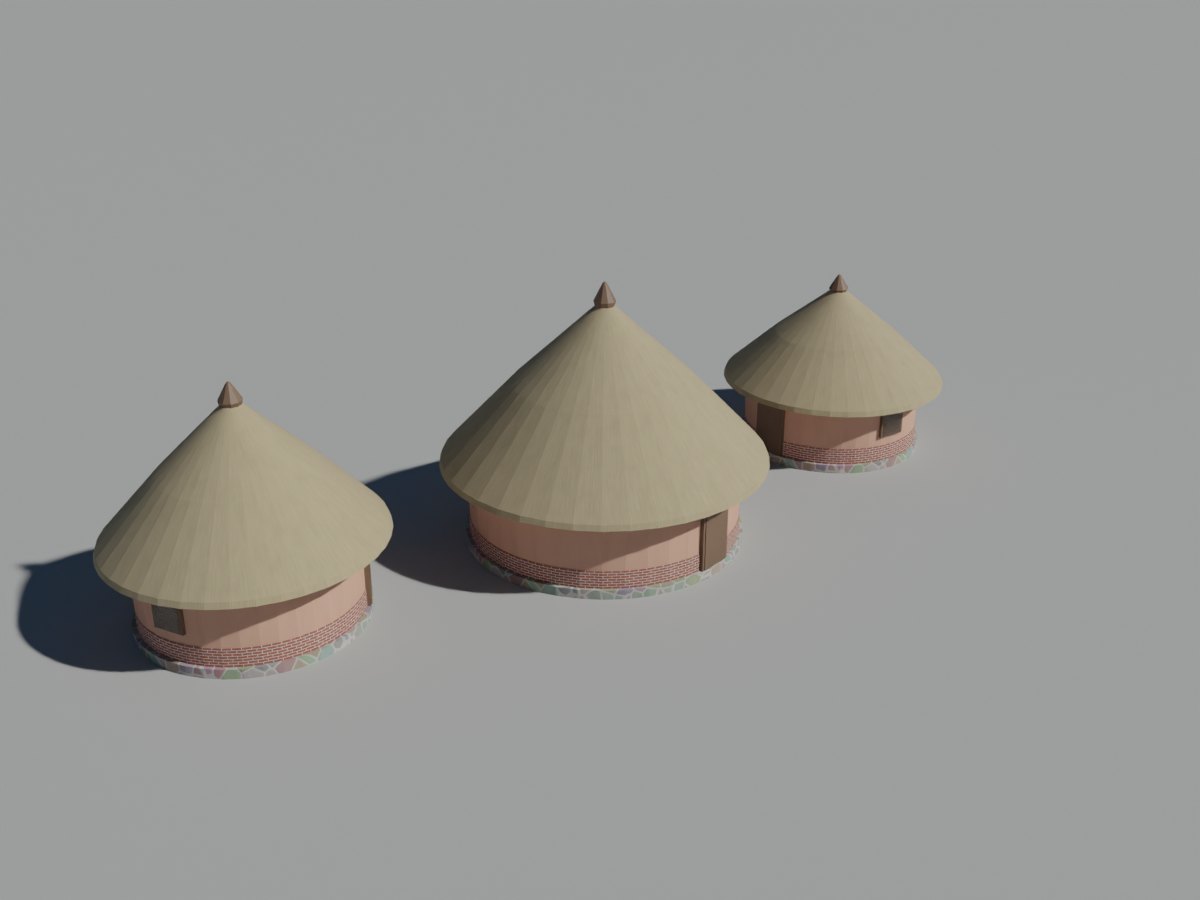
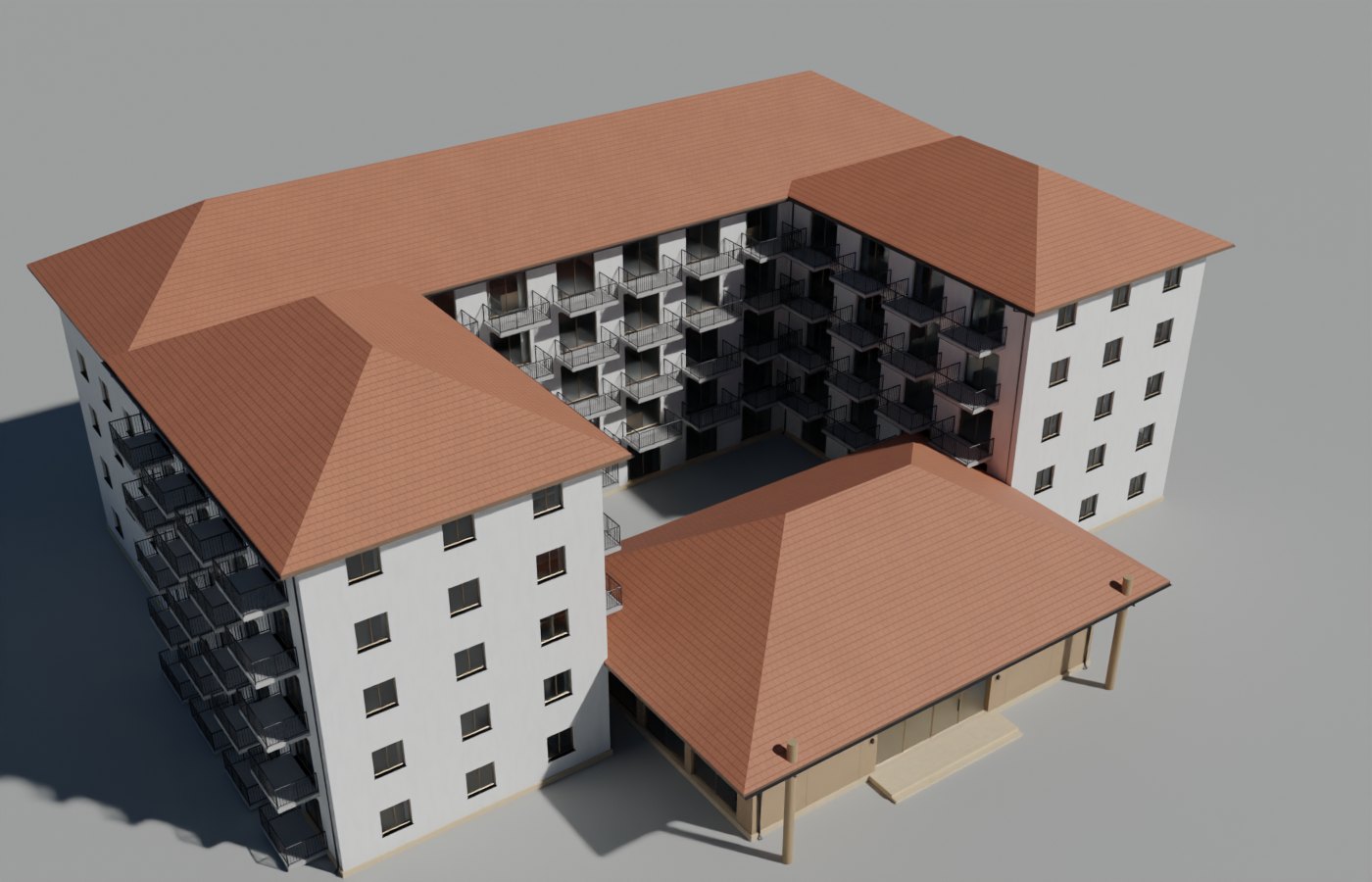
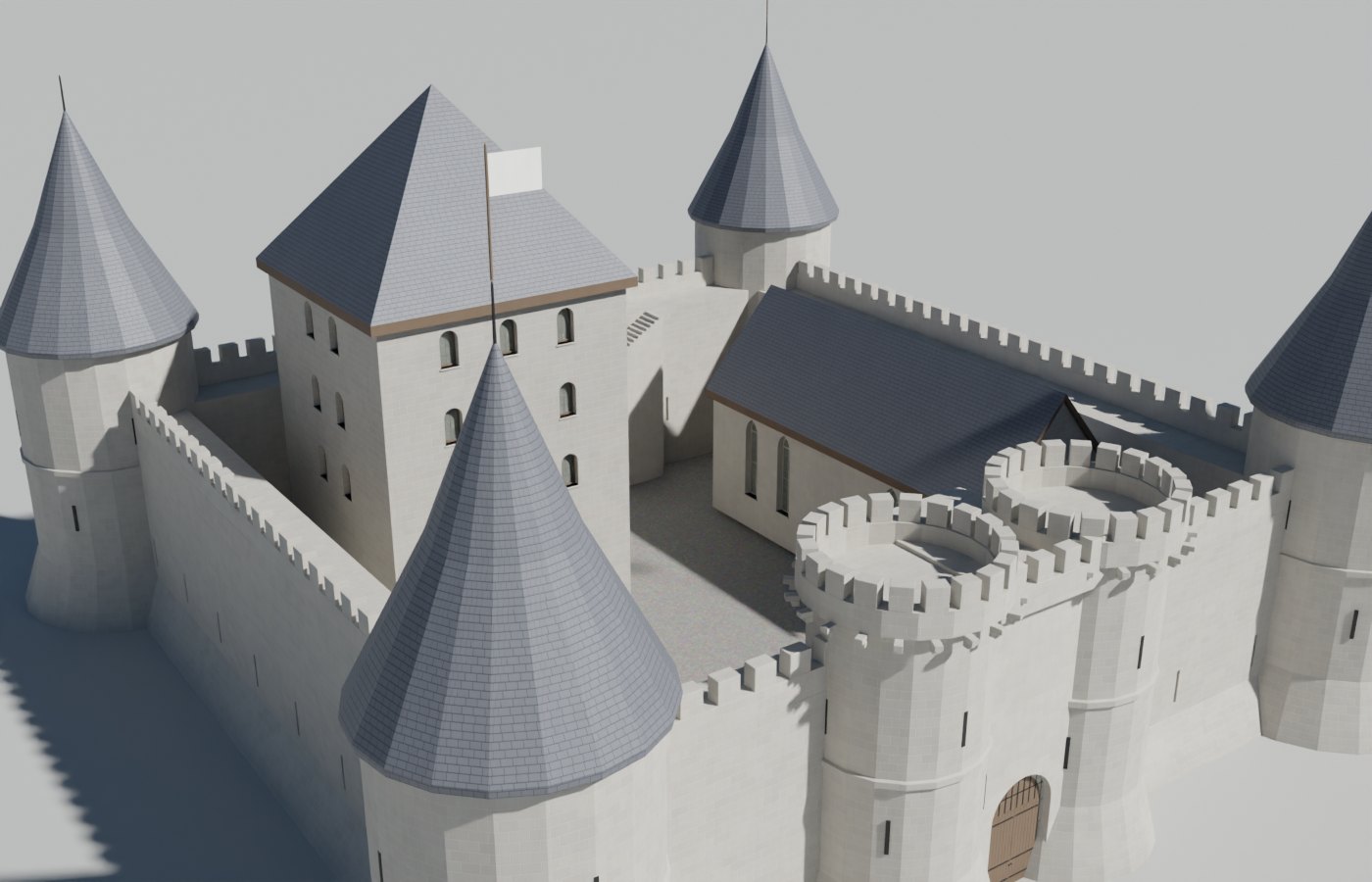
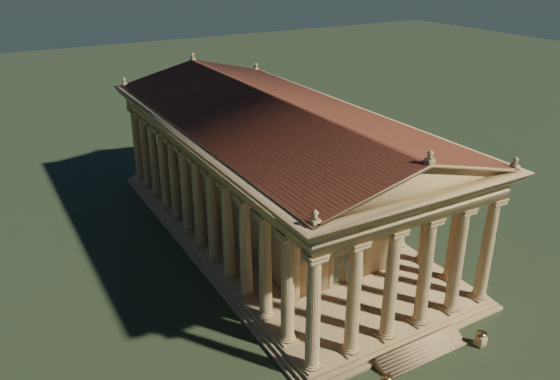
From a rondavel to a suspension bridge.
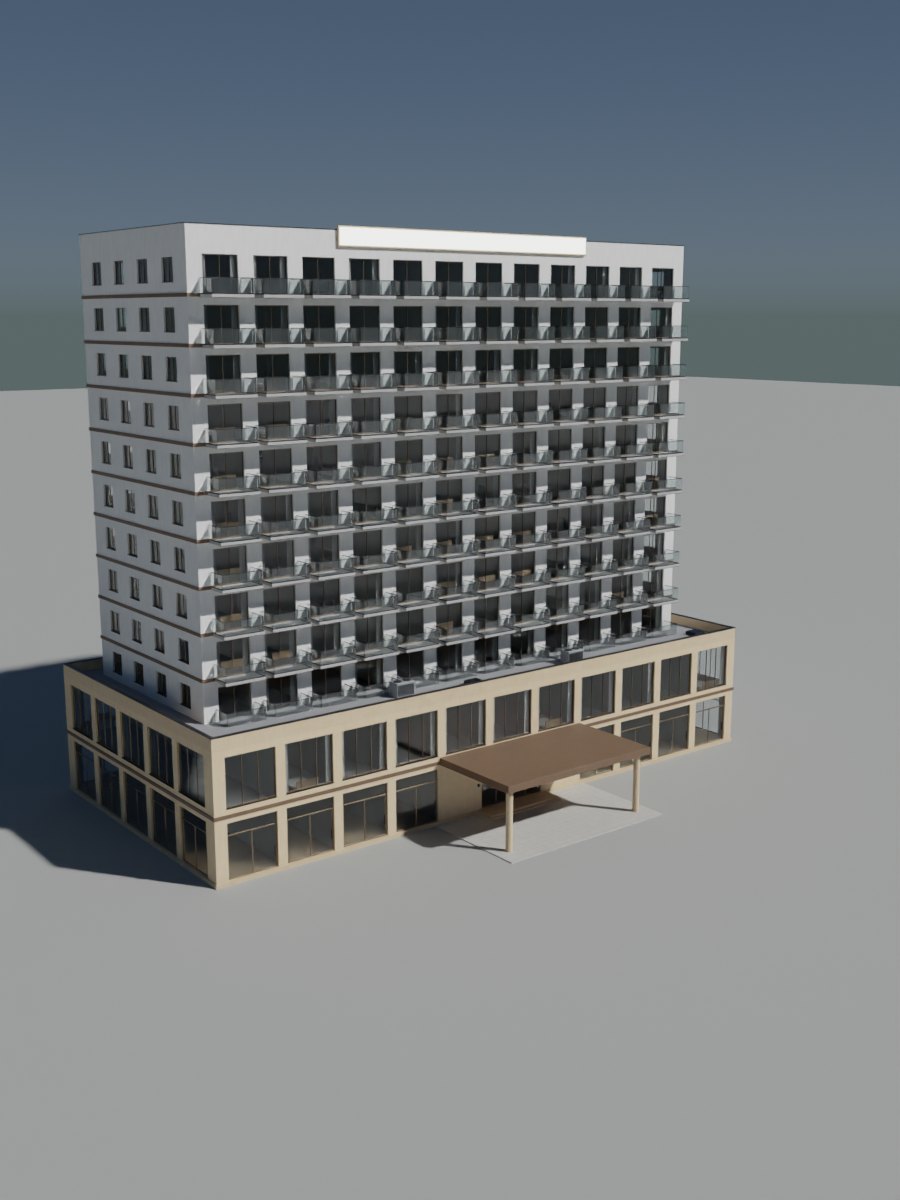
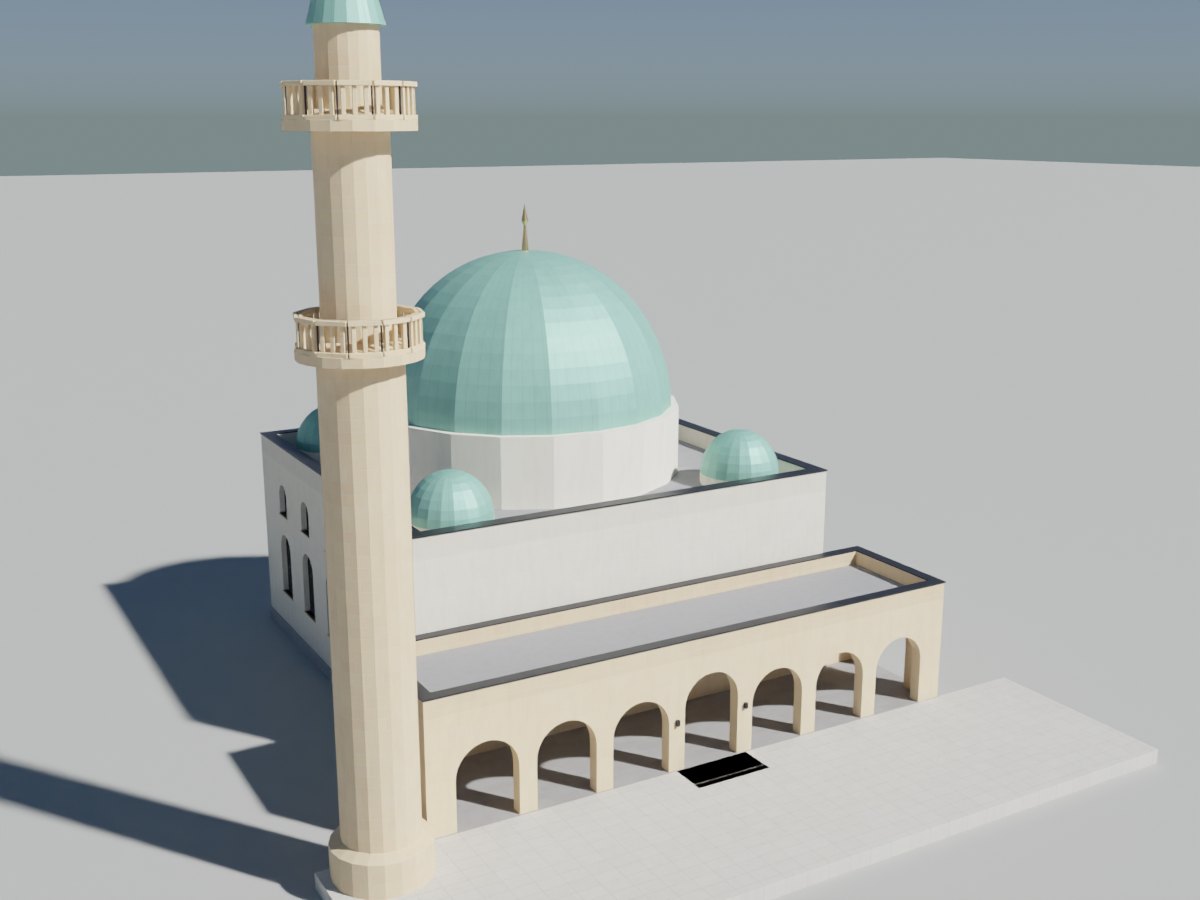
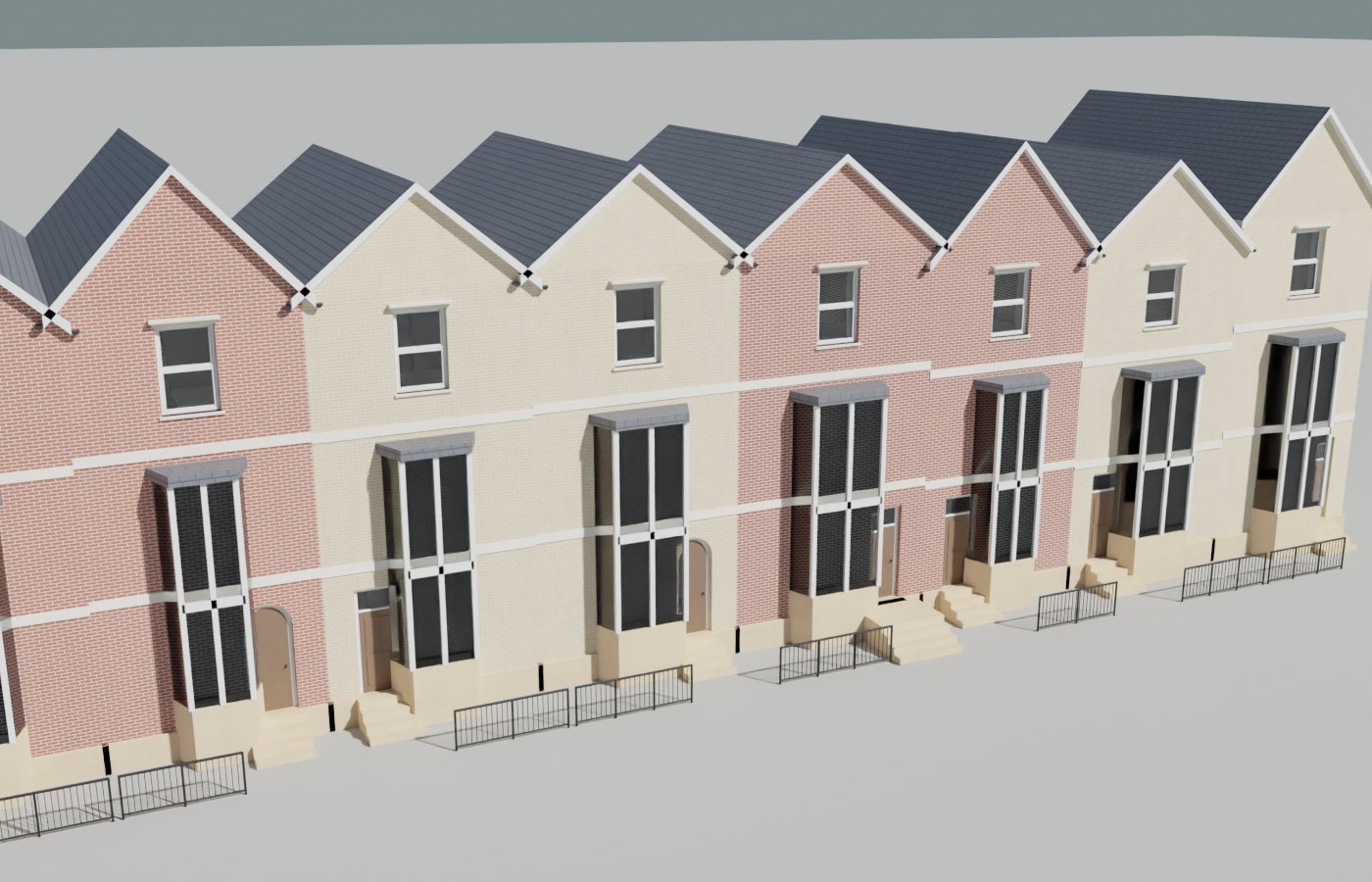
Residential, commercial, civic, historic, industrial, vernacular and infrastructure. Each type ships with several compositions, and every seed gives you a new one.
THE HOUSE GENERATOR
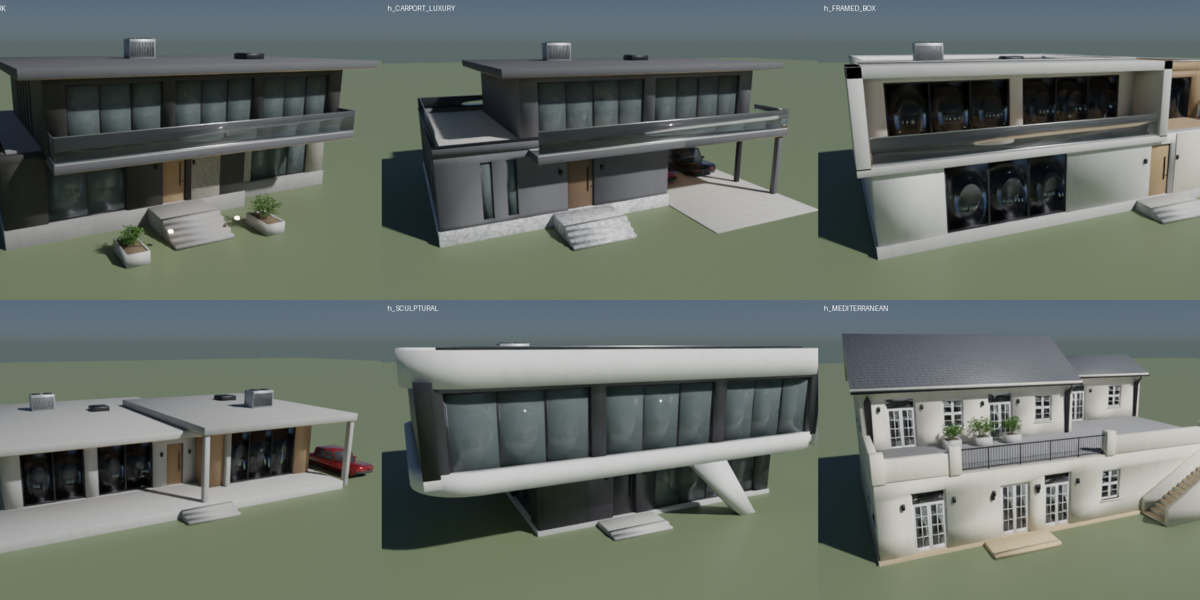
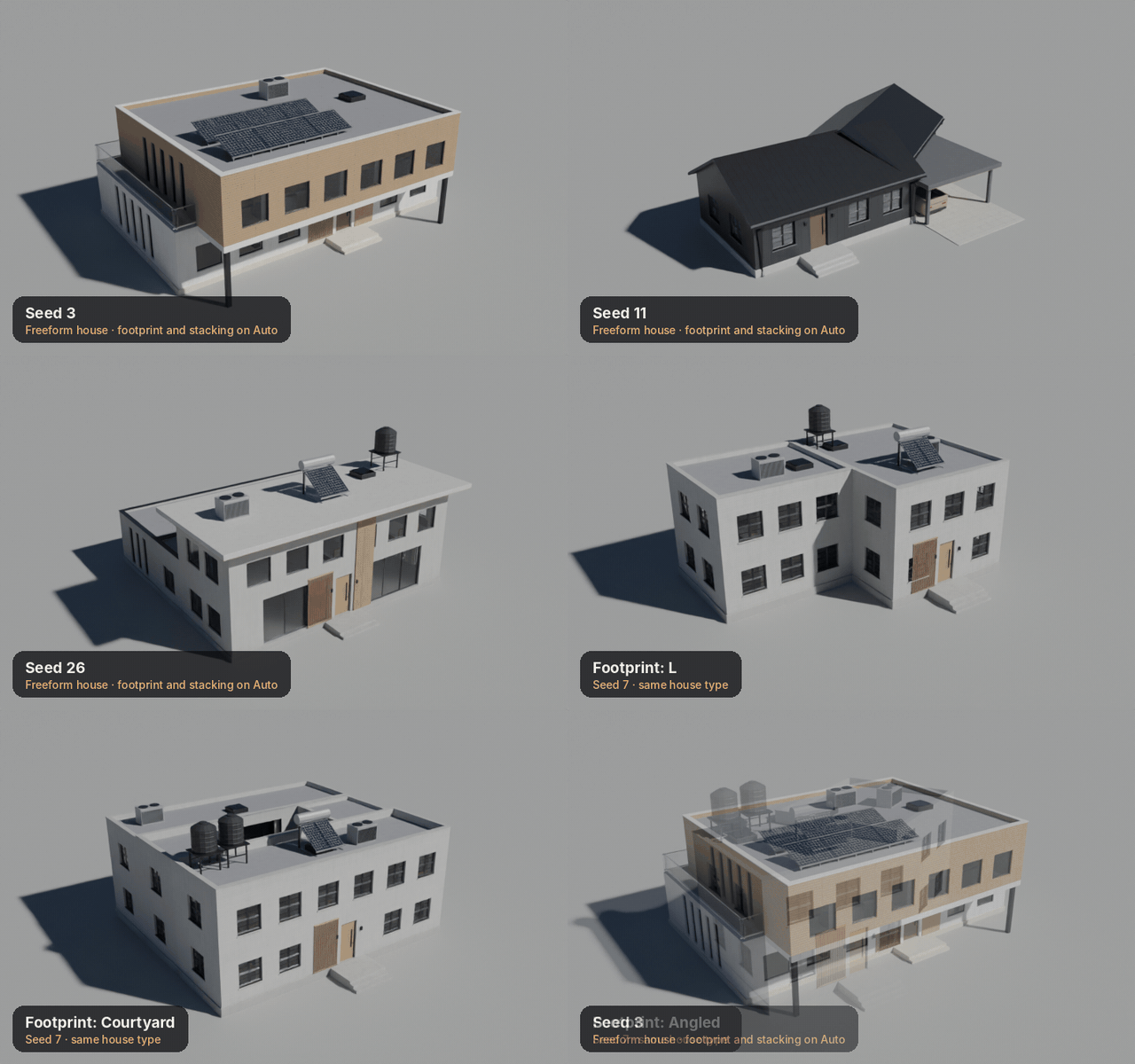
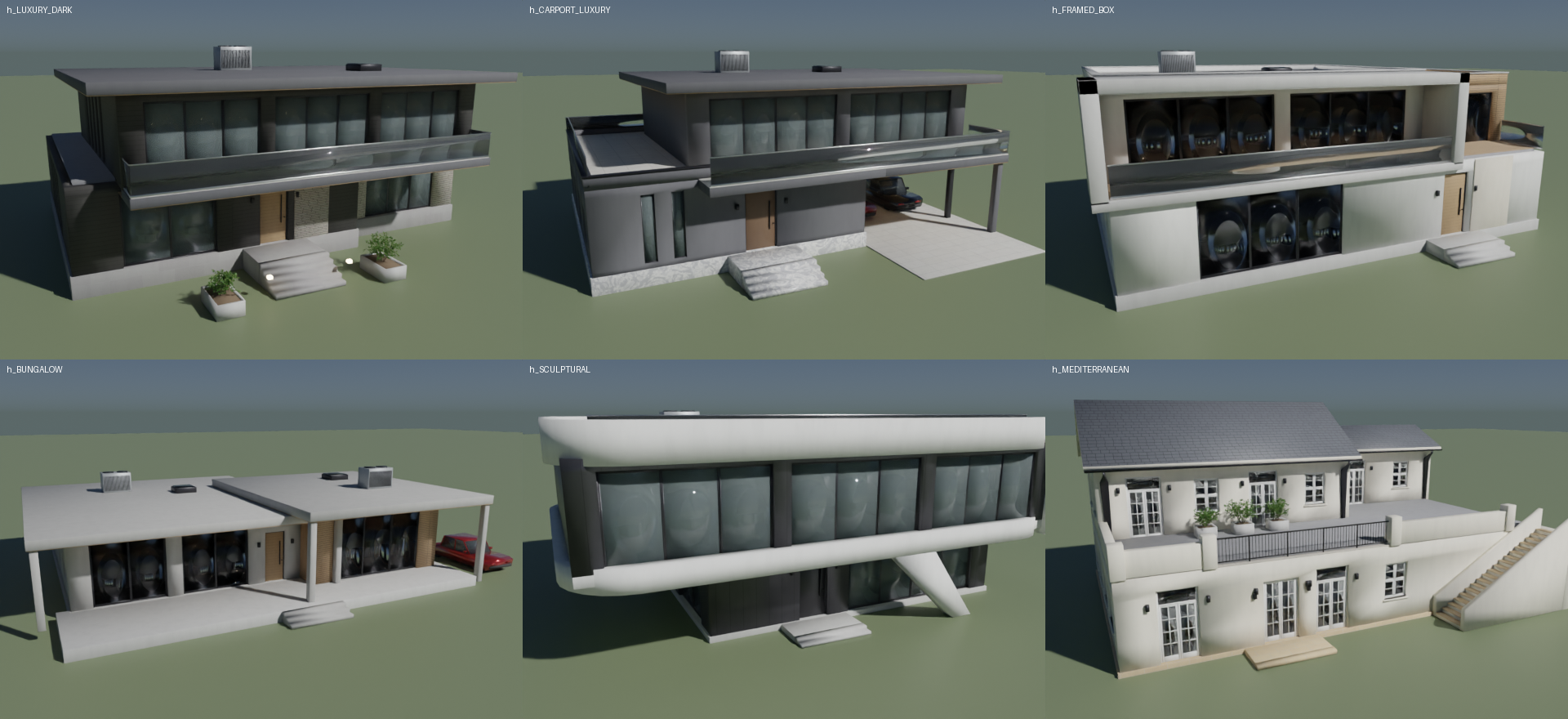
42 layouts before the seed even starts.
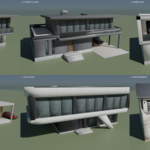
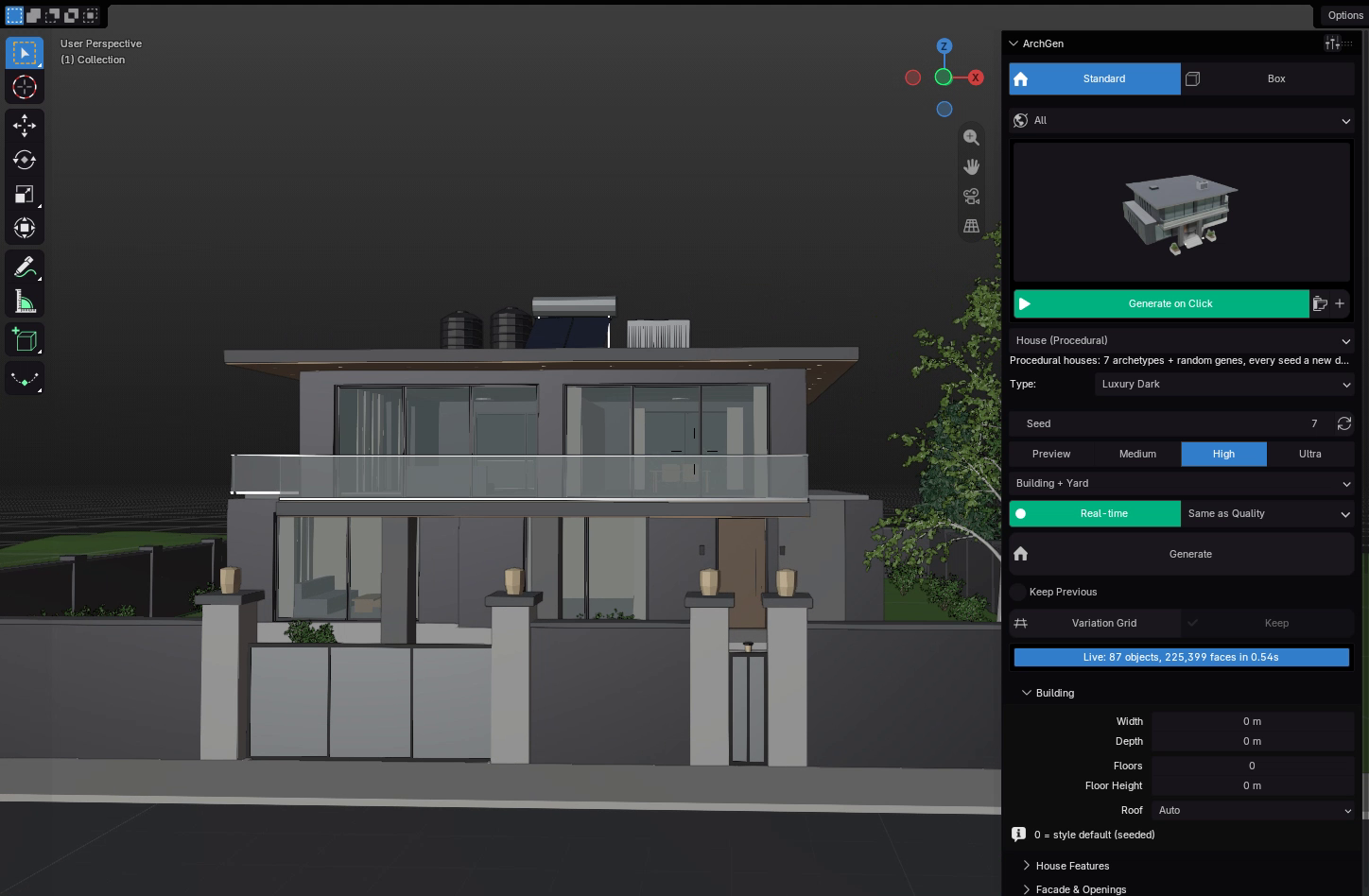
Combine 7 footprints with 6 ways of stacking the upper floor, then let the seed vary windows, roofs, materials and details. Push it modern or traditional with a single slider.
01
Feature toggles
Carport, garage, pool terrace, balcony, porch and dormers: Auto, On or Off on every house type.
02
Modernity & glazing
Two sliders move a house from traditional and solid to contemporary and glass-heavy.
03
Random type
Every seed can pick a different archetype, so a street of houses never repeats.
WHOLE SITES, NOT JUST BUILDINGS
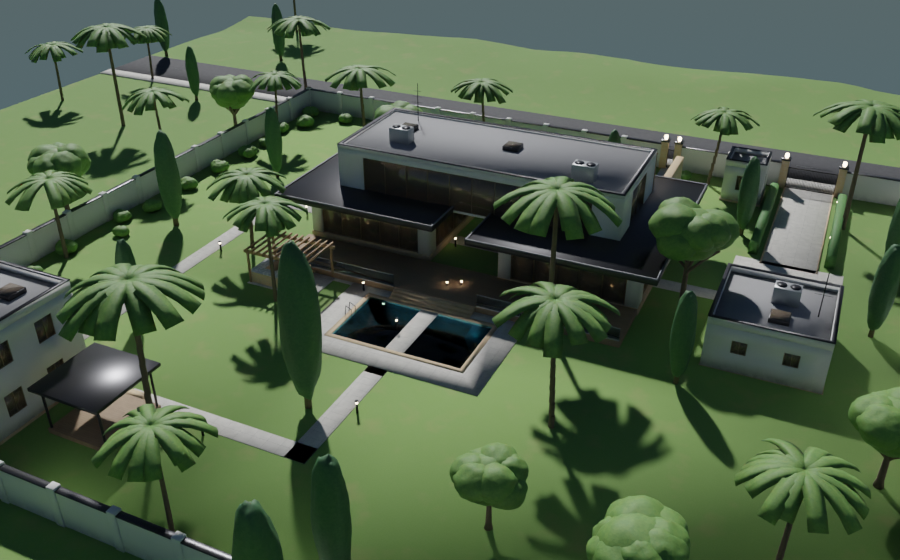
Gates, gardens, pools and a plot that fits.
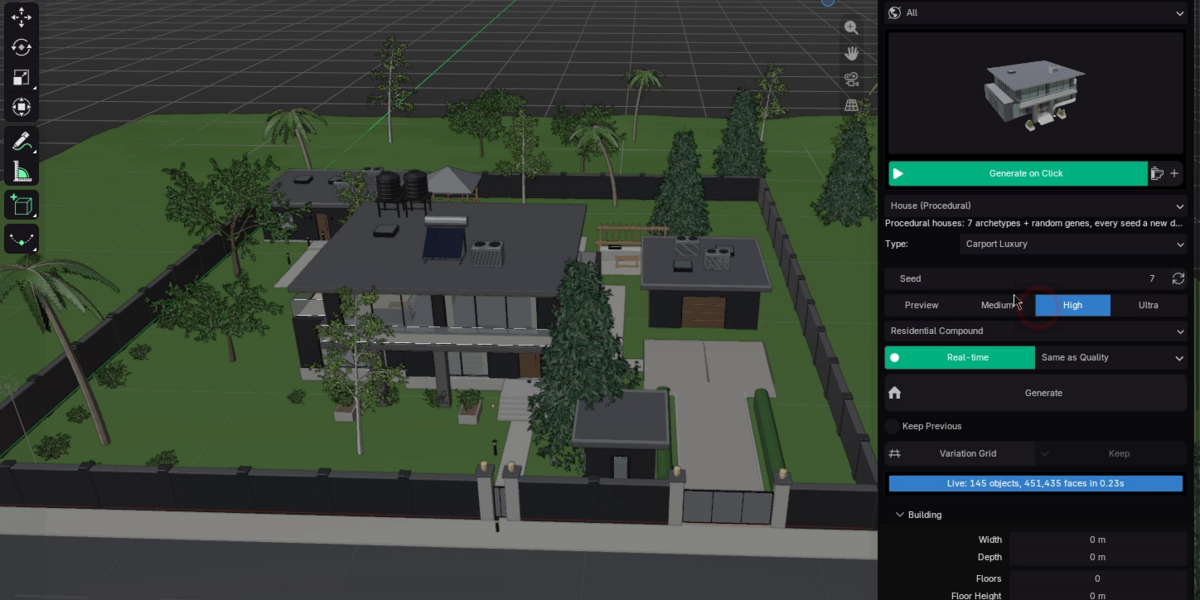
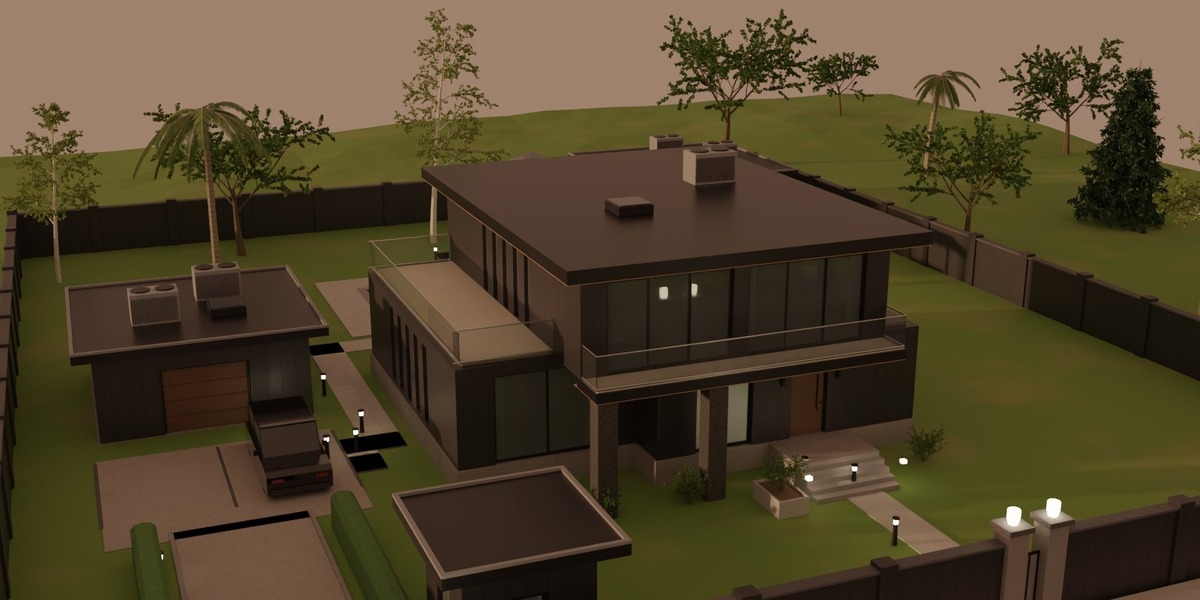
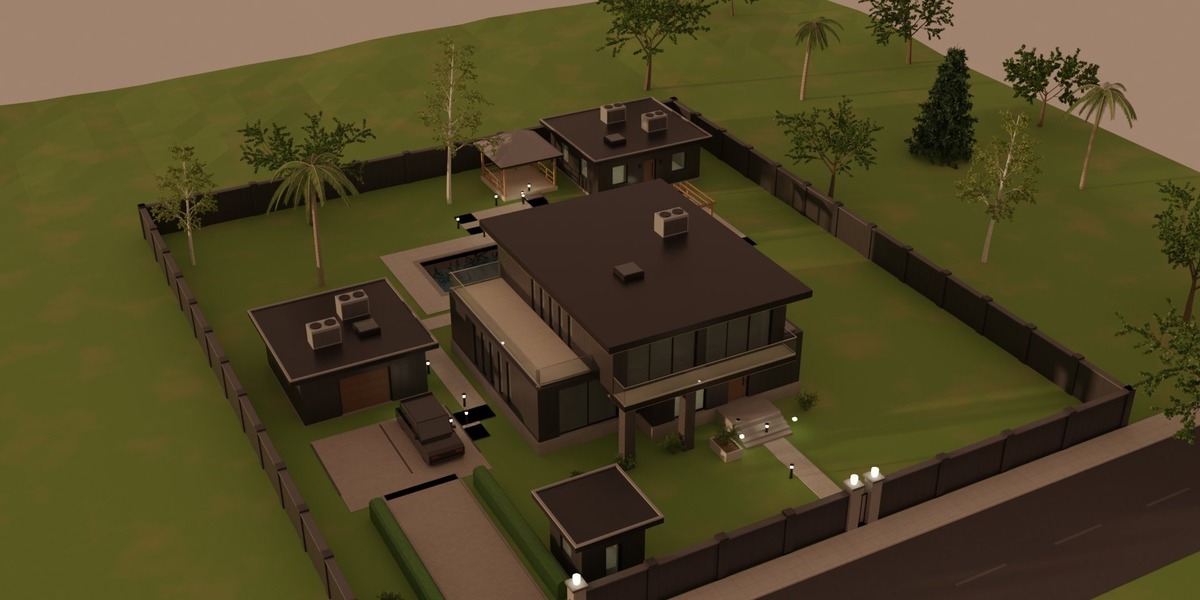
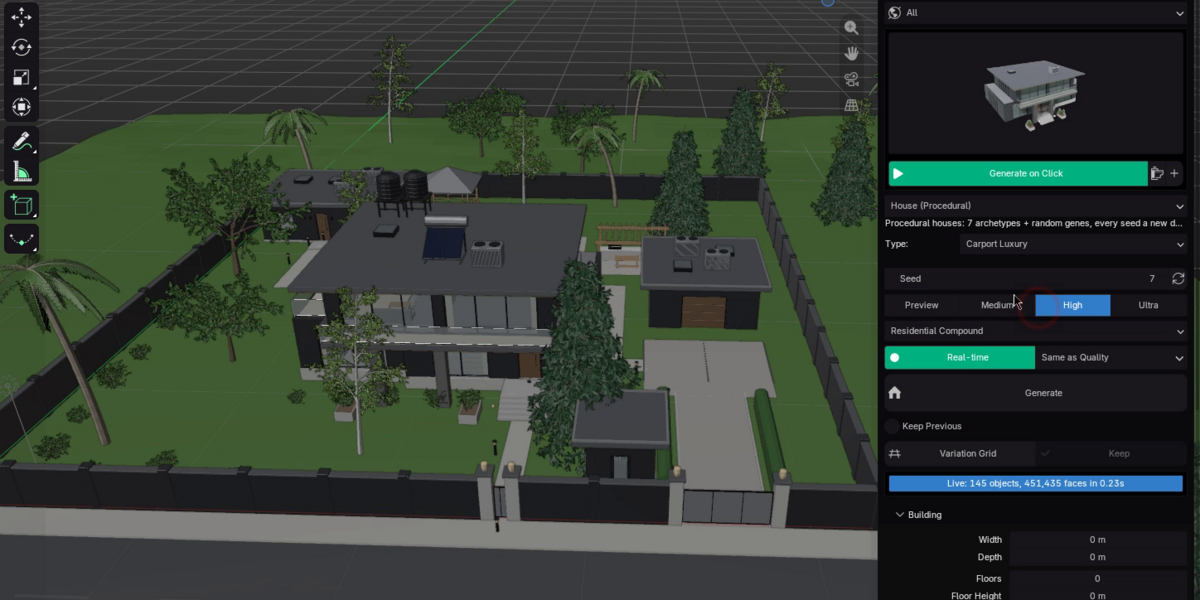
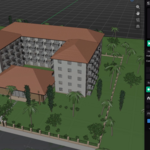
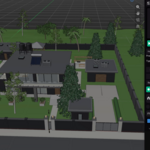
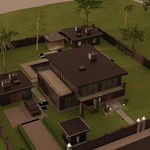
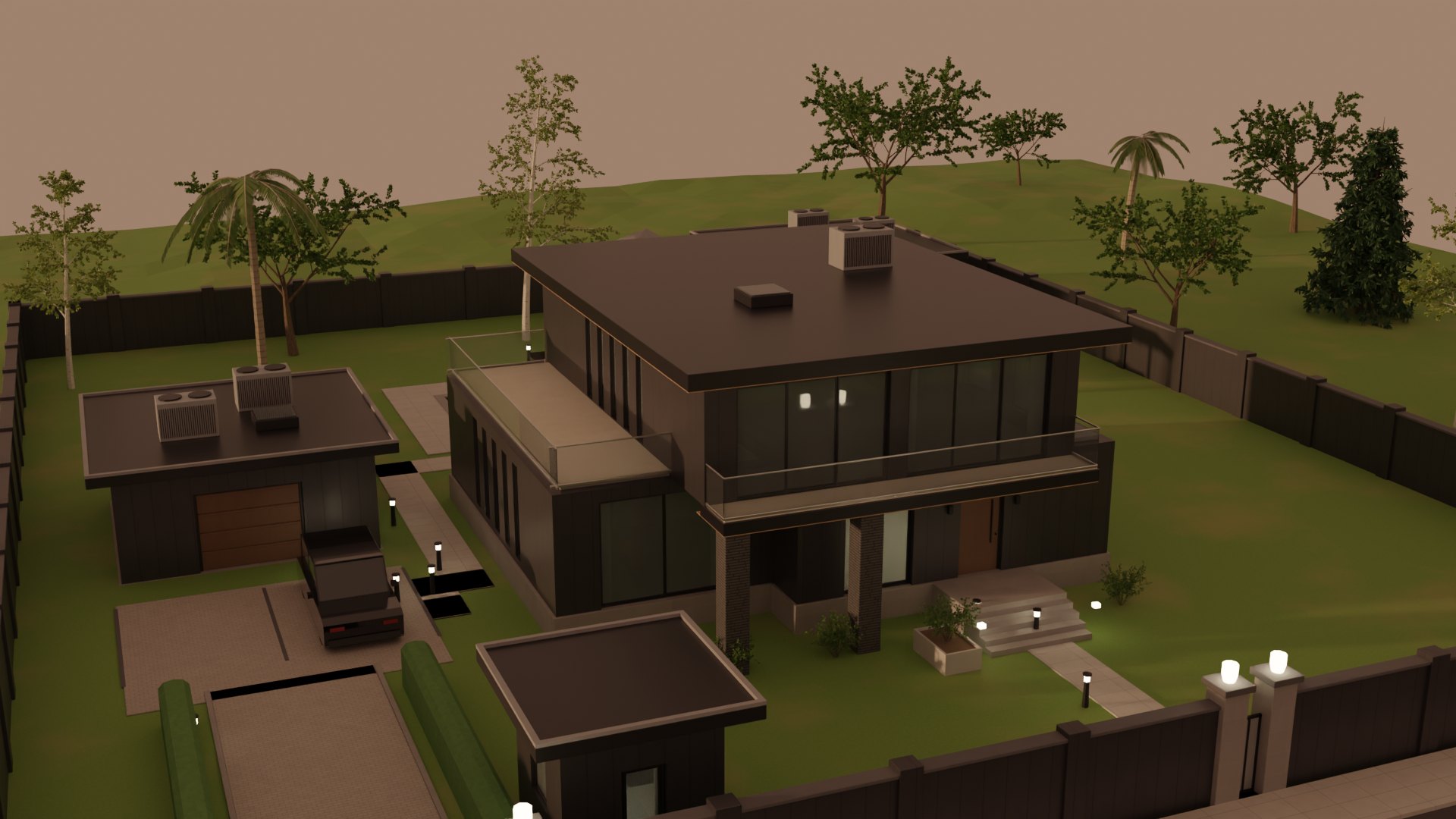
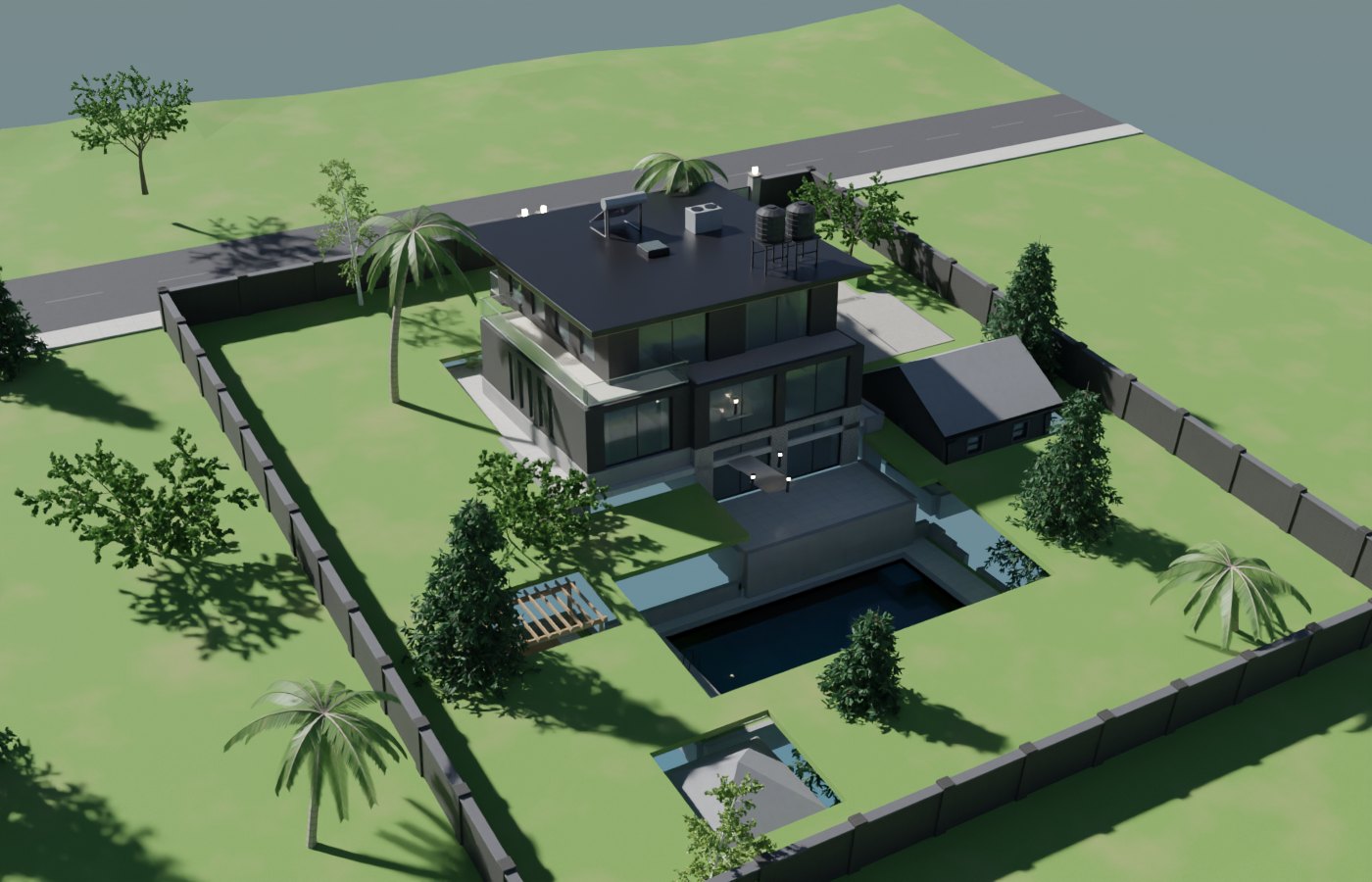
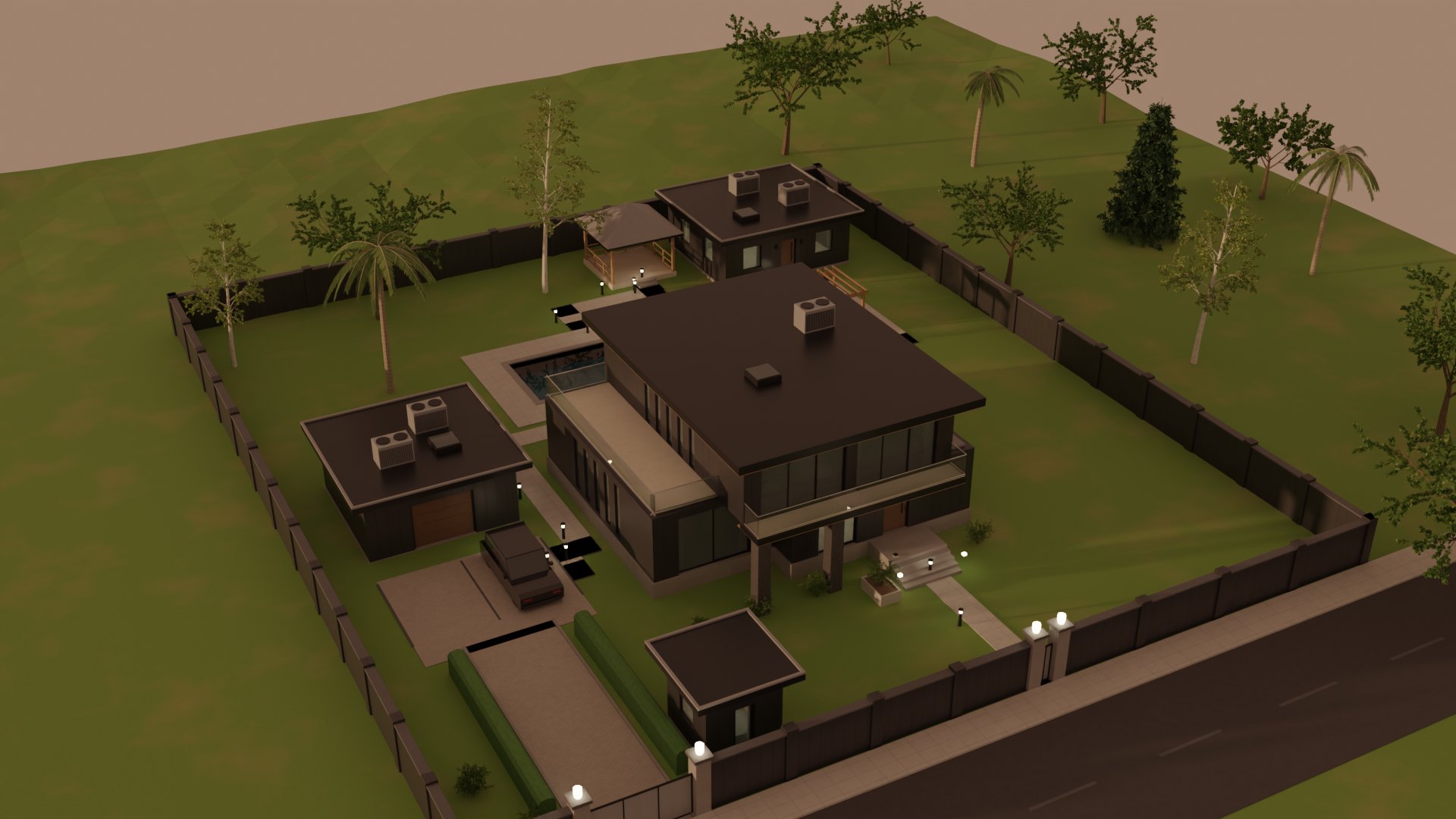
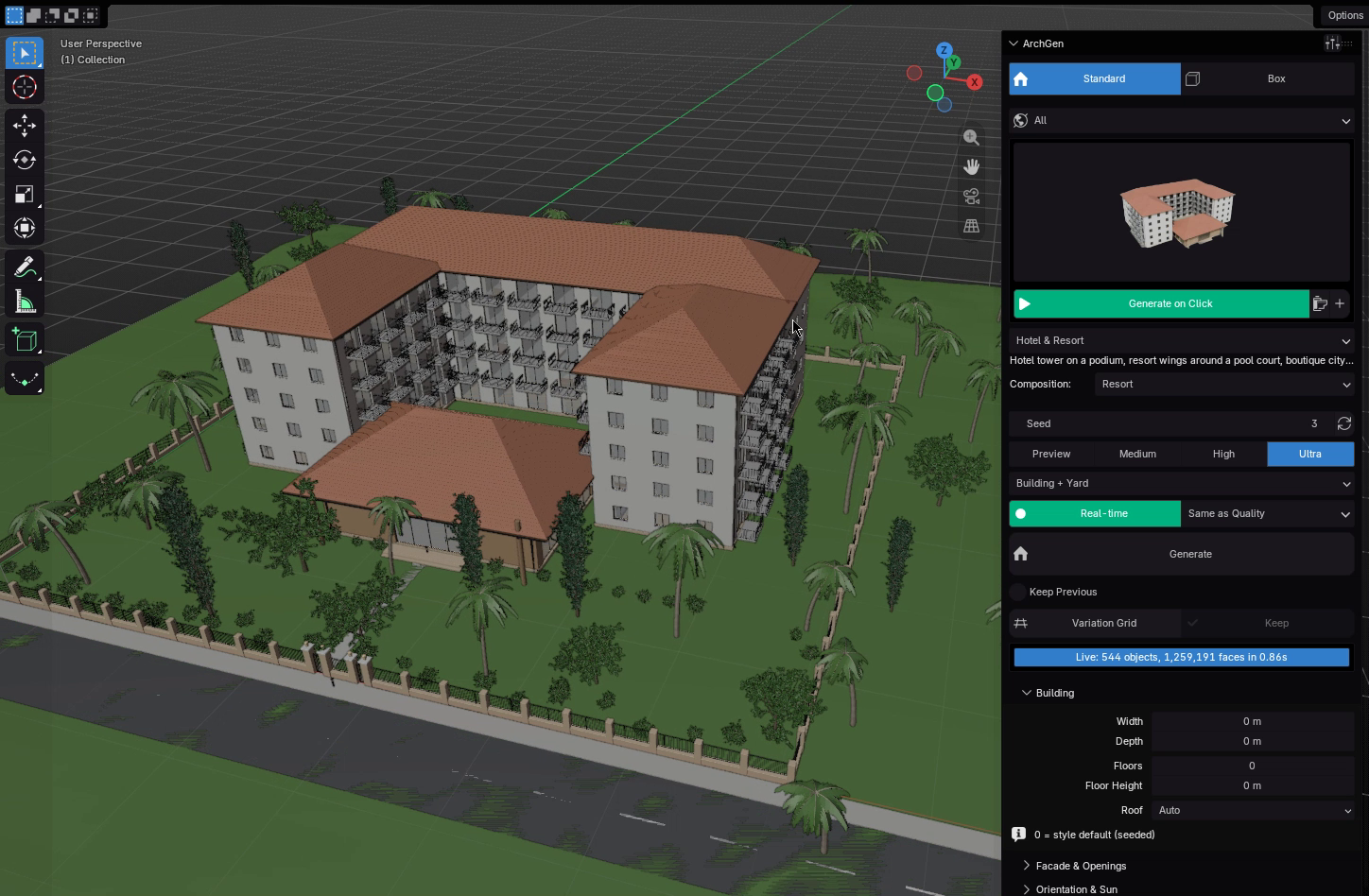
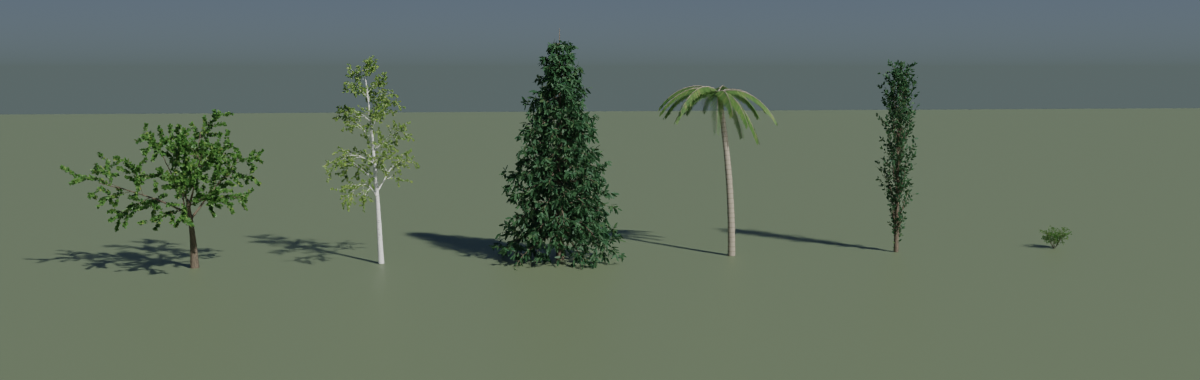
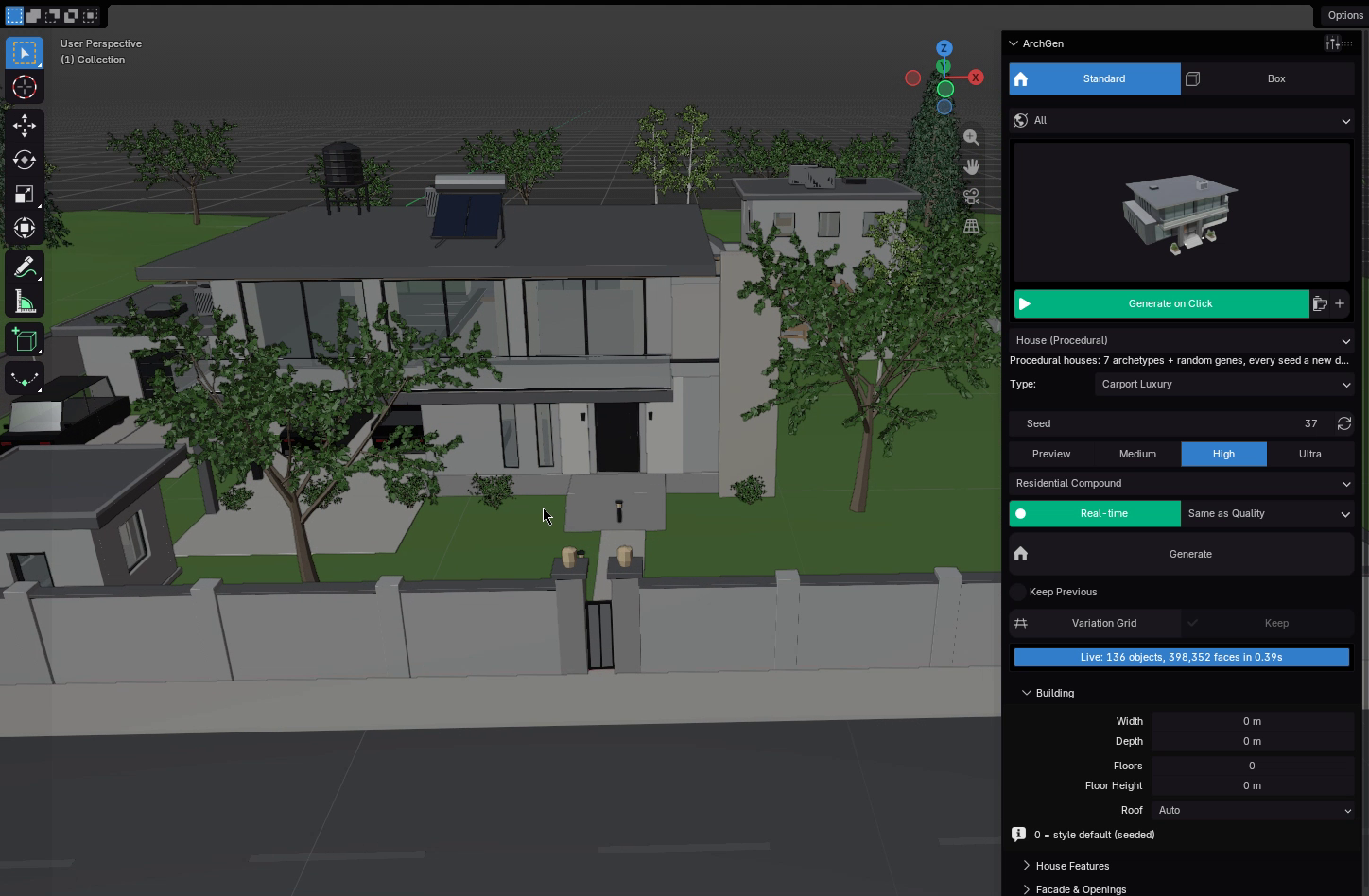
Switch from a single building to a full compound: boundary walls, sliding gates, driveway, walkways that route themselves, trees, pool, gazebo, guest house and cars.
Site
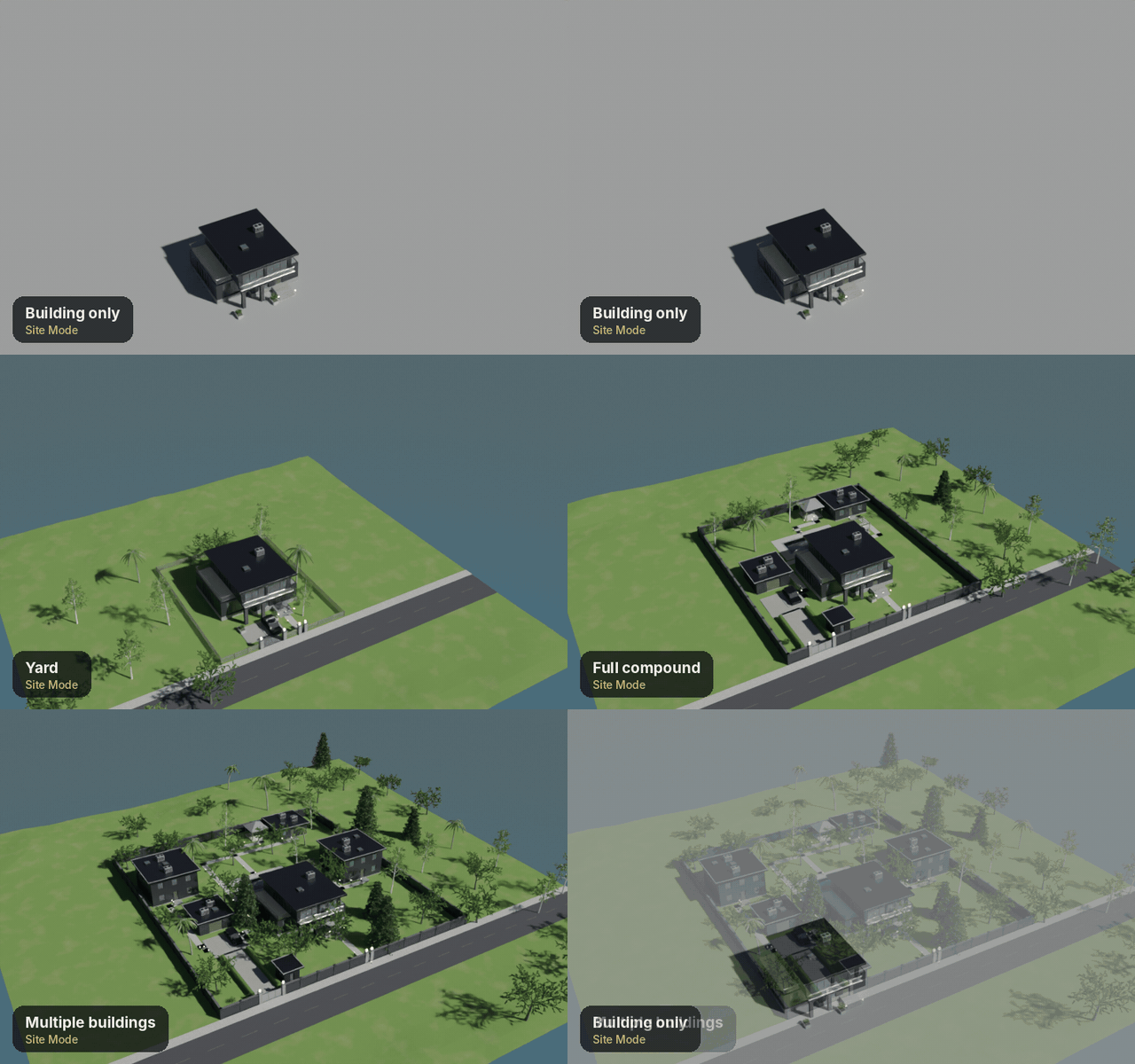
Four site modes
Building only, with yard, full compound or multiple buildings in the same style.
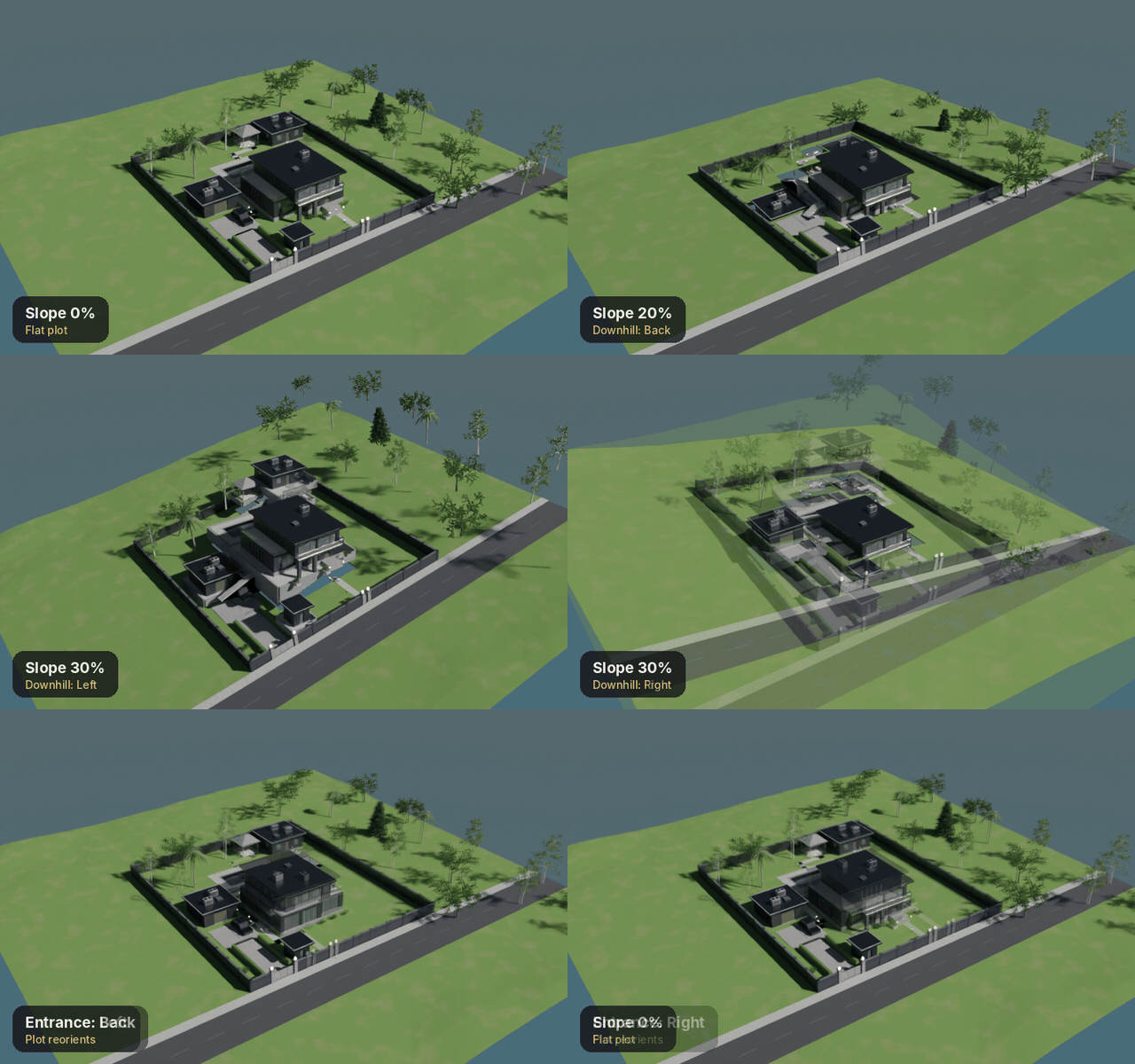
Slope
Hillside plots
Level pads, retaining walls, steps where paths change level and walk-out lower floors.
Orient
Sun & entrance
Rotate, choose the entrance side, use a corner plot and put more glass on the sunny side.
INTERIORS & LIGHTING
Lights on. Somebody lives here.
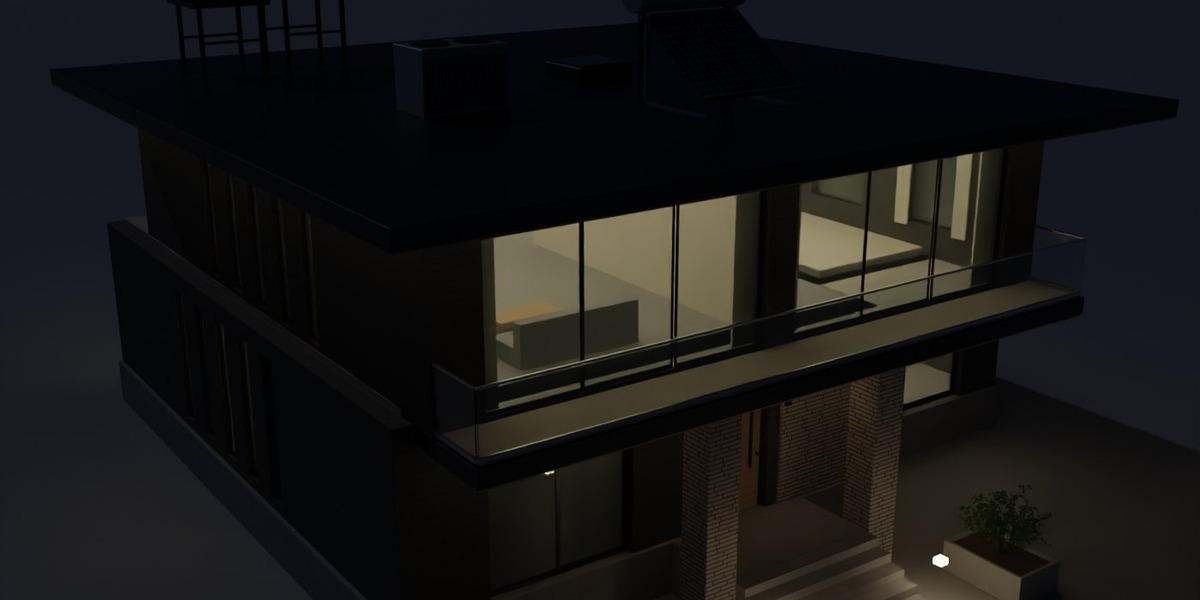
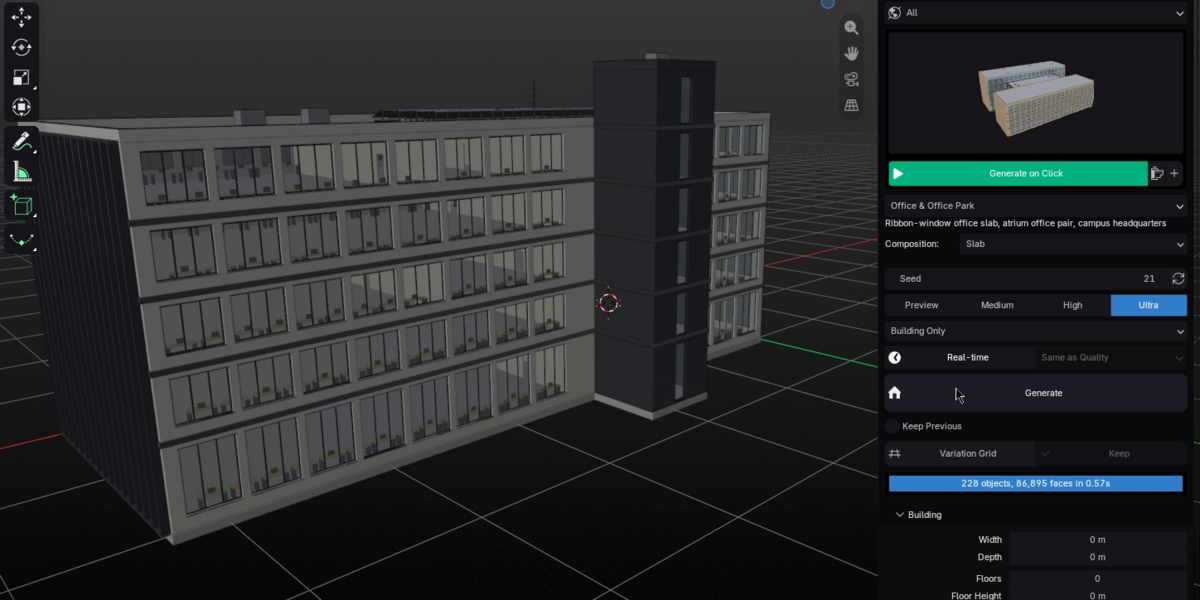
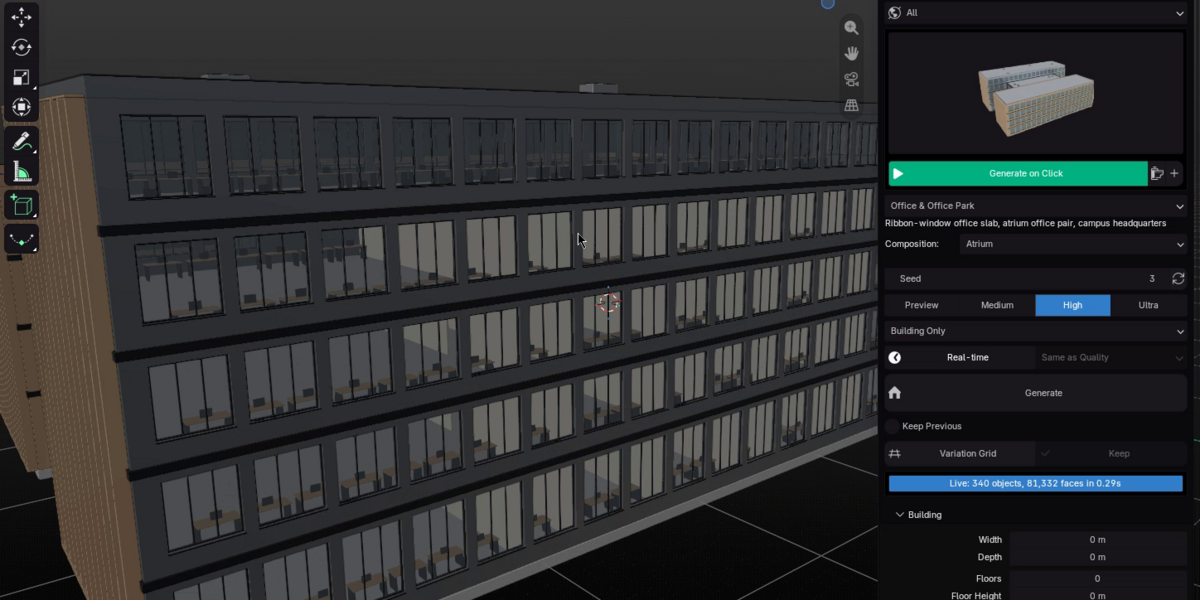
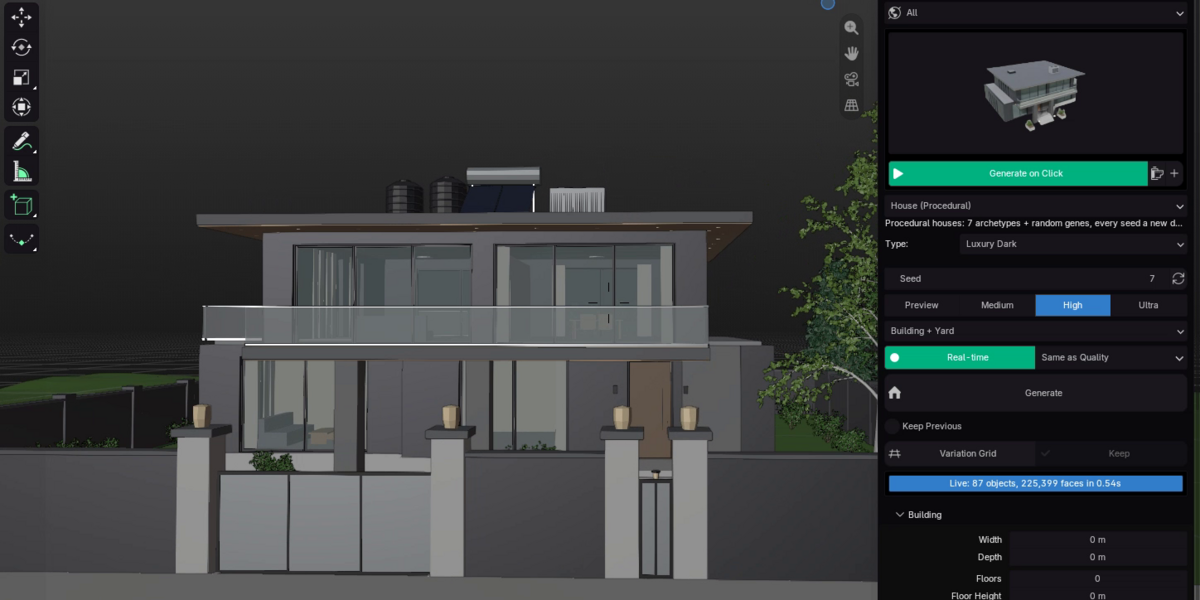
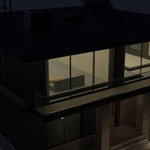
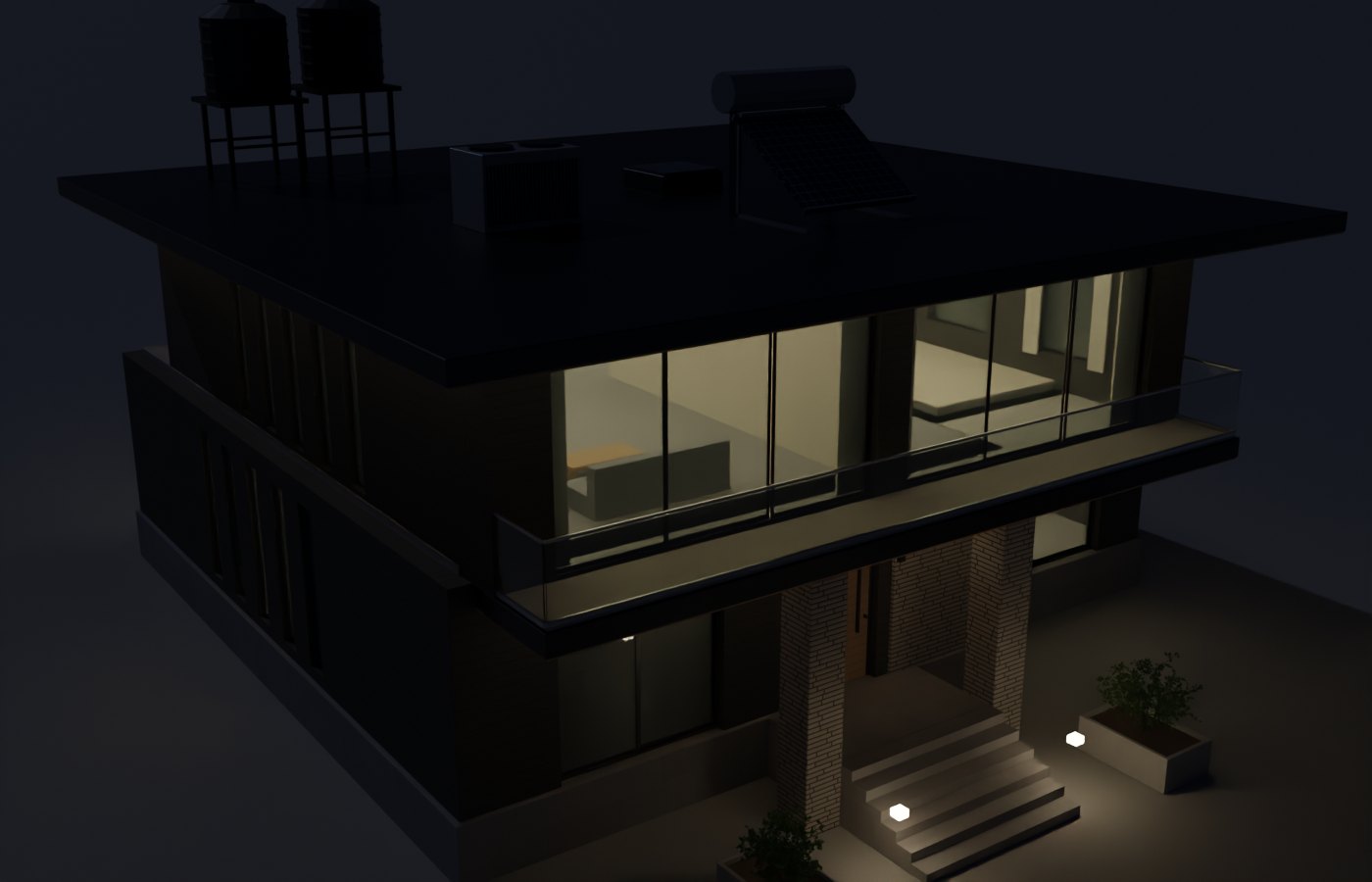
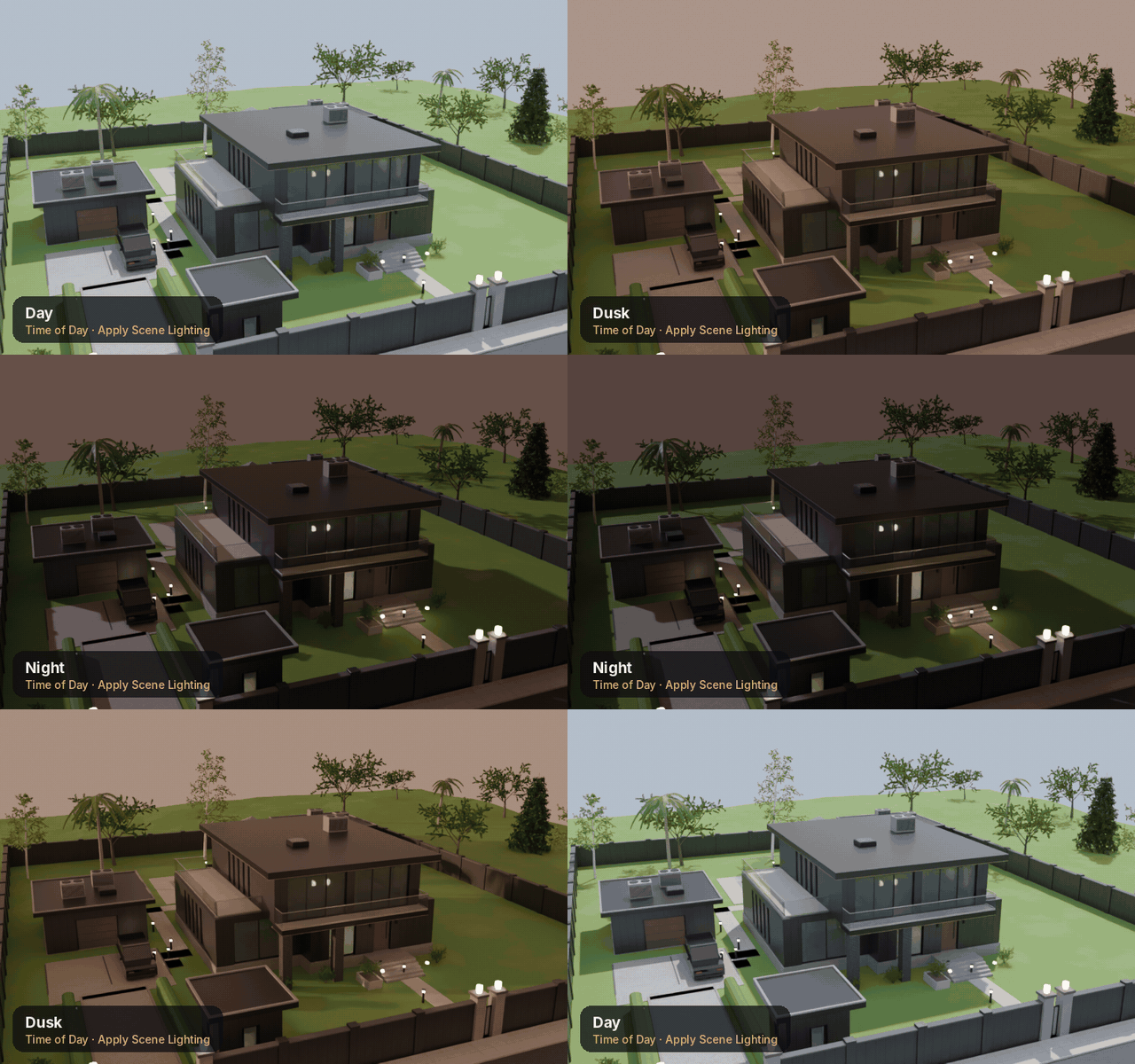
Rooms, ceiling lights, curtains and furniture show through the glass, so windows read as homes and offices instead of dark holes. Switch to dusk or night and the rooms glow.
- ✓Interiors on automatically at High and Ultra
- ✓Day, Dusk and Night with one-click scene lighting
- ✓Rooftop water tanks and solar water heaters
- ✓Sedans, coupes, pickups, vans and minibuses in many colours
MADE FOR REAL WORK
Explore fast. Keep what you love.
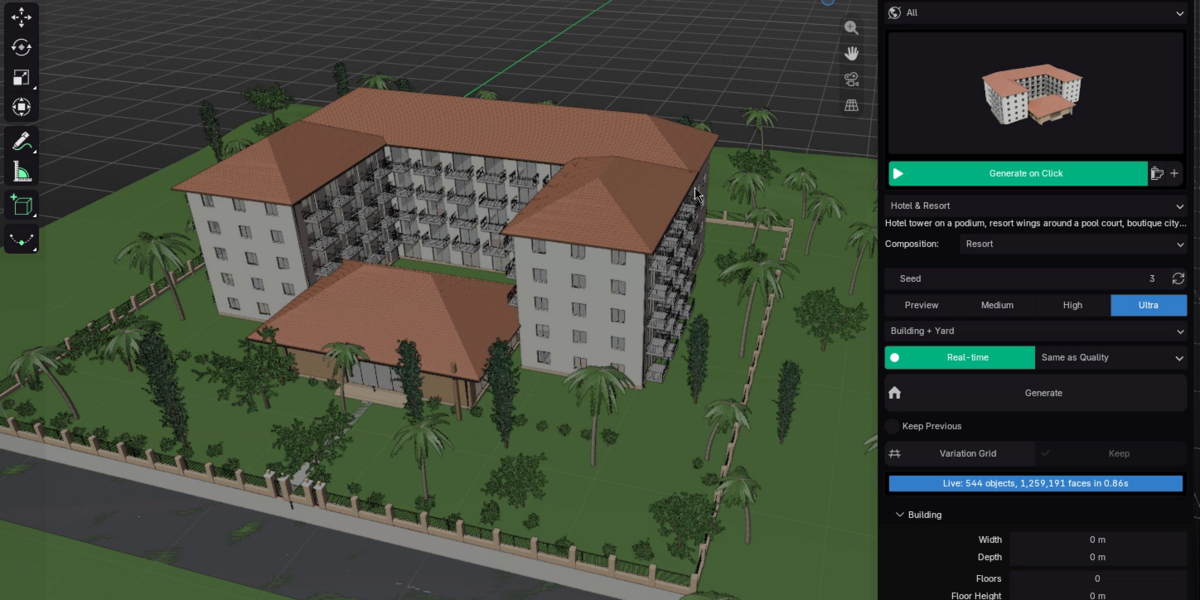
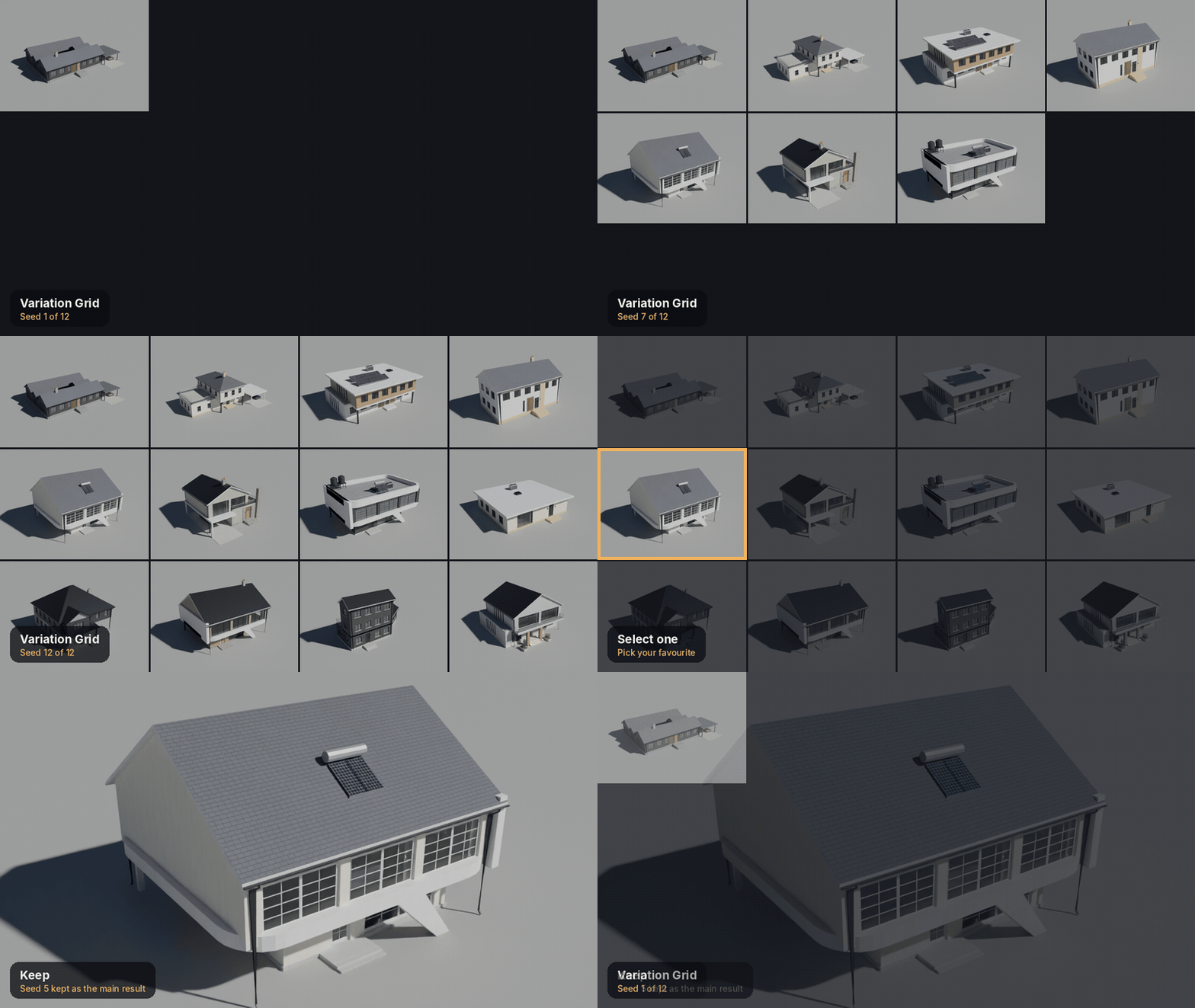
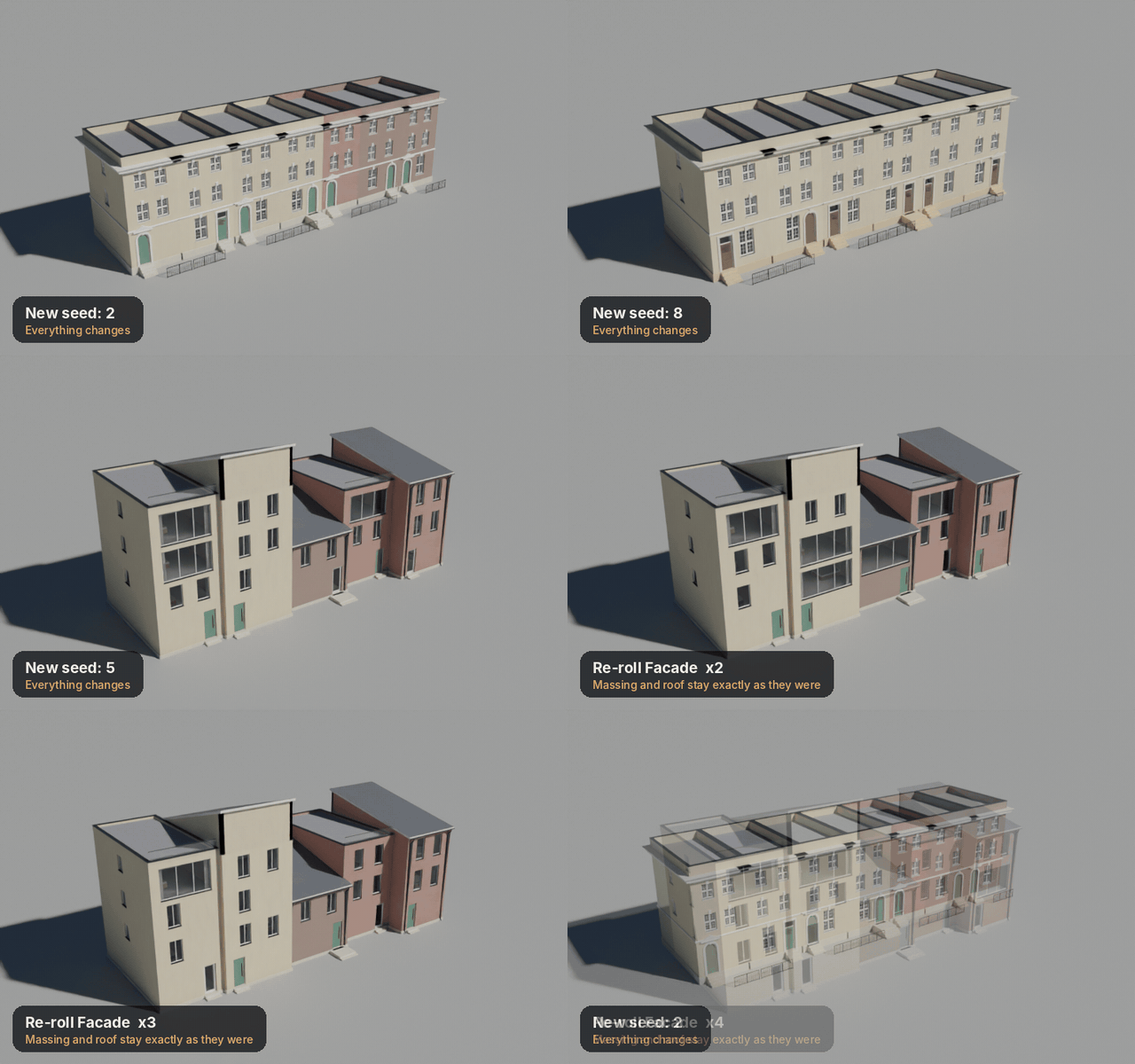
Every result comes from a seed. Lock the parts you like, re-roll the rest, and render the winner at full quality.
01
Deterministic seeds
The same seed and settings always give the same building, on any machine.
02
Component locks
Massing, facade, roof, balconies, details, materials, site, landscape, amenities, outbuildings and interiors each have their own seed.
03
Variation grid
Up to 36 seeds side by side with labels. Keep one to rebuild it at full quality.
04
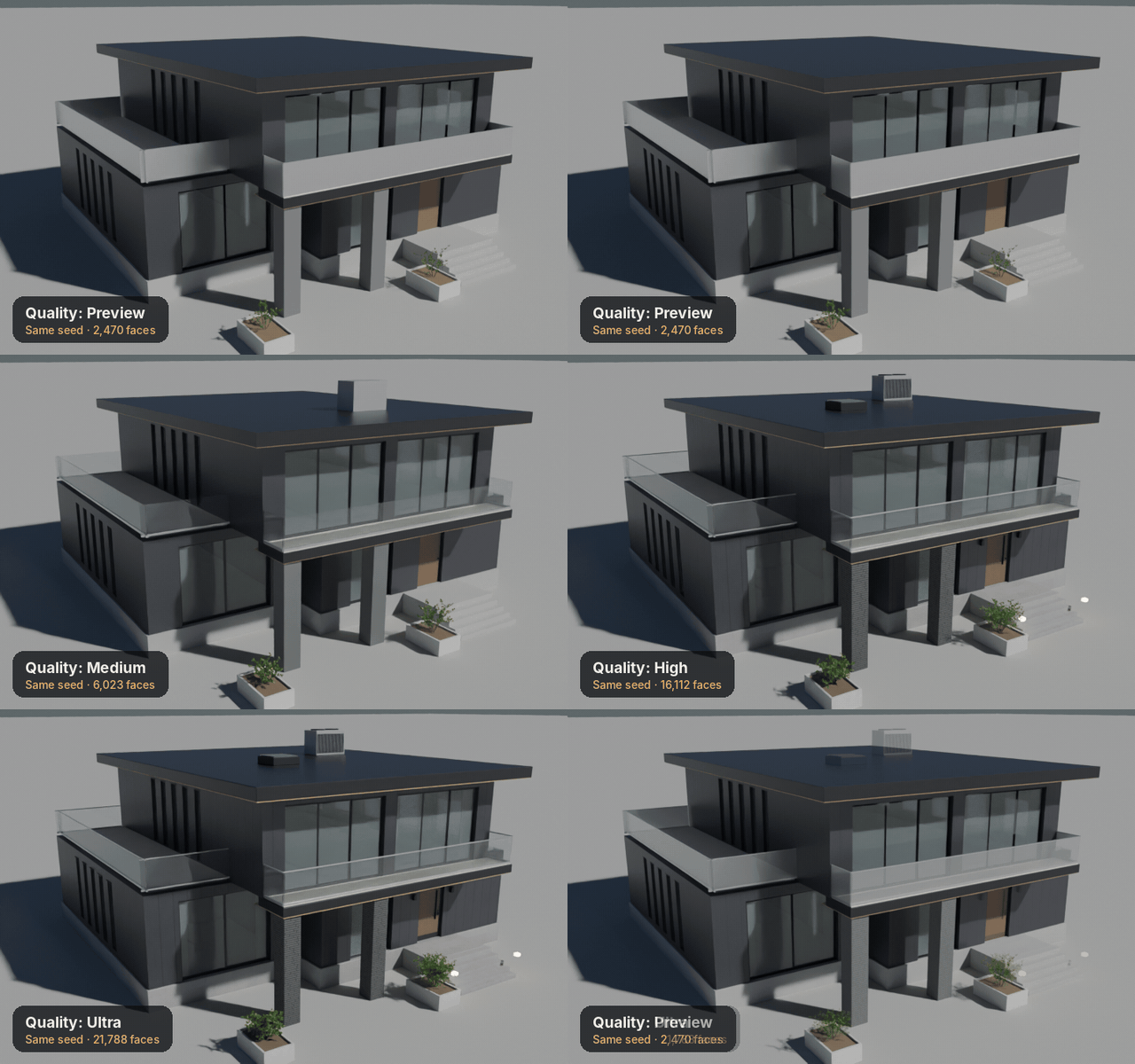
Four quality levels
Preview, Medium, High, Ultra change the real geometry and materials, not just the subdivision.
05
Never freezes
Generation is time-sliced with a progress bar. Press Esc to cancel at any point.
06
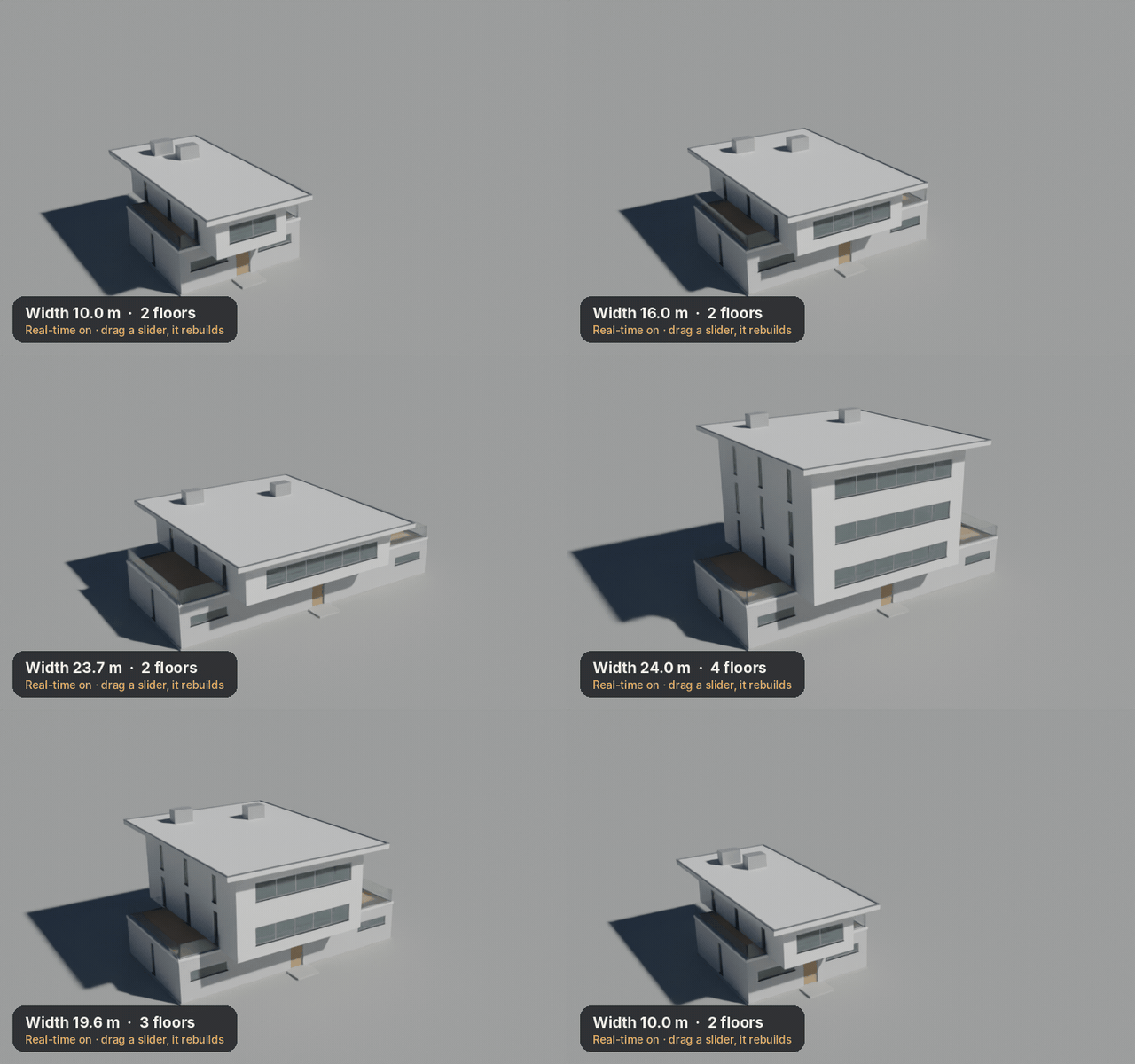
Real-time mode
Tick one box and the building follows your sliders, debounced to stay smooth.
PROCEDURAL PBR
81 materials you can actually edit.
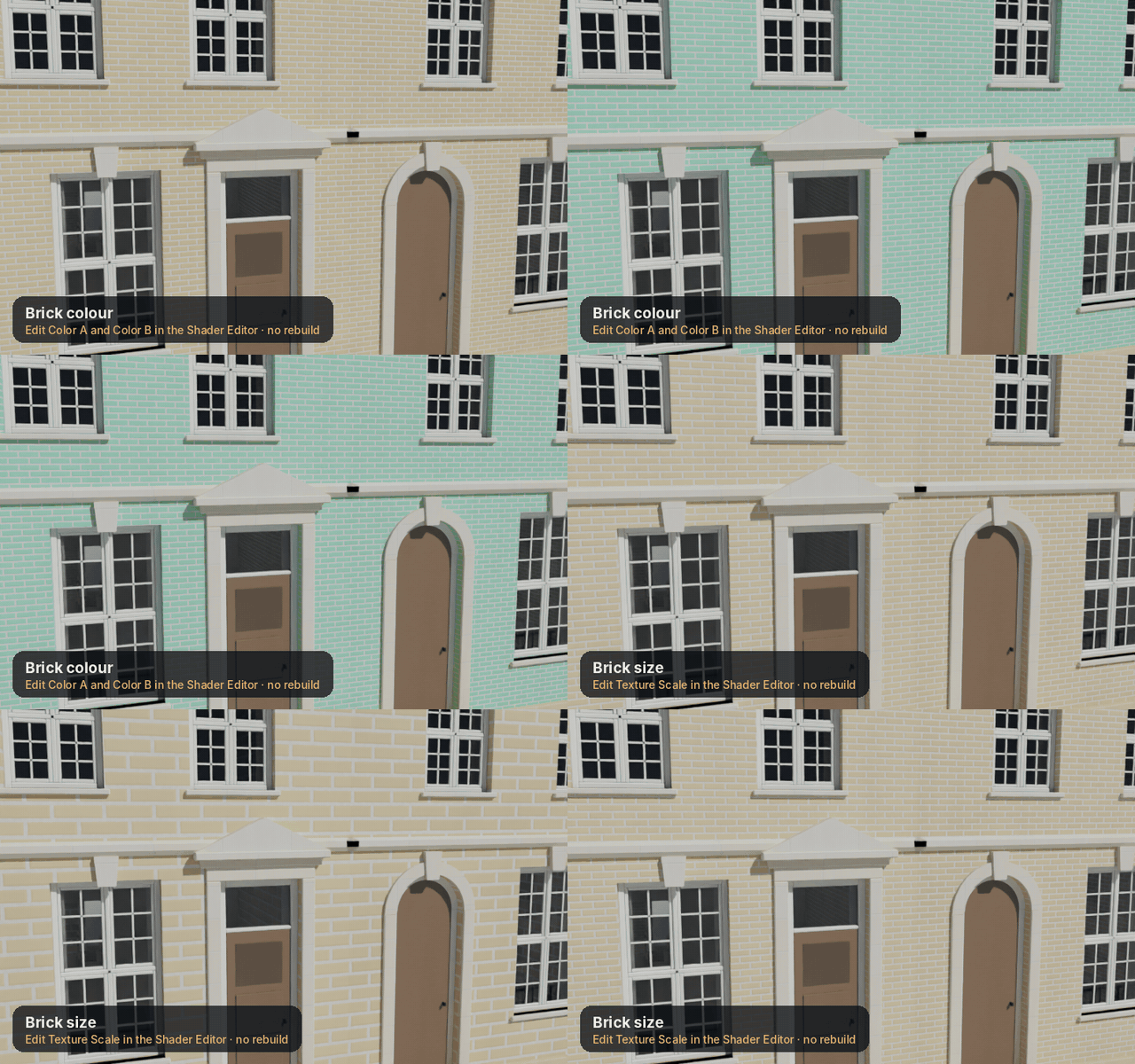
Brick, stone, concrete, plaster, timber, metal, seven kinds of glass, tiles, thatch, water and foliage. Every material has an ArchGen Controls frame in the Shader Editor for colour, scale and roughness.
ULTRA DETAIL
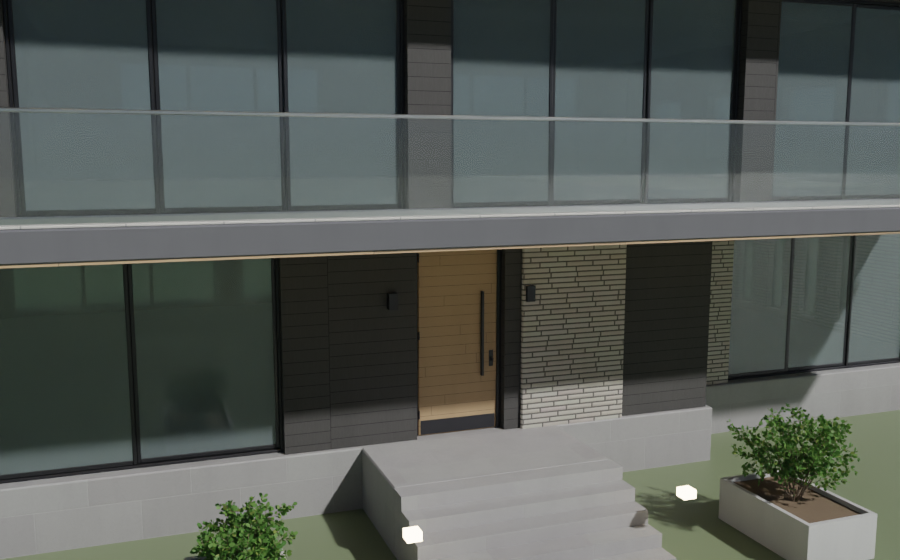
Zoom in. It holds up.
Ultra adds glazing bars, mouldings, tile courses and full material node trees. Preview stays light so you can explore hundreds of seeds first.
EVERYTHING ELSE
Yours to edit, script and extend.
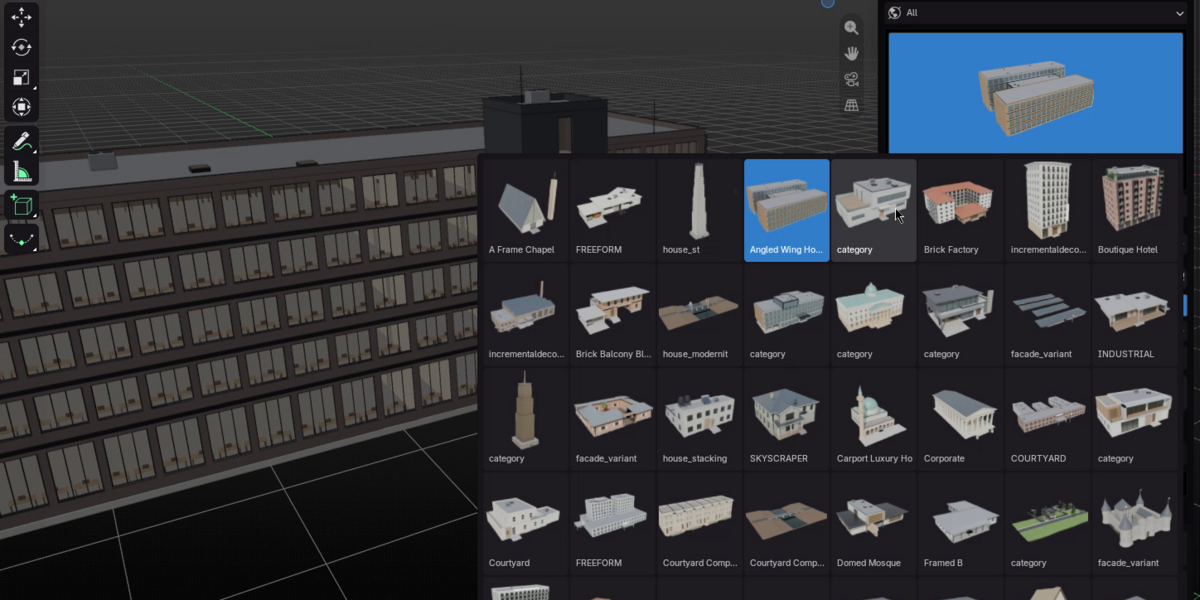
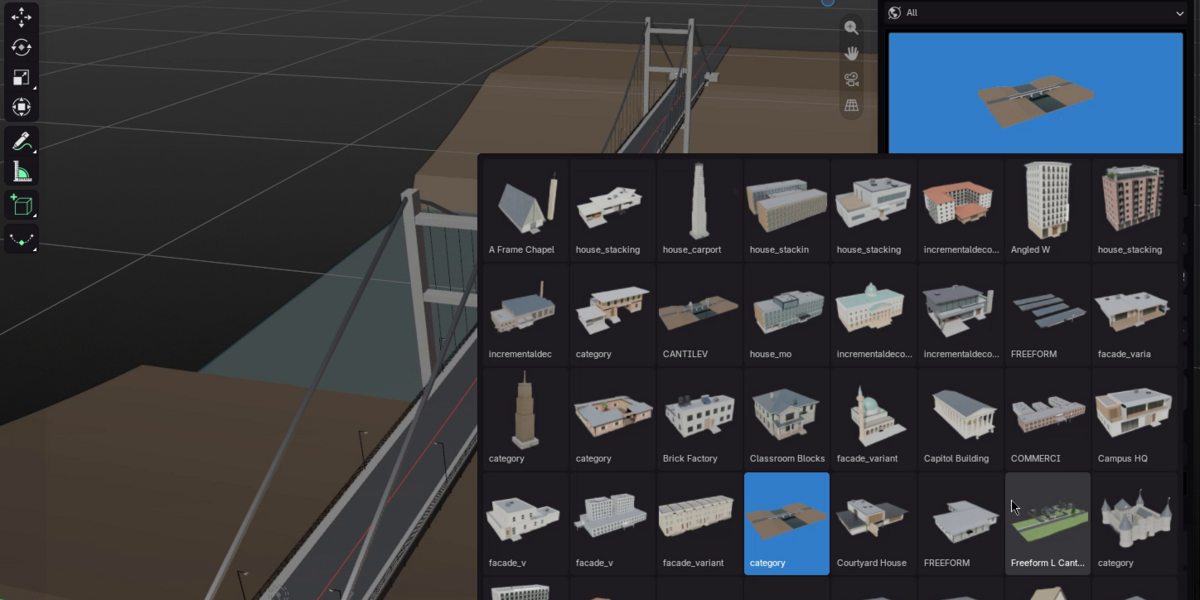
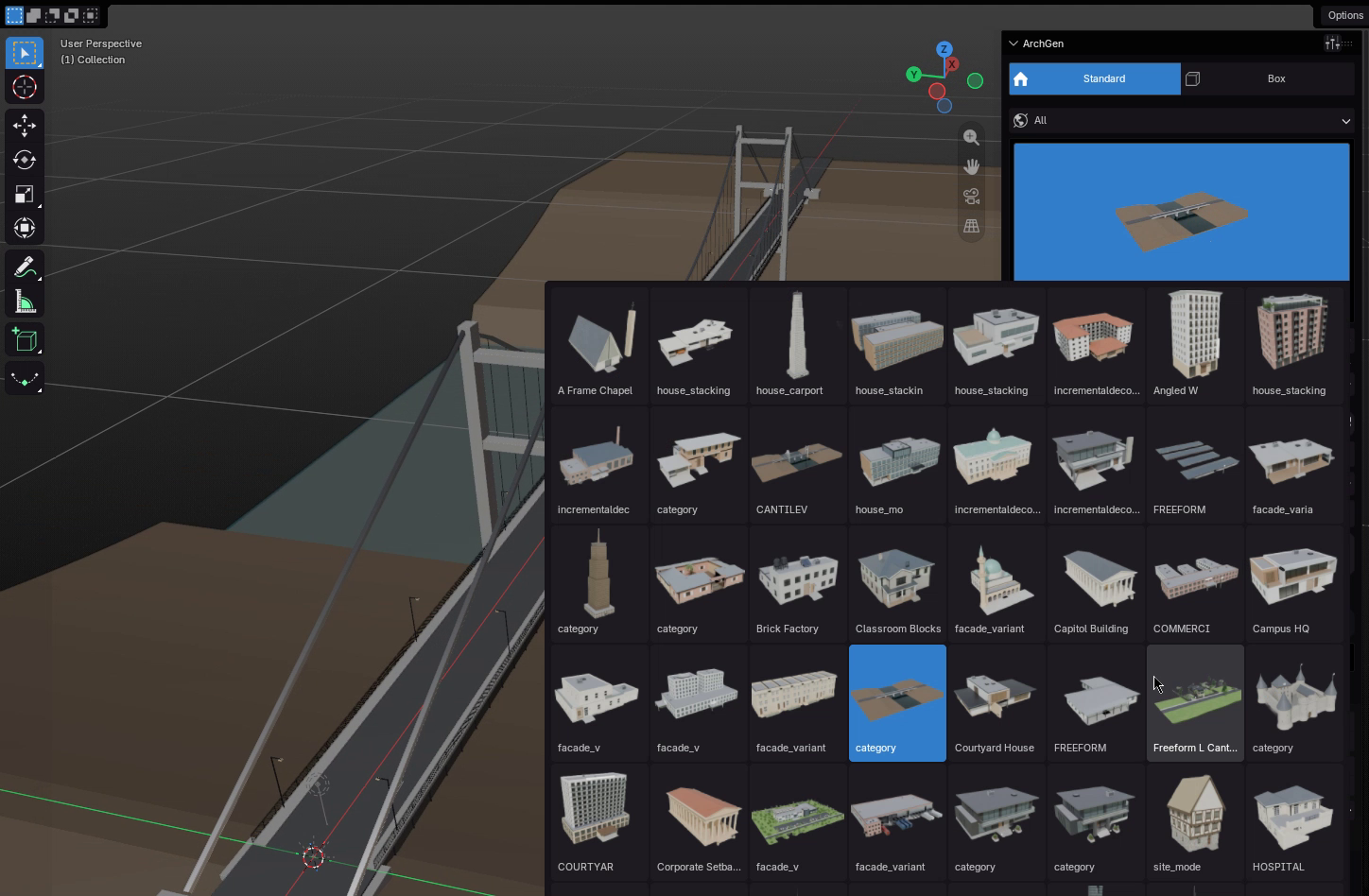
Presets
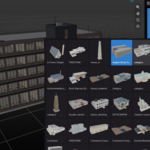
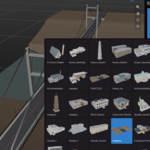
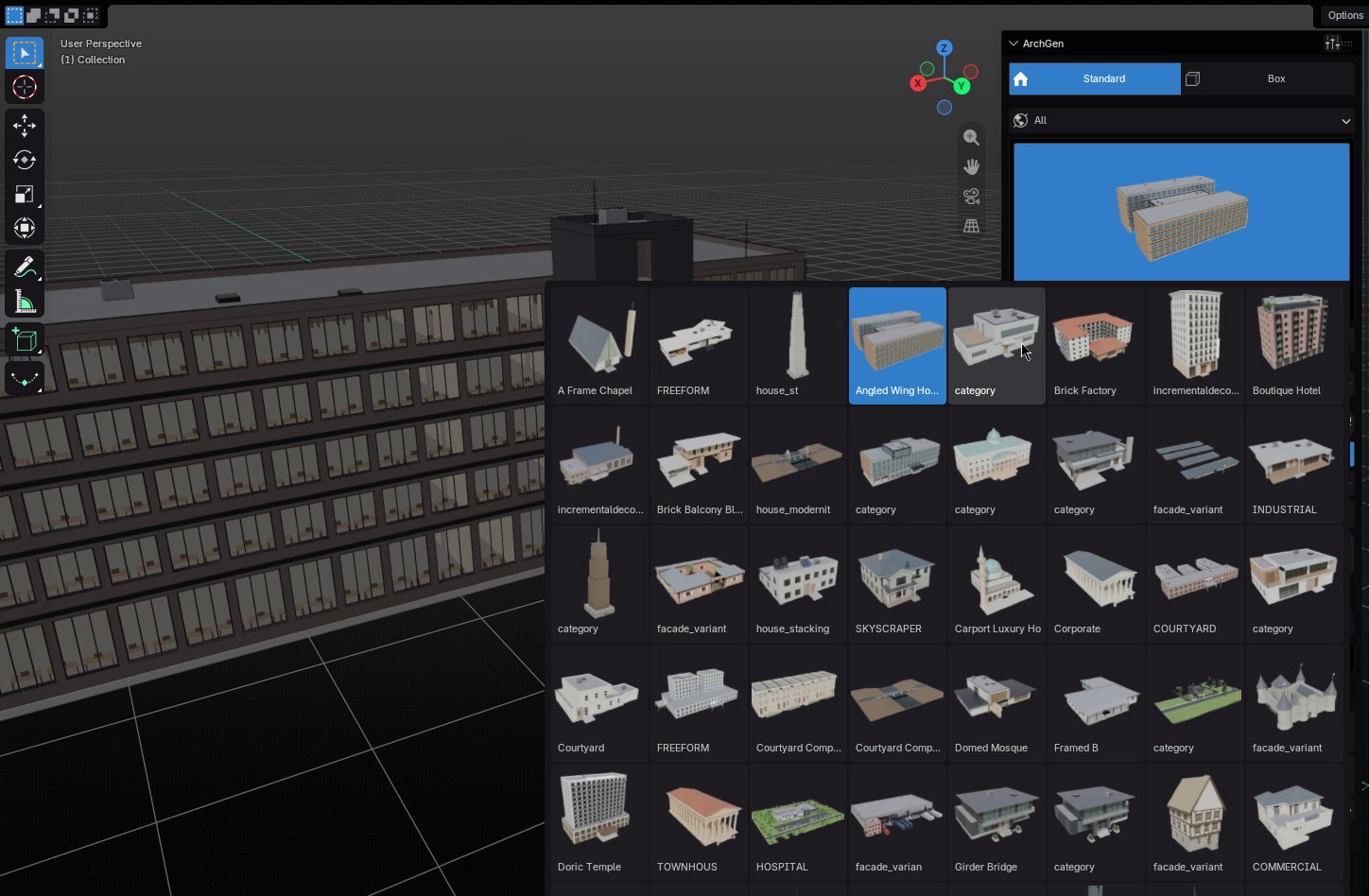
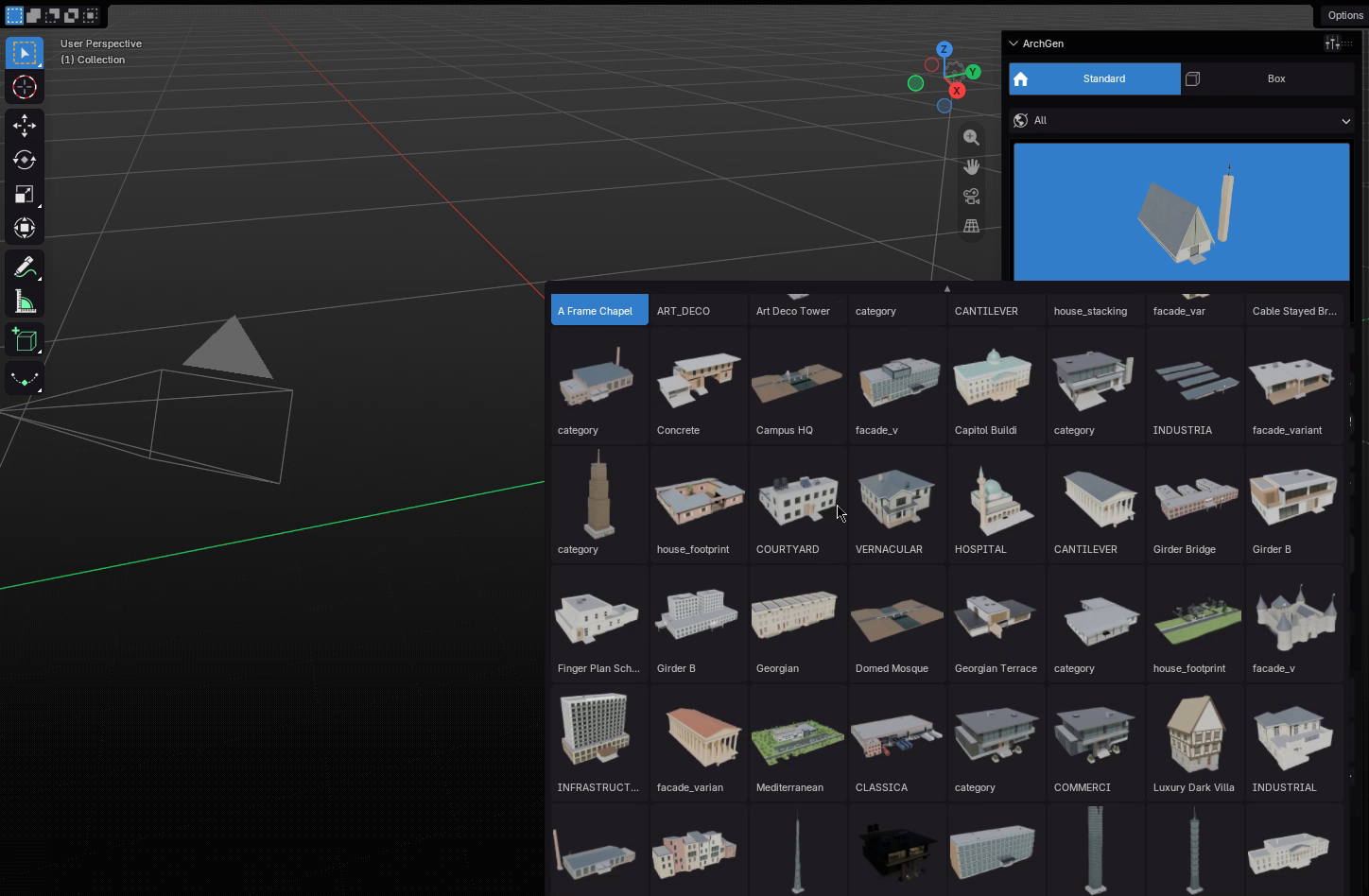
75 presets with thumbnails
Browse by category in a visual preset menu and save your own.
Editing
Clean, organised output
Collections per building and component. Identical parts share mesh data, so editing one window edits them all.
Swap
Replace instances
Swap any generated part for your own model and keep the layout.
Protect
Detach for editing
Hand-edited objects are protected from regeneration.
Script
Python API
Every control is a property. Call bpy.ops.archgen.generate() from your own tools.
Speed
Rust kernel
Heavy geometry runs in a bundled native kernel. A 300k-face compound builds in under a second.
GET STARTED
Installed in under a minute.
Install the zip and you're done. The native kernel ships inside the add-on.
Install
Edit › Preferences › Get Extensions › Install from Disk, and choose the ArchGen zip.
Open the panel
In the 3D Viewport press N and open the ArchGen tab.
Generate
Pick a preset and press Generate. Explore in Preview, finish in High or Ultra.
Blender
4.2 LTS and newer
Platform
Any OS
Version
1.0.0
Docs
Full user guide included
