 Matronius



Hi, Gio from Matronius here.
You've built a character in Blender, with the rig, the weights and the materials all set up. Then you take it into DAZ Studio through FBX, and the armature is broken, the materials look wrong and the animation is gone. That's a few hours of cleanup per character. I built this plugin so you don't have to do that.
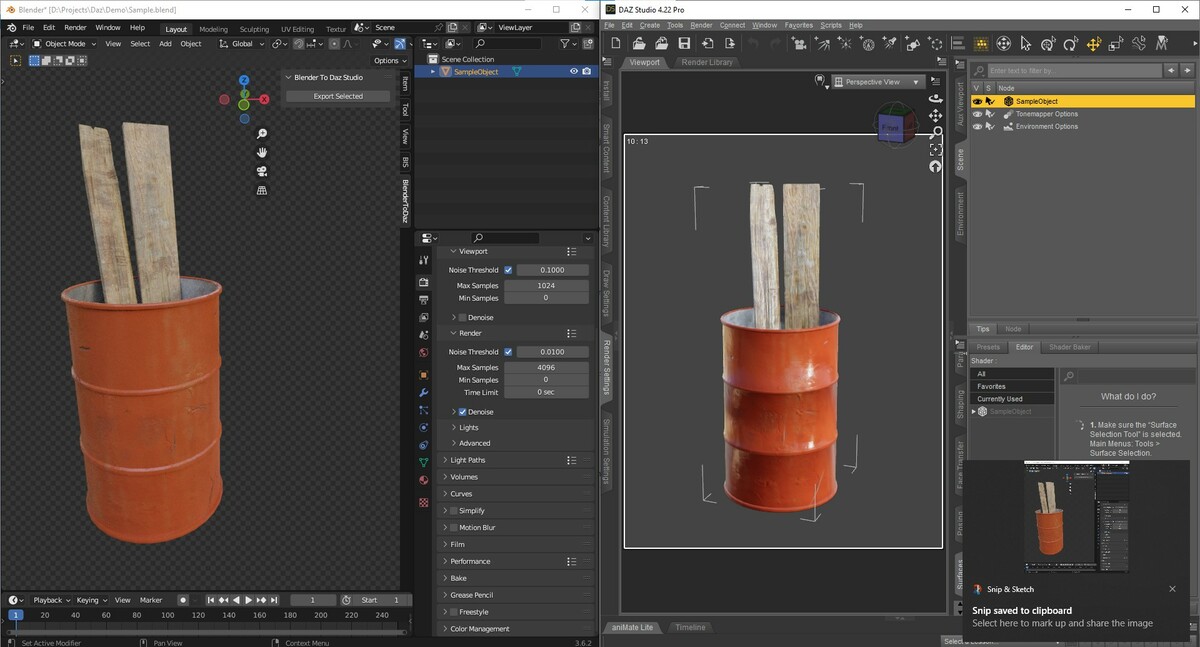
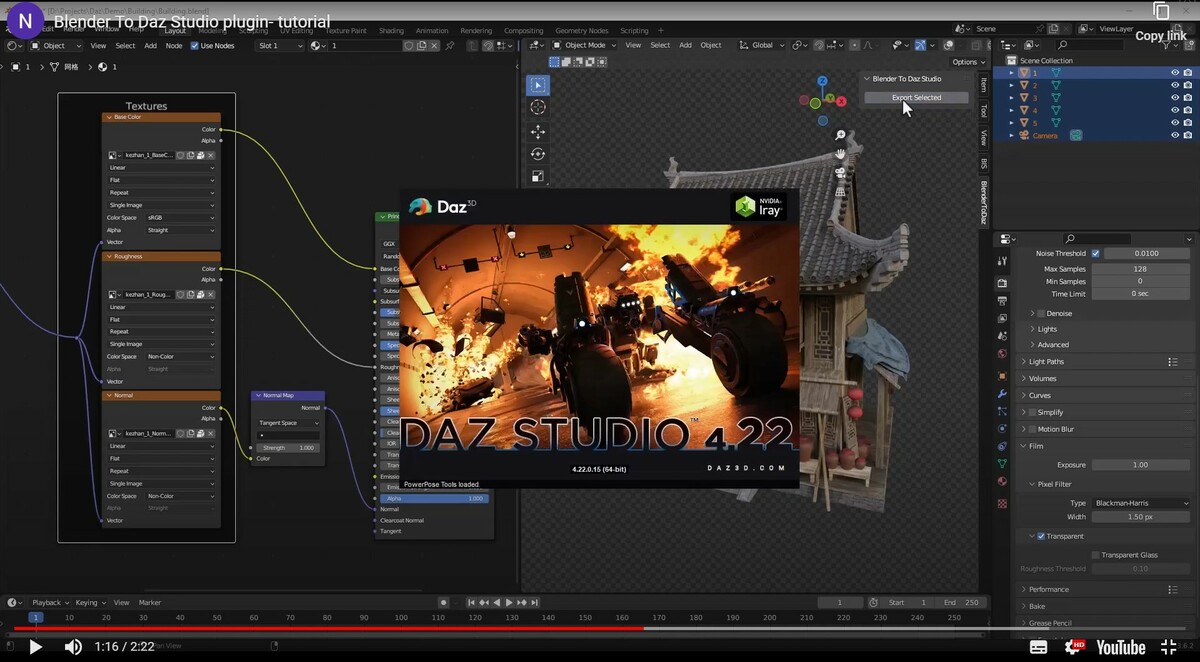
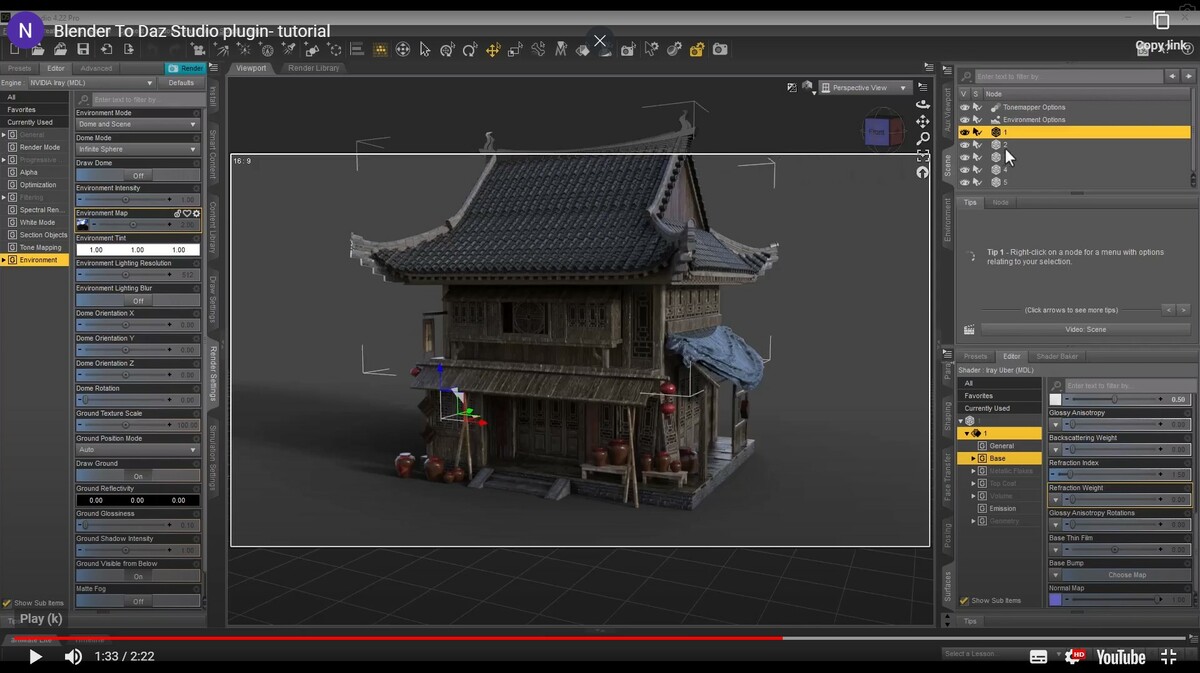
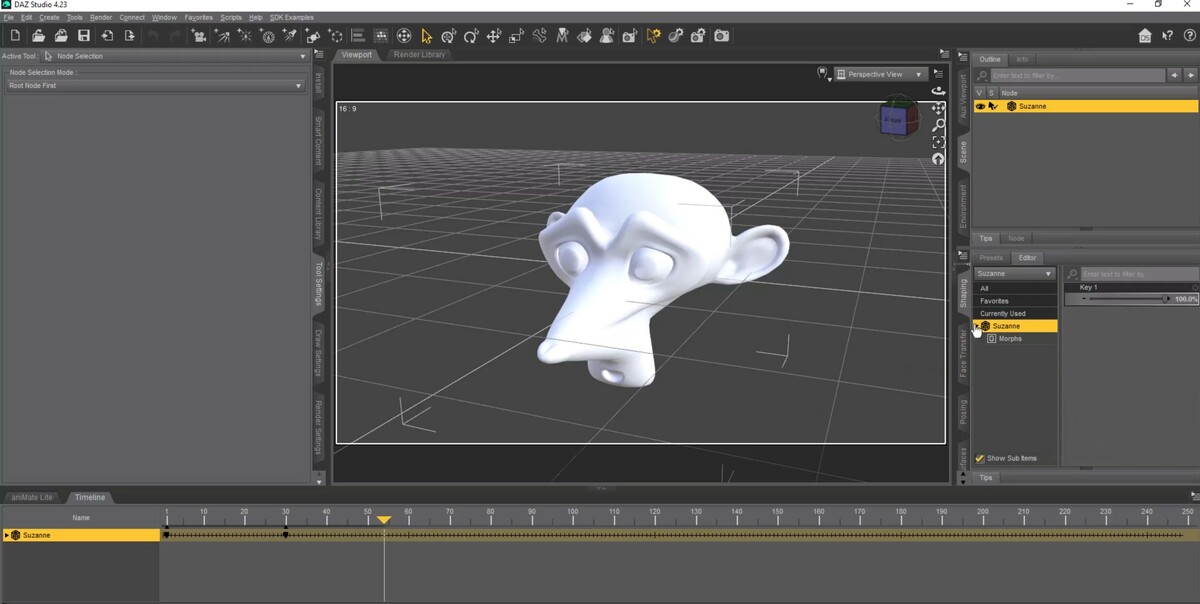
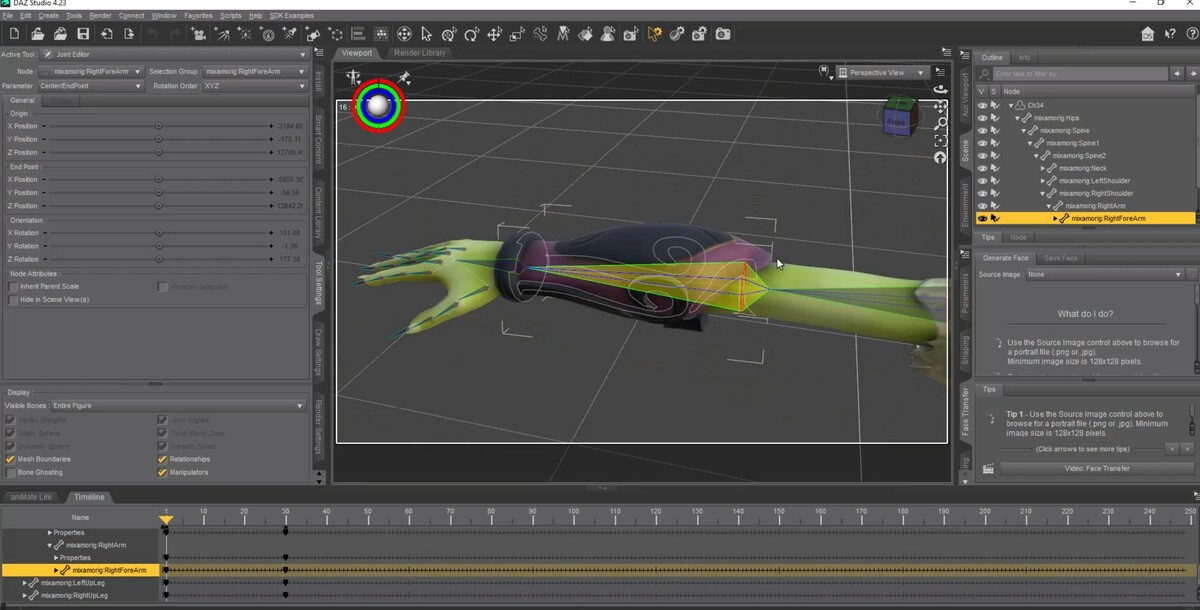
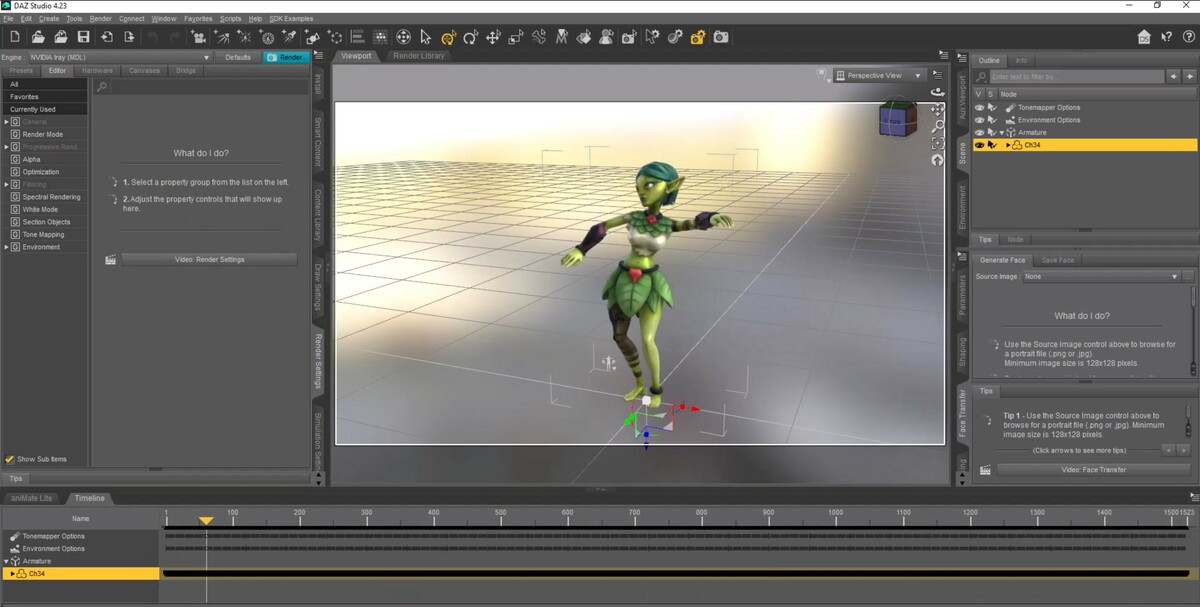
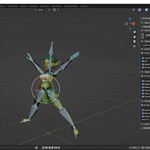
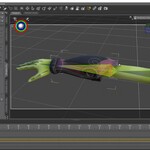
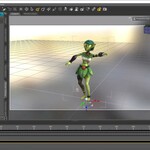
You export from a panel inside Blender, DAZ Studio opens, and your model arrives with its rig, weight maps, shape keys and materials already set up for Iray. As far as we know, nothing else does this job.
HOW IT WORKS
- Build your model in Blender, with any custom rig.
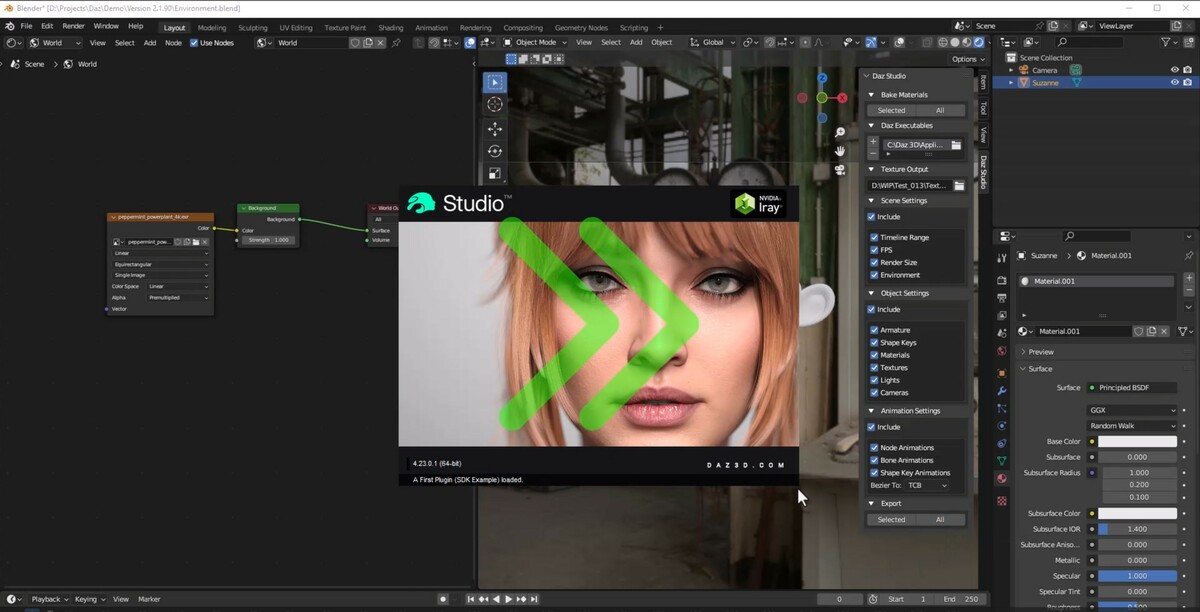
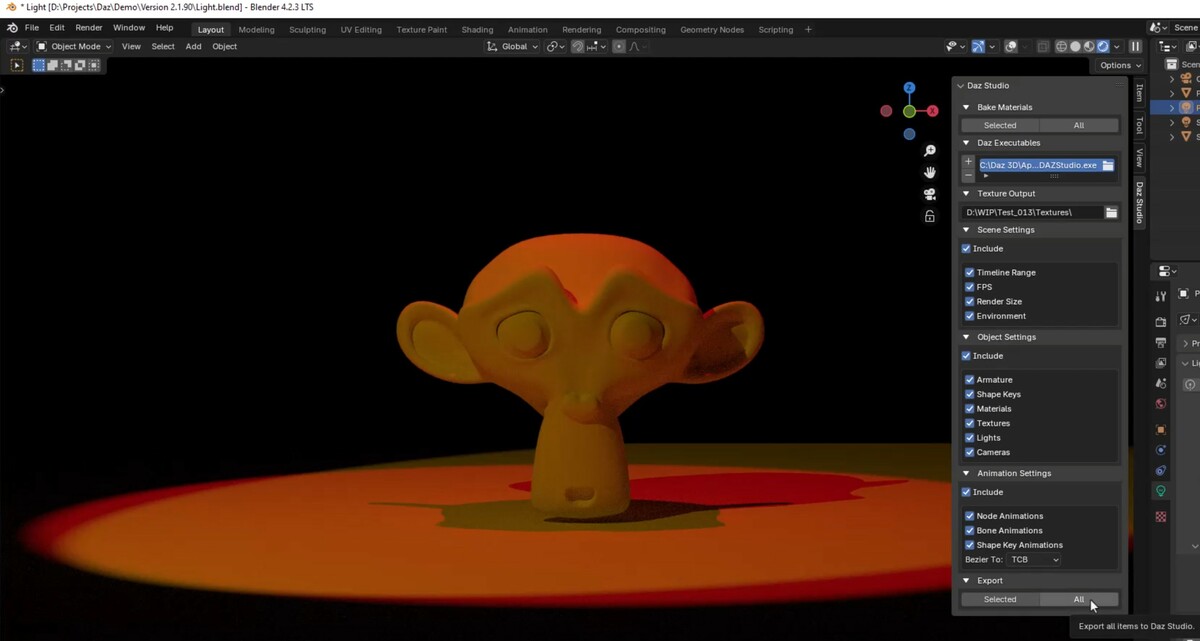
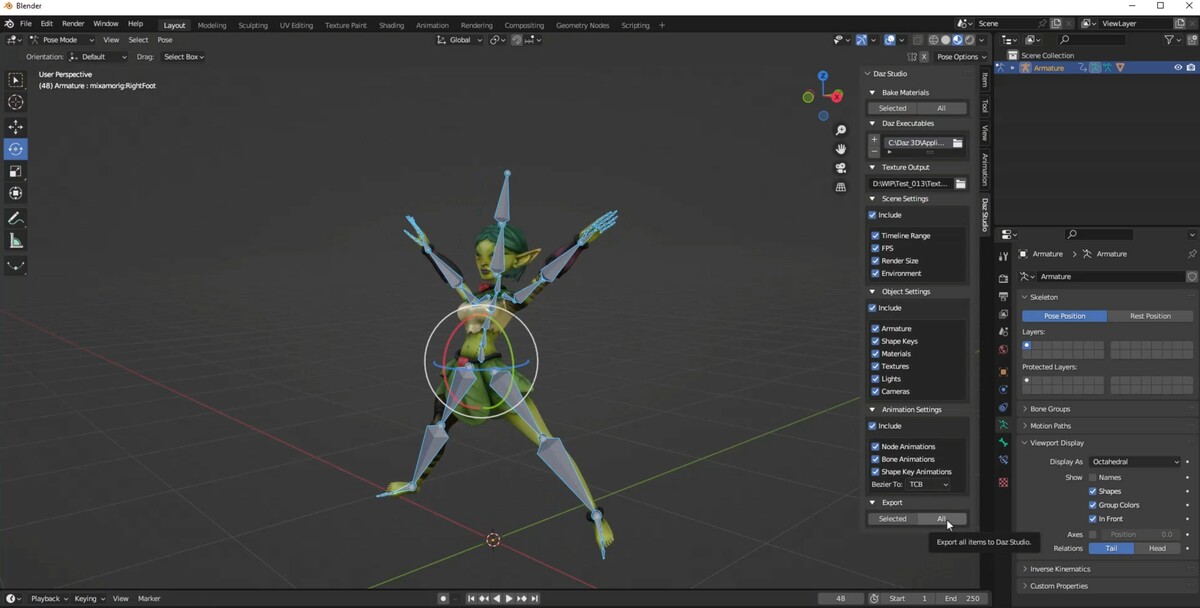
- Open the plugin's tab in Blender's side panel and choose what to export.
- The plugin launches DAZ Studio and builds the scene.
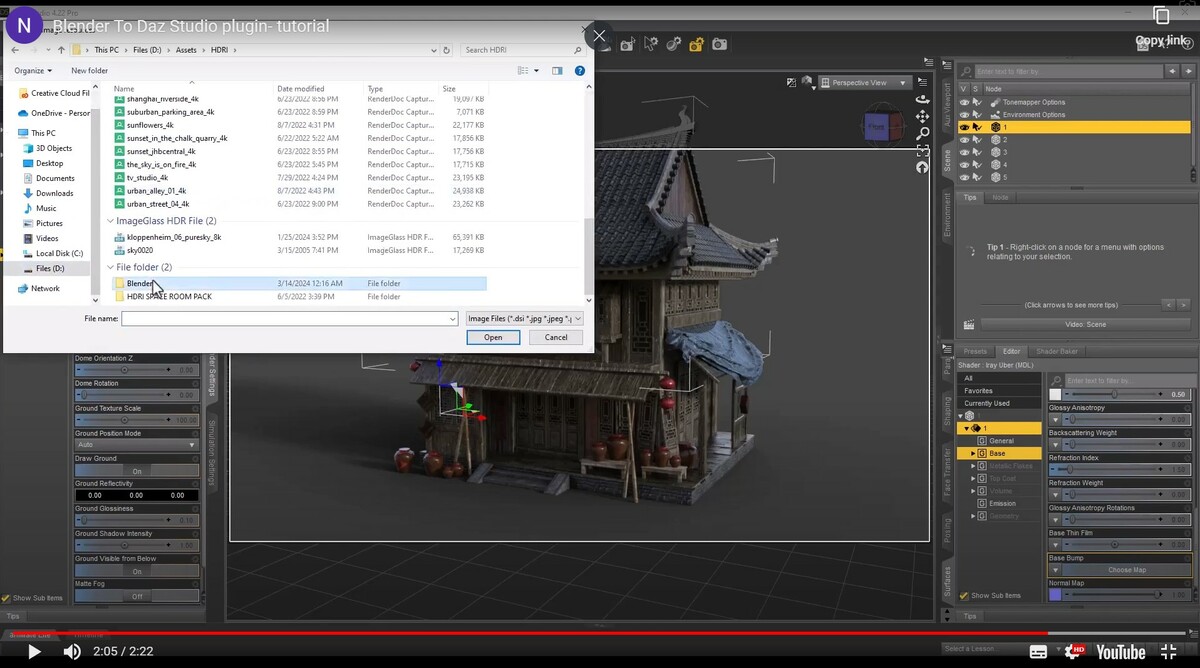
The first time, you tell the plugin where DAZ Studio is installed and pick a folder for your exported textures. After that, you don't touch those settings again. We have a full tutorial and an installation demo on YouTube. The documentation that comes with the plugin also shows how to connect your textures.
Tutorial: https://www.youtube.com/watch?v=mRkmx7q7cZw&t=99s
Installation demo: https://www.youtube.com/watch?v=rV8awNsn5AU
WHAT TRANSFERS
- Armatures, including bone hierarchy and weight maps, for any custom rig
- Animation, including keyframes and skeletal animation, without baking first
- Shape keys, which become DAZ morphs
- Face groups and multiple materials per object
- Hair particles and geometry node hair, exported as polylines
- Whole scenes, with multiple objects exported in one go
- Blender lights and cameras
- Environment maps (HDRI), with the dome rotation calculated correctly
- Time range, frame rate and render size
MATERIAL CONVERSION
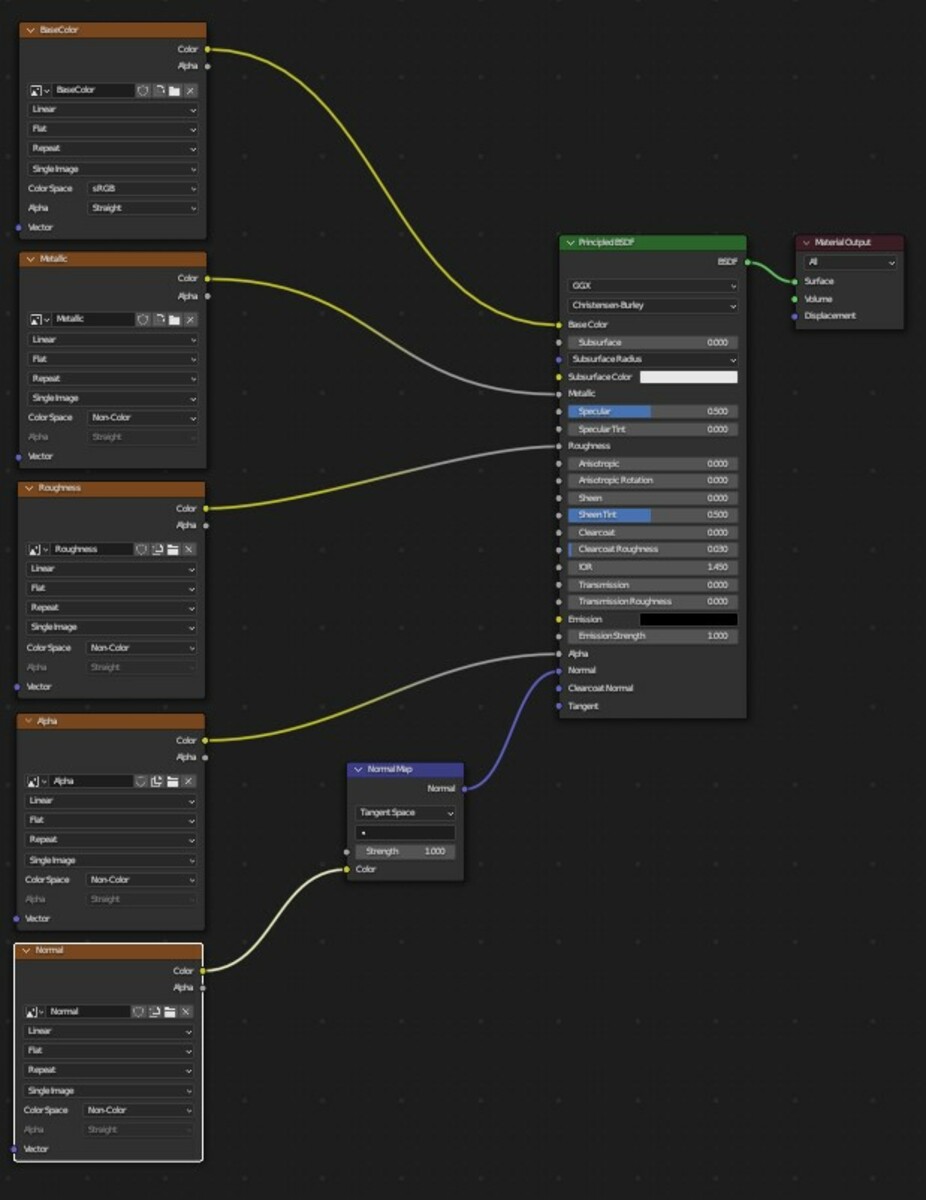
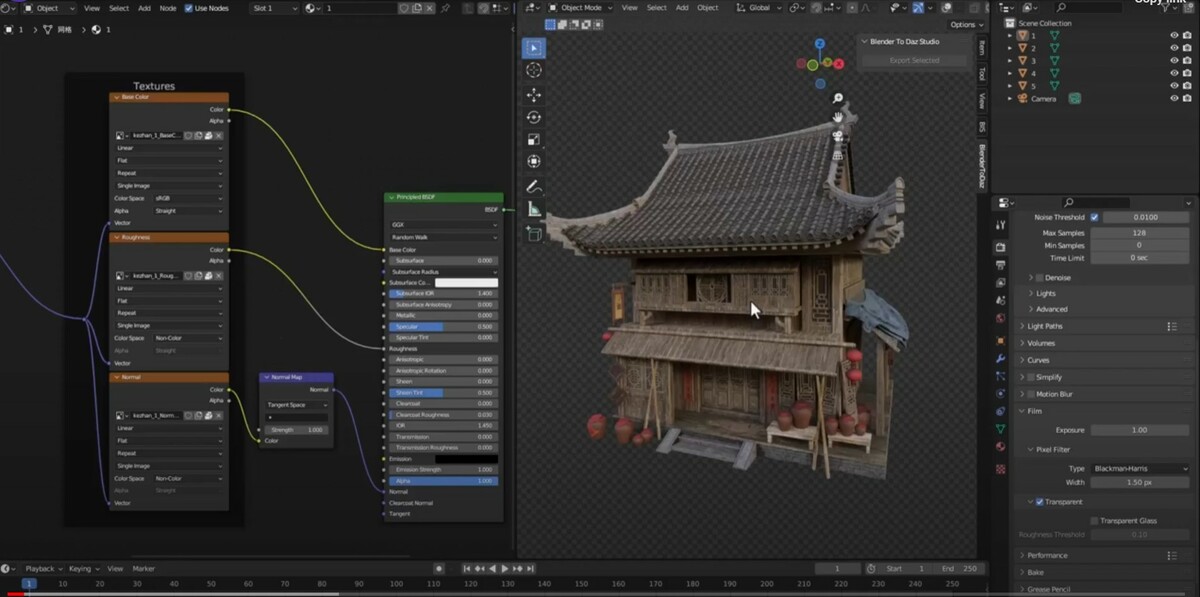
Materials built on PrincipledBSDF are converted to DAZ's Iray Uber material, and the textures are mapped like this:
- Base Color to Base Color
- Metallic to Metallicity
- Specular and Specular IOR Level to Glossy Reflectivity
- Specular Tint to Glossy Color
- Roughness to Glossy Roughness and Glossy Reflectivity
- Transmission to Refraction Weight
- Emission to Emission Color, with Emission Strength to Luminance
- Normal to Normal Map
- Alpha to Cutout Opacity
For this to work, your materials need to be PrincipledBSDF with the textures connected as shown in the documentation. Under the hood the plugin exports to FBX, and handles the conversion for you.
OTHER OPTIONS
- Merge Textures: bakes complex node setups into simpler texture maps, and you set the width and height
- Scale as percent on export
- Active View Layer Only, to export just the visible objects
- Clear DAZ Scene, to empty the DAZ Studio scene before the import
- Save prompt: if your Blender file isn't saved, the plugin asks where to save it, not in a temp folder, and it can save before export
- Progress bar during the import
- Larger files supported
- If you uncheck Environment on export, nothing is changed in DAZ Studio, and your chosen renderer is left alone
WHAT TO KNOW BEFORE YOU BUY
- This plugin is for custom characters and rigs. It does not currently export to the Genesis 8 or Genesis 9 base figures.
- Standard PBR materials built on PrincipledBSDF convert best. Non-standard or procedural materials need baking first. Merge Textures handles many of them, and some may still need converting by hand before export.
- Very large batch exports can run into DAZ Studio's own limits.
- If DAZ Studio is installed in a folder that needs administrator privileges, manually copy the "Matronius" folder into the DAZ Studio plugins folder.
COMPATIBILITY
- Blender 3.6 up to 4.x
- DAZ Studio 4.23 and later
- Windows 10 and 11, and macOS
WHAT'S INCLUDED
- The Blender to DAZ Studio plugin
- PDF documentation with step-by-step workflows
- Video tutorials
- Email support
- 12 months of free updates
- Access to our Discord community
- One license for one user, usable on multiple computers
CHANGELOG
3.8.63: bug fixes
3.8.61
- Merge Textures width and height options
- Scale as percent option
- Save prompt when the Blender file hasn't been saved
- Progress bar during import
- Support for larger files
- Fixed a bug with hair particles on export
3.5.39
- Option to save the Blender scene before exporting to DAZ Studio
- Various bug fixes
3.4.34
- Unchecking Environment on export makes no changes in DAZ Studio
- Exporting leaves your chosen renderer untouched
- Correct dome rotation calculation for HDRIs
3.3.32
- Hair (particle and geometry node) exports as polylines
- More accurate RGB color conversion
- Import in DAZ Studio up to 3X faster
- macOS support
2.3.23
- Active View Layer Only option
- Clear DAZ Scene option
- "Bake Materials" renamed to Merge Textures
- Python error fixed
2.2.15
- First full release, with armatures, animation, shape keys, weight maps, face groups, multiple materials, multiple objects, lights, cameras and HDRI
Over 500 artists use our tools, and the plugin has a 5.0 out of 5 rating from more than 14 verified reviews on Superhive.
Questions or support: [email protected]
I hope it gets your evenings back from FBX cleanup.
Happy creating, Gio from Matronius