 3D Tudor
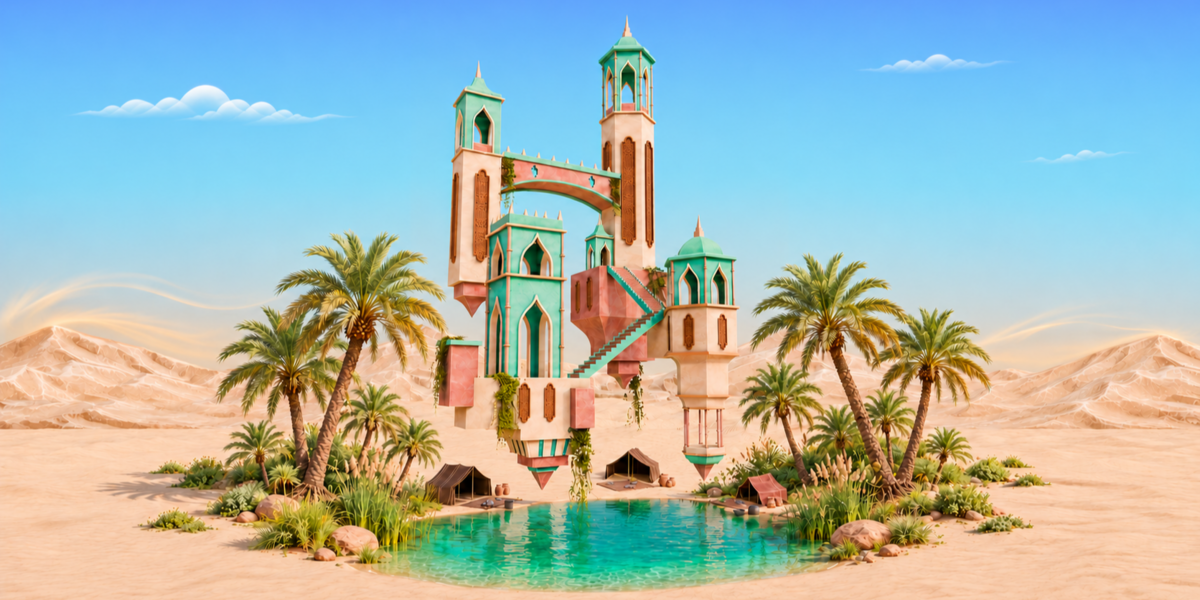
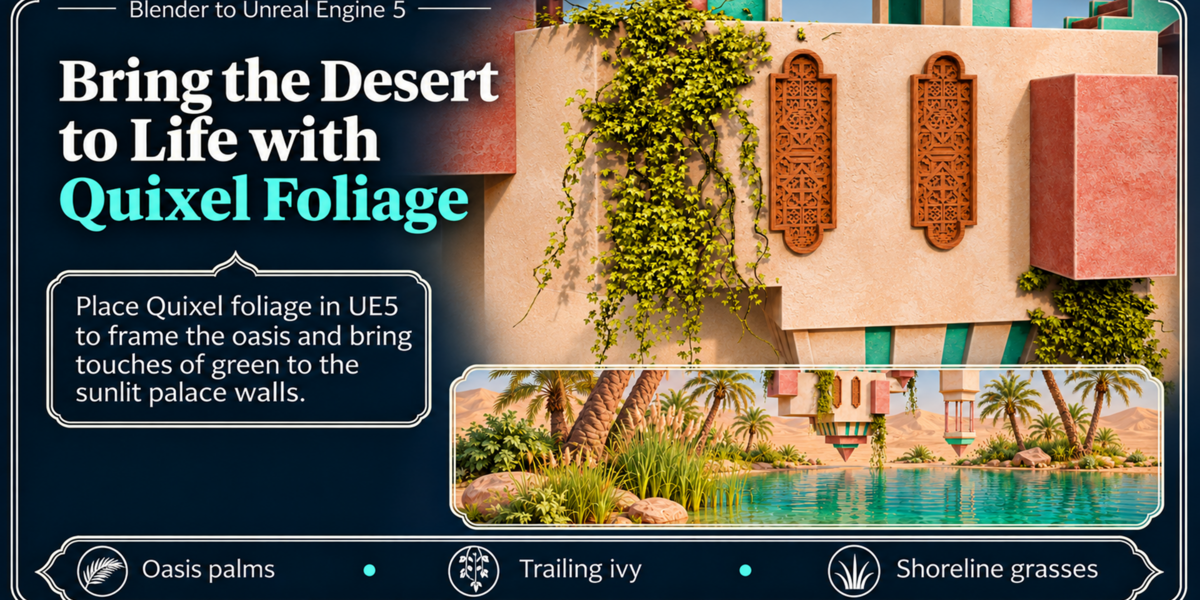
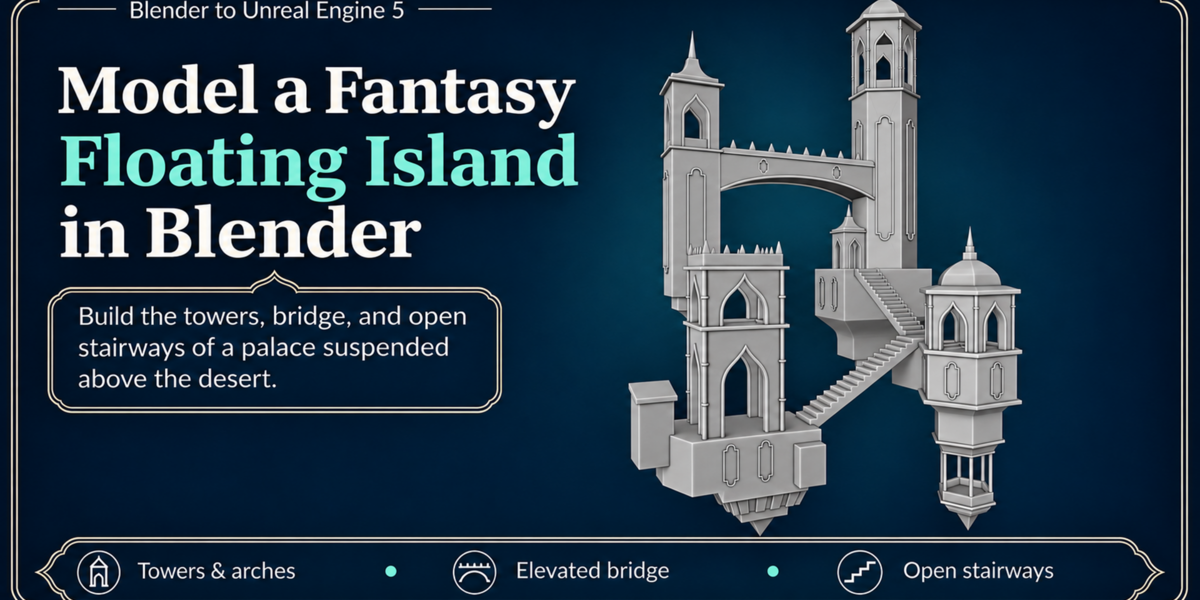
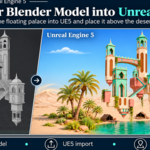
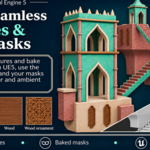
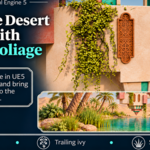

The course scene brings the Blender-built castle together with an oasis, cliffs, campsite, vegetation and atmospheric dust in Unreal Engine 5.
Blender to Unreal Engine 5:
Fantasy Desert World
Model a floating fantasy castle, then build its desert oasis with materials, props, foliage and atmosphere.
51Video lessons
|
9h 31mApproximate duration
|
12Course sections
|
Blender + UE5One environment workflow
|
From floating architecture to a desert world
Build a floating fantasy castle above a desert oasis, from the first Blender blockout to the final Unreal Engine 5 image. Shape the architectural centrepiece yourself, then develop its setting with the supplied resources and additional foliage acquired through Fab.
Across 51 lessons and approximately 9 hours 31 minutes, you will connect modelling decisions to the wider scene: readable silhouettes, reusable modules, consistent surface detail, convincing placement and a deliberate final viewpoint.
What You Get
- 51 downloadable video lessons, organised into 12 course sections.
- Five lesson ZIP packs: Lessons 1–10, 11–20, 21–30, 31–40 and 41–51. The final pack contains 11 lessons.
- A Blender asset library with its catalogue, plus the AO and edge-mask baking helper.
- Multi-view reference images and measured greybox views to guide the architecture.
- An Unreal Engine starter resource project with architectural materials and textures, sand and water resources, dust assets and a props preview level.
- Supporting props: nine rocks, two tents, two rugs, two cushions, five containers and three hanging ivy meshes.
Build the architecture in Blender
Use measured references to plan the castle’s proportions and its zigzag route between levels. Develop towers, decorative arches, windows, curved roofs, terraces, stairs and suspended foundations. Arrays, mirroring, bevels, Boolean cuts and proportional editing help you reuse completed parts while giving each tower a distinct role in the silhouette.
The lessons include the practical corrections that keep a large model manageable: fitting stairs between platforms, refining topology, removing hidden faces and preserving trim thickness as proportions change.
Start with simple forms to establish the tower heights, stairway route and overall silhouette before committing to architectural detail.
A cinematic move between the cliffs reveals the floating castle and its desert oasis.
Prepare textures and masks for Unreal
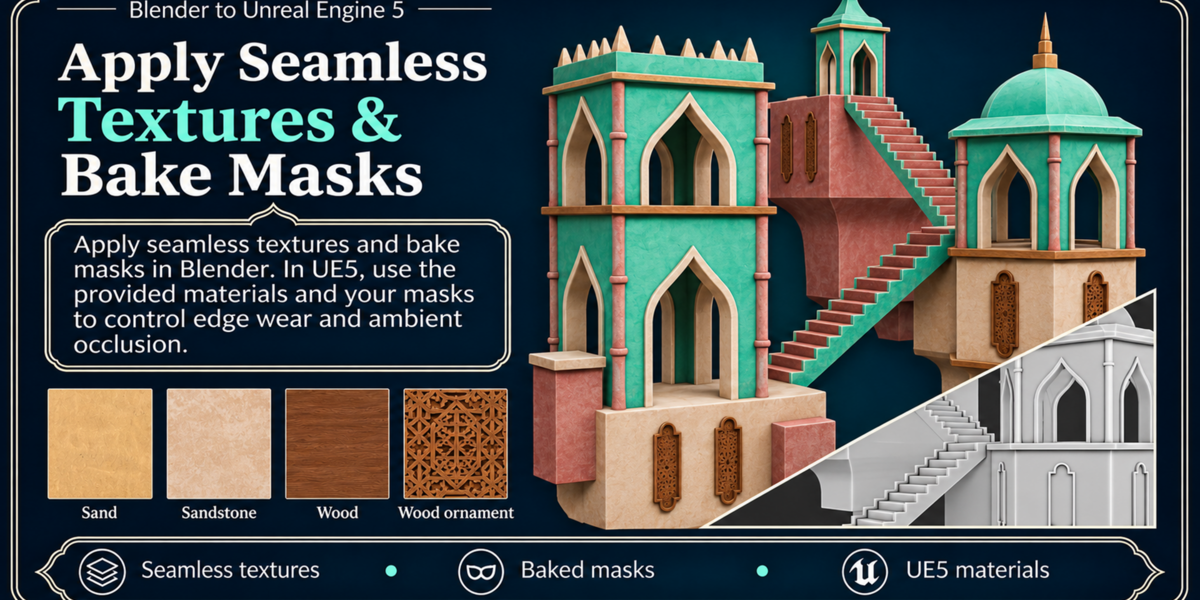
Apply the supplied sandstone, wood and gold materials, unwrap the architecture and align wood grain around curved window frames. Pack the shared UV layout, correct ornamental face distortion and bake ambient occlusion and edge masks with the included helper.
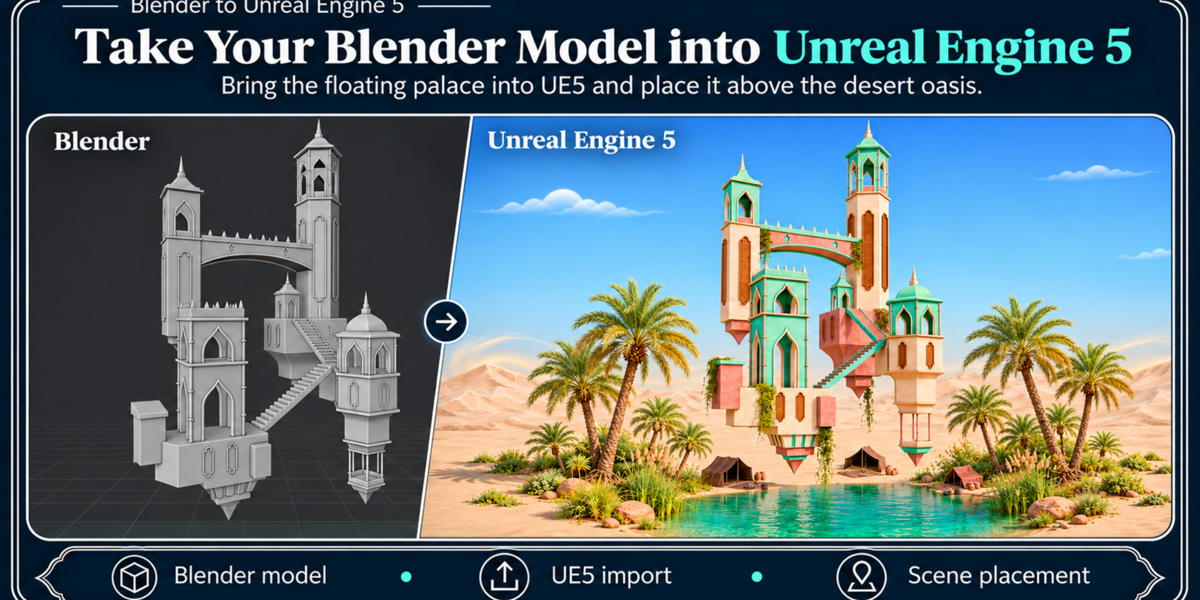
Export the castle as a GLB, import it into Unreal and connect the masks to the supplied material instances. Adjust wear, colour and occlusion to control how the architecture sits within the desert palette.
Pack the castle’s UVs and align ornamental window textures before baking masks for the Unreal materials.
Create the oasis and its atmosphere
Develop the landscape with the supplied sand material and Nanite displacement, shape the lake bed and tune the water. Compose rock formations around the castle, check collision through a third-person preview and use the camera to judge the scale and spacing of the environment.
Build Niagara dust with soft intersections, controlled motion and gradual fades. Place hanging ivy, arrange lakeside plants with PCG volumes and add masked wind to the palm leaves. Finish with lighting, fog, exposure, colour grading and a high-resolution screenshot.
Explore the architecture in Unreal Engine’s third-person preview, testing the stairs, bridges and walkable spaces.
Resources for a furnished desert setting
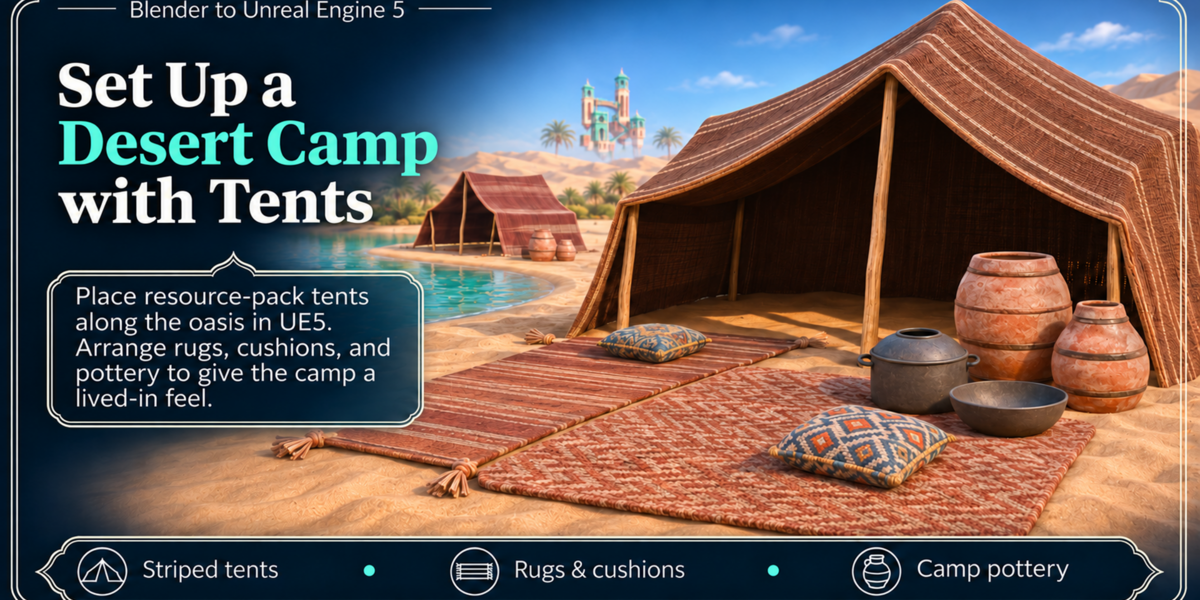
The starter resources include rocks, tents, rugs, cushions, containers and hanging ivy, alongside materials for the sand, water and architecture.
The tents, rugs, cushions and containers give you the parts to build a campsite around the water. The lessons focus on placing and varying those assets, checking their scale and fitting them to the terrain so the camp belongs within the scene.
From the first greybox to the finished environment: work-in-progress stages from building Fantasy Desert World.
Your route through the course
| Lessons 1–5 | Getting Started and Planning the Floating Castle |
| Lessons 6–12 | Building and Texturing the First Tower |
| Lessons 13–15 | Creating the Decorative Connecting Bridge |
| Lessons 16–21 | Developing the Hexagonal and Entrance Towers |
| Lessons 22–25 | Floating Foundations and Connecting Stairways |
| Lessons 26–29 | Building the Recessed Terrace Tower |
| Lessons 30–33 | Completing the Foreground Tower |
| Lessons 34–36 | Preparing UVs, Baking Masks and Exporting |
| Lessons 37–40 | Establishing the Unreal Desert Environment |
| Lessons 41–44 | Composing Cliffs, Campsites and Hanging Ivy |
| Lessons 45–47 | Creating Desert Dust and Refining Scene Details |
| Lessons 48–51 | Adding Vegetation and Finishing the Presentation |
Software and Included Project
The modelling lessons use Blender 5.2. Use Unreal Engine 5.8.4 for the supplied starter project; older Unreal versions have not been tested. The demonstrated Unreal workflow uses Nanite and procedural vegetation features.
The Unreal download is a starter resource project. You build and import your castle during the course; the finished castle mesh, completed course level and PCG graphs are not supplied in that project. Additional Fab plants are separate downloads. Hanging ivy is included.
Before You Buy
Who is this for? Blender users with basic navigation and object-editing experience who want to develop a substantial fantasy environment and bring their own model into Unreal.
What do I need? Blender, Unreal Engine, a computer capable of running the demonstrated scene workflow, and internet access for the additional Fab vegetation.
Are all the surrounding assets modelled during the lessons? The architecture is the modelling project. The campsite, rocks, hanging ivy and supporting materials come from the resource pack, while the additional plants are obtained through Fab.
Does this include a Substance Painter course? No. The supplied props are already textured; the recorded workflow focuses on Blender and Unreal Engine 5.
Build a world around your own architecture
Follow the project from greybox to final presentation, then make it yours through a new layout, palette or atmosphere.
Happy modelling everyone!
3D Tudor
Keep creating with 3D Tudor
Share your progress, meet other artists and join our free 3D Tudor Discord community.
Join the free 3D Tudor Discord