 Shift A Technologies

About
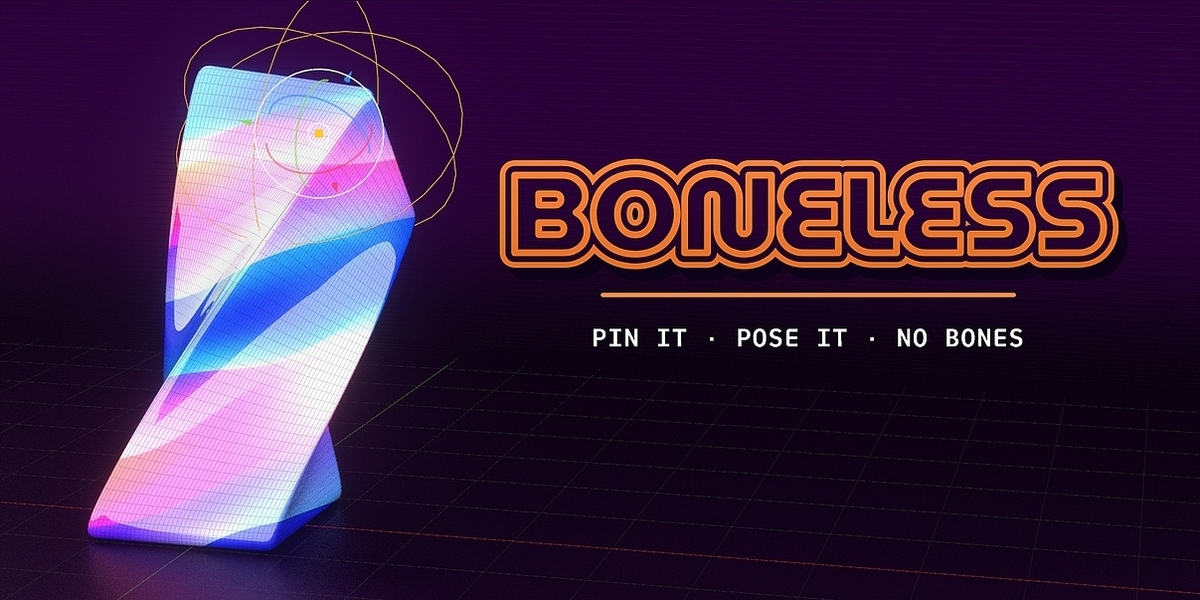
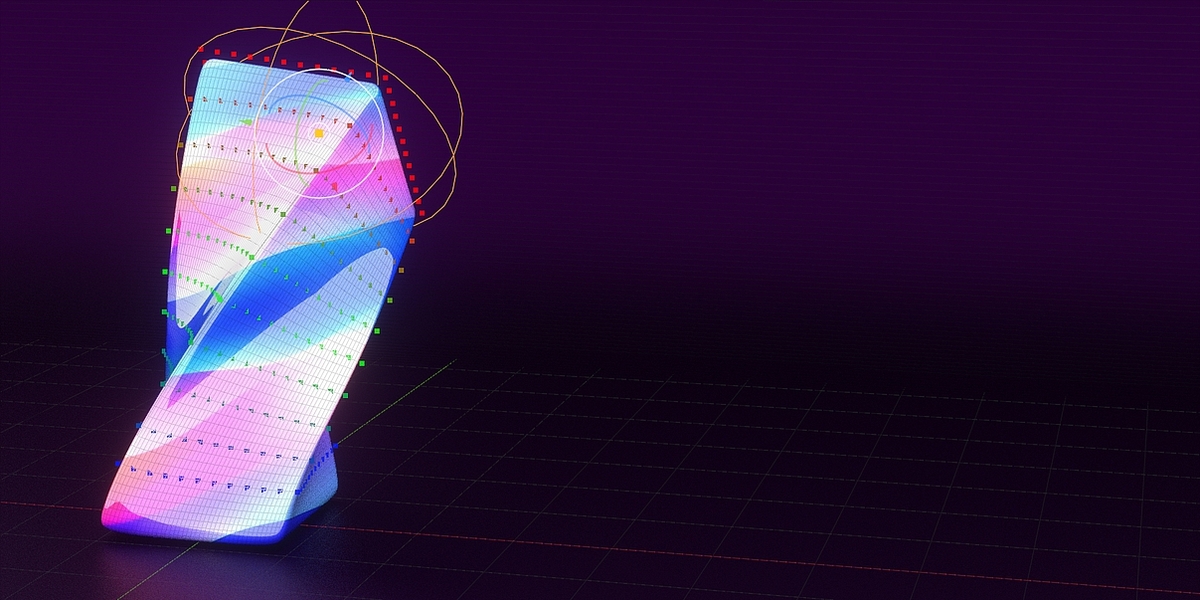
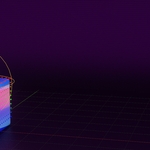
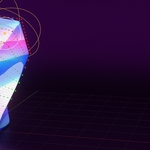
Create control nodes and move them around to pose or animate your mesh! It's a new system, using an advanced, custom-built ARAP (As Rigid As Possible) engine that solves mesh deformations without the need for bones, skeletons, skinning or complicated rigging setups.
Requirements
- Blender LTS (4.5, 5.2) or newer
- 64-bit Windows or Linux
MacOS is not currently supported.
Overview
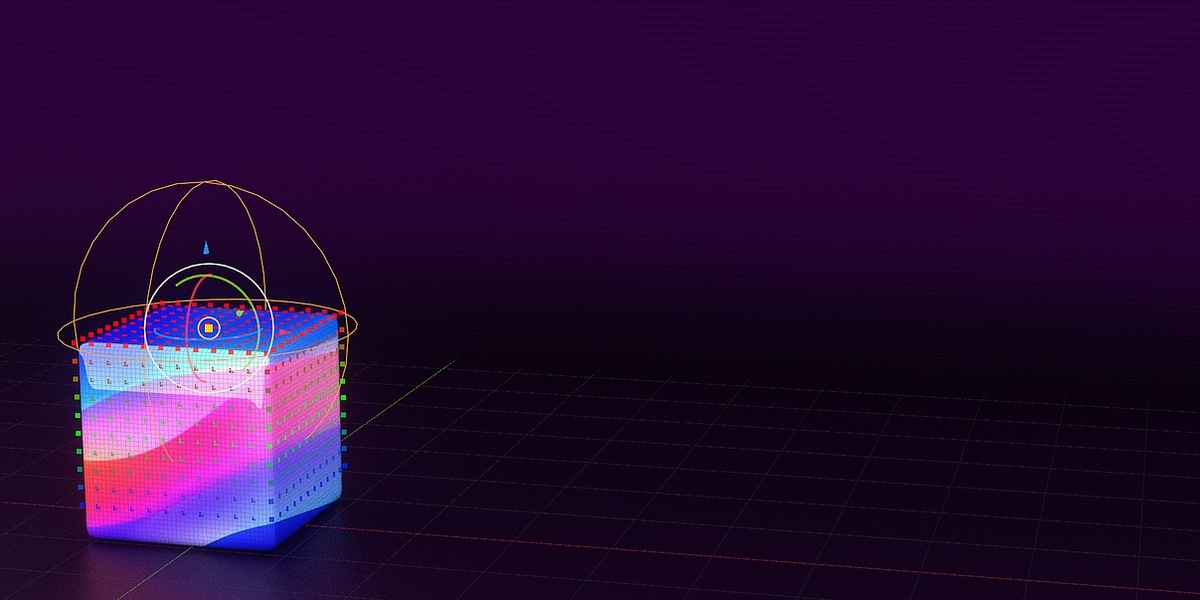
- Click to place nodes. Drop a node anywhere on the mesh, then move or turn it with Blender's usual gizmos and shortcuts.
- Nodes work alone or together. Nodes can function independently, or as a simple IK chain built from segments you add to a node.
- Nodes have their own settings. Control vertex pinning, how far influence extends, what parts are soft or rigid through just a few clicks. You can also weight paint rigidity / influence for greater precision.
- See and limit what moves. Show Influence colours the mesh by how strongly a node moves it. Limit Stretching stops the mesh from stretching too far, and Smooth Boundaries stops creases where a node's influence ends.
- Set pivots and mirror nodes. Put a pivot at a joint so a node turns the mesh around it. Duplicate and mirror a finished arm to set up the other one.
- Animate with keyframes. You can keyframe the nodes like anything else in Blender. Discover new and creative ways to deform and animate!
- Bake to a cache file. Bake the animation to a standard .mdd file. It plays back fast with Blender's Mesh Cache modifier and renders without solving.
- Reset nodes and your mesh. A backup is kept of your mesh's original shape so work isn't lost. The Boneless Edit Tool lets you edit nodes in the original pose. You can also reset nodes individually, reset all of a mesh's nodes at once, or return the entire mesh to its last backup.
- Work fast on big meshes. Boneless runs on a custom ARAP engine built in C++. It's fast and intuitive to use.
Documentation
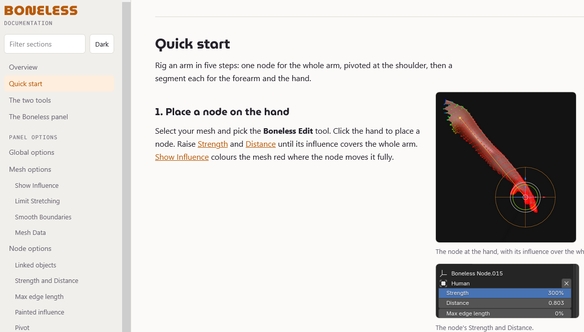
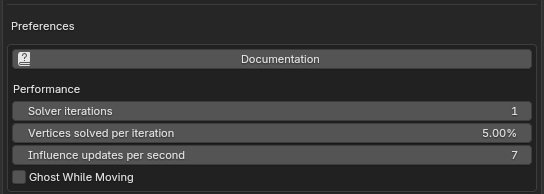
Boneless is fully documented. The entire documentation is included with the add-on and can be opened from the add-on preferences.
Support and Feedback
Your questions and feedback are important!
Click Contact the Creator on this page
Subscribe on YouTube
Changelog
1.0.0
- Initial release

1.1.0
- Fixed pivots sometimes losing position when ghosting
- Ghosting now overlays over mesh
- Performance improvements
- Added Reset All Nodes
