 DoubleGum


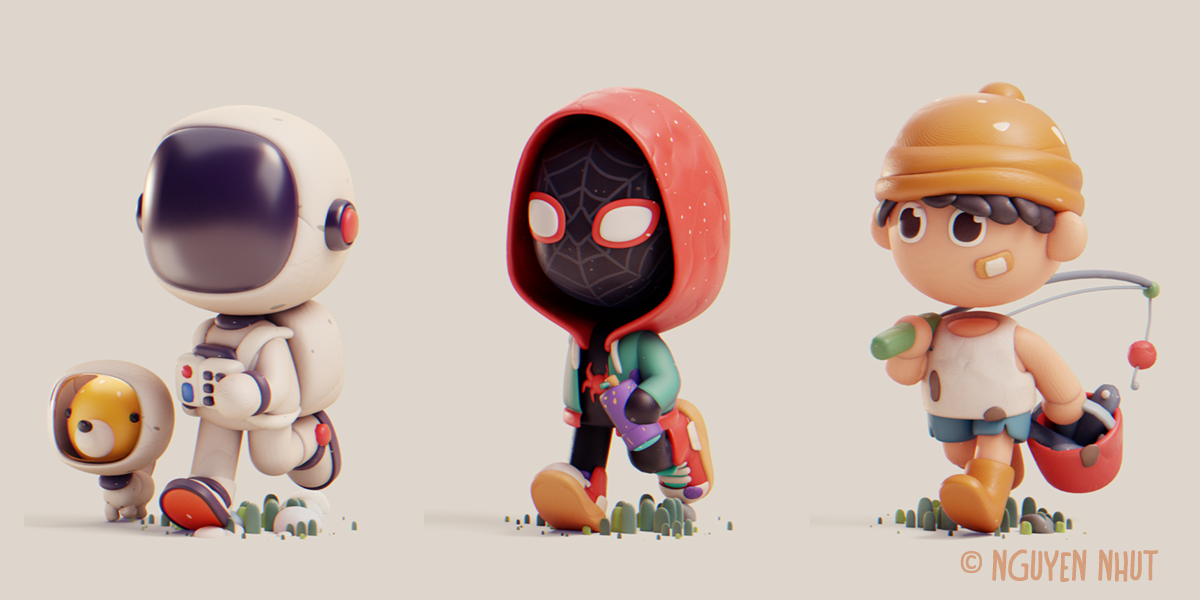
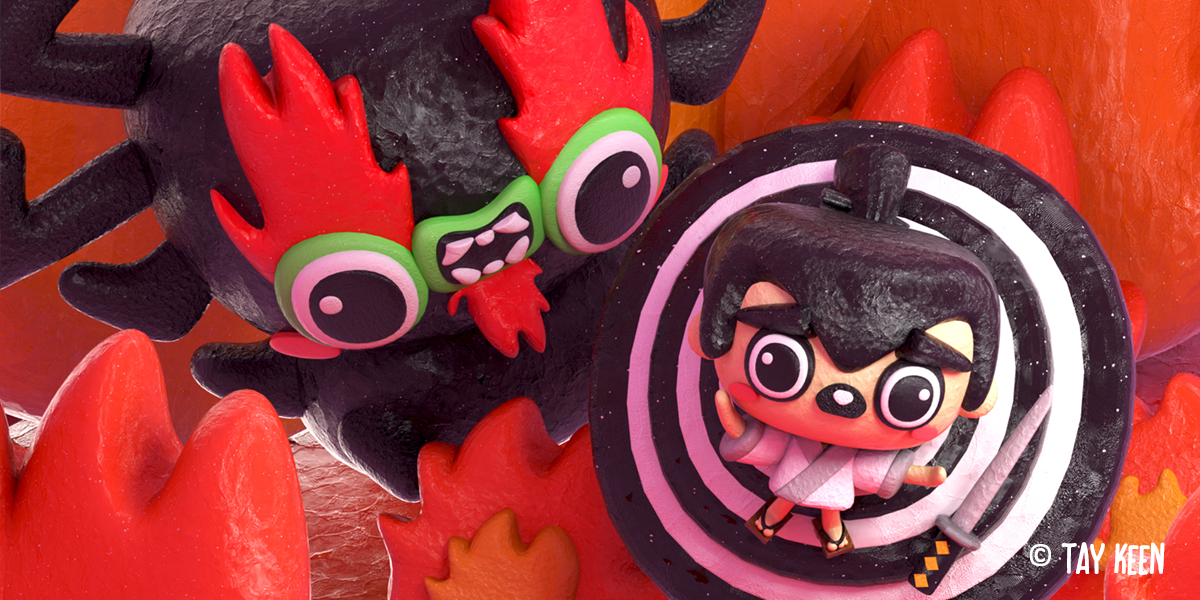
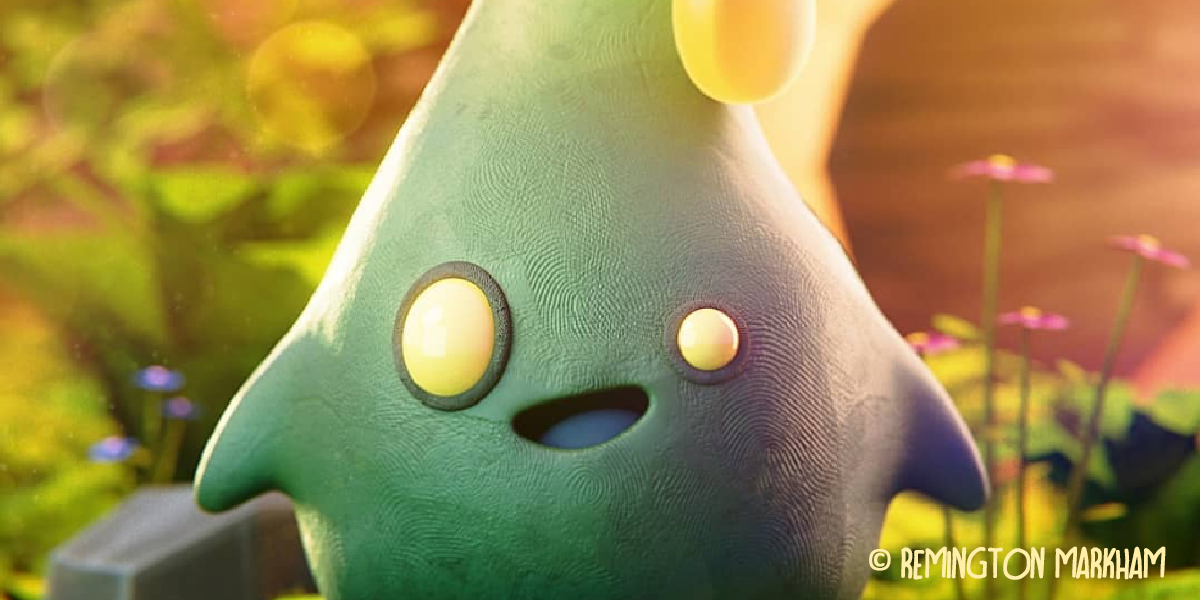
WHAT'S CLAY DOH
Realistic clay shaders and tools, with stop-motion features and details like fingerprints and cracks. It's digital clay for Blender artists!
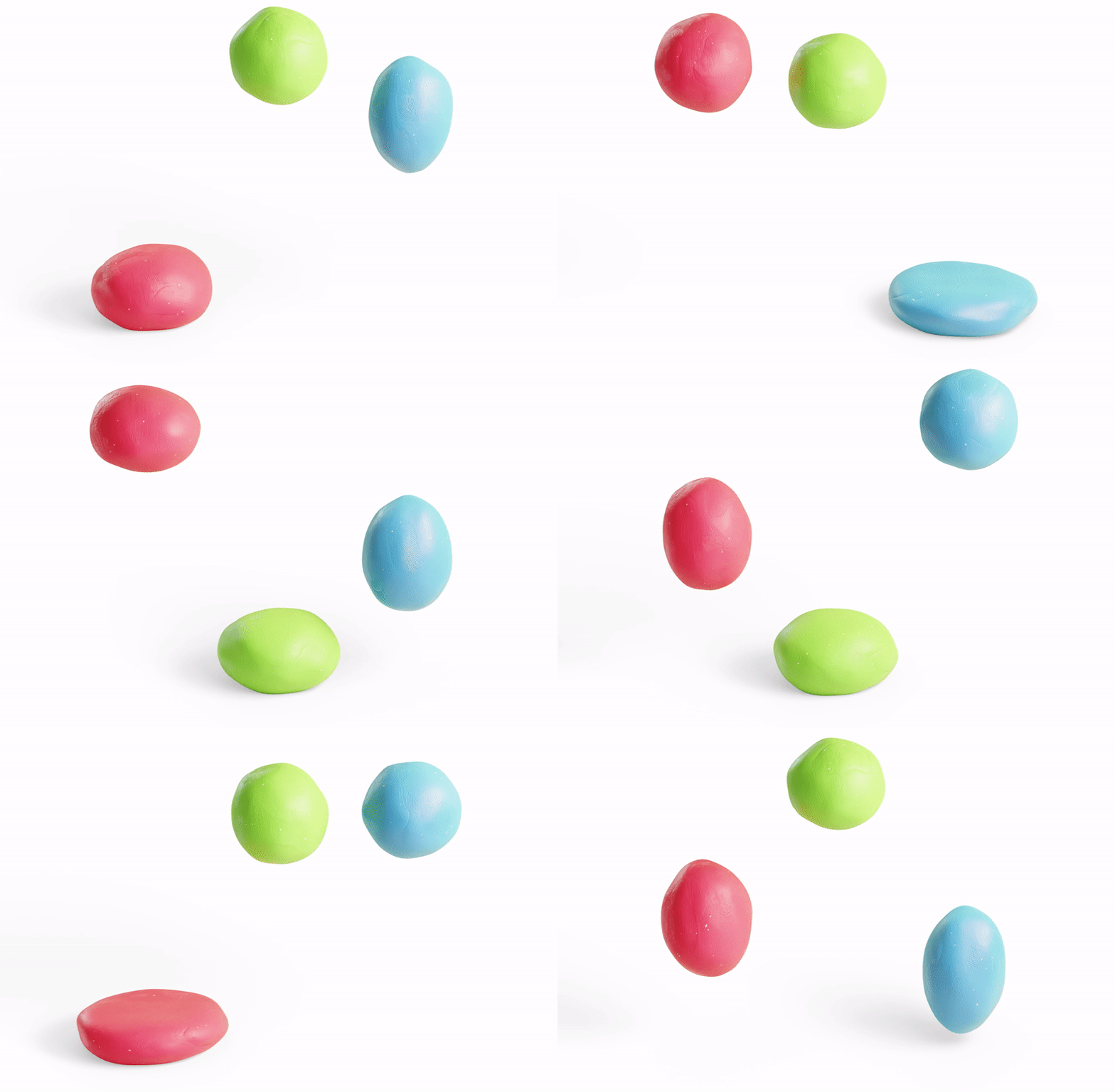
Clay Doh uses Principled BSDF, allowing flexible workflow and physically correct shading. This ensures that all assets will look great in any kind of lighting.
- No UV unwrapping or texturing needed
- Make all kinds of clay with a single master node
FEATURES
Sticky textures, animation/ stopmotion features, customizable fingerprints, cracks, stones, and more!
Check out some of the parameters from Clay Doh materials:
HOW TO USE
Clay Doh tools and shaders are simple to pick up, and I've included video tutorials and a detailed text Documentation as well.
If you ever need help, feel free to reach out to me here on Superhive. :)
MATERIAL PRESETS
Here some presets from Clay 3.Doh:

And these presets are from the new Clay 4.Doh update:
TOOLS & MODIFIERS
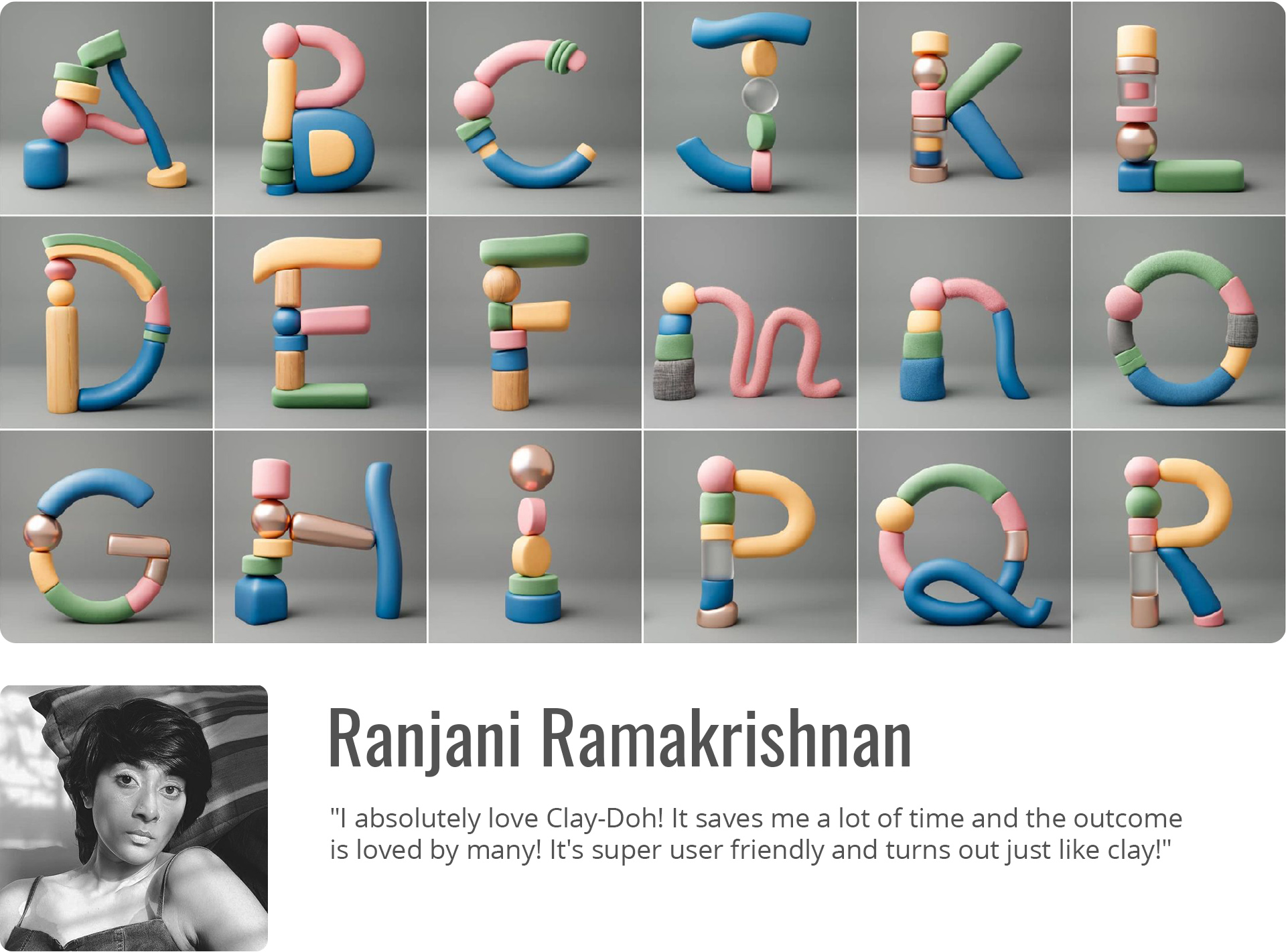
The newest additions to the Clay Doh family are a Pottery tool, Clay Text, Eyes, and more!
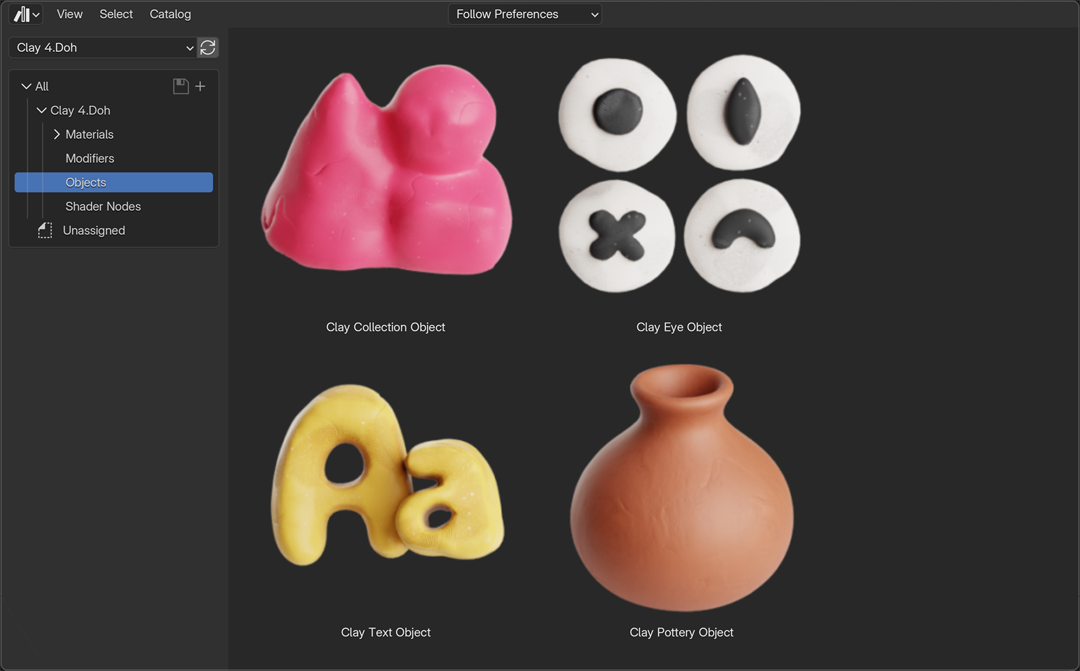
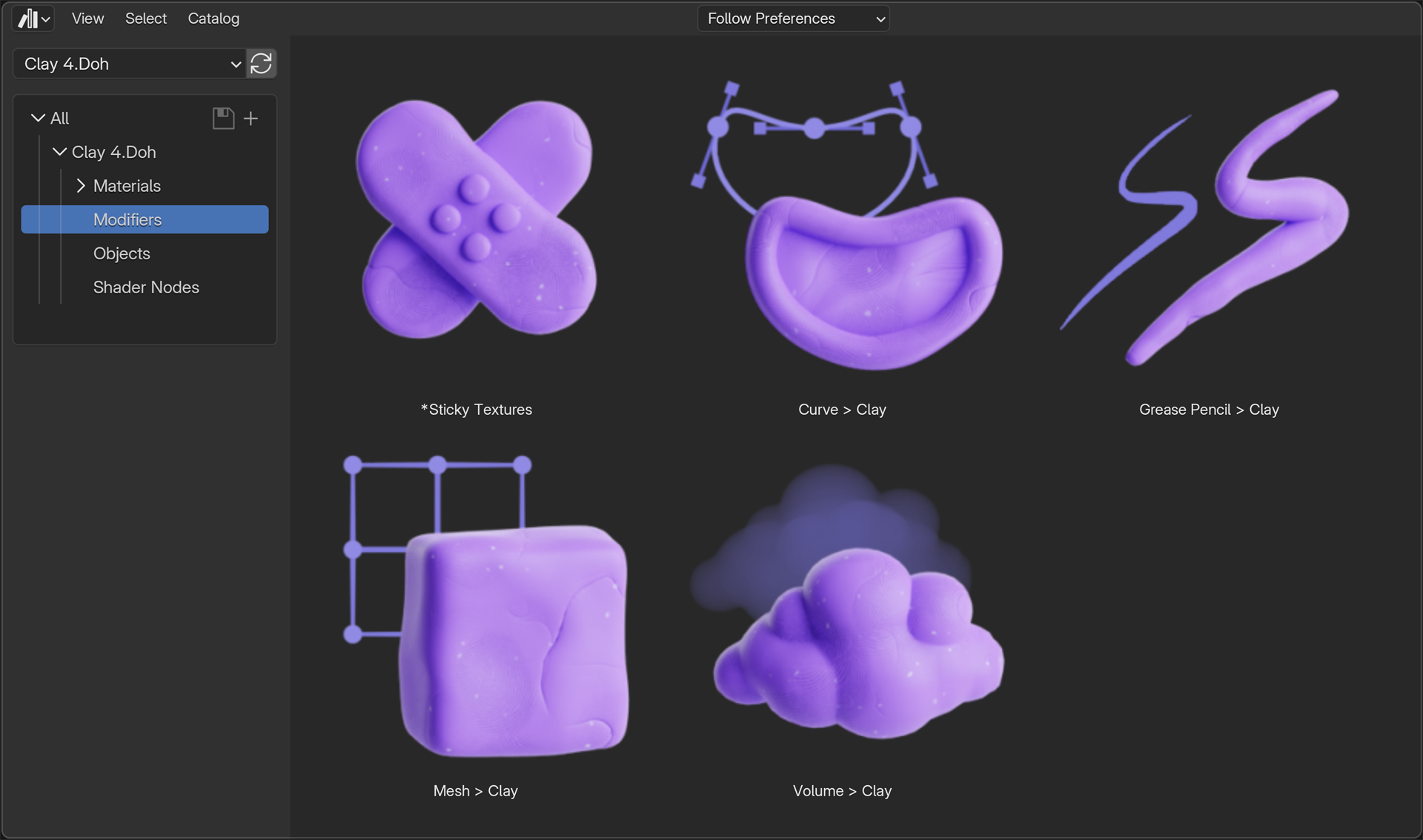

Works with all fonts, languages, and shapes supported by Blender.
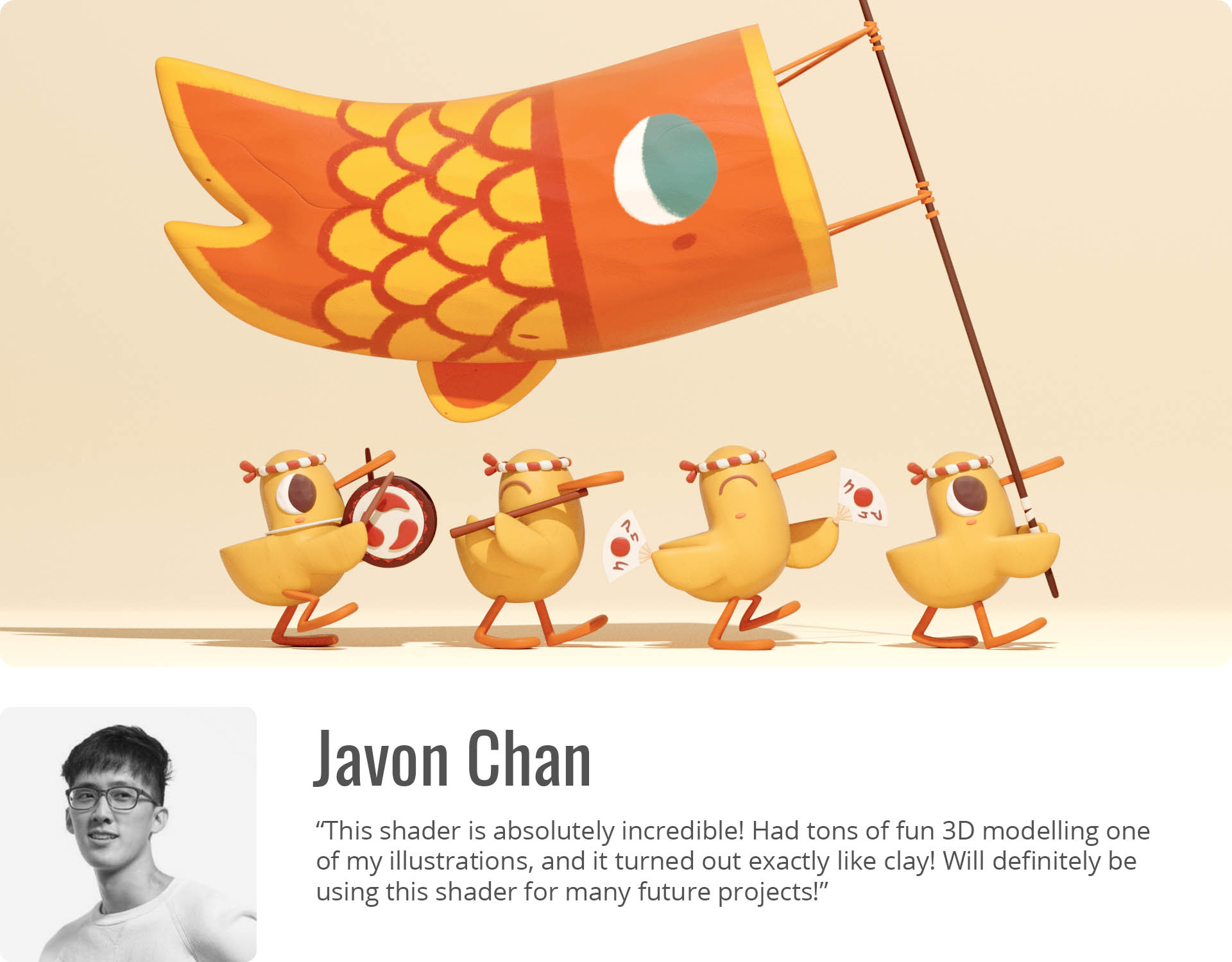
HEAR THE ARTISTS
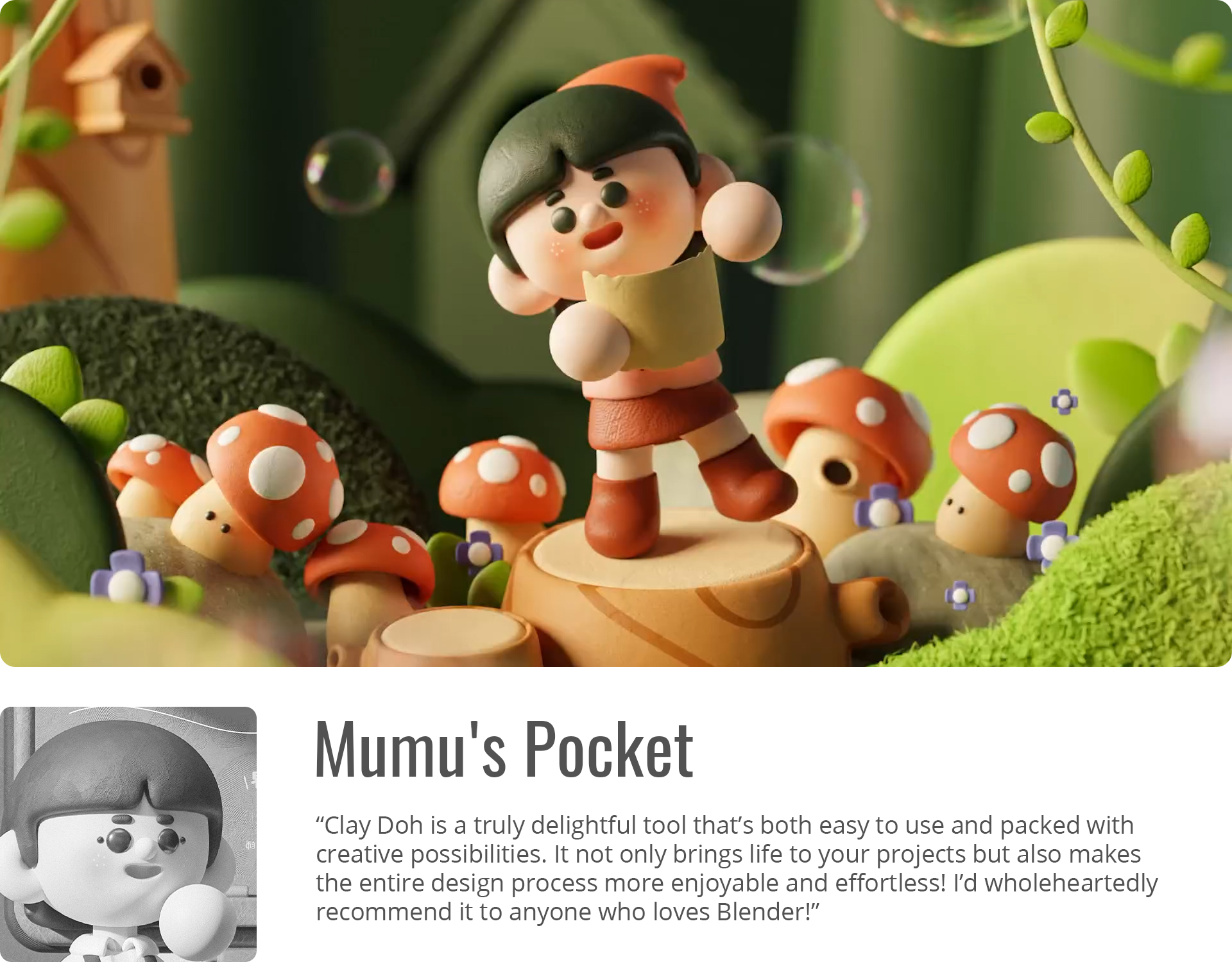
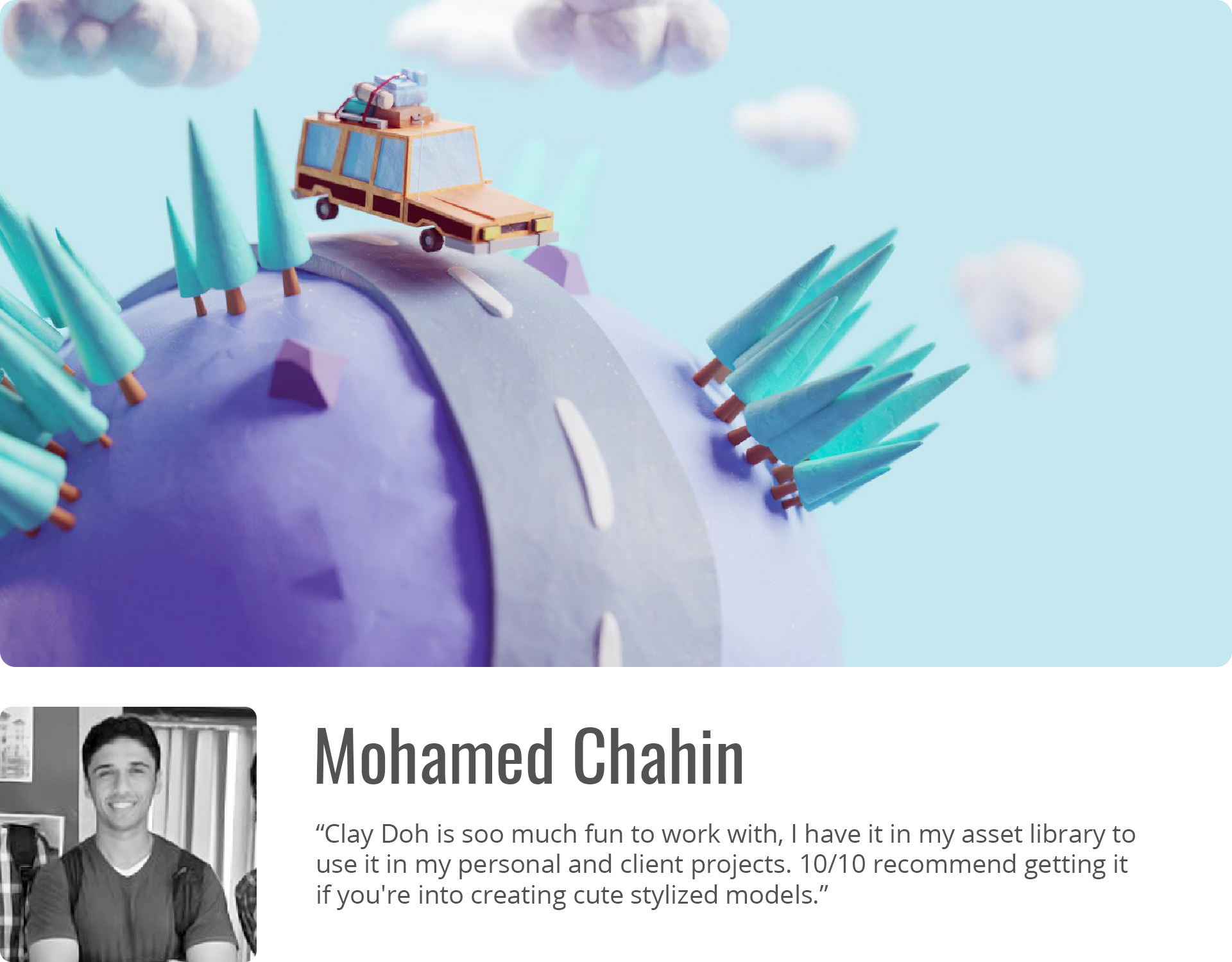
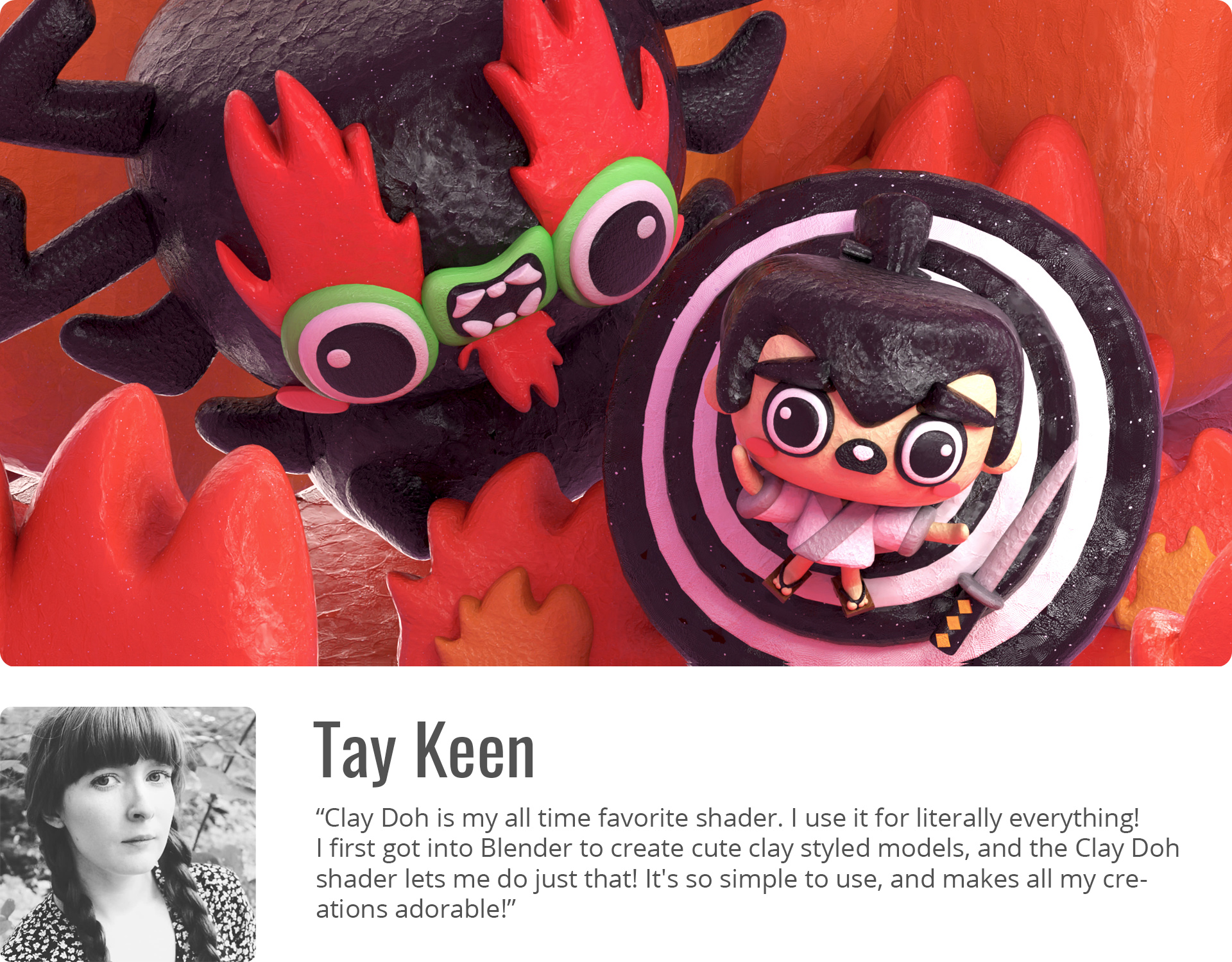
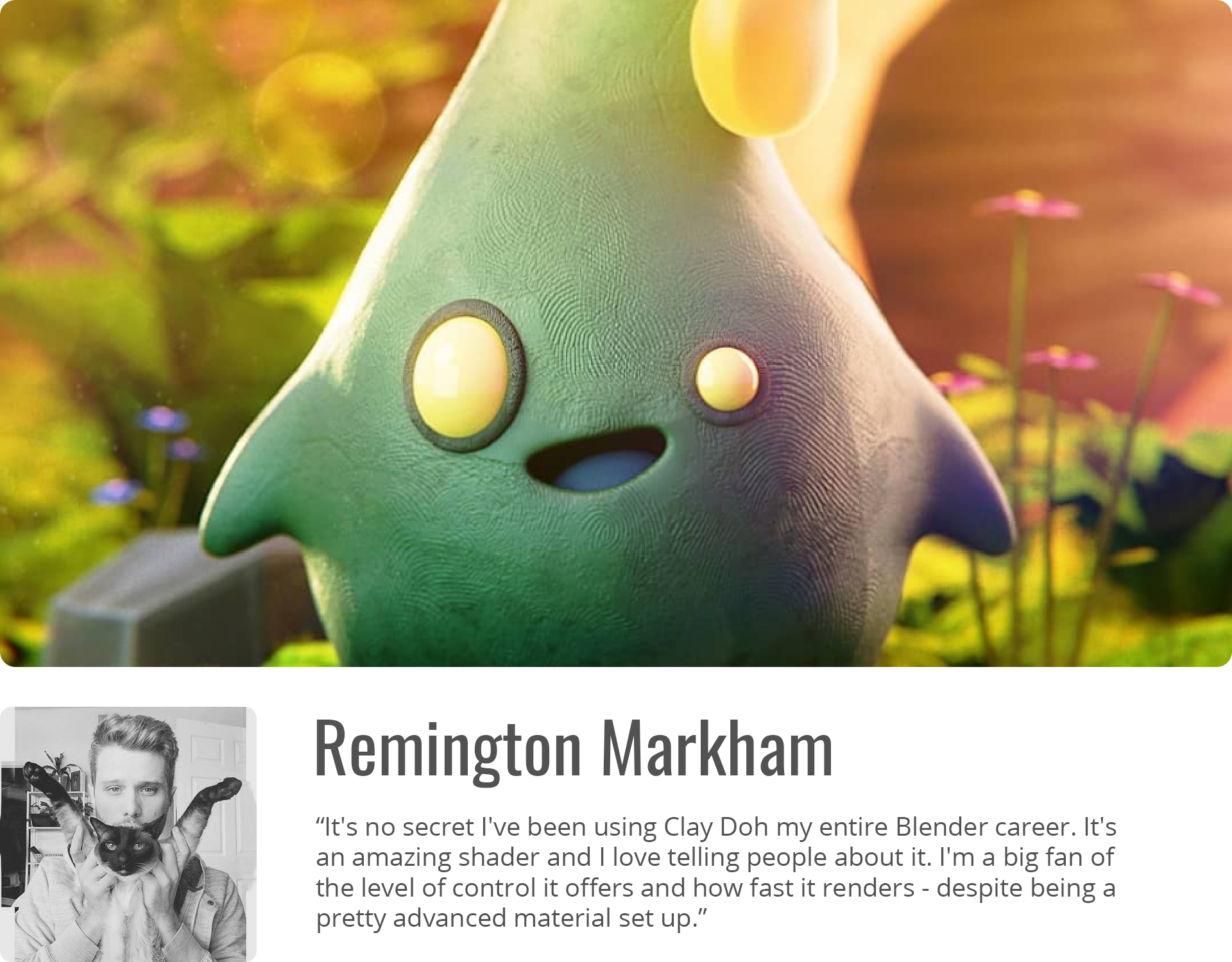
Join the community and see how Clay Doh transformed creative workflows across the globe.
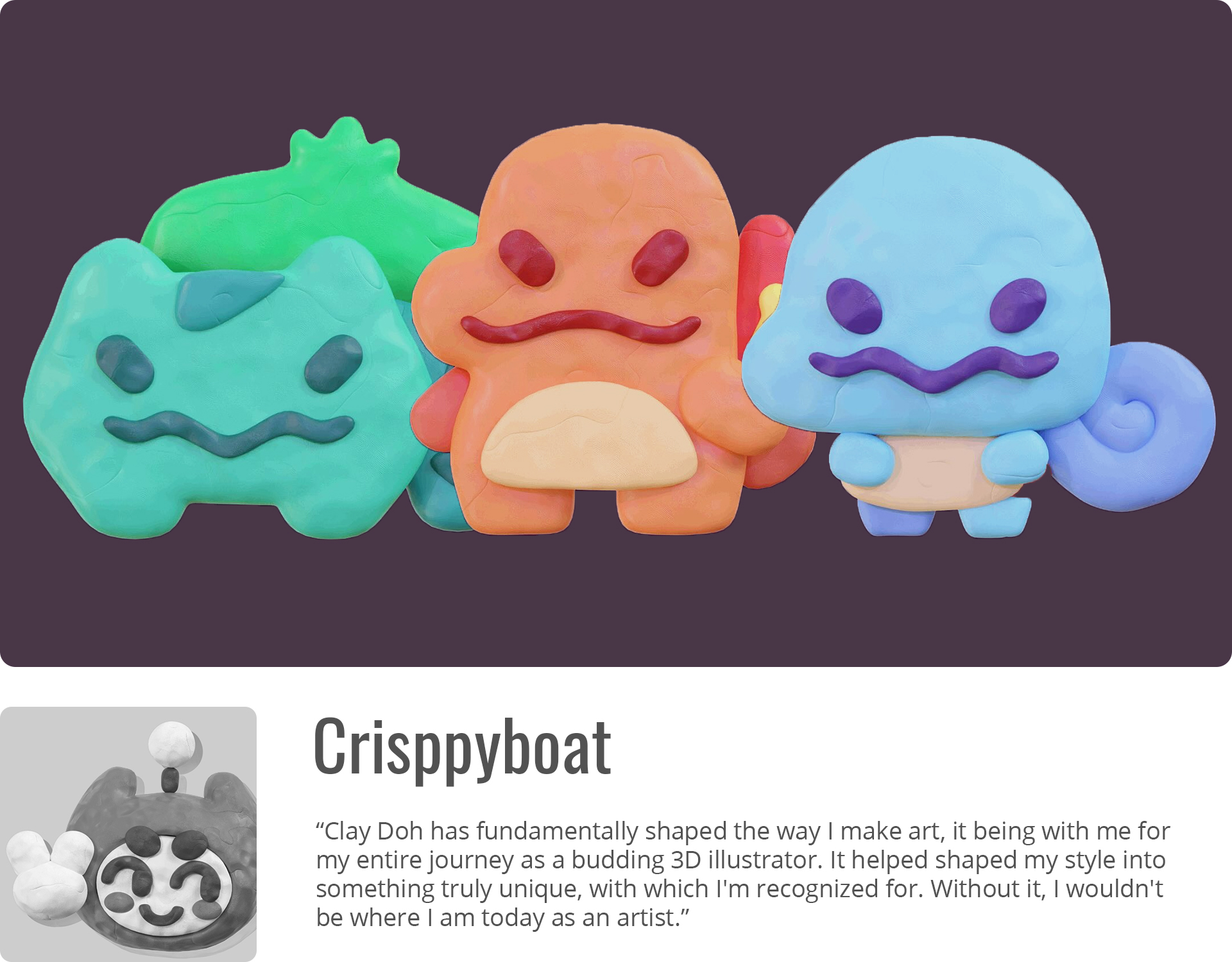
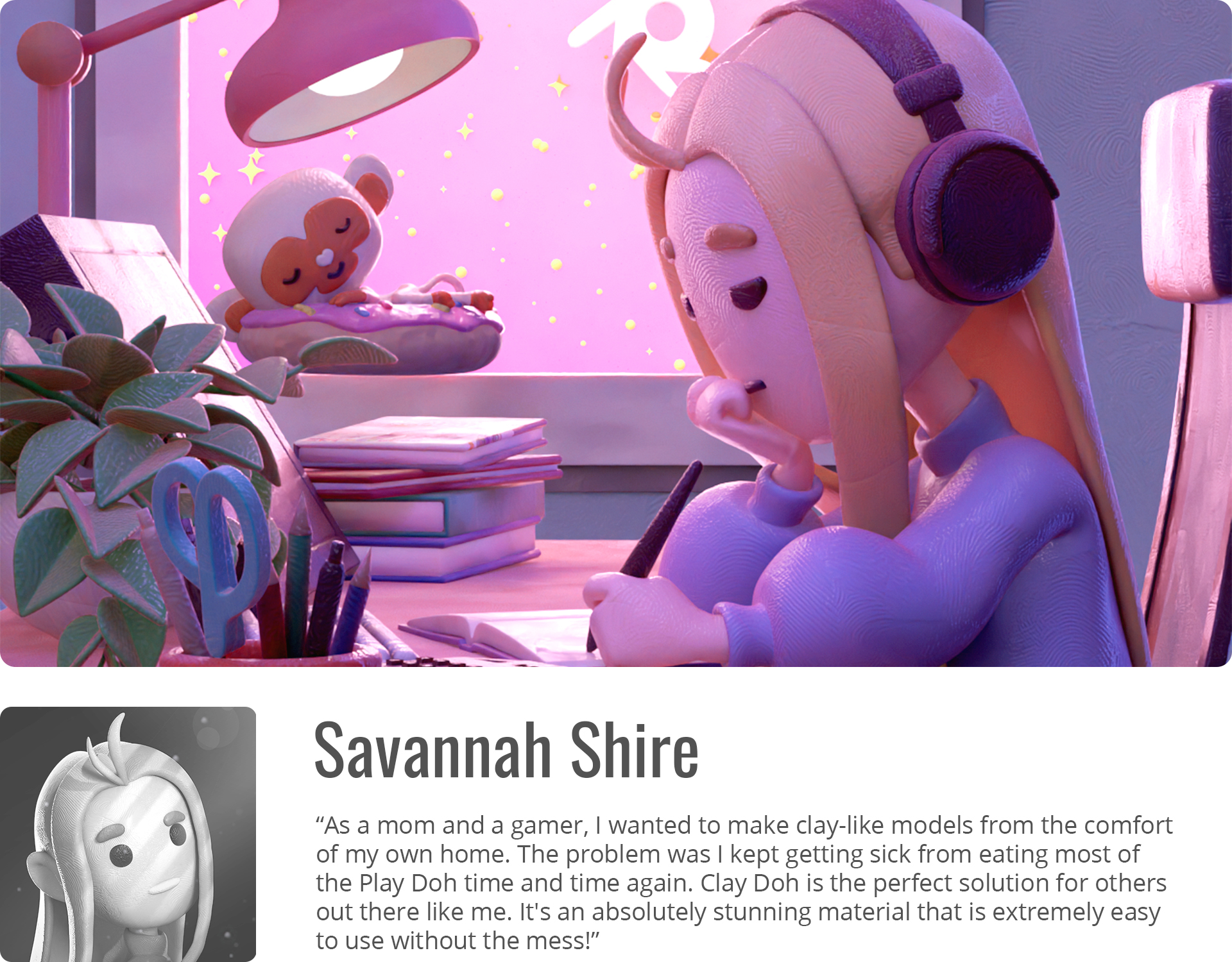

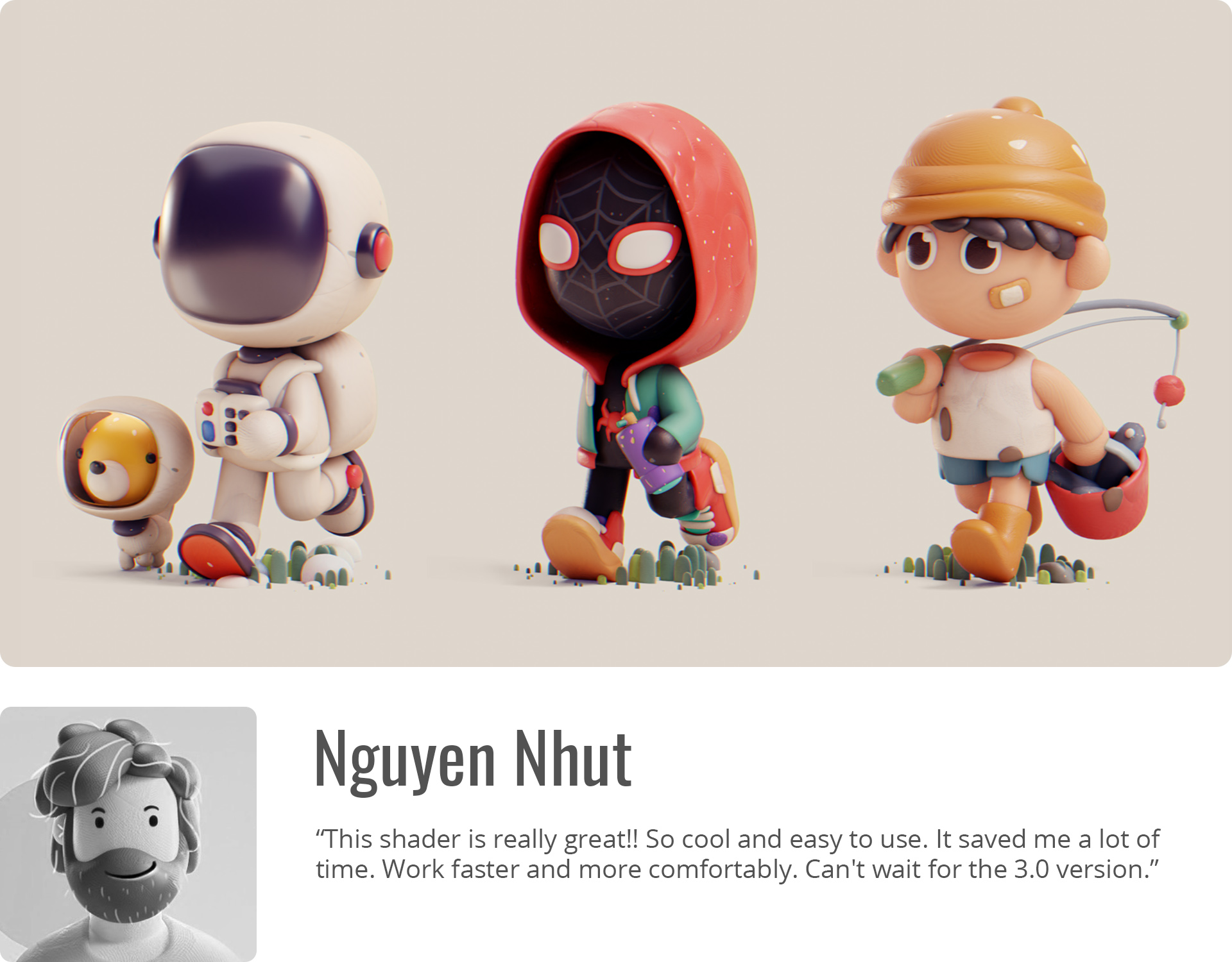
Mumu's Pocket Artist, Animator
Ranjani Ramakrishnan Artist
Matt Bagshaw Freelance Artist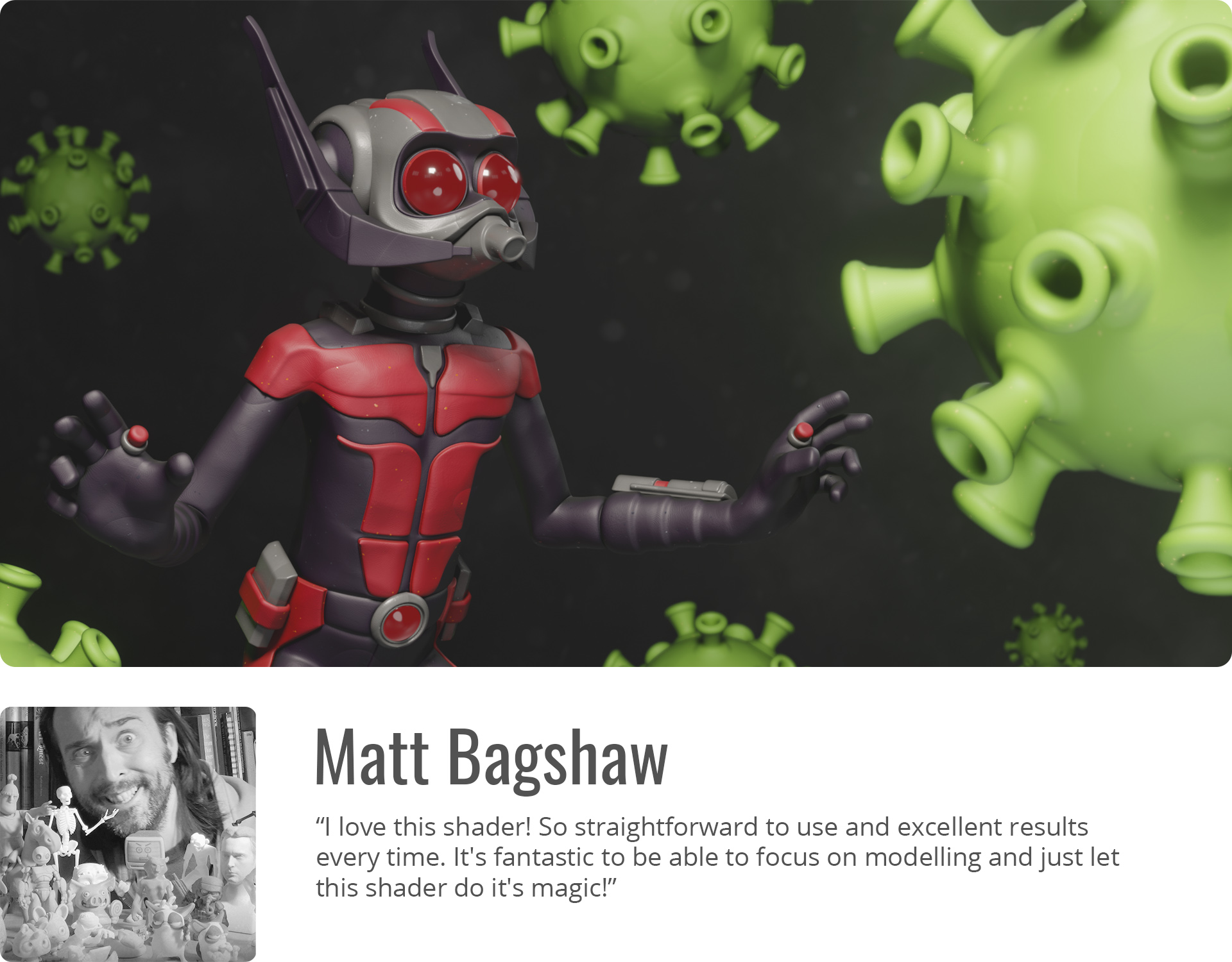
WHY CLAY DOH
- ARTIST FRIENDLY
- EASY TO CUSTOMIZE
- NO UV UNWRAPPING REQUIRED
- TEXTURES STICK TO MESH
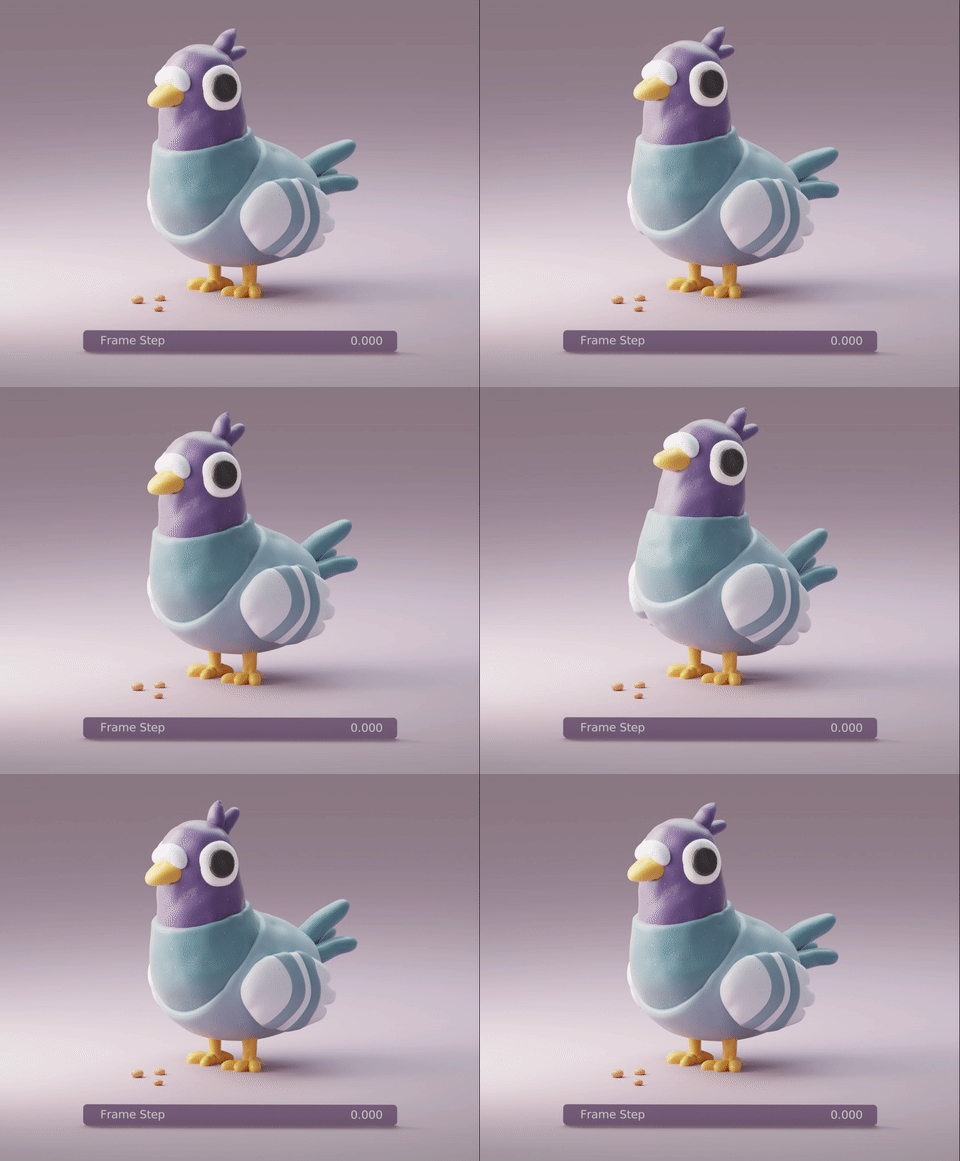
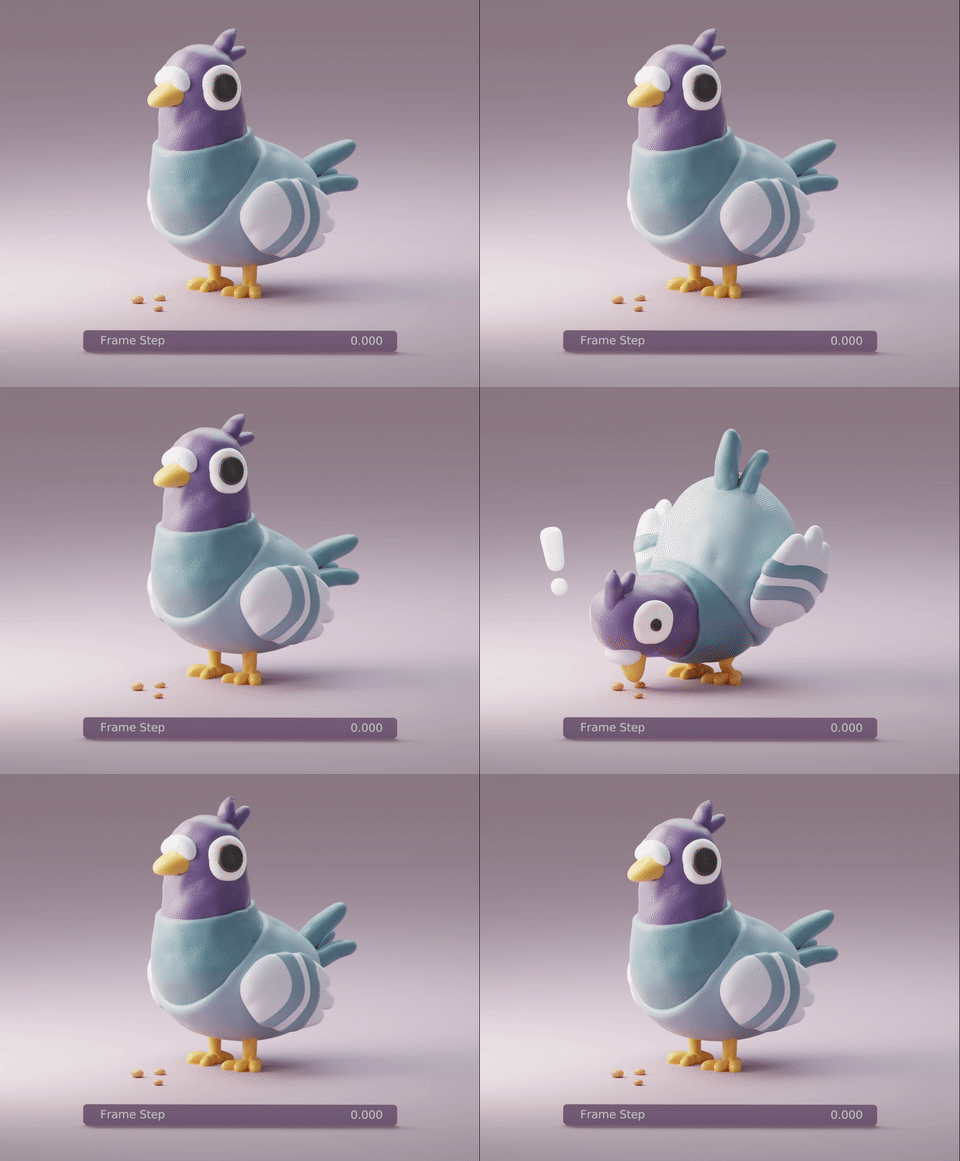
- ANIMATION/ STOP MOTION FEATURES
- SUPPORTS CYCLES + EEVEE
- BONUS TOOLS
CONTENTS
- Clay Doh - The one shader to rule them all
- Materials - Glitter Clay, Slime, Terracotta, etc.
- Modifiers - Sticky Textures, Curve > Clay, Grease Pencil > Clay, etc.
- Bonus Tools - Clay Text, Pottery, Eyes, and more!
- Video Tutorials & Documentation
NOTE: Not for old Mac/ MacBooks! Animal models not included.
|
|
|
|

Feel free to read the Documentation, FAQs, Reviews, follow my work or check out more DoubleGum products.
Happy Blending!
