 Jonas Mangelschots

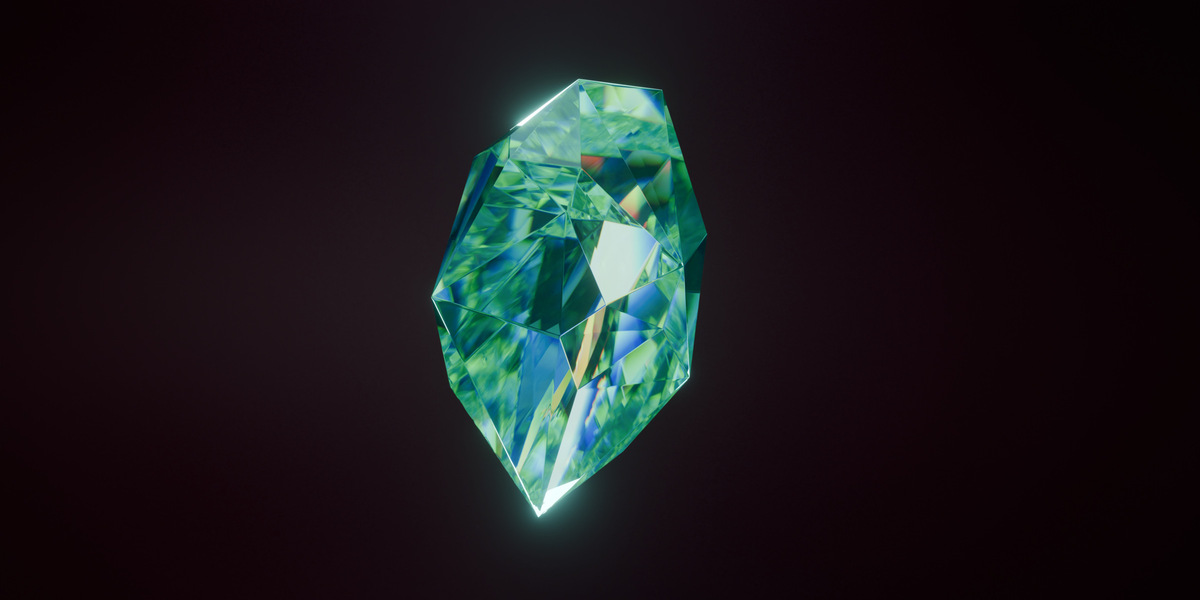
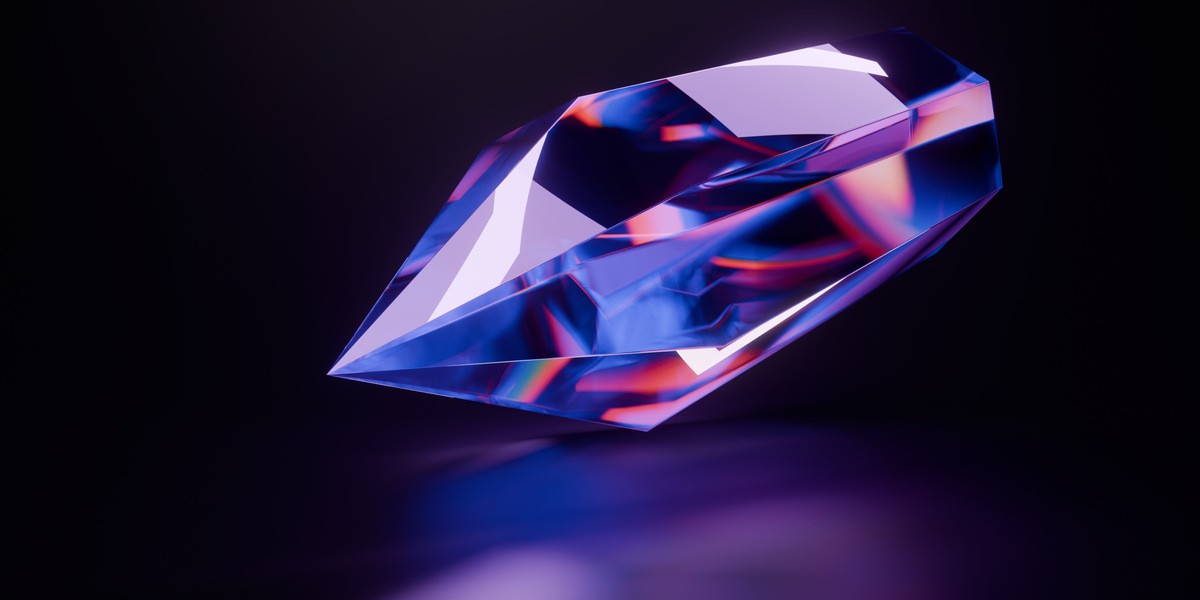
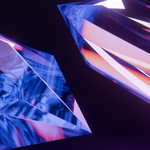
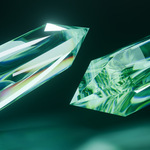
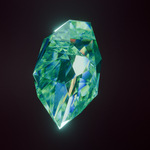
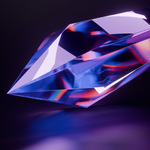
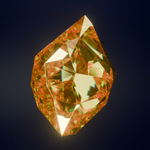
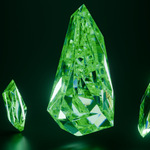
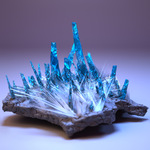
Generate crystals in one click, then shape every step of the result.
Crystal Generator builds crystals inside Blender, from the base shape to the cracks and fine detail. Run the whole process at once for a quick result, or use each step on its own, on any mesh.
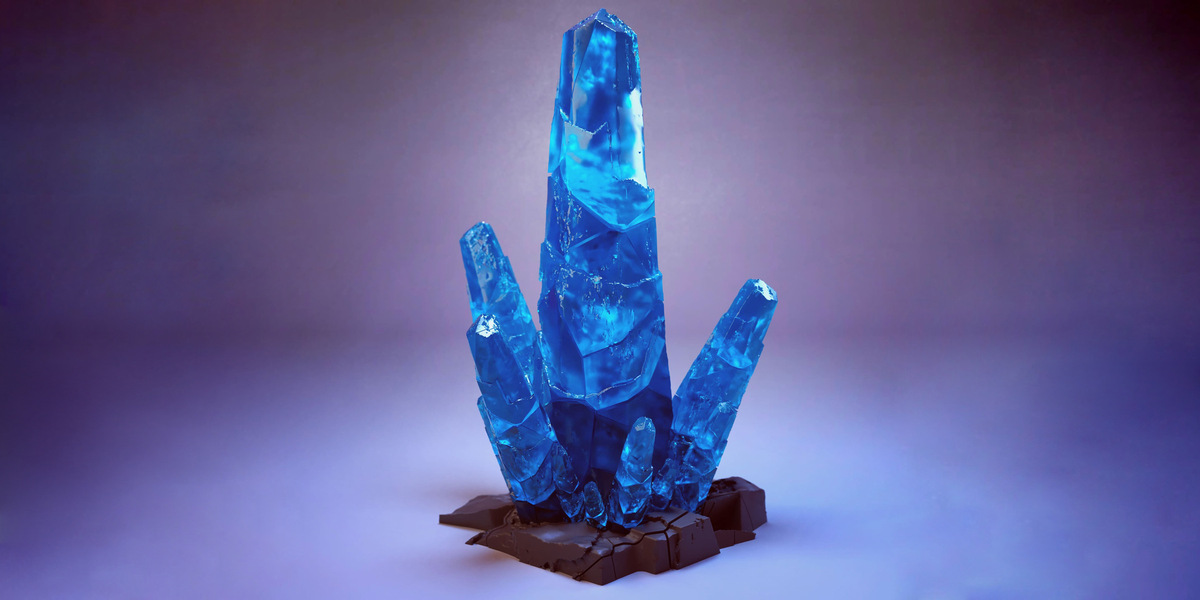
What's included
- The add-on zip file
- Free updates
No sales. The price only goes up, and only when a big update releases, so there's no reason to wait.
Tools
| Tool | What it does |
|---|---|
| Crystal Generator | Builds a crystal in seven steps, with control over each one |
| Geo Crystal | Generates crystals with Geometry Nodes, so you can keep adjusting them |
| Rockify | Turns any mesh into rock |
| Scatter | Spreads objects over or inside a mesh |
| Studio | Builds a lit scene and camera around your selection, ready to render |
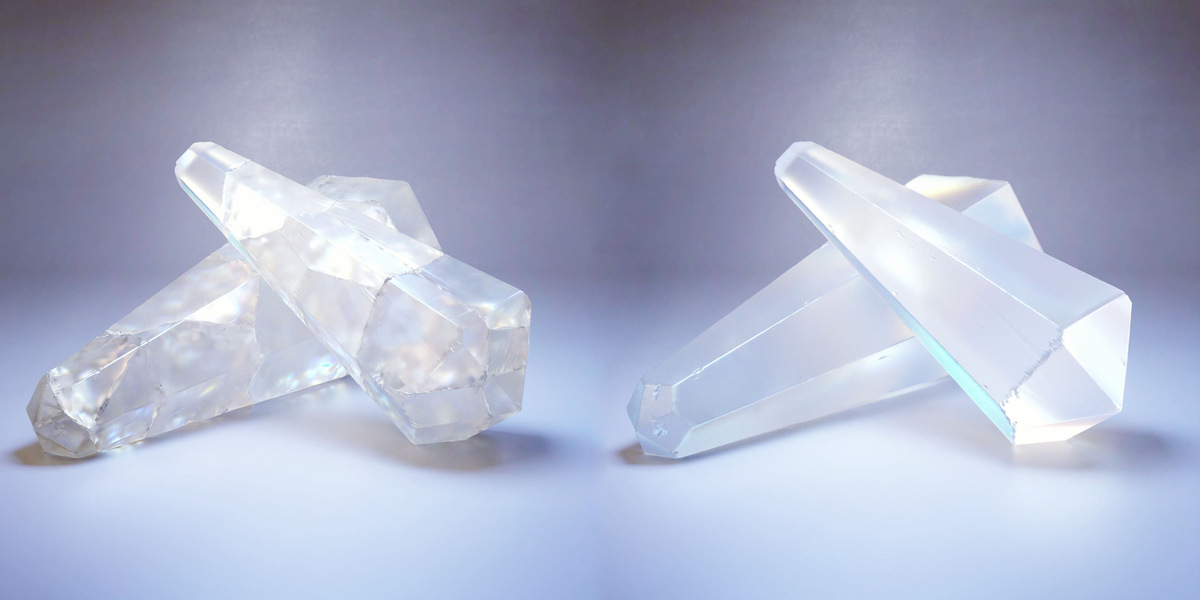
How to use it
Open the sidebar in the 3D Viewport (N), go to the PGT tab and click the image to choose a tool.
Crystal Generator
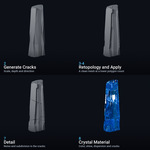
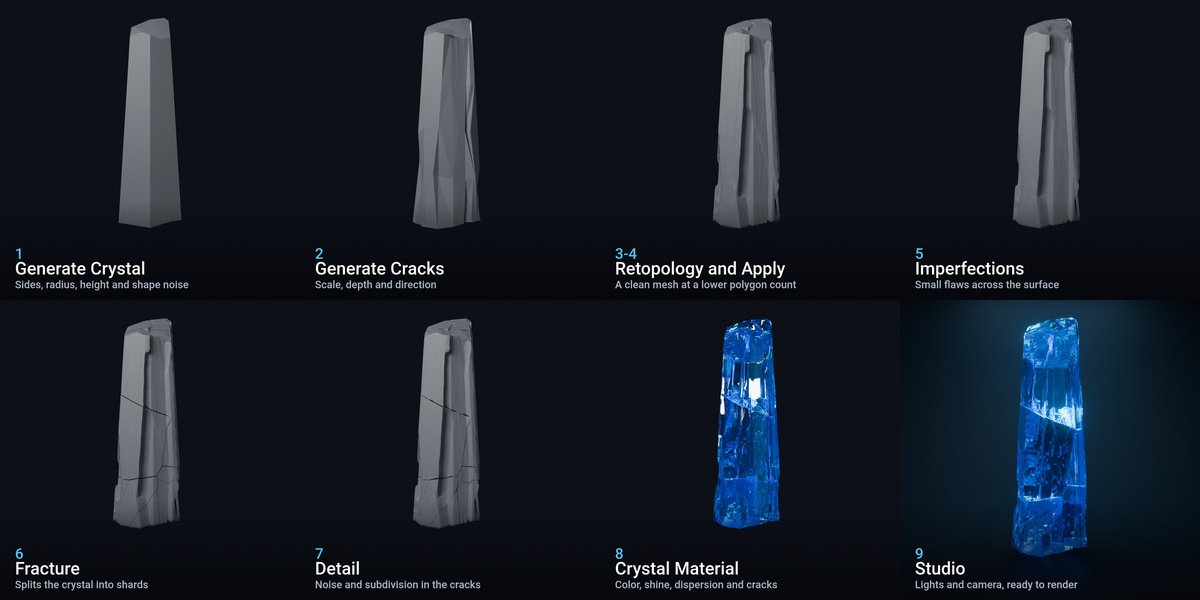
Each step has its own settings. Run one step at a time, or click Execute All Actions to run every enabled step.
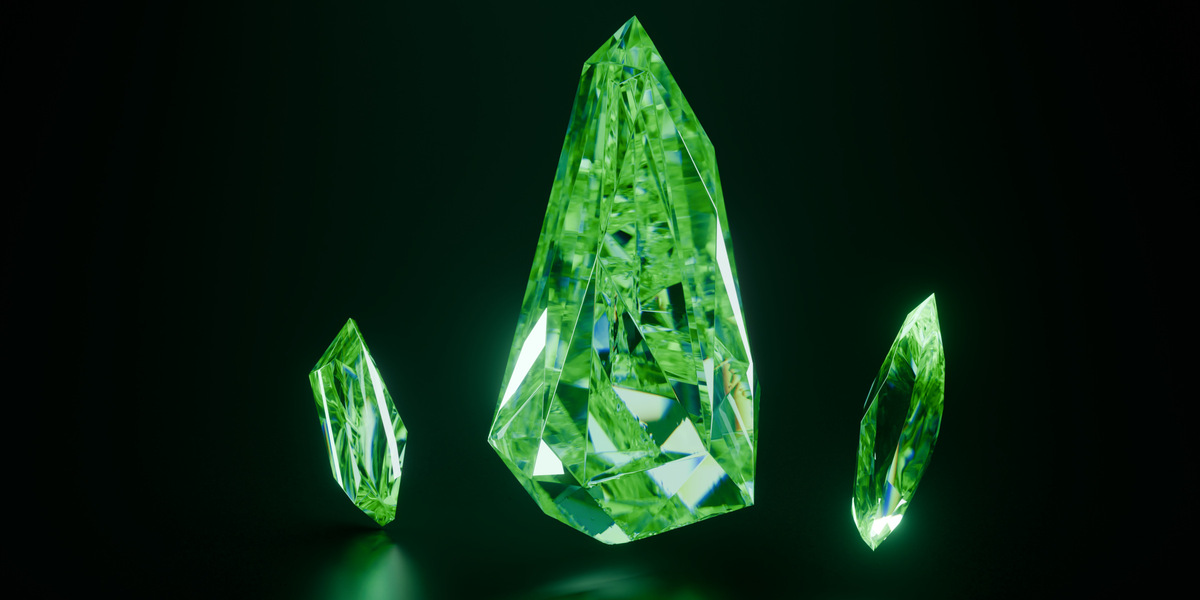
- Generate Crystal: sets the sides, top and bottom radius, height, rotation, scale and shape noise.
- Generate Cracks: sets the crack scale, depth, pattern and direction.
- Retopology Crystal: rebuilds the mesh at a lower polygon count.
- Apply All Modifiers: applies the modifier stack quickly.
- Crystal Imperfections: adds small flaws. This is the slowest step.
- Fracture Crystal: breaks the crystal into shards. It needs the Cell Fracture extension (see Installation).
- Add Detail To Cracks: adds noise and subdivision inside the cracks.
Add Crystal Mat then adds a crystal material, which you can adjust in the panel. If a step is unavailable, the panel tells you why, usually because the polygon count is too high. Run Retopology first to lower it.
Every step, from the base shape to the finished render
Geo Crystal
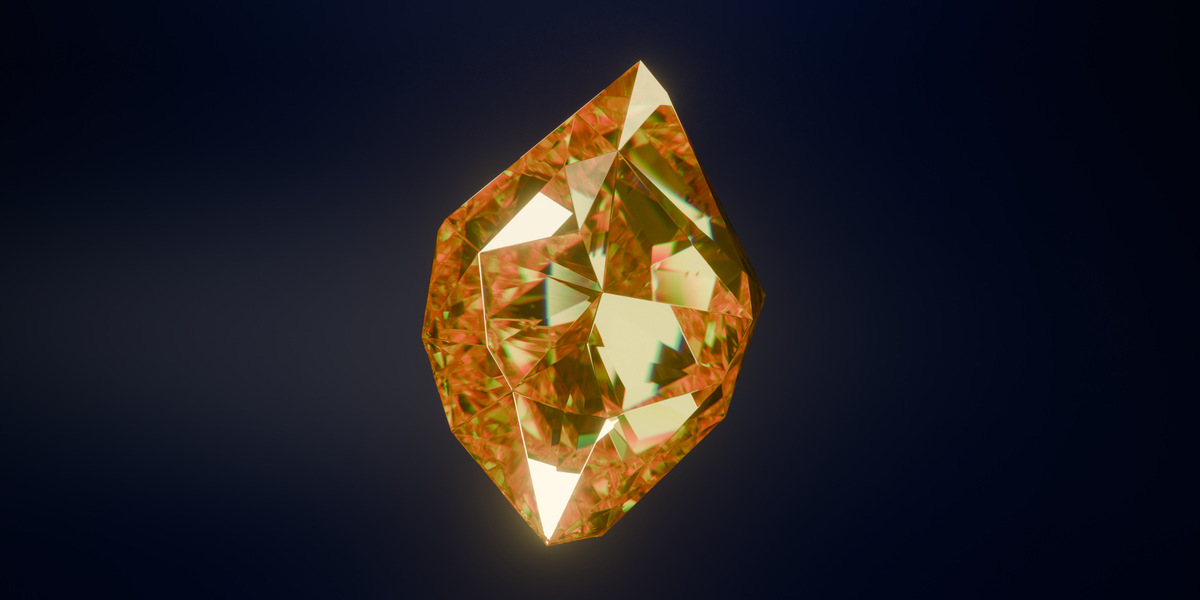
Click Gen Crystal, then adjust the settings in the panel: Seed, Vertices, Radius, Height, Top Scale, Bottom Scale, Pointyness, Resolution, Cut Count, Organic, Cracks and Shade Smooth. You can also add a bevel and a crystal material from the panel.
Rockify
Select a mesh and click Rockify. Change the look with Seed 1, Seed 2, Push Out, Voxel Size and Sub Div Level. Add Rocky Mat adds a rock material.
Scatter
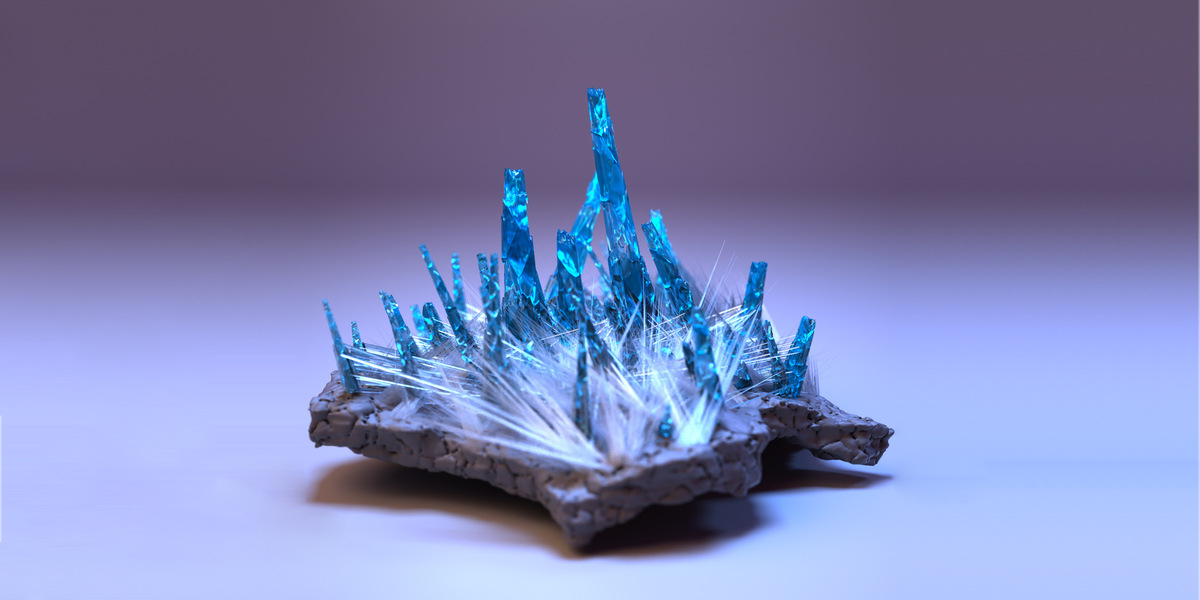
Select the mesh to scatter on, click Scatter and choose the object to spread. Set the density, scale, rotation and offset, and turn on Inside Mesh to fill the volume instead of the surface.
Crystals scattered over a rock
Studio
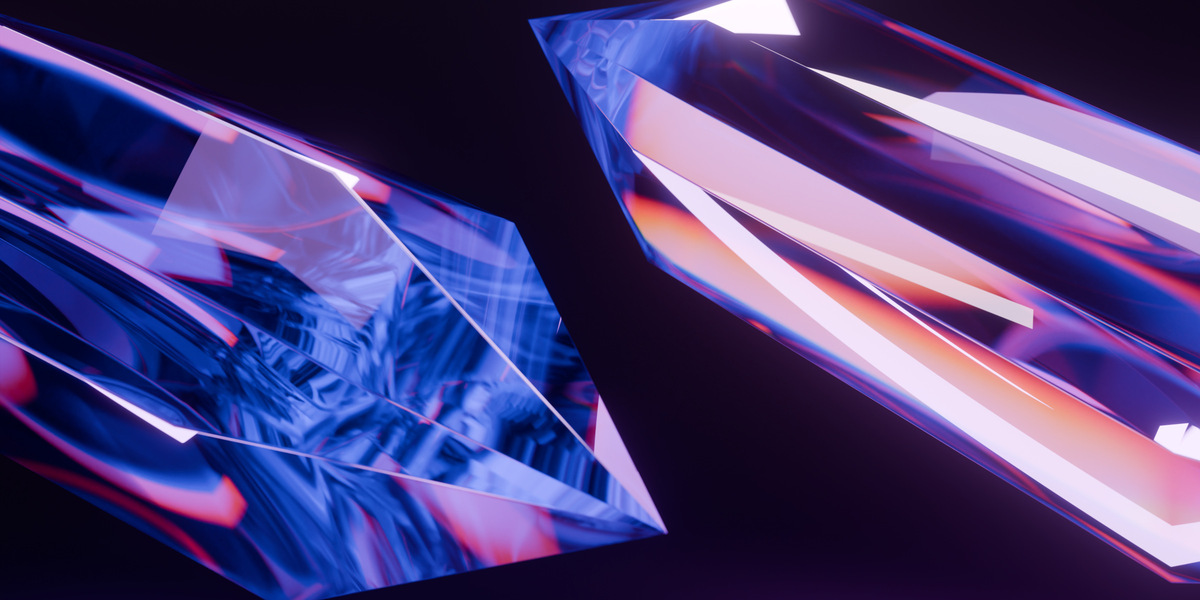
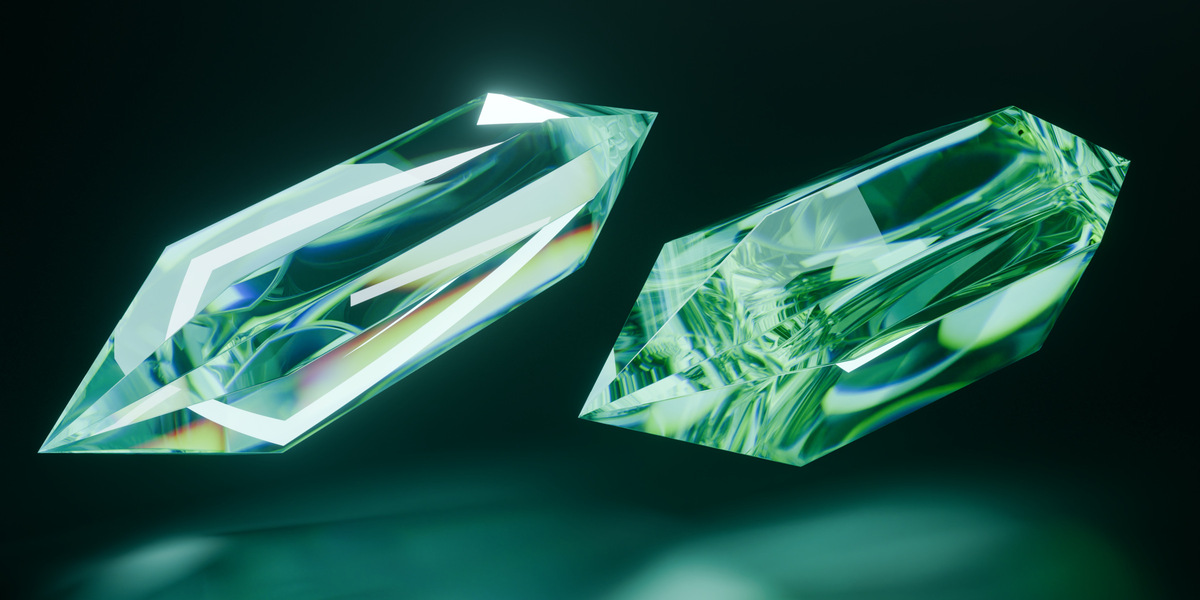
Select your objects and click Build Studio. Your objects aren't changed.
- Look: Dark, Glow, Soft Lavender or Colored Wall, which adds a Wall Color setting
- Framing: Standard, Close, Low, High, Macro or Off Center
- Light Setup: click an image to fill in the light settings, then change any of them
- Lights: Key, Rim, Backlight, Backdrop Glow, Light Angle, Light Height and Strip Lights. Each has its own color, and Main Color sets them all at once
- Camera: Camera Angle, Camera Height and Zoom
- Scene: Wall Brightness, Floor Offset, Exposure and Bloom
Remove Studio deletes the scene and restores your previous camera, world and color settings.
The Studio doesn't change your render settings. For glass and crystals, click Set Crystal Render Settings, which sets up Cycles with high light bounces and caustics, on your GPU if you have one.
Buttons for every tool
- Randomize All Parameters gives you a new variation.
- Reset All Parameters returns to the defaults.
- Copy Seed and Paste Seed copy the current settings and bring them back later.
- Apply All Mods And Duplicate keeps a copy with the modifiers applied.
- The Presets panel saves and loads your settings.
Compatibility
-
Blender 4.0 to 5.2: download
PGT_Crystal_Generator_6.0_Blender_4.0-5.2.zip. This is the current version. -
Older Blender: download the zip numbered for your Blender version, such as
PGT_Crystal_Generator_3.6.zipfor Blender 3.6. Older zips don't have the newest tools.
Installation
- Download the zip. Don't unzip it.
- In Blender, go to Edit > Preferences > Get Extensions, search for Cell Fracture and click Install. This is needed for Fracture Crystal on Blender 4.2 and newer.
- Go to Add-ons, click the arrow in the top right and choose Install from Disk. On Blender 4.0 and 4.1, click Install.
- Select the zip and tick Procedural Generation Toolkit in the list.
- If you've installed a PGT product before, restart Blender.
- Press N in the 3D Viewport and open the PGT tab.
Support
Questions, bugs and feedback are all welcome on Discord or Instagram.