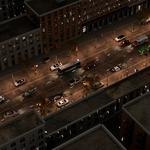
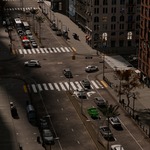
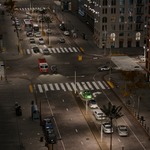
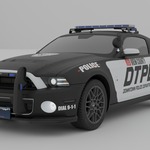
Downtown Traffic System (DTS)

Mohamed Elsherif in Rigging


FREE FOR DOWNTOWN GENERATOR OWNERS
Own Downtown Generator? Get Down Town Traffic System for free

Use code dtgfree at checkout on this page.

Get Downtown Generator →

Turn a few curves into a living city

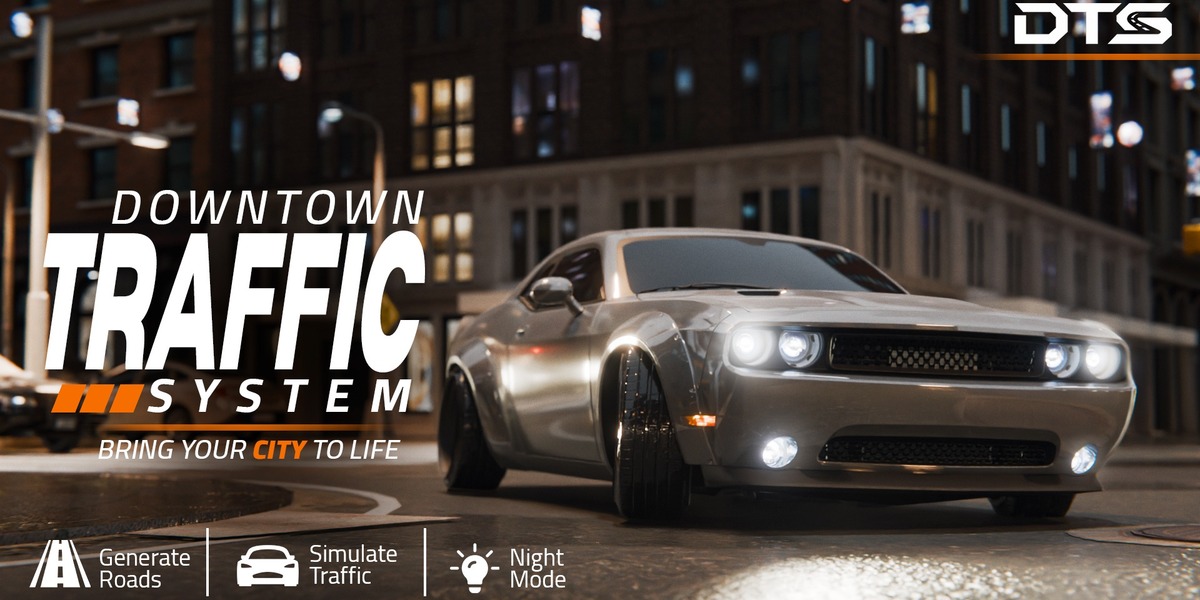
Generate roads and junctions, bake traffic that changes lanes with turn signals, and light it all up at night.

Roads, junctions and traffic lights
Lane changes with turn signals
Night mode with real headlights

Traffic shouldn’t be keyed by hand

Believable city traffic usually means animating every car yourself or fighting a heavy simulation. Artists struggle to:

  • Make cars queue at the lights and slow down for obstacles
  • Give cars, buses and trucks different speeds
  • Light night shots without fixing every car
  • Fill empty streets, then thin the traffic out again

Down Town Traffic System builds the roads, drives the cars and lights the night for you.

Generate, bake, play

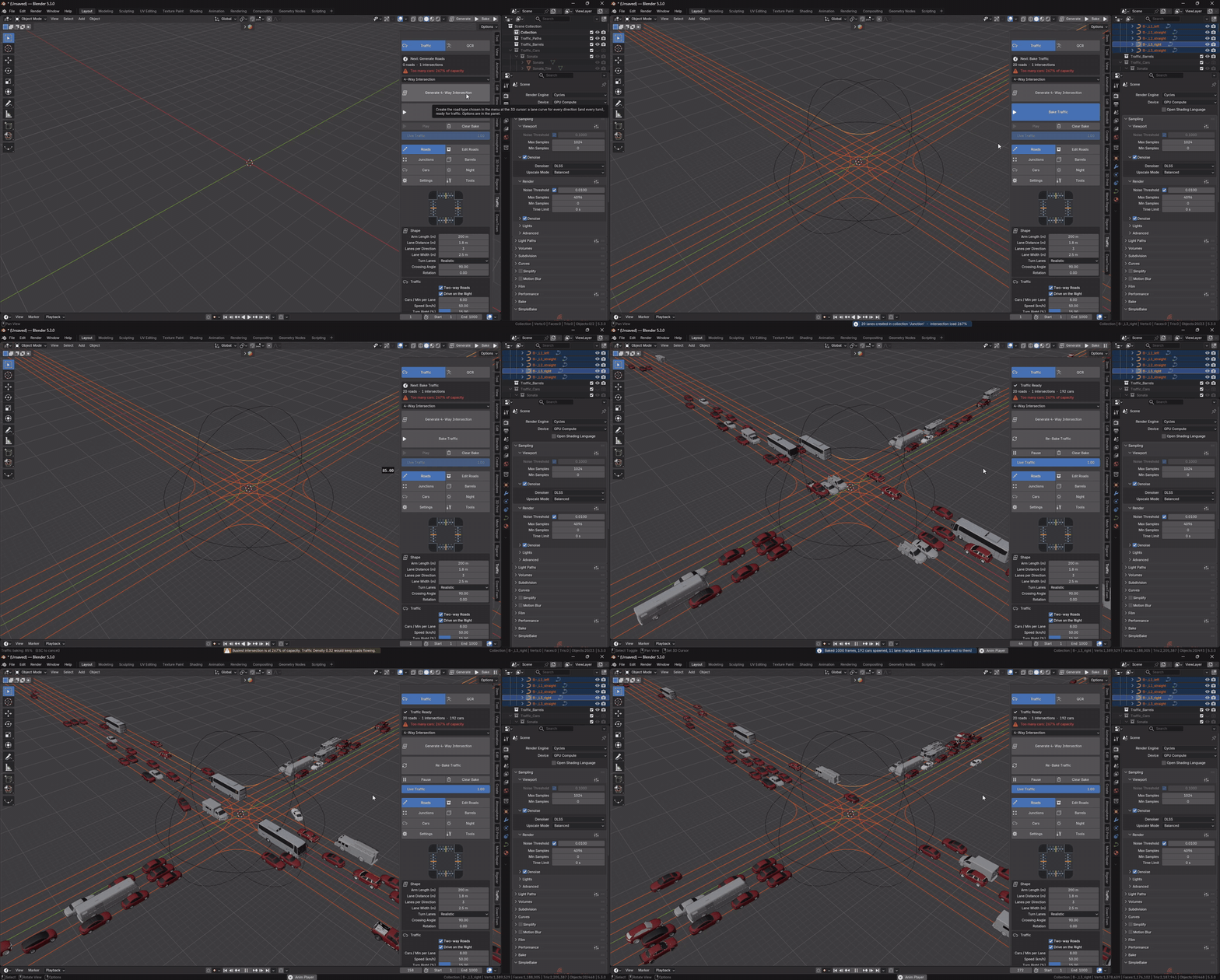
Everything happens in one panel in the 3D Viewport sidebar.
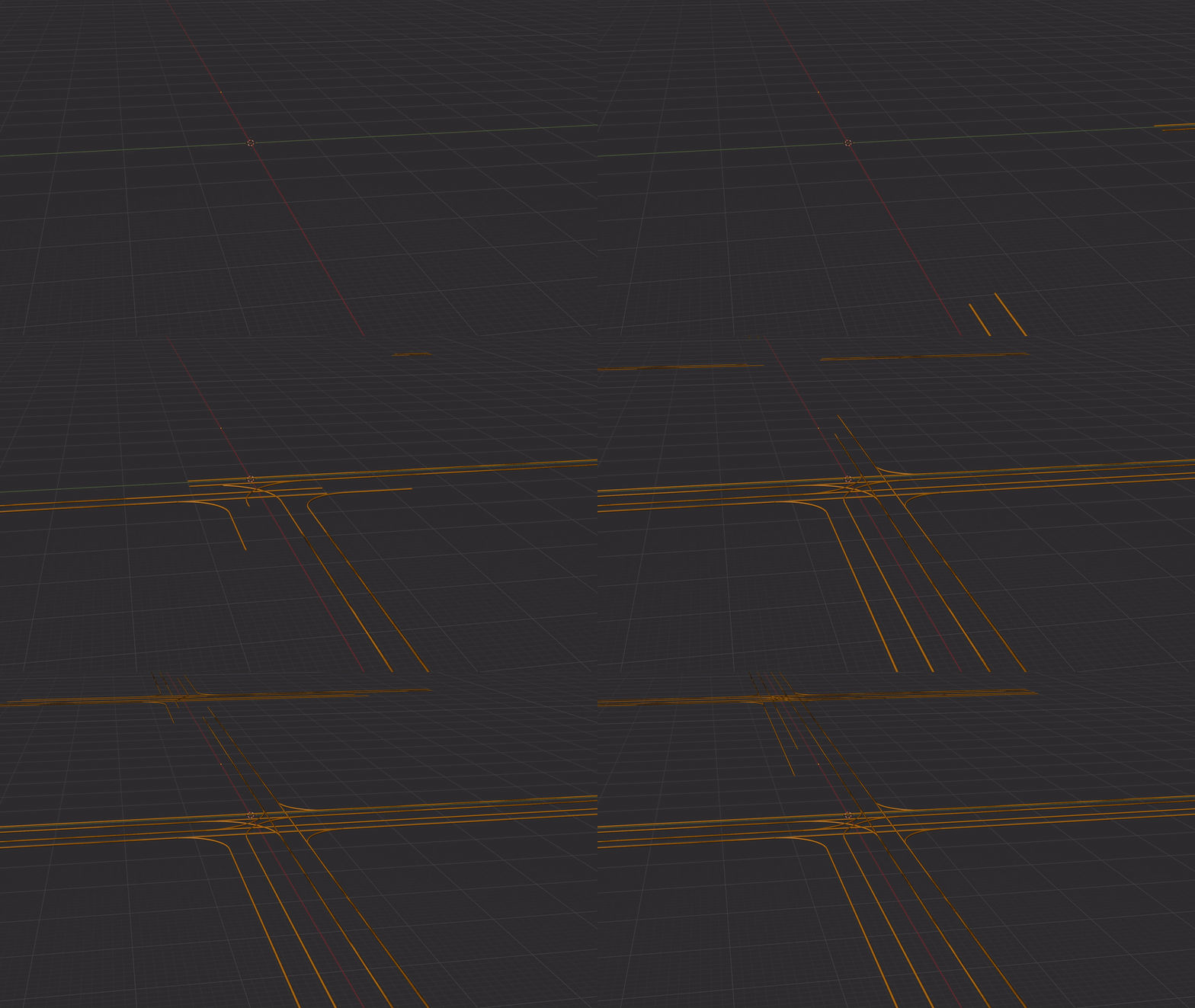
Generate
Create roads and junctions from curves, or draw your own.
Bake
Press Bake Traffic. A pre-roll fills the streets from frame 1.
Play
Scrub the timeline, change the density live, then render.
Roads building up from curves
Roads build up from curves
Generate and bake in the add-on panel
Generate, then bake traffic

Four road shapes, one click

Pick a shape in the Roads tab and press Generate. DTS builds every lane, every turn and the junction itself, then the cars drive it.

Straight Road
A road with a lane for each direction. Set the length and up to 8 lanes per direction.
4-Way Intersection
Two crossing roads with every turn, ready for traffic.
T-Junction
A road with a side road joining it.
Intersections in a Row
2 to 8 intersections along one road. Cars drive from one to the next without vanishing in between.
The four road shapes: straight road, 4-way intersection, T-junction and intersections in a row
Straight road, 4-way intersection, T-junction and intersections in a row

Junctions that work

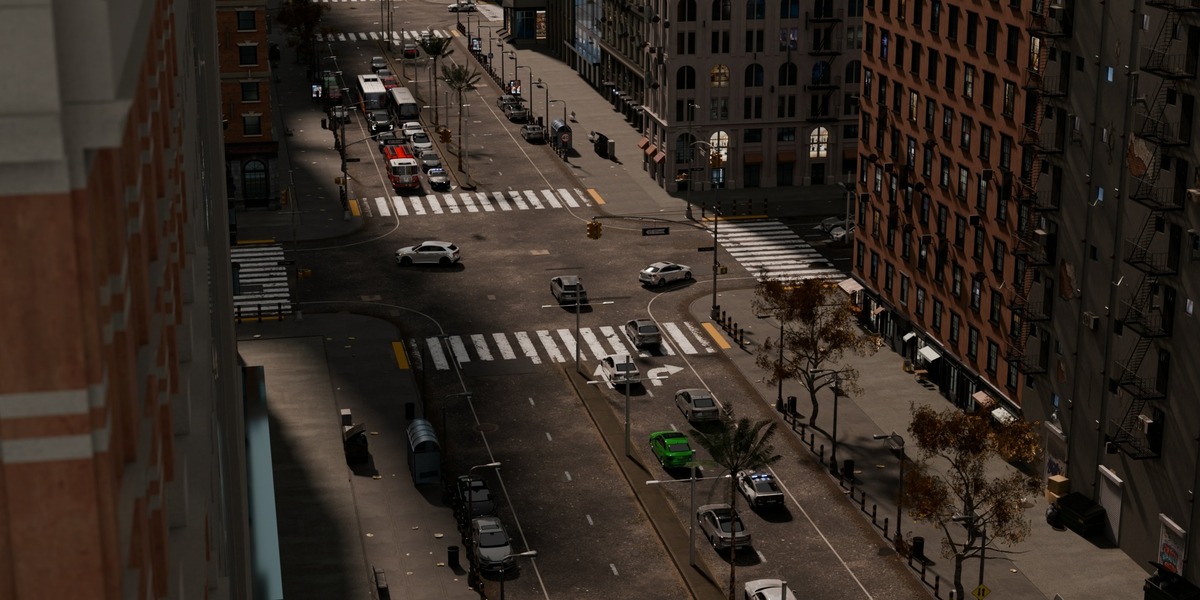
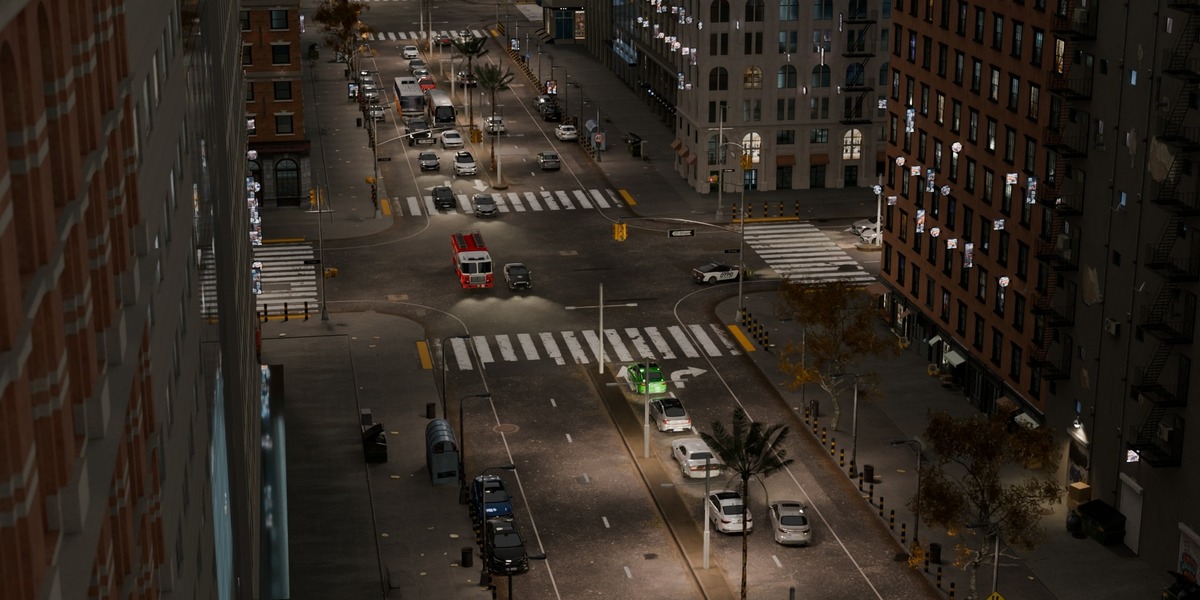
Crossings, stop lines and traffic lights come with every junction. Cars wait their turn, queue up and release naturally.
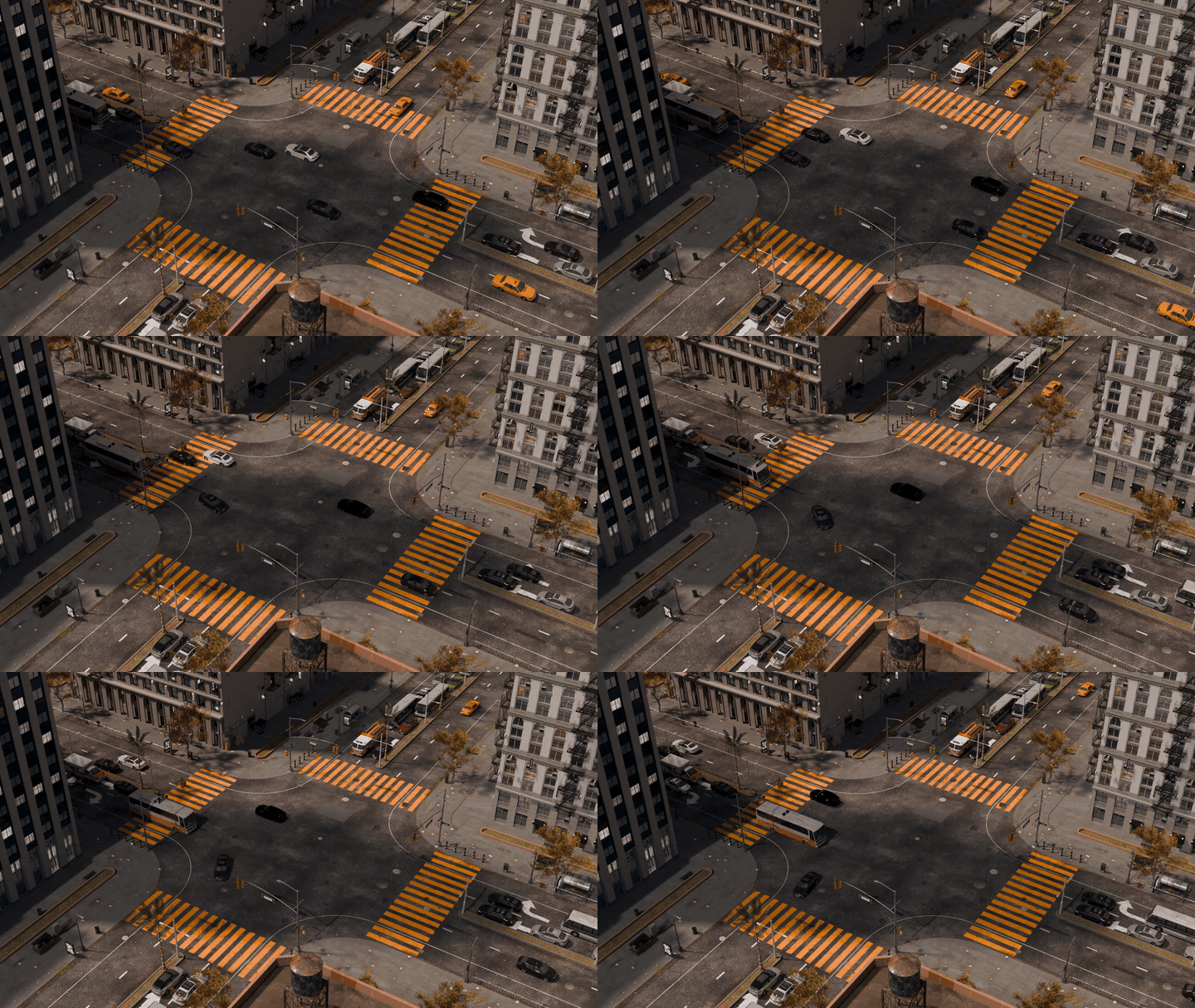
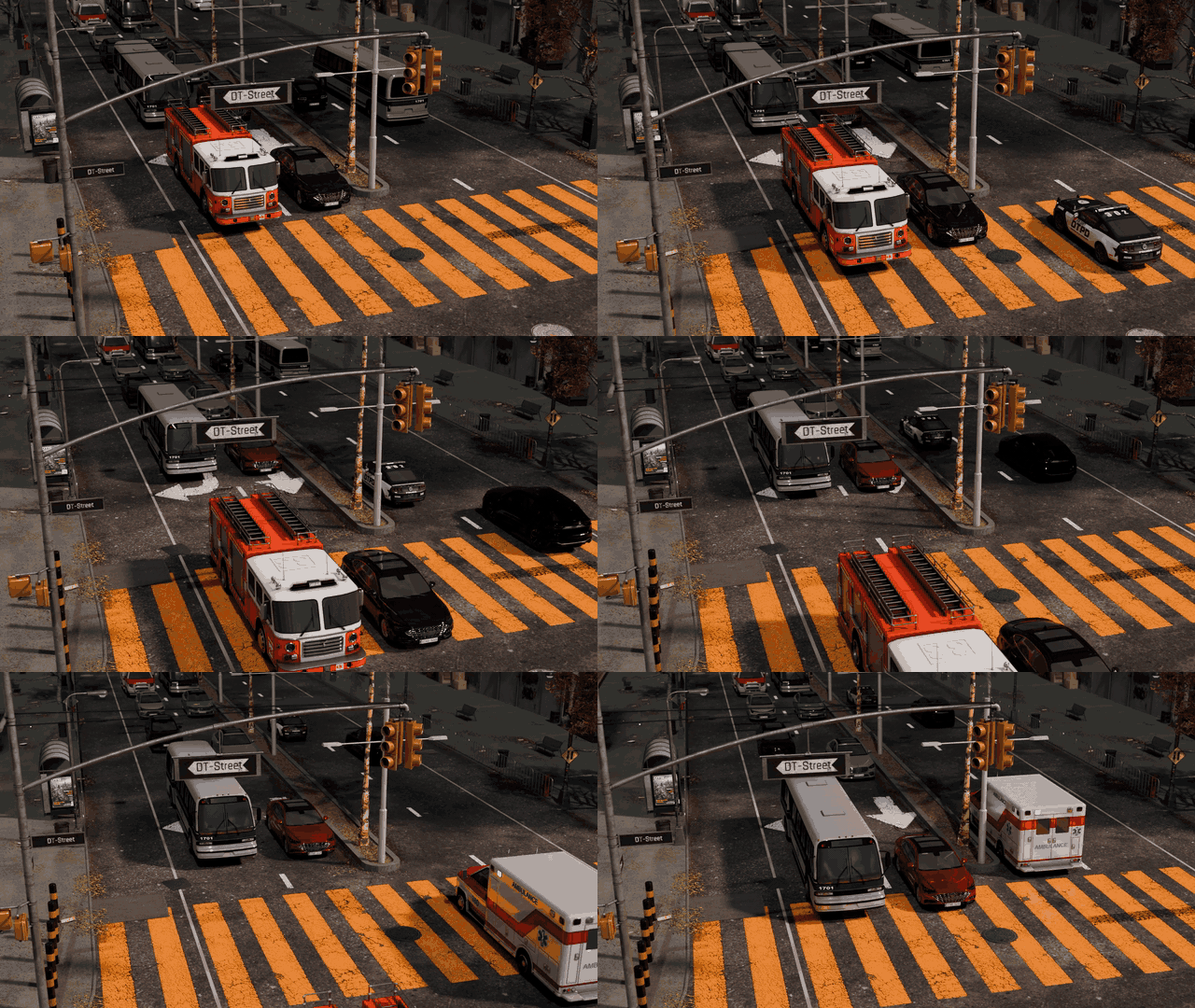
A junction with crossings and traffic lights
Crossings and traffic lights
Cars queueing at a traffic light
Stop, wait, go

Traffic that behaves

Every car follows the one ahead and drives like a person would.
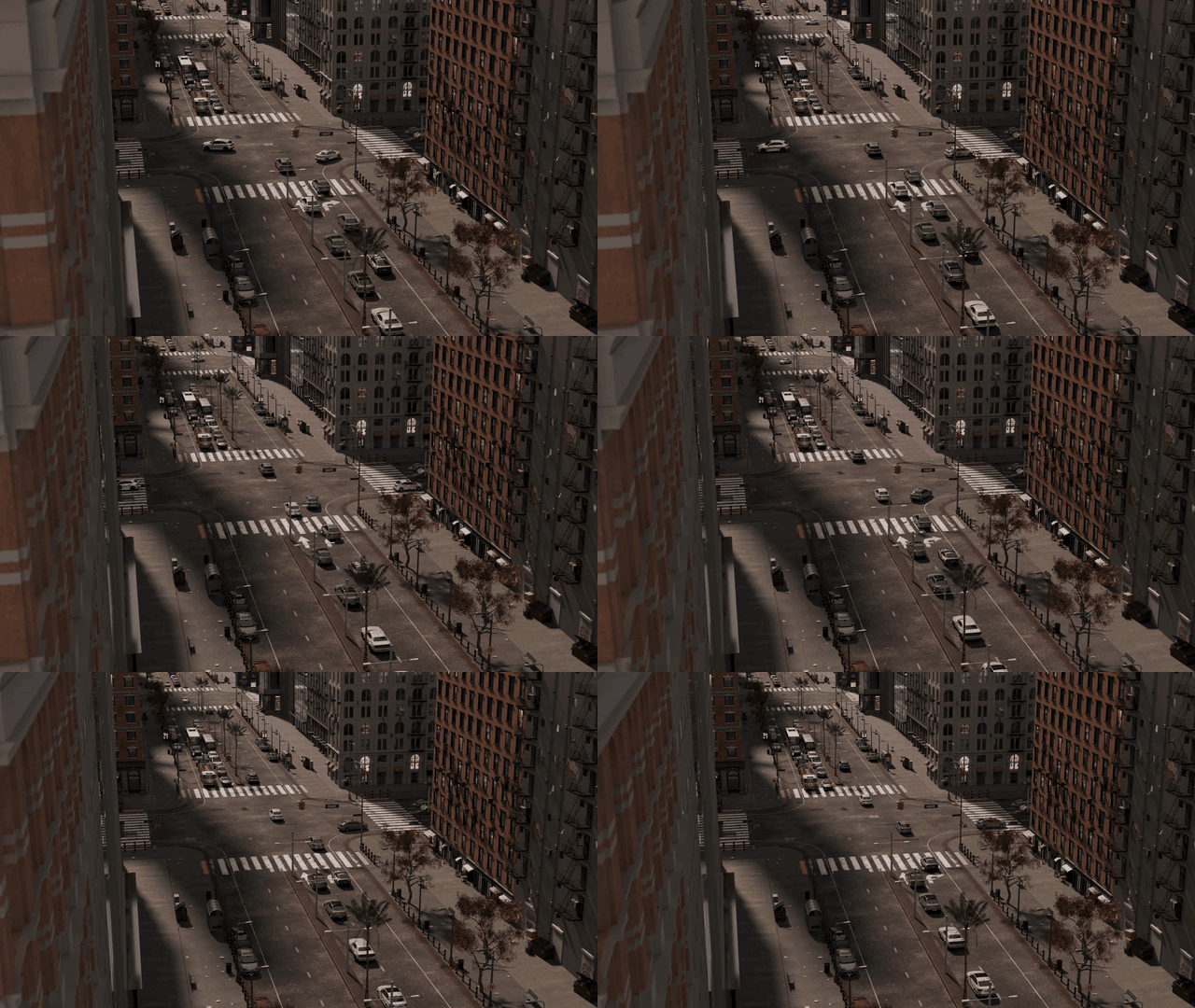
Speed by vehicle class
Cars, fast cars, vans, buses and heavy trucks each drive at their own pace.
Lane changes
Cars overtake slow vehicles with a turn signal when there is room. Switch it off globally or per lane.
Speed variety
Every driver is a little different, so cars do not move in rigid rows.
Live density
Thin the traffic in real time with the Live Traffic slider.
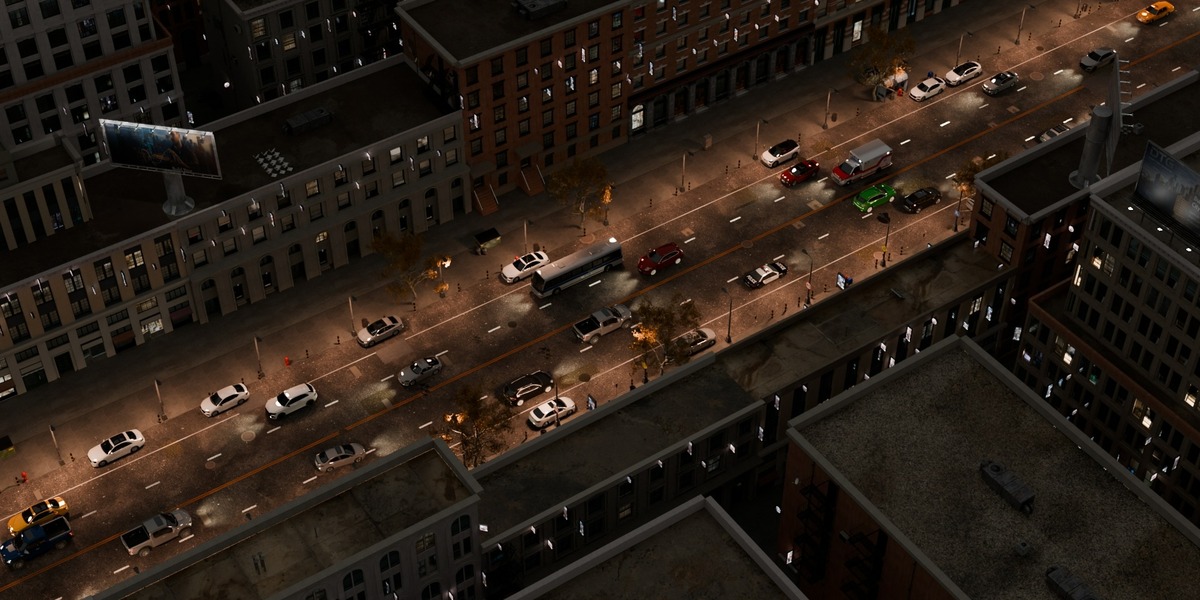
Traffic on a busy street
Busy street, mixed speeds
Front turn signal blinking
Turn signals, front
Rear turn signal blinking
Turn signals, rear
The same city with more and less traffic
More cars, fewer cars: one slider

Cars that lean into corners

Cars slow down for corners and the body leans into them, then dives under braking. Two sliders control it: Corner Grip sets how fast cars take a turn, Body Roll sets how far the chassis leans.
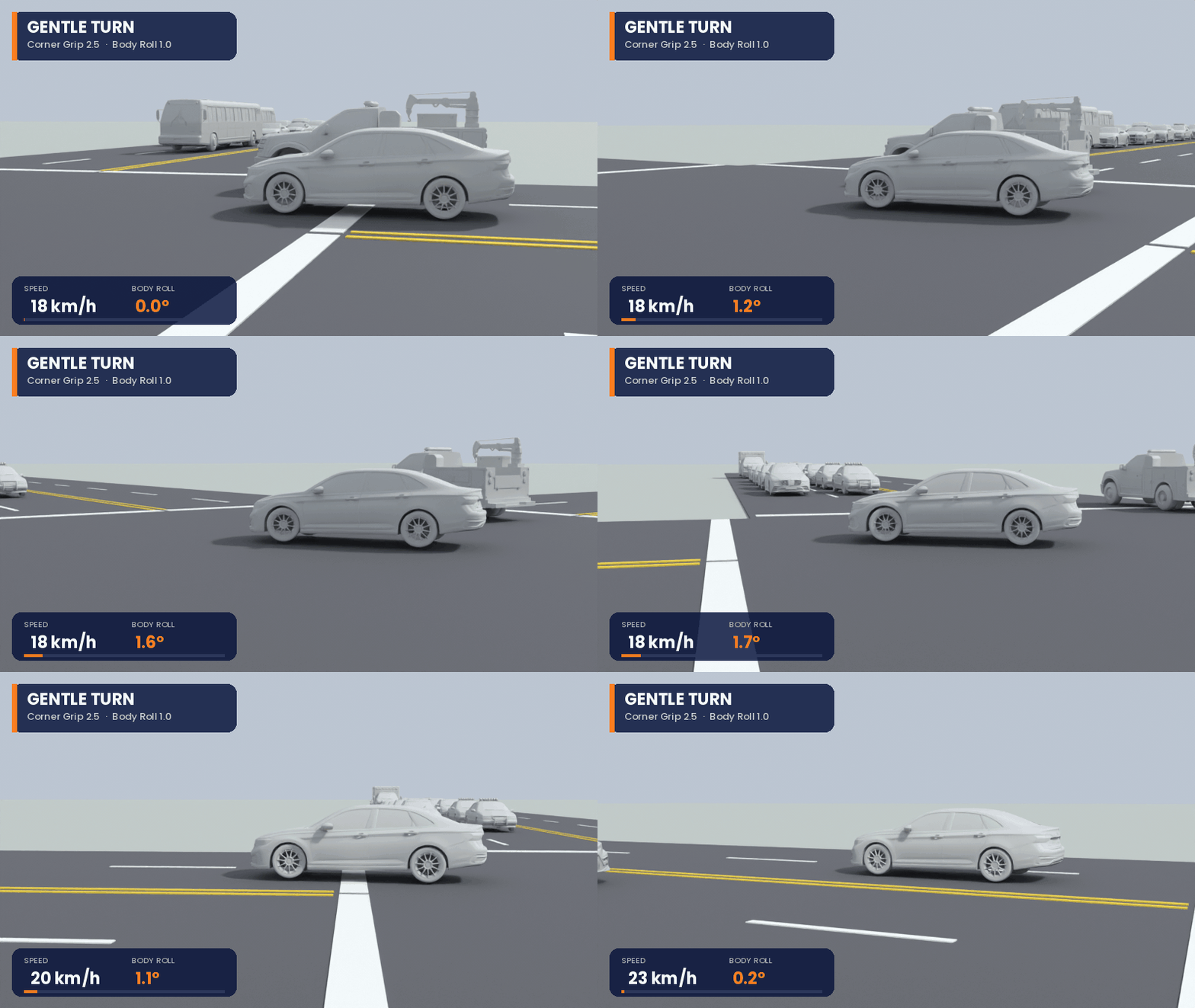
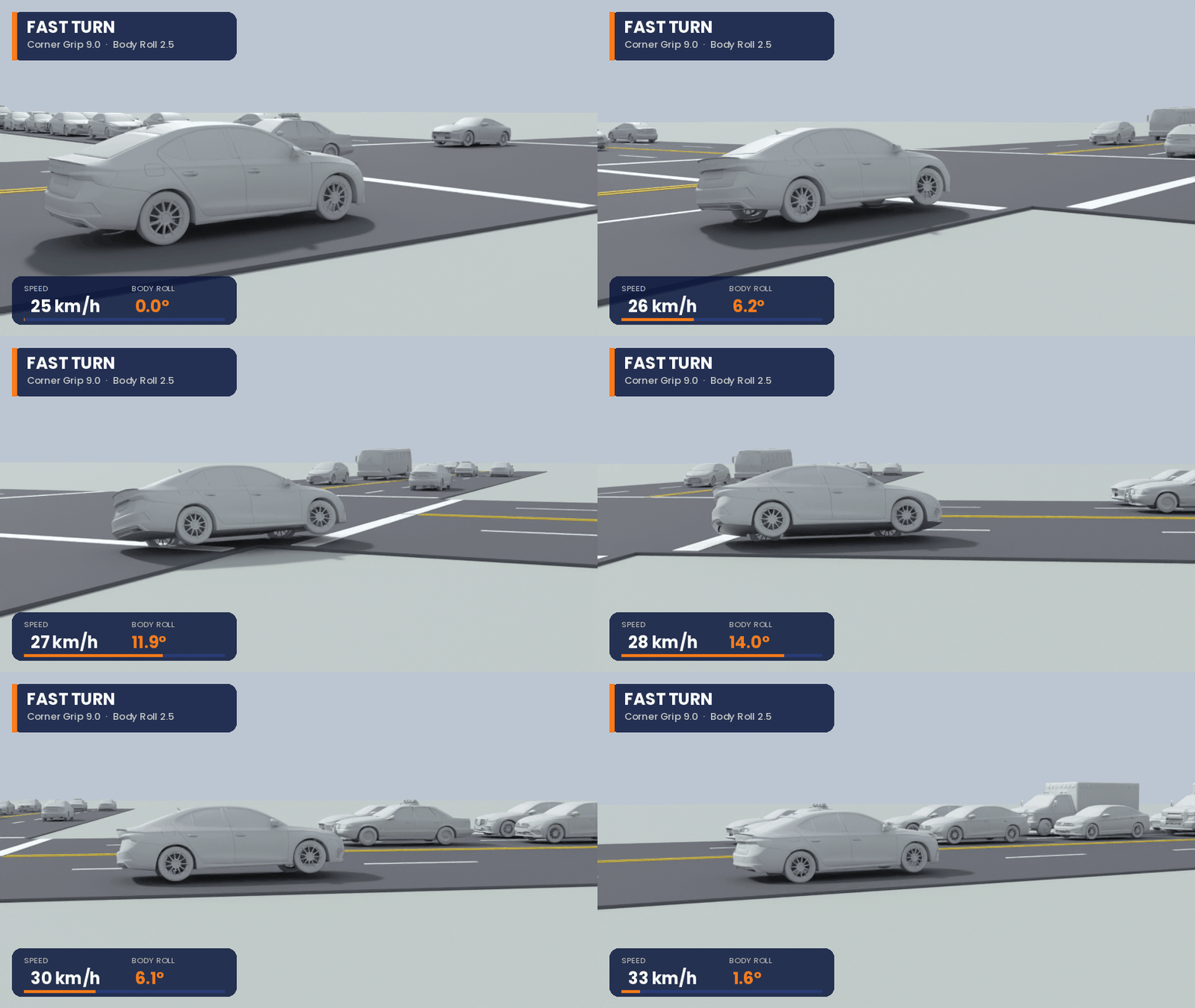
Corner Grip
Lower values make cars slow down more in corners.
Body Roll / Pitch
Chassis lean in turns and nose-dive when braking. Set it to 0 to turn it off.
A car taking a gentle turn at a junction
Gentle turn: Corner Grip 2.5, Body Roll 1.0
A car taking a fast turn and leaning with its inside wheels lifting
Fast turn: Corner Grip 9, Body Roll 2.5

Obstacles and emergency vehicles

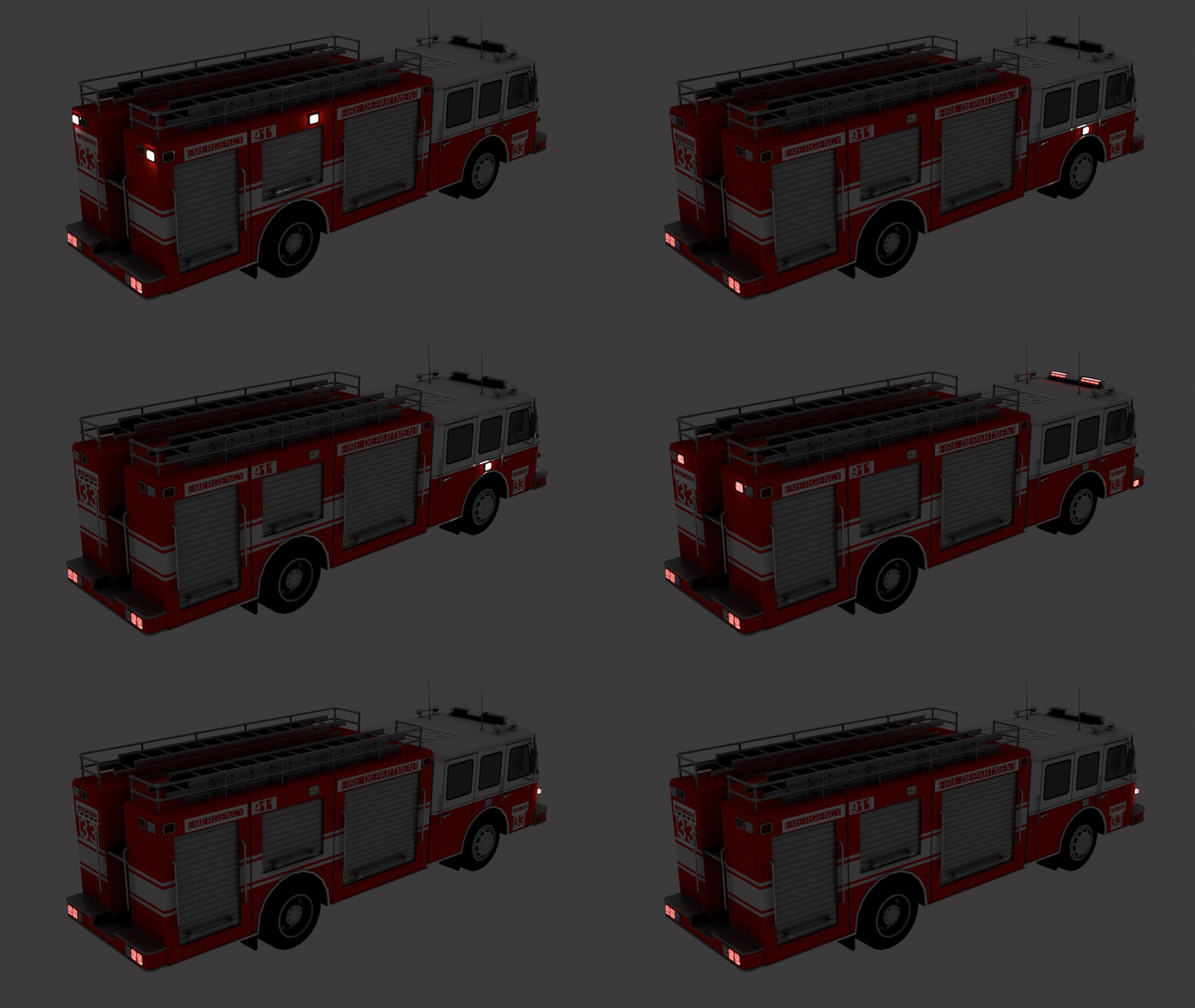
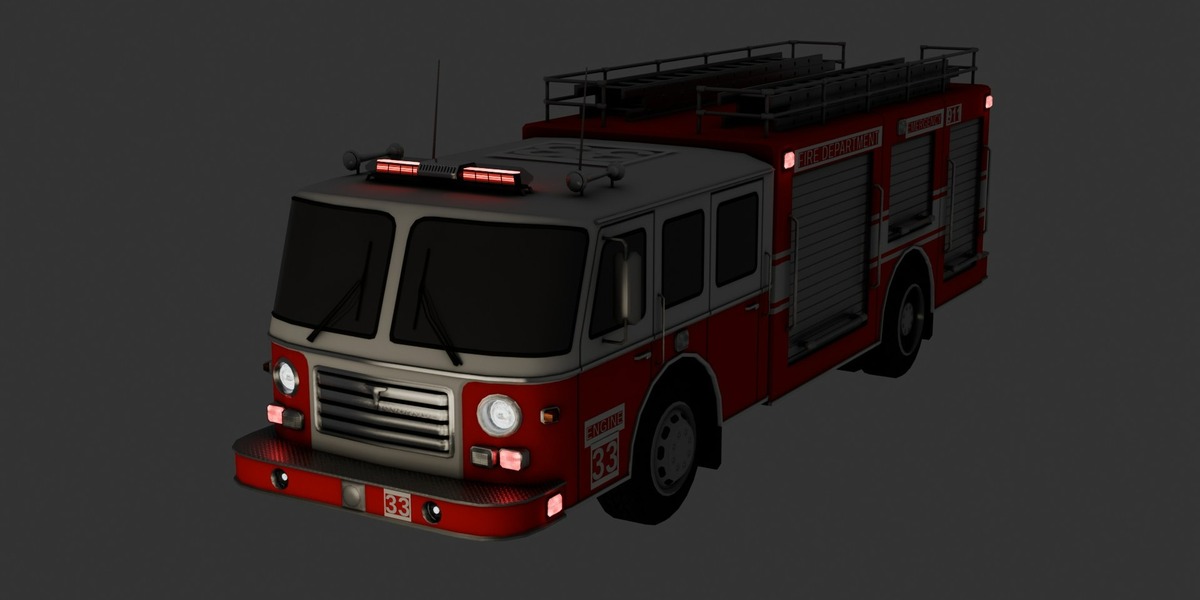
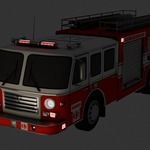
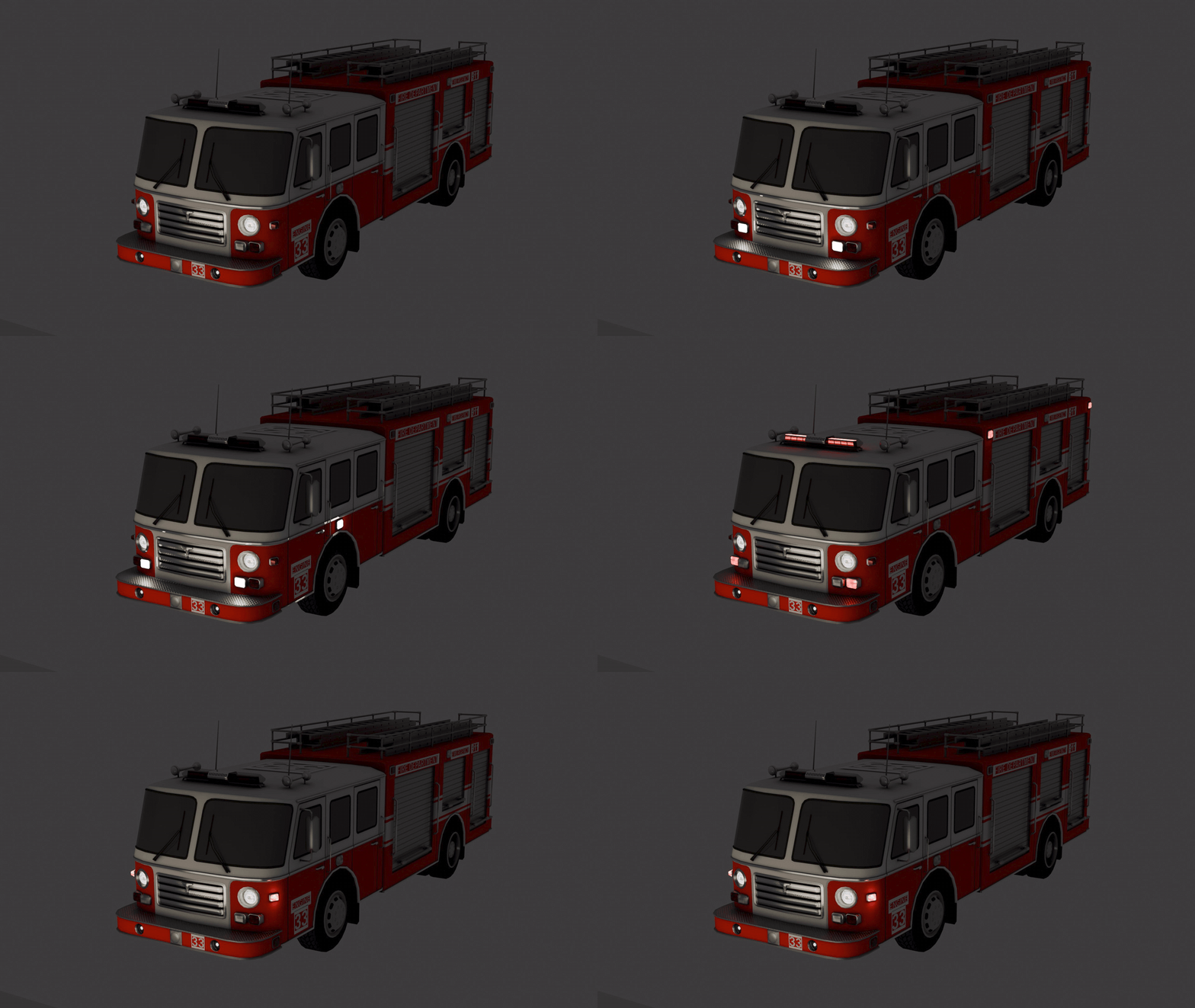
Drop barrels or roadblocks on the road. Traffic slows down, switches on hazard lights and goes around. Service vehicles have working lights too.
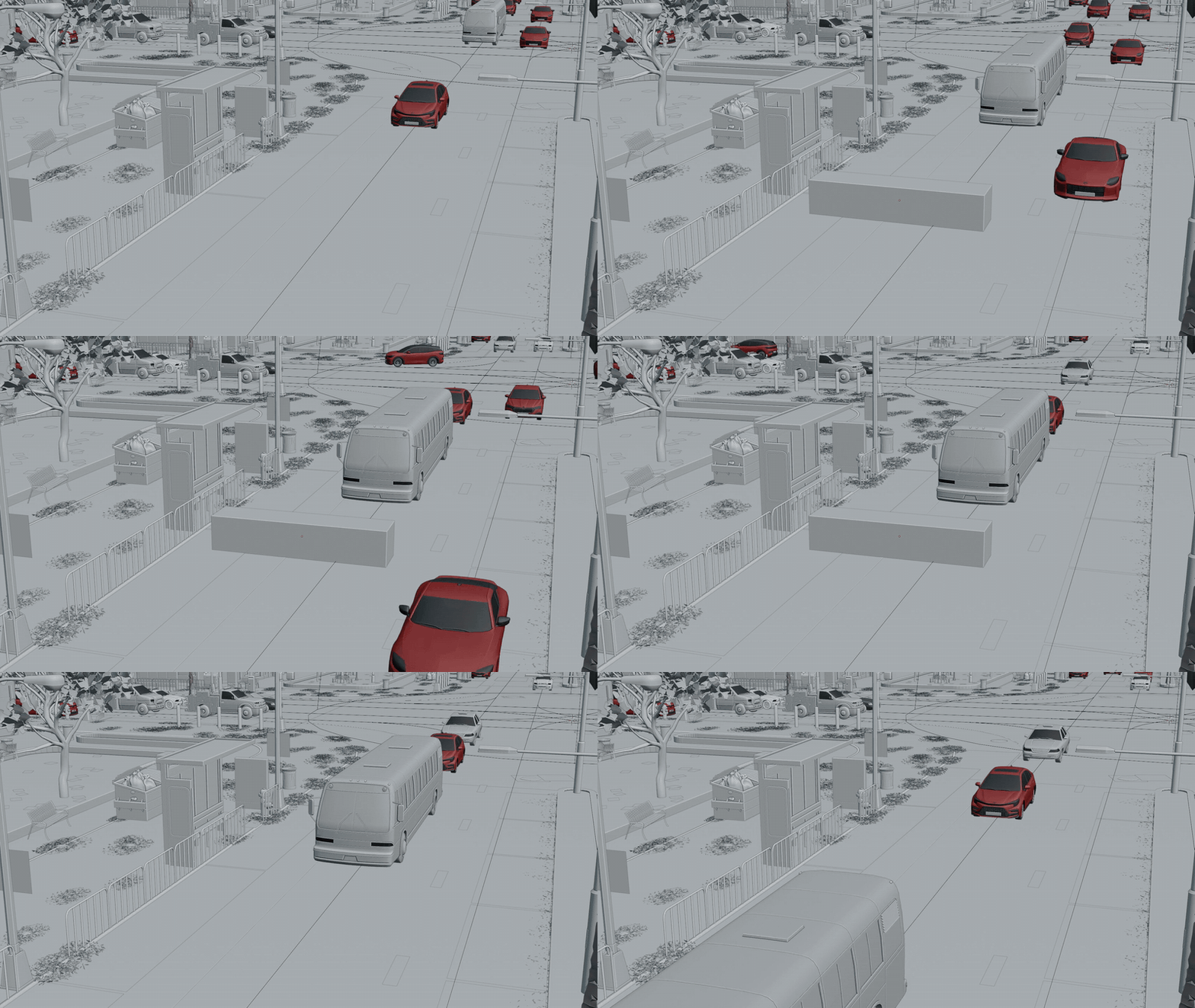
Cars slowing down for a barrier
Barrels and roadblocks
Fire truck with front lights on
Front lights
Fire truck with rear lights on
Rear lights

Night mode

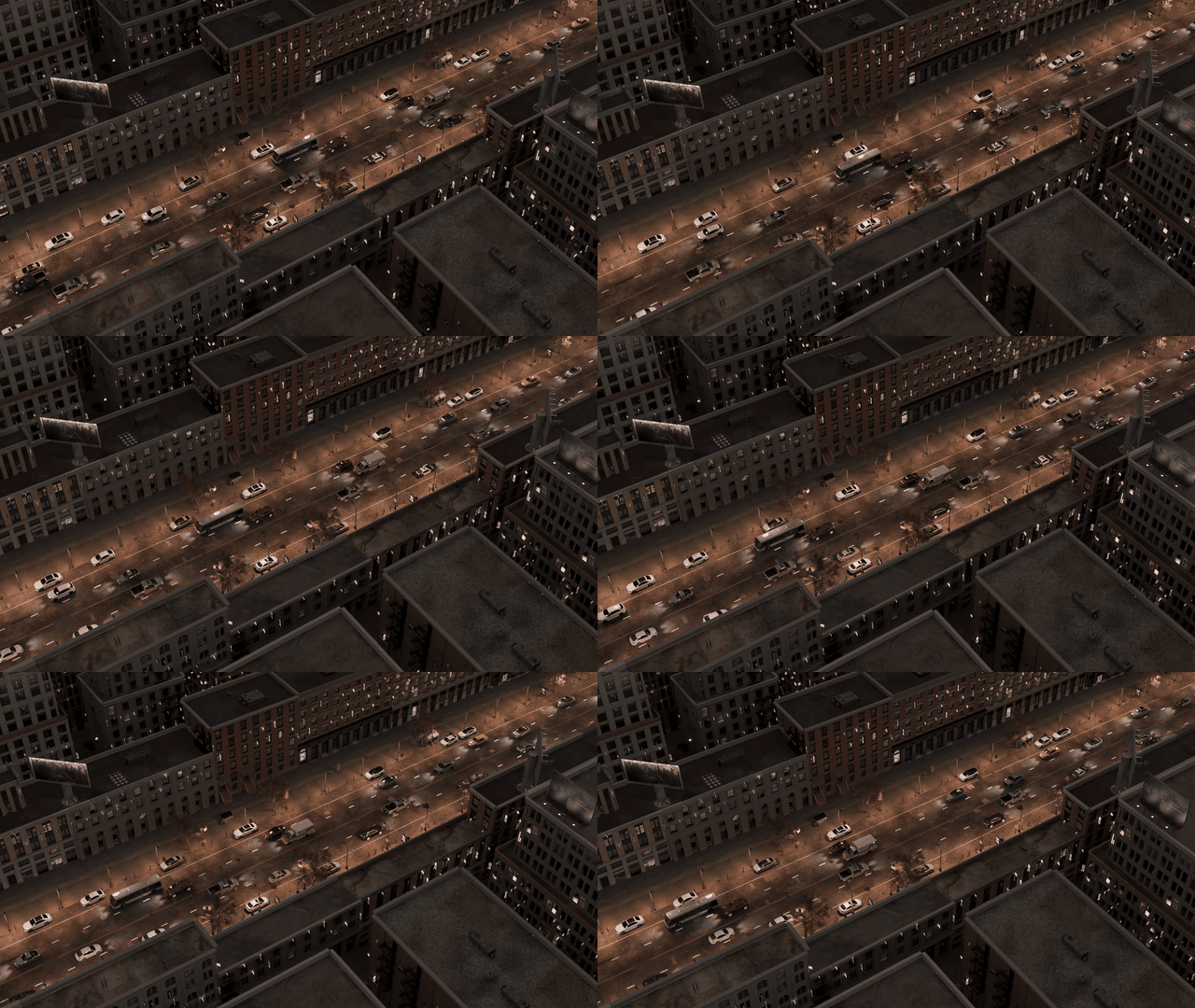
One switch turns the city to night. Every car gets spot headlights, tail lights and turn signals, with controls for beam softness, spot angle, power and wet-road reflection.
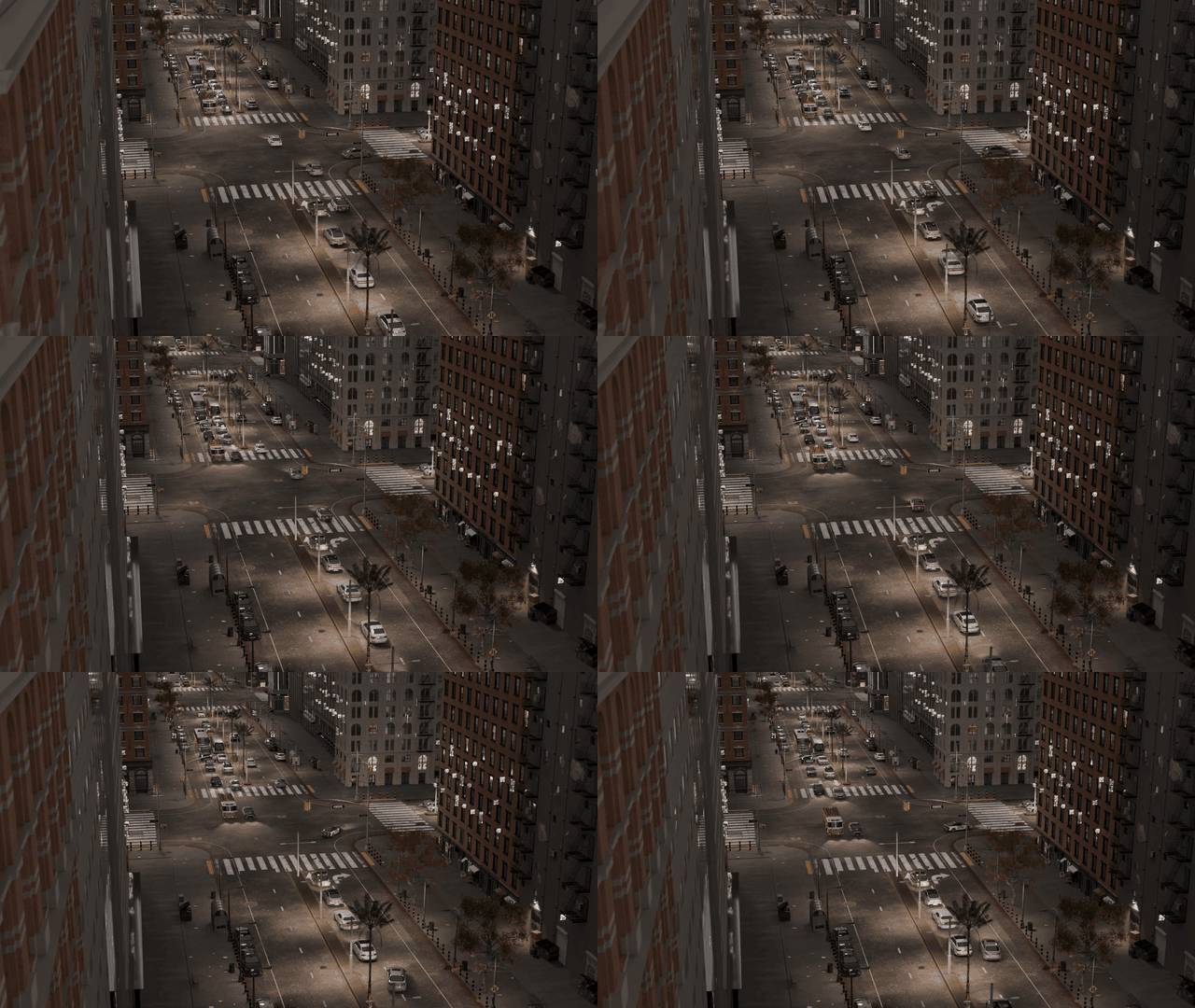
A street at night with car headlights
Headlights and tail lights on every car

Your cars, your city

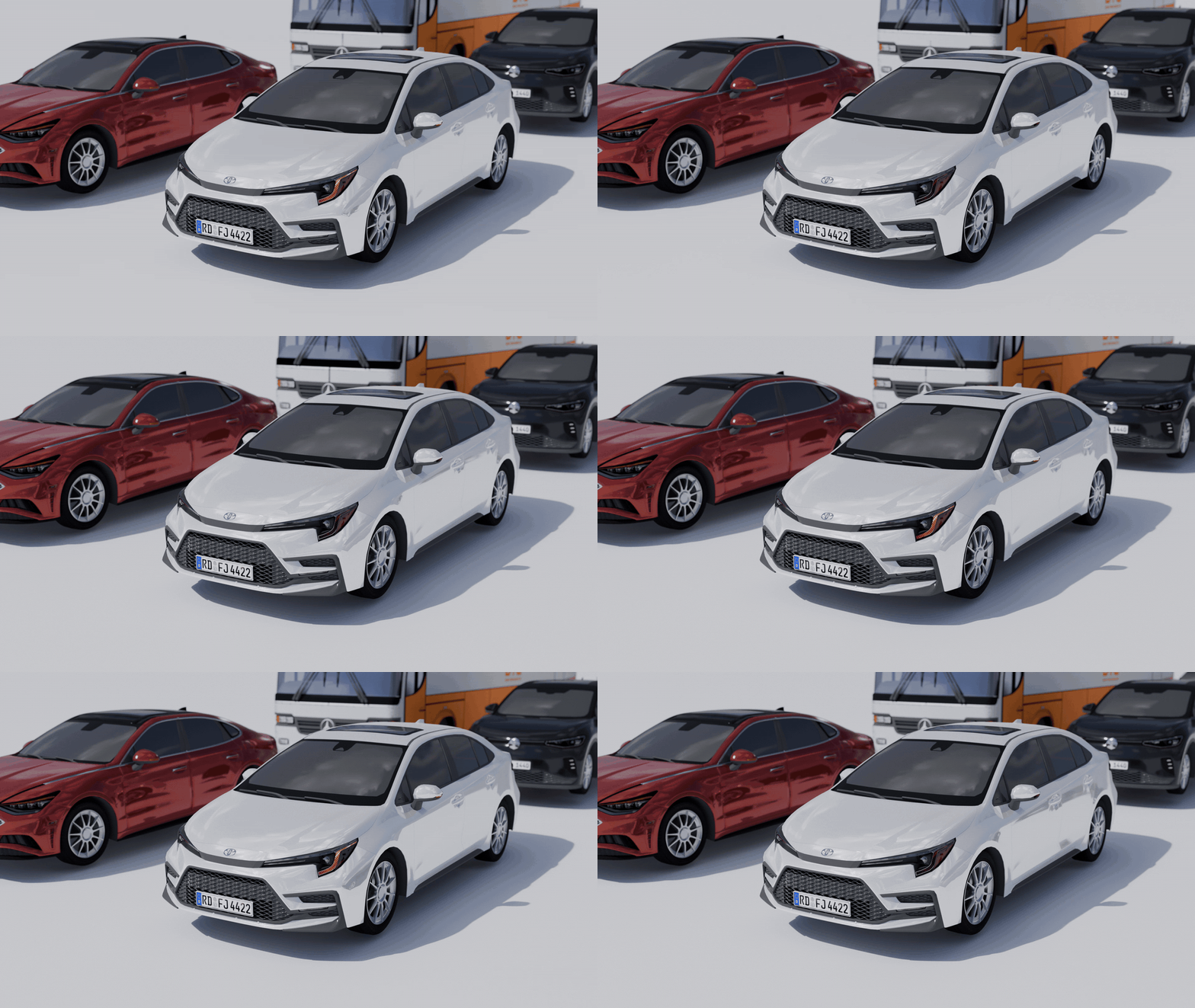
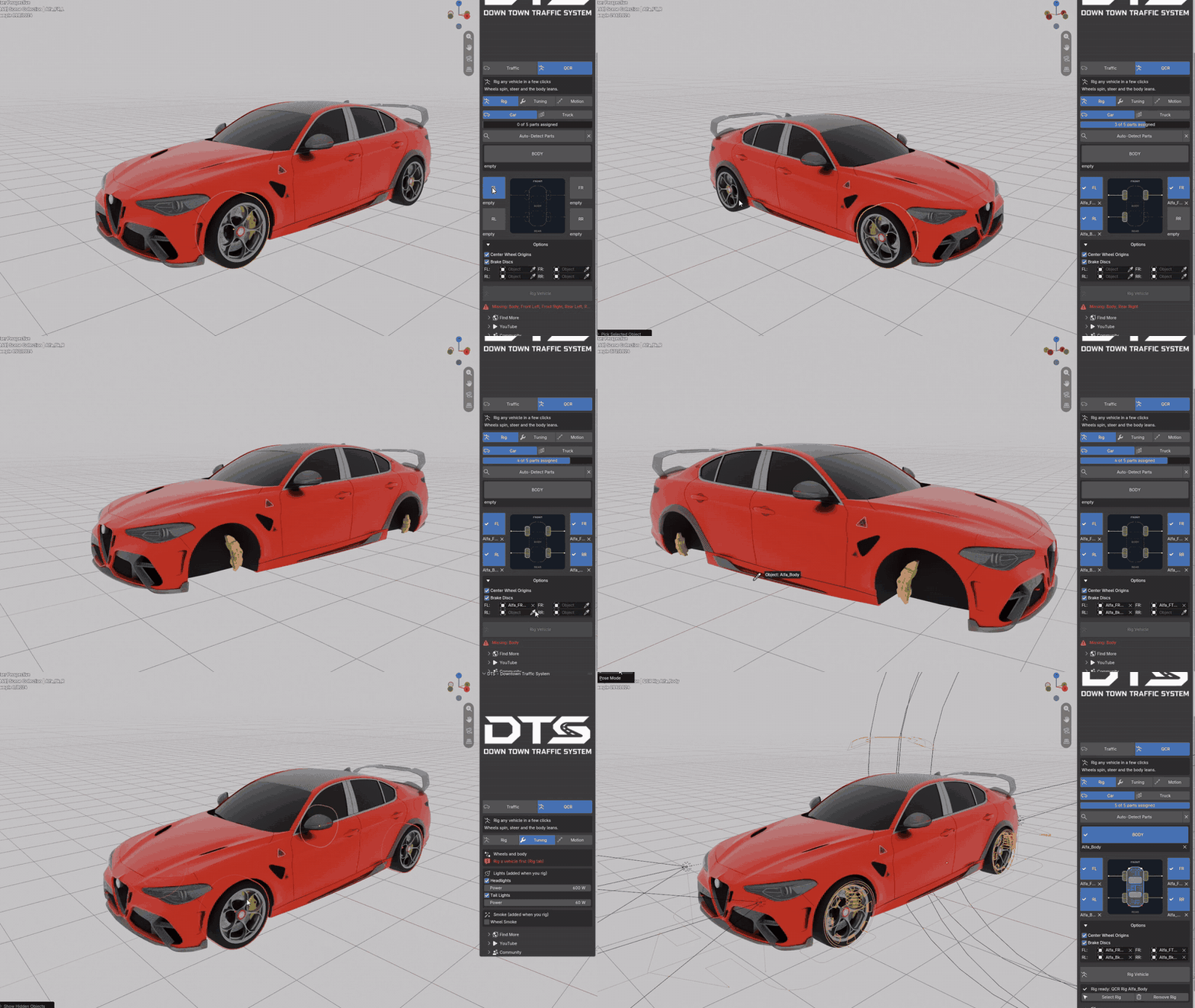
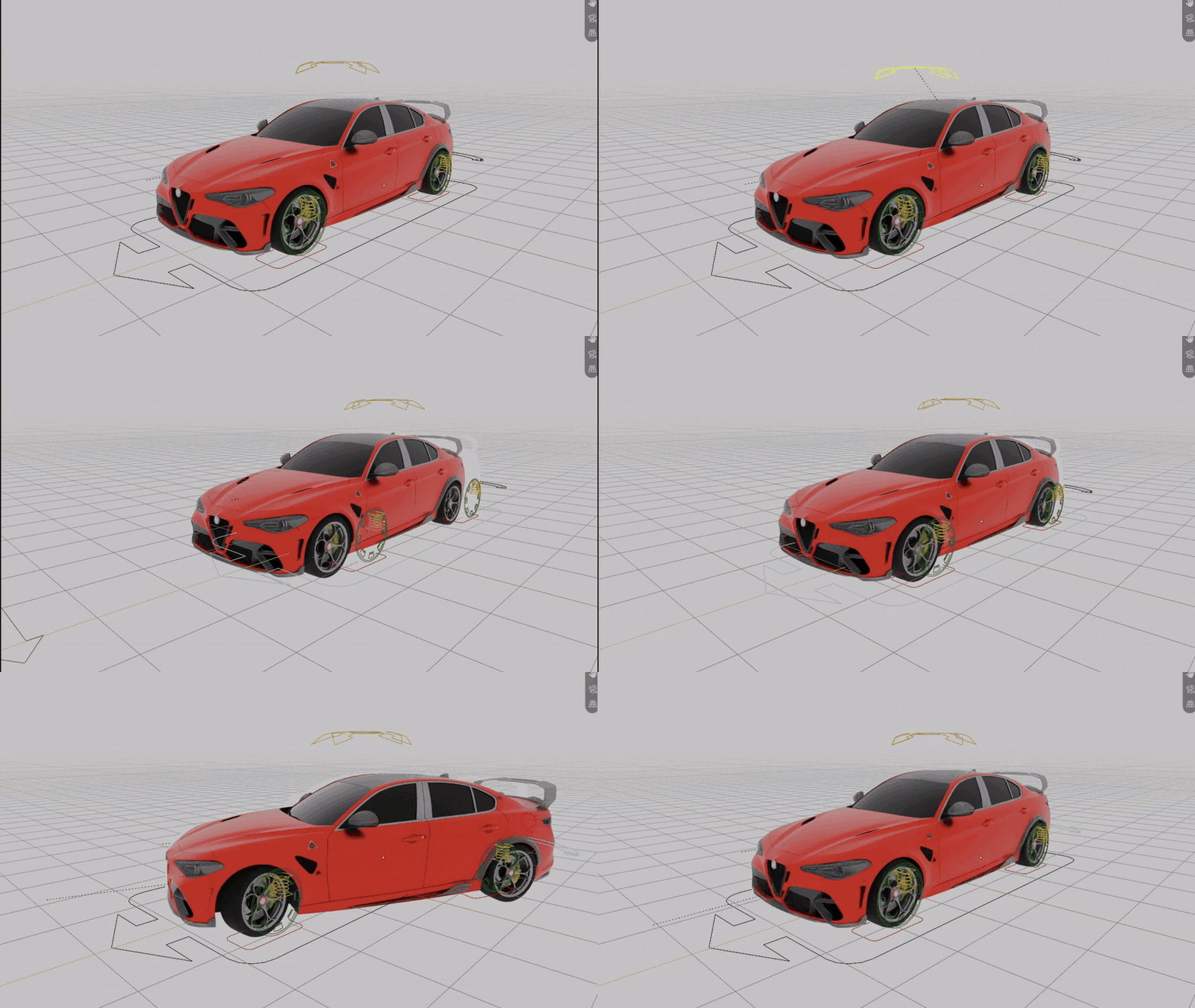
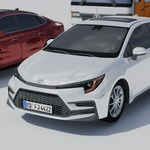
The add-on includes 20 ready car types. Swap them for your own models, and use the Quick Car Rig to give any car spinning wheels, steering and body tilt.
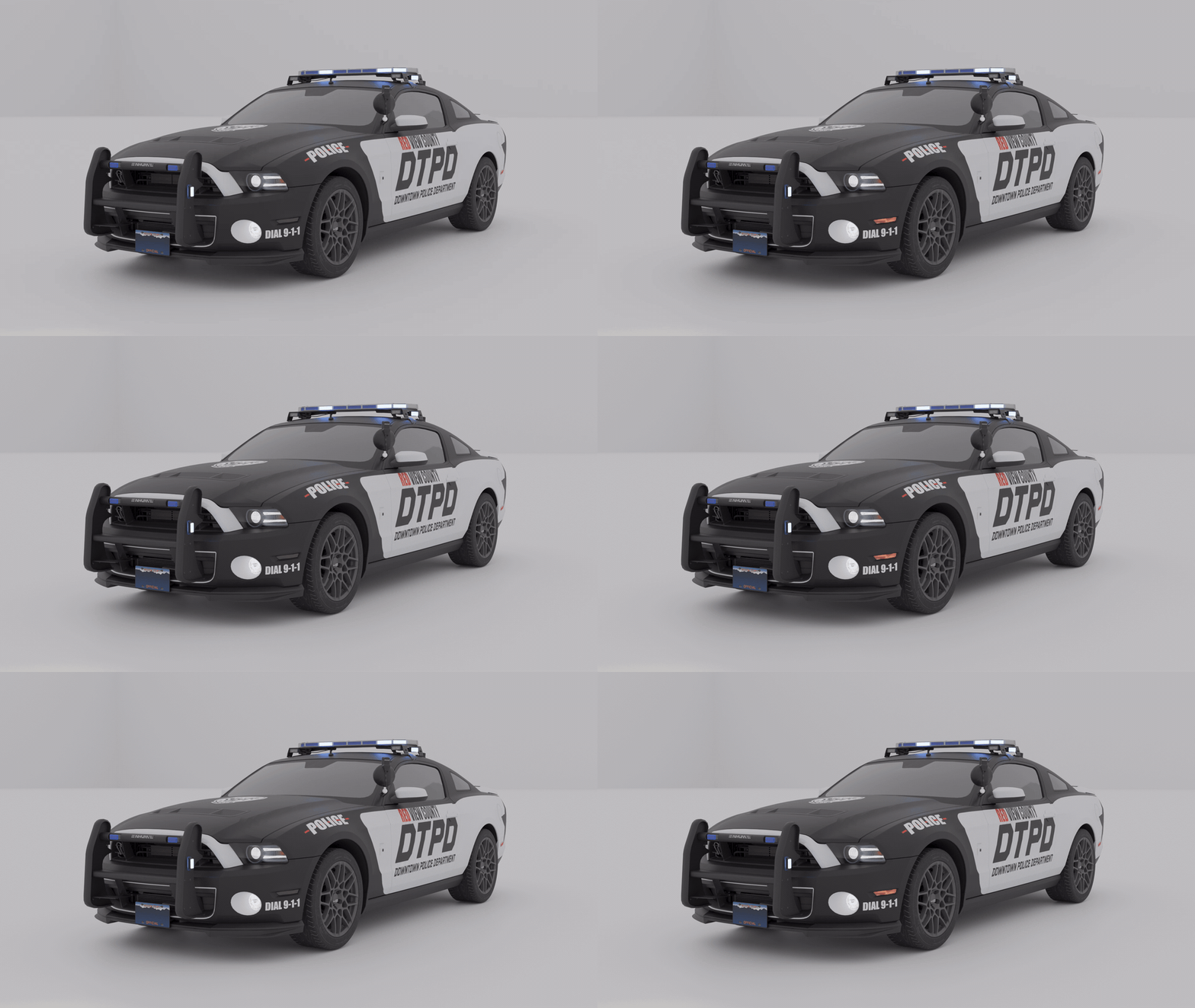
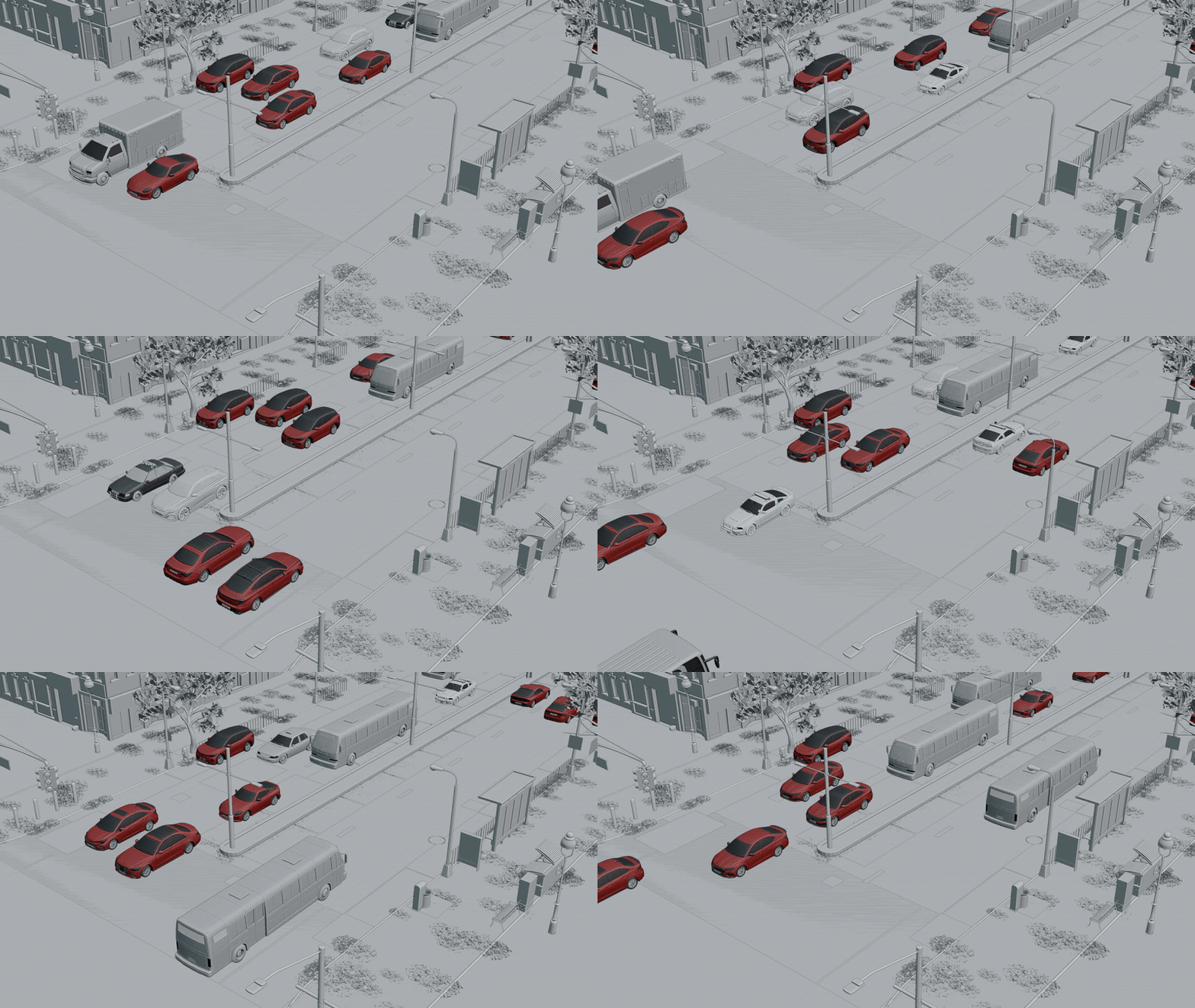
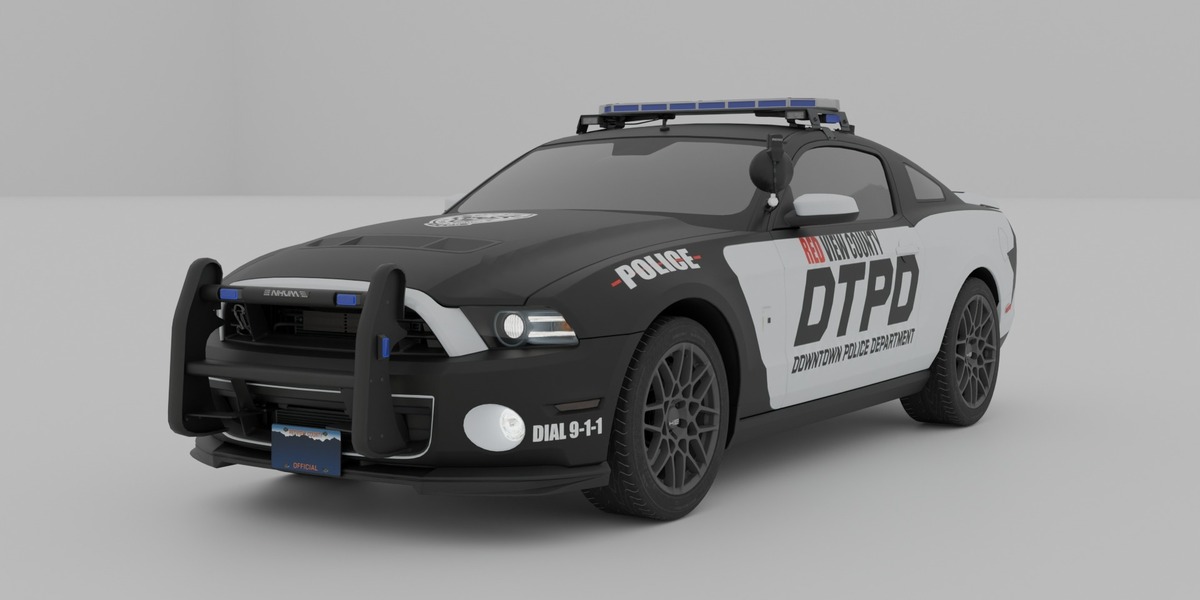
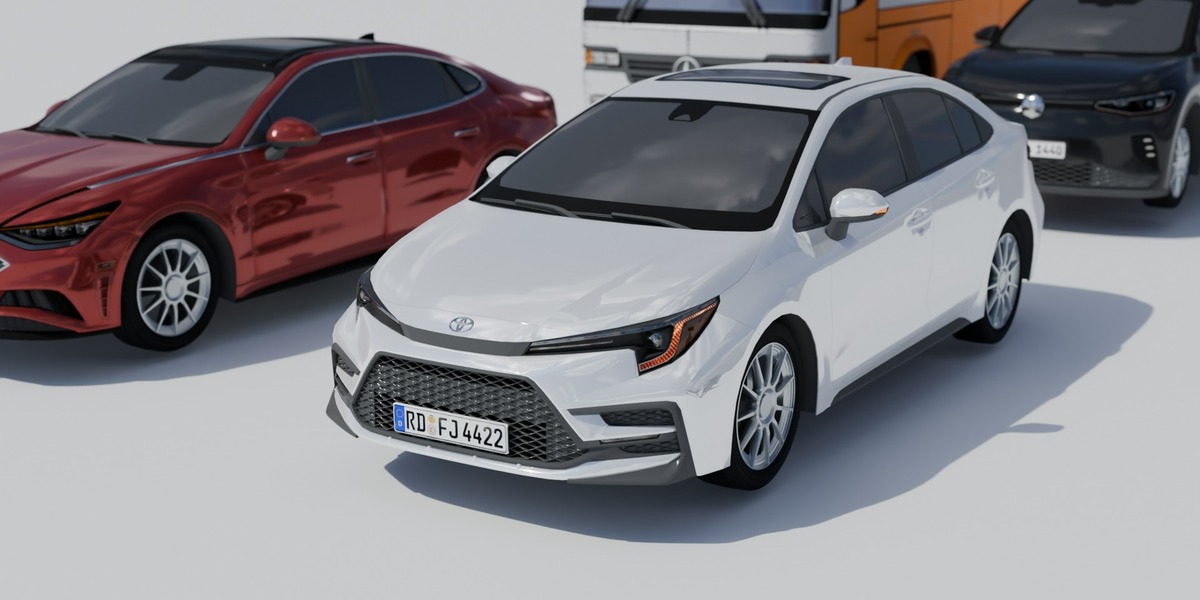
Cars, buses, trucks, police and fire
Placeholder cars replaced by real models
Swap in your own models
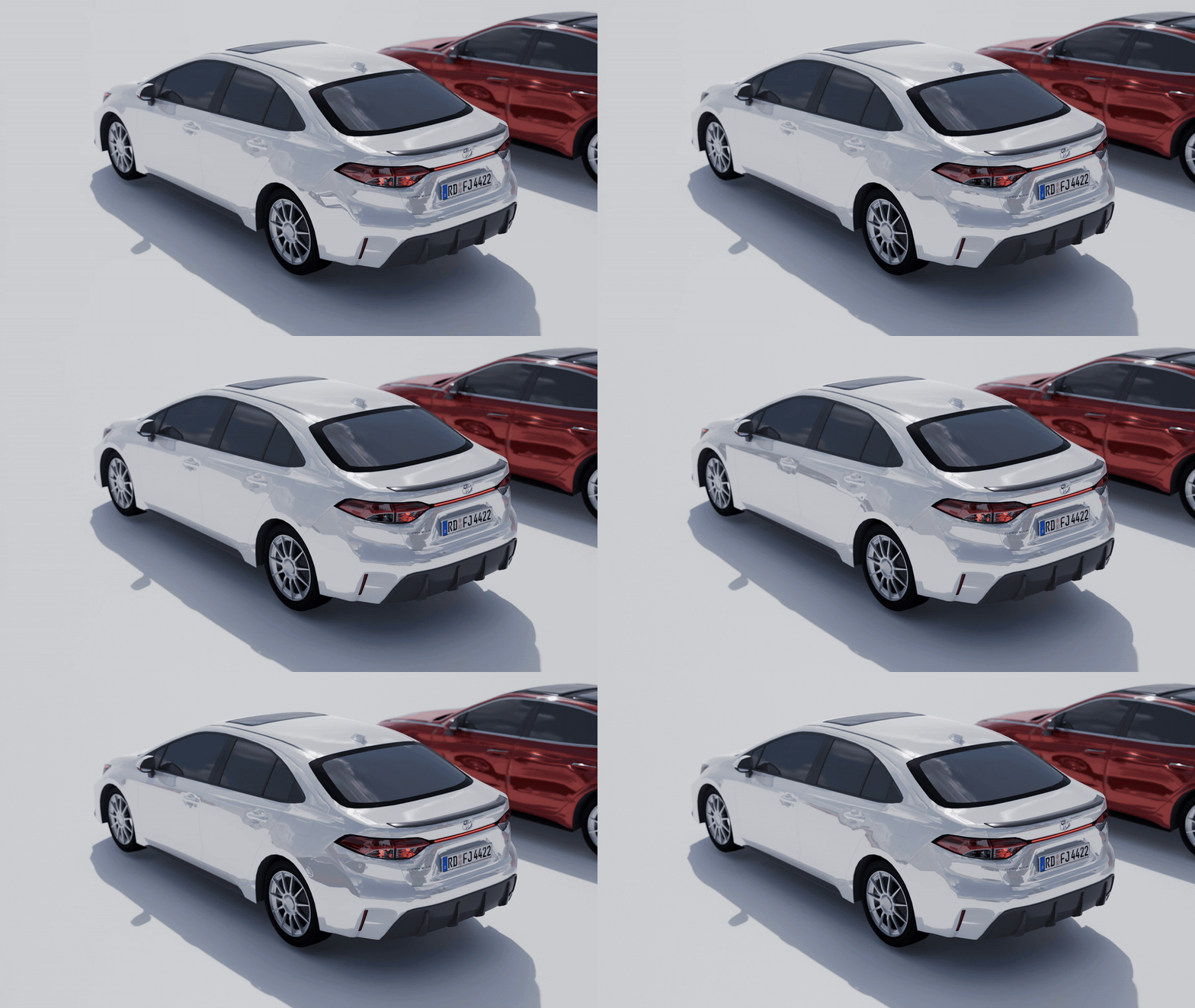
Quick Car Rig panel
Quick Car Rig
Rig controls on a car
Wheels spin, steer and tilt

Everything inside

Road generator
Straight roads, 4-way and T-junctions, intersections in a row.
Traffic lights
Crossings, stop lines and signals.
Speed classes
Cars, fast cars, vans, buses, trucks.
Lane changes
Overtakes with turn signals.
Obstacles
Barrels with hazard lights.
Night mode
Headlights, tail lights, reflection.
20 car types
Ready to use, easy to replace.
Quick Car Rig
Wheels, steering and body tilt.
Body roll
Cars lean into corners and dive when braking.

Perfect for

Motion design
City shots with life in the street.
Ads
Night traffic for product spots.
Archviz
Believable context around a building.
Game trailers
Busy streets without hand animation.

What’s included

  • Down Town Traffic System Blender add-on (extension)
  • 20 ready car types
  • Manual and quick start
  • Free future updates

Get roads, traffic and night lighting in one add-on, plus free updates.

Requirements

Blender 4.5+
Tested on 4.5 LTS and 5.0 to 5.3
Cycles & EEVEE
Works with both
Basic Blender
Knowledge recommended

Follow the creator: ArtStation · LinkedIn · YouTube · Instagram

$23$14.95

Have questions about this product?
Login to message

Details
Blender Extension Compatible Yes
Published about 5 hours ago
Blender Version 4.5 - 5.3
Extension Type Add-on
Render Engine Used Cycles, Eevee
License GPL