Easeam 2 — Fast Uv Seam Marking Toolkit

Orcavia in Modeling


Blender UV Toolkit

Easeam 2 - faster seam marking and UV prep for Blender

Easeam 2 is a focused Blender add-on for artists who want faster UV seam marking, unwrap actions, and UV map management without leaving the 3D View workflow.

Use viewport previews, modal tools, one-shot selection tools, and UV utilities to handle common UV preparation jobs with fewer repetitive steps. Open the full documentation.


Update

Version 2.0.2

Date: 27-06-2026

  • Added default value settings in the add-on preferences.

  • The Pie Menu key now exits the current modal operator when pressed.

  • Fixed an error in Seam by Sharp Edges when the object was not selected from Object Mode.

Easy seam marking Mark, clear, preview, and commit seams directly in Blender's viewport.
Modal operators Use hover previews for loops, flat regions, tubes, and custom paths.
One-shot tools Run selection-based operators when the source geometry is already selected.
UV utilities Refresh unwraps, convert UV islands into seams, and manage UV channels.

Modal seam tools

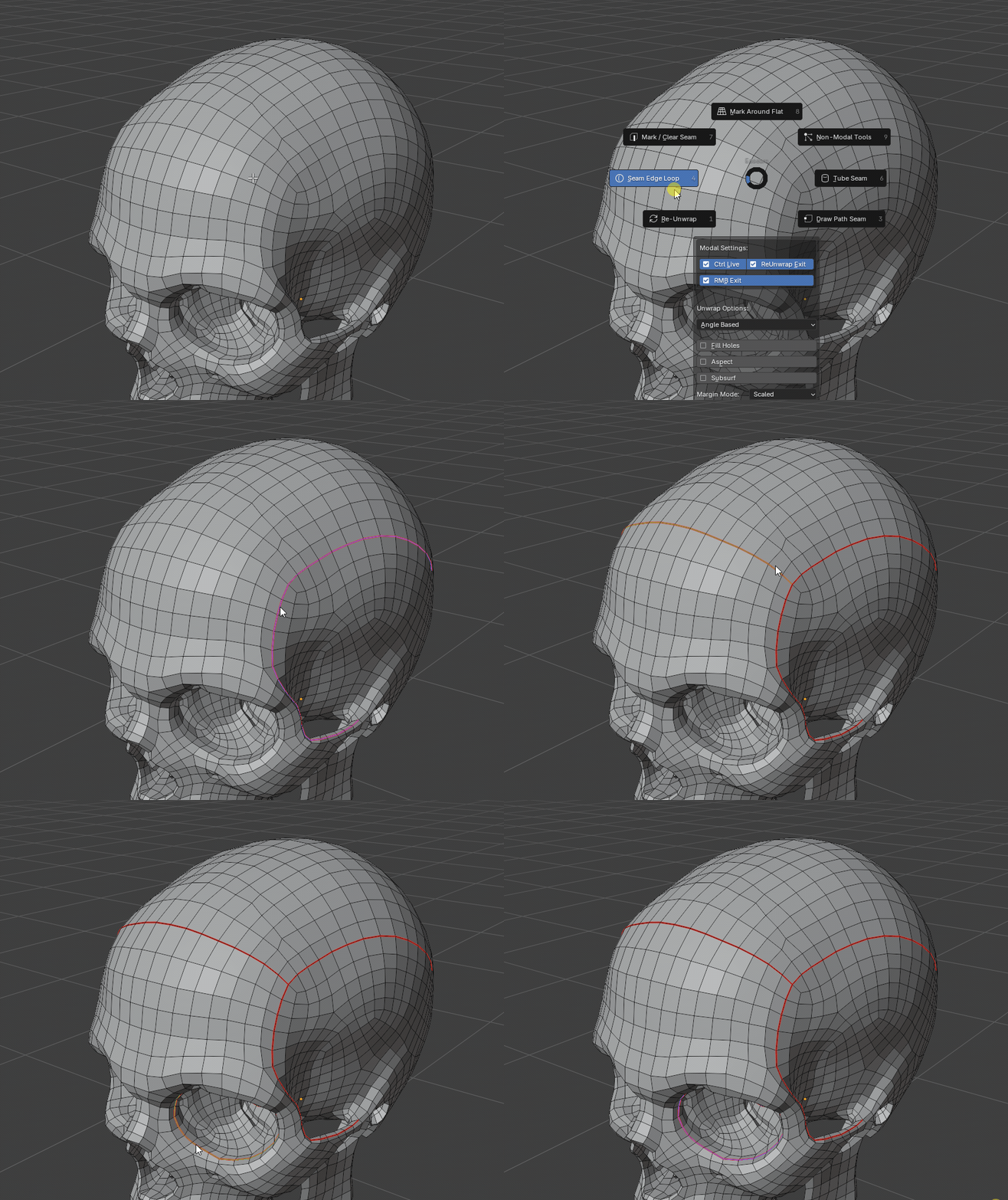
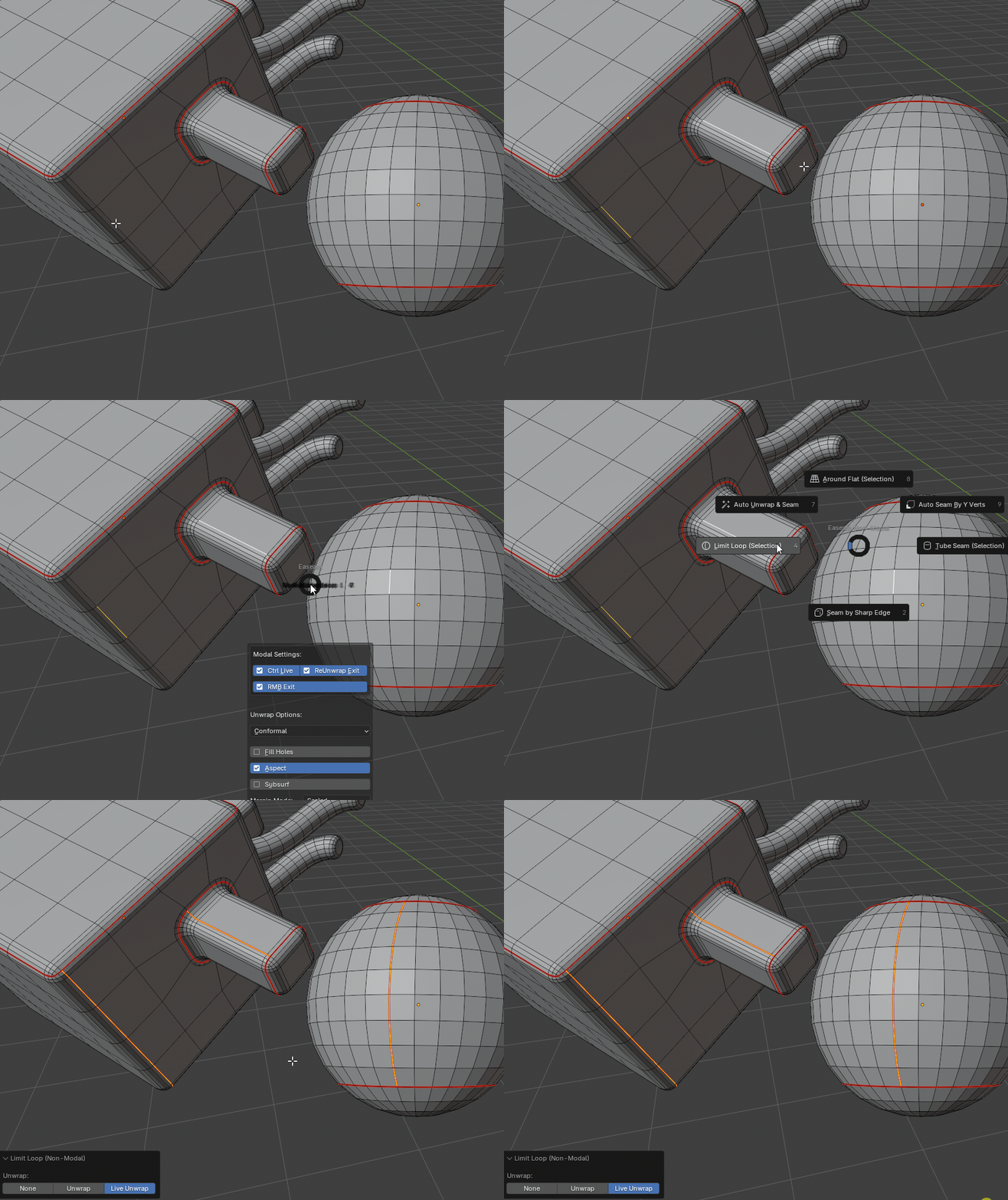
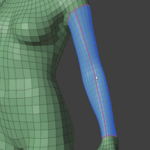
Seam Edge Loop preview in Blender

Seam Edge Loop

Hover an edge, preview the connected loop, then apply it as a seam. Existing seams act as boundaries for cleaner island building.

More details
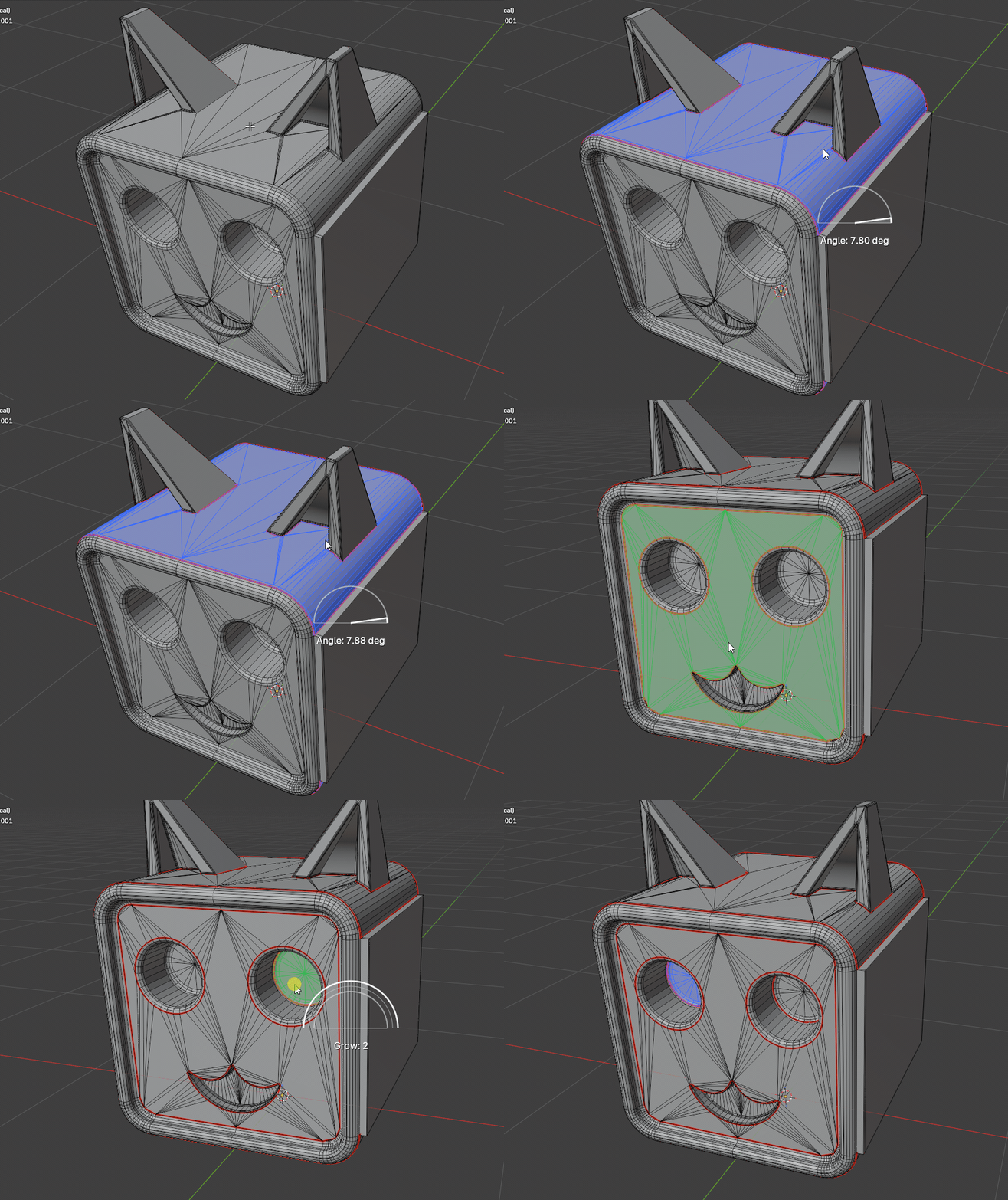
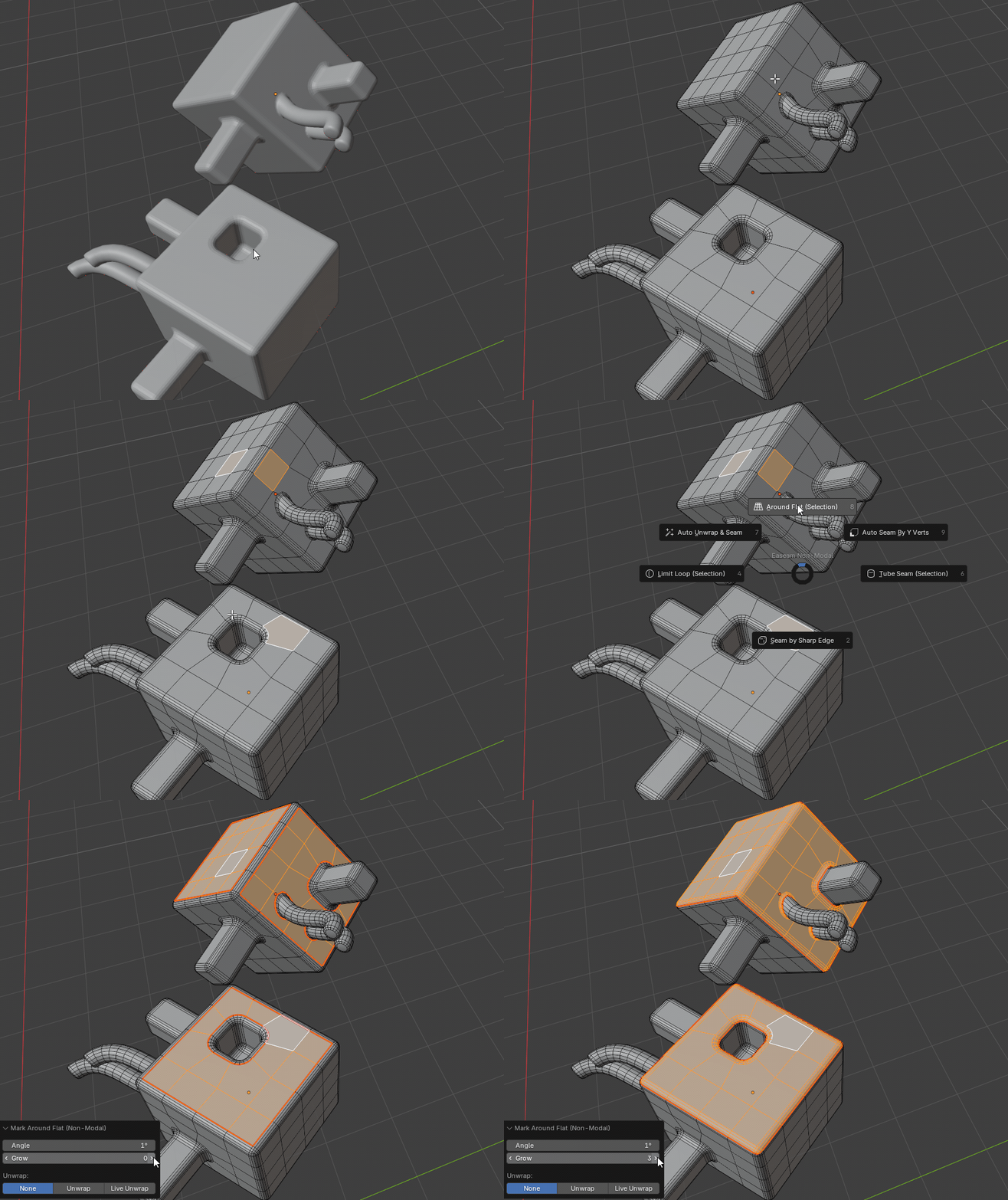
Mark Around Flat preview in Blender

Mark Around Flat

Detect a connected flat region, preview its boundary, then mark the surrounding seam without selecting every edge by hand.

More details
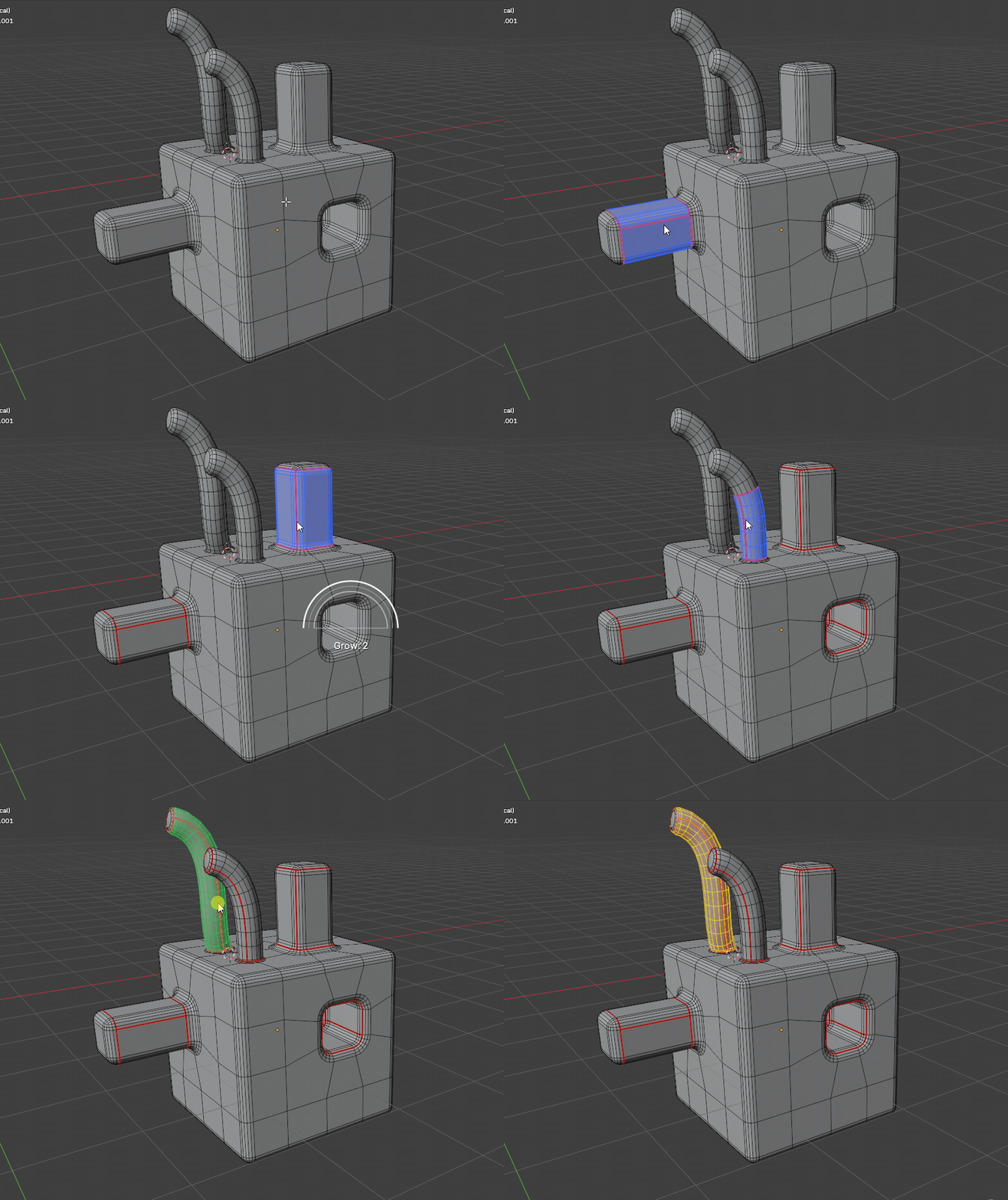
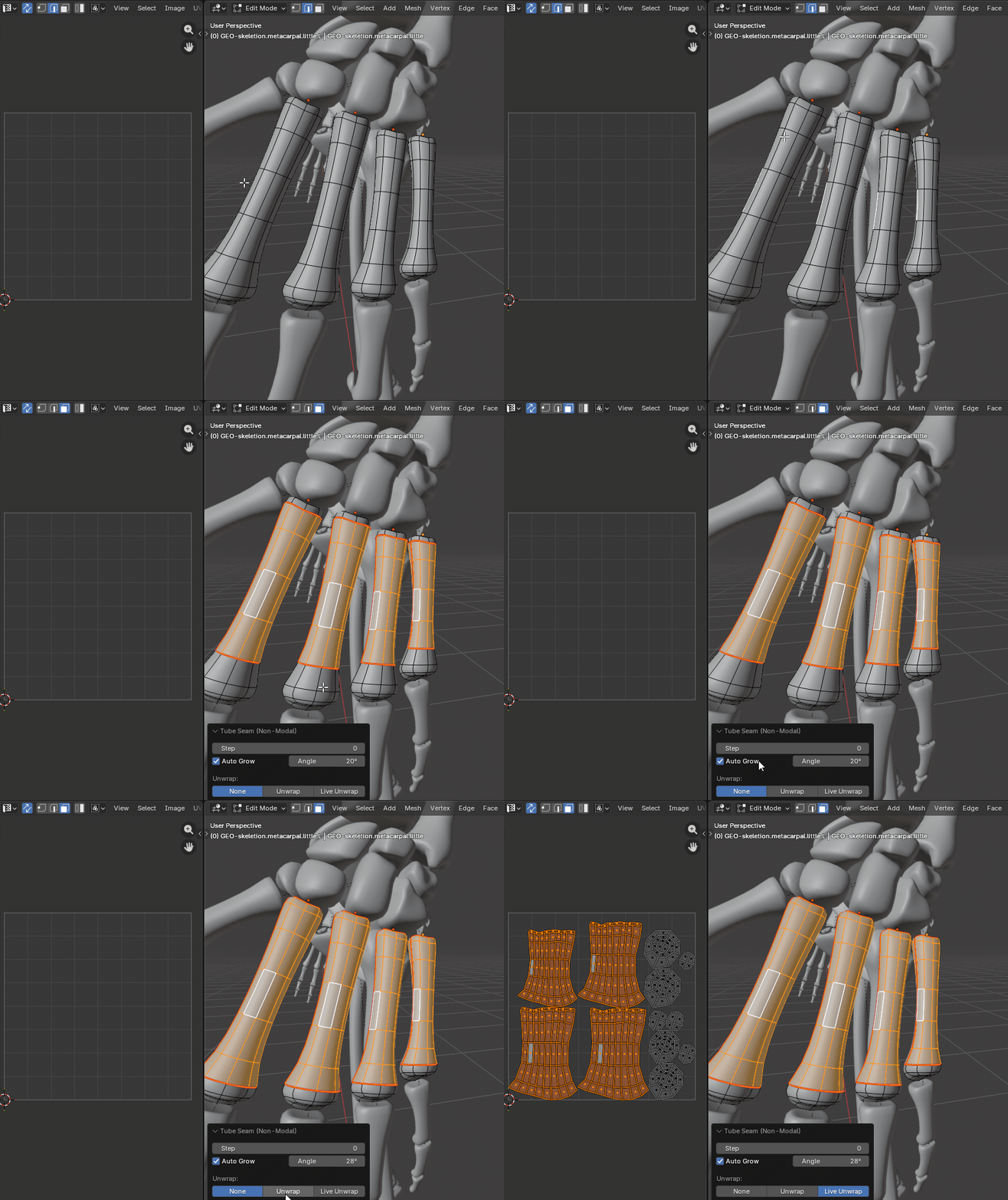
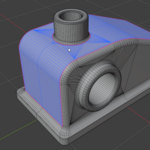
Tube Seam preview in Blender

Tube Seam

Create practical seam cuts for cables, pipes, handles, sleeves, rings, and other clean tube-like forms.

More details
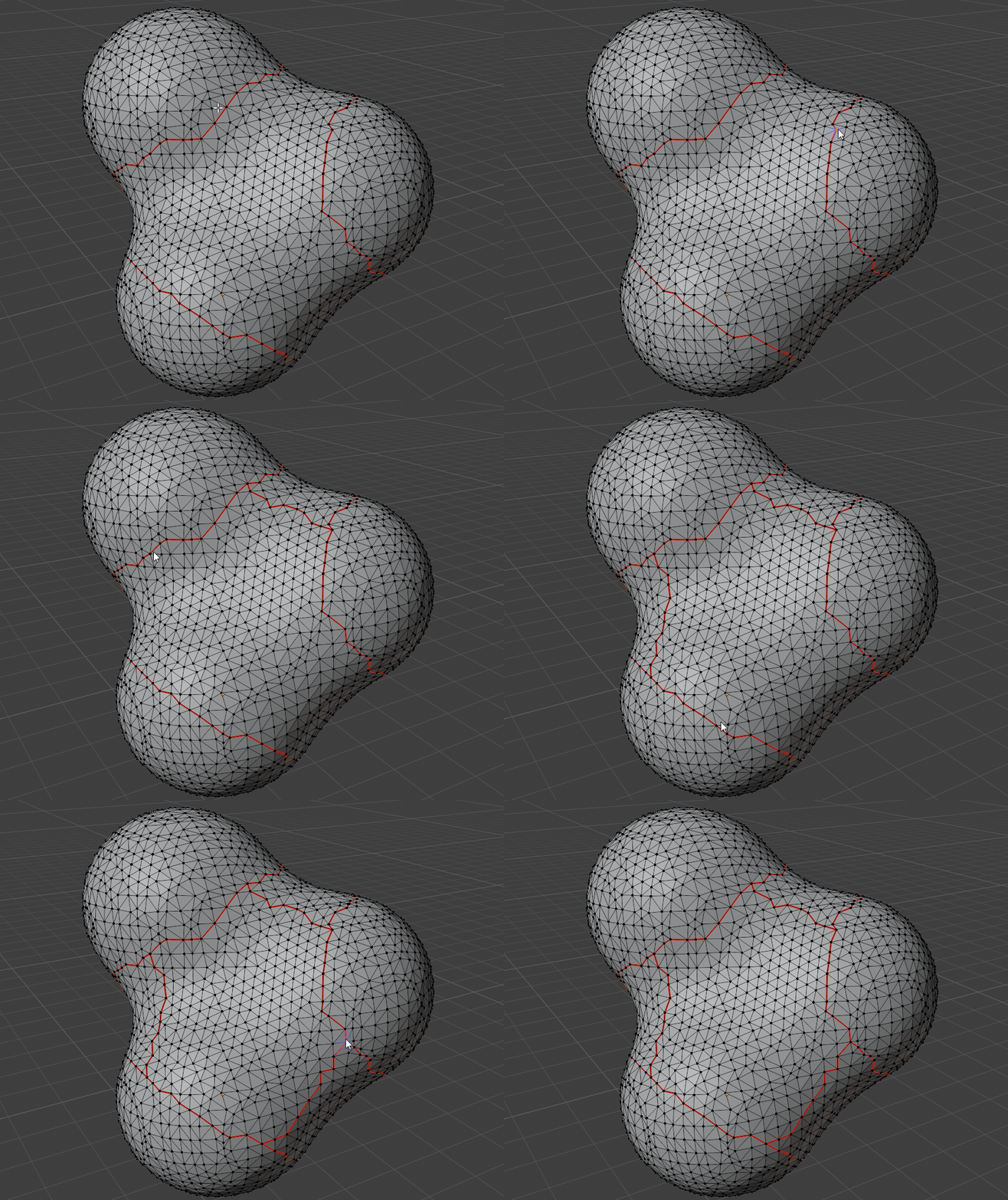
Draw Path Seam shortest path preview in Blender

Draw Path Seam

Choose two vertices and preview the shortest connected edge path before committing it as a seam.

More details

Selection-based tools

Around Flat Selection in Blender

Around Flat (Selection)

Select seed faces and run a one-shot flat-region seam operation without entering the hover preview workflow.

More details
Limit Loop Selection in Blender

Limit Loop (Selection)

Select seed edges and create loop seams in one shot while respecting existing seam boundaries.

More details
Tube Seam Selection in Blender

Tube Seam (Selection)

Create tube seam cuts from selected edges when a direct one-shot action is faster than modal preview.

More details
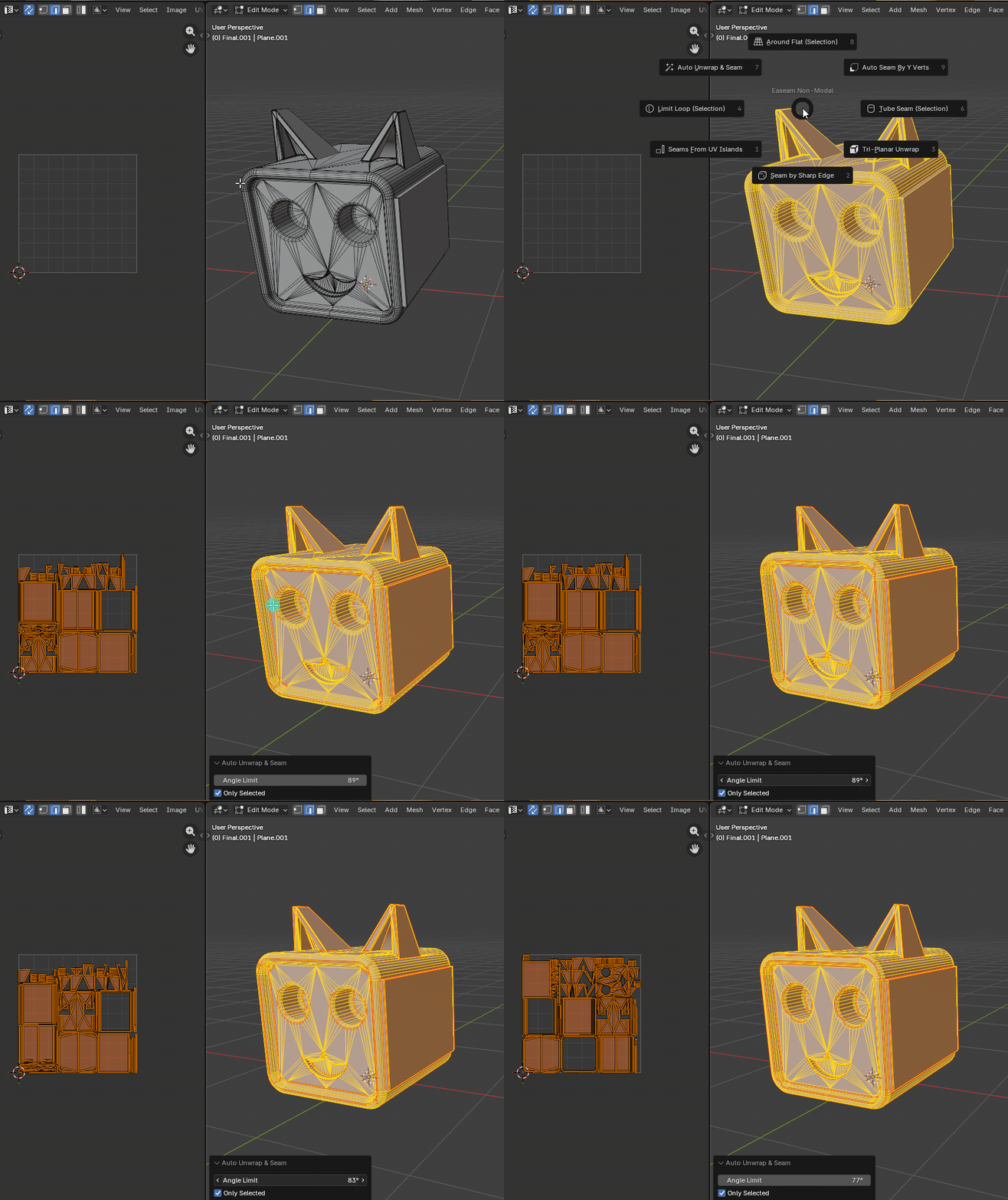
Auto Unwrap and Seam running Smart UV Project and marking UV island borders in Blender

Auto Unwrap & Seam

Run Blender Smart UV Project, then convert the generated UV island borders into mesh seams for cleanup or iteration.

More details
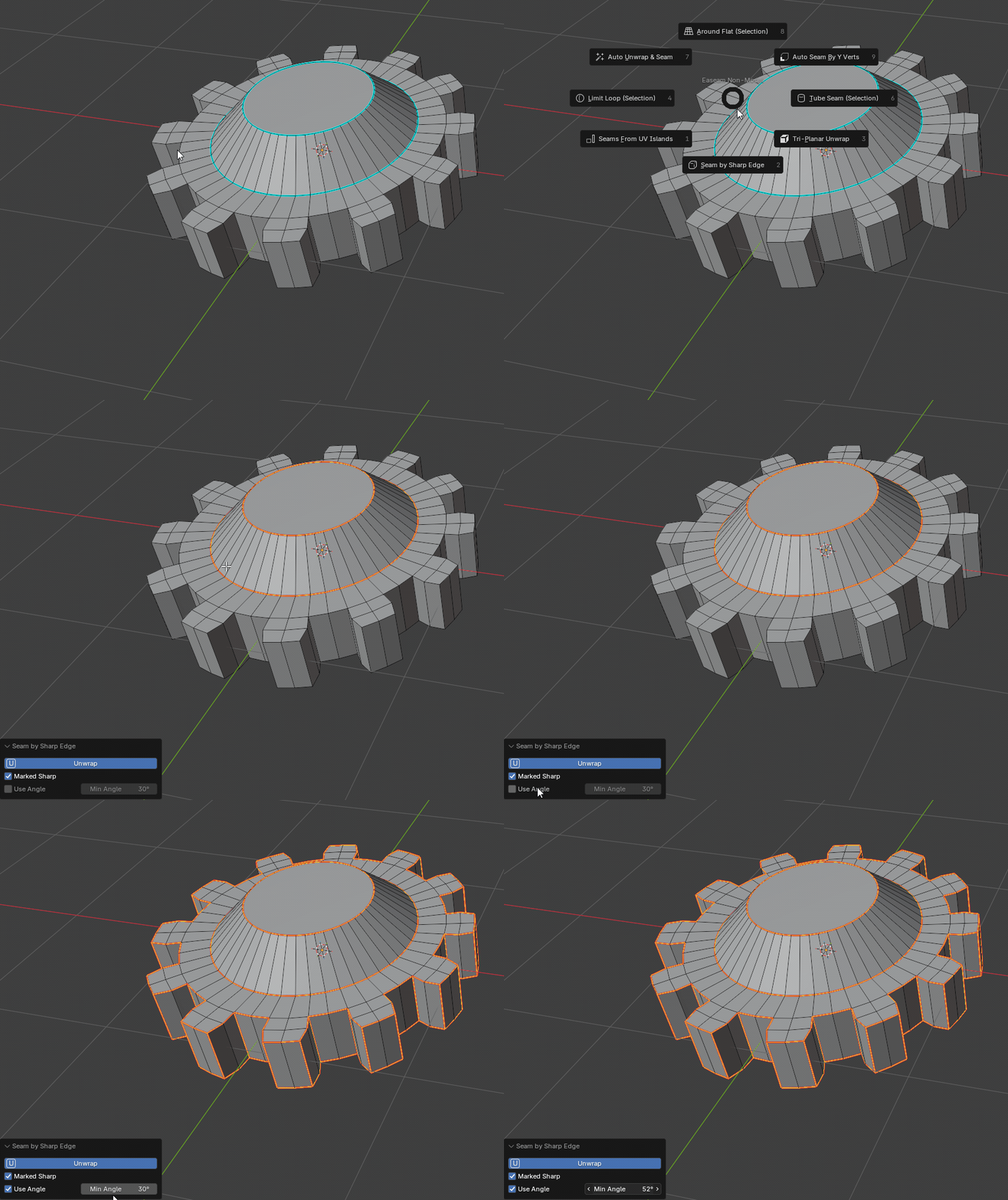
Seam by Sharp Edge marking sharp mesh edges as seams in Blender

Seam by Sharp Edge

Convert Blender sharp edges, angle-detected sharp edges, or both into UV seams for hard-surface workflows.

More details
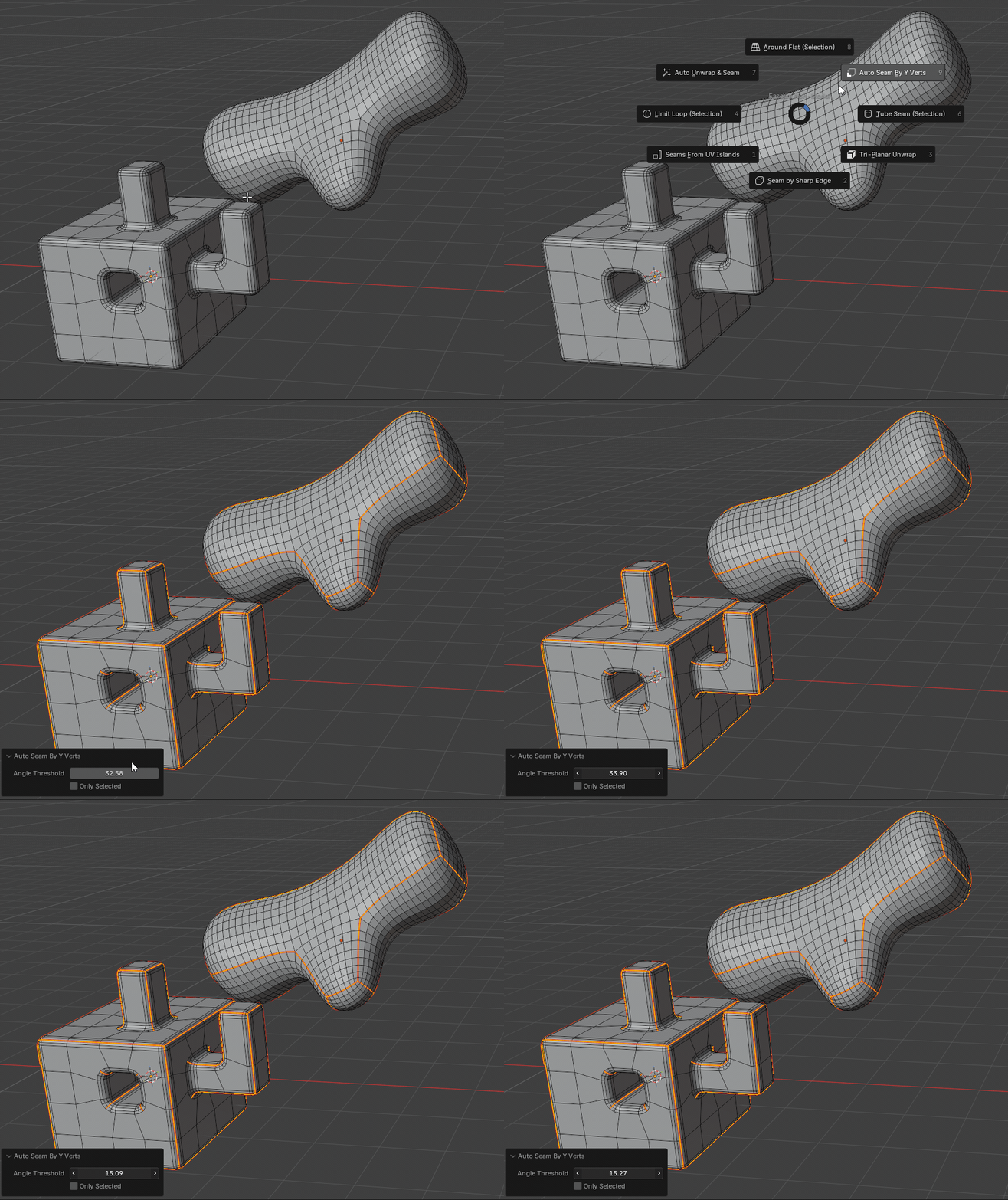
Auto Seam By Y Verts in Blender

Auto Seam By Y Verts

Detect Y-shaped mesh junctions, select loops growing from those junctions, and mark them as seams.

More details
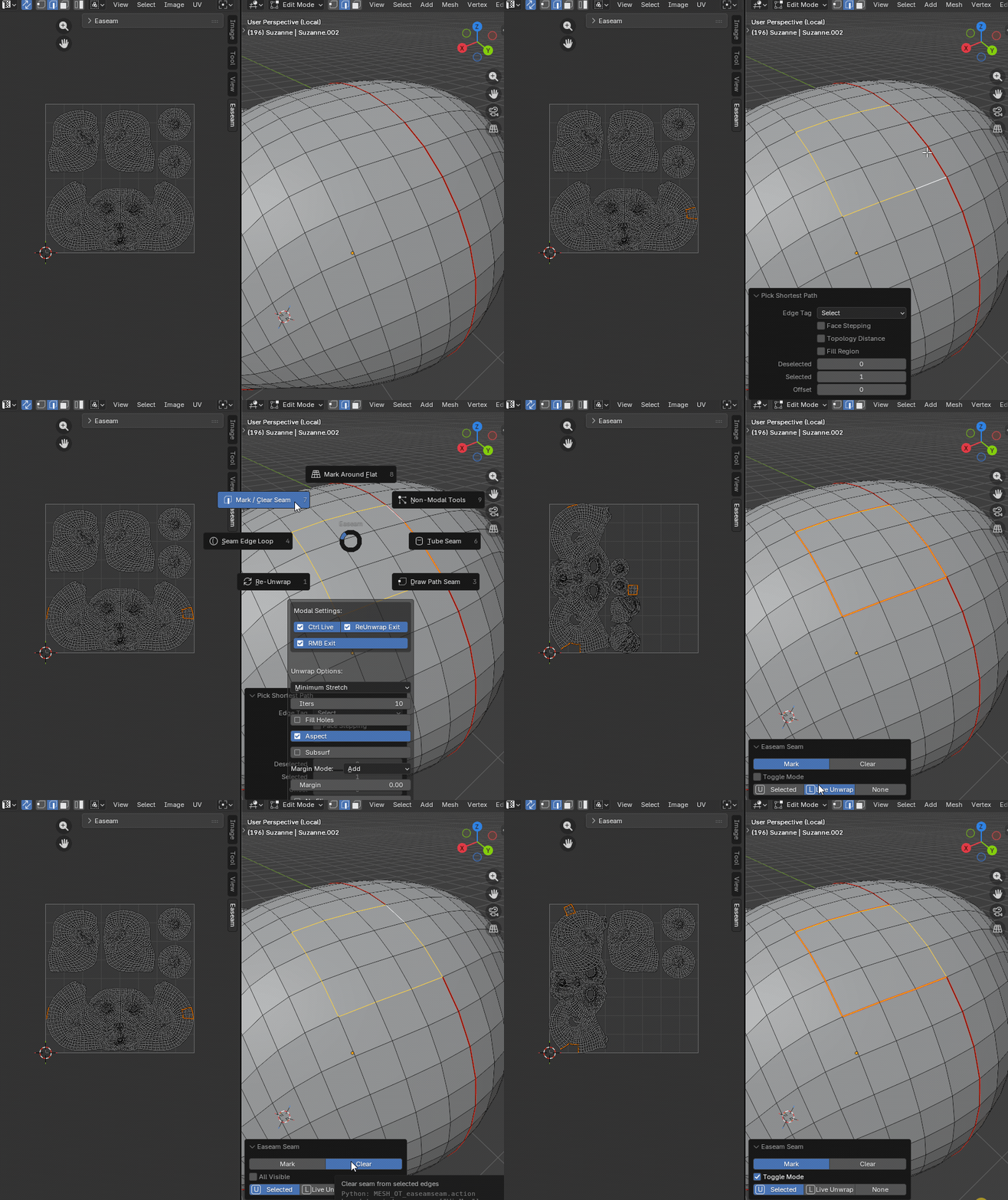
Mark Clear Seam in Blender

Mark / Clear Seam

Mark, clear, toggle selected seams, clear all visible seams, or unwrap after marking from a direct action.

More details

Direct actions and unwrap tools
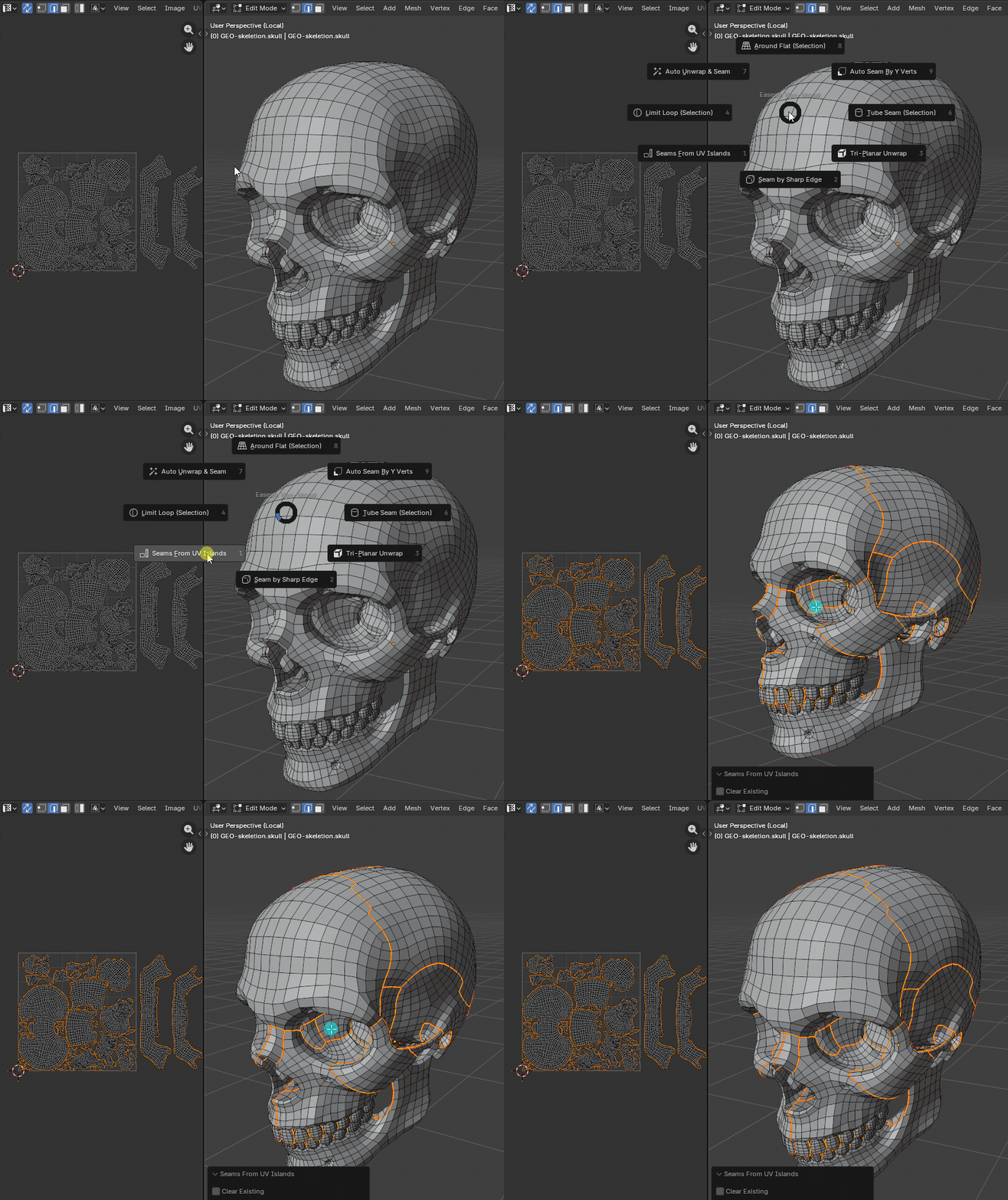
Seams From UV Islands in Blender

Seams From UV Islands

Convert active UV island borders back into mesh seam flags so the 3D seam state matches the UV layout.

More details
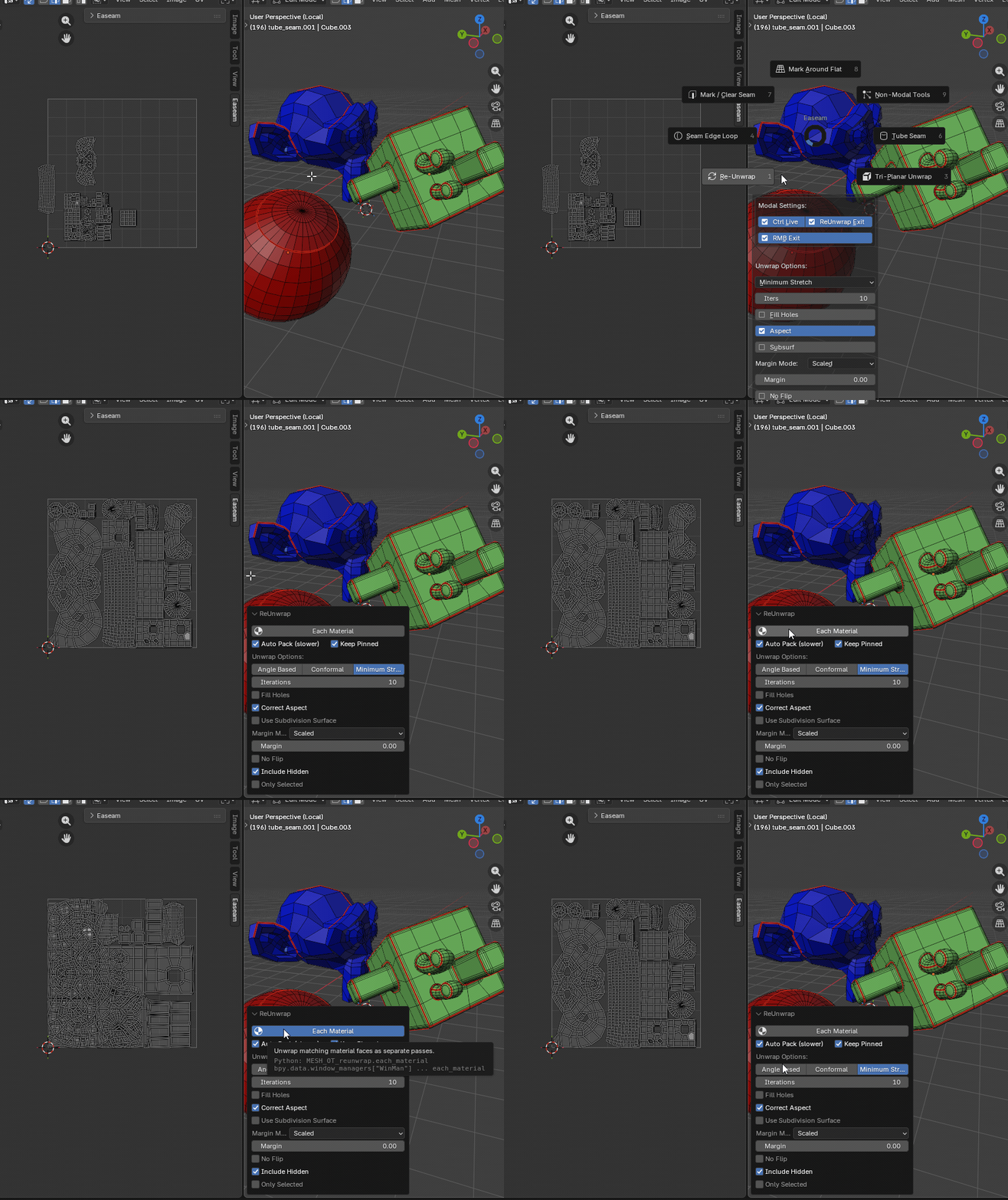
Re-Unwrap updating UV islands in Blender

Re-Unwrap

Refresh UVs after seam edits using Easeam's saved unwrap settings, selected-only mode, material passes, and packing options.

More details
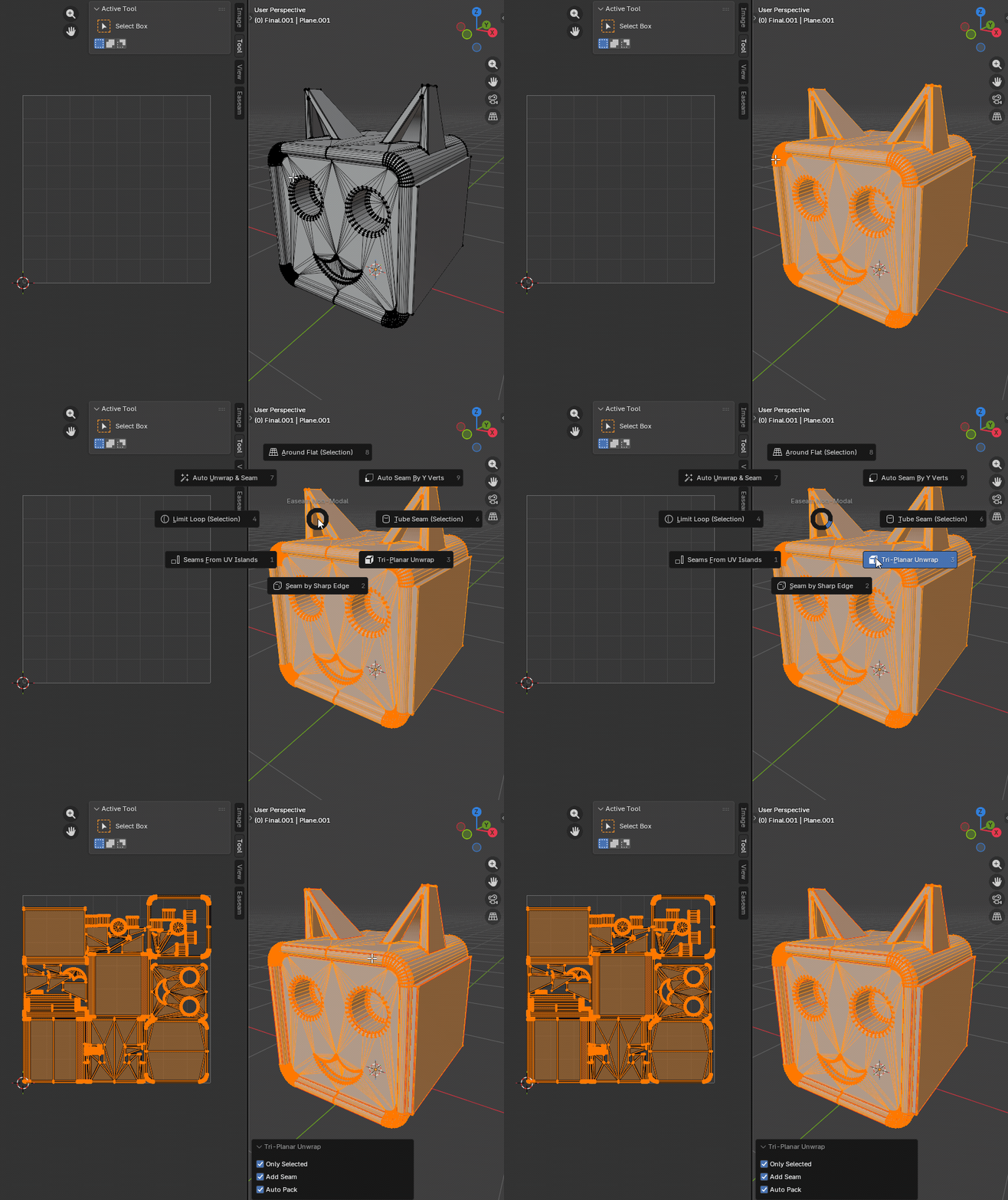
Tri-Planar Unwrap projection in Blender

Tri-Planar Unwrap

Project faces into six directional UV groups for hard-surface assets, blockouts, panels, and quick texture previews.

More details

UV map management

UV Maps Manager

Manage multiple UV channels across selected mesh objects. Add, delete, rename, prune, compare, activate, and align UV map channels.

More details

Where to find Easeam

  • 3D View > Sidebar > Easeam
  • 3D View > Mesh Edit Mode > Alt + S pie menu (customizable pie menu hotkey)
  • Image Editor > Sidebar > Easeam (UVMap Manager only)

Requirements

  • Blender 5.1 or above
  • Best CPU for speed modal operation
Need help or quick response? Visit the Easeam 2 documentation, or join the Discord community.
Join our Discord

$9.99

Support Period Included

Includes 12 months of

  • Support from Orcavia
  • Product updates

Extend this product’s Support Period +12 months: 50% of product price

Have questions before purchasing?
Login to message

Details
Blender Extension Compatible Yes
Sales 200+
Rating
2 ratings
Published 4 months ago
Blender Version 5.1
Extension Type Add-on
Render Engine Used Cycles
License GPL