 Wilphi Design

Edge Crease & Bevel Weight Pie Menu
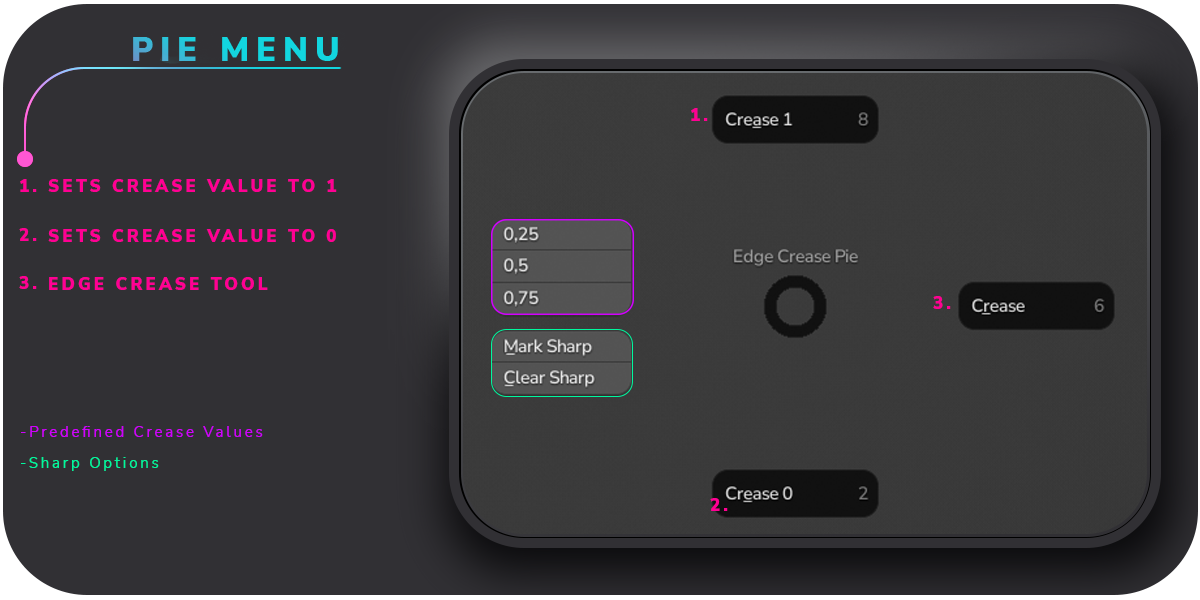
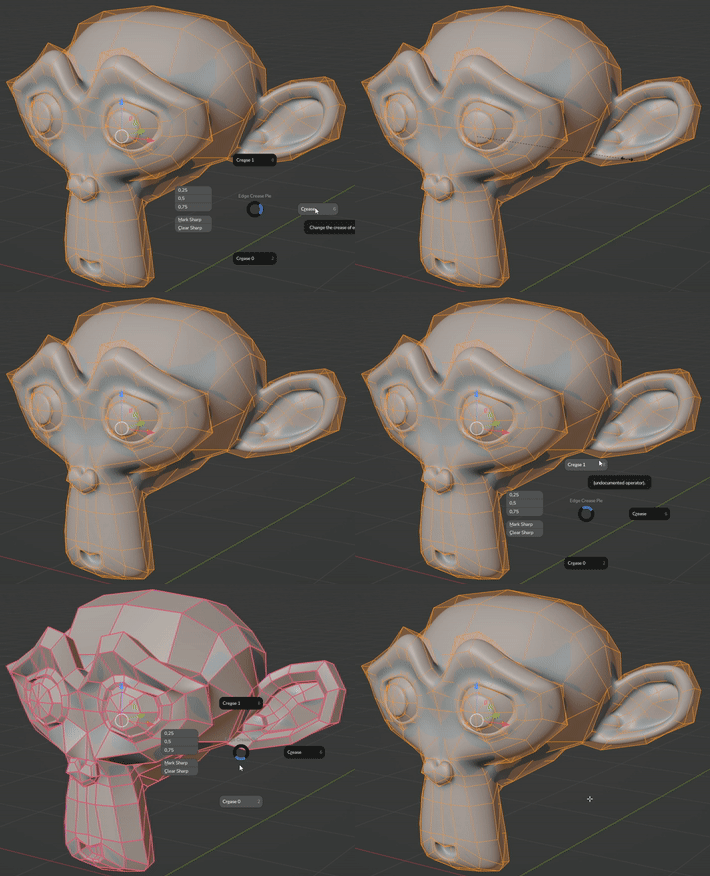
Adds a pie menu for edge creases and bevel weights that has the option to trigger the default edge crease/ bevel weight tool, set the crease/ bevel weight value to 1 or 0. Also has some predefined crease/ bevel weight values and can (un)mark edges sharp.
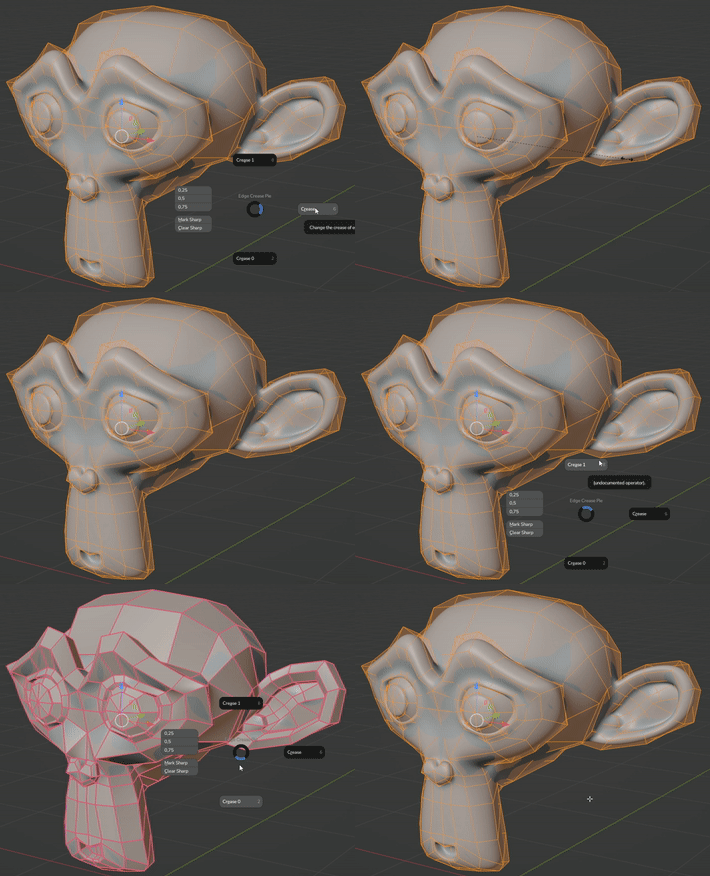
Feature Updates:
1.2
-
Added Bevel Weights functionality
- control the bevel weights in the same way as the creases.
-
Tool checks if the object has a bevel modifier and displays a notive in case of missing modifier
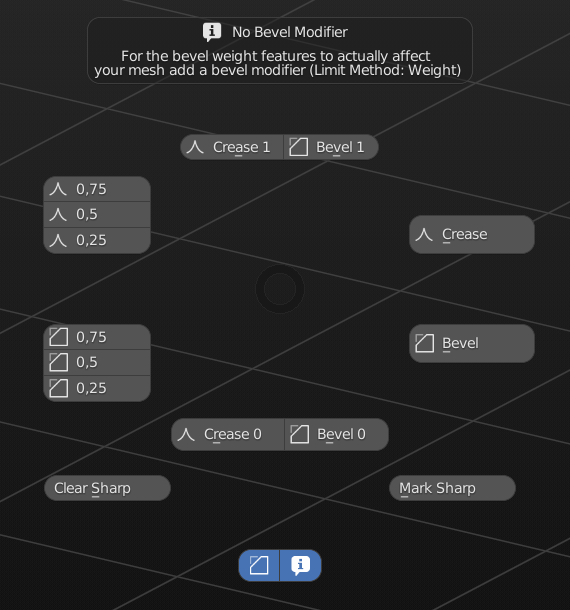
- Improved Layout
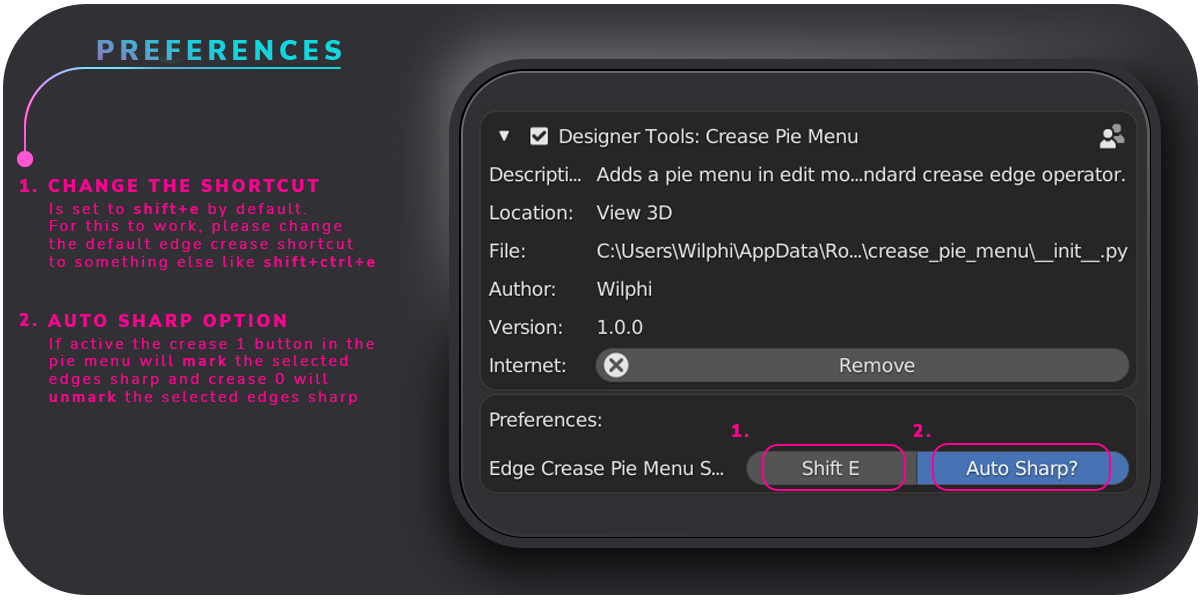
- More options in preferences
1.4.1
- Blender 4.1 Support
- automatically use vertex crease or edge crease depending on selection mode
- add a bevel modifier from the pie menu with limit method set to weight
- control basic bevel modifier properties
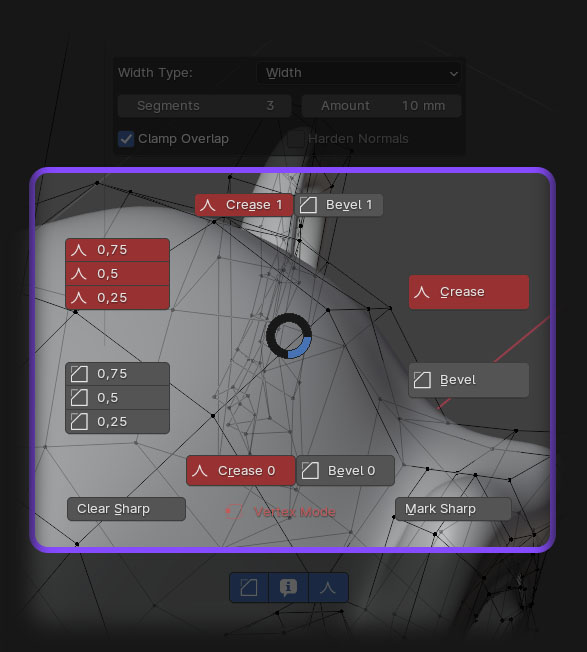


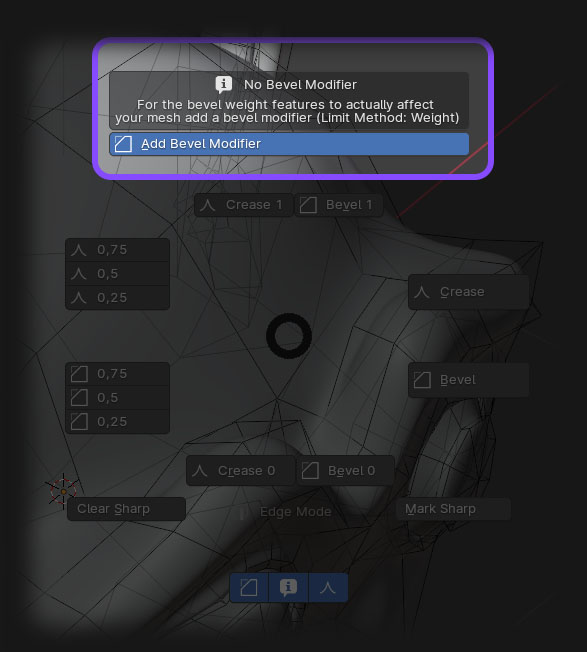
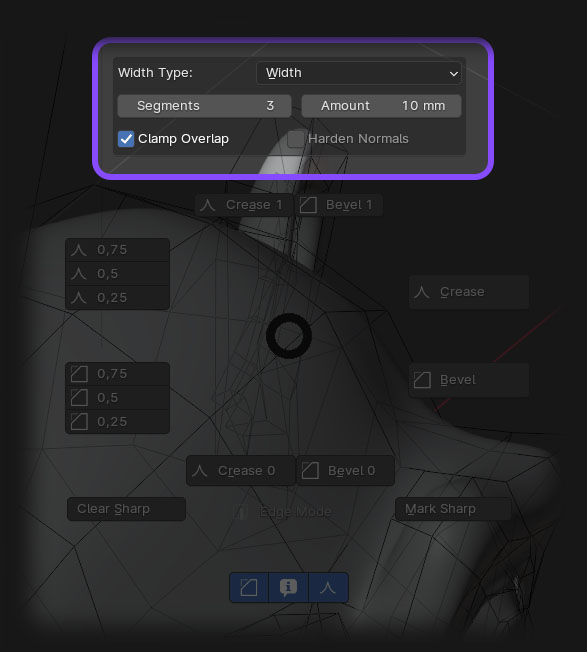
2.1
-Added support for multiple bevel modifiers
-you can now select edges/vertices that match the value next to the custom values buttons
-set the custom values of creases and bevels in the preferences
-overview of attributes that are used as bevel weights in the sidepanel showing the value of the active element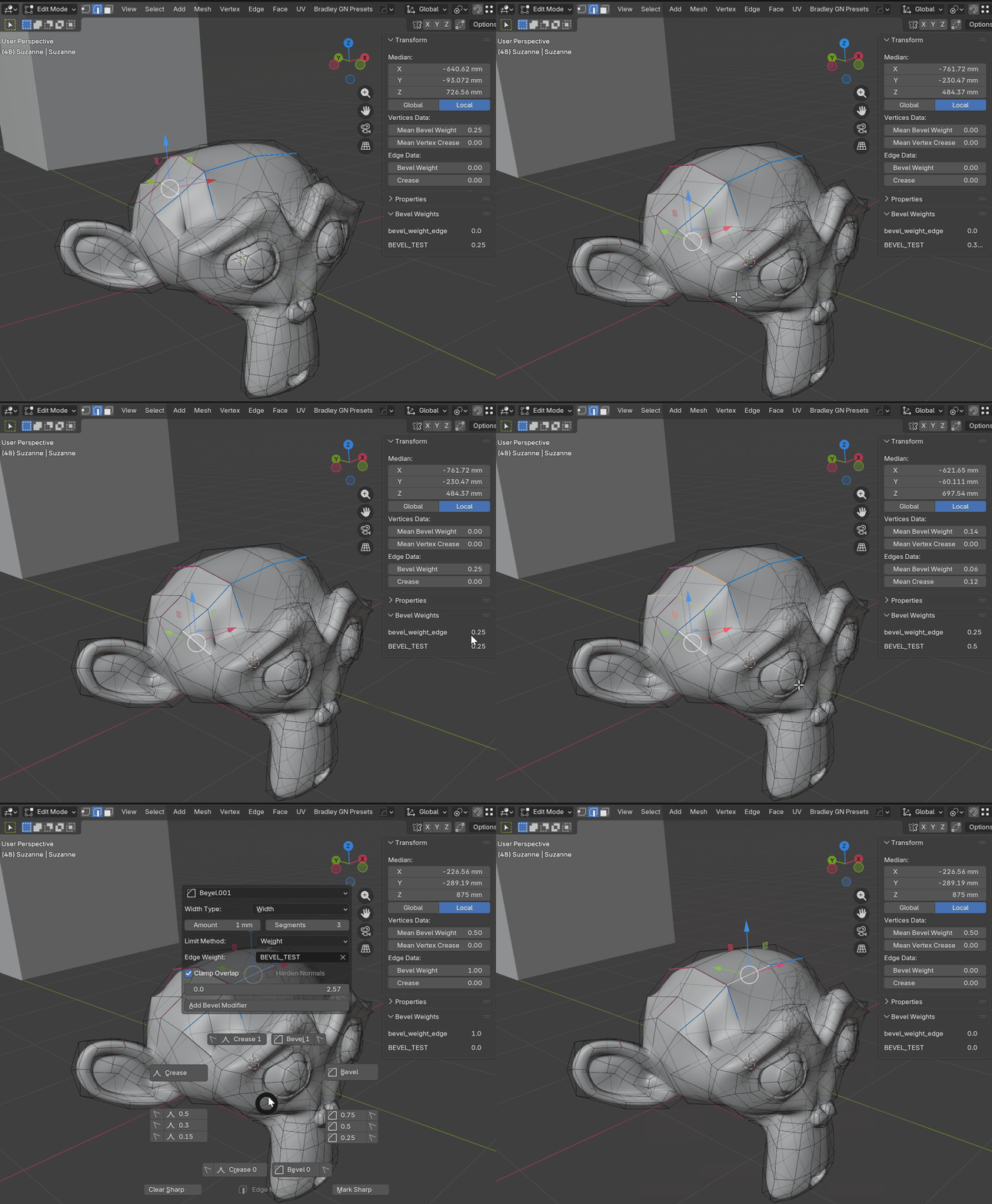
2.2.1
Added Features:
- Change the Bevel Modifers Name from within the Pie Menu
- Add a new attribute to the mesh and set it as a bevel weight for the active bevel modifier
- Pie Menu stays open when changing the active bevel modifier
Bug Fixes
- Some elements of the Pie Menu were not displayed if no bevel modifier or bevel weight attribute were set up