 Achat
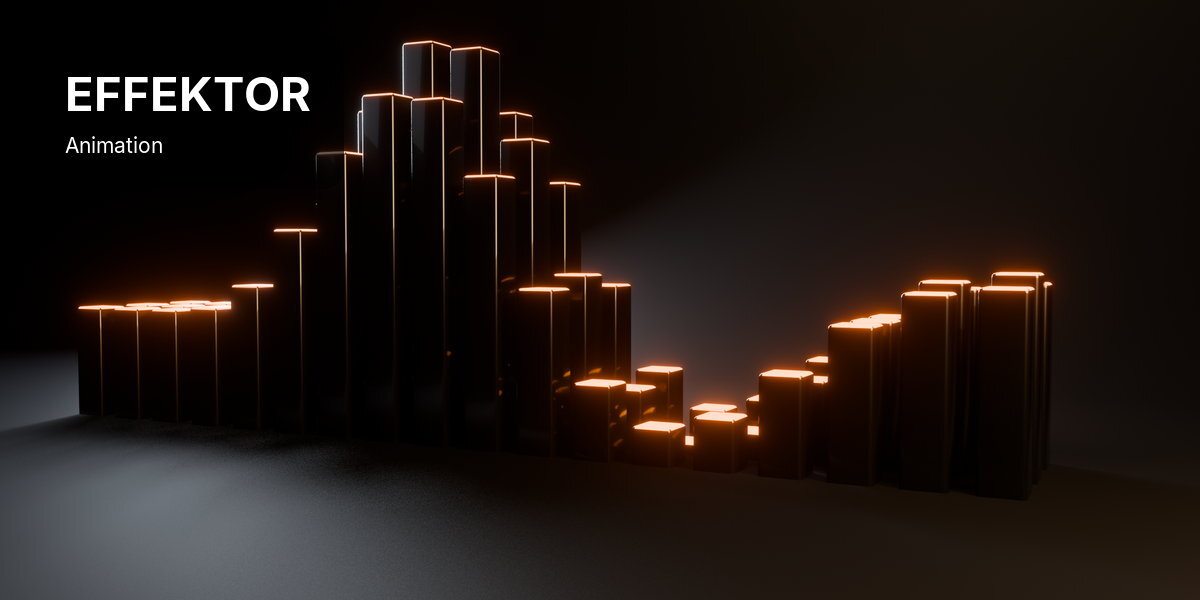




Effektor puts Cinema 4D-style cloners and effectors in one sidebar tab. Clone any object, grab the effector in the viewport, and the clones inside its falloff react, live. You never open the node editor.
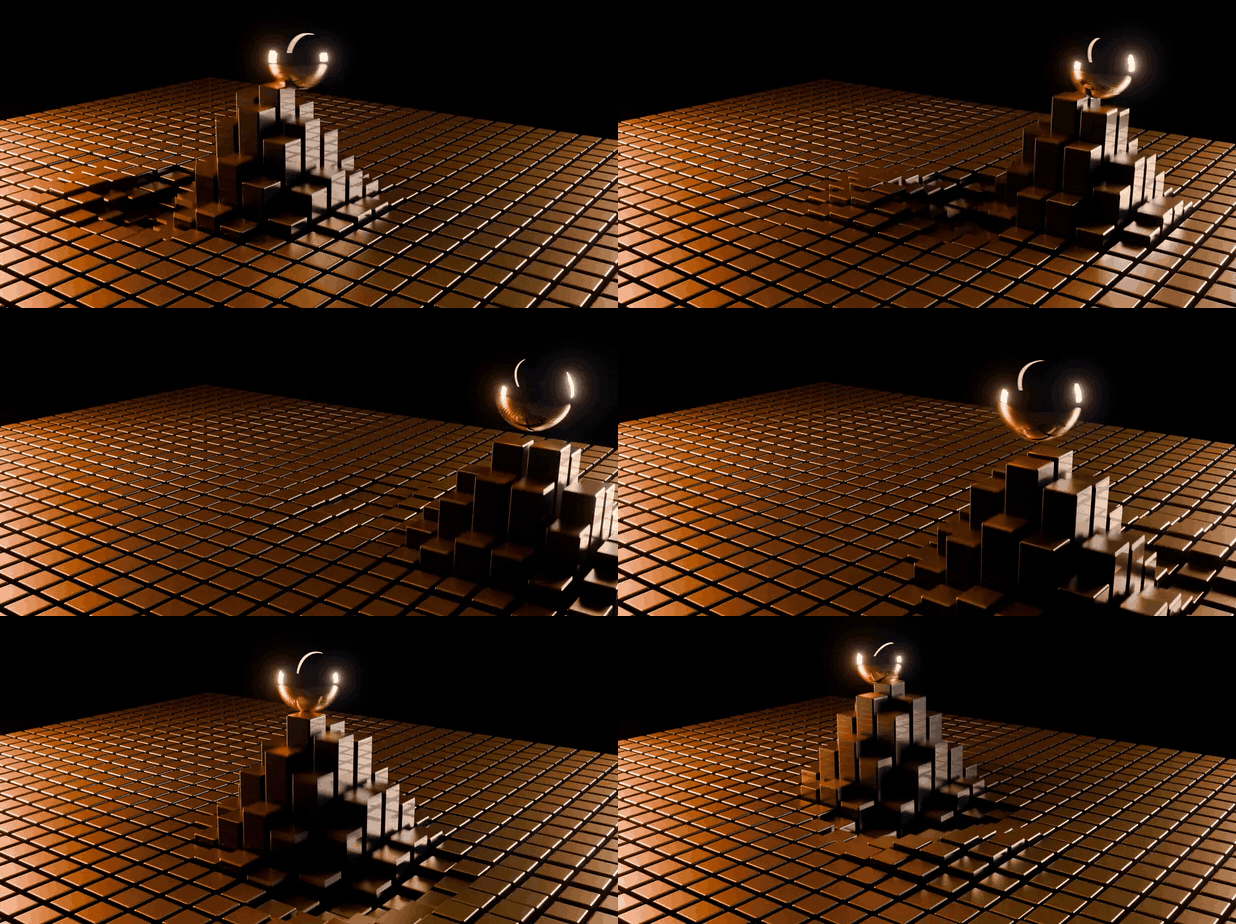
4 cloner modes·6 effector types·4 falloff shapes·An effector stack per cloner·EEVEE, Cycles and Workbench·Blender 5.0 and newer
How it works
Four steps in the Effektor tab of the 3D Viewport sidebar.
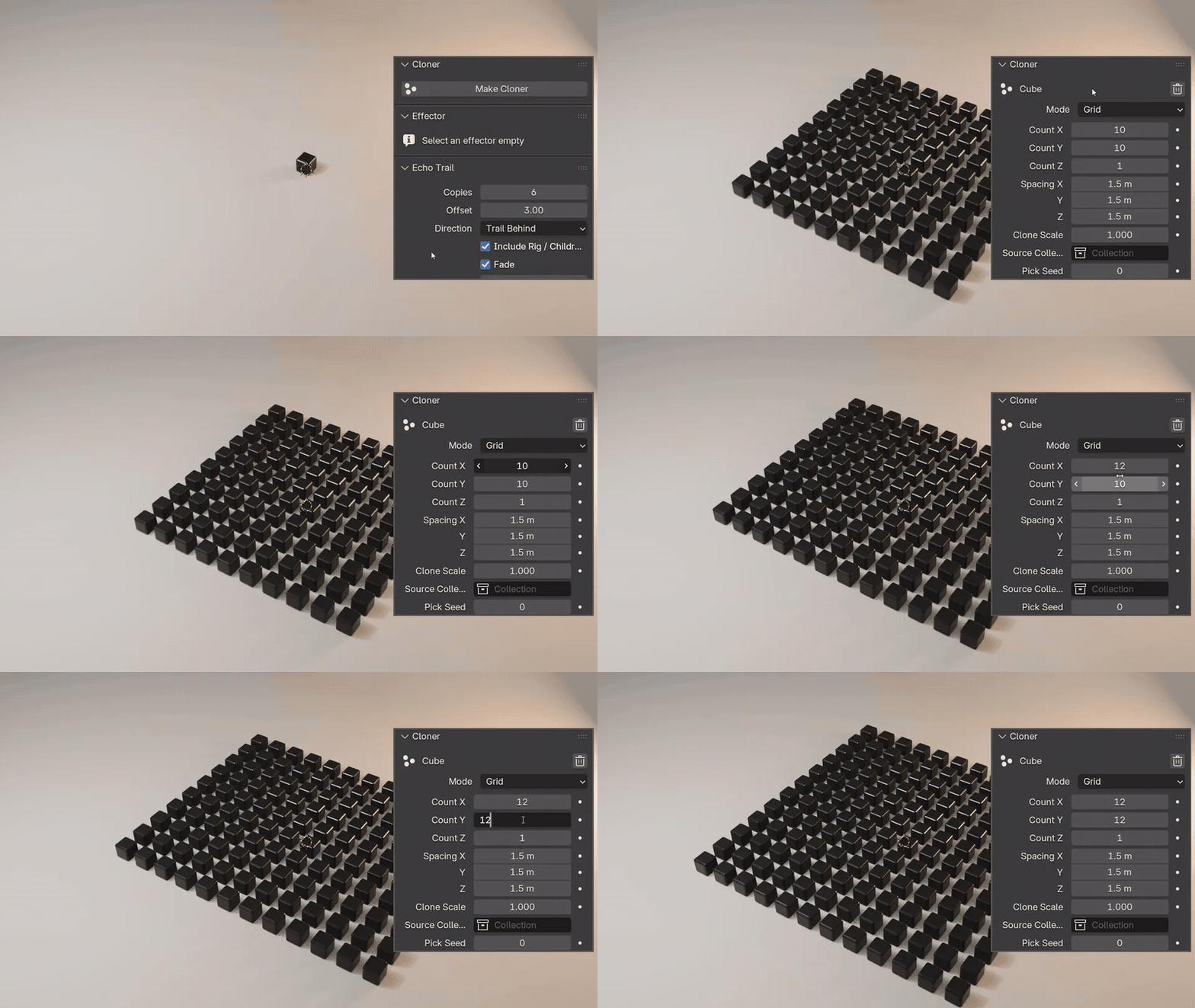 |
Step 1 Make a clonerSelect an object and press Make Cloner. It becomes a grid of itself: type the counts and the spacing, or switch the mode to Linear, Radial or Surface. |
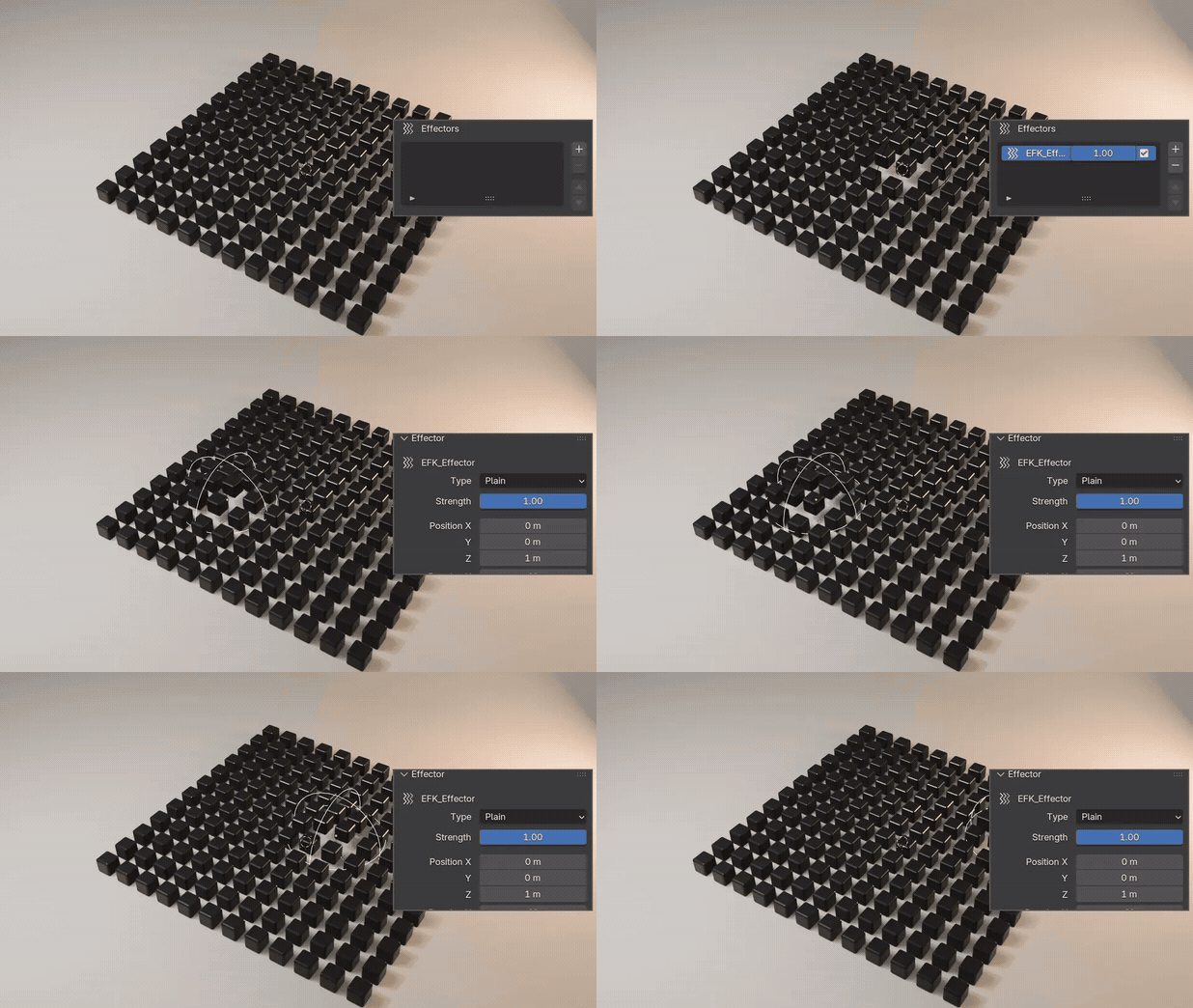 |
Step 2 Press + and grab the effectorPress + under Effectors and an Empty appears. That Empty is the falloff: move it with G and the clones inside react while you drag. |
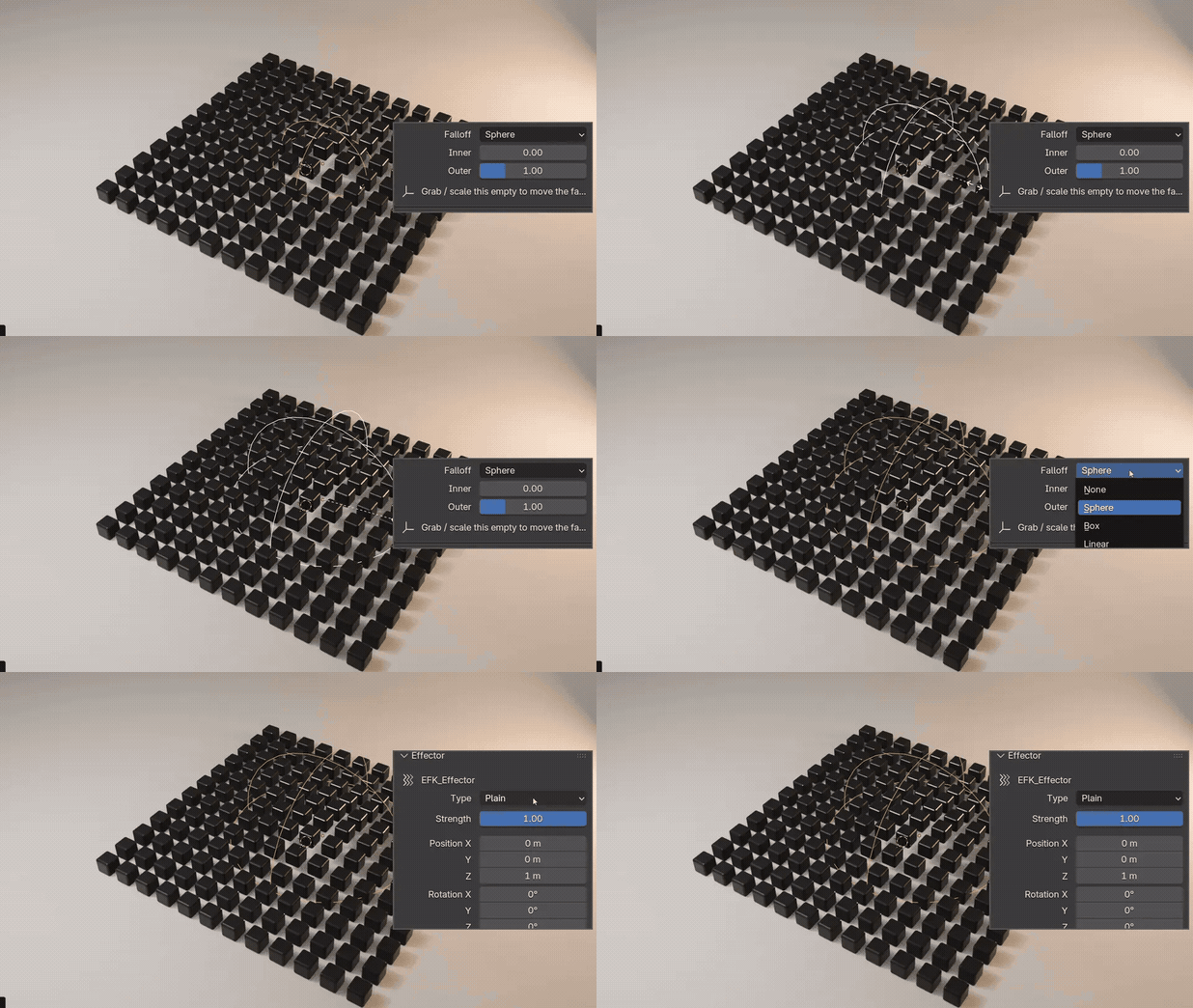 |
Step 3 Shape the falloff, pick a typeScale the Empty to grow the falloff, choose Sphere, Box, Linear or None, and set the Type: Plain, Random, Step, Texture, Sound or Delay. |
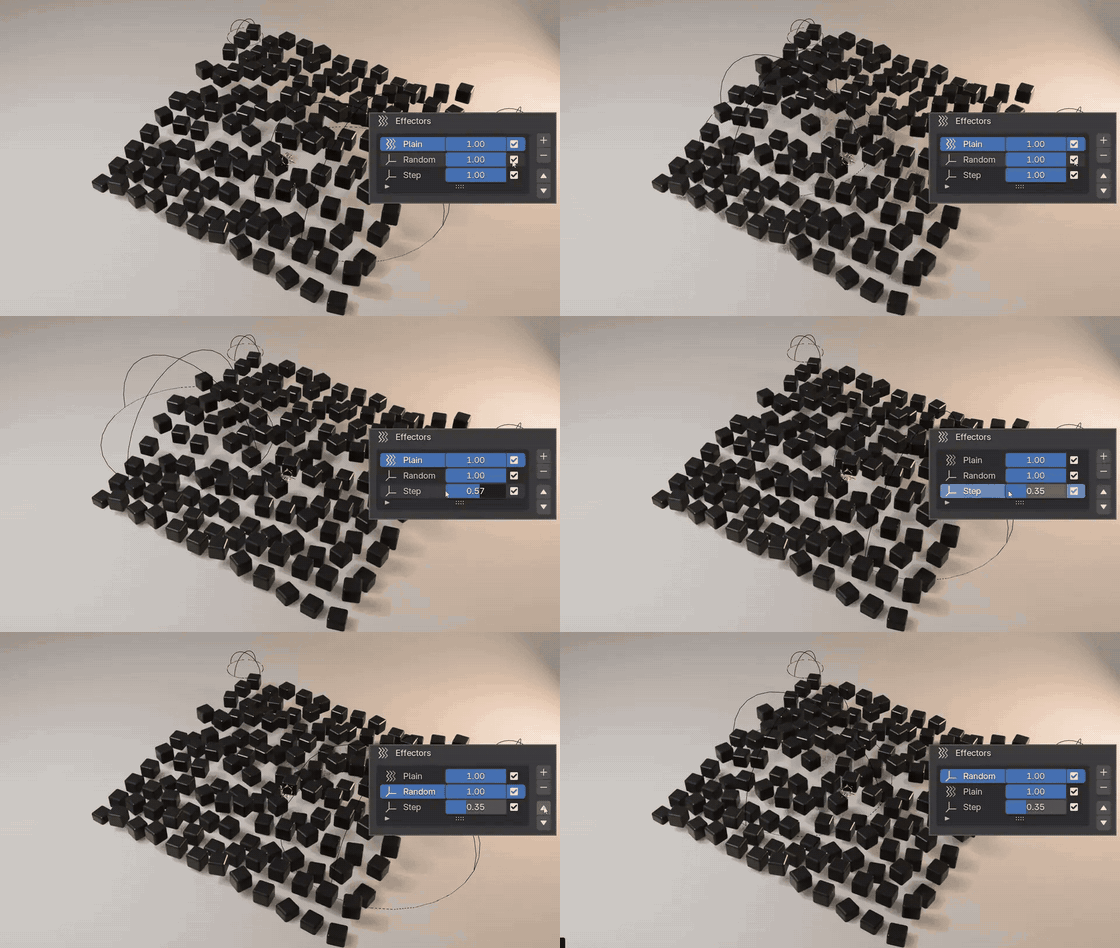 |
Step 4 Stack effectors like layersEach cloner lists its effectors in the order they apply. Mute one with its checkbox, blend it with its slider, reorder with the arrows. |
Four cloner modes
Switch at any time; shared values like the count come along.
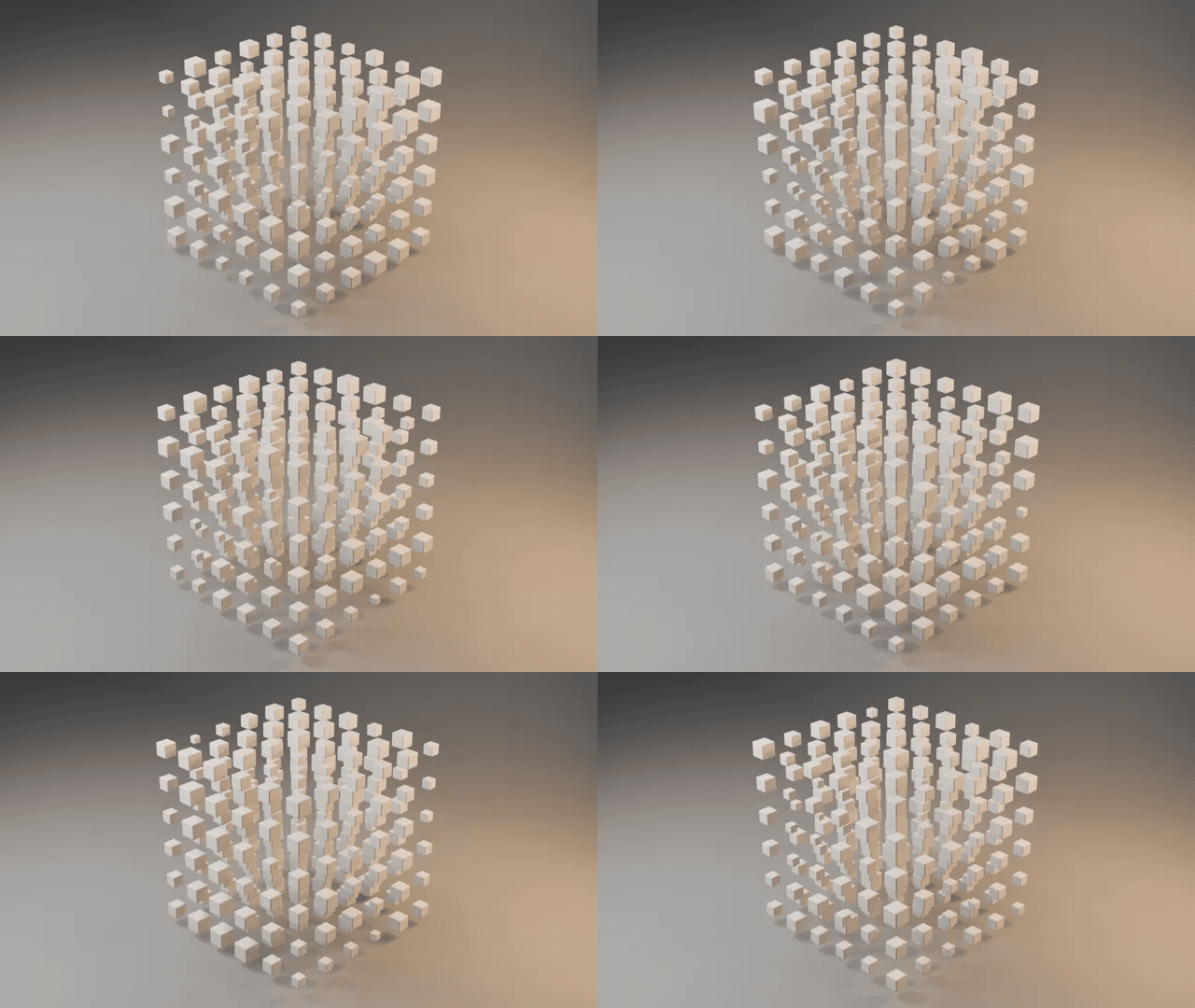 GridCount X, Y and Z with spacing, in 2D or 3D. |
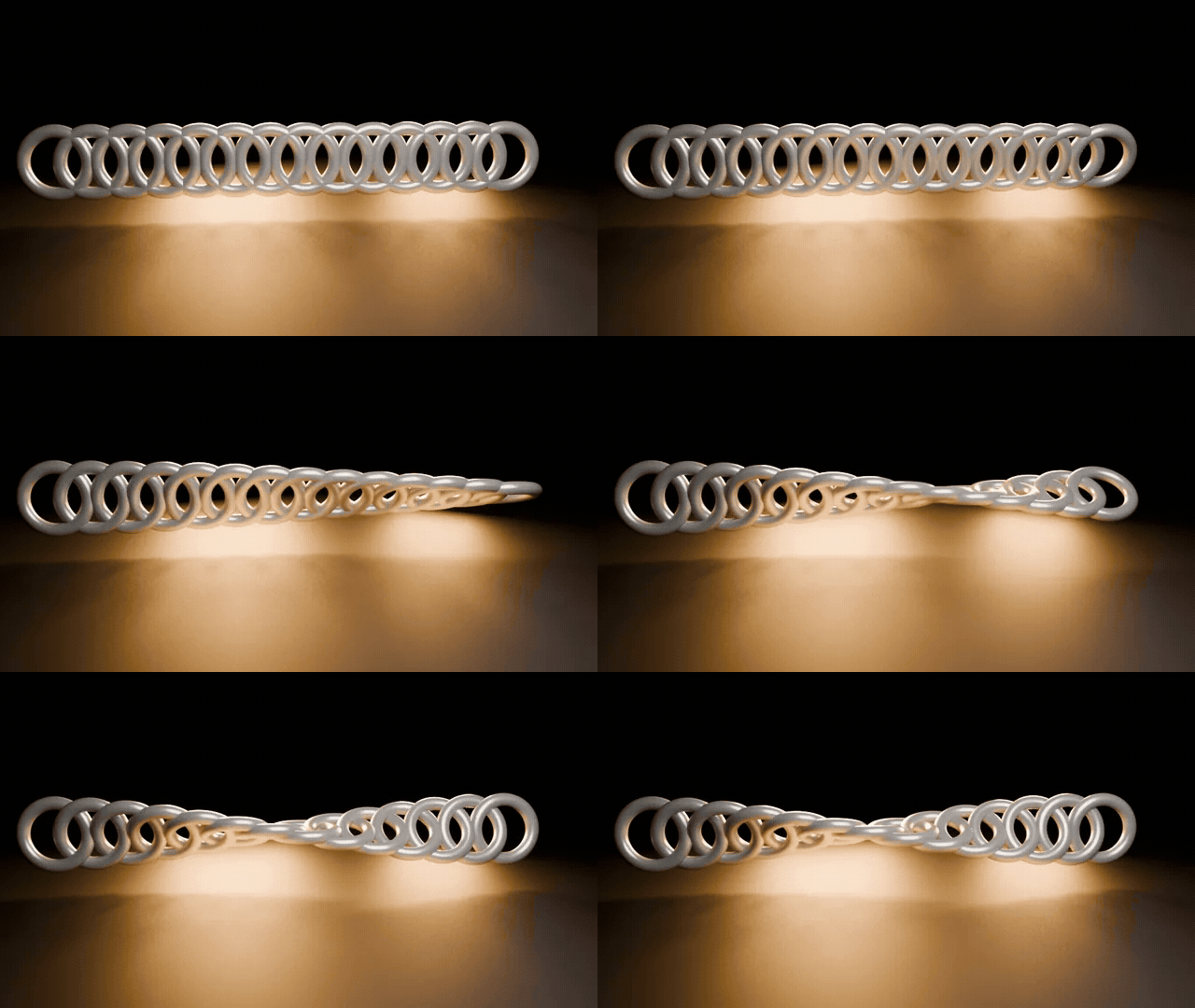 LinearA line of clones with a count and an offset. |
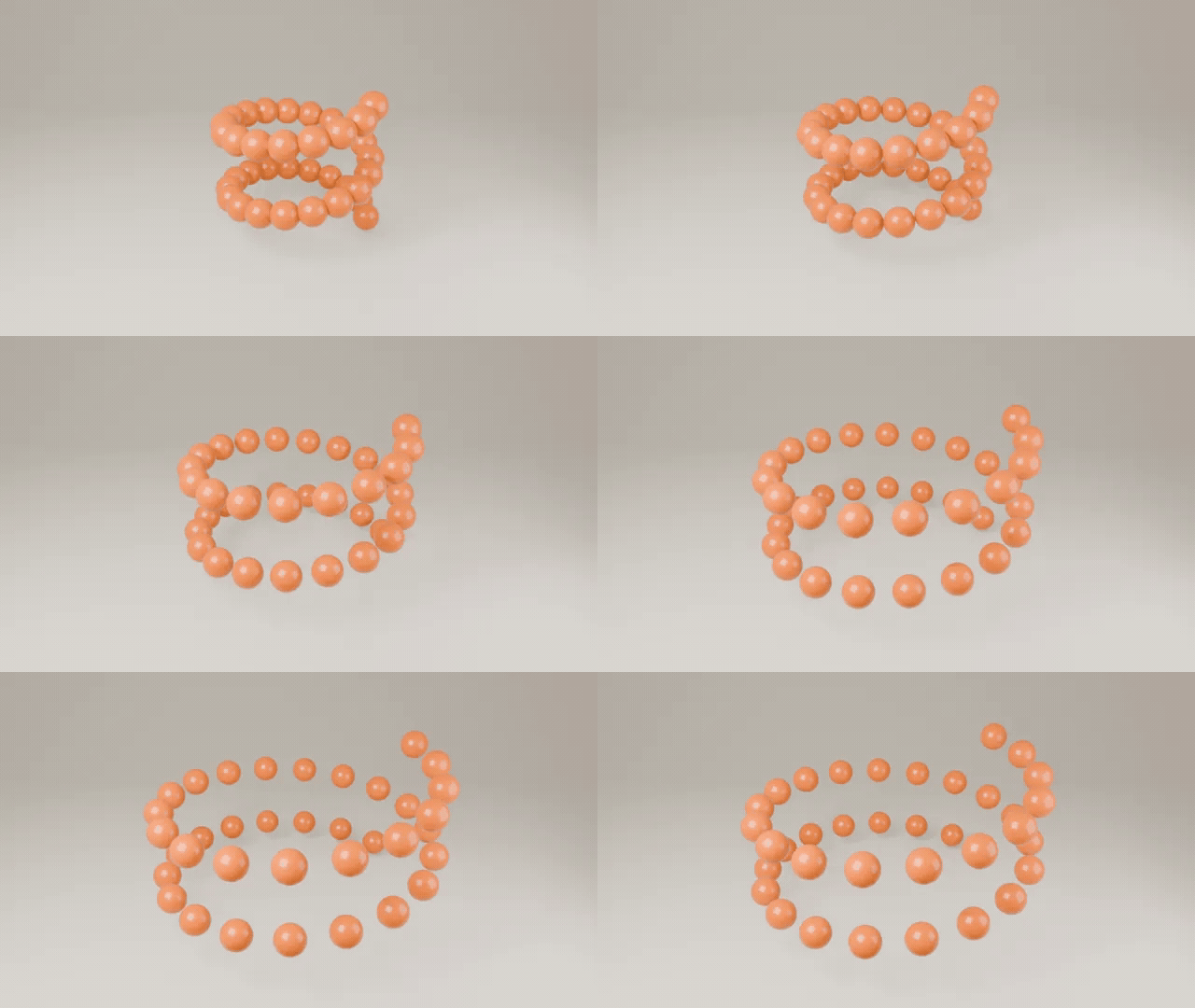 RadialRings and rising spirals, turned to face outward. |
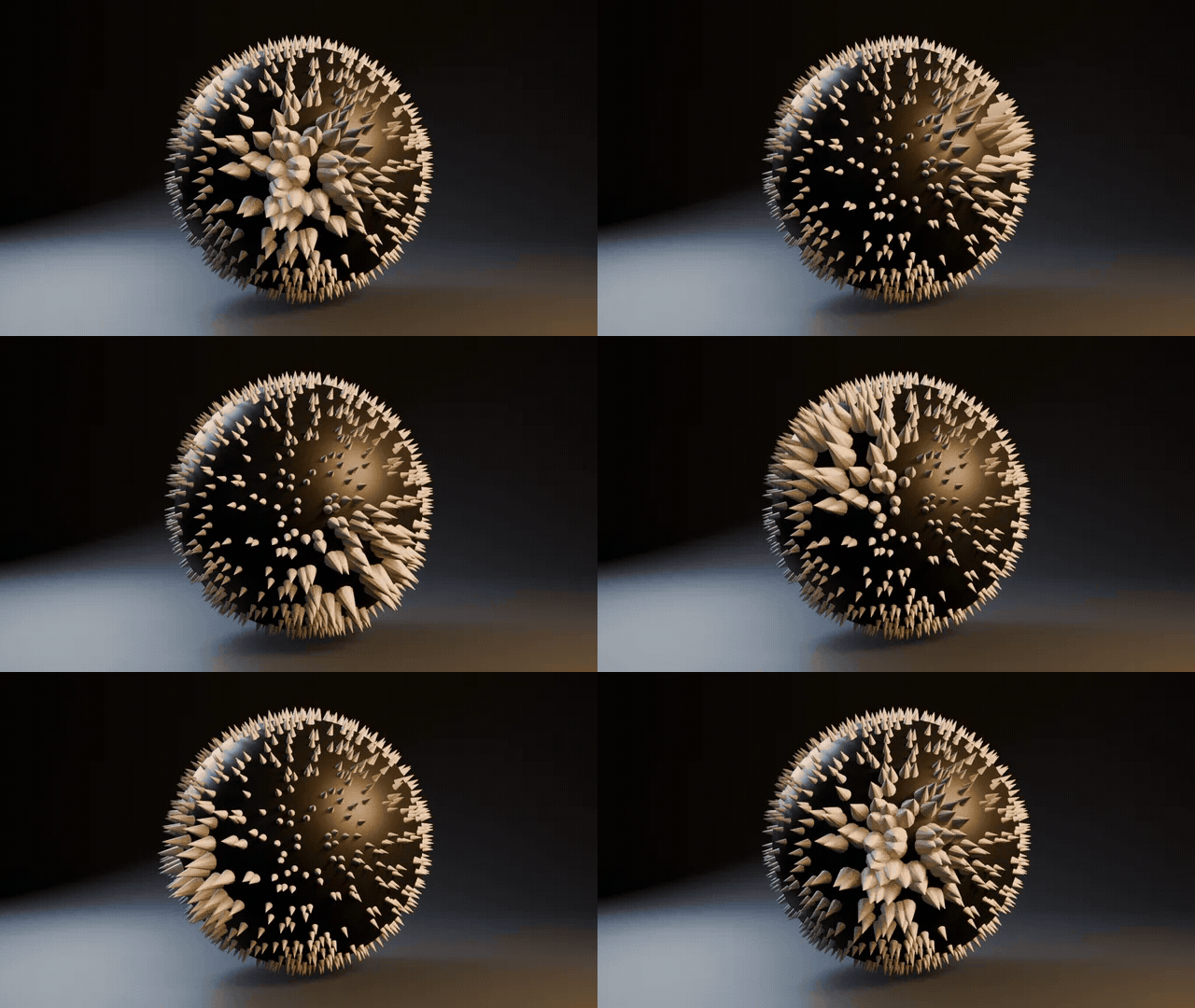 SurfaceA scatter across any mesh that follows its surface. |
Six effector types
Every type works inside the falloff of its Empty, or on the whole cloner with Falloff set to None.
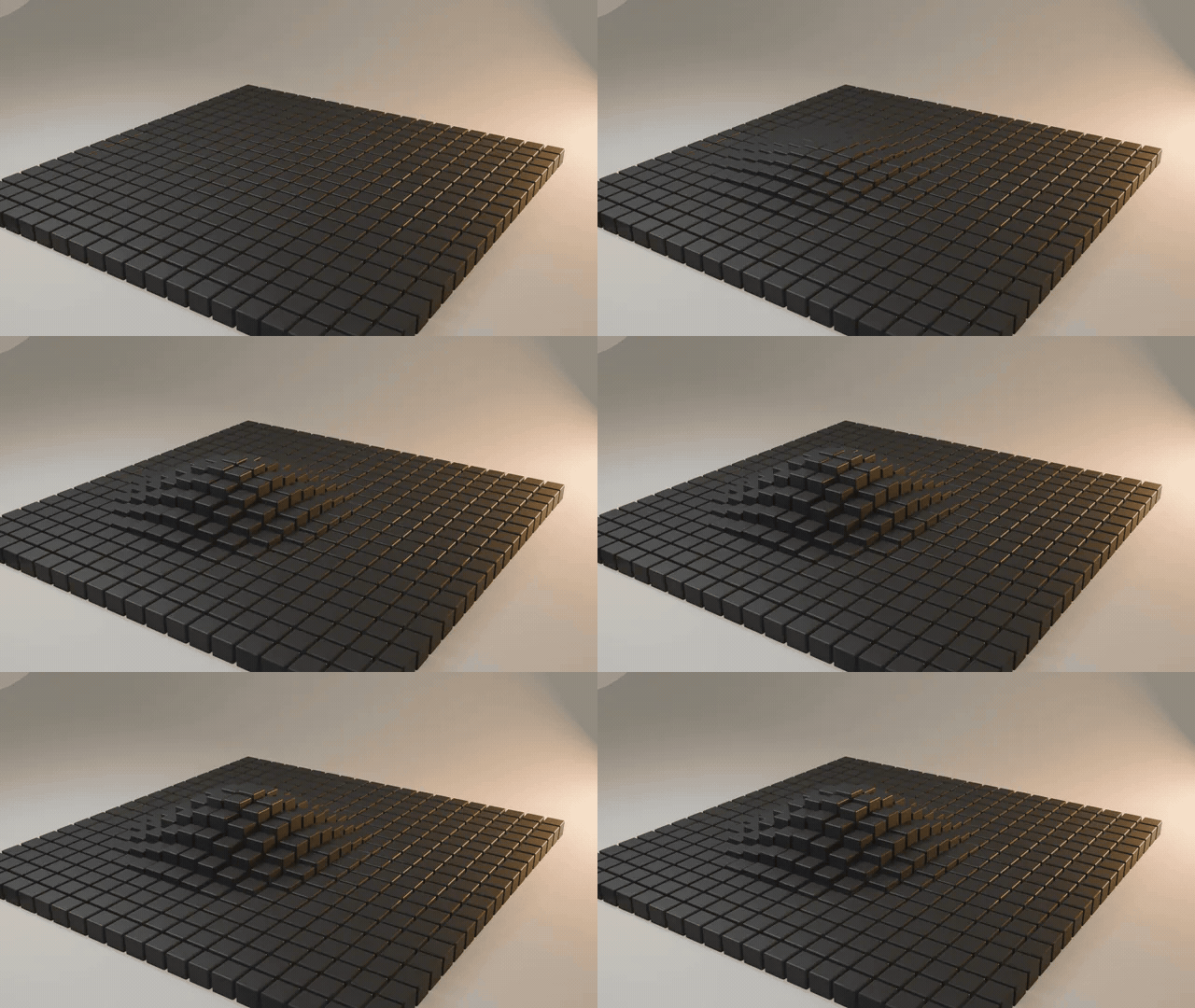 PlainPushes, turns and scales the clones inside the falloff. |
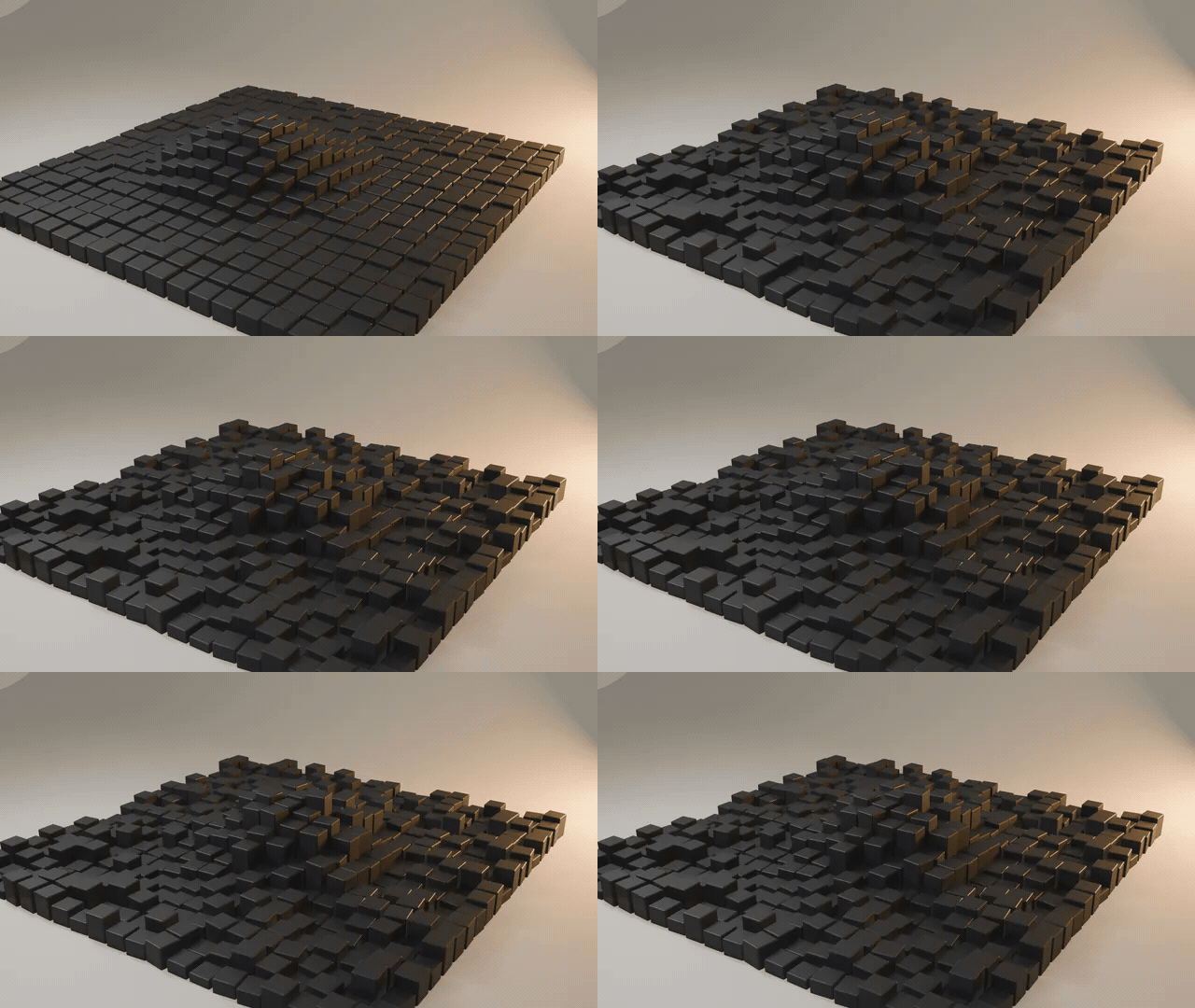 RandomJitters each clone up to the Max values, by Seed. |
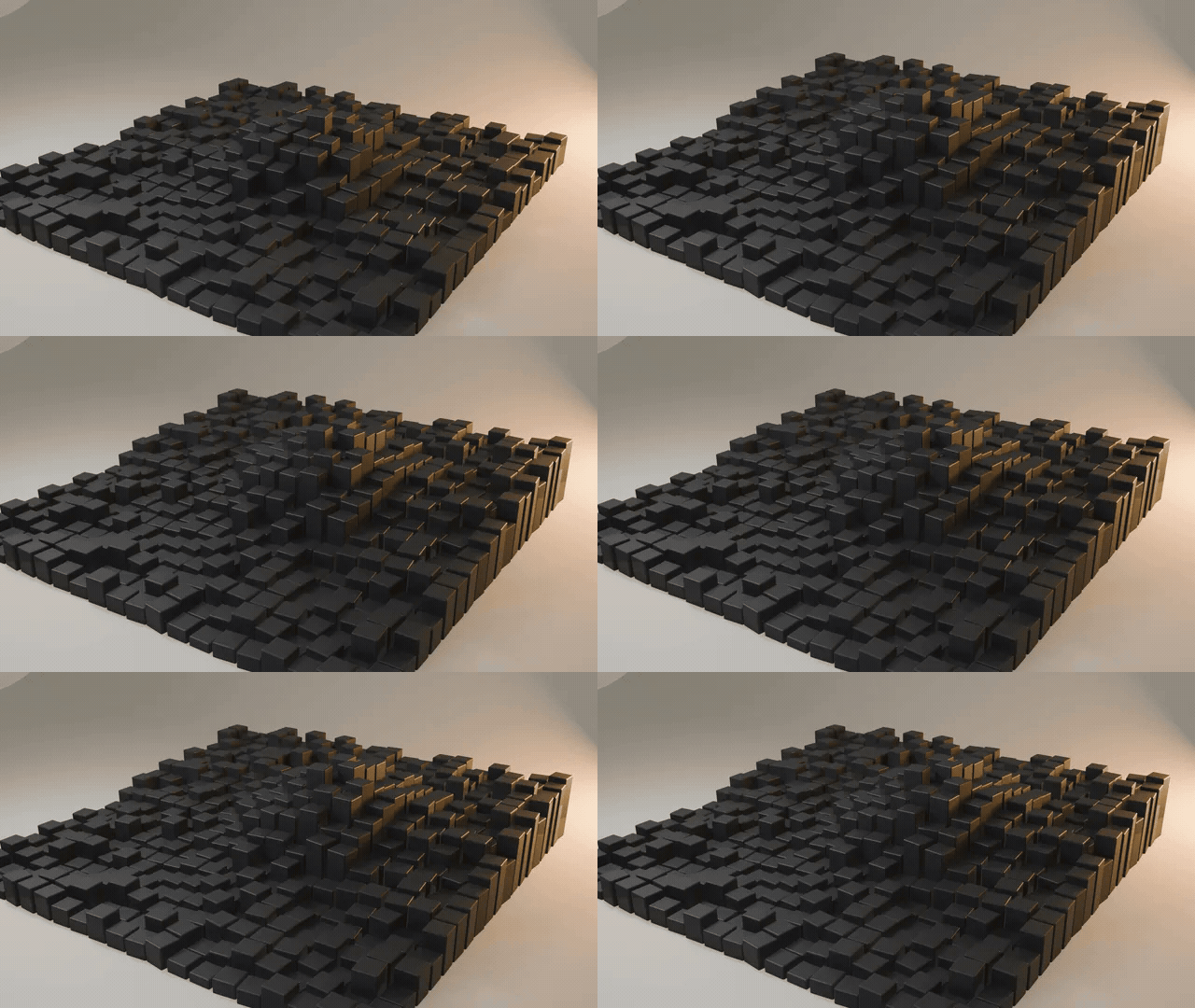 StepRamps from the first clone to the last, with Ease. |
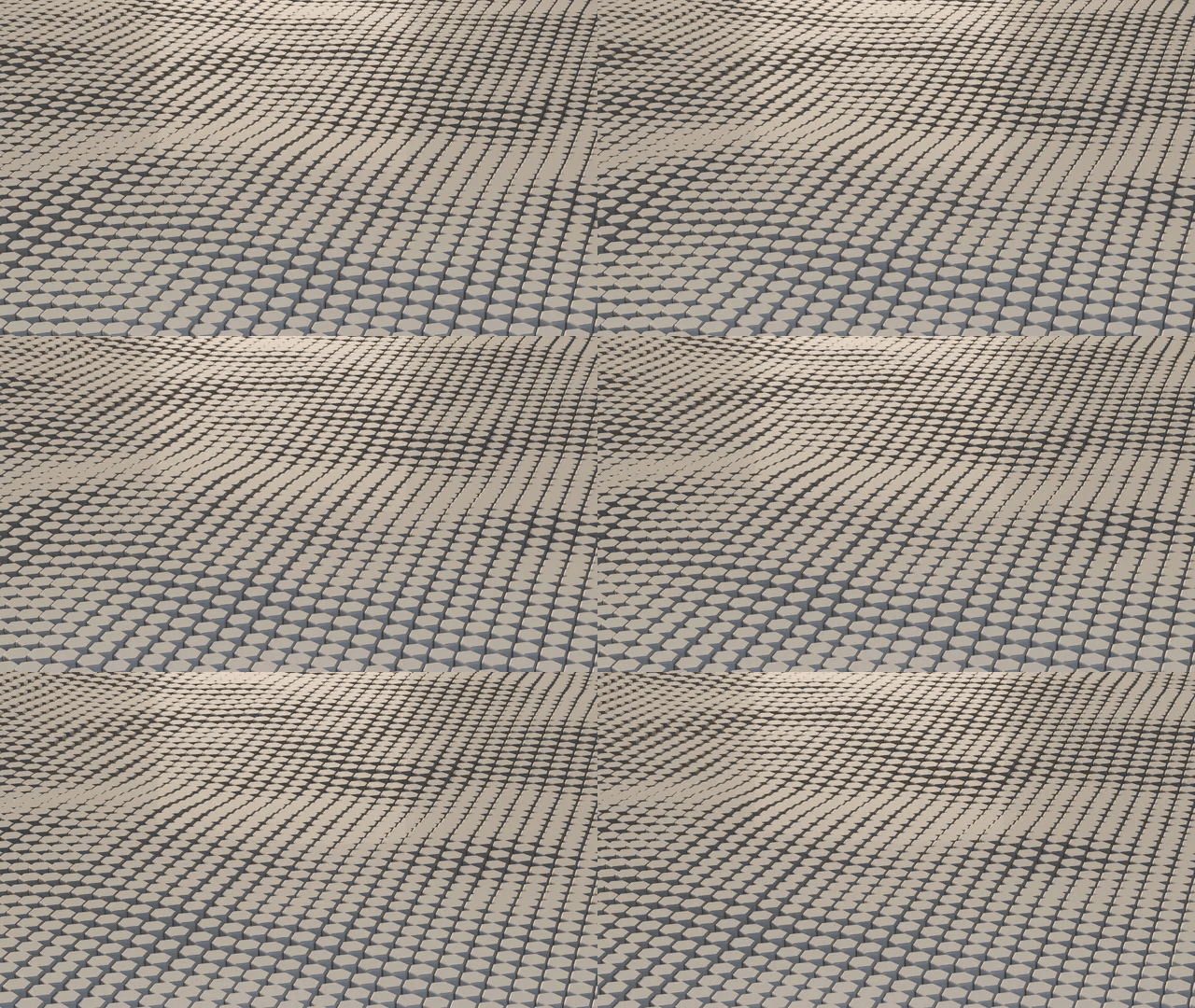 TextureNoise or an image drives the clones; Scroll rolls it. |
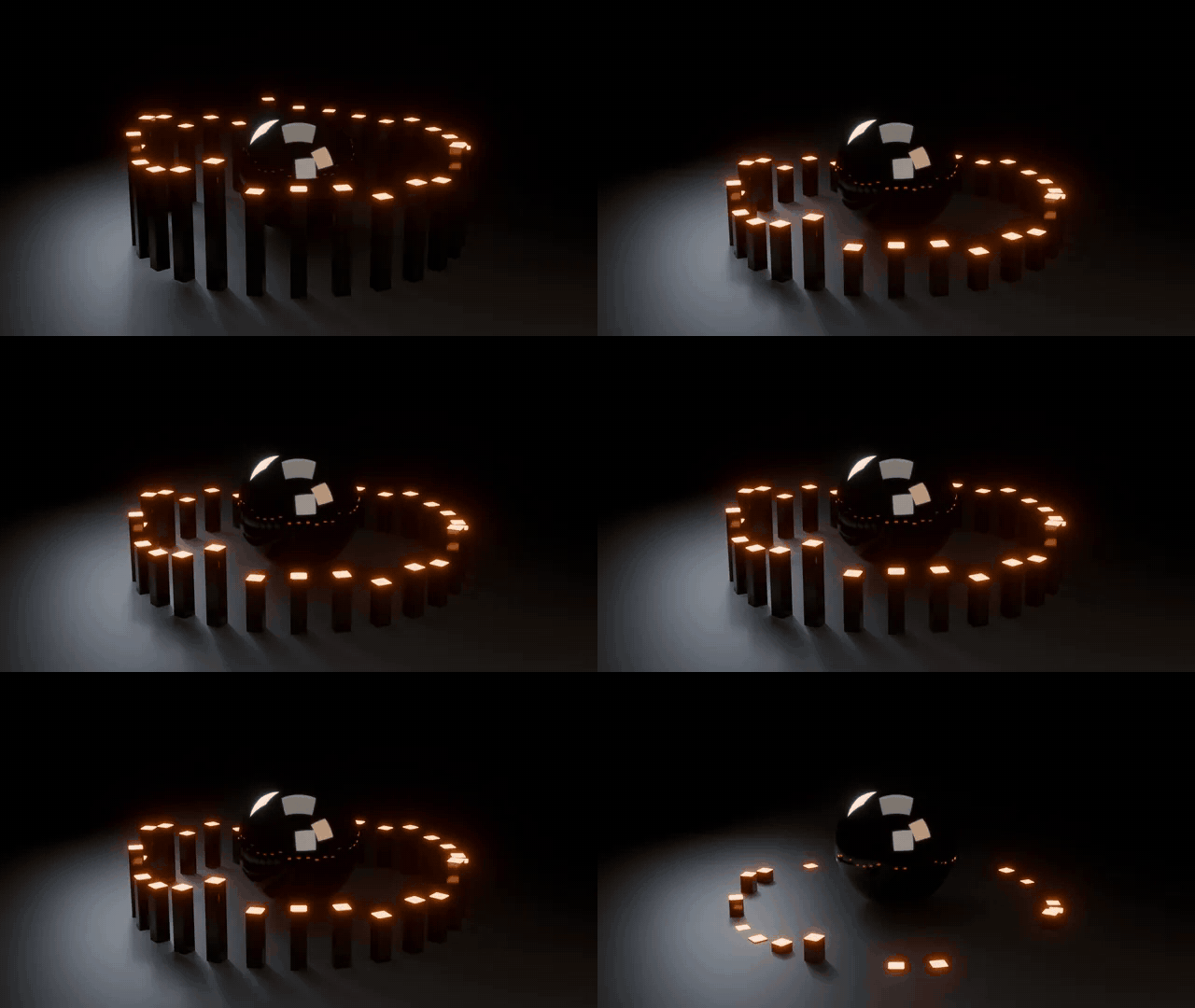 SoundBake Audio turns a track's loudness into Strength keys. |
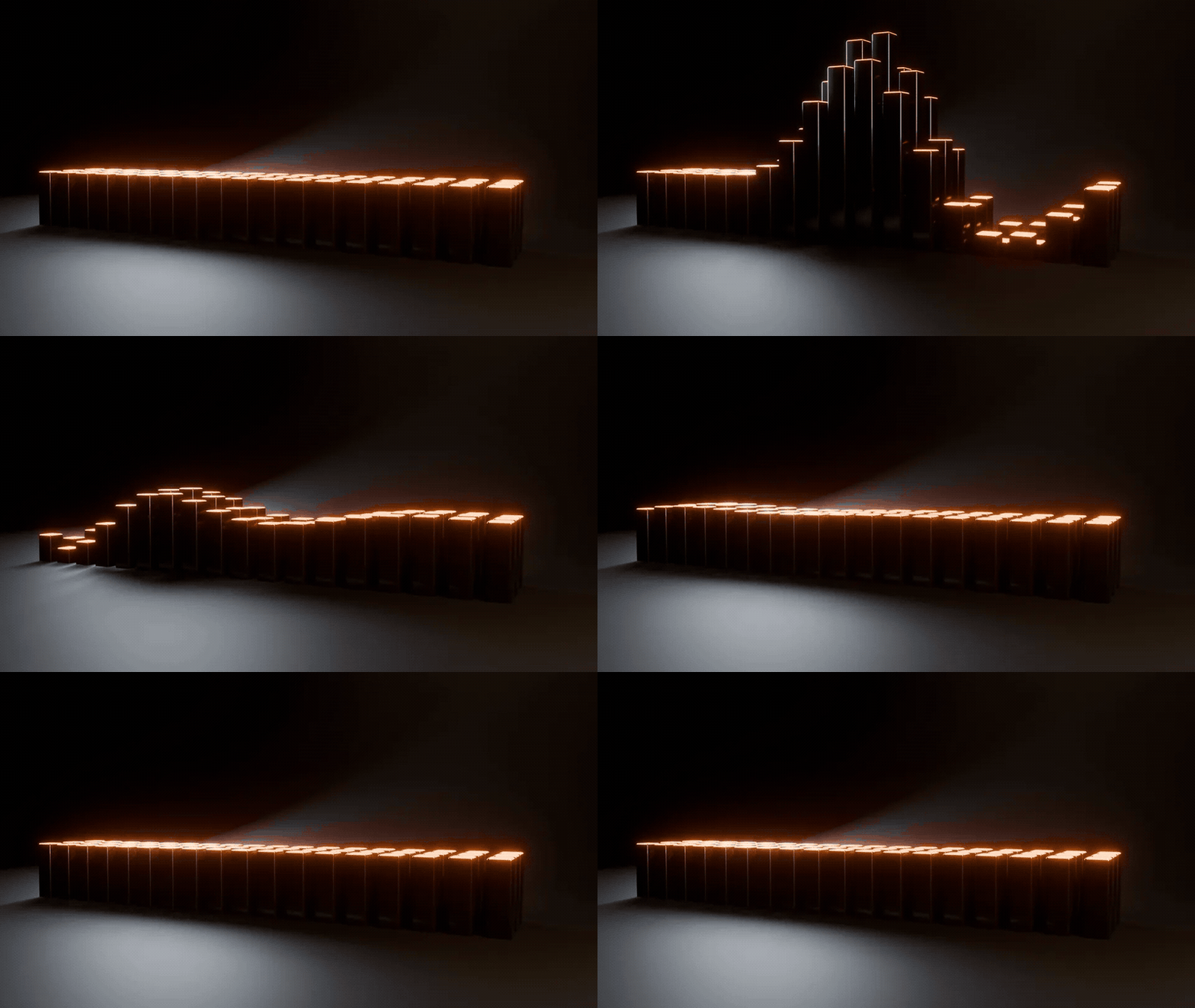
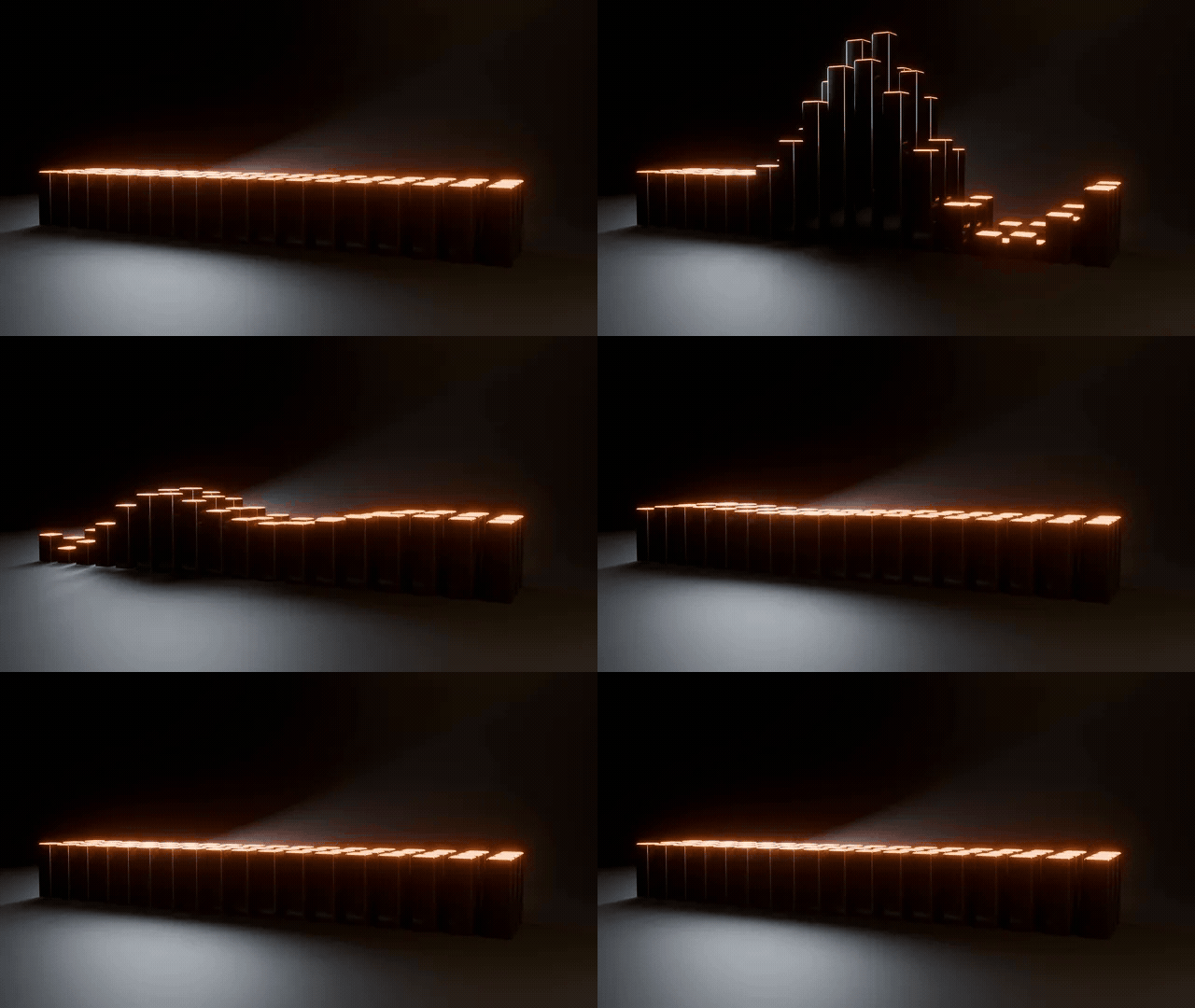 DelayClones follow late: Blend eases in, Spring overshoots. |
What else it does
One panel, every value live and keyable.
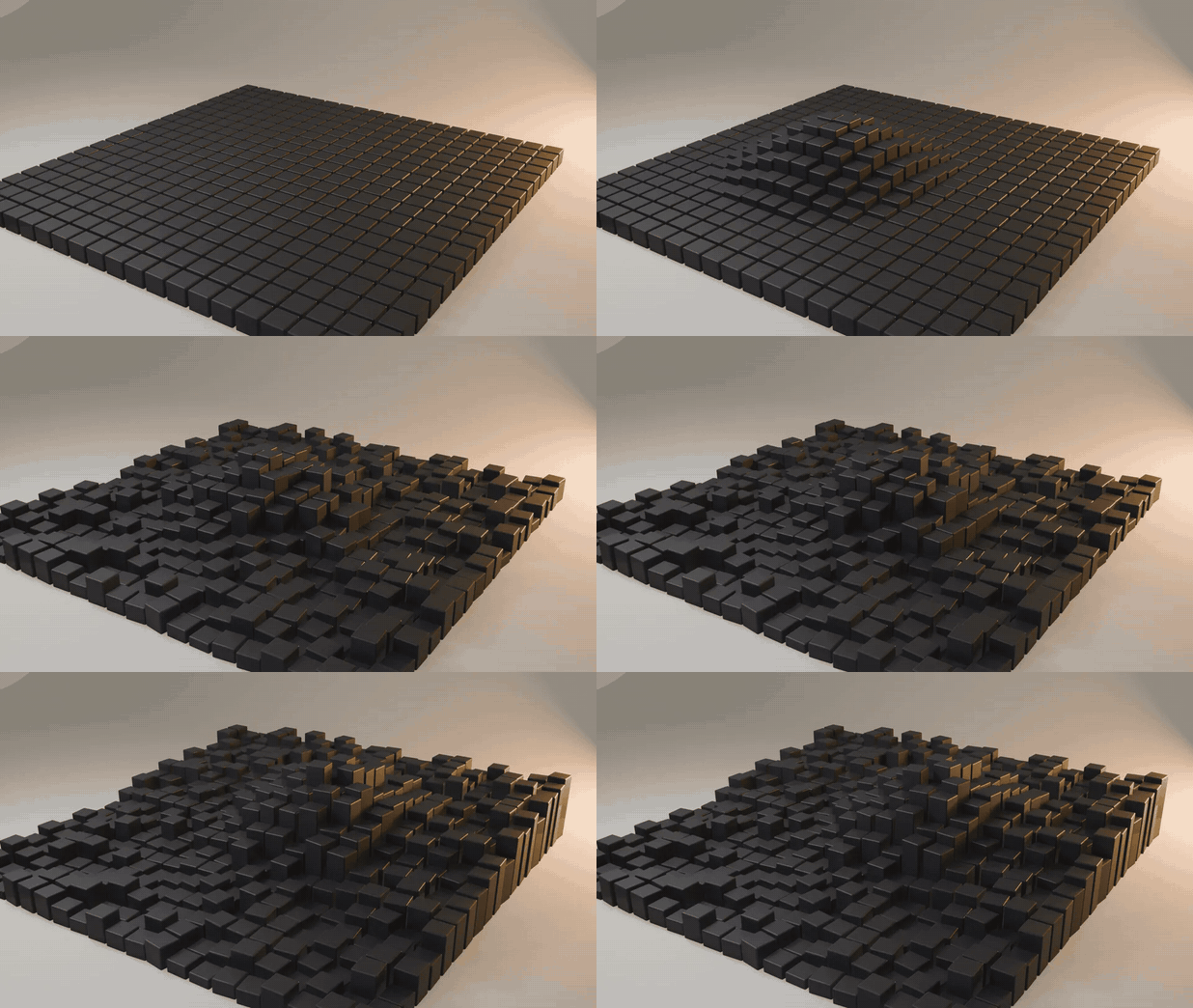 |
Layers that build on each otherPlain lifts a dome, Random breaks it up, Step tilts the whole field. Each layer builds on the last, and one effector can drive several cloners at once.
|
Follow-through with Delay and SpringPut a Delay at the end of the stack and the clones follow late. Spring makes them overshoot, wobble and settle, with no simulation setup.
|
 |
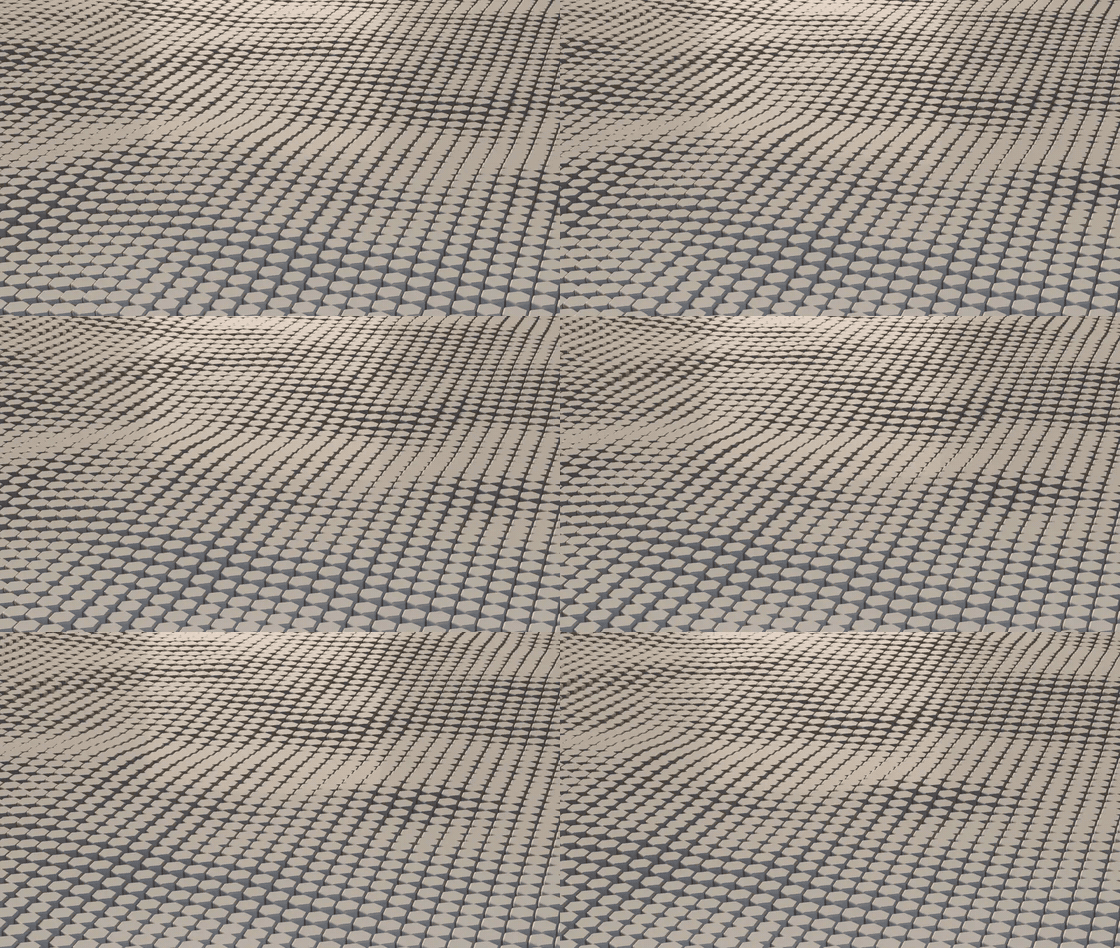 |
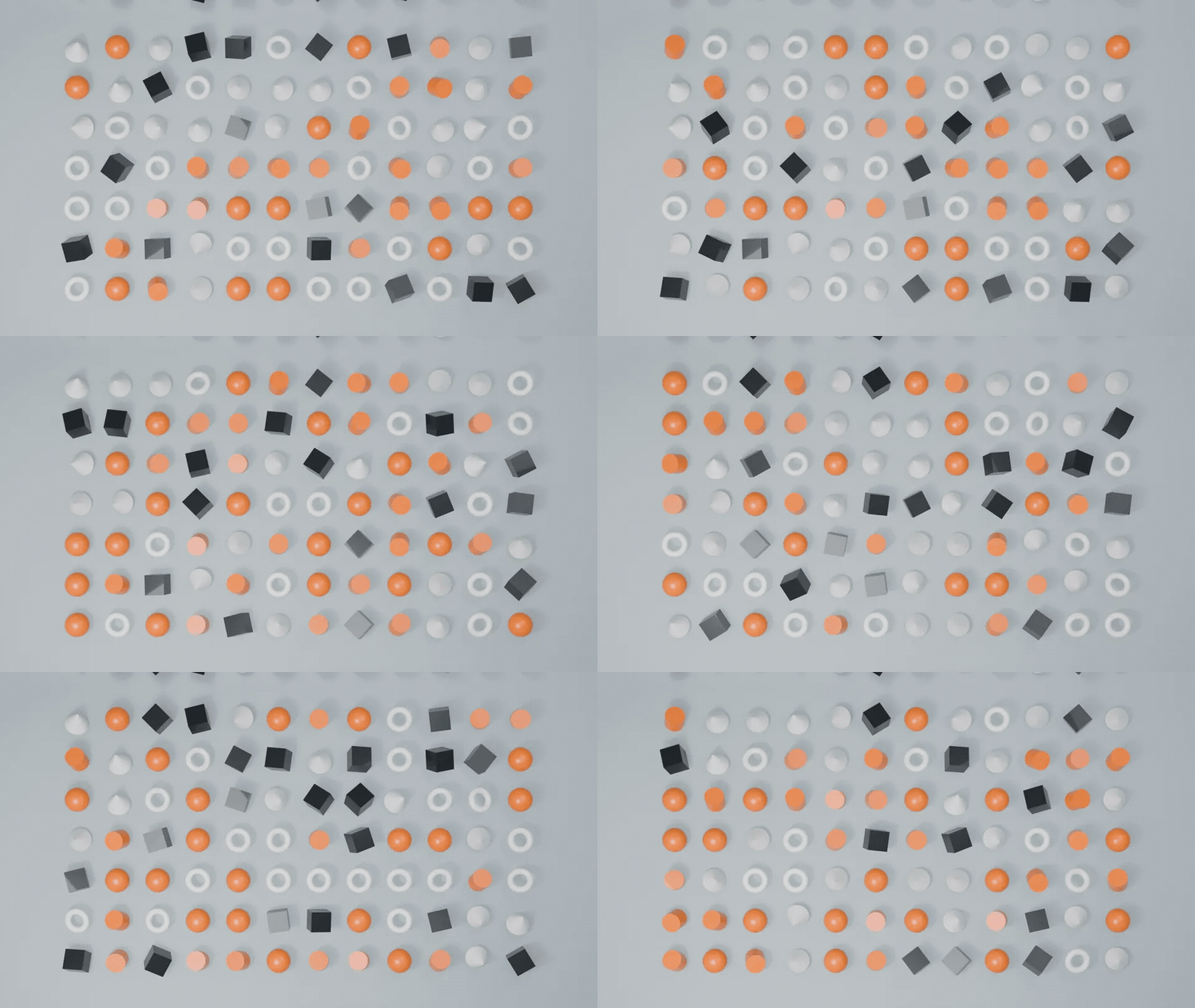
Textures drive the clonesProcedural noise or an image drives every clone, sampled where the effector sits. Keyframe Scroll and a wave rolls through the field.
|
Any object, any collectionClone a mesh, a curve or a text object, or drop in a collection and every clone becomes a random pick from it. Change Pick Seed to reshuffle.
|
 |
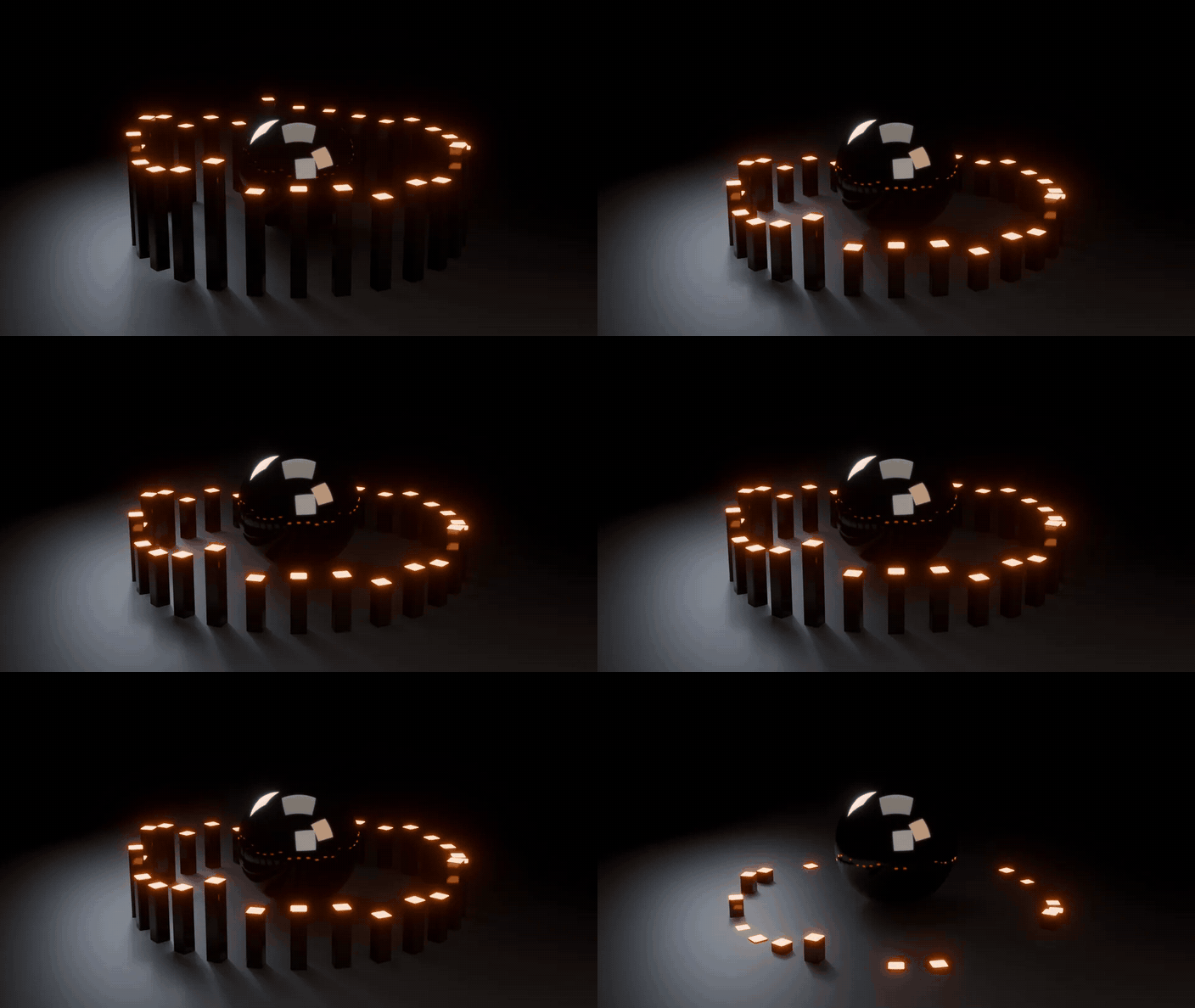 |
Clones that hear the musicSet the Type to Sound and press Bake Audio: the track's loudness becomes one Strength key per frame. For kick-only or hats-only reactions, Drive via Audio Trigger links it to Audio Trigger.
|
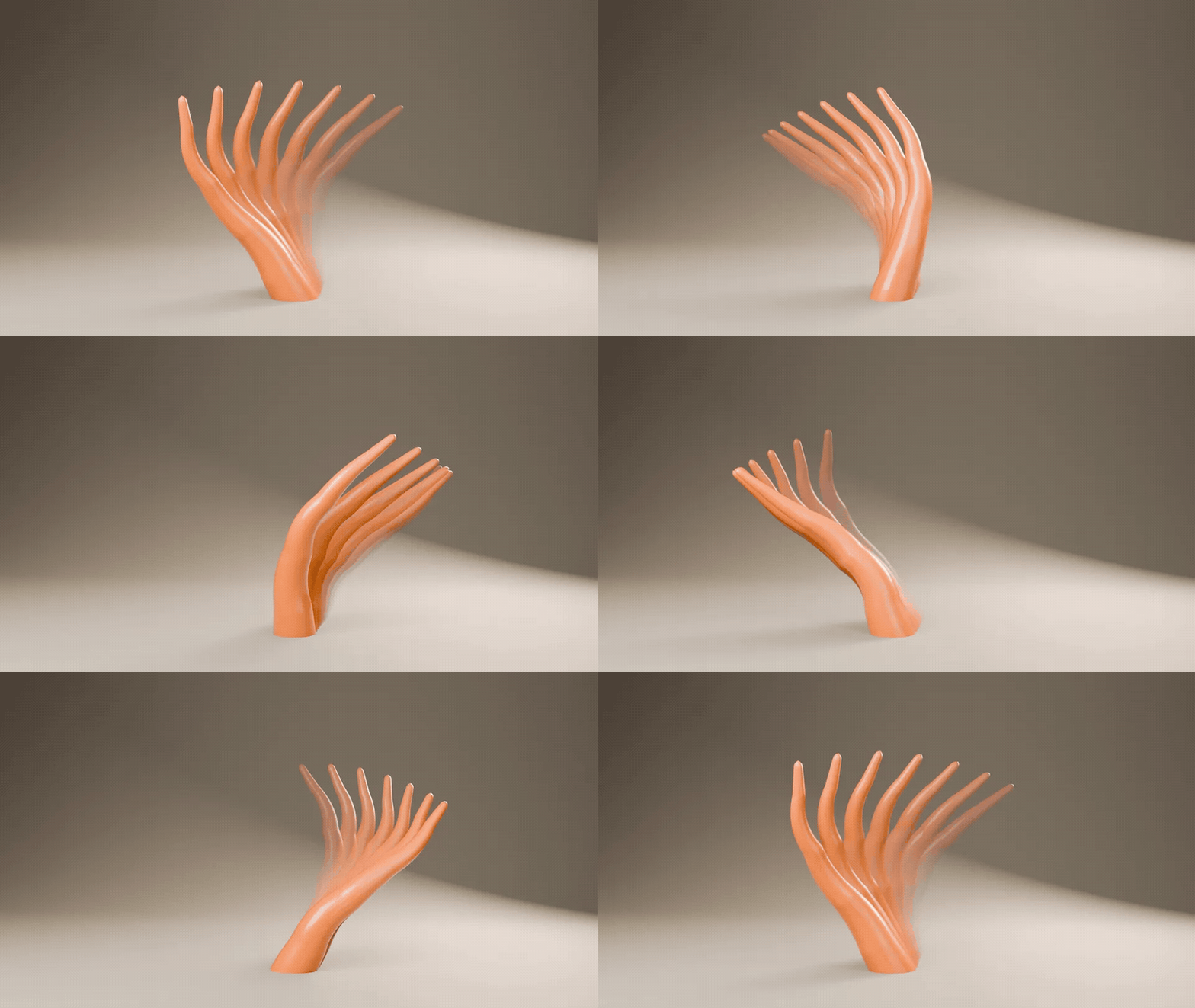
Echo Trail, rigs includedSelect an animated object or the armature of a character and press Create Echo Trail: fading, time-offset ghosts that trail behind or lead ahead.
|
 |
Ready for production
Keyframe any valueEvery cloner field has a keyframe dot, and every effector value keys with a right-click. Animating the Empty works too. |
Regular instancesThe clones render in EEVEE, Cycles and Workbench like any other Blender instances. |
Cleans up after itselfThe trash icon removes the cloner and gives you the plain object back. |
Effektor or stock Blender
Geometry Nodes can build all of this by hand. Effektor builds it for you and keeps it editable from one panel.
| Task | Stock Blender | With Effektor |
|---|---|---|
| Clone an object into a grid, ring or spiral | Instance on Points plus point maths in a node tree | Make Cloner, then pick a mode |
| Push the clones near a point in space | Object Info, Invert Matrix, a distance and a Map Range, wired by hand | Grab the effector Empty |
| Random jitter with a ramp on top | More nodes, wired in the right order | Add Random and Step, reorder with the arrows |
| Follow-through and spring | A Simulation Zone with a stored velocity attribute | A Delay effector, Blend or Spring |
| Clones pulsing to a track | Sound to Samples in the Graph Editor, then wire the curve in | Bake Audio on a Sound effector |
| An effect nobody has built yet | Geometry Nodes does anything you can wire | Not this: six effector types. For anything else, open Geometry Nodes |
Details
| Blender | 5.0 and newer, tested on 5.0, 5.1 and 5.2 LTS |
| Render engines | EEVEE, Cycles and Workbench |
| Systems | Windows, macOS, Linux |
| Render farms | Install Effektor there too: cloners render without it, effectors don't |
| Install | Drag the .zip into Blender (extension) |
| Updates | Every update is free |
| Licence | GPL, source included |
| Support | [email protected] |
Changelog
| 1.0.1 (2026-10-06) | First release: 4 cloner modes, 6 effector types, 4 falloff shapes, the effector stack, Echo Trail and the Audio Trigger link. Tested on Blender 5.0, 5.1 and 5.2. |