 OMiD Mousakhani
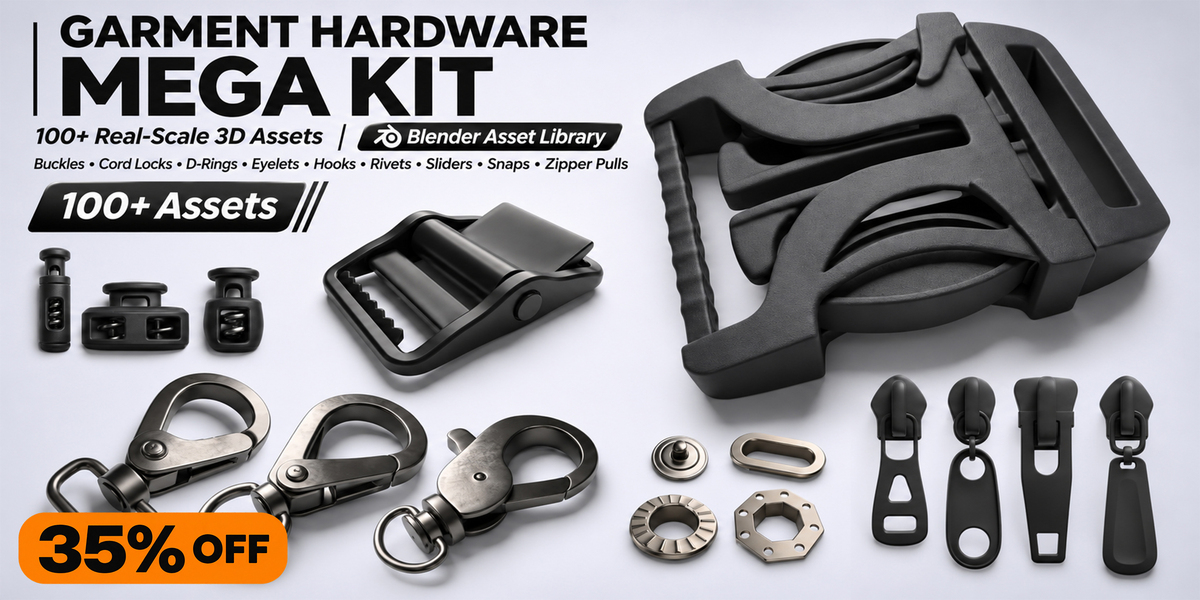
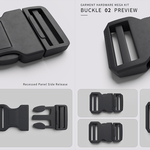
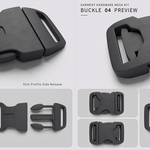
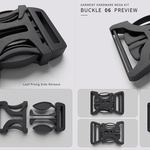
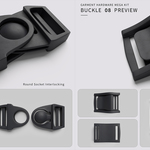
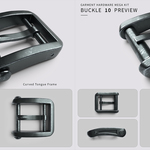
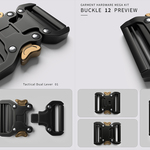
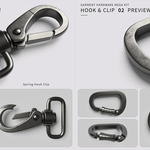
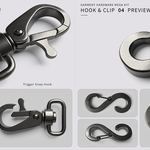
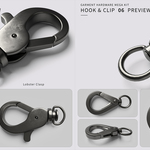
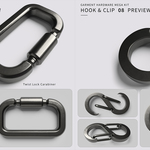
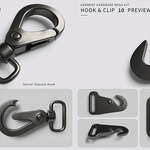
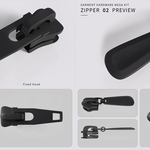
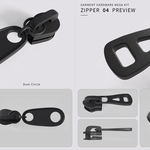
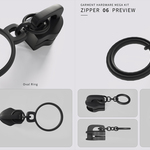
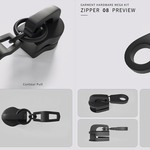
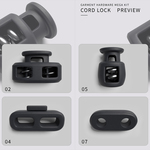
GARMENT HARDWARE
MEGA KIT
BLENDER ASSET LIBRARY · ZBRUSH IMM
A comprehensive collection of real-scale garment and apparel hardware for character art, digital fashion, accessories and hard-surface projects. Spend less time modeling repetitive details and more time creating.
102
HARDWARE ASSETS
9
ASSET CATEGORIES
2
PROCEDURAL MATERIALS
BLEND / ZBP / MAX / FBX / OBJ
OFFICIAL PRODUCT DEMO
See the Mega Kit in Action
01 / ASSET COLLECTION
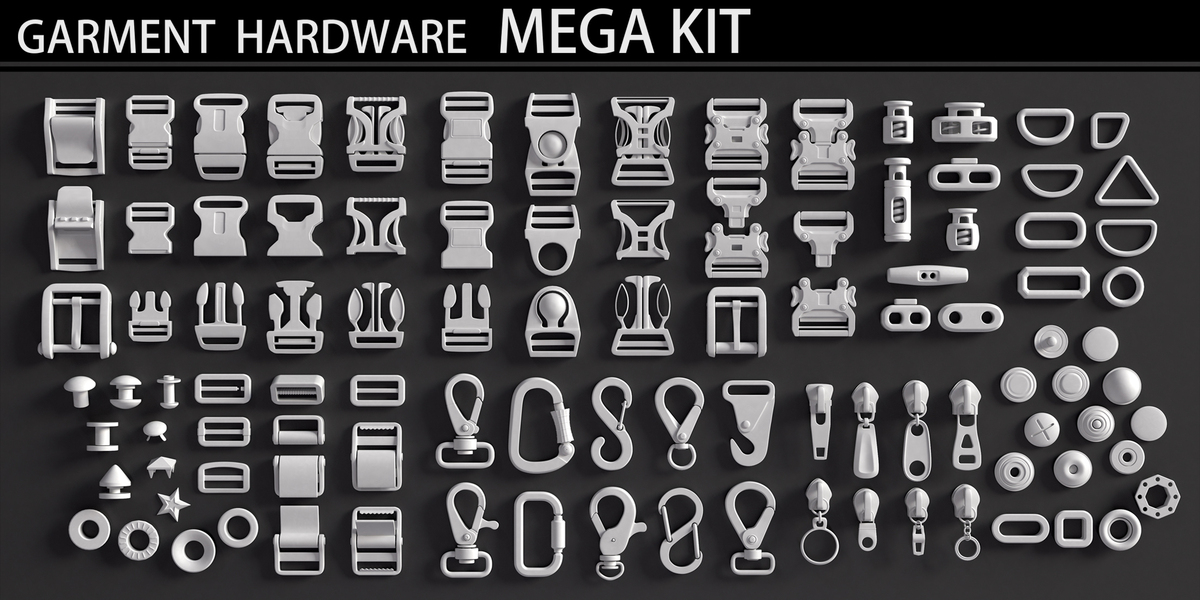
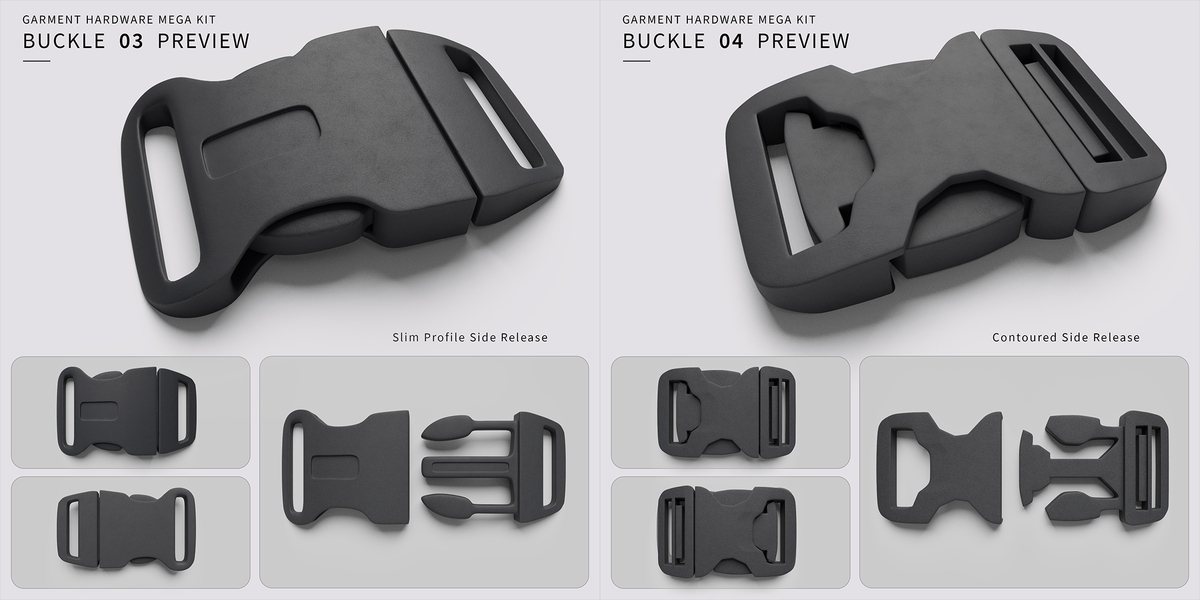
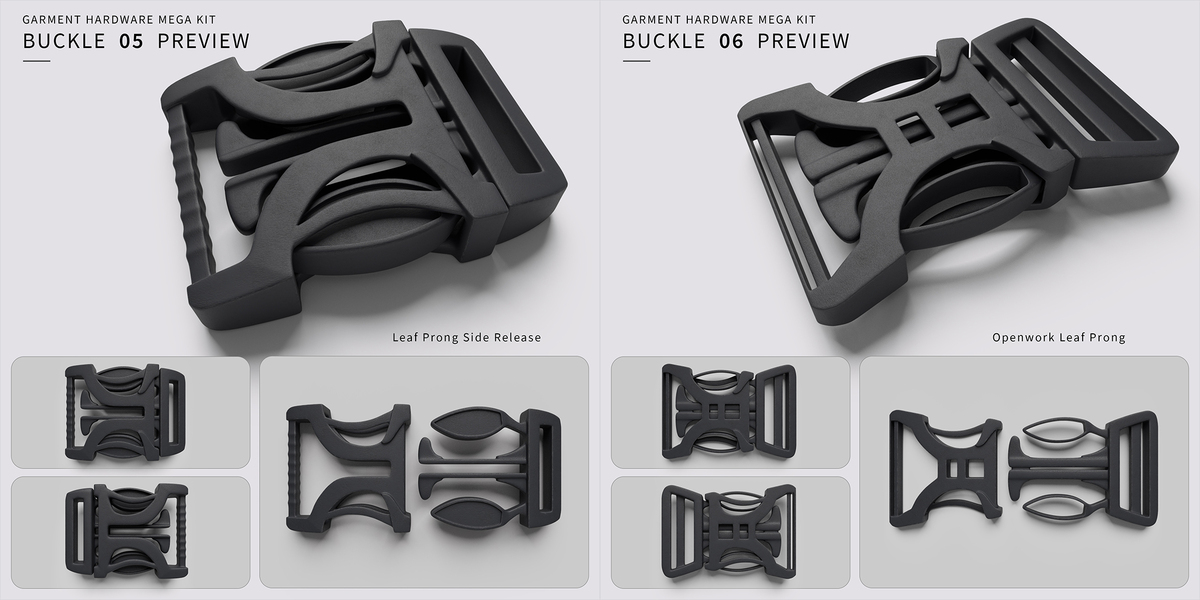
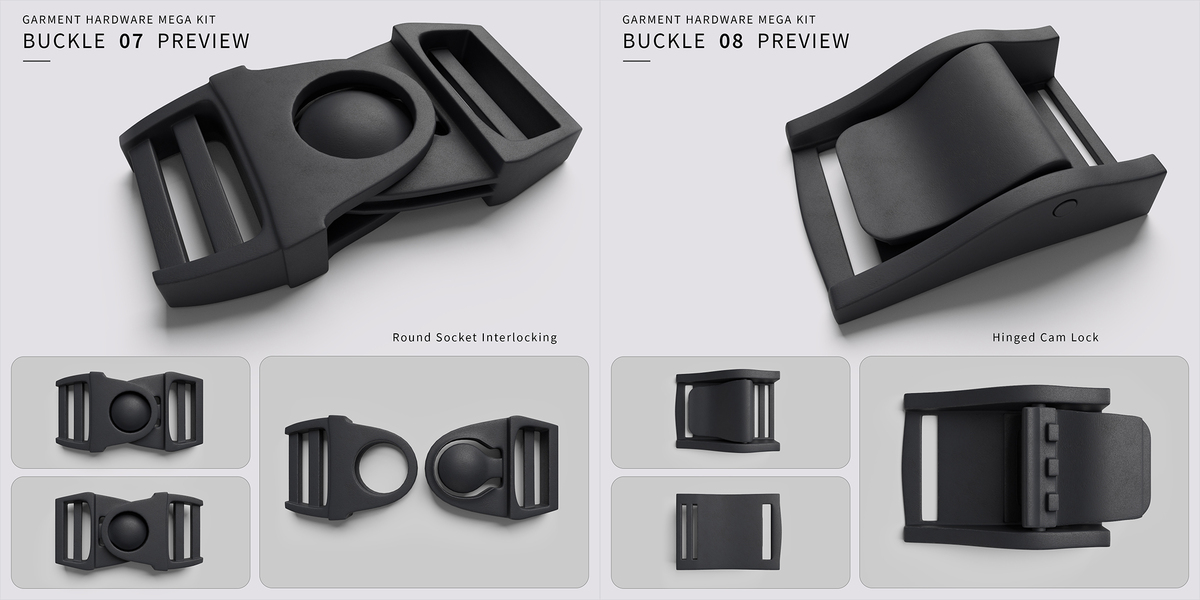
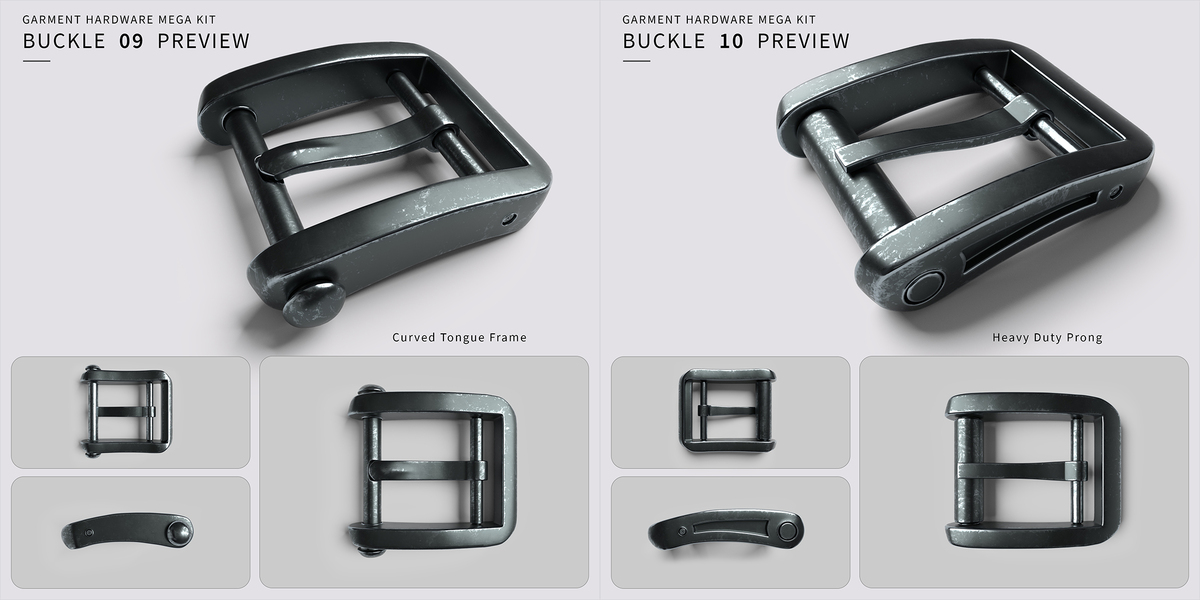
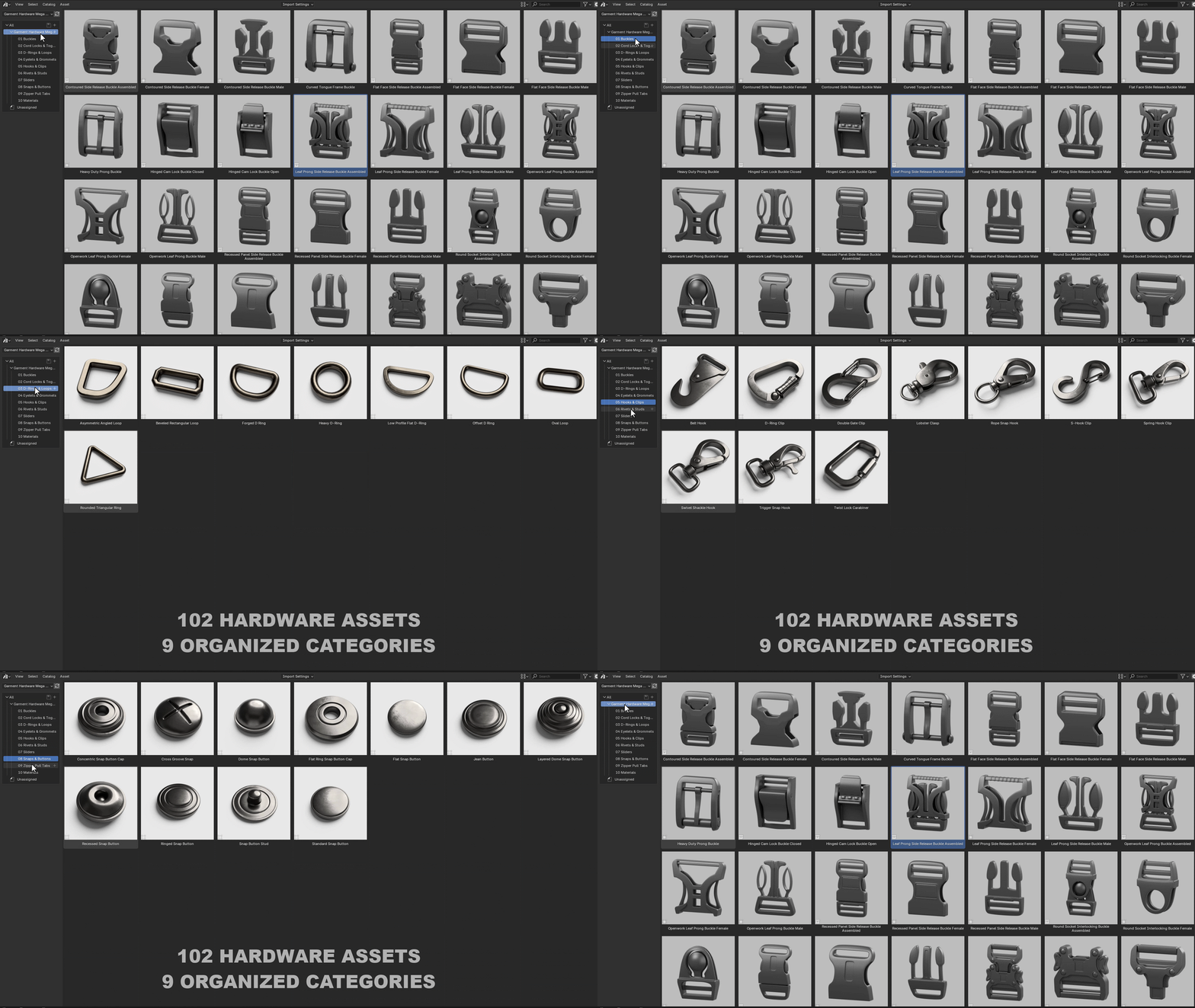
102 Hardware Assets
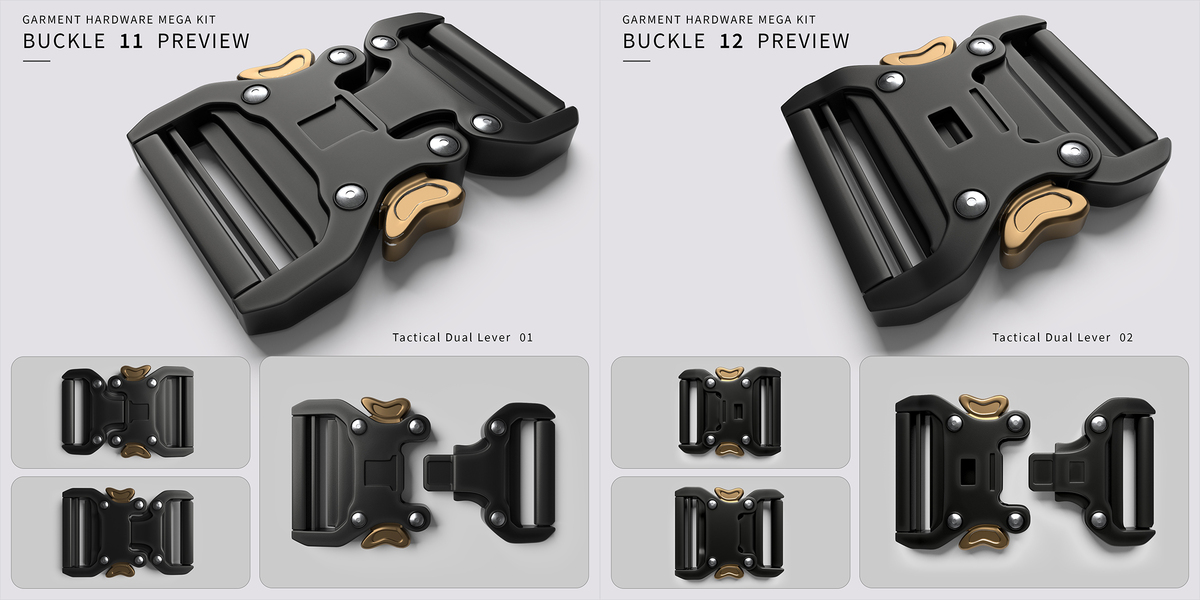
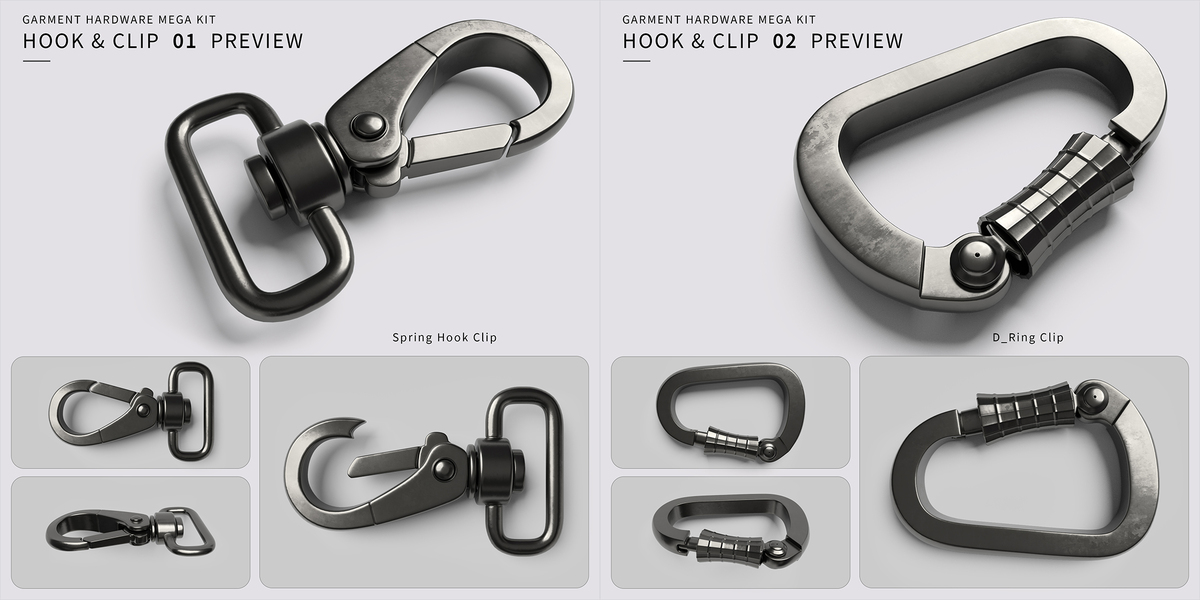
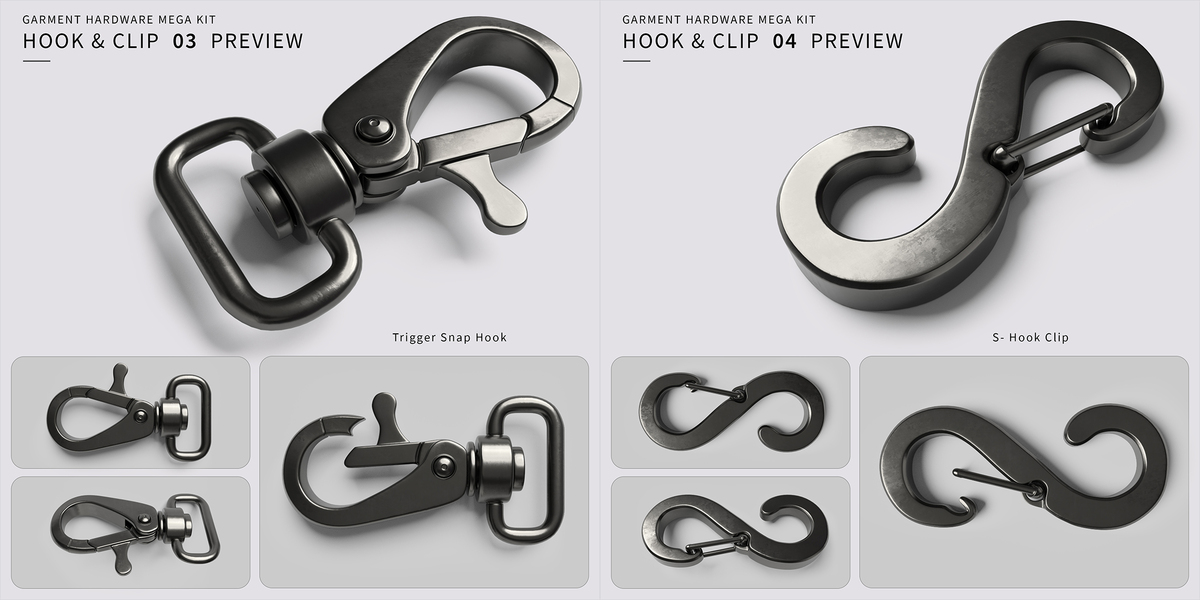
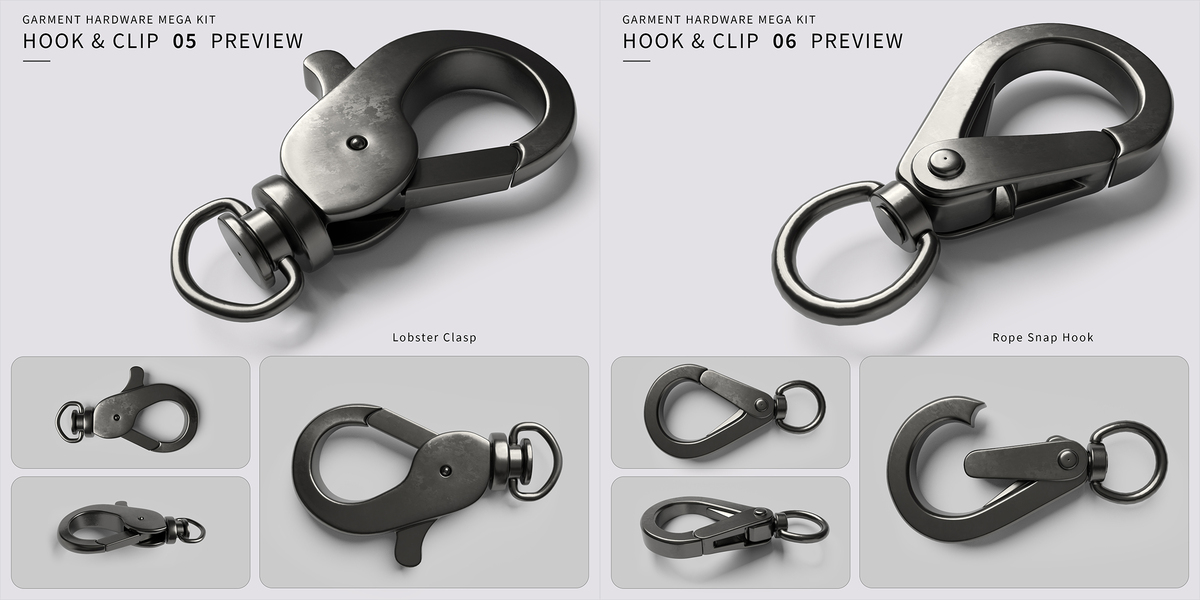
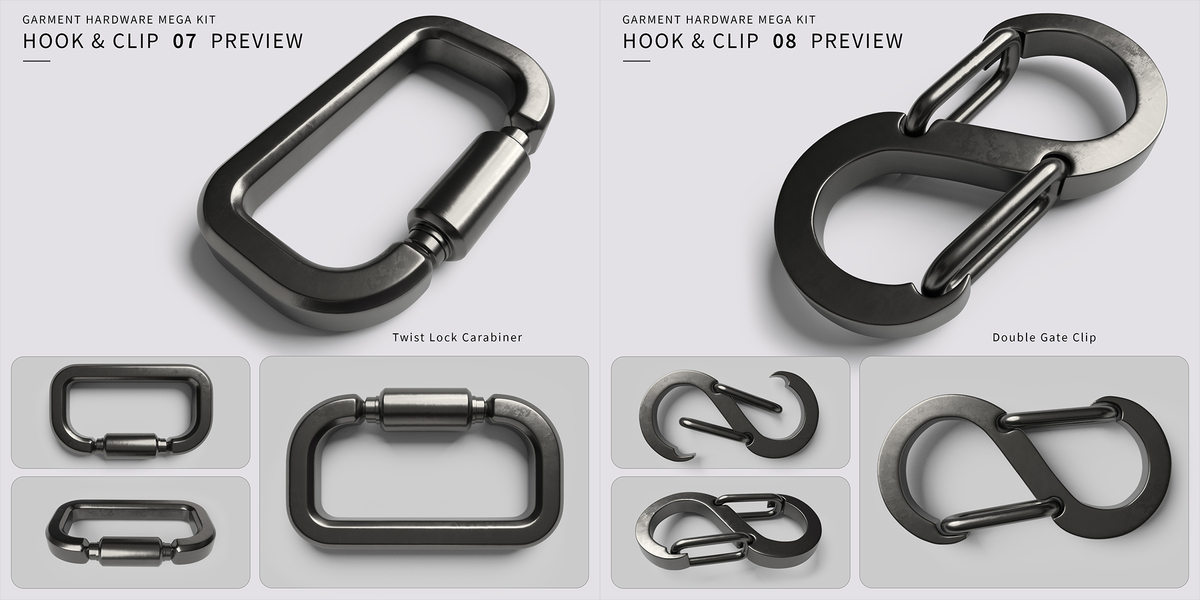
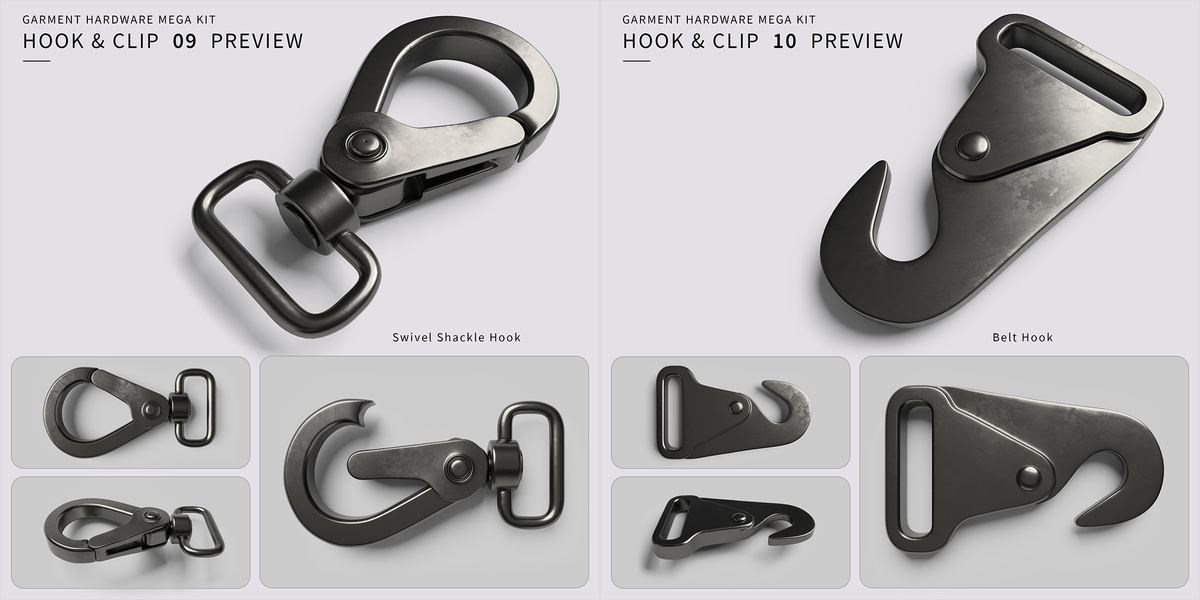
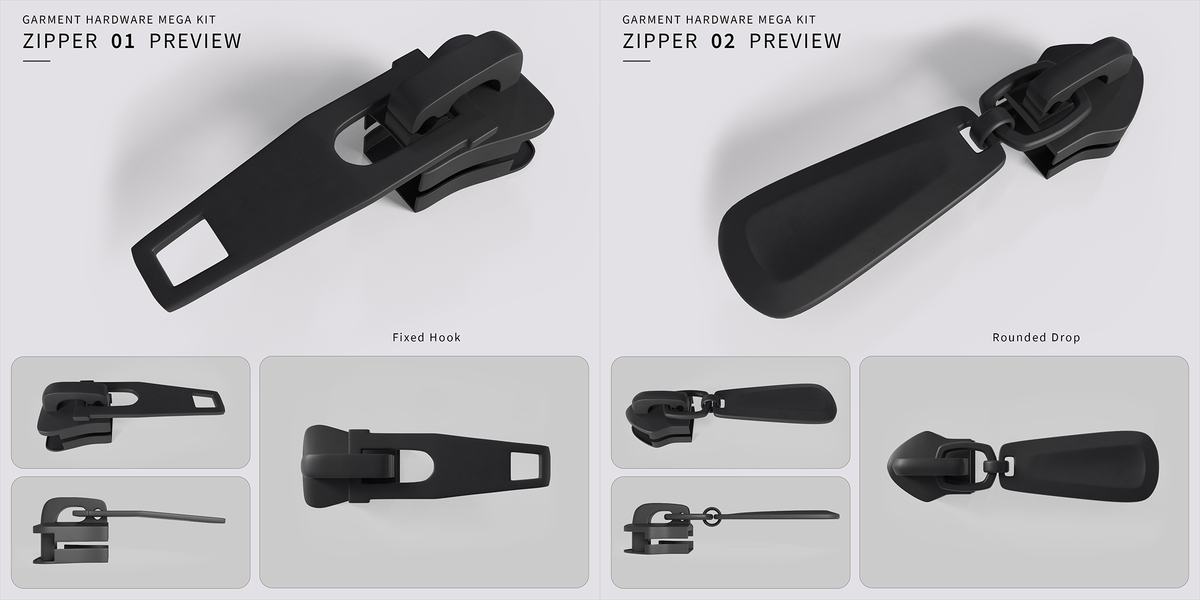
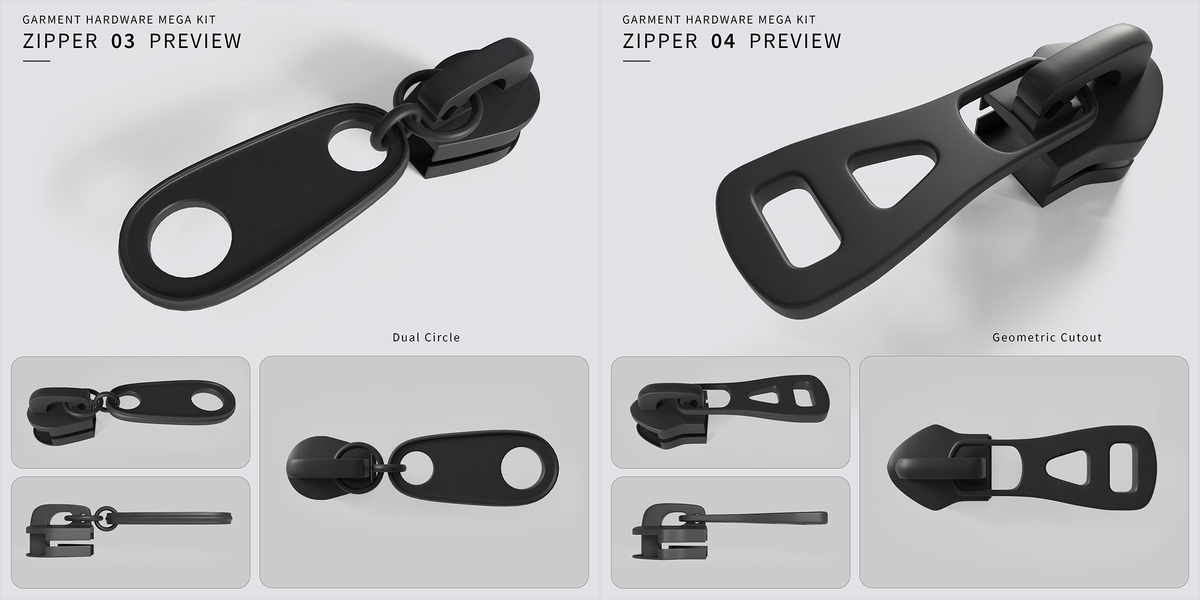
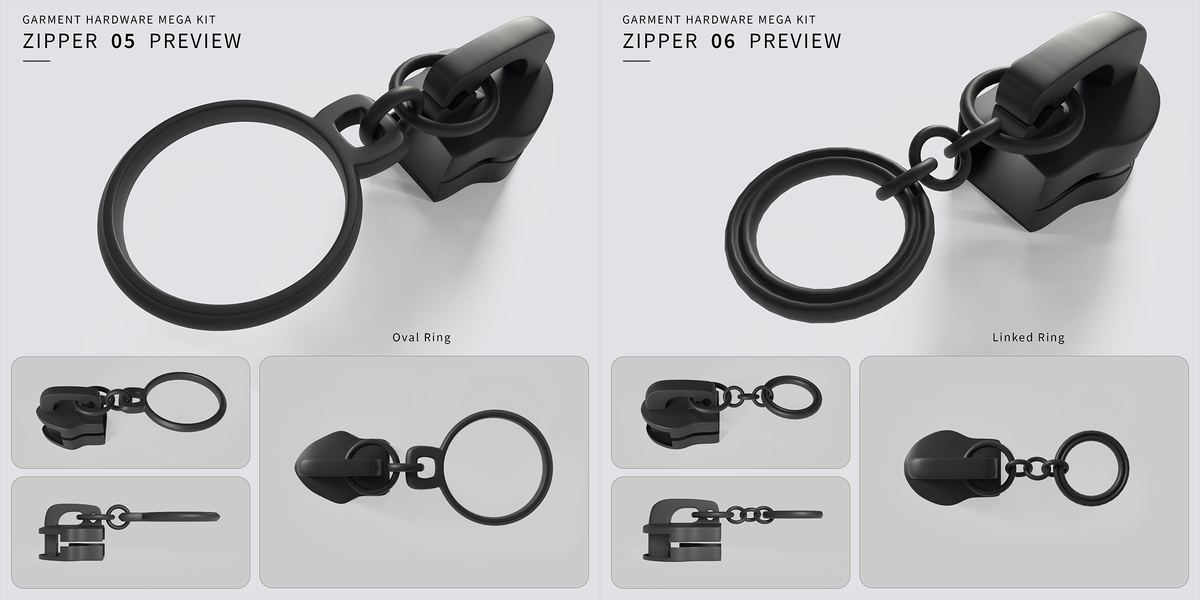
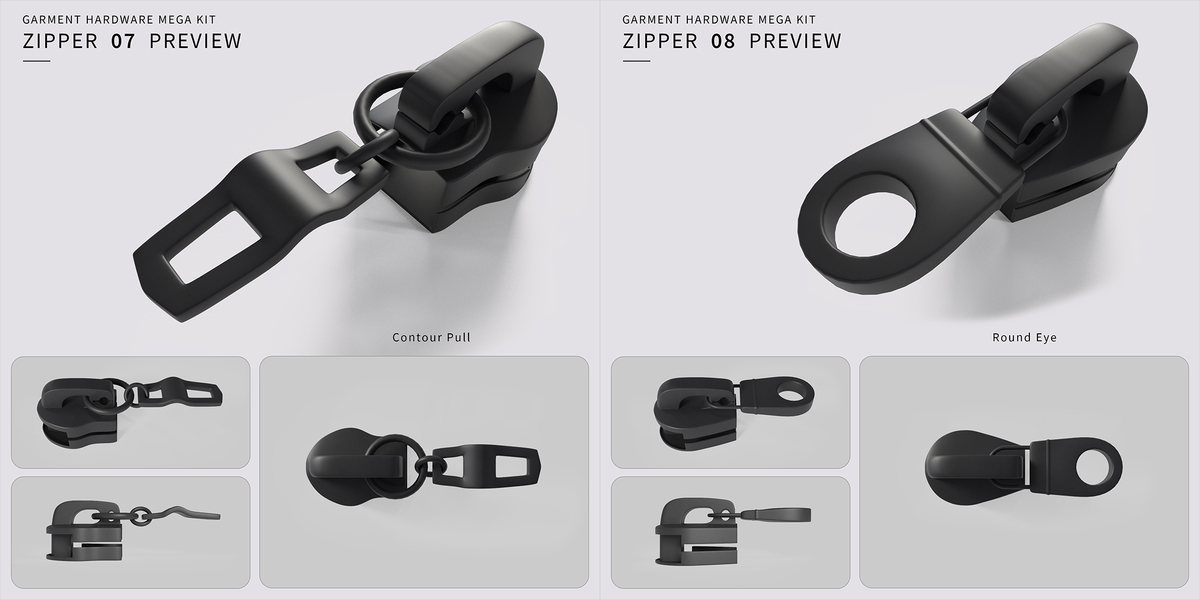
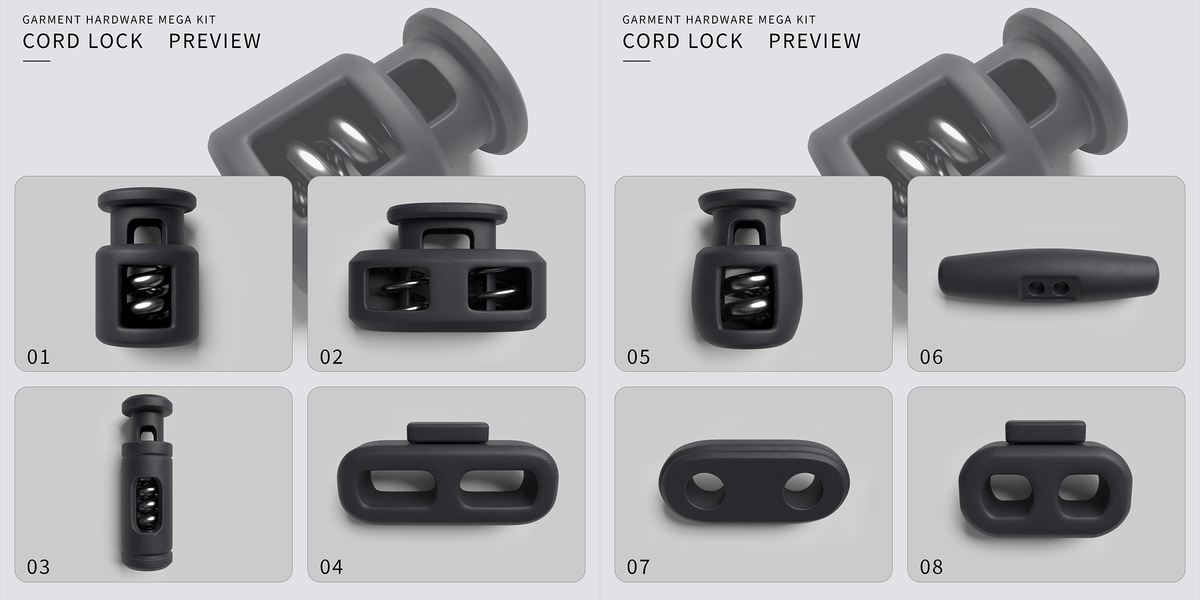
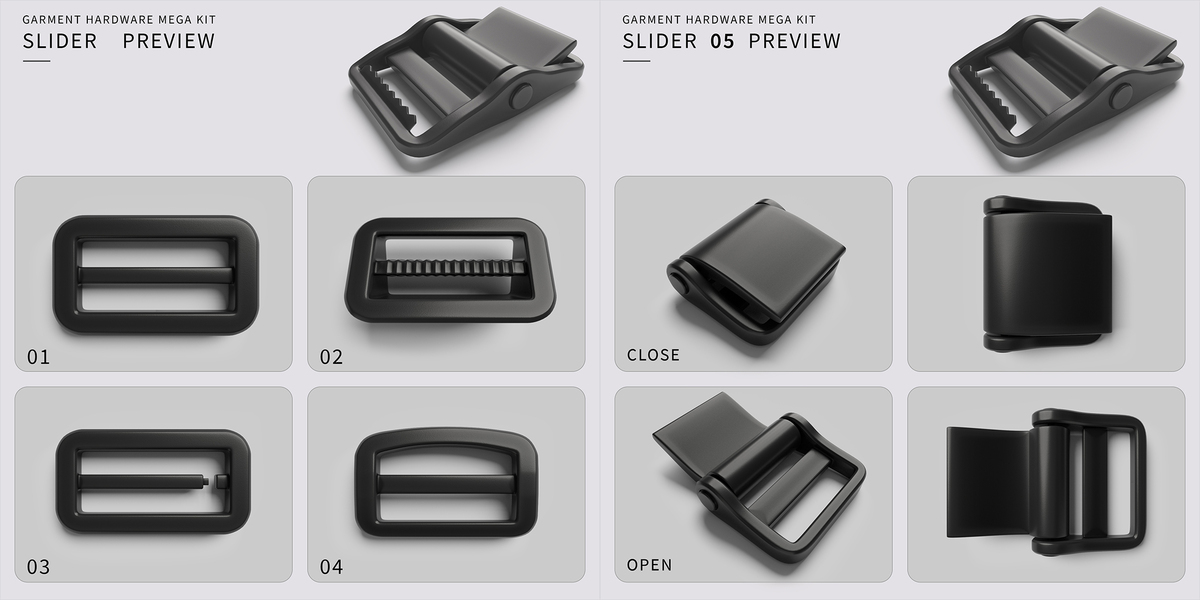
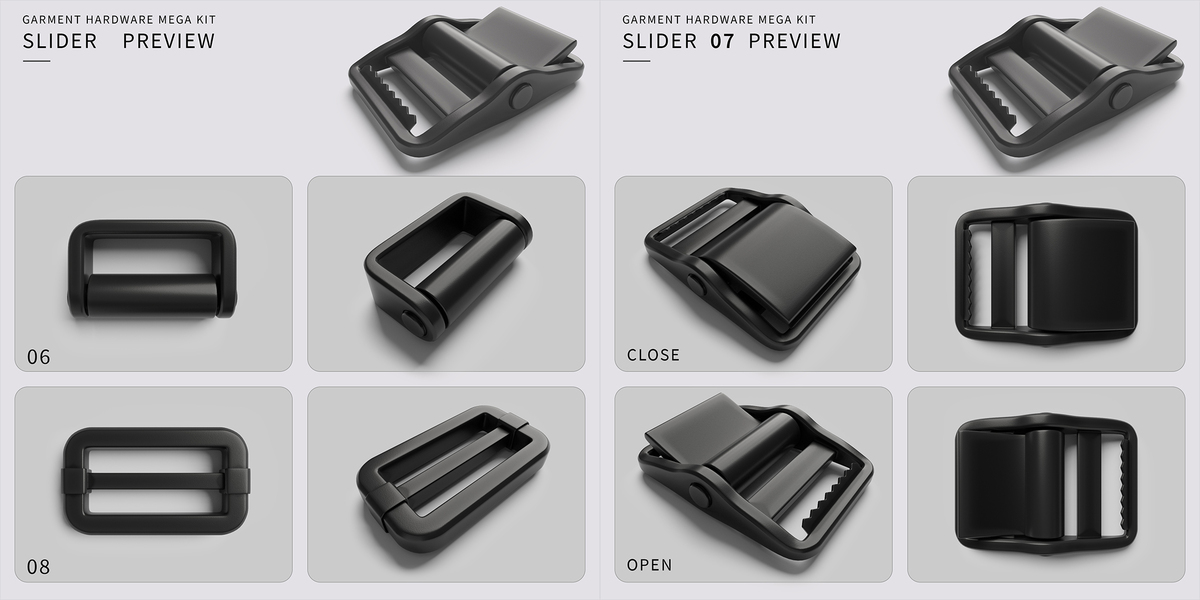
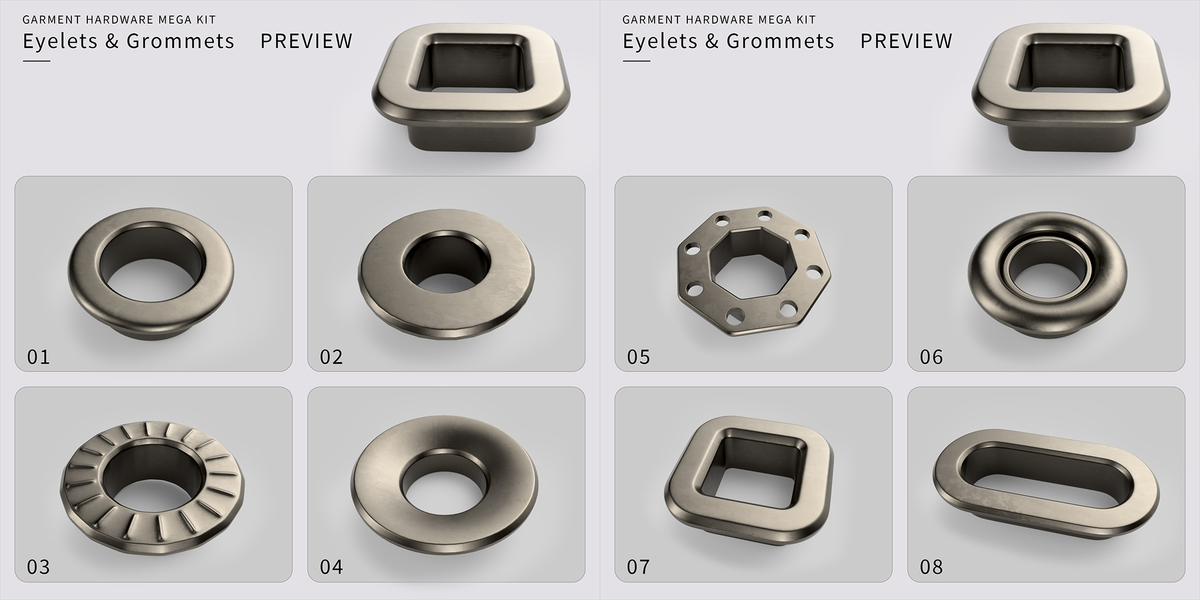
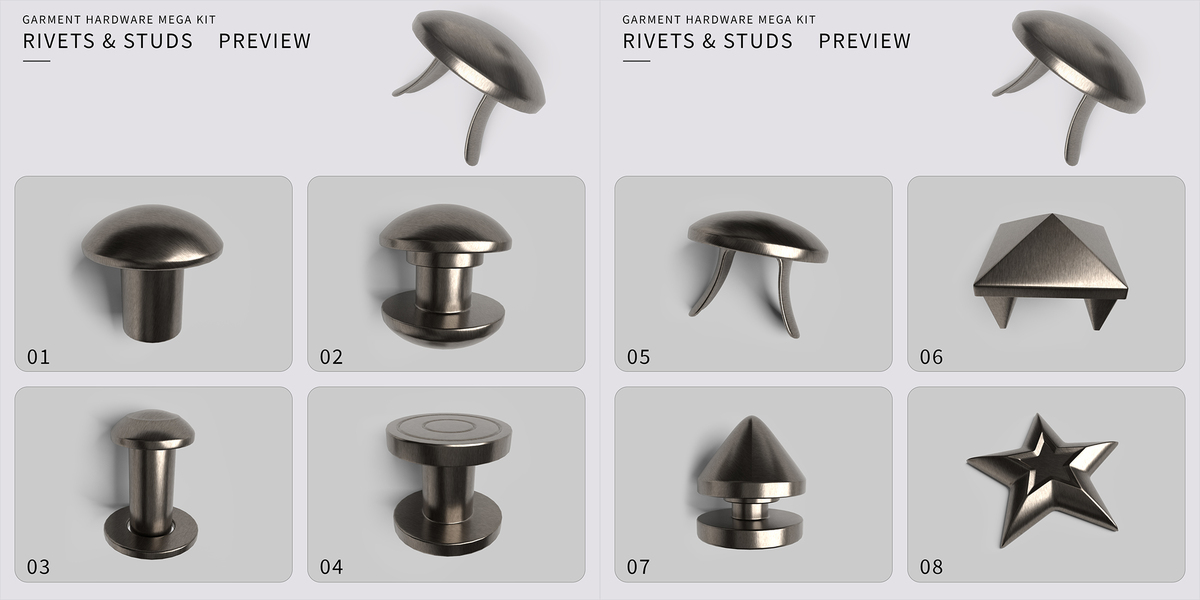
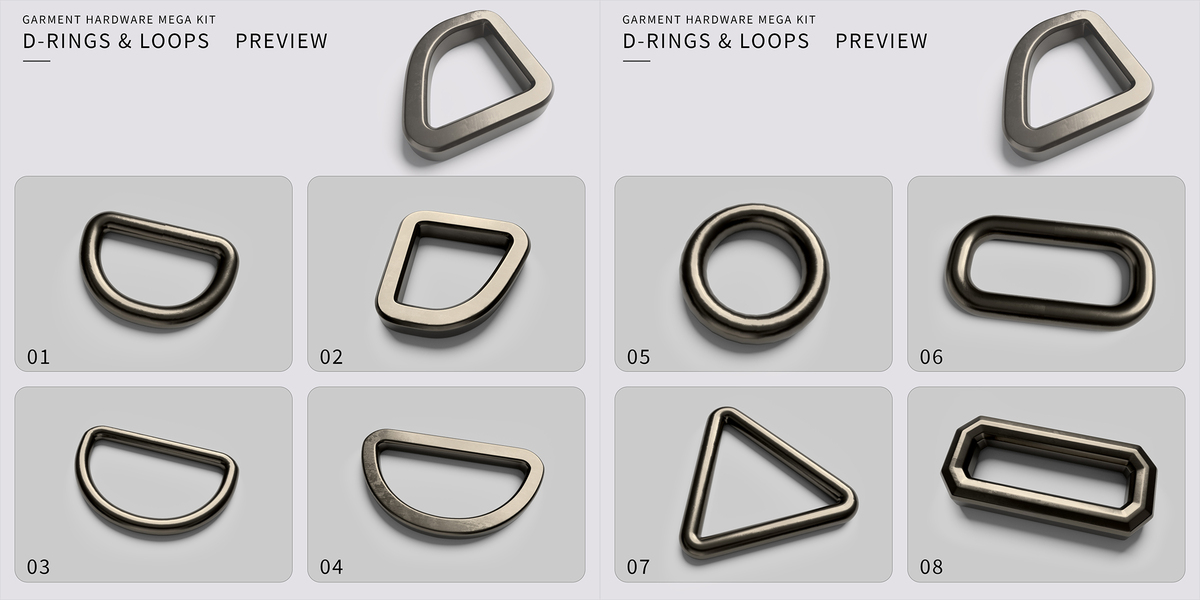
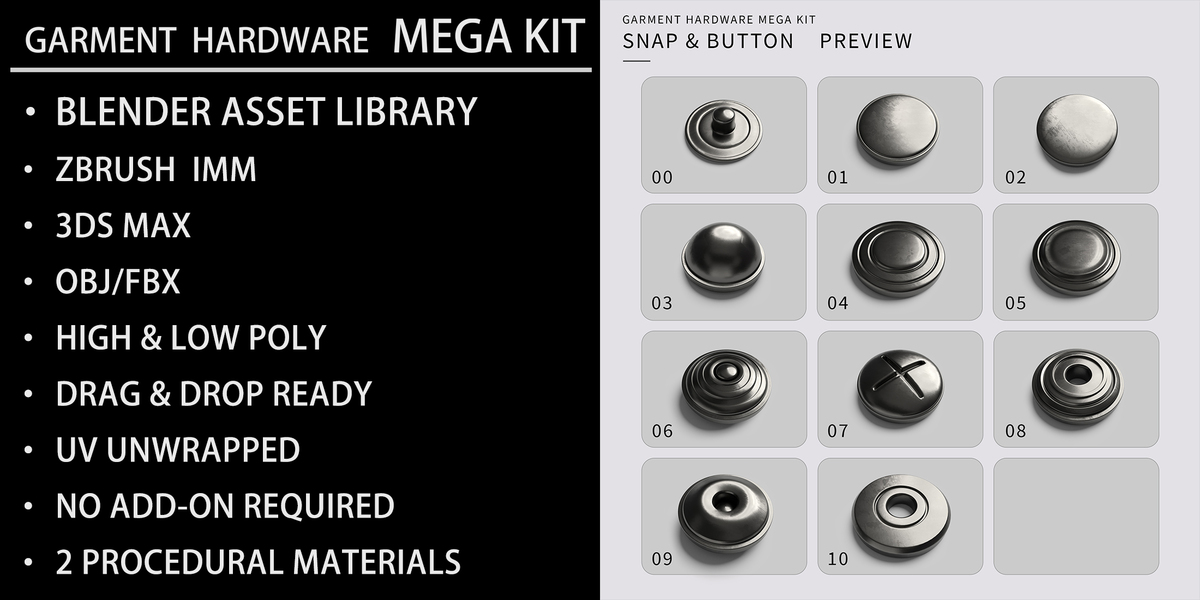
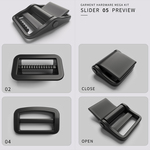
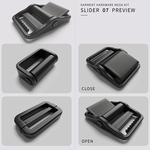
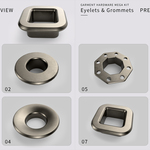
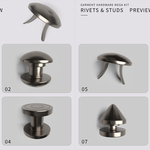
Explore nine organized hardware categories, including assembled models, separate components and open or closed variations where applicable.
| 01 Buckles | 31 |
| 02 Cord Locks & Toggles | 8 |
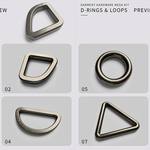
| 03 D-Rings & Loops | 8 |
| 04 Eyelets & Grommets | 8 |
| 05 Hooks & Clips | 10 |
| 06 Rivets & Studs | 8 |
| 07 Sliders | 10 |
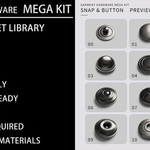
| 08 Snaps & Buttons | 11 |
| 09 Zipper Pull Tabs | 8 |
| TOTAL HARDWARE ASSETS | 102 |
02 / BLENDER WORKFLOW
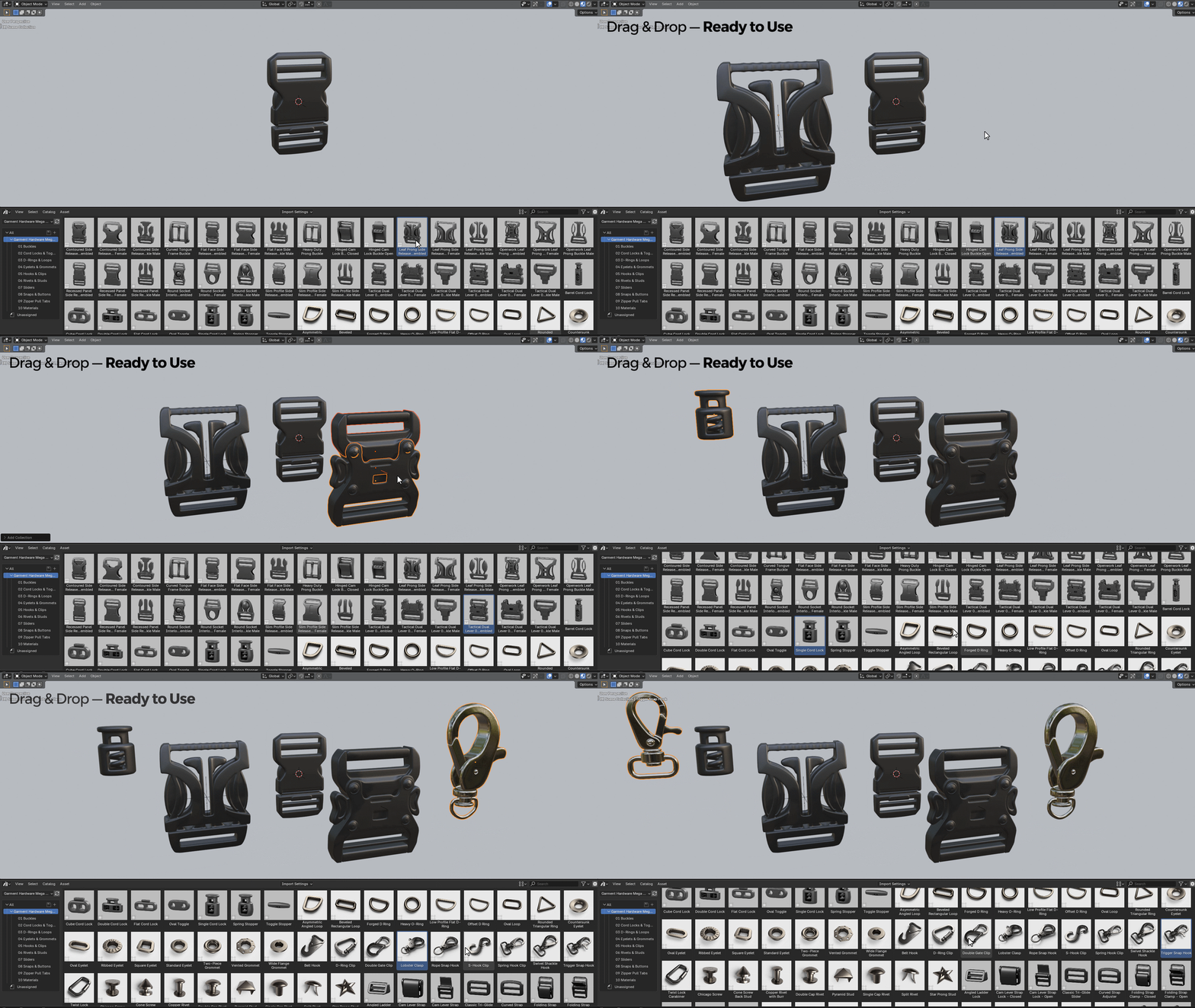
Drag & Drop — Ready to Use
A native Blender Asset Library with custom previews and organized catalogs. Register the library once, browse the collection and drag assets directly into your scenes.
- Real-world scale
- Custom asset previews
- No additional add-on required
03 / CUSTOMIZATION
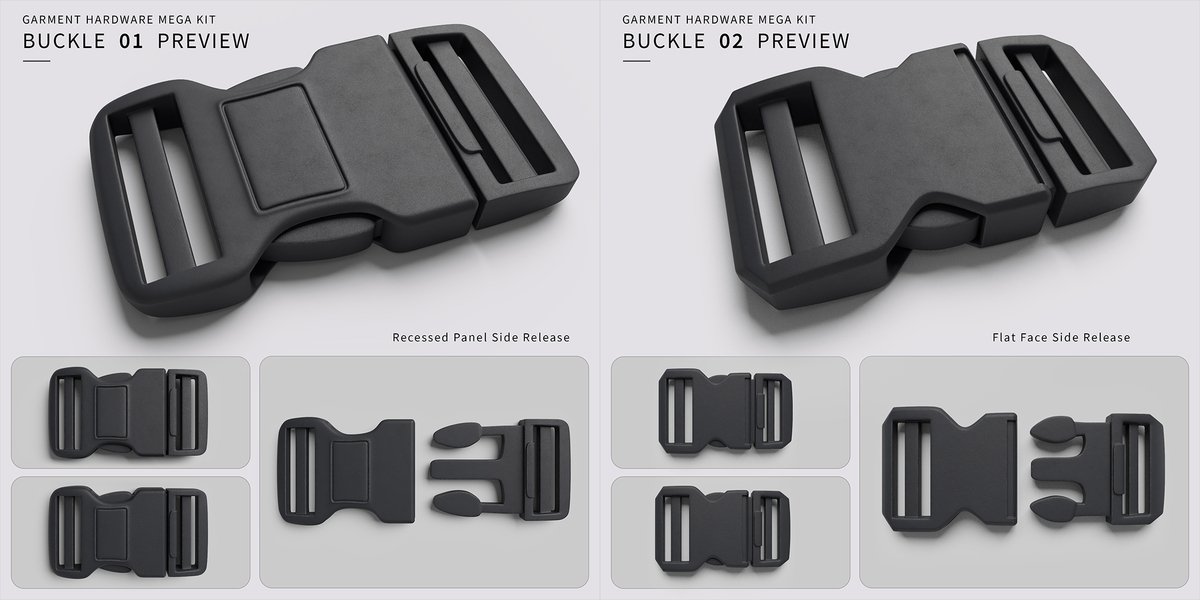
Assembled & Separate Components
Selected hardware assets include separate editable parts and assembled variations. Adjust individual components independently to match your clothing, straps, bags and accessory designs.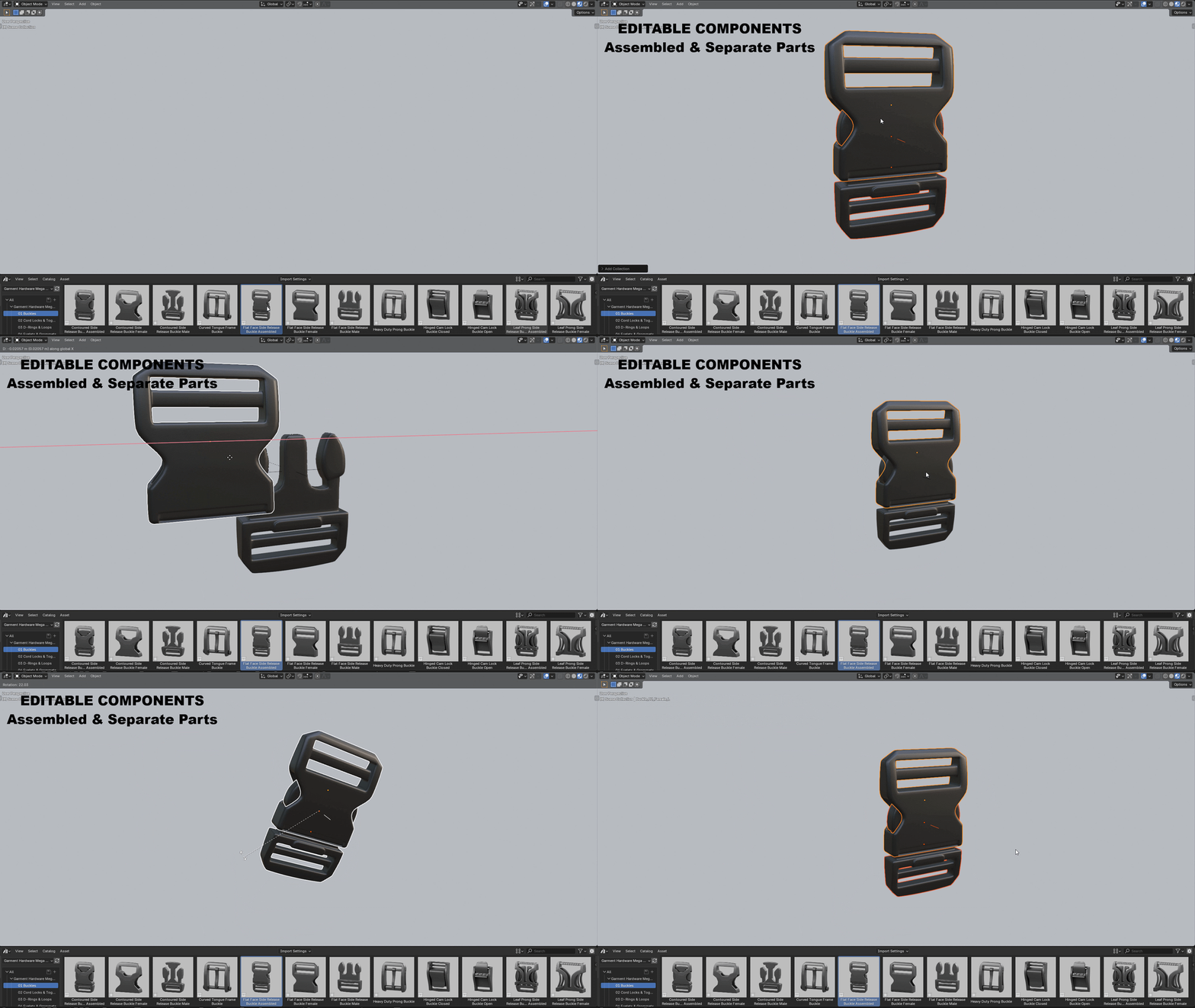
04 / BLENDER MATERIALS
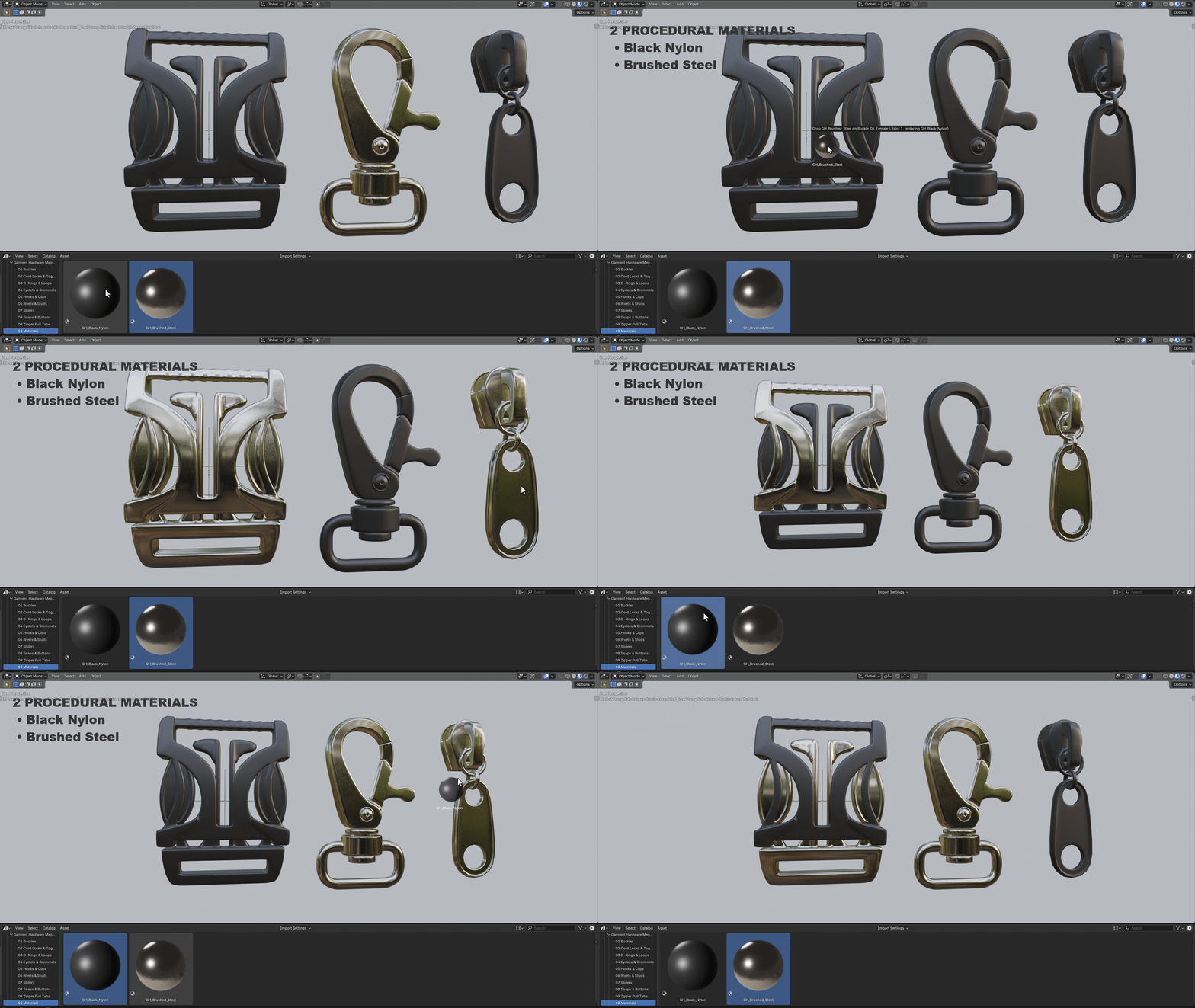
2 Procedural Materials
Two reusable materials are included in the Blender Asset Library. Apply them directly from the Asset Browser and customize their shader parameters.
No external image textures are required for these procedural materials.
05 / GEOMETRY
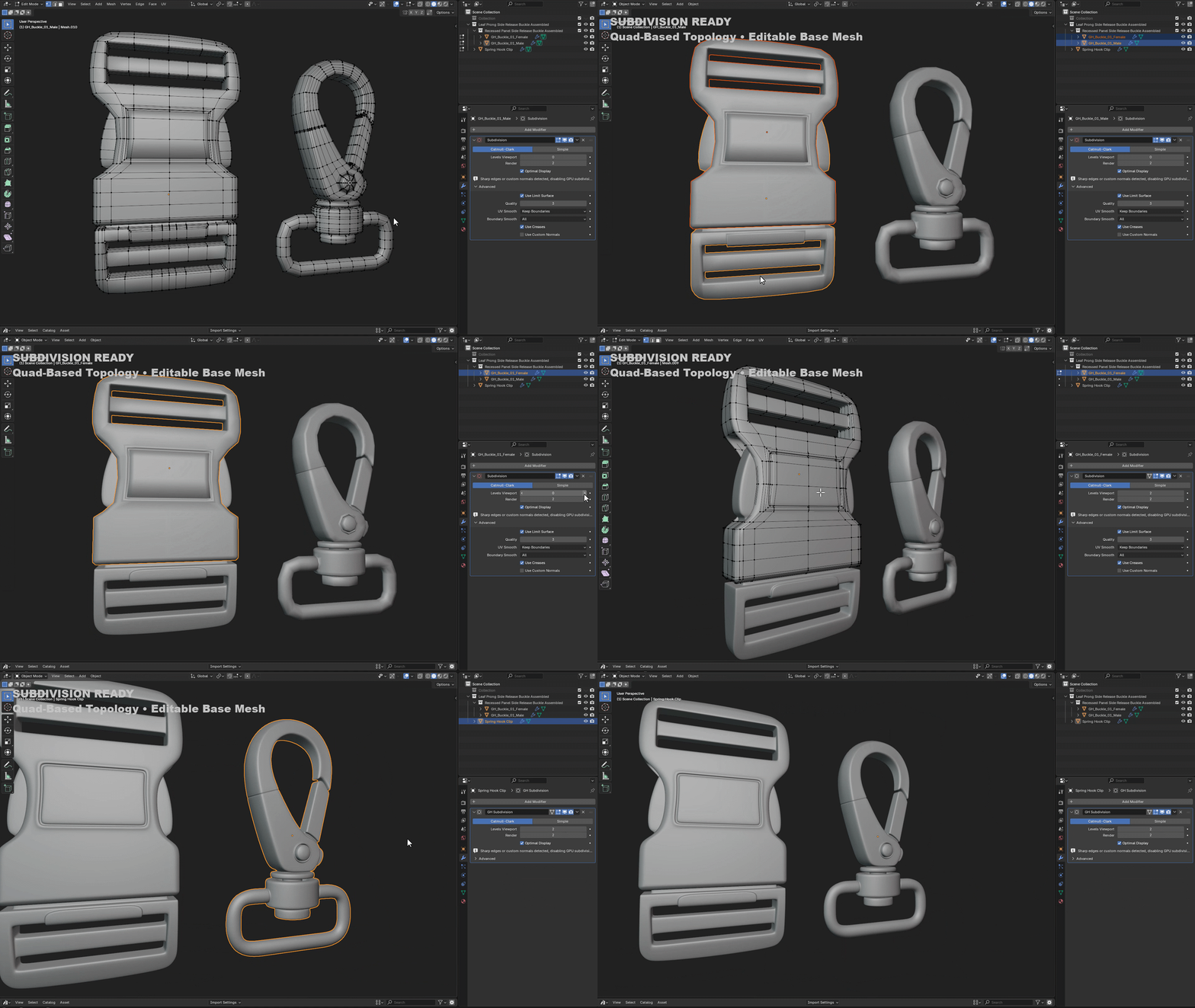
Quad-Based Topology & Editable Subdivision
Predominantly quad-based geometry and editable base meshes provide flexibility for further modeling and refinement.
- Non-destructive subdivision in Blender
- Adjustable subdivision levels
- High and low poly versions in OBJ and FBX
06 / TEXTURING
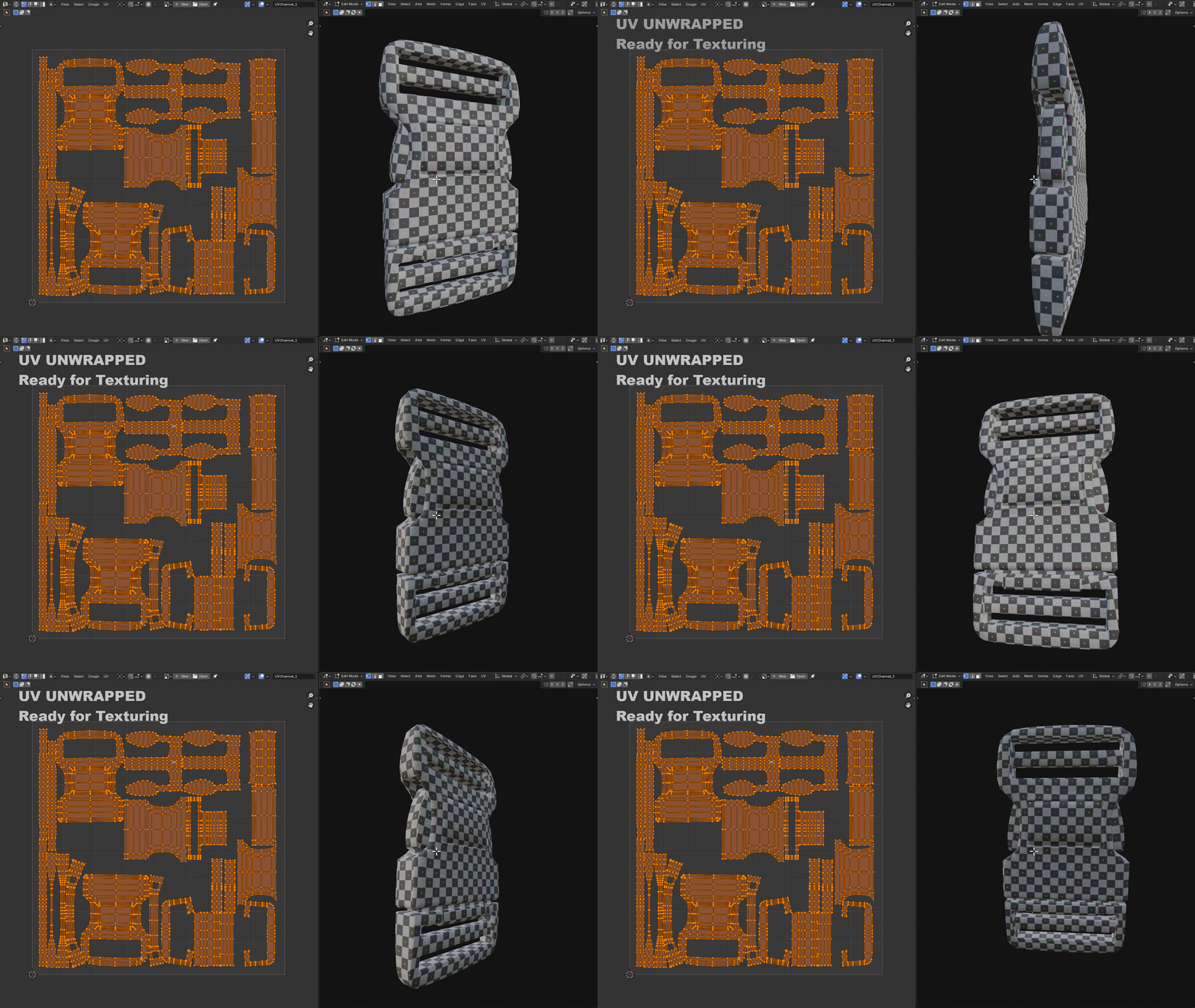
UV Unwrapped — Ready for Texturing
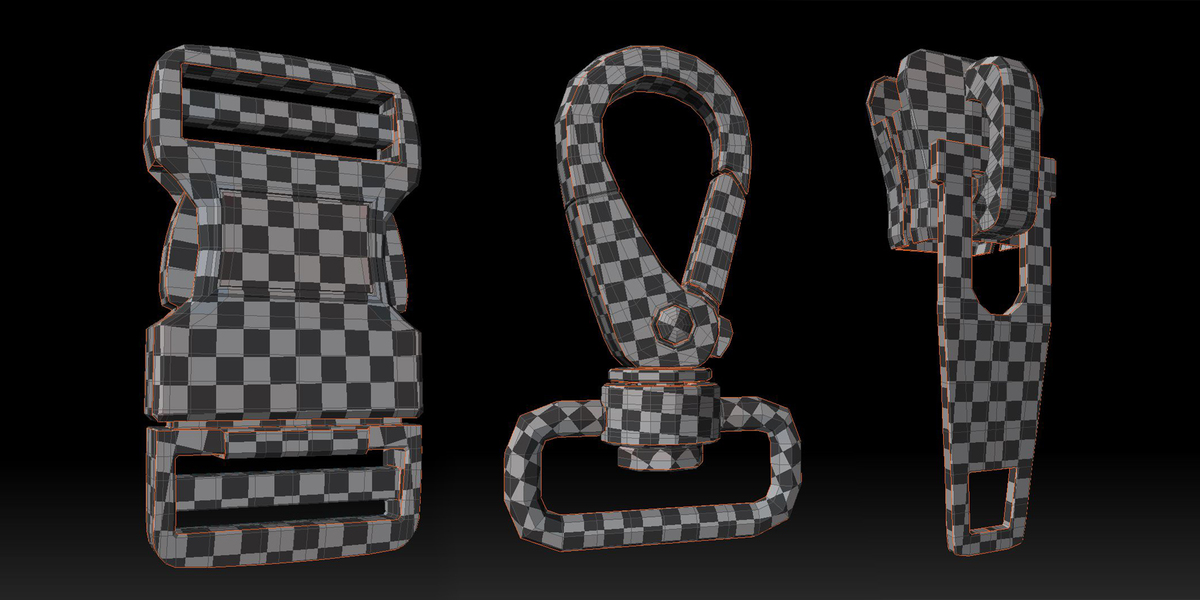
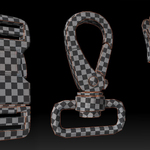
The models include UV layouts for custom texturing and material creation in Blender, Substance 3D Painter and other compatible applications. External texture maps are not included.
MULTI-SOFTWARE WORKFLOW
ZBrush IMM Brushes
Categorized Insert Multi Mesh brushes make it easy to add hardware details to garments, characters, bags, belts and straps in ZBrush. Native 3ds Max files and OBJ / FBX exports extend the collection to other compatible workflows.
DOWNLOAD CONTENT
What's Included?
Five separate ZIP packages let you download only the formats you need.
01 BLENDER ASSET LIBRARY
BLEND file, asset catalog data, two procedural materials and both PDF guides.
02 ZBRUSH IMM BRUSHES
Categorized ZBP brush files.
03 3DS MAX
Native MAX model files.
04 OBJ & FBX
High and low poly model files.
05 PREVIEWS
High-resolution product preview images and posters.
COMPATIBILITY & INSTALLATION
Ready for Blender
Tested in Blender 4.5.4 LTS and Blender 5.2.
No additional Blender add-on is required.
- Extract the Blender ZIP package.
- Open Edit > Preferences > File Paths > Asset Libraries.
- Add the included Blender Asset Library folder.
- Open the Asset Browser and select the library.
Keep the included .blend file and blender_assets.cats.txt together. The PDF Quick Start Guide provides the installation details.
DOCUMENTATION
Quick Start Guide & Asset Catalog
Two PDF documents are included in the Blender package to help you register the library, get started with the assets and browse the complete collection.
BUILT FOR CREATIVE WORKFLOWS
GARMENT HARDWARE MEGA KIT
Character Art · Digital Fashion · Game Assets · Accessories · Hard-Surface Modeling
READY TO USE. READY TO CUSTOMIZE.