 KcO3
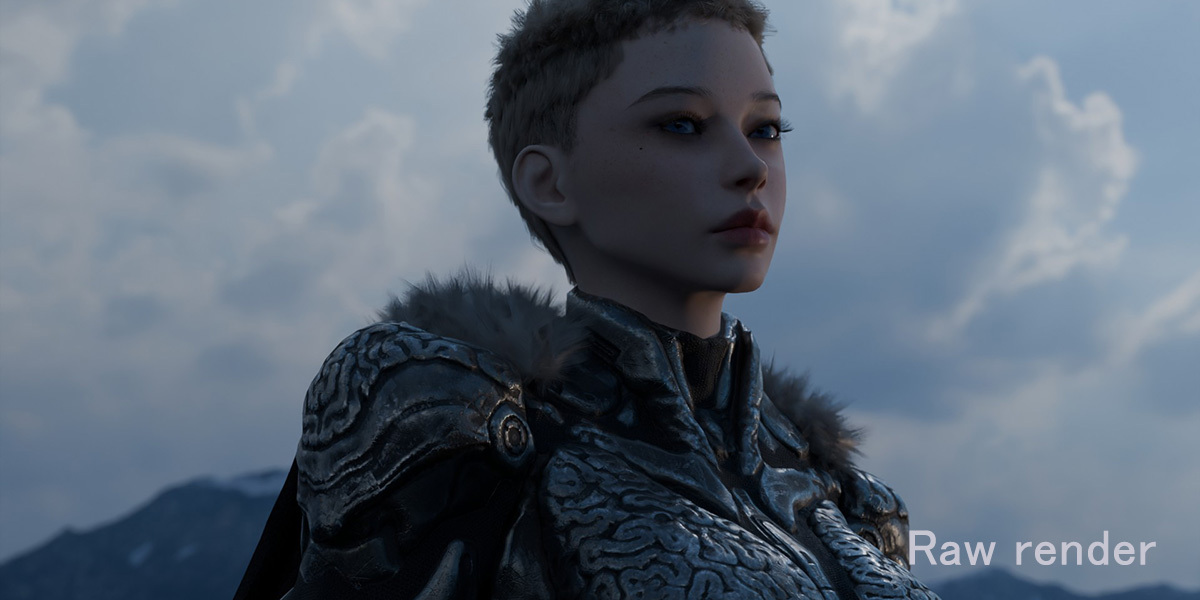
Handycam Filter 2.0
-
Real camcorder, tape and broadcast looks for Blender — in one click.
Turn any render into footage that looks like it came off a 90s camcorder,
a worn VHS tape, an 80s TV broadcast, a CCTV monitor or a roll of Super 8.
Pro Handycam Filter builds the whole look in Blender's compositor for you:
pick a preset, tweak a few sliders, render. No node wrangling.
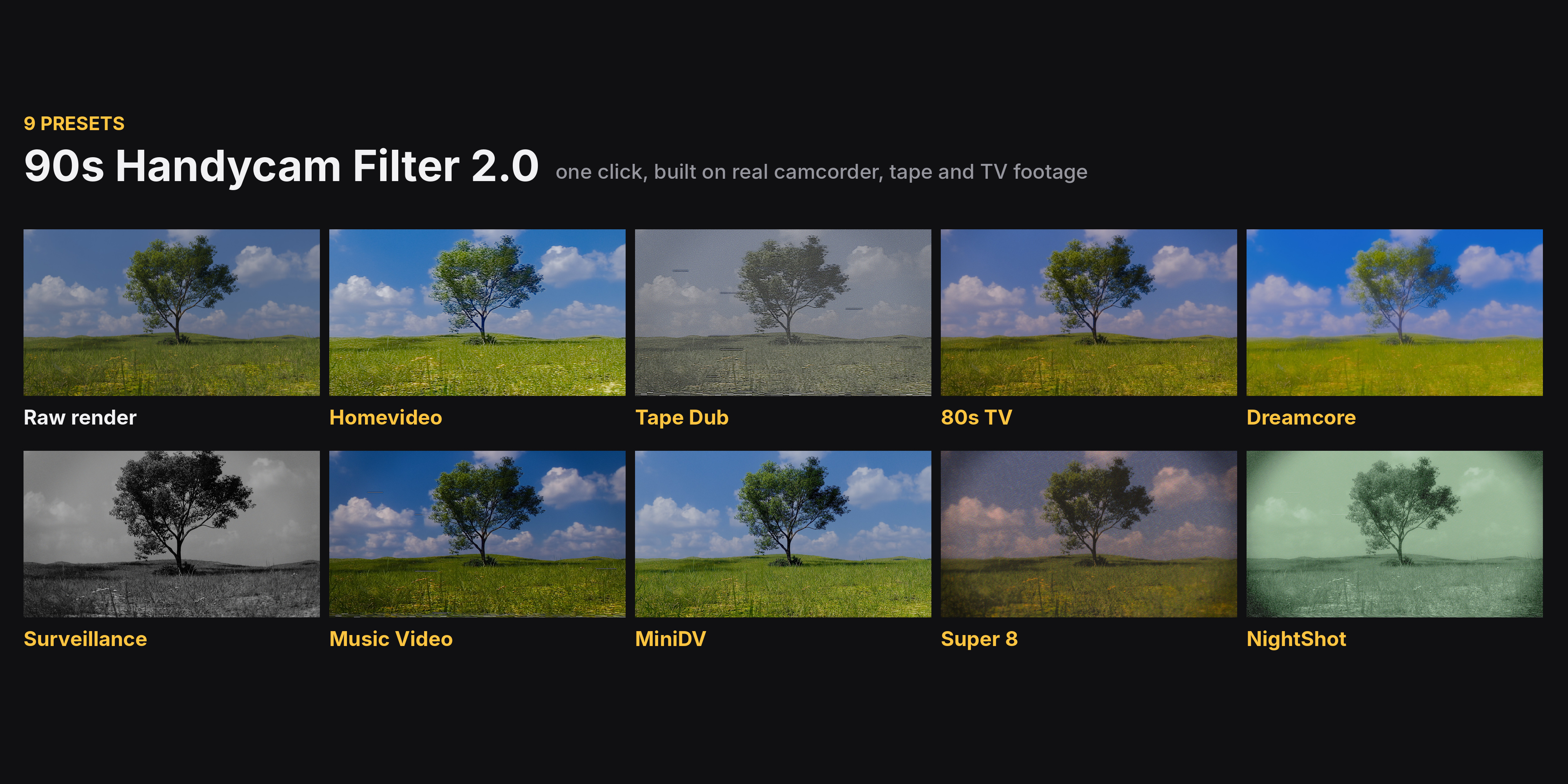
▍ 9 PRESETS, MODELLED ON REAL FOOTAGE
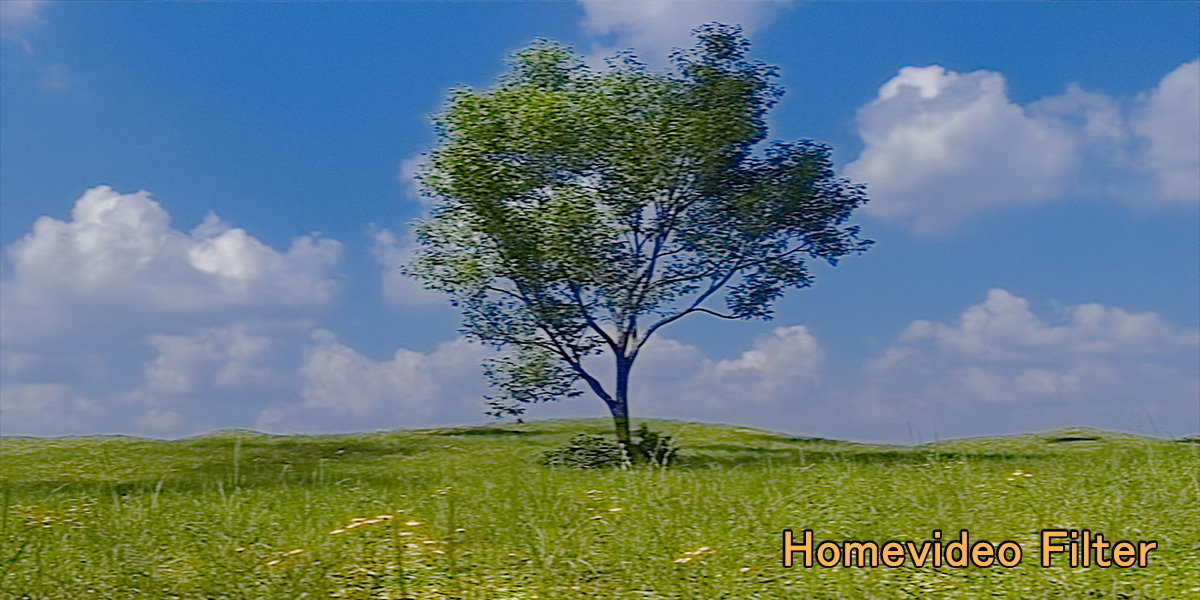
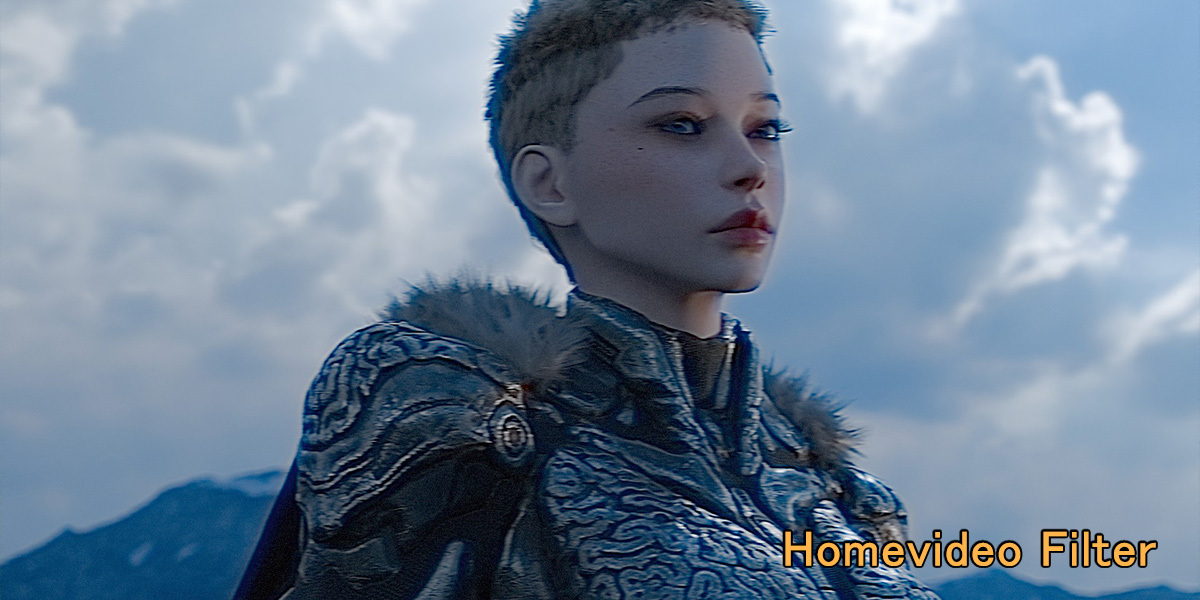
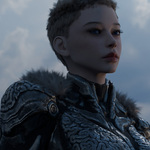
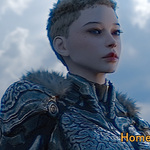
• Homevideo — 90s VHS camcorder on a sunny day: blown sky, vivid colour, soft detail
• Tape Dub — a copy of a copy: colour bleed, dropouts, tracking errors
• 80sTV — 1980s TV show shot on film and aired on video: rosy, soft, deep blacks
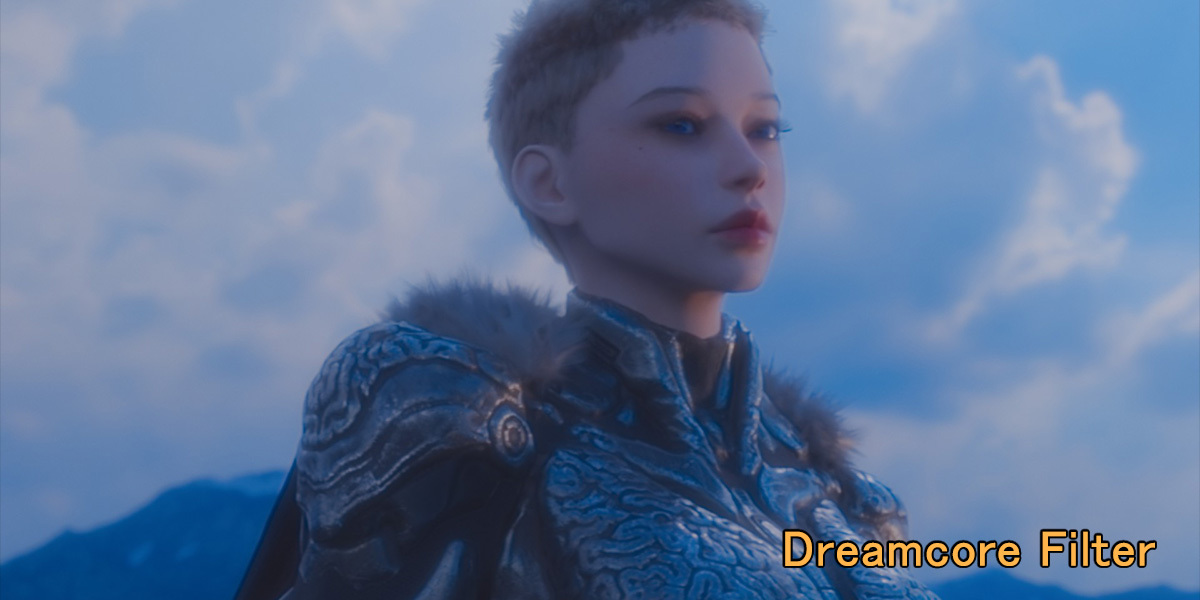
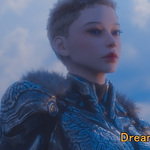
• Dreamcore — dreamlike memory: pastel colour, lilac shadows, glowing light
• Surveillance — fixed CCTV camera: monochrome, wide lens, compression, noise
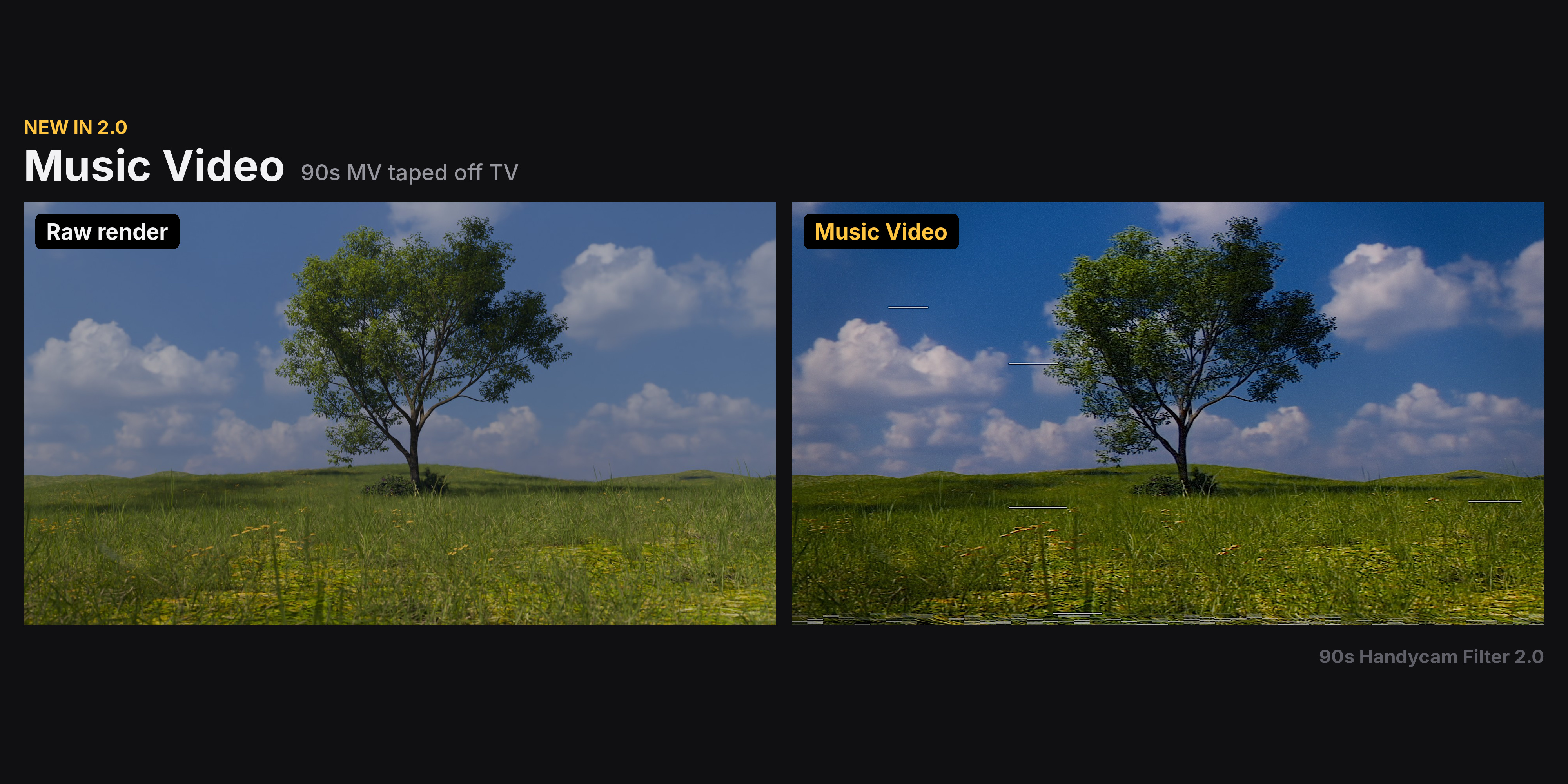
• Music Video — 90s music video taped off TV: contrasty grade, halation, tape bleed
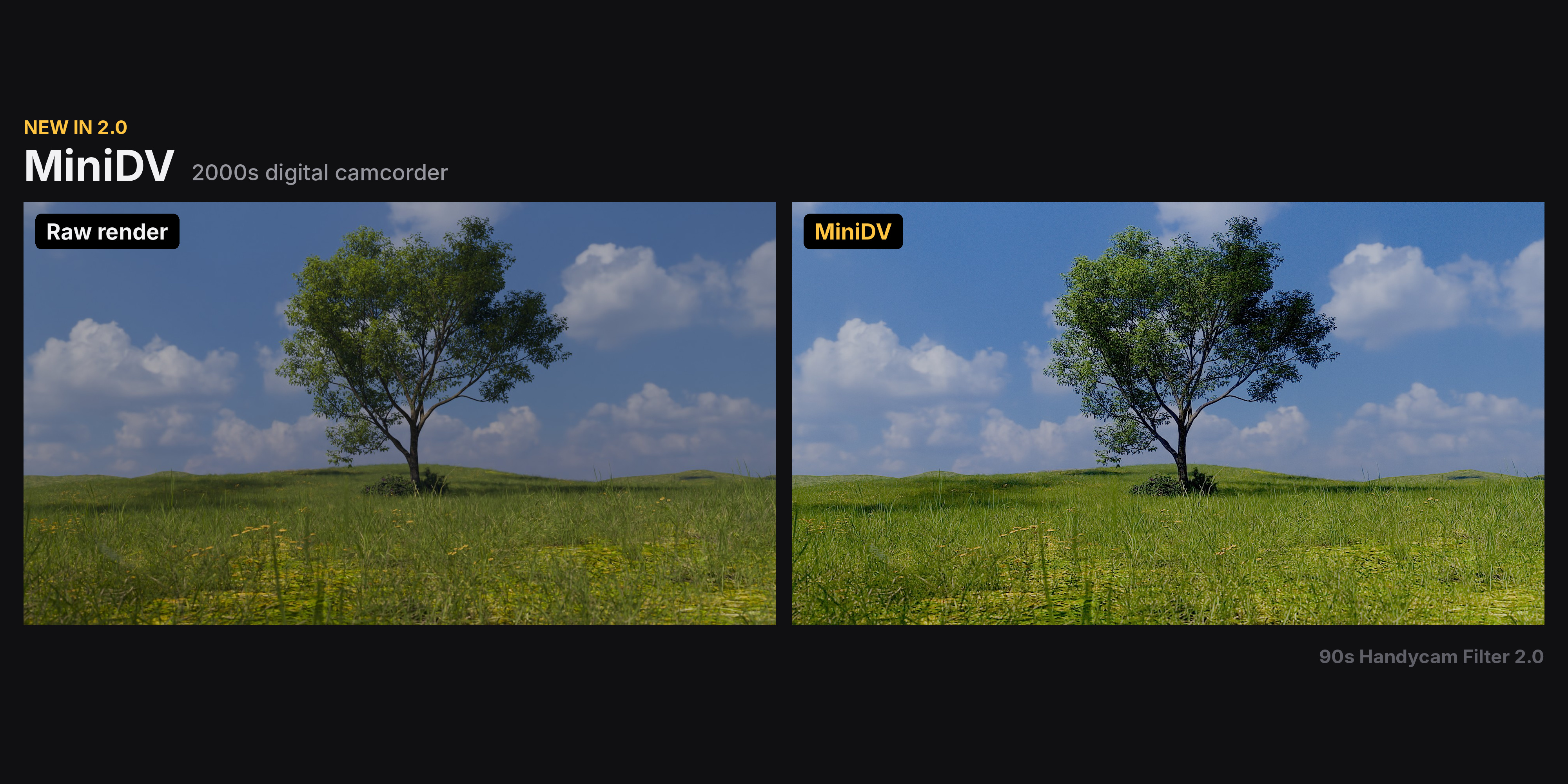
• MiniDV — 2000s digital camcorder: sharp, cool, hard clipped highlights
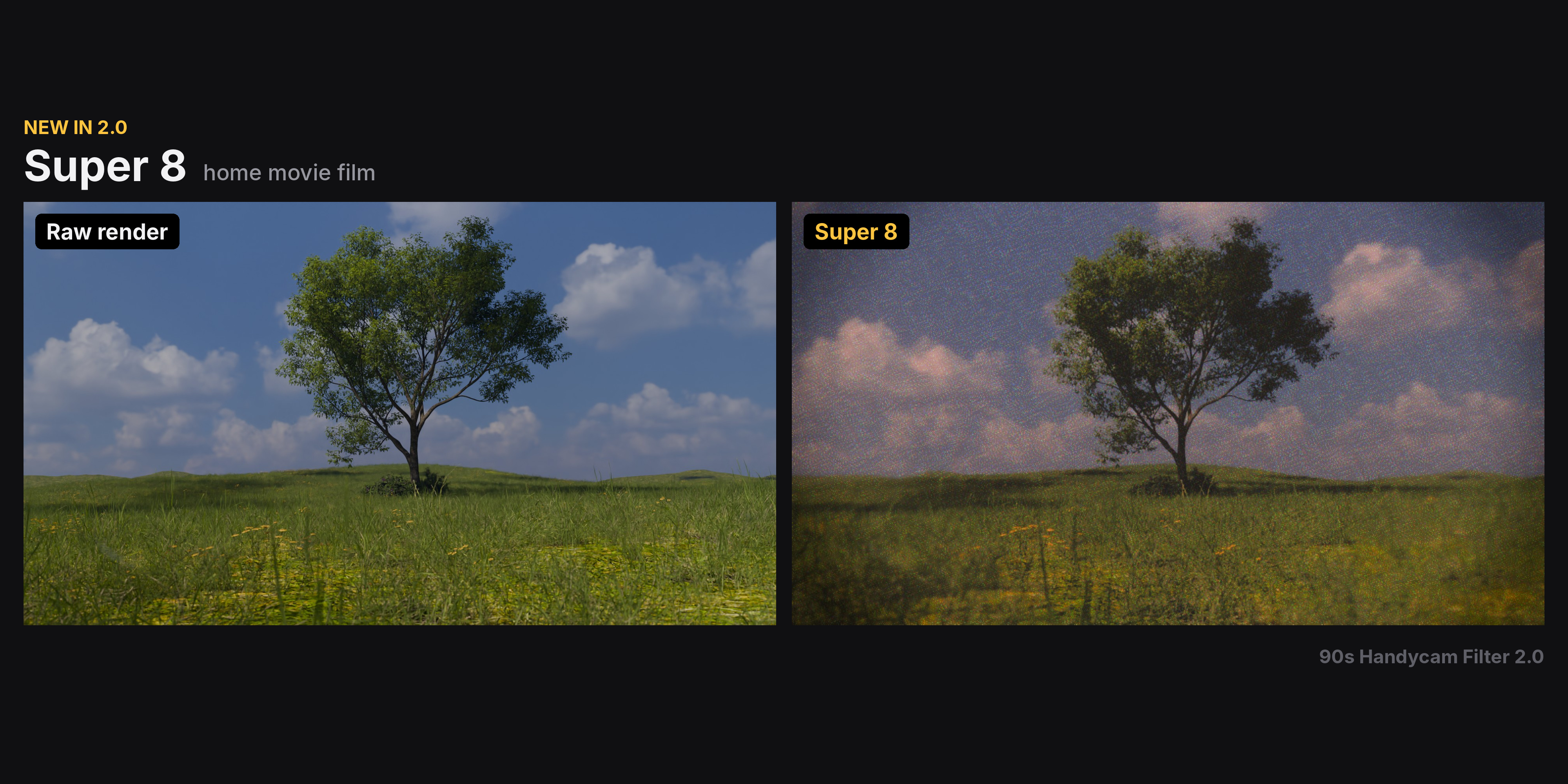
• Super 8 — home movie film: warm, coarse grain, halation, gate weave
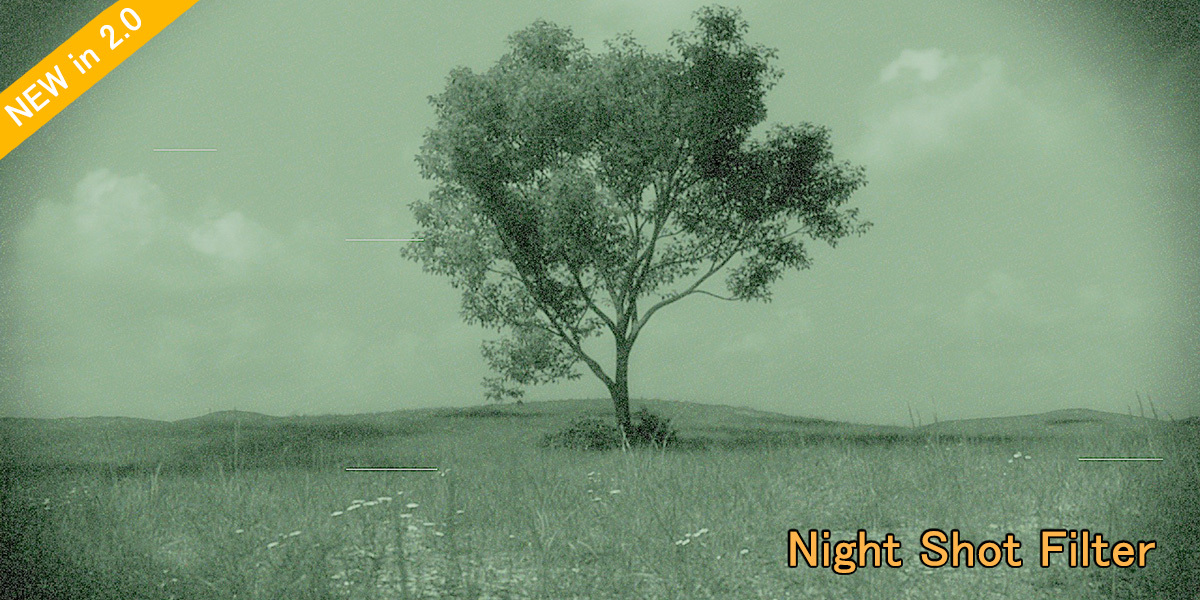
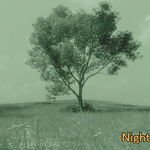
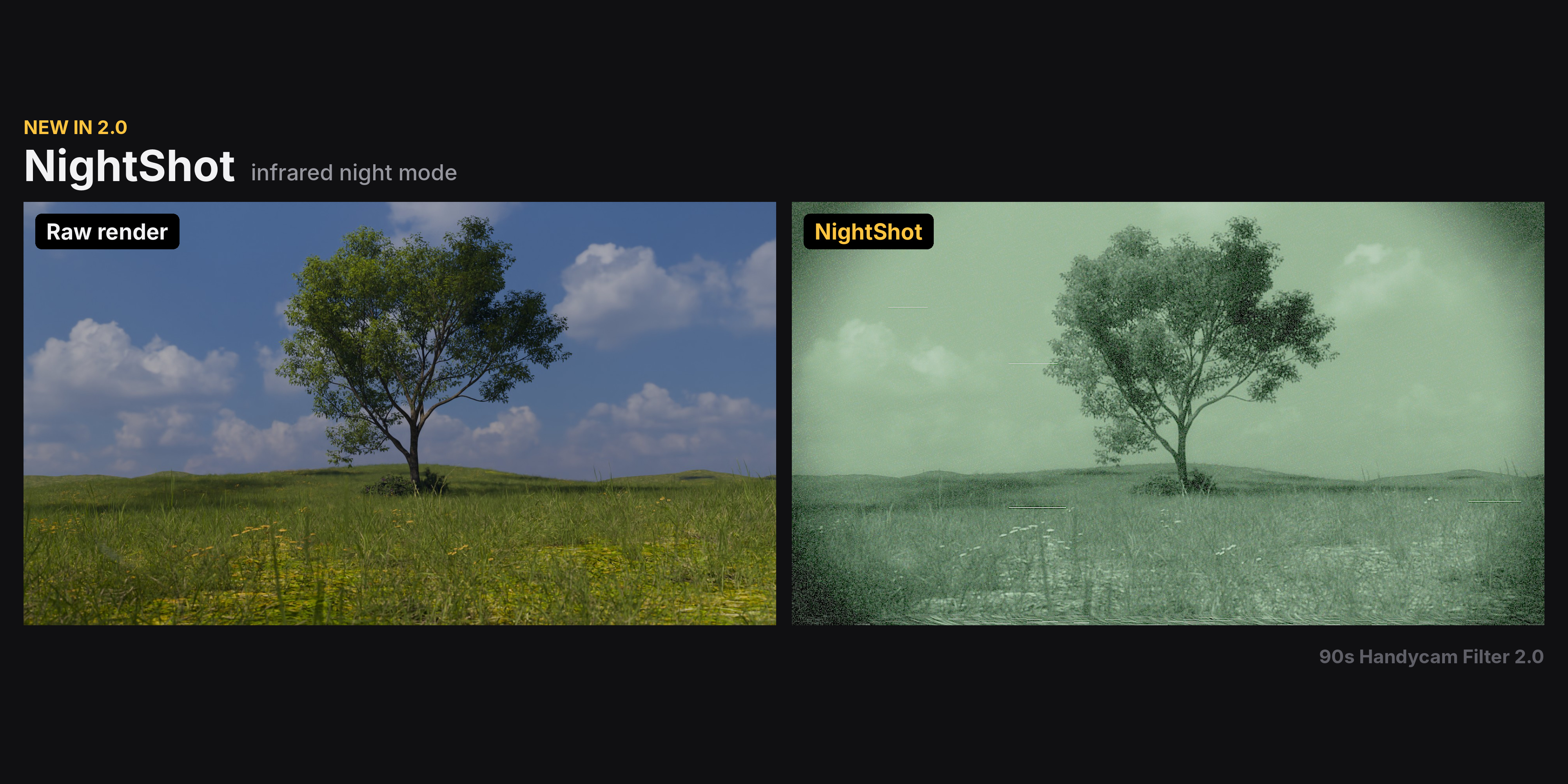
• NightShot — infrared night mode: green monochrome, bright centre, heavy noisePreset overview
1.x and 2.0 Comparison
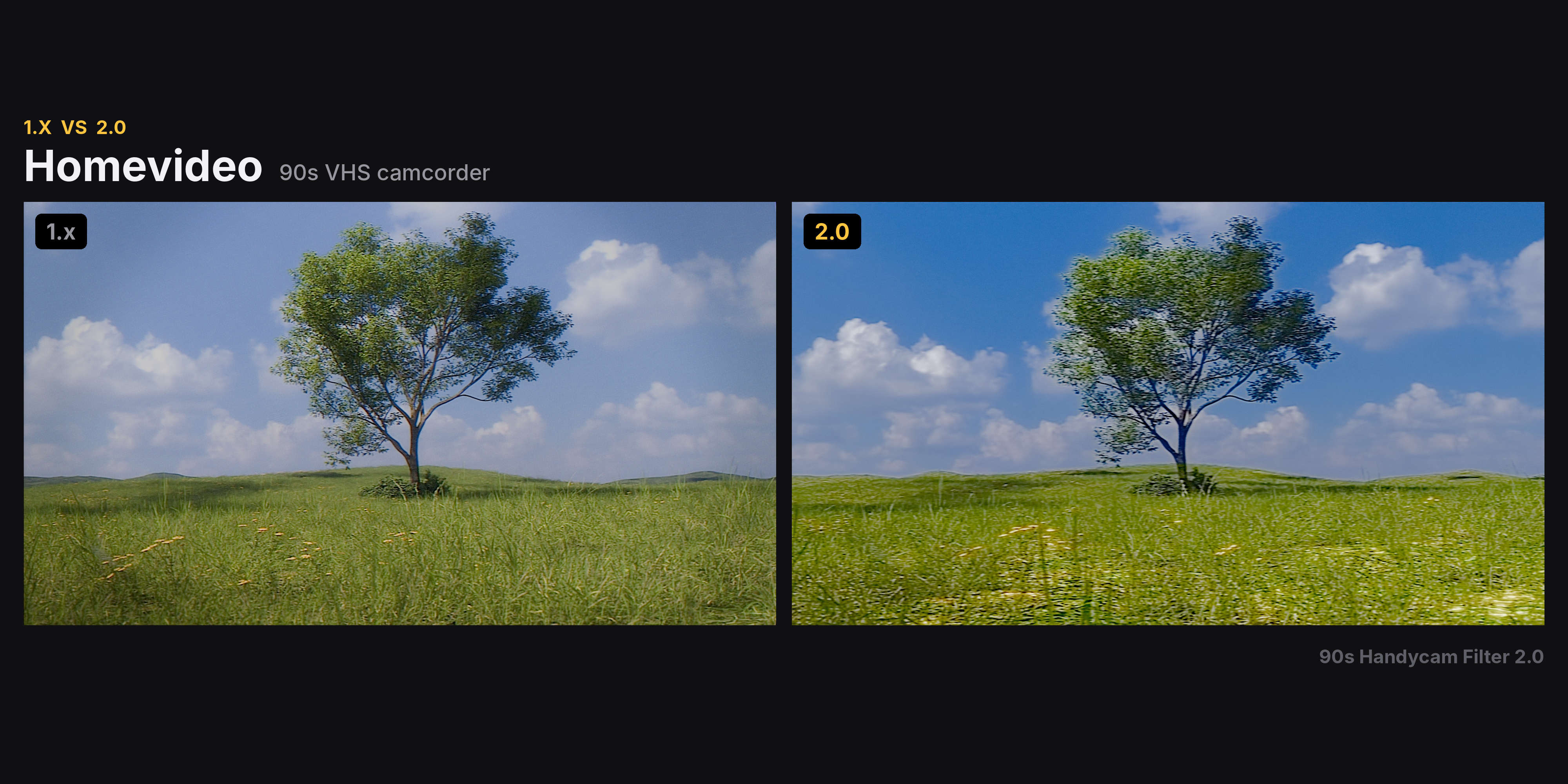
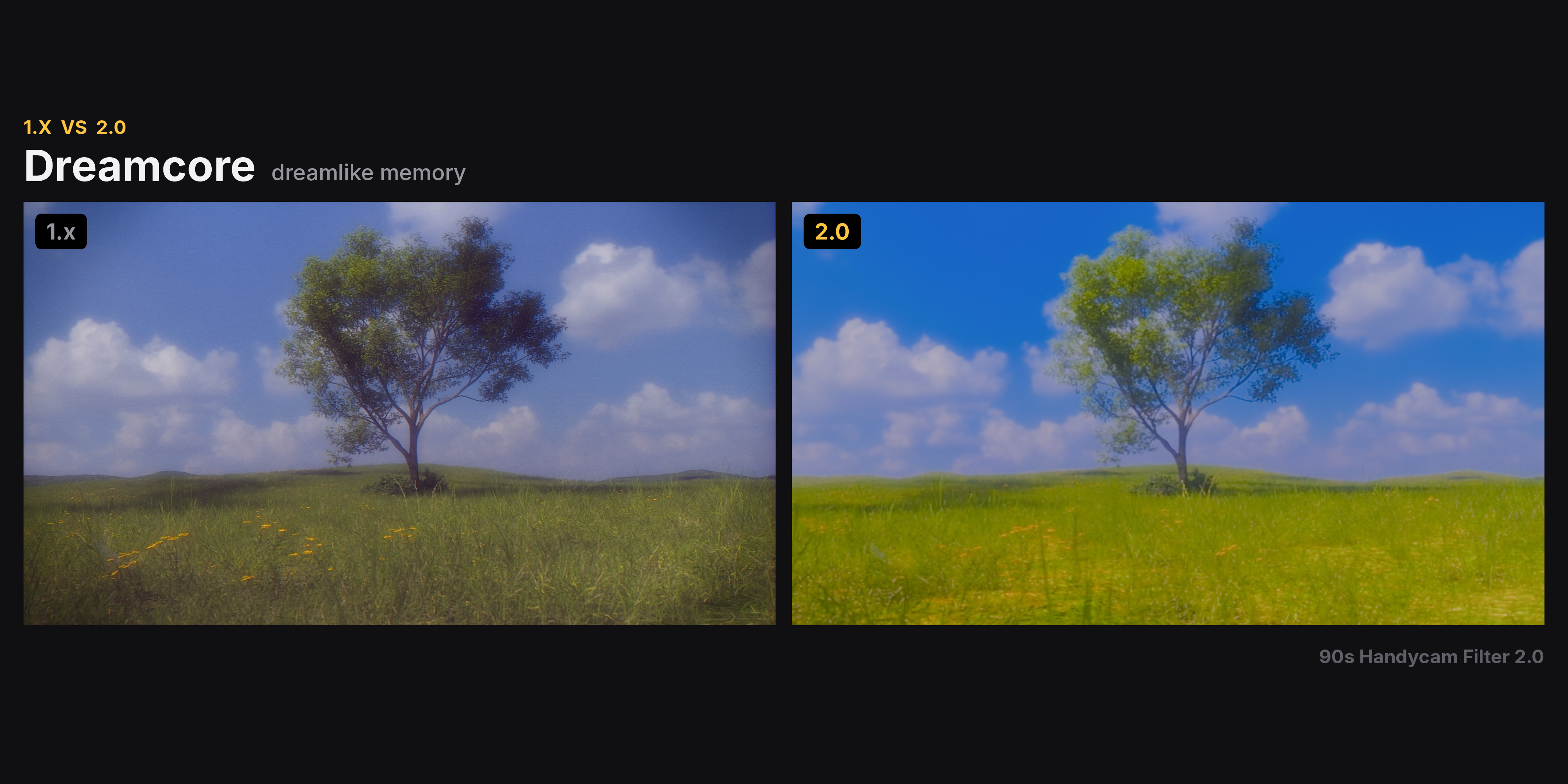
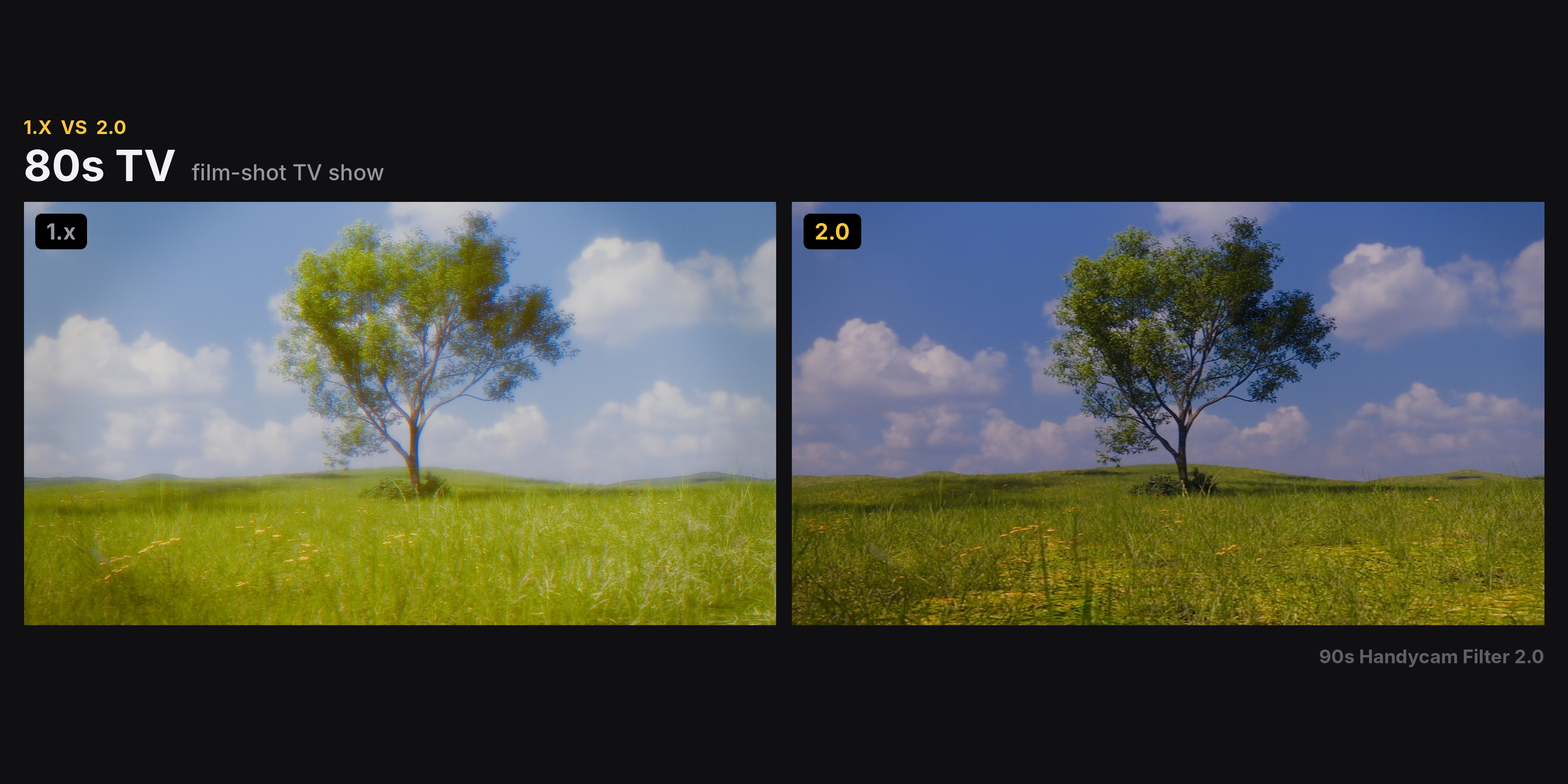
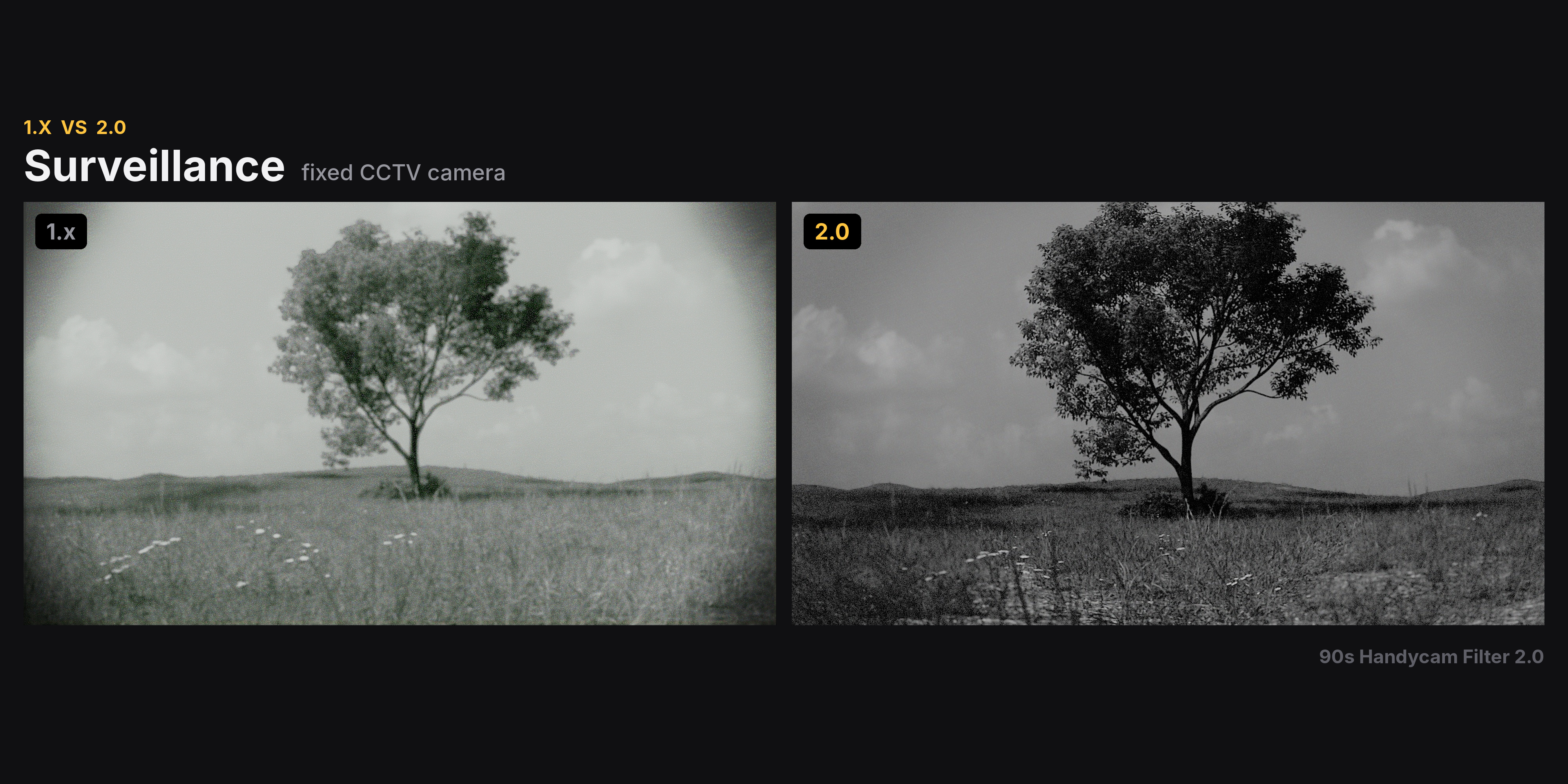
New Presets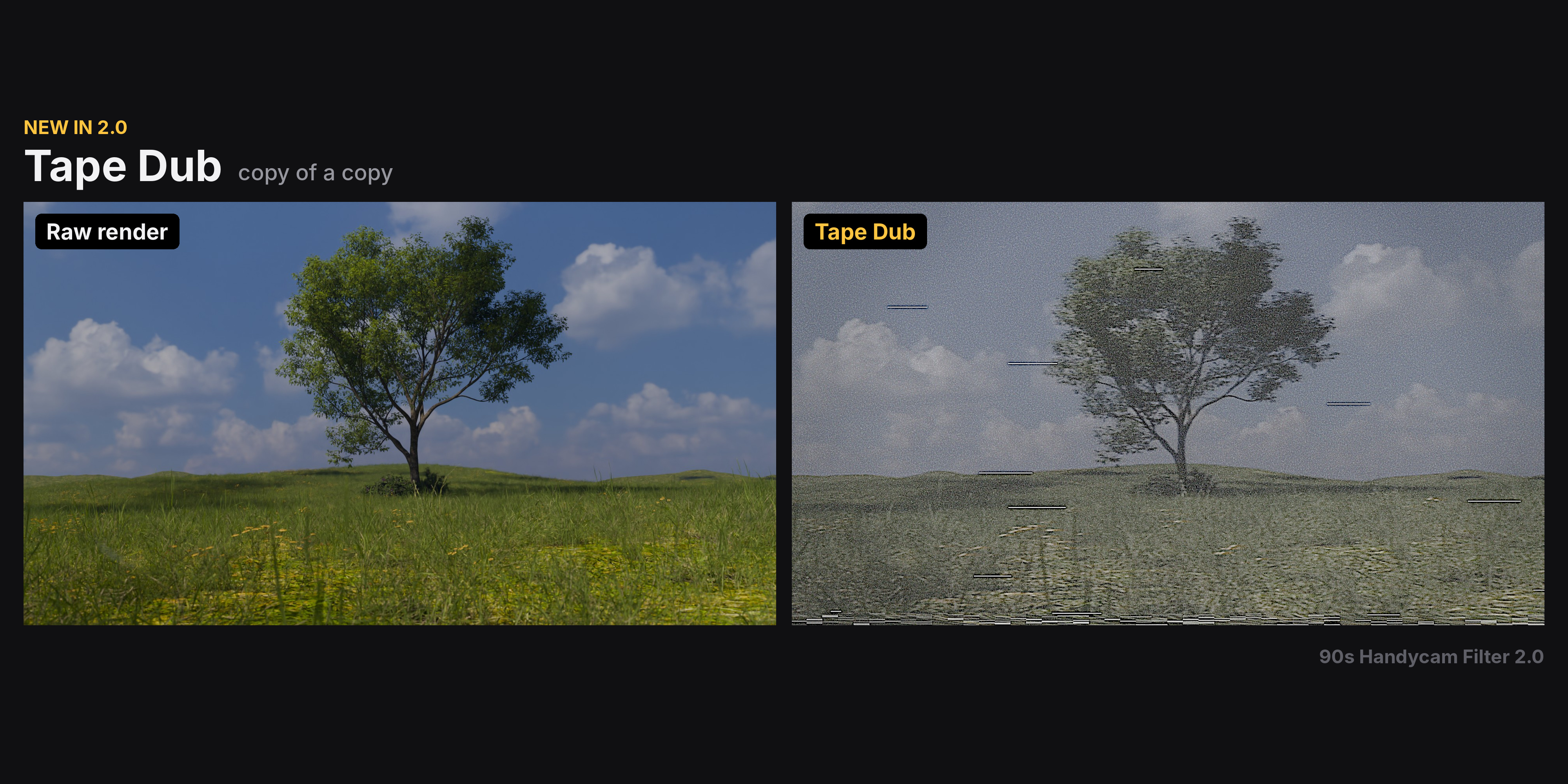
▍ EVERYTHING IS ADJUSTABLE
Lens — soft focus, barrel distortion, edge defocus, vignette
Sensor — colour bleed, RGB split in any direction, light smear, blown highlights
Light — glow, halation, streak glare
Tone — exposure, contrast, film tone (black point, highlight roll-off, density)
Color — white balance, split tone, saturation, colour filters
Tape — head switching, dropouts, broadcast ghosting, tracking noise, jitter, compression
Frame — 4:3, 3:2, 1:1, 16:9, 1.85, 2.39, 9:16 or custom aspect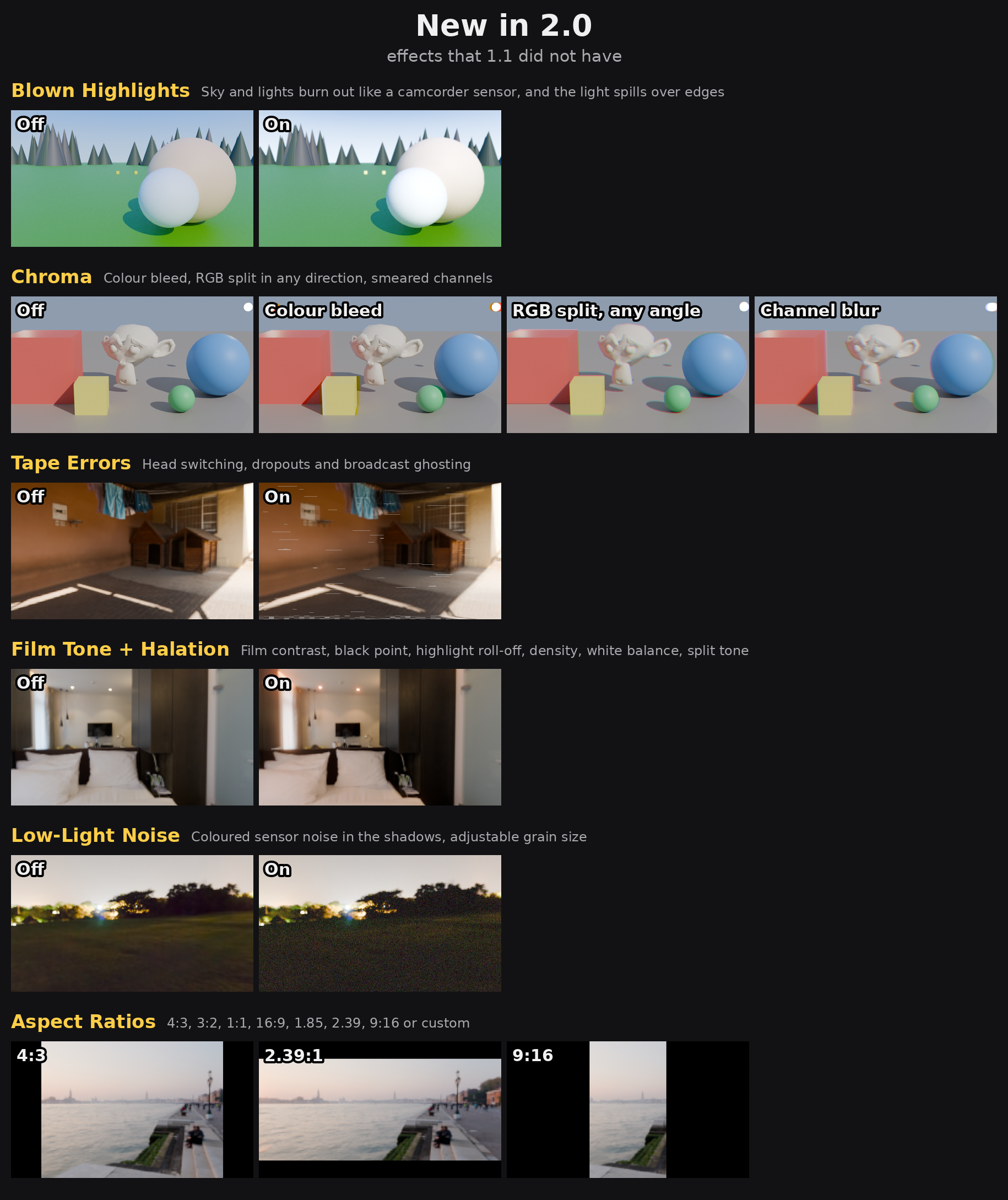
▍ BUILT FOR ANIMATION
• Keyframe 19 settings — exposure, colour, glow, noise, jitter, tape errors and more
• Same look at any resolution — viewport, test renders and final frames match
• Live preview in the viewport (Fast Preview keeps it responsive)
• Works with Cycles, EEVEE and Workbench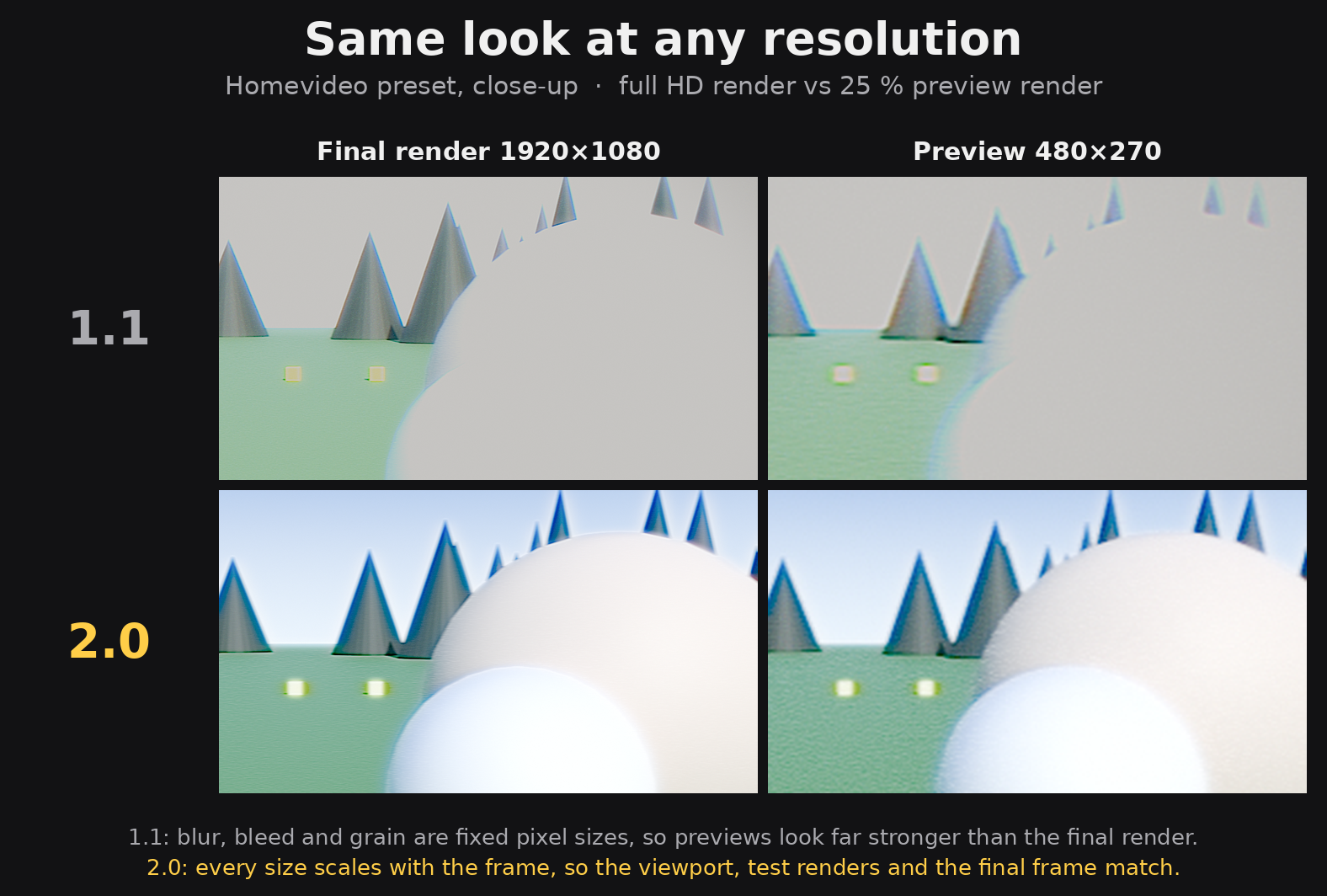
▍ CLEAN AND FAST
• The whole filter is one tidy node group in your compositor
• Your own nodes are kept; Remove restores your setup
• Transparent renders stay transparent, no edge artifacts
• Sliders update instantly
▍ YOUR OWN PRESETS
Save, update, rename and delete your own looks.
Revert to the preset anytime; edited presets are marked.
▍ COMPATIBILITY
Blender 5.0 or newer (tested on 5.0, 5.1, 5.2 LTS and 5.3).
Install as an extension: Edit › Preferences › Get Extensions › Install from Disk.
The panel is in the 3D View and Compositor sidebars (N panel › Handycam).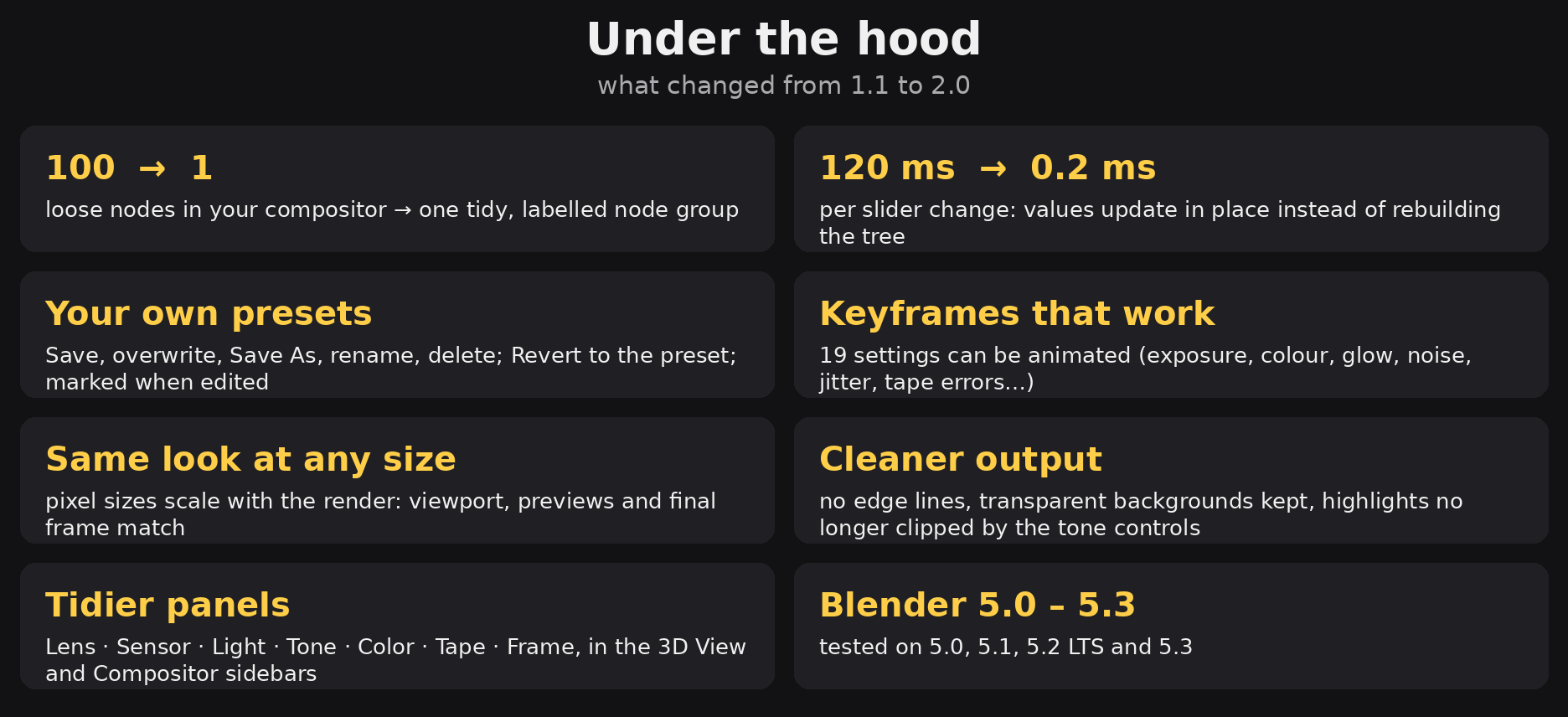
Technical Specs:
- 1.x version Compatibility: Blender 4.2-5.0
- 2.x version Compatibility: Blender 5.0-5.3
AI Disclosure:
"This add-on was developed with the assistance of AI (Claude) specifically for Python scripting and UI automation. While AI helped bridge the technical implementation between Blender’s nodes and its Python API, the core visual logic, node setup, and filter aesthetics
are entirely handcrafted by the artist. This tool was originally
developed for personal use to optimize workflow efficiency
and has been manually tested for stability and creative accuracy."
v2.0.0 — Update Log
2026.11.13 v2.0.0
Handycam Filter 2.0 — What's new since 1.1
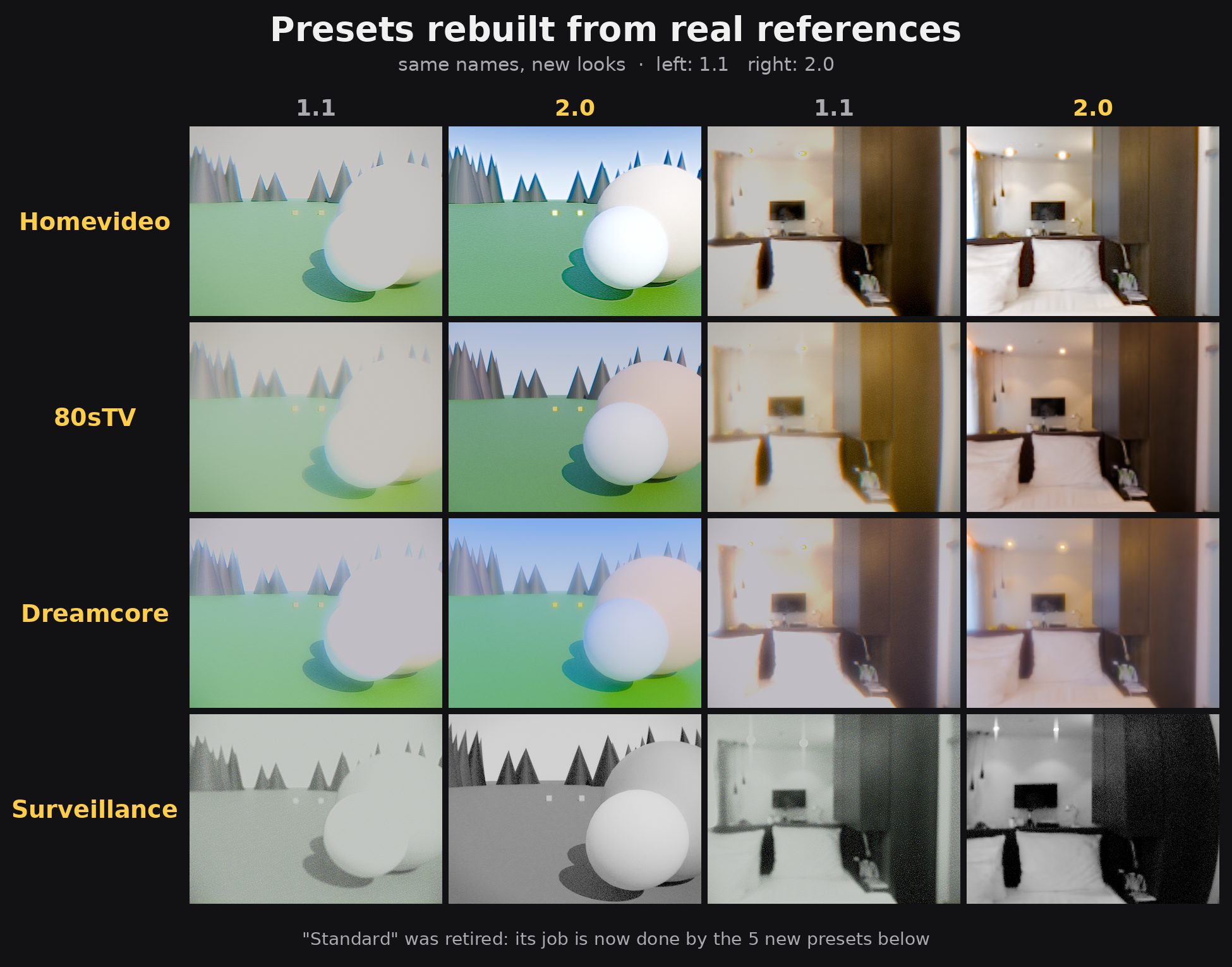
PRESETS: 5 → 9, rebuilt from real references
• Homevideo, 80sTV, Dreamcore and Surveillance re-designed to match real camcorder, broadcast and CCTV footage
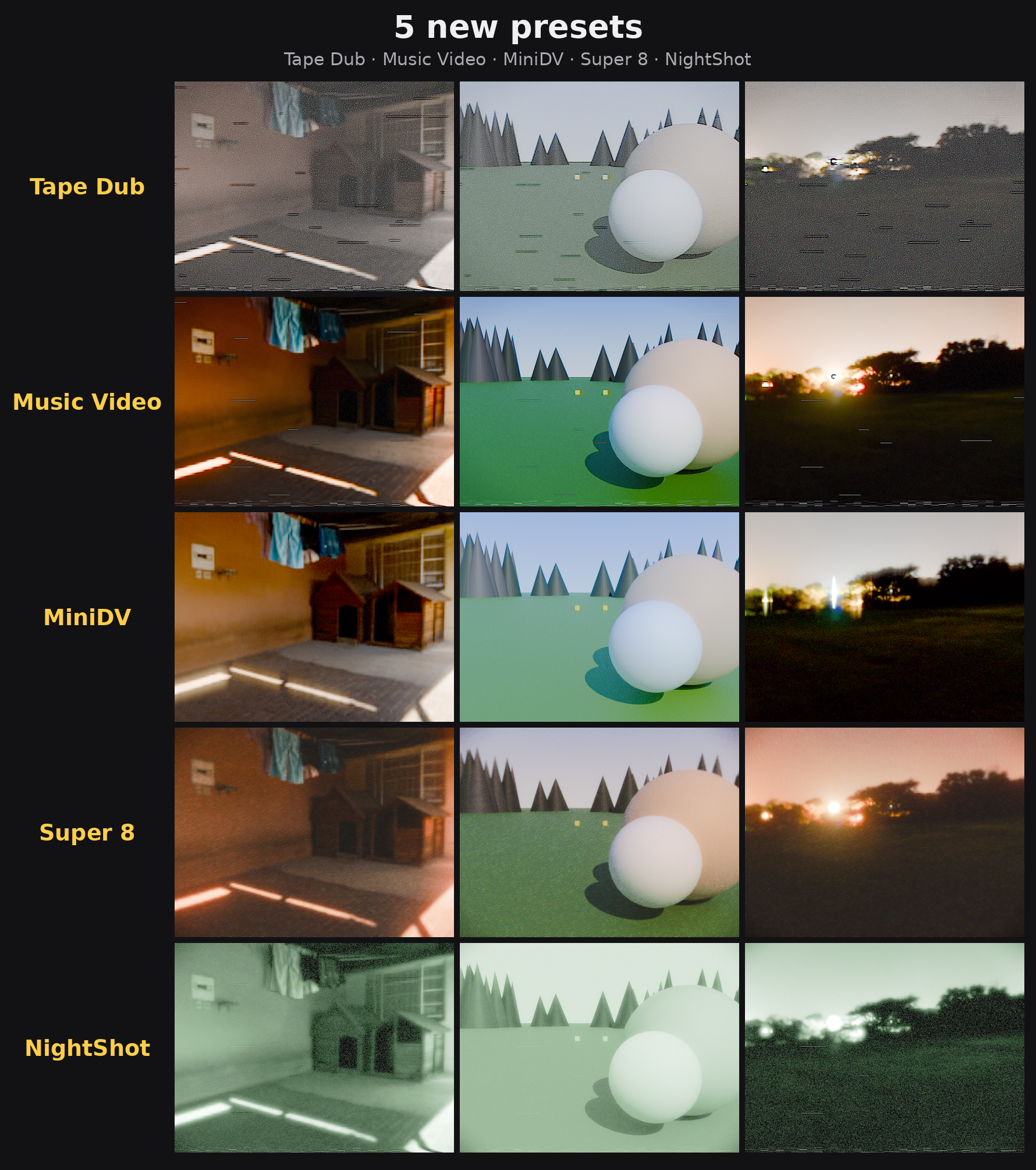
• 5 new presets: Tape Dub, Music Video, MiniDV, Super 8, NightShot
• "Standard" retired (scenes that used it keep their settings as Custom)
NEW EFFECTS
• Blown Highlights — sky and lights burn out like a camcorder sensor, with Burn and Spill controls
• Chroma — colour bleed (Chroma Offset, vertical/horizontal blur), RGB split in any direction for red and blue, Channel Blur for a glitch look
• Film Tone — film contrast, black point, highlight roll-off, density
• Halation — coloured glow around bright highlights
• White Balance (temperature, tint) and Split Tone (shadows, highlights)
• Tape Errors — Head Switching, Dropouts, broadcast Ghosting
• Low-Light Noise with adjustable colour, Grain Size
• Glow "Highlights Only", Light Smear threshold
• Aspect ratios — 4:3, 3:2, 1:1, 16:9, 1.85, 2.39, 9:16 or custom
• Fast Preview for a responsive viewport
WORKFLOW
• Save your own presets: Save, Save As, Rename, Delete, Revert; edited presets are marked
• One preset menu for built-in and your own presets; "Clear All Effects"
• Panels reorganised: Lens · Sensor · Light · Tone · Color · Tape · Frame, in the 3D View and Compositor sidebars
• Tooltips on every setting
• 19 settings can be keyframed (exposure, colour, glow, noise, jitter, tape errors…)
ENGINE
• The whole filter is one tidy node group instead of ~100 loose nodes
• Slider changes update in place, ~500× faster than 1.1
• Resolution independent: viewport, test renders and the final frame look the same
• Smooth sub-pixel jitter, also in low-resolution previews
• Transparent renders stay transparent; no edge lines; tone controls no longer clip highlights
COMPATIBILITY
• Requires Blender 5.0 or newer (tested on 5.0, 5.1, 5.2 LTS and 5.3)
• Files saved with 1.1 open and convert automatically
2026.11.08 v1.1.0
New
- Updates for Blender 5.0 and above
Fixes
- Fixed some small bug