 Efeitos Pro





Supported Platforms: Windows x64, Linux x64 and macOS arm64 (M1+).
Compatibility with Blender 2.93 up to 5.0+.
Demonstrations
HUD & UI Elements Add-on
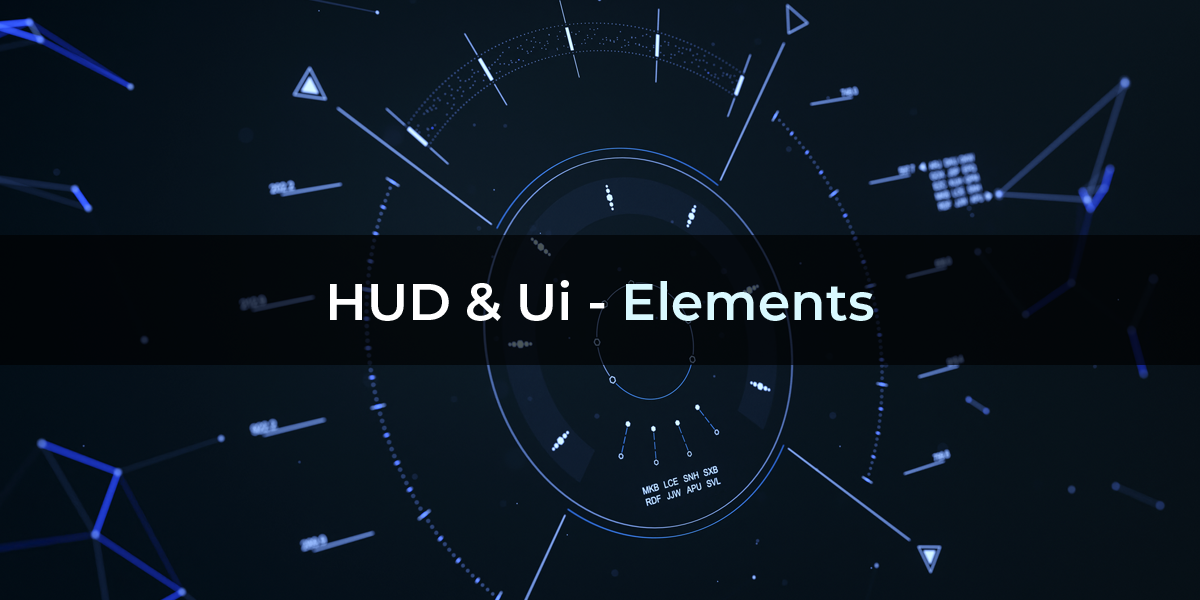
Elevate your creative projects with our Futuristic add-on, perfect for FUI screens, high-tech dashboards, sci-fi displays, and more.
More demonstrations:
HUD & UI - Horizontal Drone HUD
Key Features:
High-Quality Elements: Includes 30+ customizable UI elements.
Versatile Applications: Ideal for broadcast design, sci-fi movies, and creative data displays.
Easy to Customize: Tailor animations and graphics to fit your vision. Combine different elements—your creativity is the limit!
Benefits:
Save Time and Enhance Your Creative Process.
Say goodbye to tedious keyframing. With our intuitive parameter-based system, animate seamlessly and adapt quickly to changes.
Easily manipulate and manage large scenes, play back restricted elements, and copy full or partial settings with our flexible tools.
Support & Resources:
Customer Support: [email protected]
Gallery: https://www.hudui.net/gallery
Documentation: https://www.hudui.net/documentation
Tutorials: https://www.youtube.com/watch?v=RVSRCav-3ts&list=PL6M9I-vocHBpkjsztLsJt-dYcm4QAqI31
|
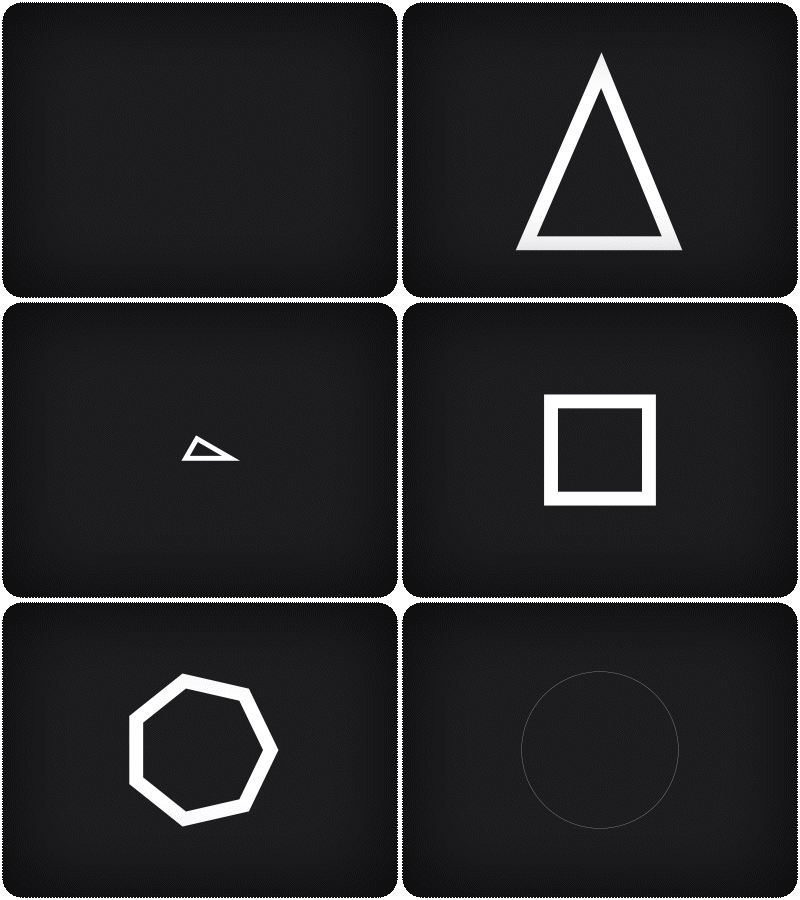
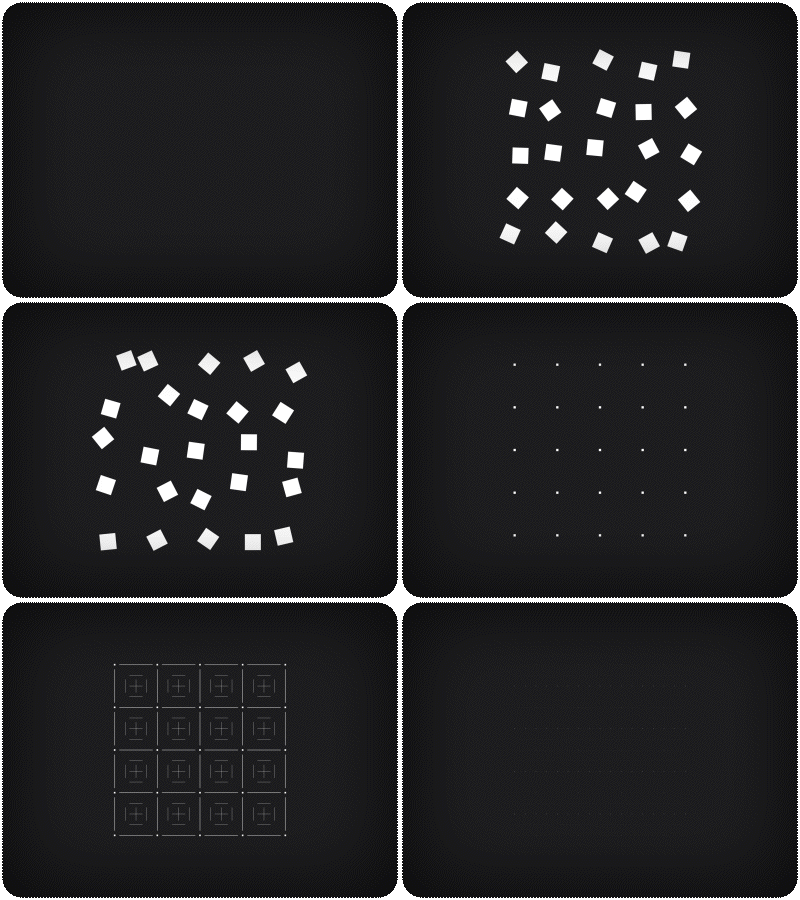
Basic Shapes
|
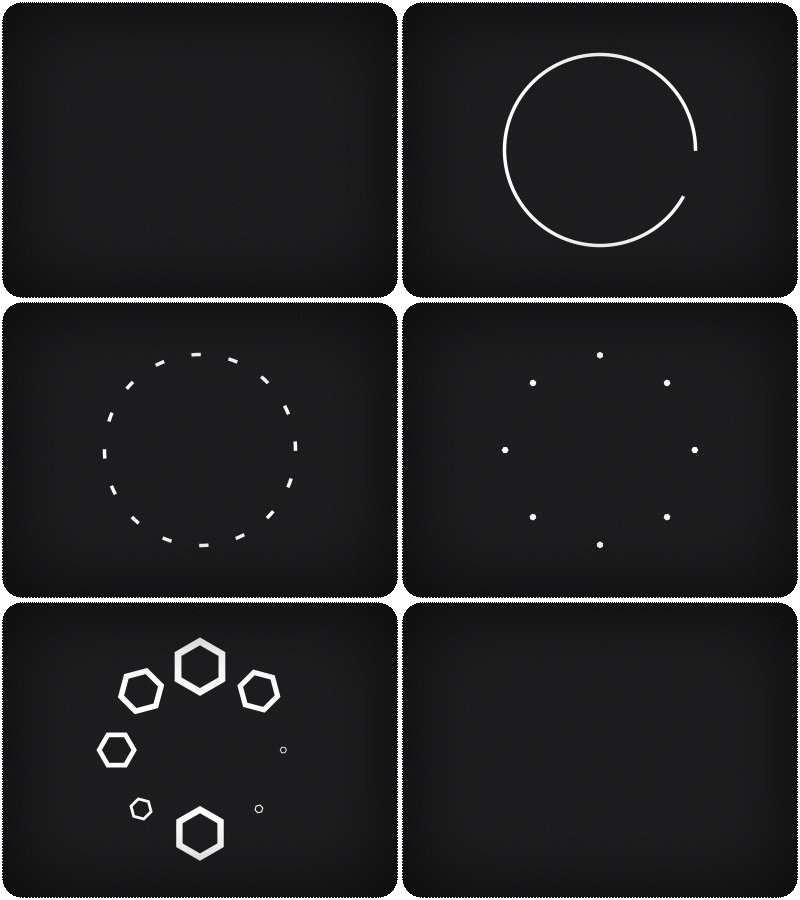
Radial & Matrix Components
|
Add a futuristic flair with radial elements that
bring your interfaces to life.
|
|
|
|
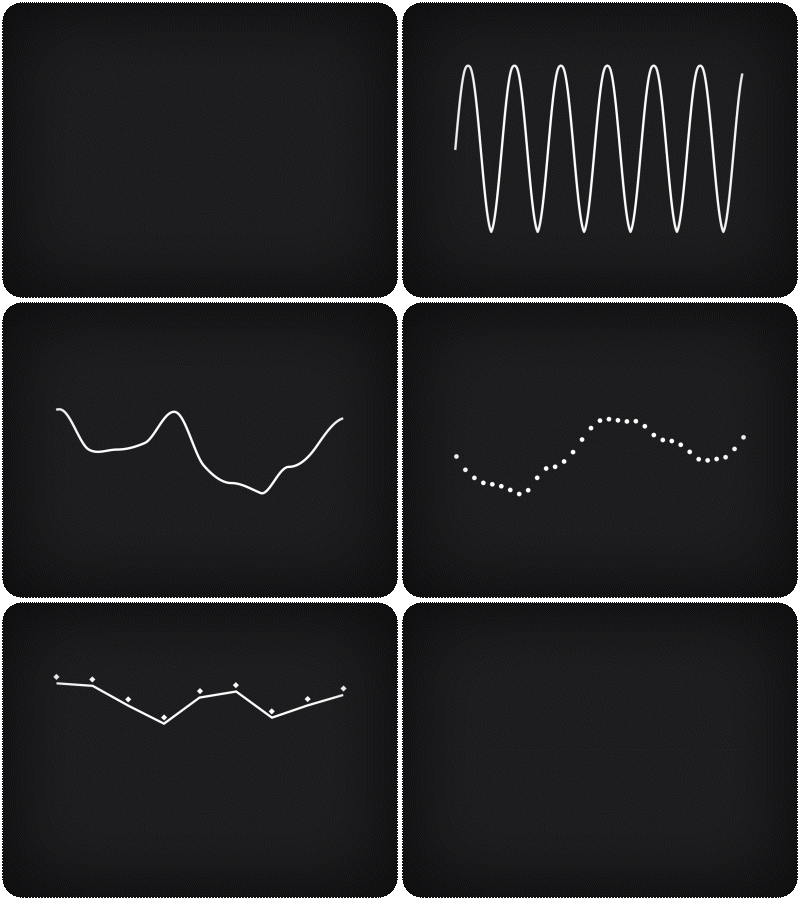
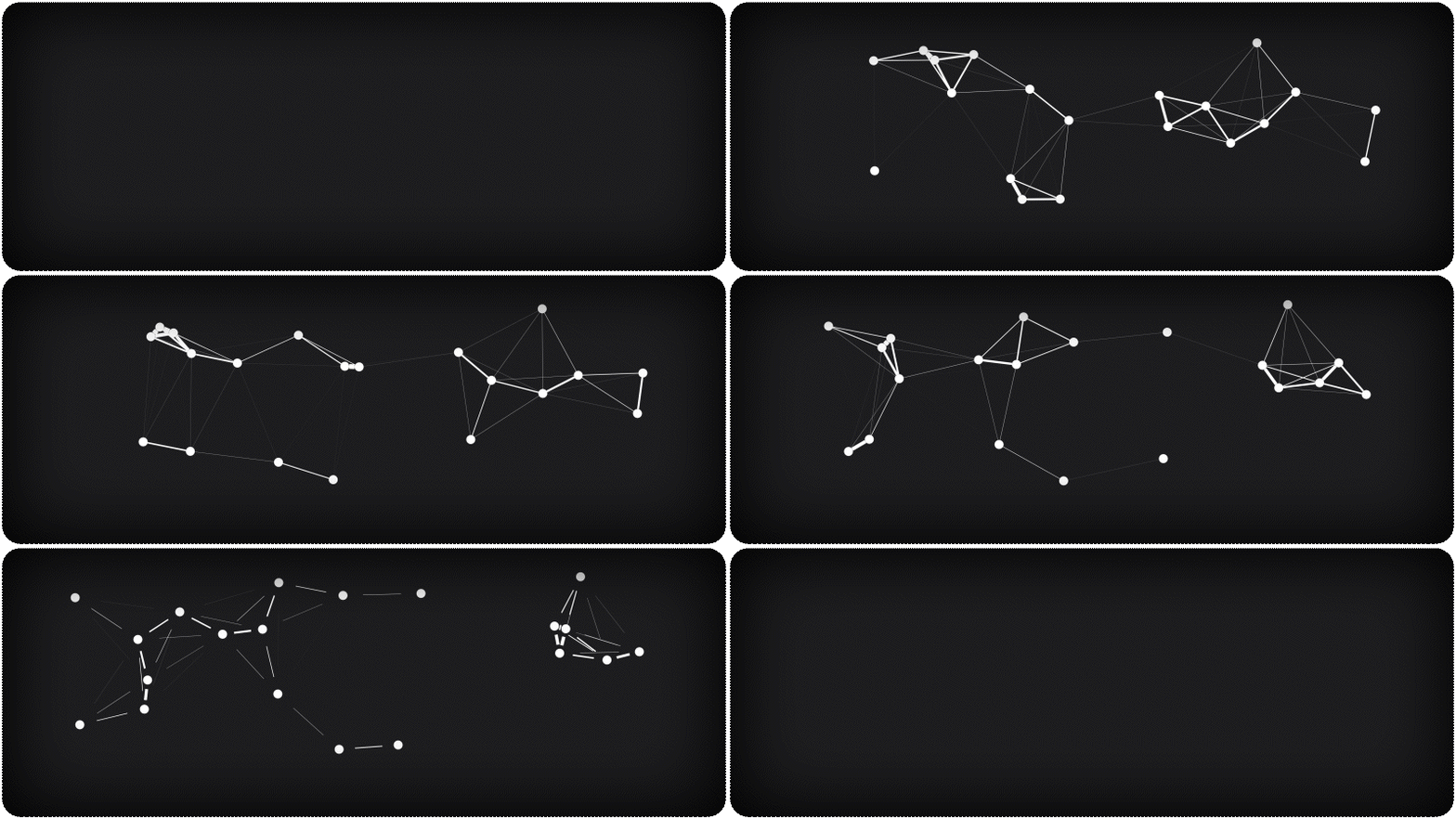
Mathematical AnimationsIntegrate sine waves, Perlin noise lines, and Plexus animations to add depth and complexity to your designs. |
|
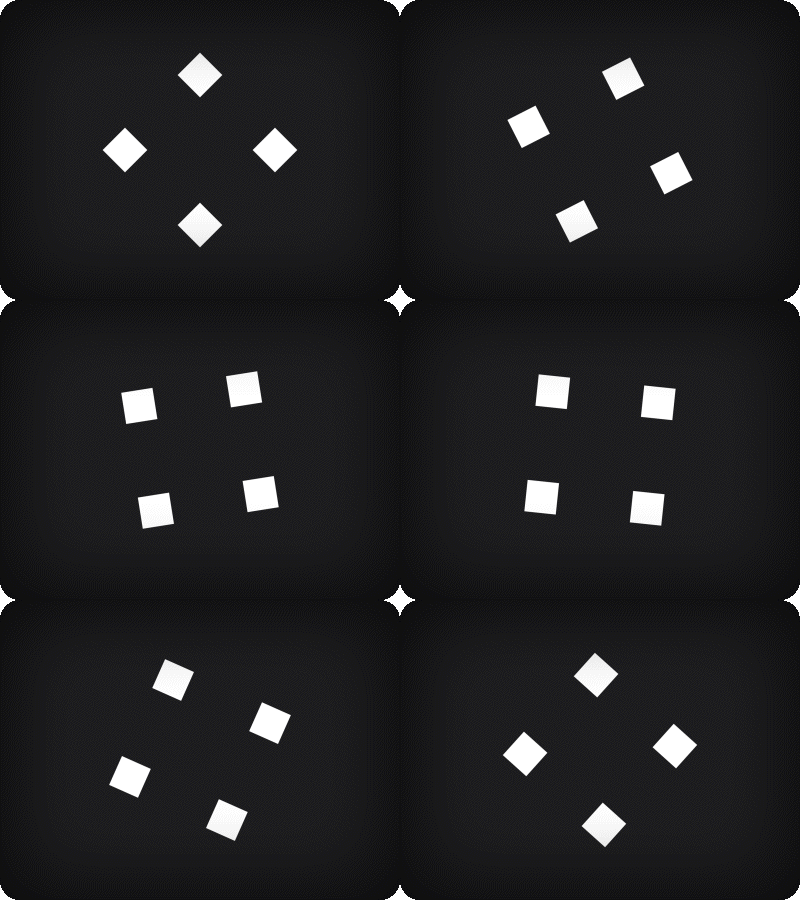
Keyframe-less Animation Mode
Say goodbye to tedious keyframing. With our intuitive parameter-based system, animate seamlessly and adapt quickly to changes.
|
|
|
|
|
|
How to Install HUD & UI Elements
- Open your preferred Blender version.
- Go to Edit > Preferences.
- In the Add-ons section, click Install....
- Navigate to and select the latest version of HUD & UI Elements.
- Click Install Add-on.
- After installation, ensure the add-on is activated (check the box if it’s not activated by default).
How to Use the Add-On
- In the 3D Viewport, click Add > HUD & UI Elements.
- Select the desired element from the menu.
Editing Element Parameters
- Select the element you want to edit.
- In the Outliner, go to Object Properties.
- Open the HUD & UI dropdown menu.
- Adjust the parameters to customize the element's appearance to your needs.
