 smice
smice


MathSurf
Procedural Geometric Design
Math Surfaces (now Standalone)
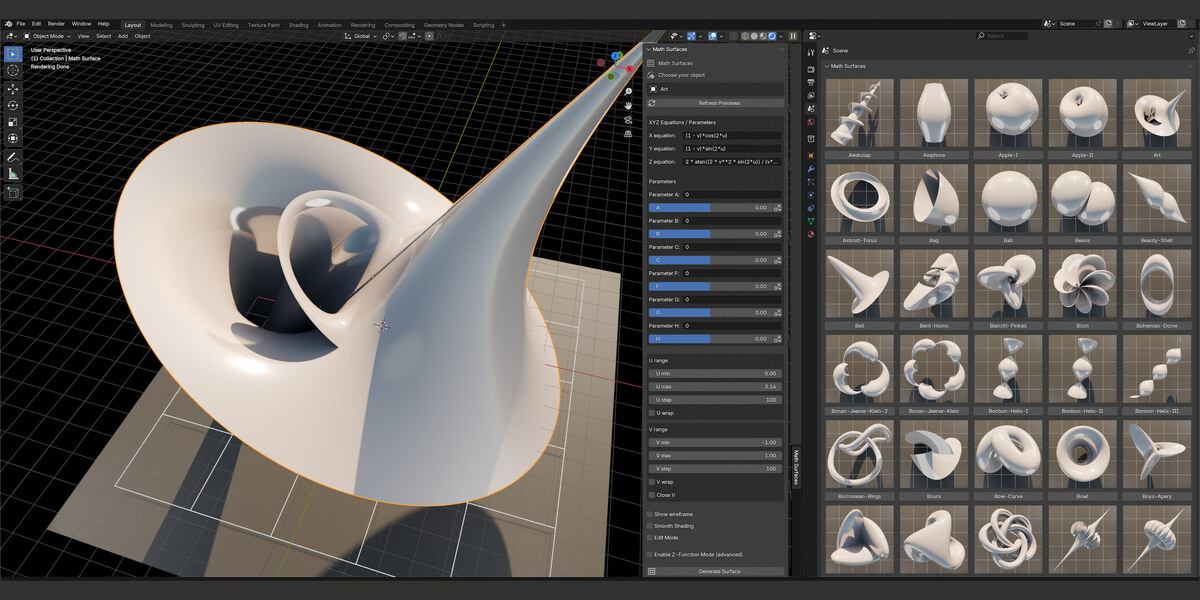
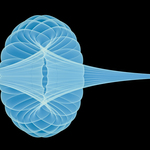
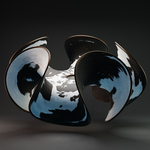
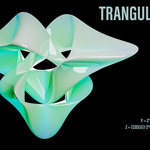
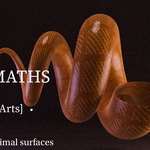
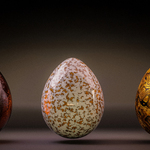
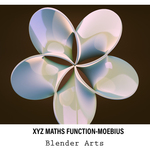
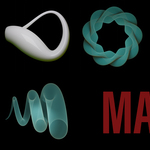
Create, explore and animate mathematical surfaces directly in Blender — using your own formulas or one of the included presets.
This Blender add-on makes it easy to create mathematical surfaces directly from user-defined formulas. By entering equations and adjusting parameters, you can instantly generate complex geometric shapes, from classic surfaces to entirely original designs. The add-on updates the mesh in real time, allowing quick experimentation and precise control over the final form.
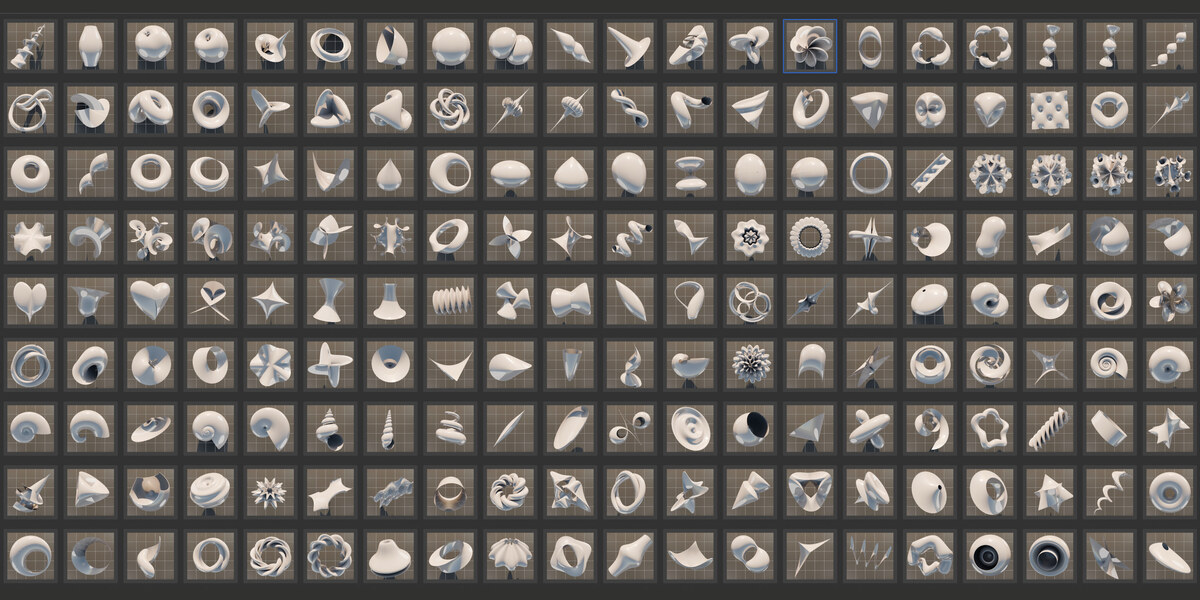
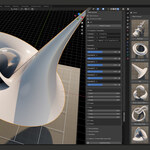
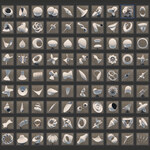
The interface is inspired by Blender’s “Mesh: Extra Objects” panel, but has been streamlined to make it more accessible and easier to use — even if you have no experience with scripting or advanced mathematics. A built-in preview gallery showcases common surfaces and example formulas, helping users get started quickly and offering inspiration for further exploration.
Standalone panel Version — What's New
- Smooth Shading checkbox — toggles between Shade Smooth and Shade Flat directly on the active surface, with no right-click required.
- Edit Mode checkbox — switches Edit/Object Mode on the fly, and is respected the next time you hit "Generate Surface".
Sliders (A–H)
- Every slider now has its own keyframe button next to it: filled = keyed on this frame, empty = not keyed.
- Click it to insert or remove a keyframe for that parameter at the current frame.
Animation
- Set a keyframe on a slider (e.g. A) at frame 1.
- Move to a later frame, change the slider value, set another keyframe.
- Scrub or play the timeline — the surface now rebuilds every frame based on whichever sliders are actually keyframed. Hand-typed formulas in the equation fields (for un-keyed parameters) are left untouched.
Note: one keyframe = a constant value = no motion. You need at least two, with different values, on different frames.