 smice
smice


Important: with the New the N-Panel the tool has new better features. please read the "New" section at the end, and/or wath the YouTube Tutorial if you need more information (at the end)
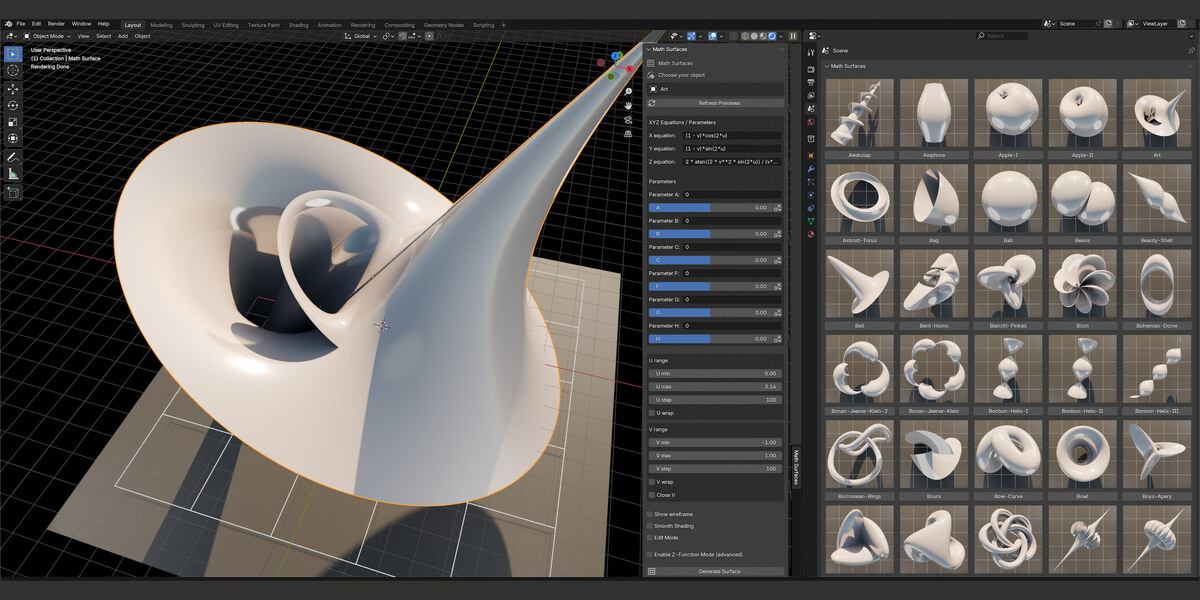
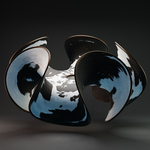
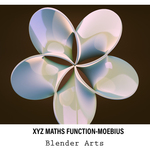
Image 1: In the Screenshot 1 you will find the small instruction how to use this little tool and to start.
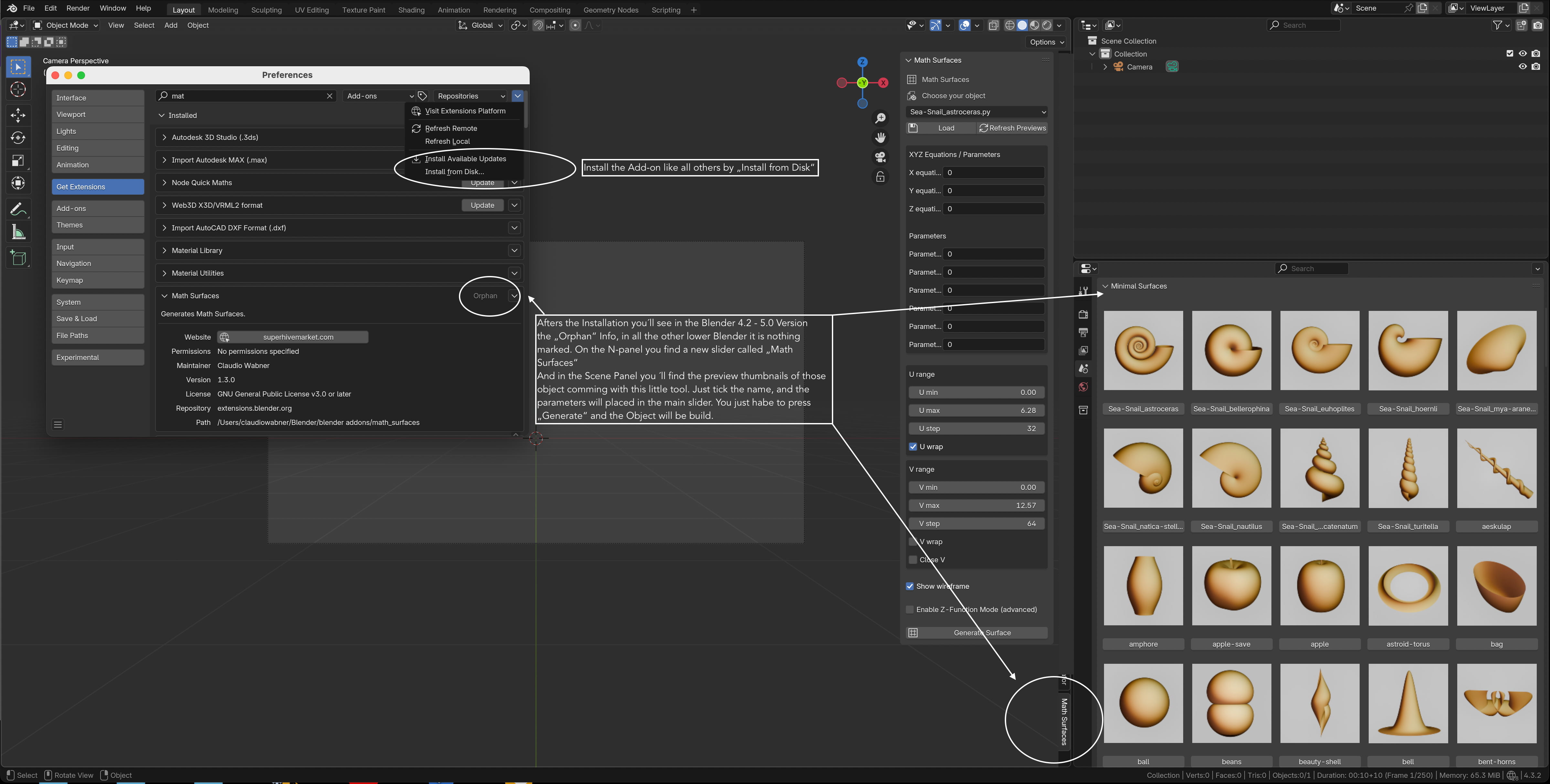
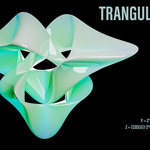
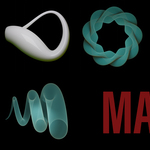
Image 2: Image 2 describes the Functions.
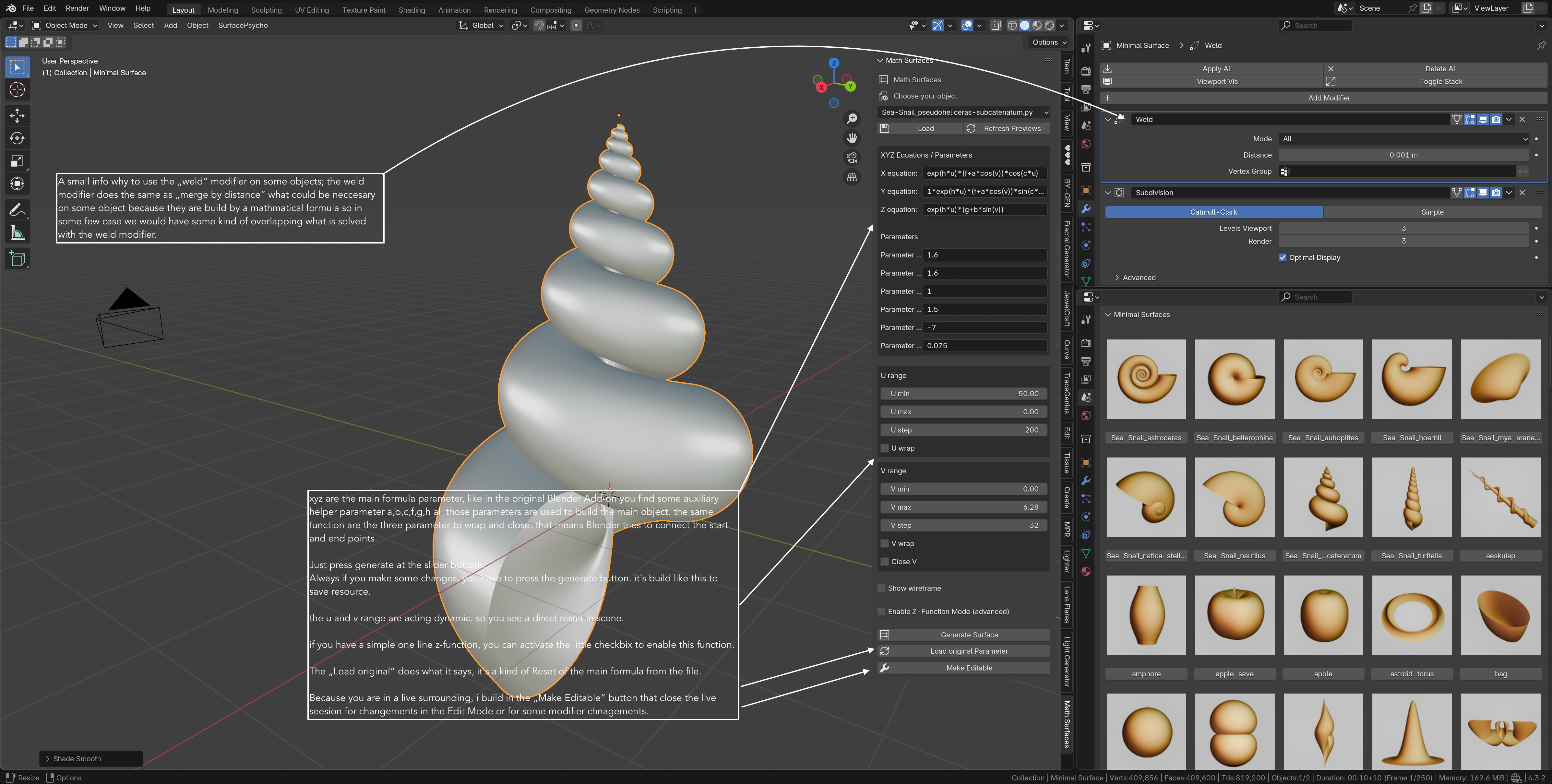
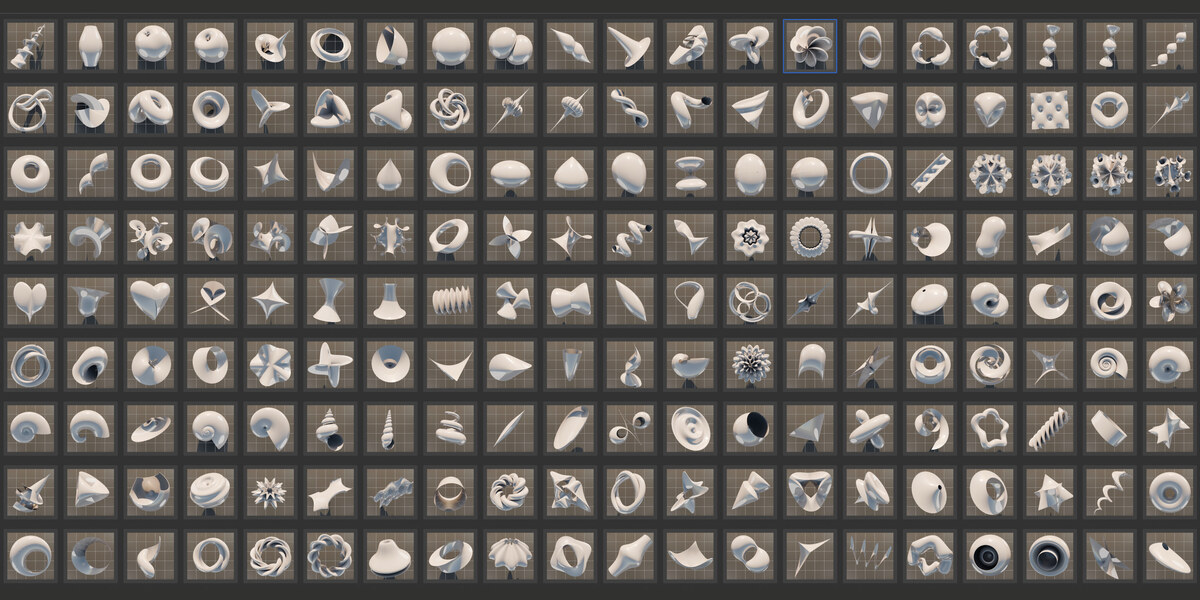
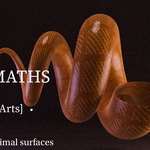
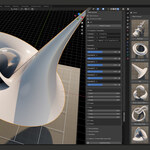
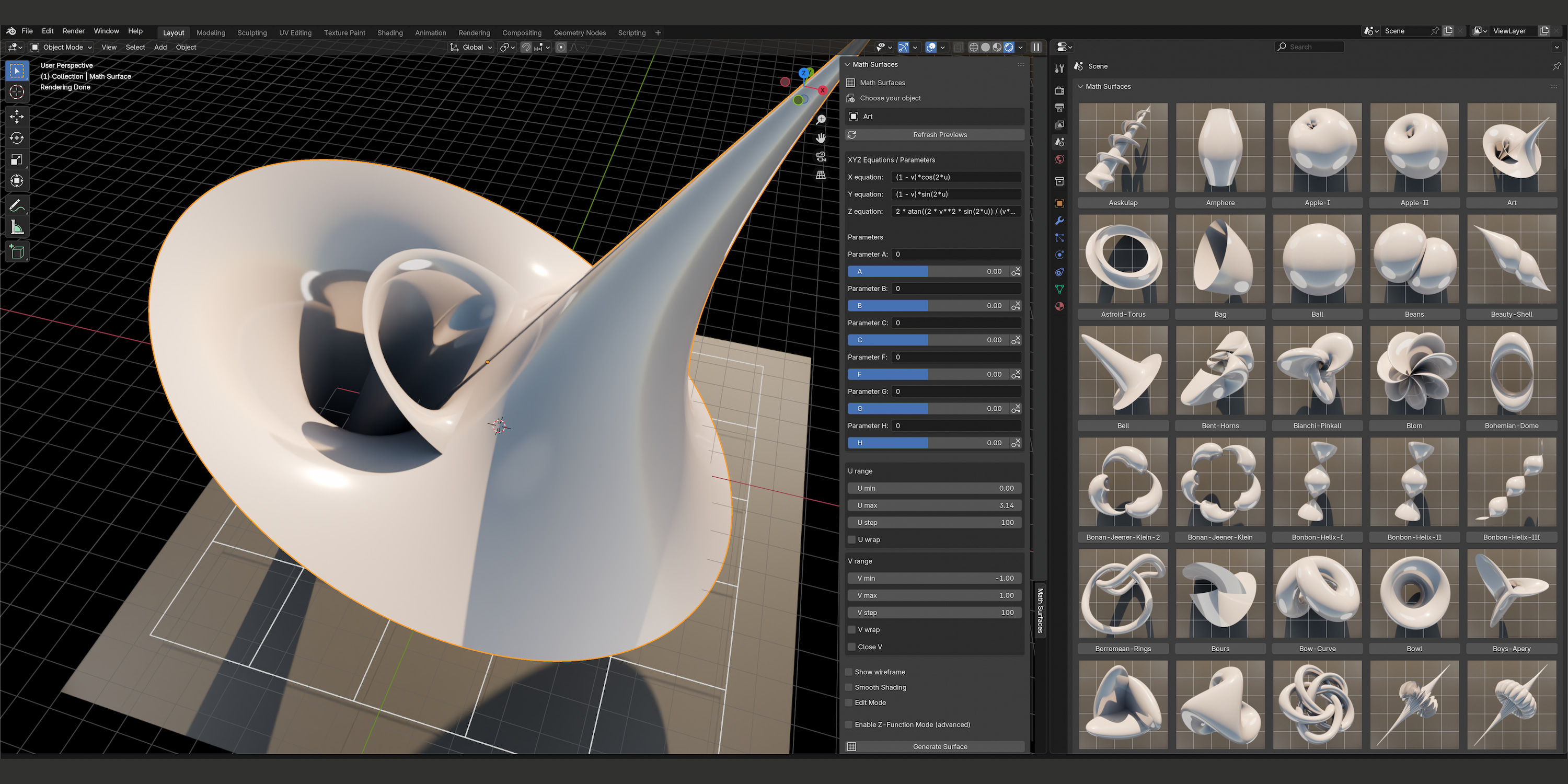
Image 3: Screenshot 3 shows the new UI.
What's New
Standalone panel version
- Smooth Shading checkbox — toggles Shade Smooth/Flat on the active surface directly, no right-click needed.
- Edit Mode checkbox — switches Edit/Object Mode on the fly, and is respected the next time you hit "Generate Surface".
Sliders (A–H)
- Every slider now has its own keyframe button next to it: filled = keyed on this frame, empty = not keyed.
- Click it to insert or remove a keyframe for that parameter at the current frame.
Animation
- Set a keyframe on a slider (e.g. A) at frame 1.
- Move to a later frame, change the slider value, set another keyframe.
- Scrub or play the timeline — the surface now rebuilds every frame based on whichever sliders are actually keyframed. Hand-typed formulas in the equation fields (for un-keyed parameters) are left untouched.
Note: one keyframe = a constant value = no motion. You need at least two, with different values, on different frames.
$19
Have questions about this product?
Login to message
| Blender Extension Compatible | Yes |
| Sales | 10+ |
| Published | 10 months ago |
| Blender Version | 3.4 - 5.2 |
| Extension Type | Add-on |
| Render Engine Used | Cycles, Eevee |
| License | Mit |
Discover more products like this
algebraic formulars implicit-equation formula smice surfaces mathematical art math implicit-surfaces Artwork geometric art klein bottle