 Haseeb Ahmed


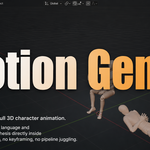
Motion Gen
Type a sentence, get a full 3D character animation. Motion Gen bridges natural language and physics-based motion synthesis directly inside Blender — no mocap studio, no keyframing, no pipeline juggling.
What is Motion Gen?
Motion Gen is a Blender addon that lets you generate realistic 3D humanoid animations from plain-English text prompts. Under the hood it orchestrates a multi-model AI pipeline: a large language model (Qwen 3-8B) interprets your prompt and translates it into a structured motion description, a CLIP vision-language encoder aligns the semantics, and a 1-billion-parameter diffusion network synthesises the actual joint rotations and root translations frame-by-frame.
The result is automatically mapped onto a built-in SMPL-X character armature and imported into your Blender scene — ready to render, retarget, or refine. The entire process runs locally on your machine; no cloud API, no subscription, no internet required after initial setup.
Users must explicitly agree to the Tencent Community License and the Qwen License via the in-Blender setup panel before these models can be downloaded or used. No data is sent without explicit user input.
What You Get
A complete prompt-to-animation pipeline, entirely offline and deeply integrated into Blender.
Prompt-to-Motion
Describe any human motion in natural language — from "a person casually walking" to "a martial arts spinning kick" — and watch it materialise as keyframed animation data.
Isolated ML Runtime
A fully standalone Python 3.11 environment lives inside the addon folder. Zero conflicts with Blender's built-in Python — install once, forget forever.
Auto-Rigging & Import
Generated motion is automatically applied to a bundled SMPL-X armature model. The character appears in your scene with all keyframes baked and ready.
Fine-Grained Controls
Tune inference steps, CFG scale, seed, and duration. Use Draft Mode (20 steps) for rapid iteration, then switch to Production (50-60 steps) for final quality.
GPU + CPU Fallback
Optimised for NVIDIA GPUs with CUDA and Apple Silicon (M1–M4) with Metal/MPS acceleration, plus a "Force CPU" fallback for systems without GPU acceleration.
Fully Offline
After initial model download, everything runs locally. Your prompts and generated data never leave your machine.
Generated Animations
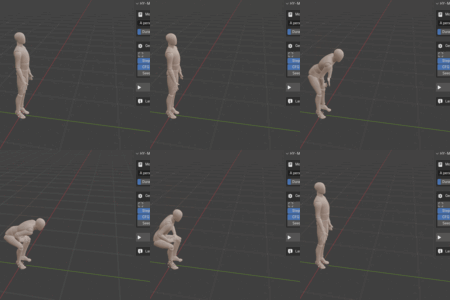
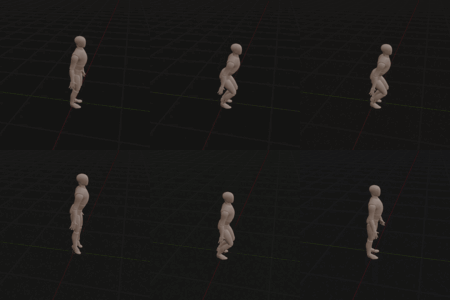
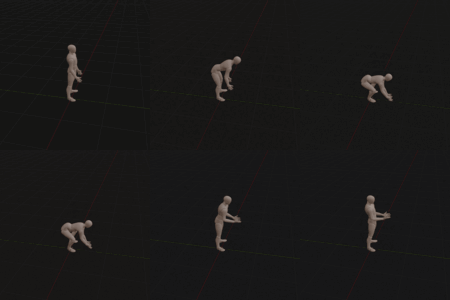
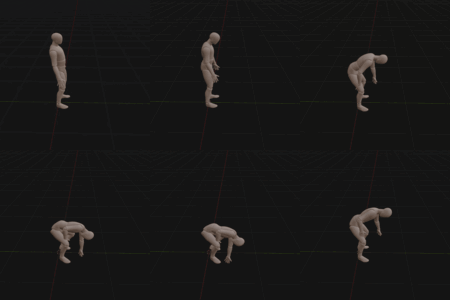
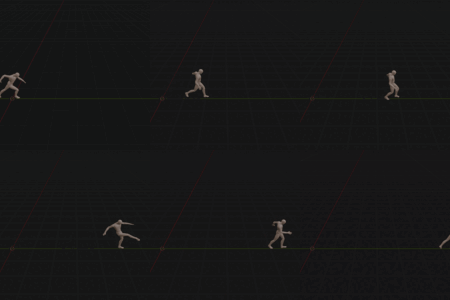
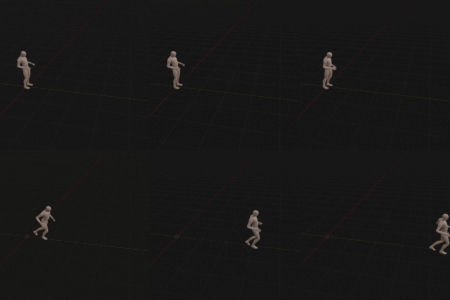
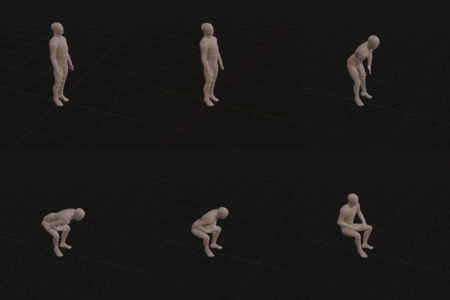
Every animation below was generated entirely from a text prompt — no keyframing, no mocap data.
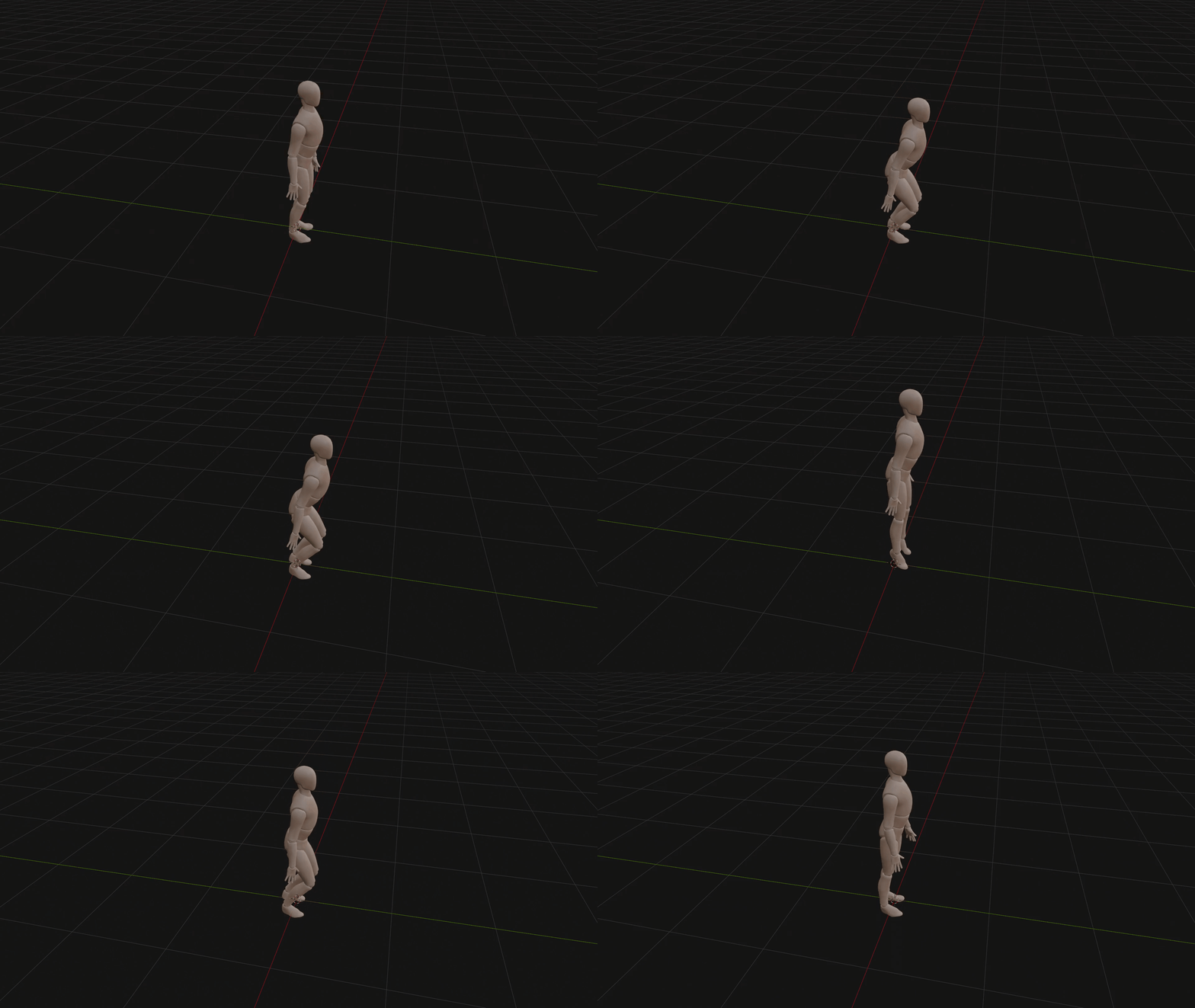
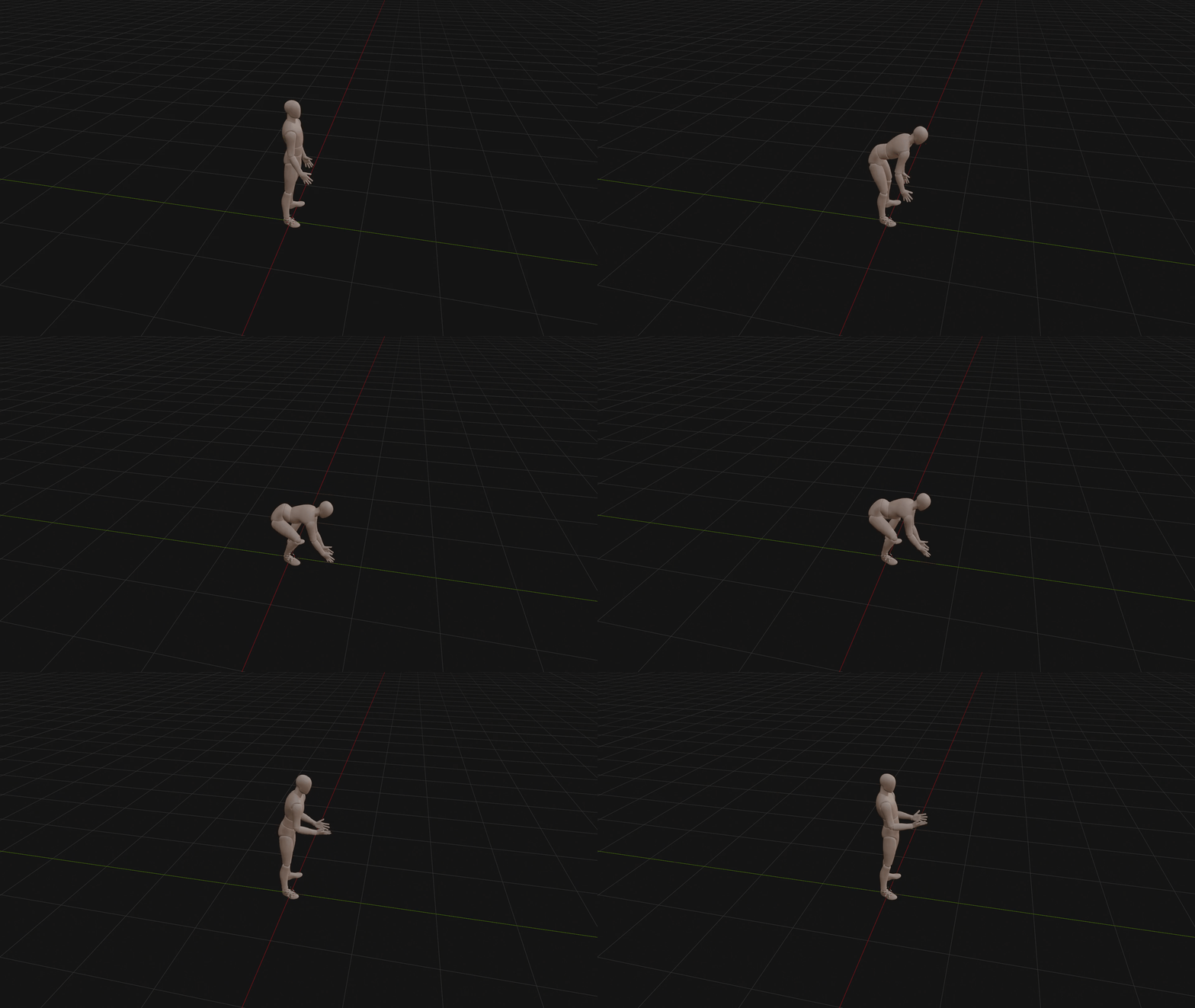
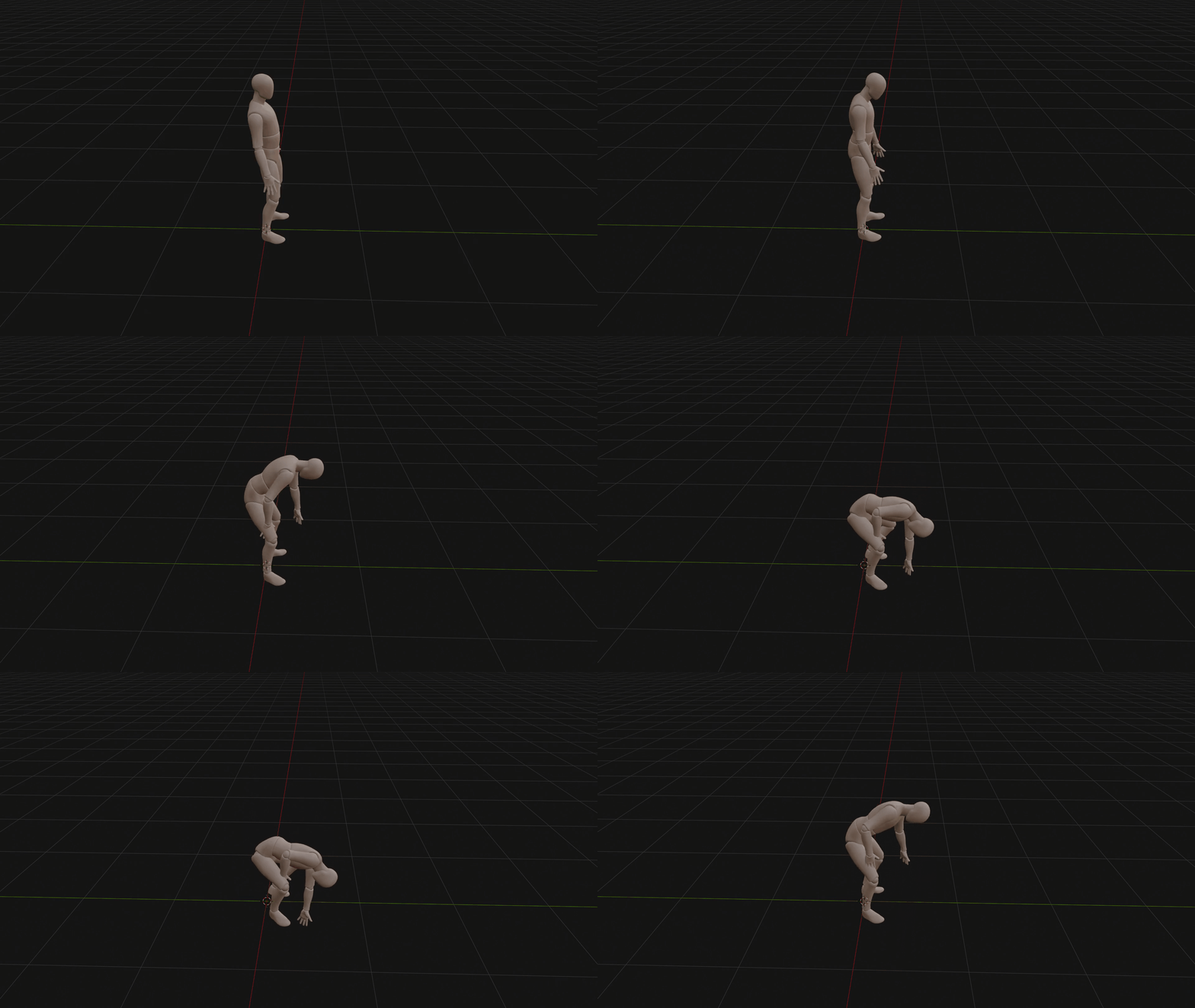
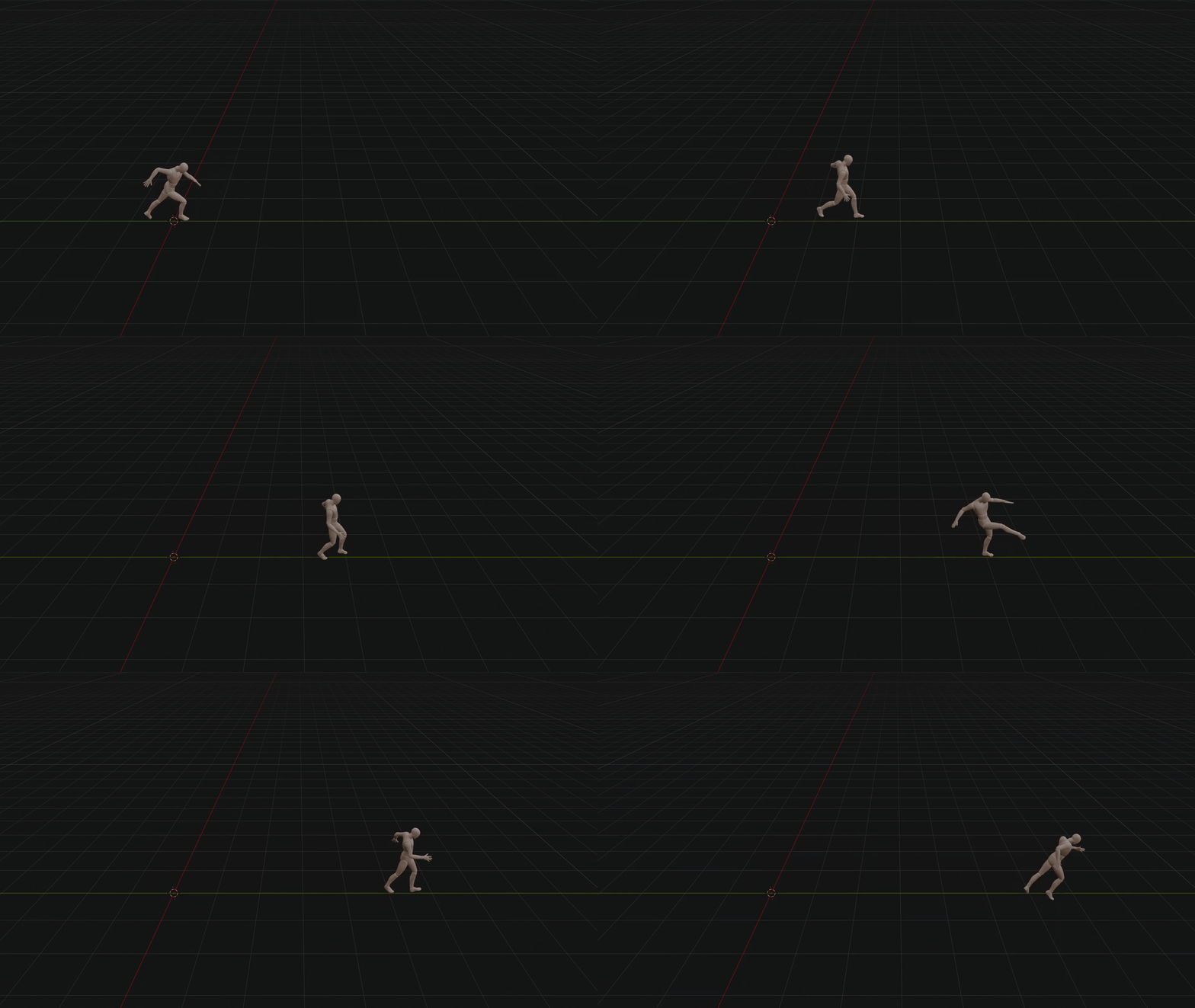
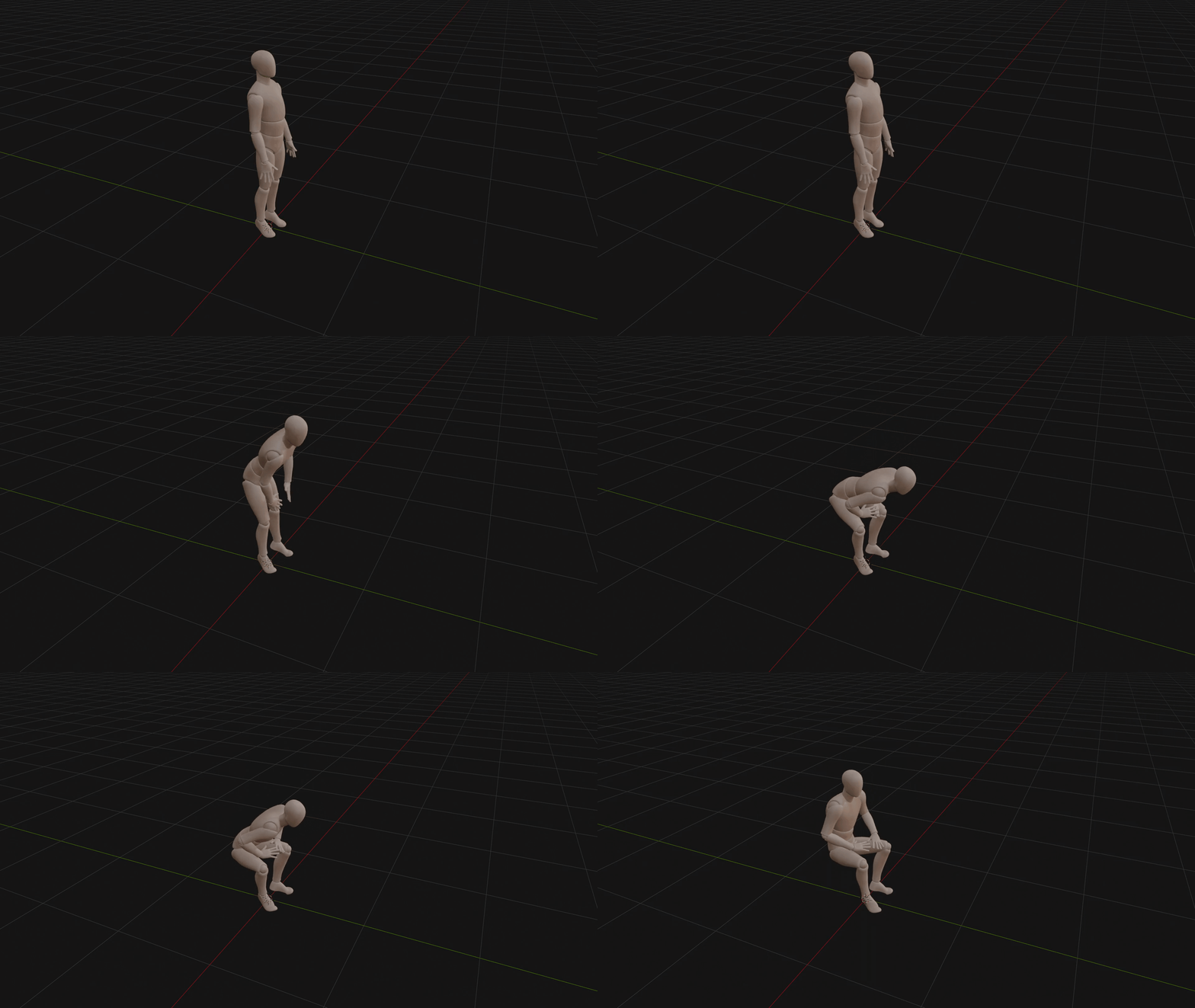
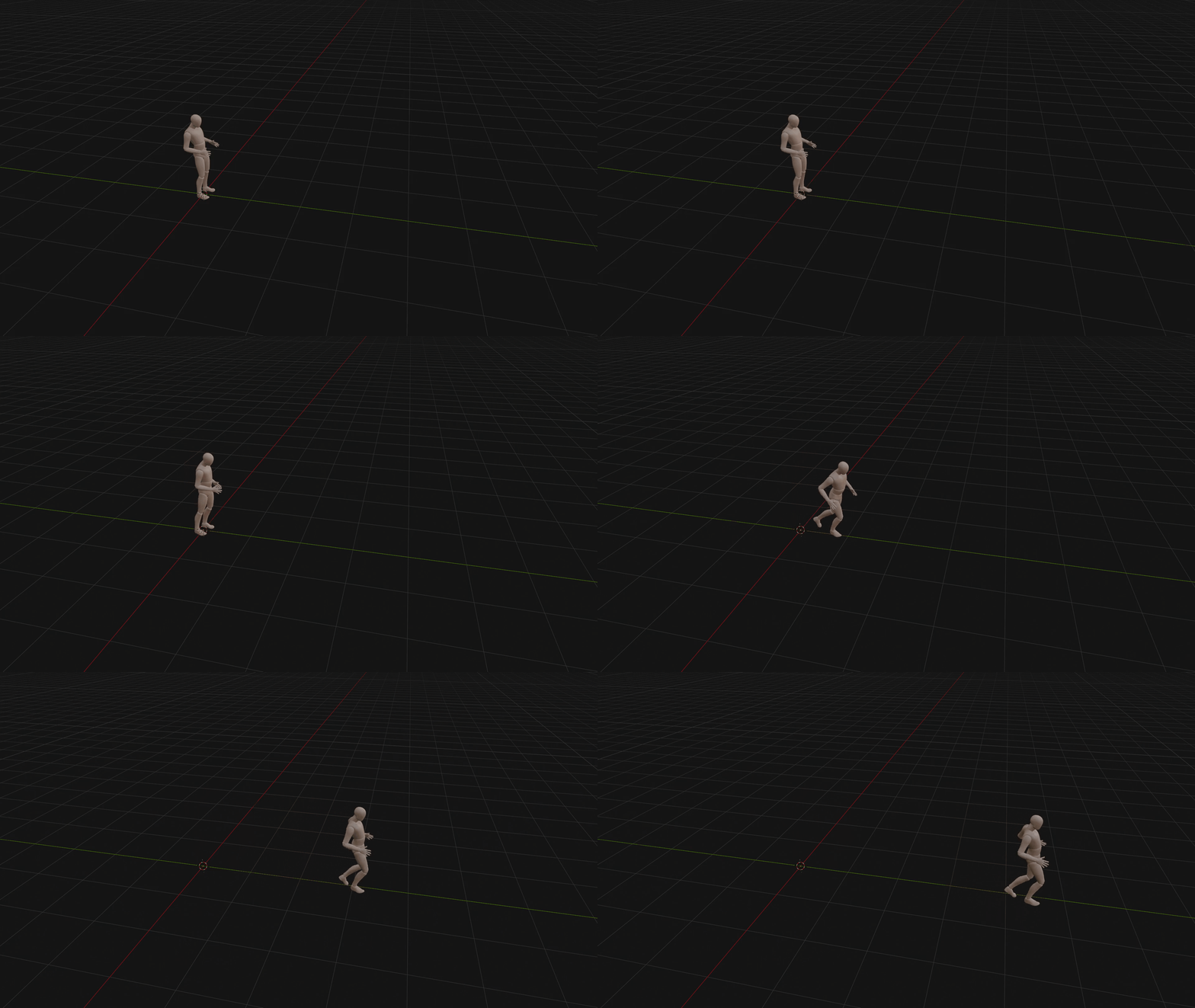
💻 System Requirements
General Software & Storage
| OS | Windows 10/11 (64-bit) and macOS (Apple Silicon M1/M2/M3/M4) for automated 1-click installer. Linux and Intel Mac require manual terminal setup. |
| Host Software | Blender 3.0 or higher. |
| Storage | 15 GB – 20 GB of free space (SSD highly recommended). |
| Internet | Required for the first run to download AI models and Python environment. |
GPU Accelerated (NVIDIA / Apple Silicon)
Accelerated inference via NVIDIA CUDA on Windows or Apple Silicon Metal/MPS on macOS.
- GPU: NVIDIA GPU (CUDA) or Apple Silicon M1/M2/M3/M4 (Metal/MPS).
- Min VRAM / RAM: 8 GB VRAM (Windows) or 16 GB Unified Memory (macOS). 24 GB+ strongly recommended.
- System RAM: 16 GB minimum (32 GB recommended on Windows). Close heavy apps before generating.
- CPU: Modern multi-core processor.
- Render Time: ~15–30 seconds for a standard animation.
CPU Only / Intel Mac / AMD
Enable the Force CPU toggle. Entire pipeline runs in System RAM.
- GPU: None required.
- RAM: 32 GB absolute minimum (64 GB highly recommended).
- CPU: High-end modern processor strongly recommended.
Getting Started
Three steps: install the Blender addon, set up the backend, then import the AI model weights.
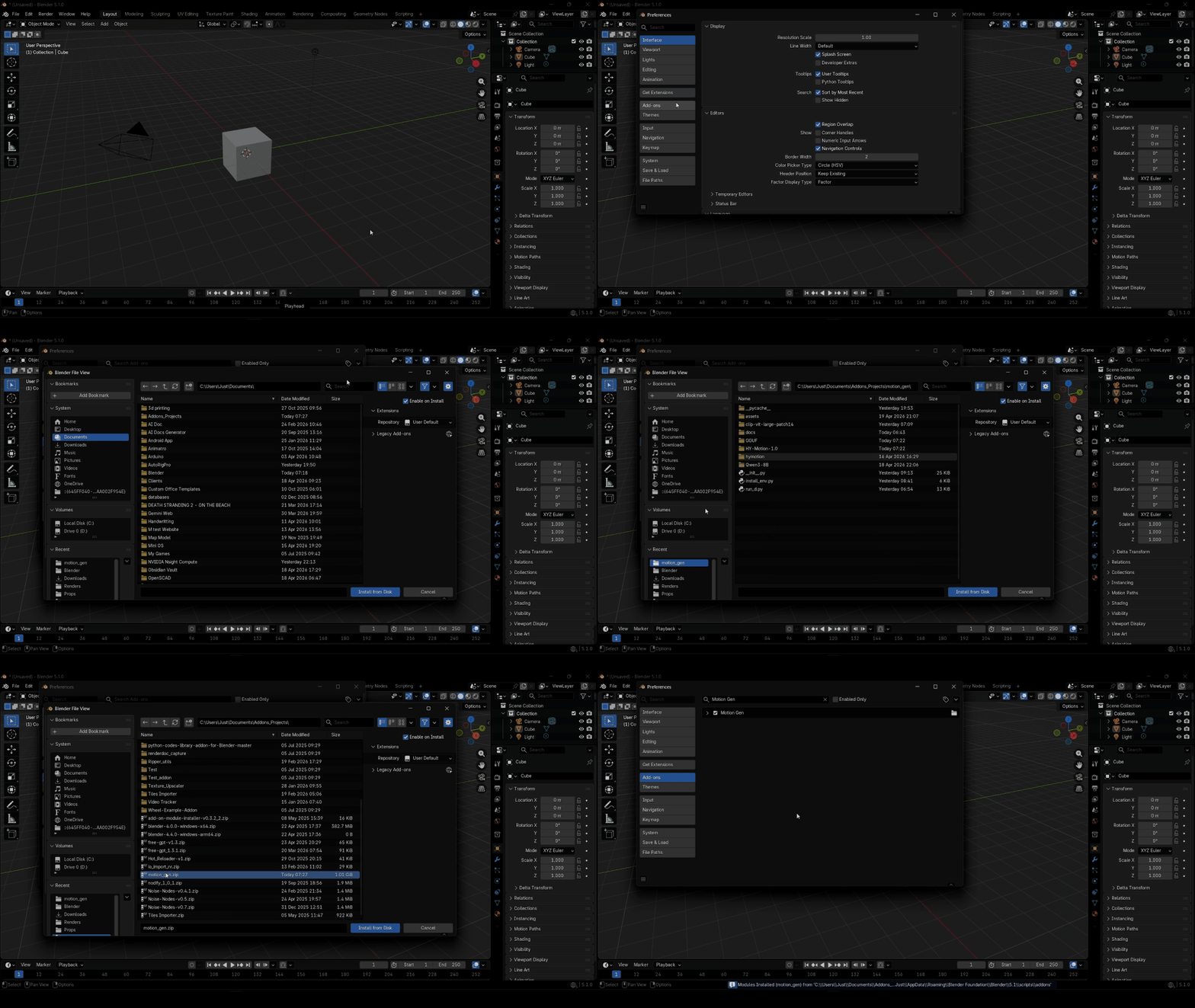
Step 1: Install the Addon in Blender
- Download the addon zip file:
motion_gen-macos-arm64.zipfor Apple Silicon Mac ormotion_gen.zipfor Windows. - Open Blender (version 4.2.0 or higher recommended).
- Go to Edit → Preferences → Add-ons.
- Click Install… at the top right.
- Locate and select
motion_gen.zip, then click Install Add-on. - Enable the addon by checking the box next to Animation: Motion Gen.
Step 2: Install the Motion Gen Backend
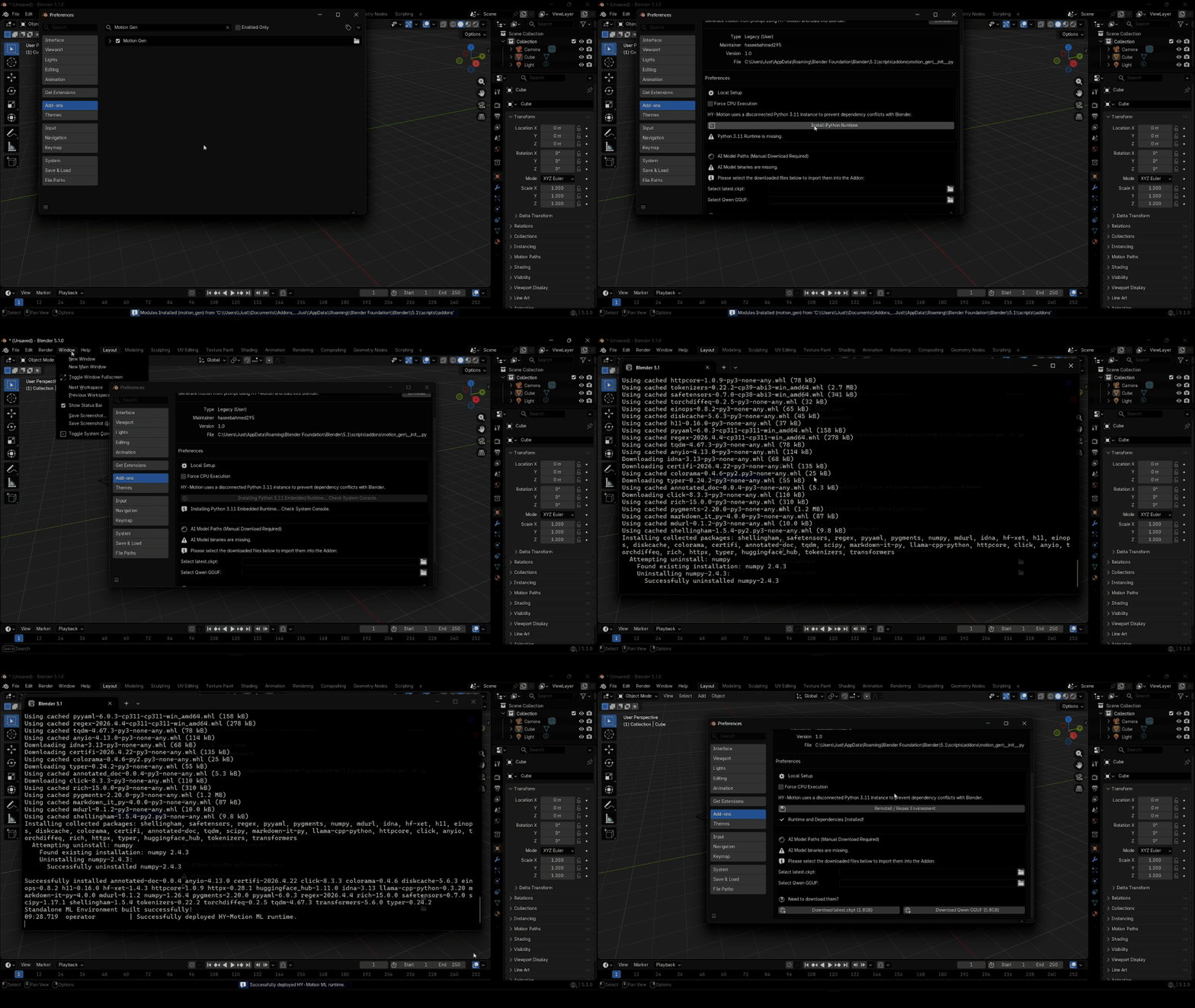
- Once enabled, expand the addon details by clicking the arrow next to its name.
- In the Local Setup section, you will see the status of the Python runtime environment.
- Click Install Python Runtime (or Install Motion Gen Backend). This automatically configures a standalone Python instance with CUDA (Windows) or native Metal/MPS acceleration (Apple Silicon macOS).
- Wait for the installation to finish. You can check the Blender system console (Window → Toggle System Console) for progress.
- Wait until the status says Runtime and Dependencies Installed!
Step 3: Download & Import AI Models
Due to their large size, the AI models must be downloaded separately.
- In the addon preferences under AI Model Paths, click the provided links to download:
- Use the file selectors in the addon preferences to point to the downloaded files.
- Click Import Selected Models. The addon will copy these files to the correct internal directories.
- When finished, it will display All required models found locally!
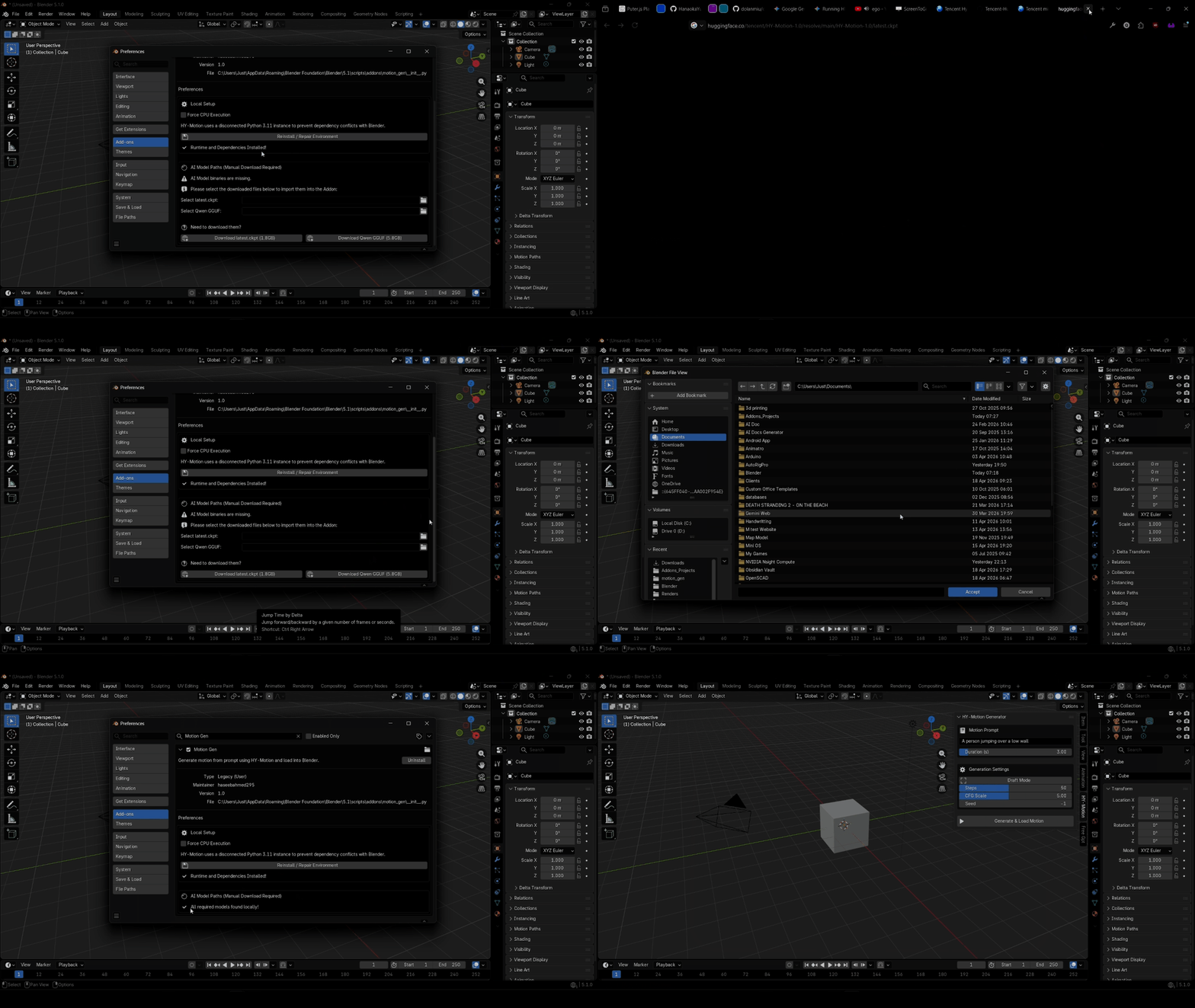
N to open the Sidebar, go to the Motion Gen tab, type a prompt, and click Generate & Load Motion. 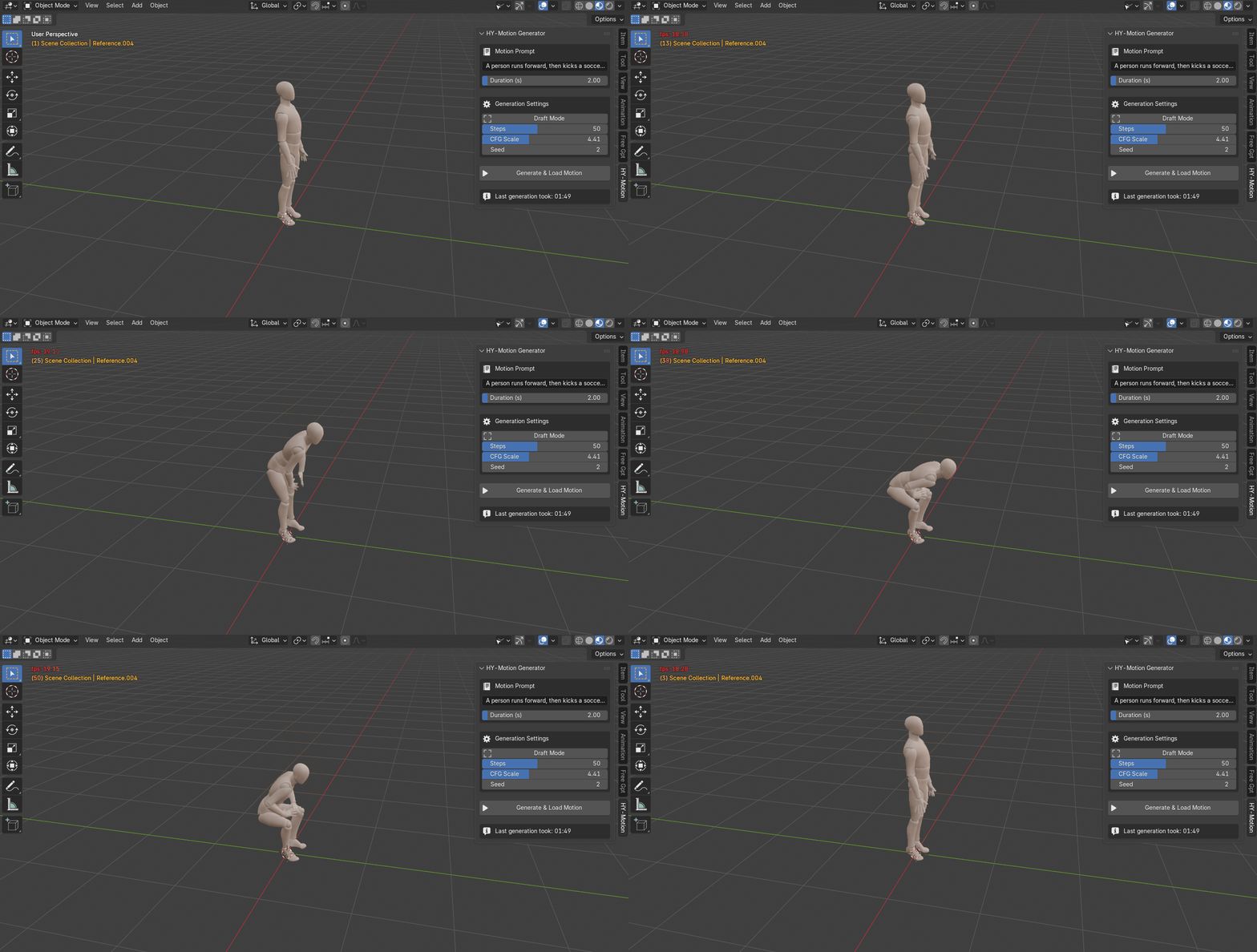
Understanding the Panel
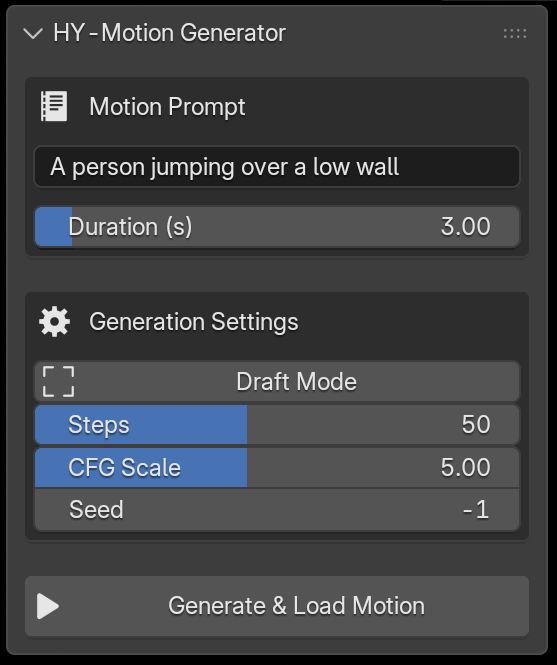
Every control in the Motion Gen sidebar panel explained — from prompt input to the final generate button.
✍ Motion Prompt
Describe the animation in plain English. Focus on concrete physical actions. Keep under 60 words.
Type: Free text · Default: "A person jumping over a low wall"⏱ Duration (s)
Animation length in seconds. Longer = more frames but slower generation. Caps at 12s.
Range: 0.5 – 30 · Default: 3.0⚡ Draft Mode
Locks steps to 20 for fast rough previews. Turn off for final quality.
Type: Toggle · Default: Off🔢 Steps
Diffusion iterations. More = smoother physics. 20–30 for drafts, 50–60 for production.
Range: 10 – 100 · Default: 50🎚 CFG Scale
Prompt adherence vs. physics. Low (2–4) = natural flow. High (5–7) = strict prompt.
Range: 1.0 – 10.0 · Default: 5.0🎲 Seed
Set -1 for random variation each time. Use a fixed number to reproduce a result.
Range: -1 – ∞ · Default: -1▶ Generate & Load Motion
Runs the full pipeline — encodes prompt, generates motion, and imports character with baked animation. Shows elapsed time and live status during generation.
🦴 Retarget to Your Own Character
Motion Gen generates animation onto a built-in SMPL-X armature. To transfer that animation to your own custom character, use Auto-Rig Pro's Remap tool.
Use Motion Gen to create your animation. The resulting rigged SMPL-X character will serve as the Source armature.
Ensure your custom character is in the same scene. Zero out location and rotation with Alt+G and Alt+R.
Open Sidebar → ARP → Remap. Set SMPL-X as Source and your custom rig as Target. Use Auto-Scale if proportions differ.
Click Build Bones List, map source to target bones, and designate the pelvis/hips as Set as Root.
Verify rest orientation (e.g. T-pose vs A-pose). Use Redefine Rest Pose and Copy Selected Bones Rotation to match them.
Click Re-Target. Use interactive tweaks to adjust offsets if needed (requires Euler rotation mode).
Prompting Guide & Best Practices
Getting great results starts with writing great prompts.
🌐 Language & Length
Please use English. For optimal results, keep your prompt under 60 words.
🎯 Content Focus
Focus on concrete actions and physical limb/torso motions rather than abstract or narrative ideas.
❌ Currently NOT Supported
✨ Example Prompts
Known Limitations
Currently targets the SMPL-X character template. Requires Python 3.11 (~3 GB) alongside weights.
Humanoid motion only (no quadrupeds, hands, or faces). Physics accuracy degrades after ~10 seconds.
NVIDIA 8GB+ VRAM or Apple Silicon recommended. CPU execution works but is 40–60× slower.
Outputs depend on specific wording. Concrete action descriptions work far better than abstract concepts.
Automated installer covers Windows 10/11 and macOS ARM64. Linux and Intel Mac require manual steps.
Same seed is consistent on identical hardware, but variations can occur between CPU and GPU architectures.
Changelog
| Version | Date | Highlights |
|---|---|---|
v1.0 | April 2026 | Initial release — prompt-to-motion generation, SMPL-X auto-rigging, GPU + CPU fallback, manual model import, isolated Python 3.11 runtime, Draft & Production modes. |
Model & Dependency Licenses
Motion Gen orchestrates several third-party models. Agreement to these licenses is required via the in-Blender click-wrap.
Motion Gen Blender Addon · Built by haseebahmed295 · 2026
Documentation generated for v1.0

