 BlenddON
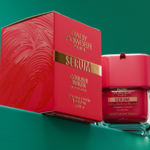
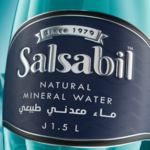
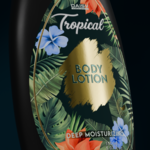
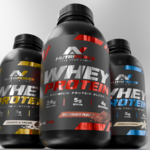

(Offer expires on Friday, December 18th)
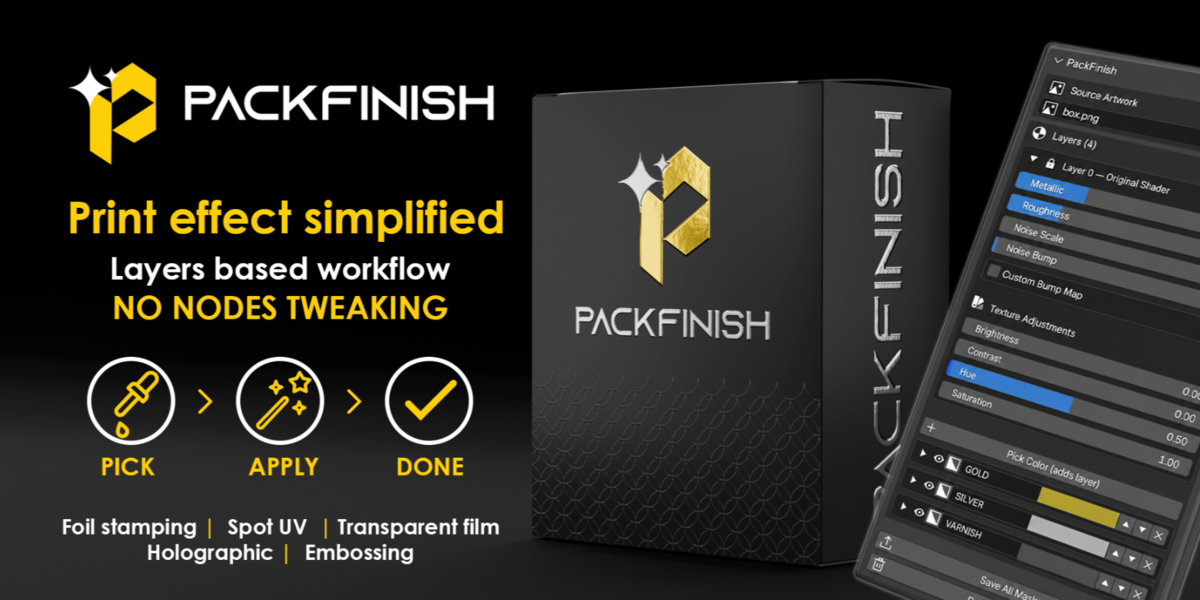
PackFinish — Printing Finishes for Packaging, in One Click
From Flat Artwork to Premium Printed Packaging in Seconds.
Stop building foil and varnish shaders by hand.
PackFinish is a super easy tool to create printing finishes for packaging labels, boxes, flexible packaging and more. Pick a color on your artwork with the eyedropper and the effect appears instantly. Designed for 3D artists, packaging designers and mockup creators, and absolutely easy to use, even for Blender beginners.
The Workflow: Pick. Tweak. Done.
1. Eyedropper: Instant Finish
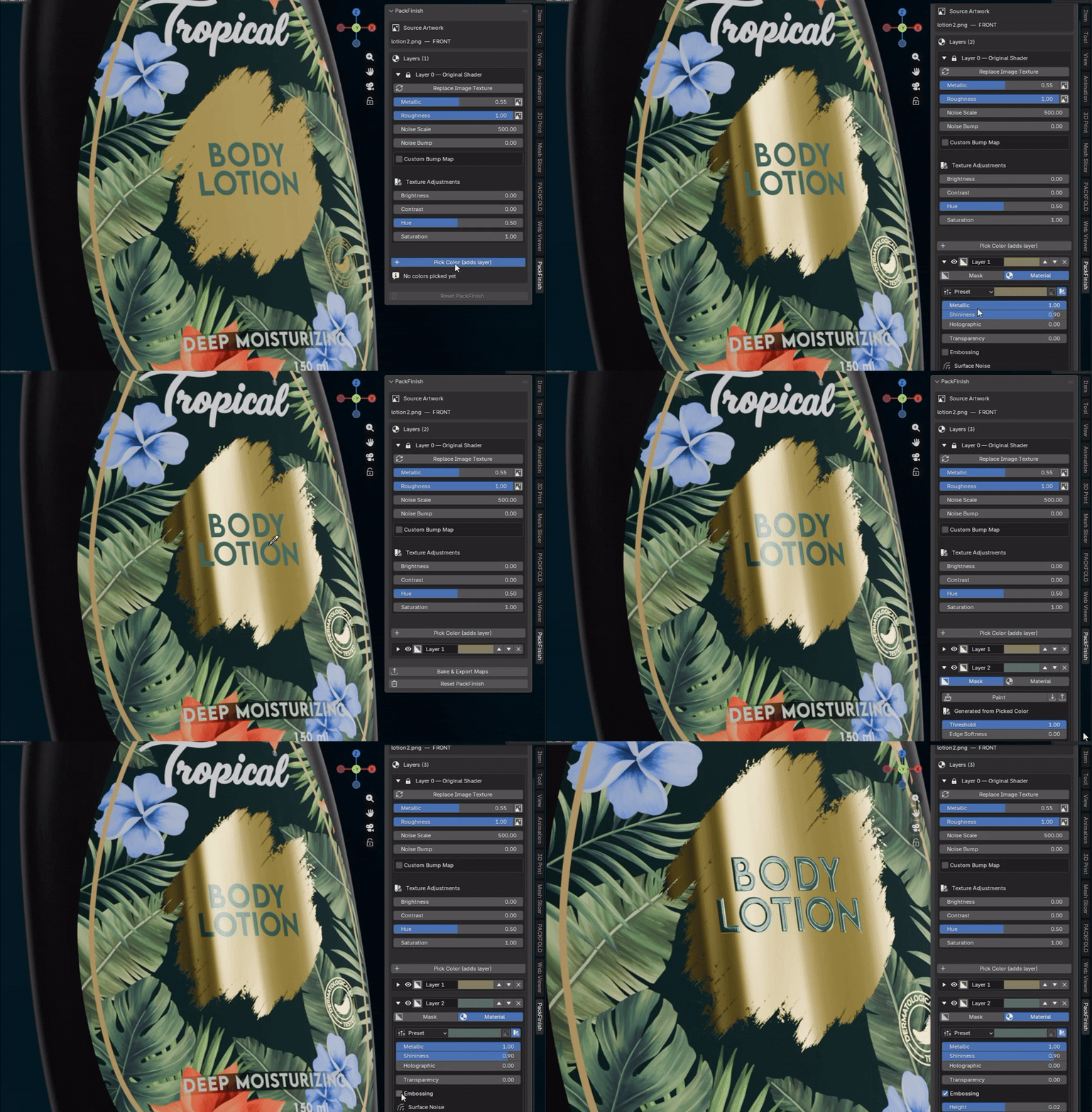
Why build nodes manually? Click any color of your artwork texture directly in the viewport and the finish is applied instantly. Want another effect? Just pick another color.
- ✅ Benefit: Save hours of shader work.
- ⚡ Feature: One-click viewport eyedropper.
2. Finishes: Every Printing Effect You Need
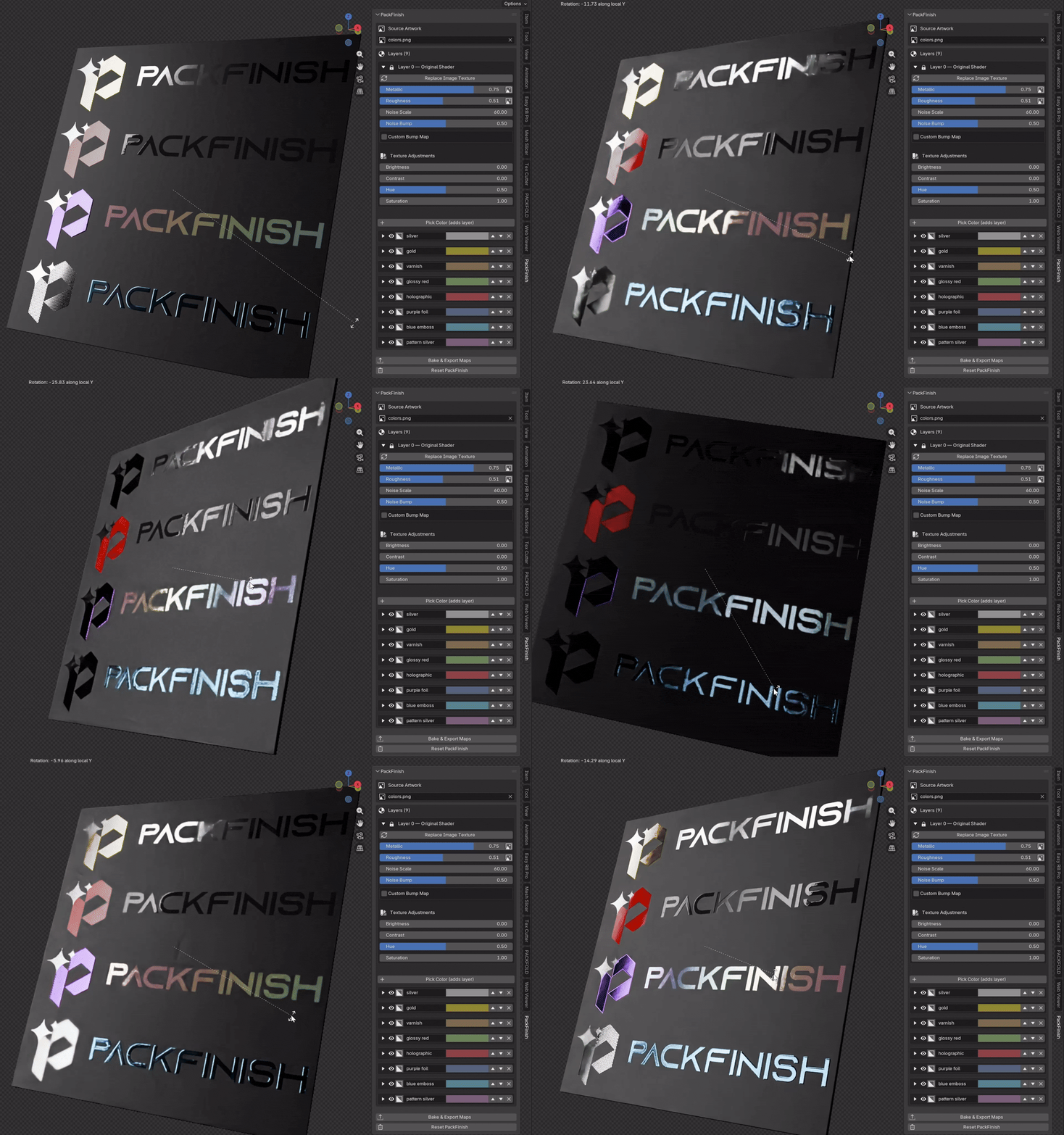
The real printing finishes, ready in one click.
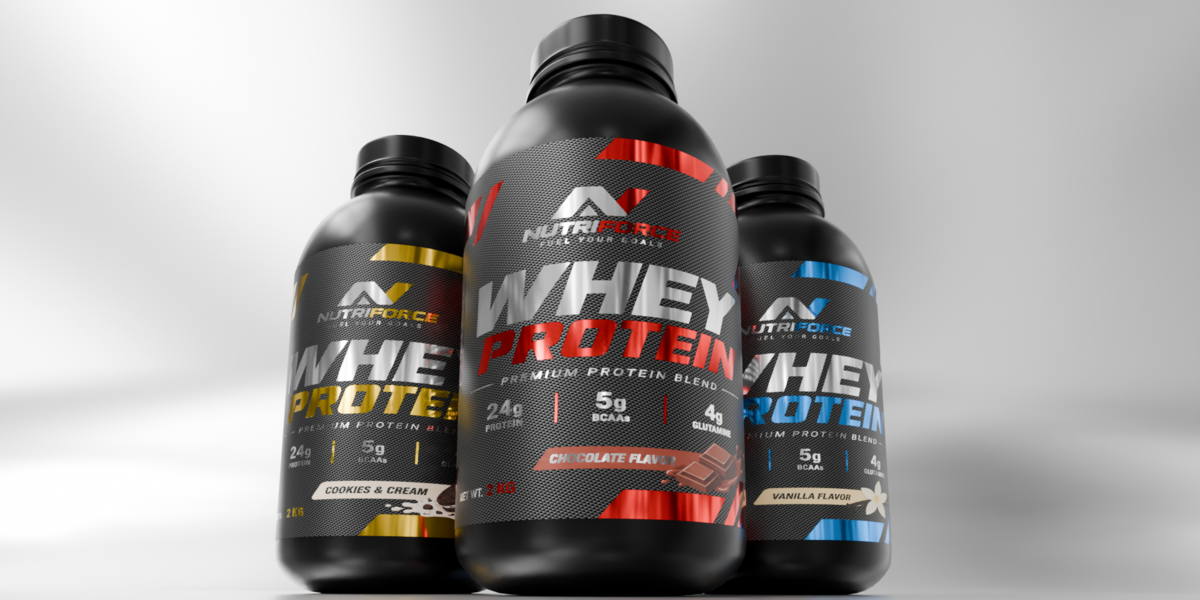
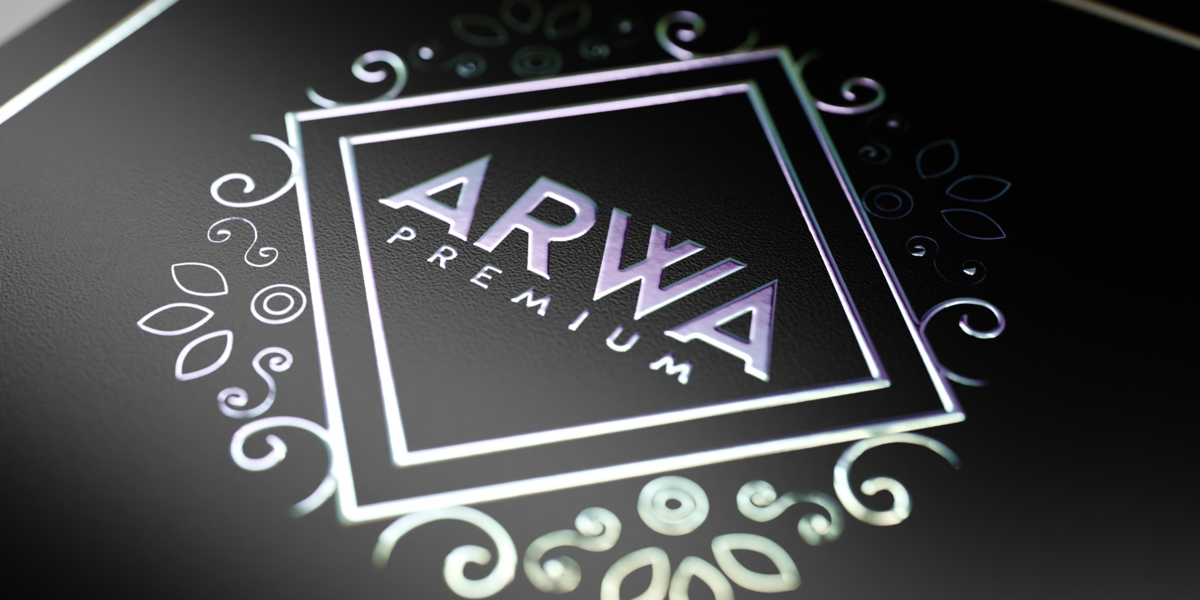
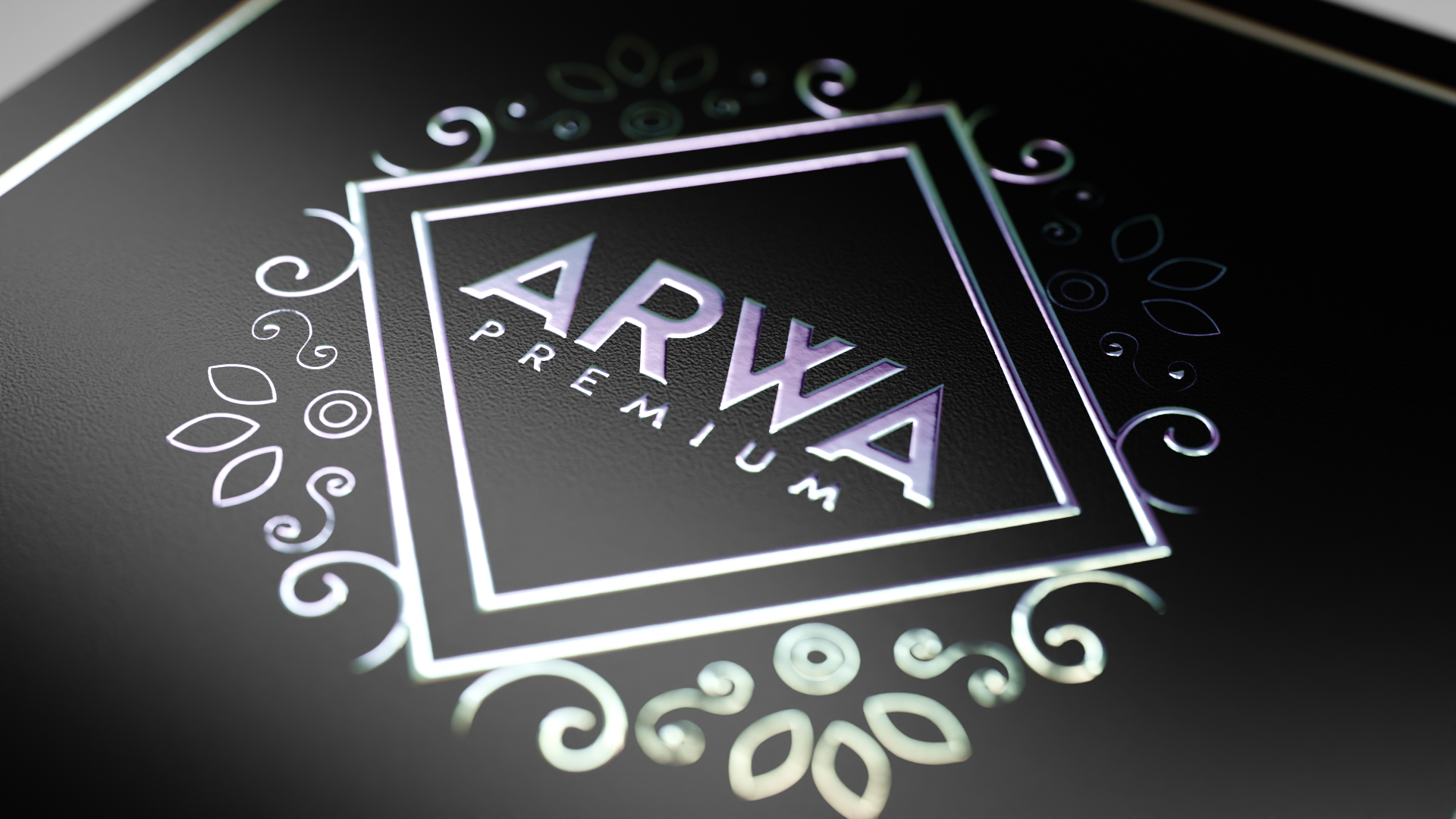
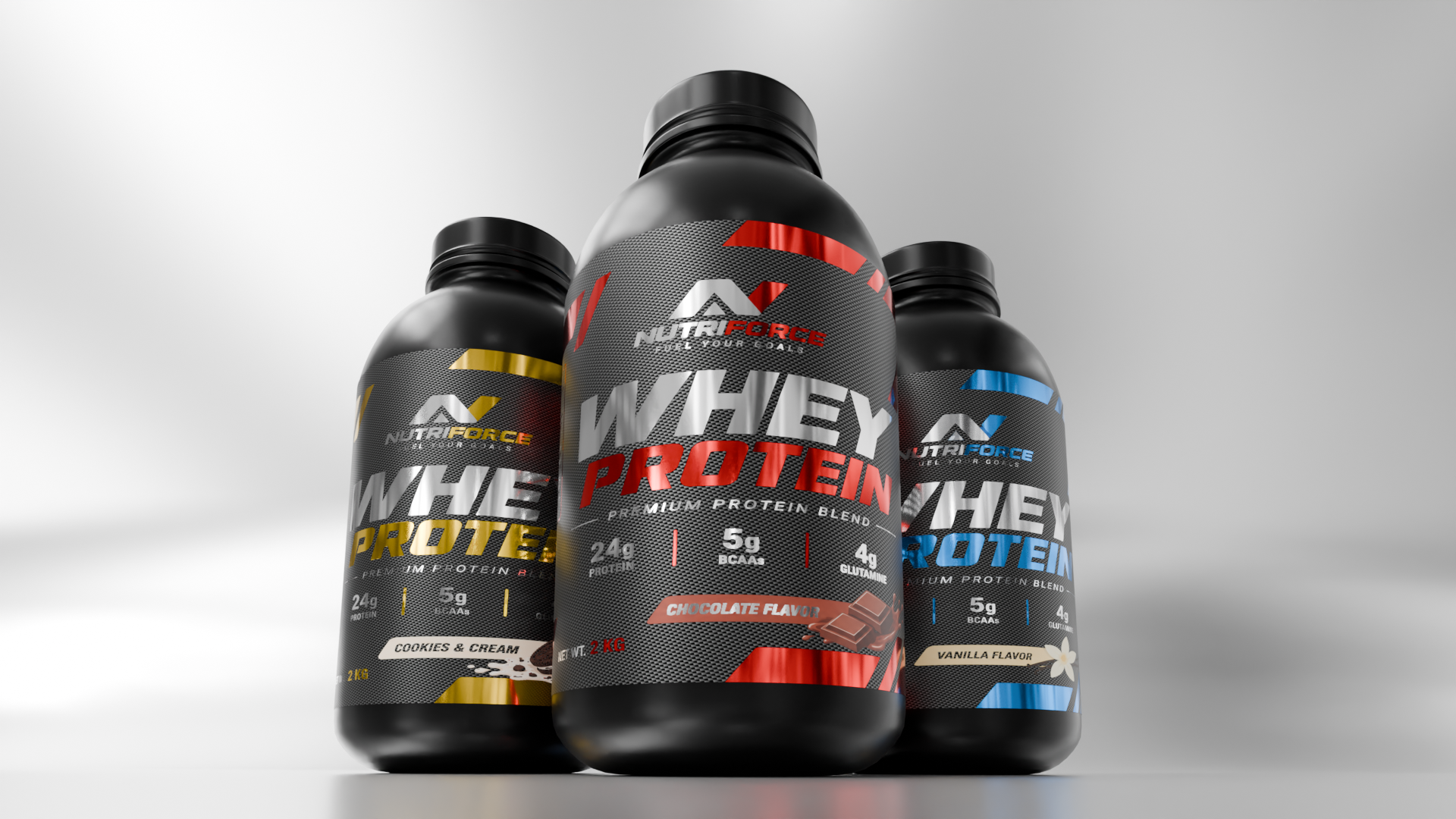
- 🥇 Foil: gold, silver, copper or any colored foil
- ✨ Varnish: glossy, matt and tactile
- 🔲 Embossing and debossing with adjustable height
- 🌈 3D interactive holographic
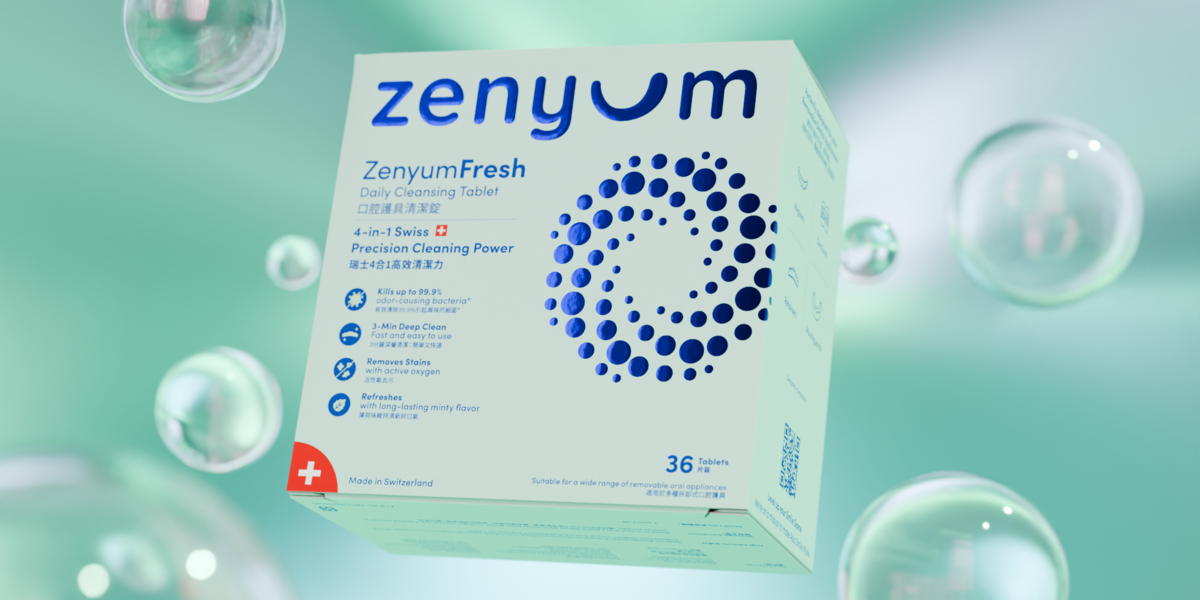
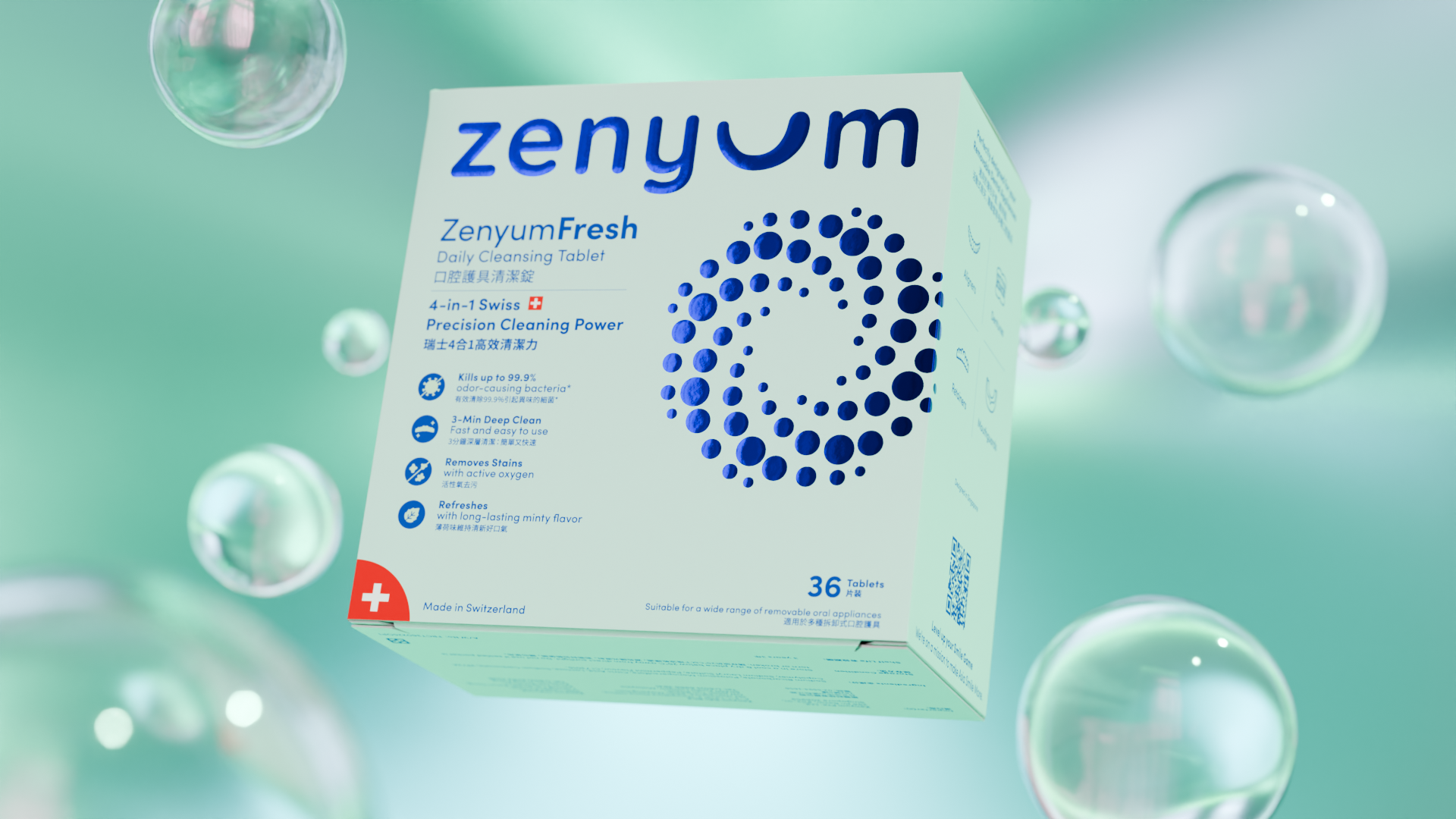
- 🪟 Transparent film
- 🖼️ Custom patterns: load your own pattern for the selected finish
3. Controls: Tweak in Real Time
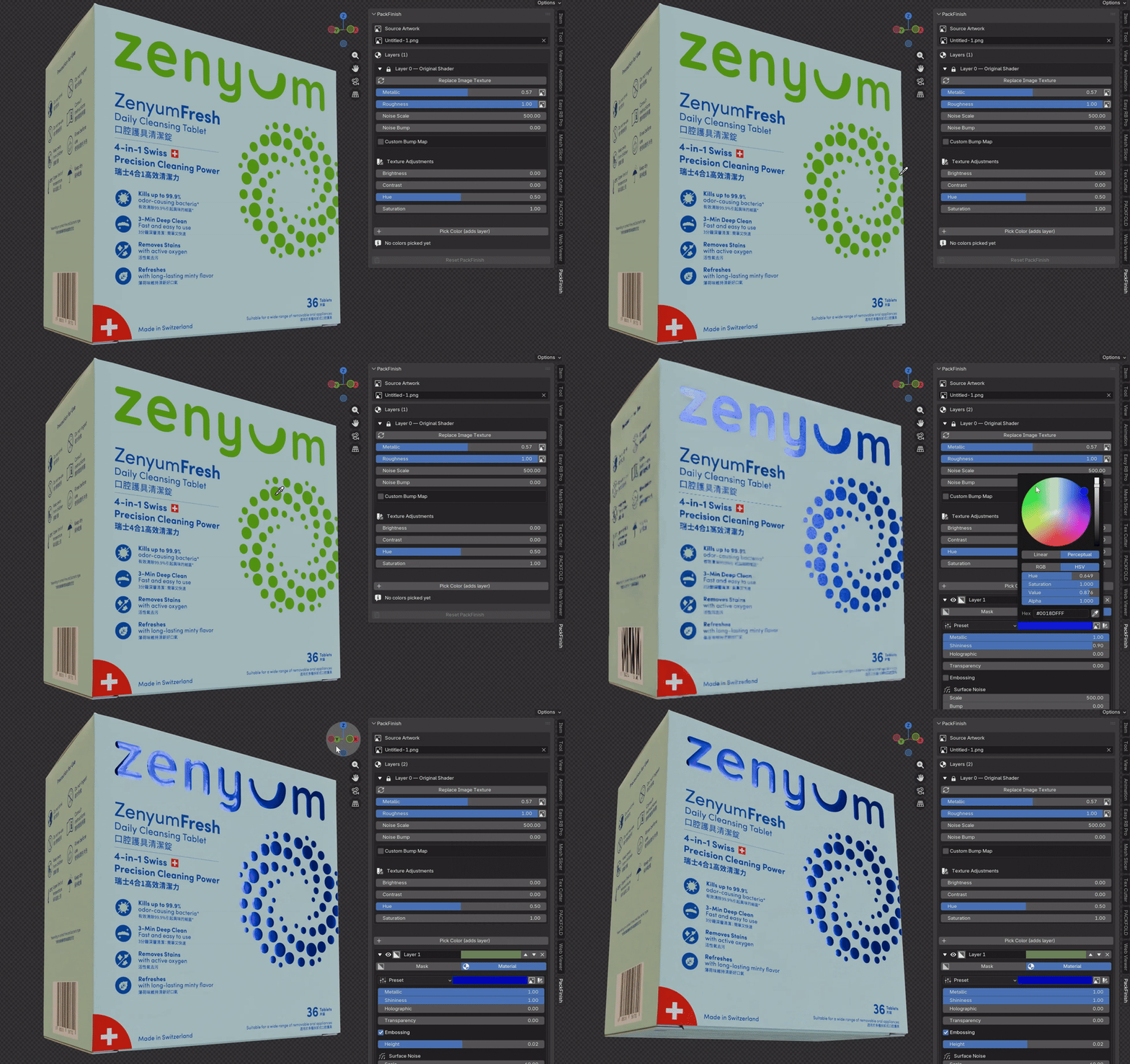
Simple sliders, instant feedback. Change the color, metallic, shininess, transparency or holographic intensity. Set the embossing height and add a surface noise texture for realistic micro-detail.
4. Layers: Stay Organized
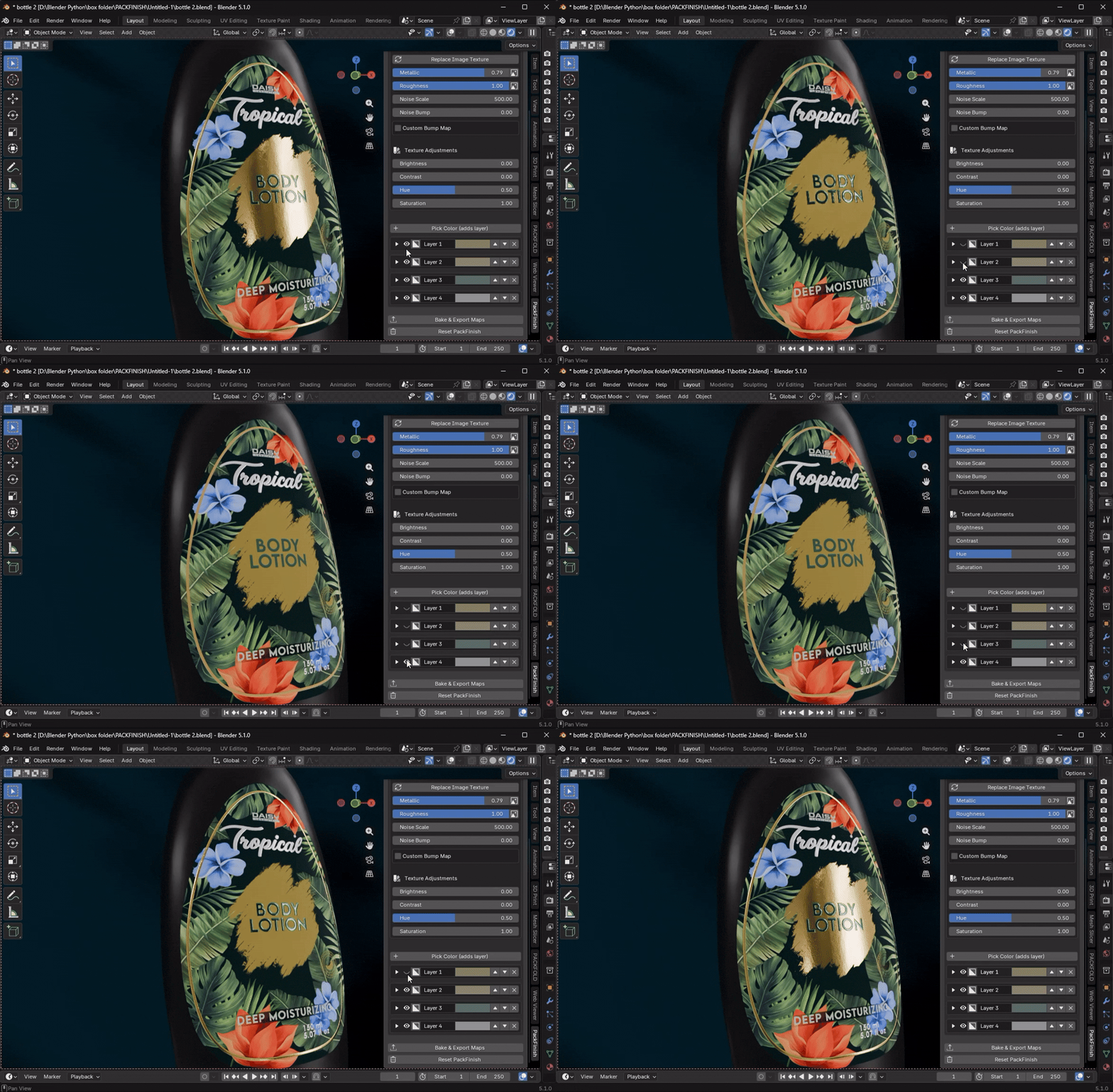
Every effect gets its own layer. Switch layers on/off, change their position and rename them. Show the same box with and without foil in one click, perfect for client presentations.
5. Mask: Clean Results, Even with Complex Artwork
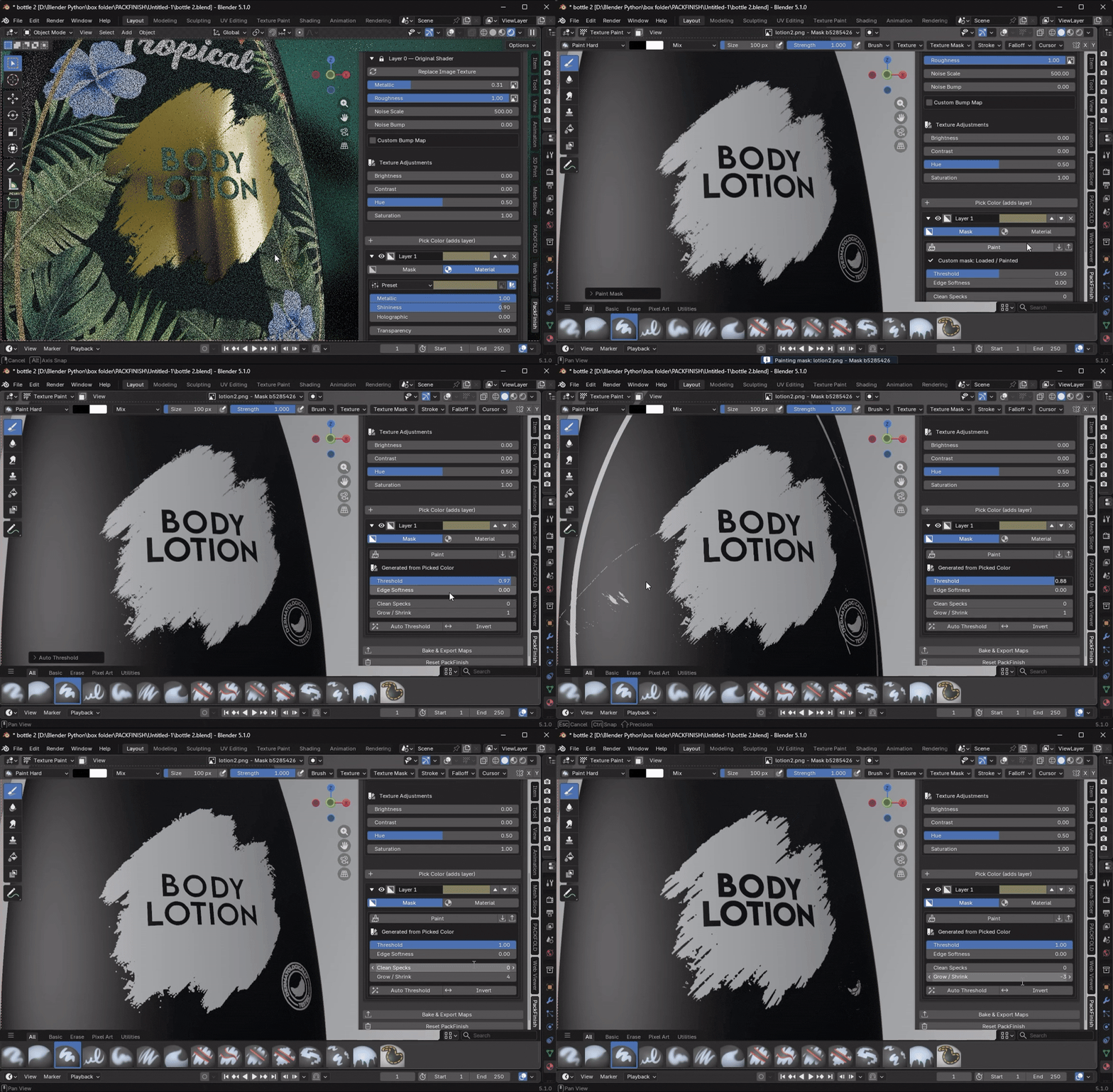
Perfect the mask your way. Adjust it with several options, or paint directly to remove unwanted areas that came with the mask by accident.
⚙️ A Complex Node Tree. Built For You.
no manual nodes tree building. Maximum realism.
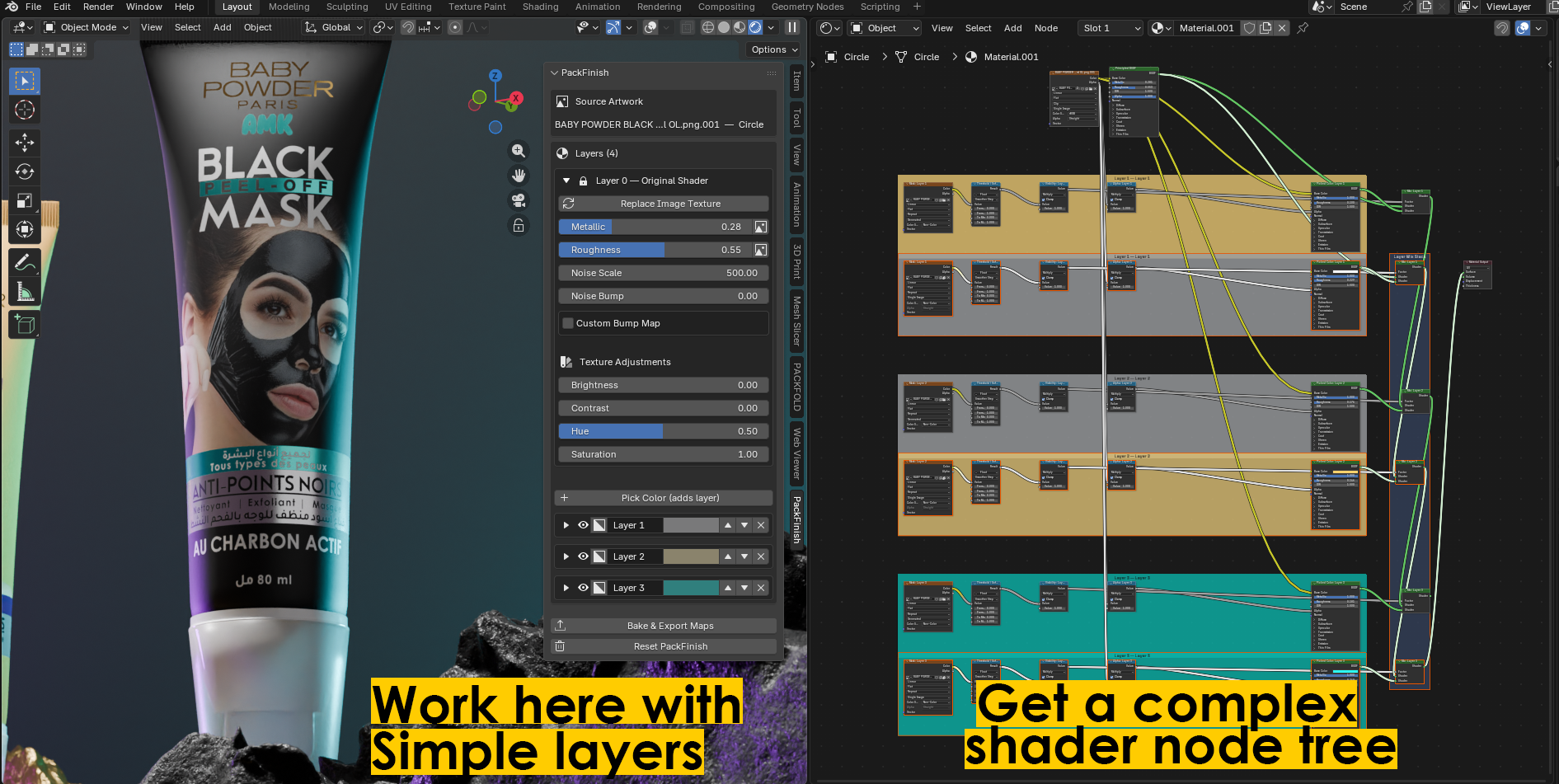
In the background, PackFinish builds a sophisticated node-mixing tree that would take hours to create manually. You save a lot of time and effort, and every setting stays editable from one simple panel.
6. Export: PBR Textures for Any Software
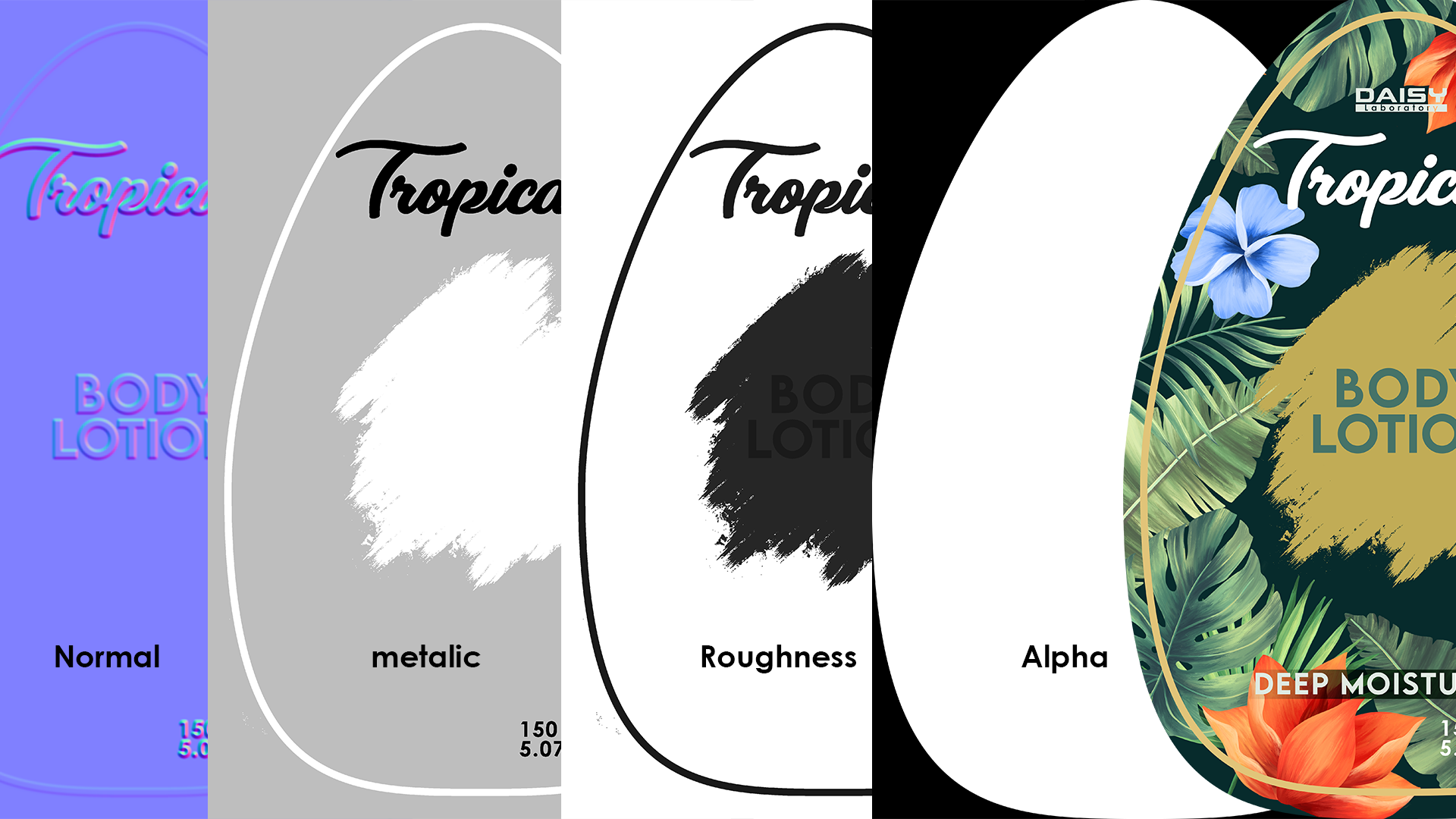
Take your finish anywhere. Export the maps generated by PackFinish as PBR textures, simplify the material and reuse it in other 3D software, game engines or real-time viewers.
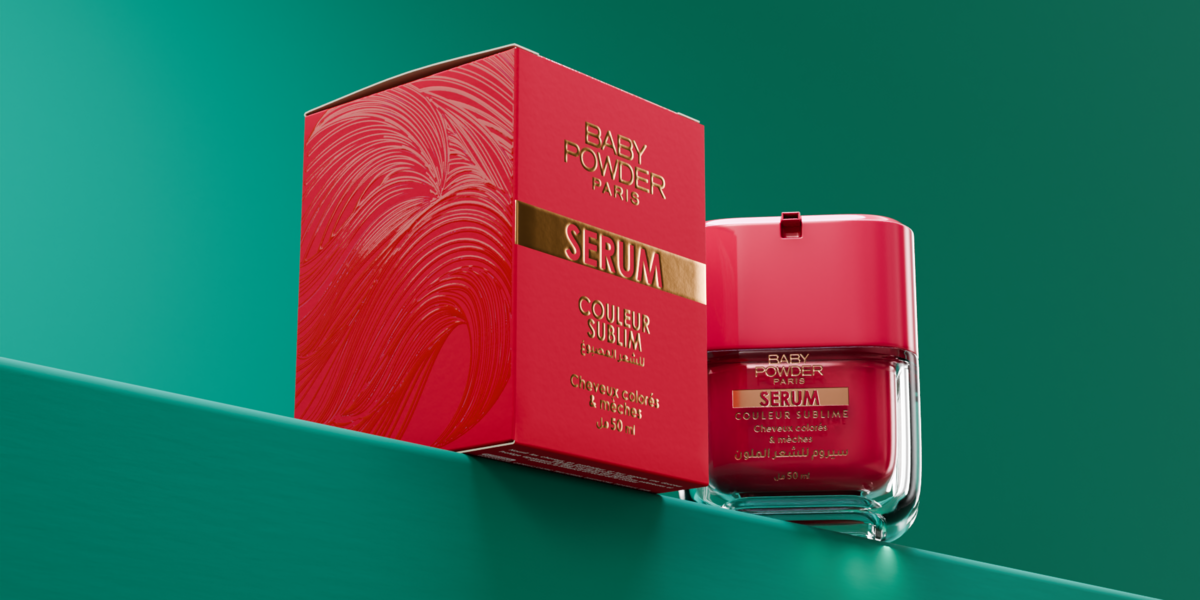
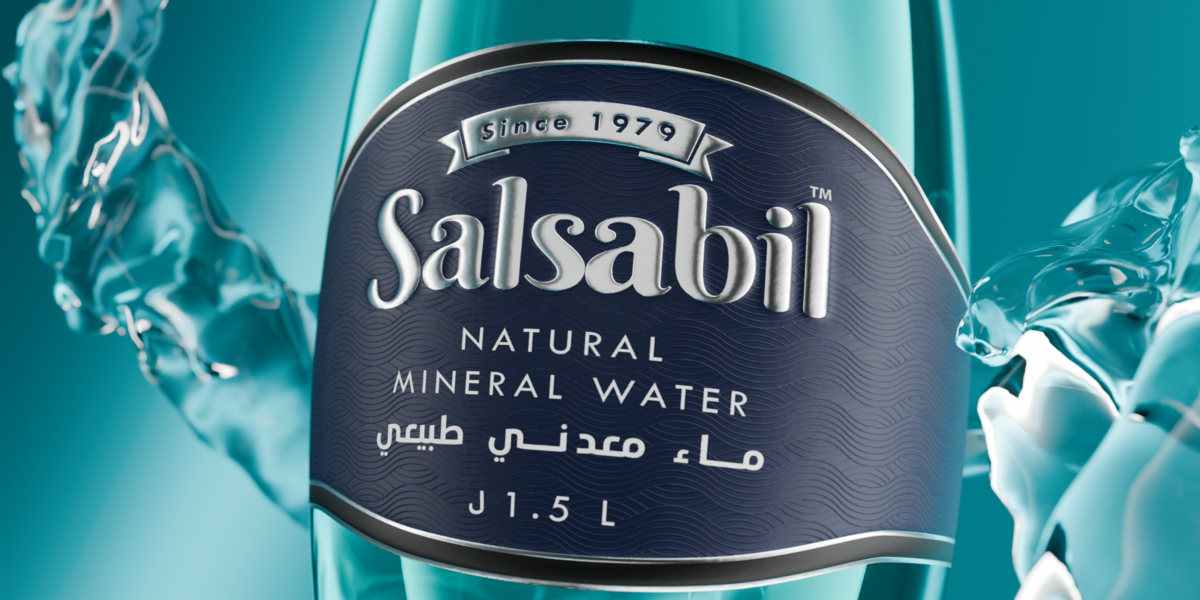
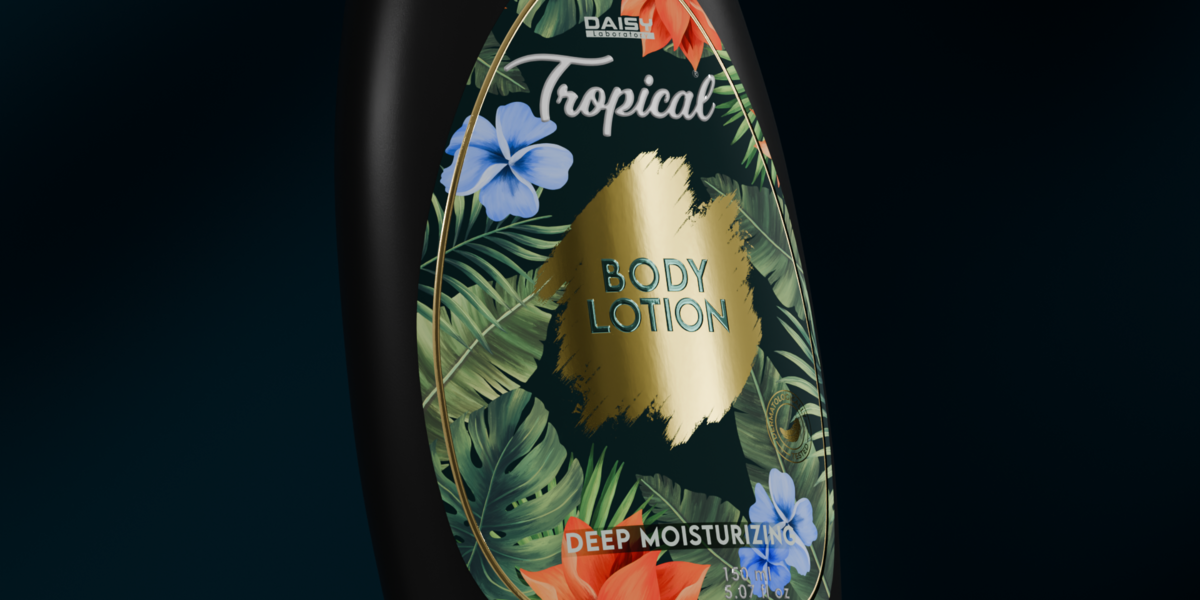
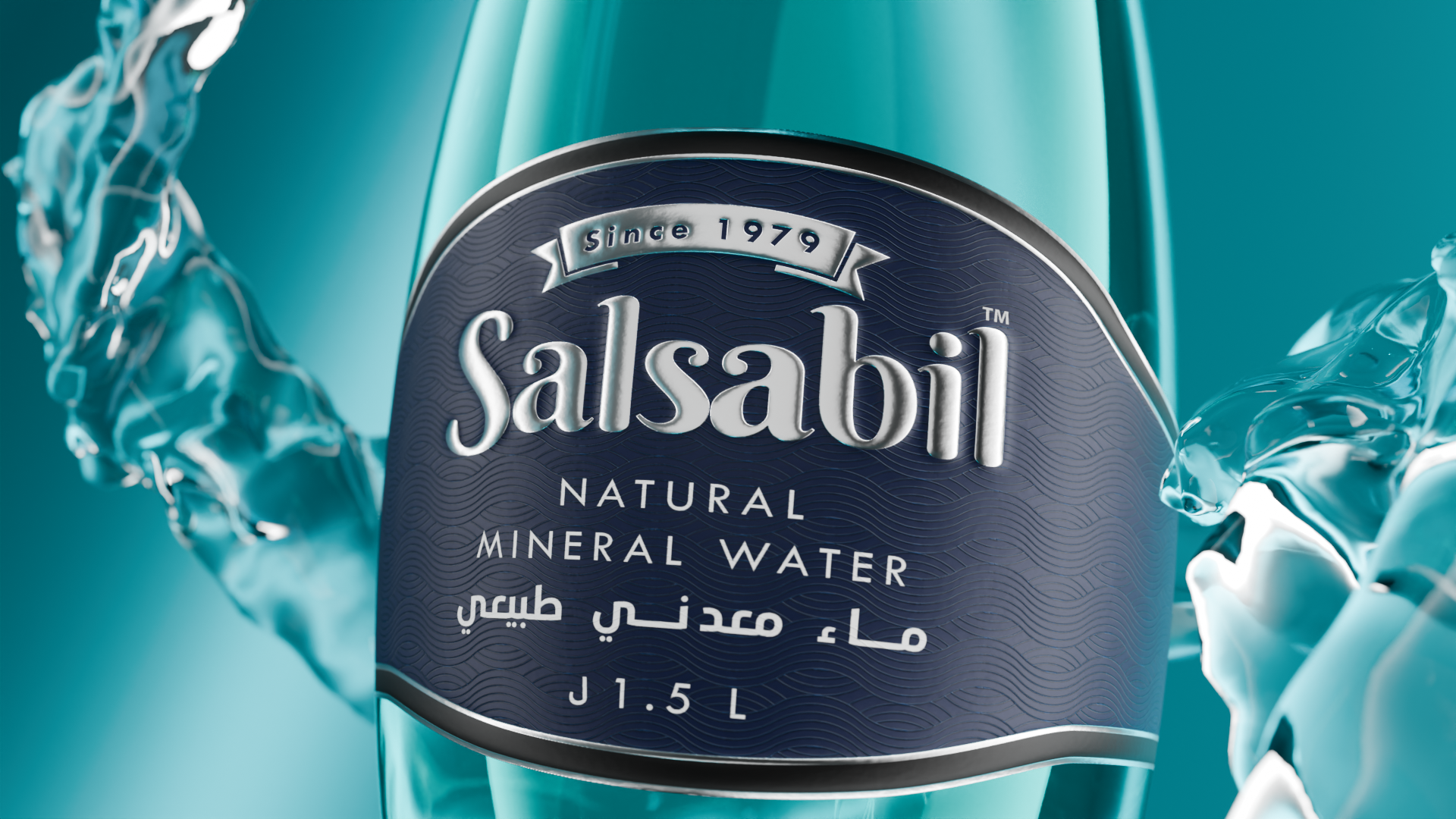
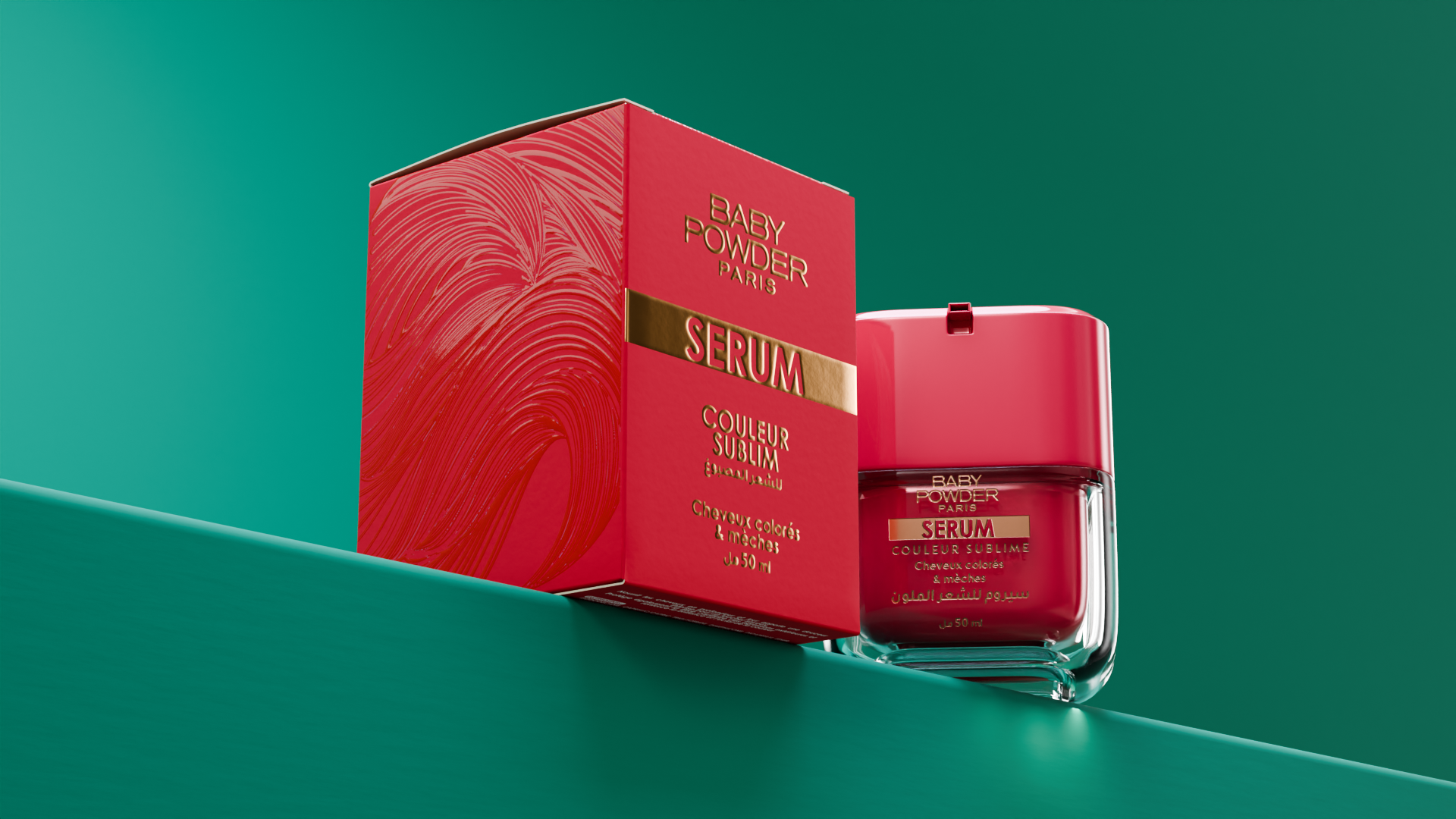
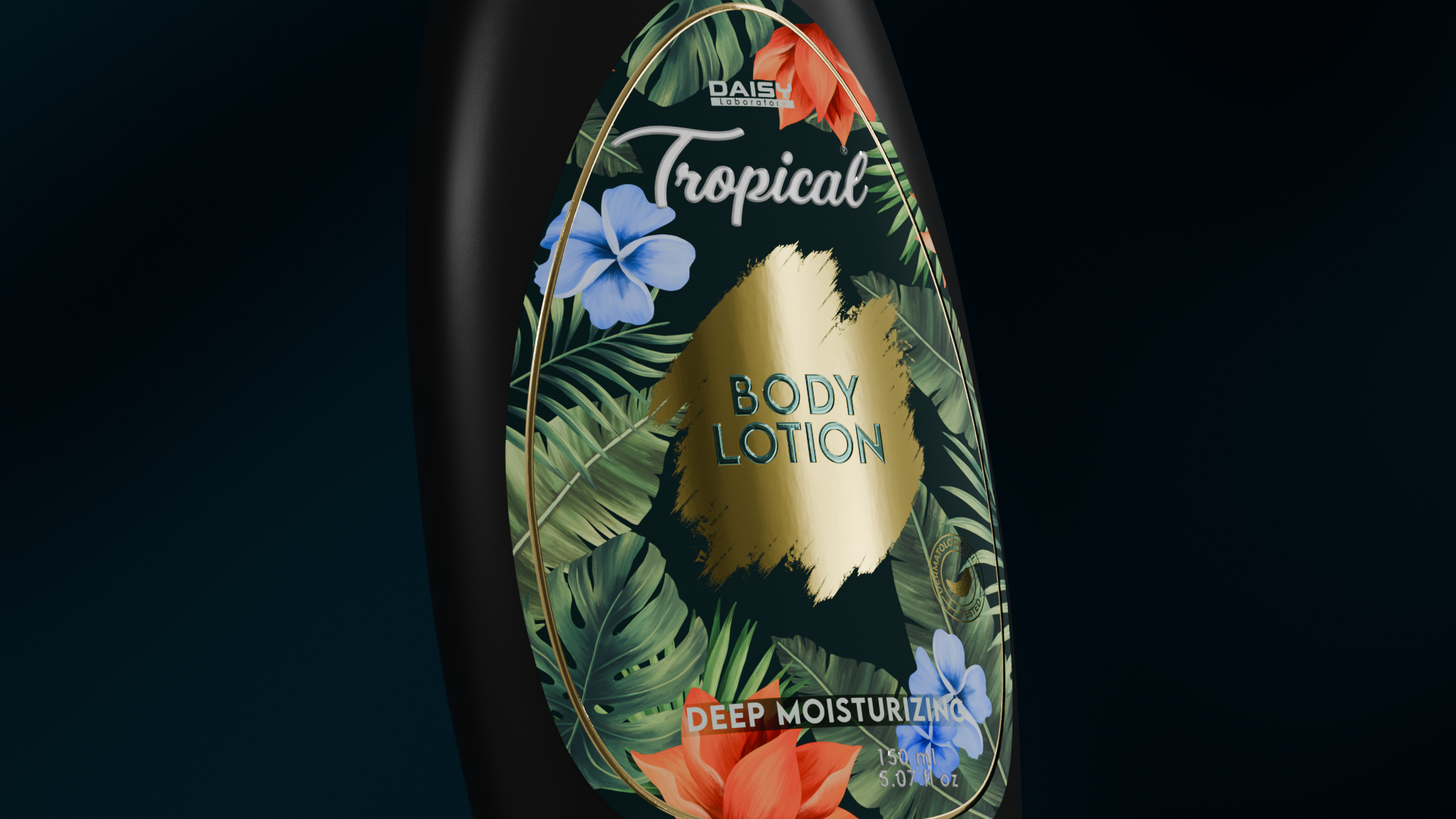
Made with PackFinish
Real printing finishes, rendered in Blender.
Who Is PackFinish For?
|
🧊
3D ArtistsProduct visualization with real printing effects |
📦
Packaging DesignersShow designs in 3D with the exact finishes you chose |
🖼️
Mockup CreatorsConvincing results, fast |
|
🪞
Digital TwinsAccurate virtual copy of the real product |
🧪
PrototypingValidate packaging before printing |
🌱
Blender BeginnersNo node knowledge needed |
Why Choose PackFinish?
What You Get Today:
- ✅ The Full PackFinish Addon (no limitations)
- ✅ All Finishes: foil, varnish, emboss/deboss, holographic, film
- ✅ Layer System + Mask Tools + Paint-out
- ✅ PBR Texture Export
- ✅ Free Updates
- ✅ Commercial Use
PackFinish + PackFold
Build the packaging geometry with PackFold, then print it with PackFinish: the complete packaging workflow in Blender.
Frequently Asked Questions
No. PackFinish builds the node tree for you. Pick a color, adjust the sliders, done.
Yes. You can load your own pattern for the selected finish.
Use the mask options, or paint directly to remove the unwanted areas.
Yes. Each finish lives on its own layer. Pick another color to add another effect, then reorder or toggle layers.
Yes. Export the generated maps as PBR textures and reuse them anywhere.
Designed for packaging and 3D artists, by a 3D artist.

