 Sonneblom Digitaal
What it does
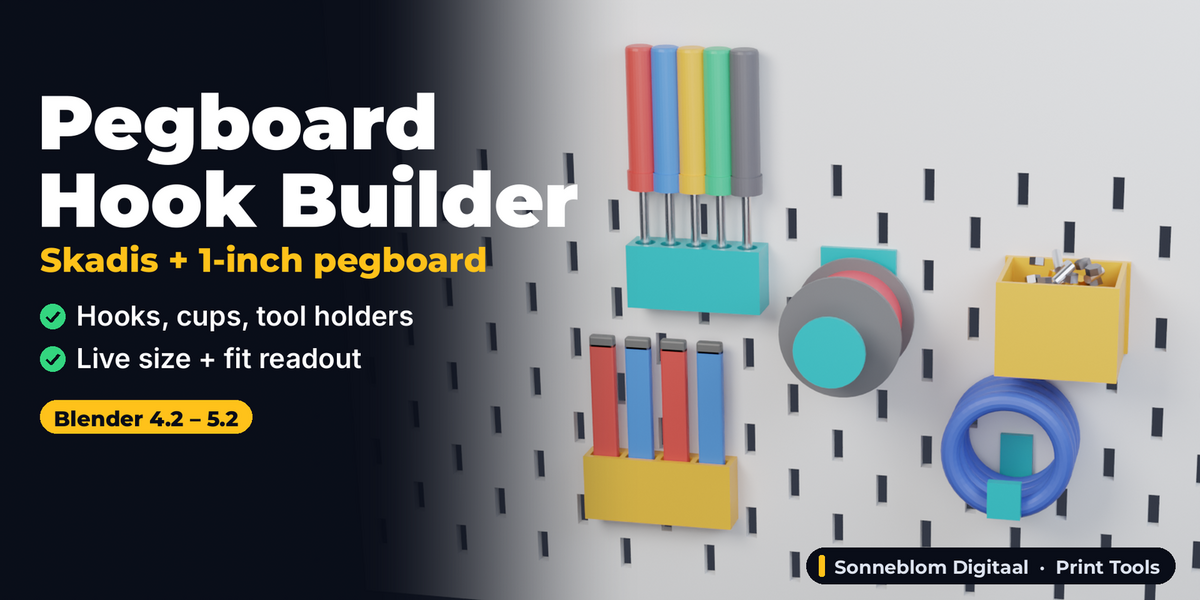
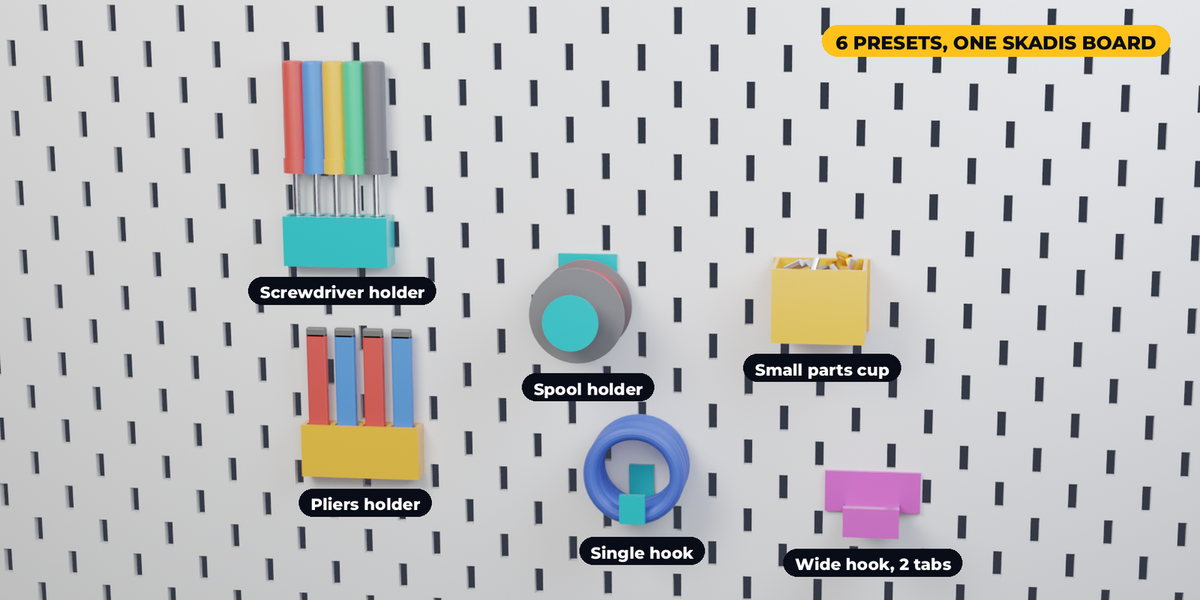
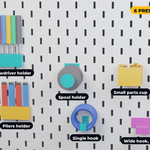
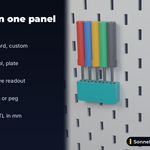
Pick a preset (hook, screwdriver holder, pliers holder, parts cup, spool holder), tell it which board you have, and get a print-ready holder with tabs or pegs on the right grid. Change any setting afterwards and the same object rebuilds in place: widths, heights, walls, hole sizes, clearance, number of tabs.
Who it's for
Anyone who prints accessories for a workshop wall: IKEA Skadis users, 1-inch pegboard users and makers with their own hole grid, who need a holder for the exact tools they own instead of searching for a download that almost fits.
Key features
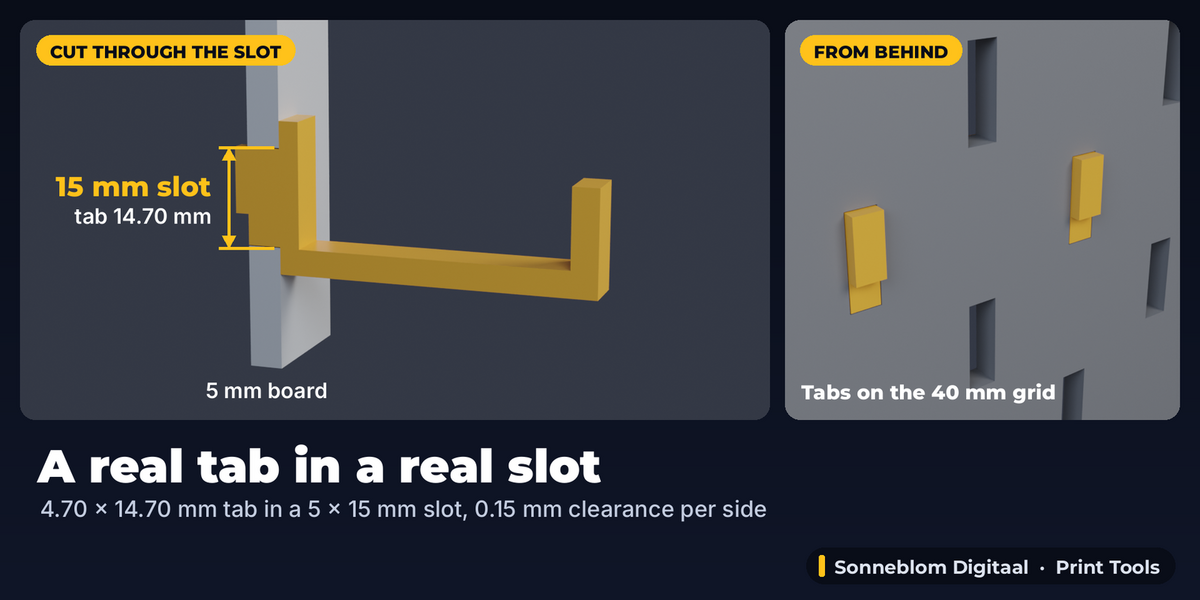
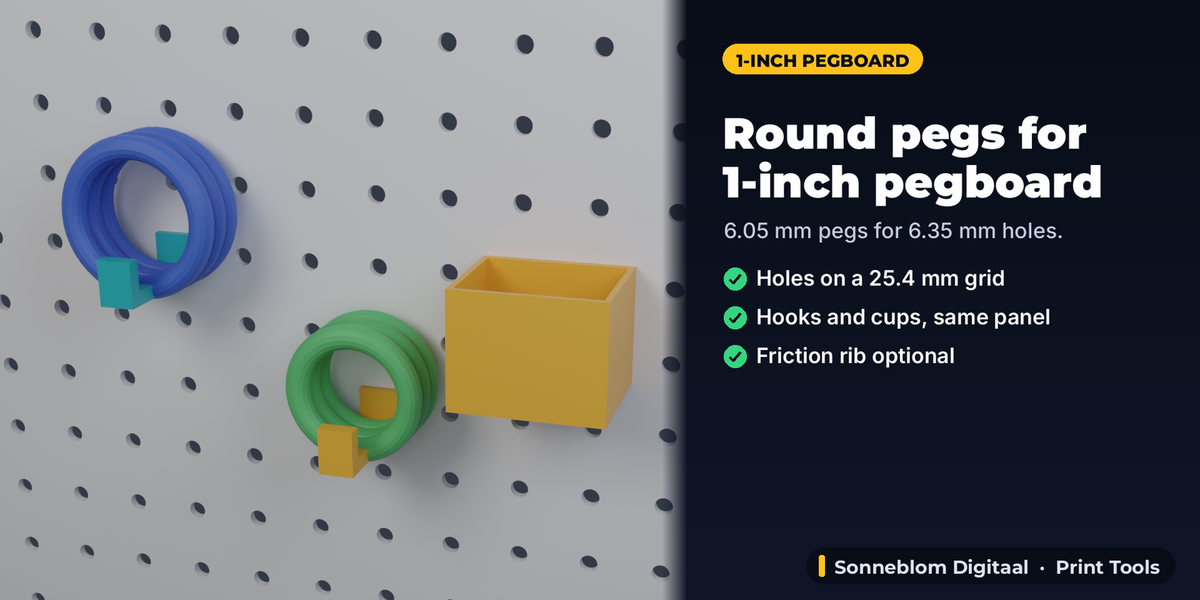
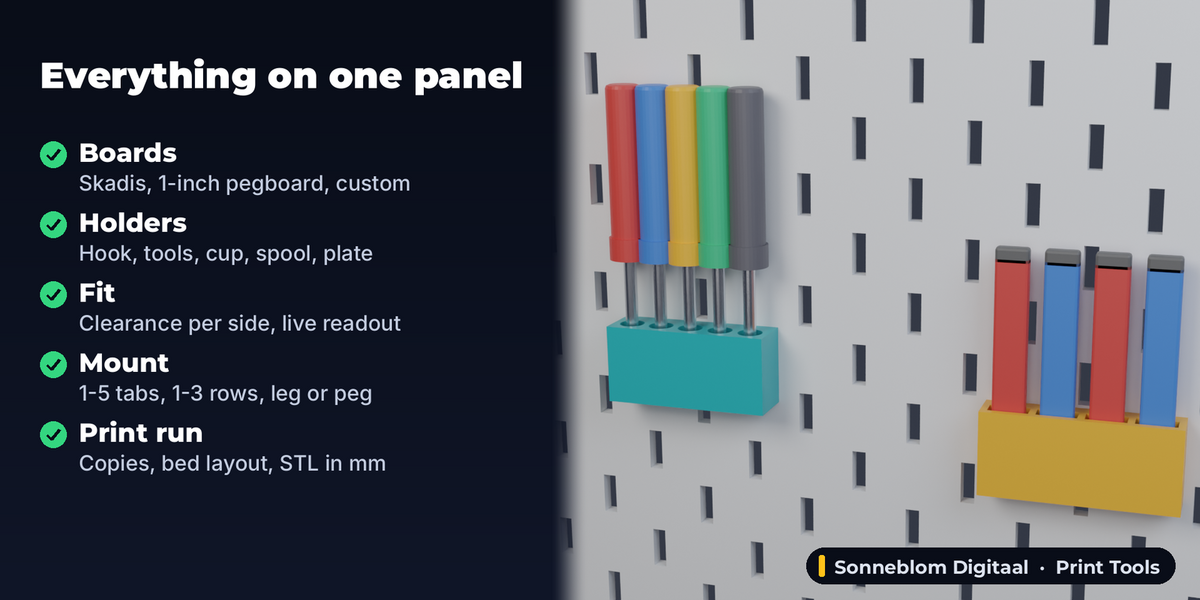
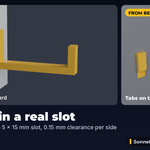
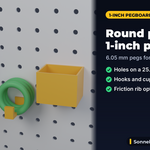
- Boards: IKEA Skadis (5 x 15 mm slots, 40 mm / 20 mm grid, 5 mm board), 1-inch pegboard (1/4 inch holes, 25.4 mm grid) and a 25 mm grid preset. These are the commonly published numbers; every value is editable, so measure your own board and adjust.
- Mount: flat tabs with a rear leg for slot boards, round pegs with an optional friction rib for round holes. 1 to 5 tabs across, 1 to 3 rows, plate thickness and edge, clearance per side (default 0.15 mm).
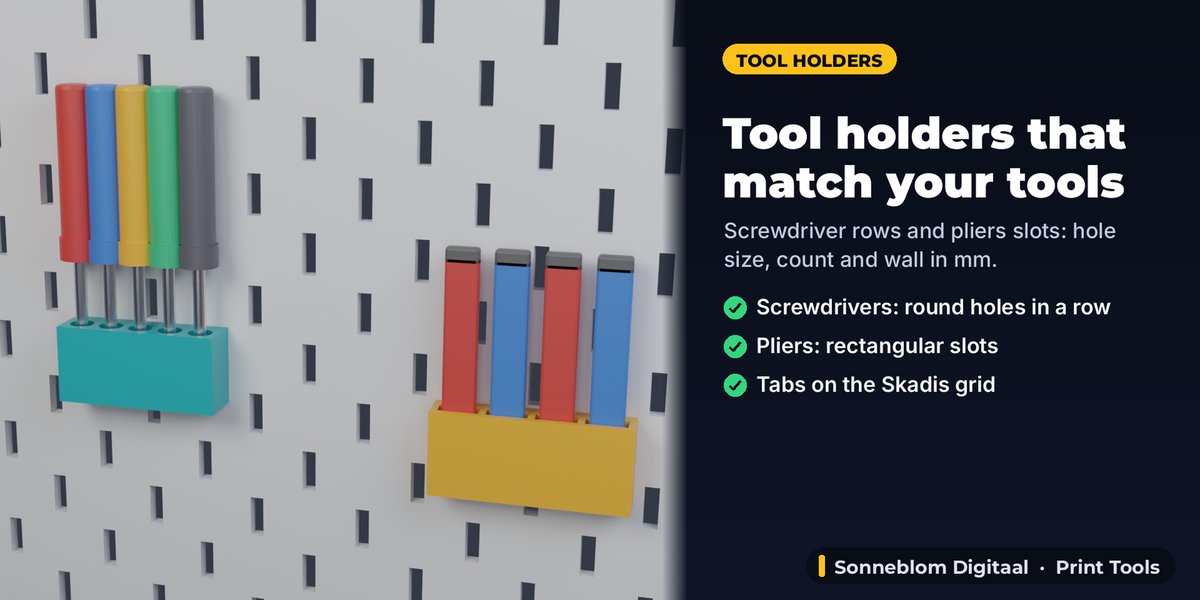
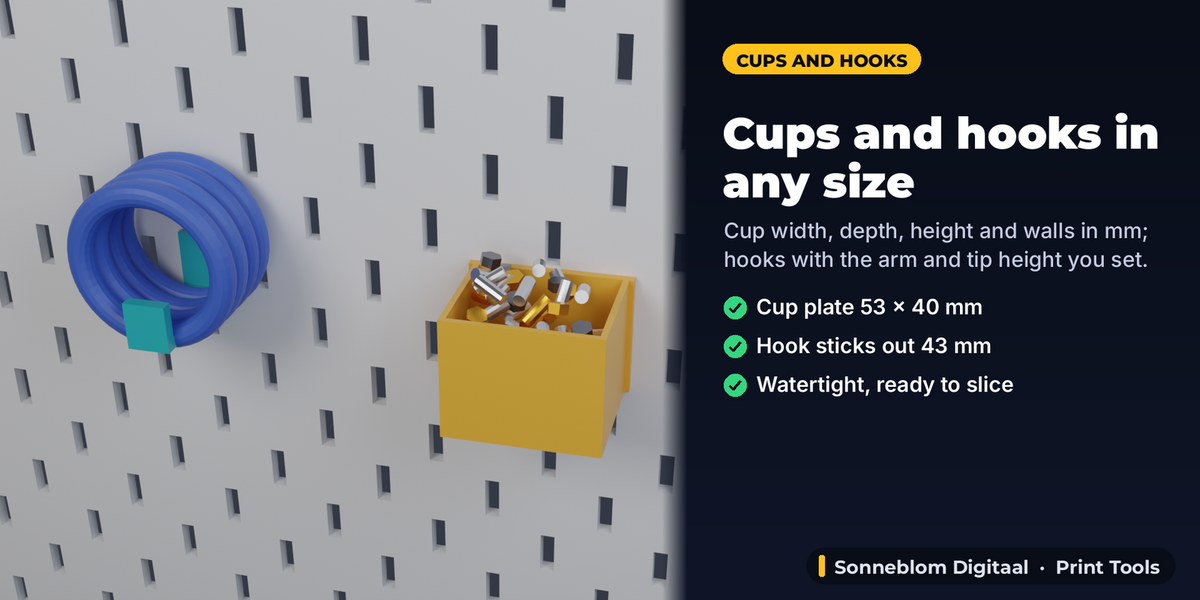
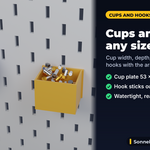
- Holders: hook (J / L) with arm and tip height, tool holder with a row of round or rectangular holes, cup / bin with walls and floor, spool / rod holder with flange, or a mount plate only to join your own part to.
- Cup for Selected Object: measures a mesh you select and makes a cup around its bounding box with your clearance.
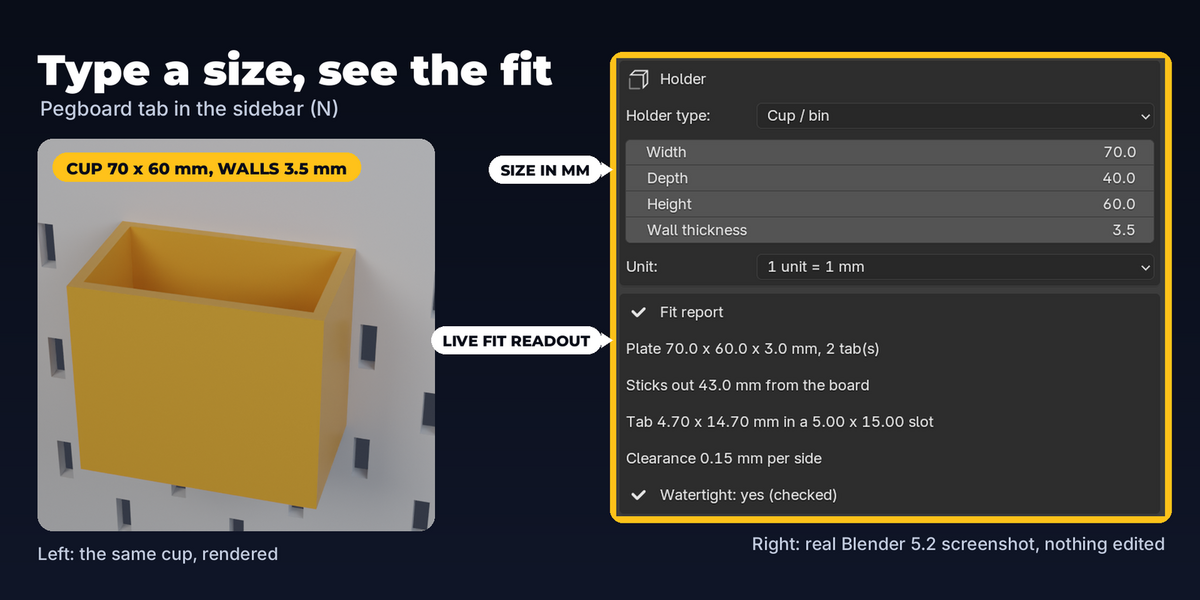
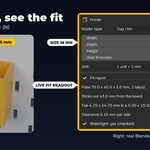
- Fit report in the panel: plate size, how far it sticks out, tab or peg size against the hole size, clearance per side, and warnings (clearance too tight or loose, leg too long, thin walls).
- Checked mesh: every rebuild is welded into one solid and tested for open and pinch edges; the panel shows the result.
- Print run: make copies of a holder, arrange selected holders on your bed width, export one STL per holder in mm.
- Live editing: all settings live on the holder object, redo with Ctrl+Z, change a value back and you get the previous result exactly.
How to use
- Press N in the 3D Viewport and open the Pegboard tab.
- Click New Holder and pick a preset (or press Cup for Selected Object with a mesh selected).
- Choose your board and check the hole numbers against your own board.
- Adjust holder size, tabs and clearance; read the fit report.
- Click Export STL (or Make Copies / Arrange on Bed first) and print.
Compatibility
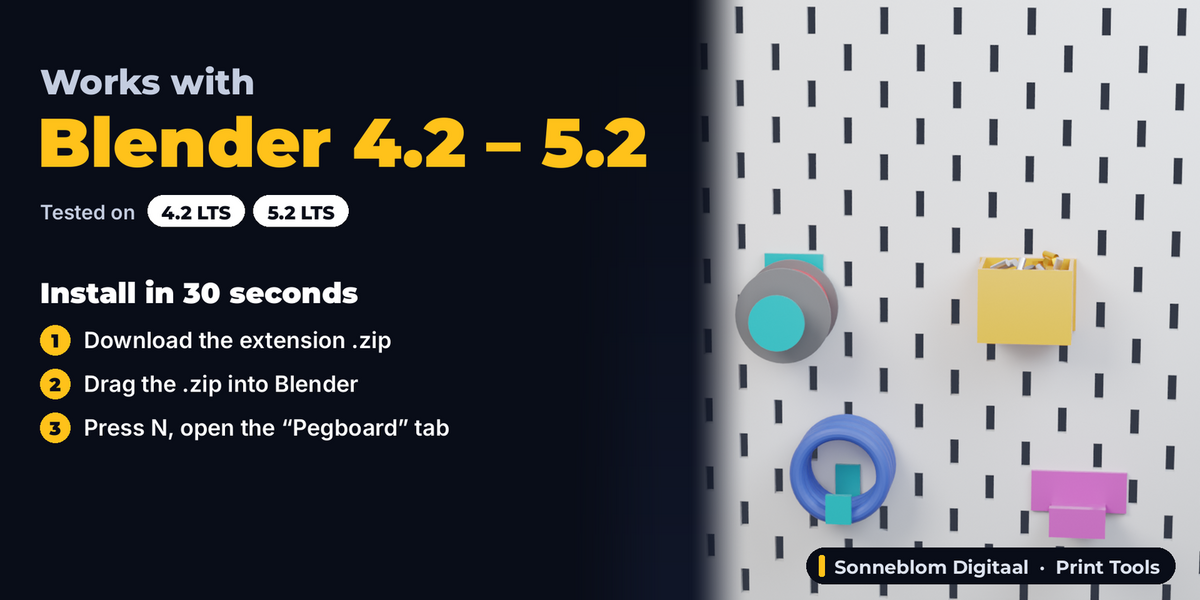
Blender 4.2 LTS or newer, tested on 4.2 LTS and 5.2 LTS. Extension zip and legacy zip included.
Good to know
- Holders match the numbers you enter. Print a single test holder first and adjust the clearance for your printer and filament before printing a whole wall.
- The Skadis tab is inserted tilted and then pushed down; keep the rear leg shorter than the slot.
- Export is STL. The add-on does not slice and does not test how much weight a printed holder carries.
- The 25 mm grid preset is a starting point: type the hole size of your own board.
- Skadis is a trademark of its owner; this add-on is not made by or affiliated with IKEA.
Support
Questions or a bug? Use the Superhive product page messages and we reply within a day.