 Mrs Eliza
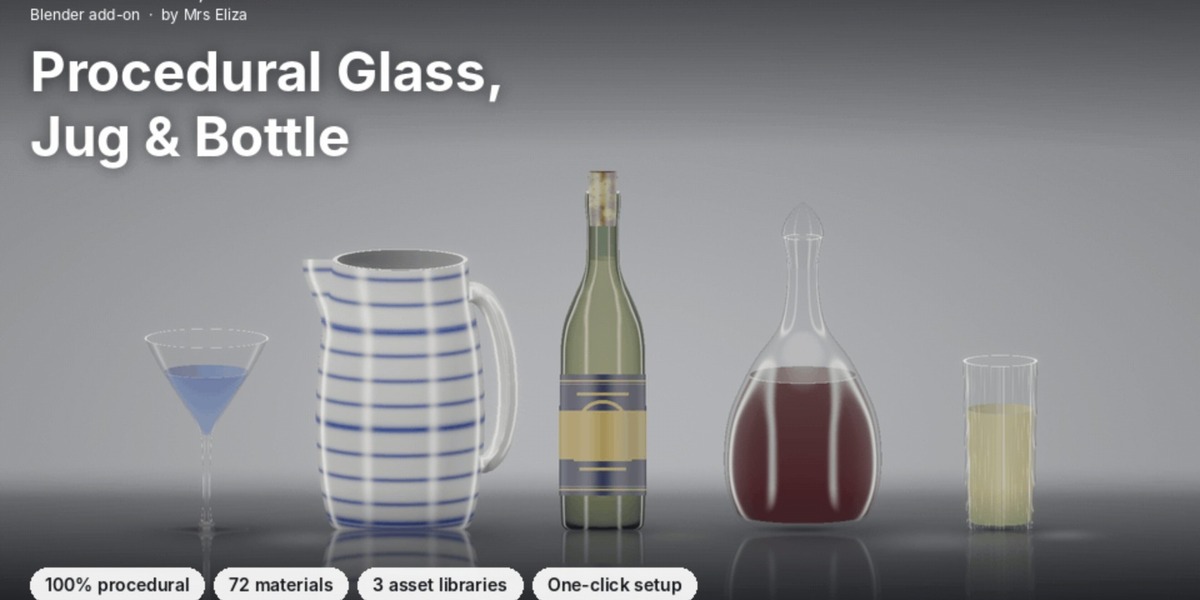
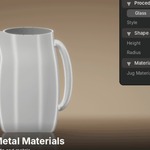
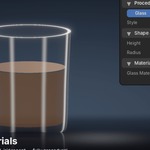
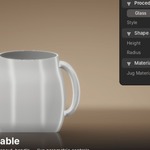
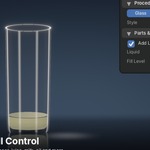
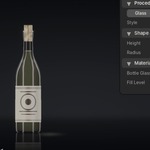
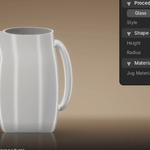
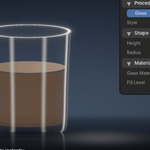
Create 24+ Realistic Glasses, Jugs & Bottles with 72 Procedural Materials
Overview
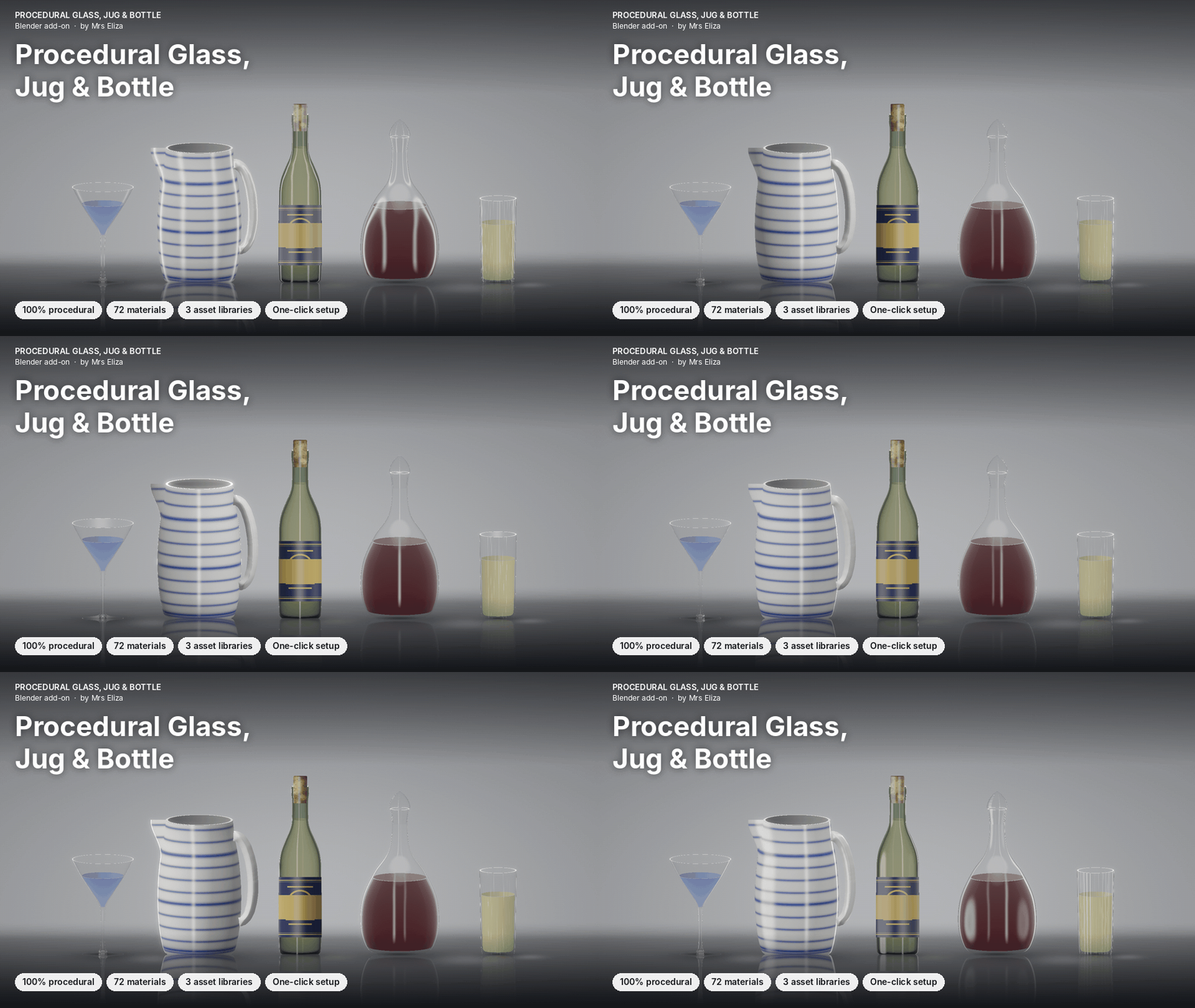
Procedural Glass, Jug & Bottle is a powerful Blender add-on designed to create realistic drinking glasses, ceramic jugs, pitchers, and bottles with fully procedural geometry and materials.
Whether you are creating product visualizations, beverage advertisements, architectural scenes, kitchen renders, product mockups, or professional 3D presentations, this add-on provides a complete collection of customizable glassware and container designs.
Choose from 24 ready-made product styles, customize their dimensions and details, apply 72 procedural materials, and create professional studio presentations with a single click.
Everything is generated using Blender's procedural geometry and shader nodes. No external models or image textures are required.
Key Features
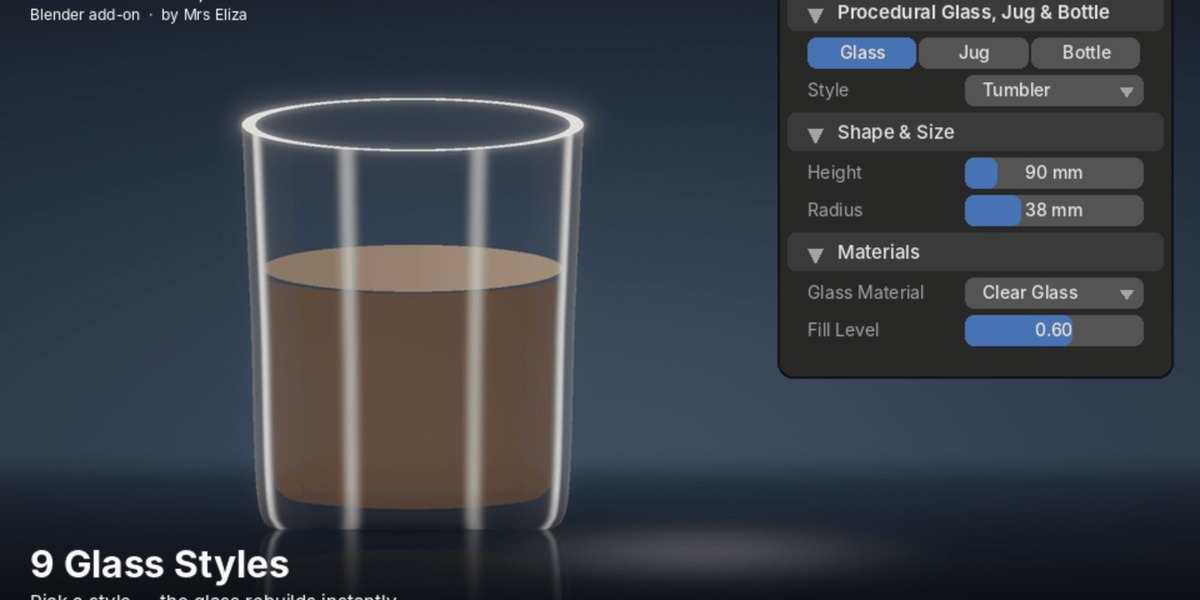
24 Ready-Made Product Styles: 9 glasses, 6 jugs, and 9 bottles.
72 Procedural Materials: Glass, liquids, ceramics, metals, closures, and labels.
3 Asset Libraries: Separate libraries for glasses, jugs, and bottles.
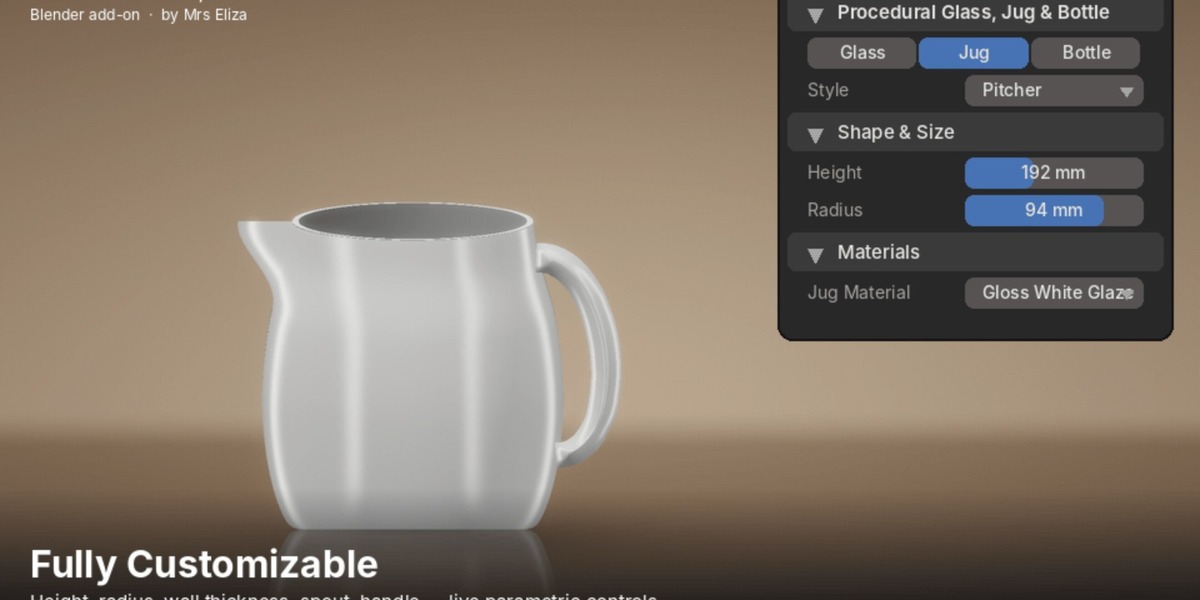
Fully Procedural Geometry: Customize shapes, dimensions, thickness, handles, spouts, lids, and other details.
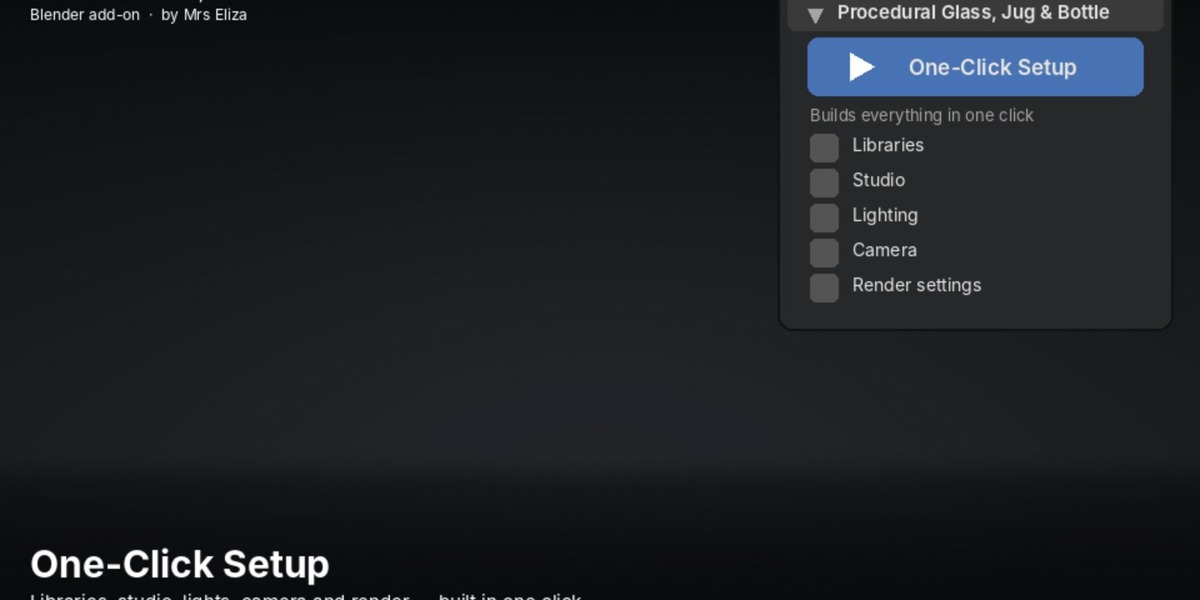
One-Click Studio Setup: Automatically create products, lighting, backdrop, camera, and render settings.
Realistic Glass Materials: Clear, frosted, hammered, fluted, diamond-cut, iridescent, and more.
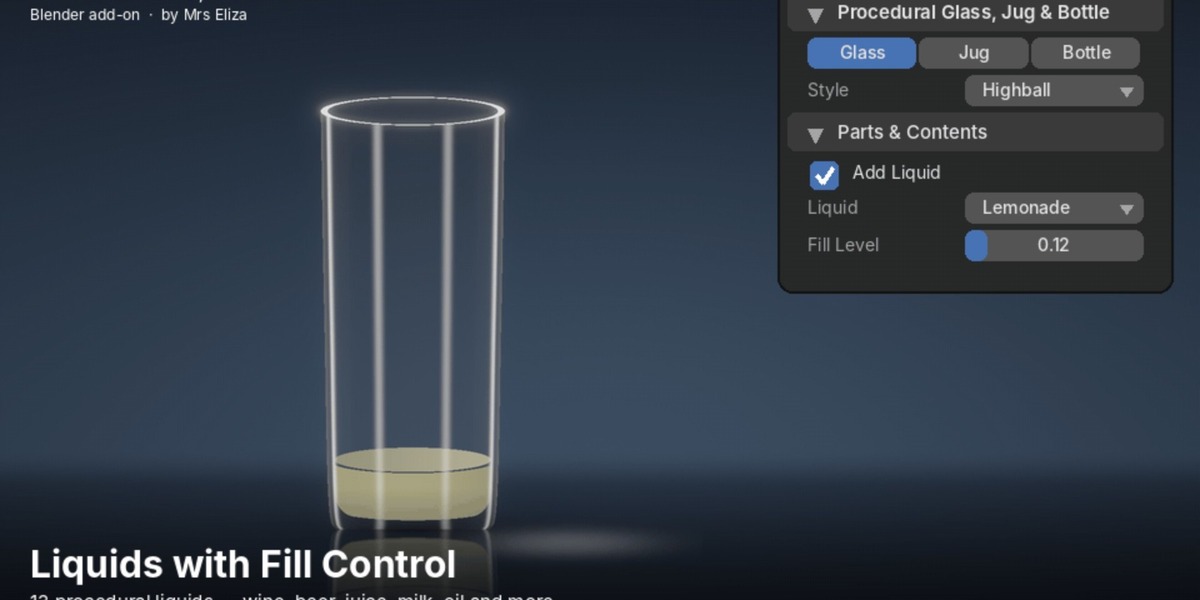
Liquid System: Add water, wine, beer, milk, whiskey, oil, and other liquid materials.
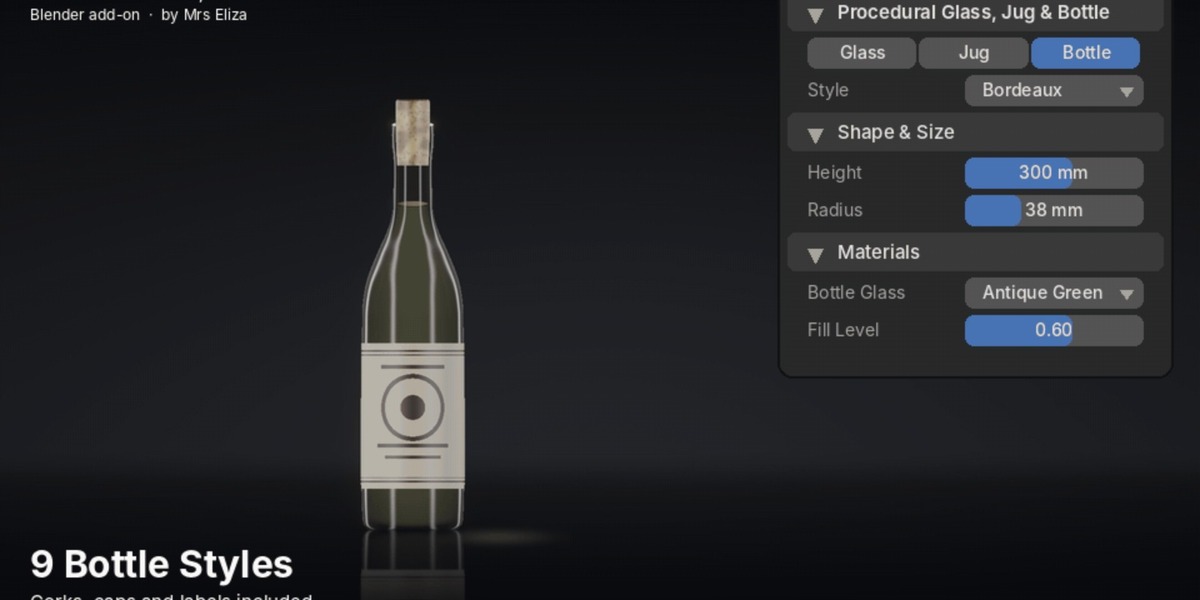
Custom Labels: Create different bottle label styles with adjustable wrapping and positioning.
Live Update: Modify product parameters and regenerate the active model.
5 Preview Animations: Showcase, Turntable, Camera Orbit, Light Sweep, and Liquid Fill.
Professional Rendering: Cycles and EEVEE support with customizable render settings.
Asset Browser Integration: Build and access reusable product and material libraries.
Product Style Library
The add-on includes 24 product presets organized into three categories.
Glass Collection – 9 Styles
Tumbler
Highball
Wine Glass
Champagne Flute
Martini Glass
Shot Glass
Brandy Snifter
Coupe Glass
Beer Mug
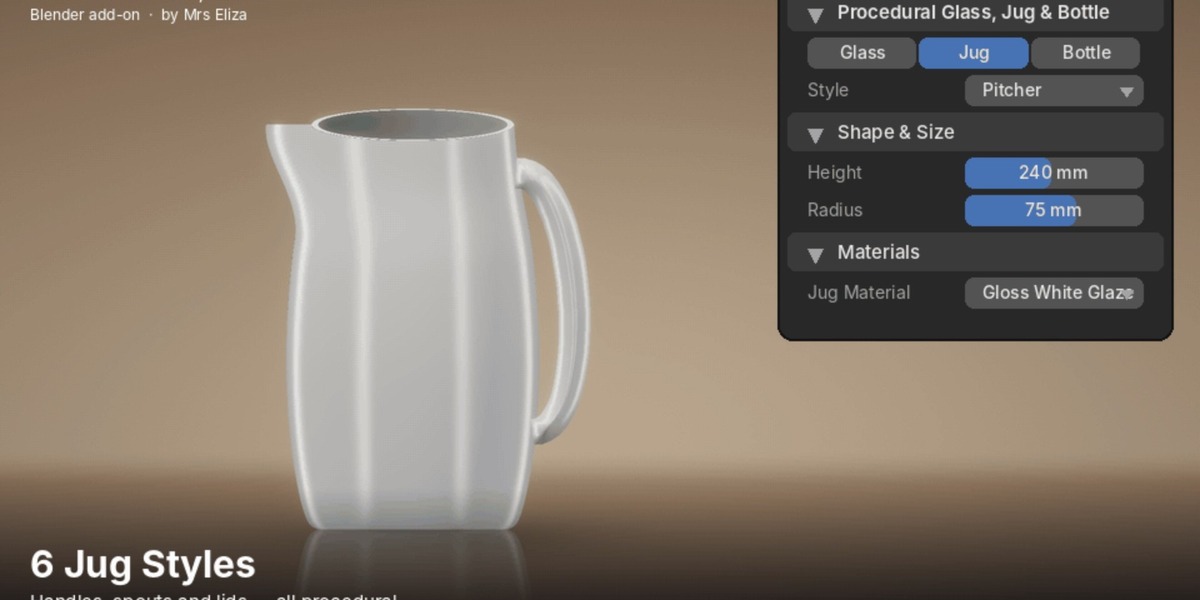
Jug Collection – 6 Styles
Pitcher
Water Jug
Milk Jug
Carafe
Rustic Jug
Ewer
Bottle Collection – 9 Styles
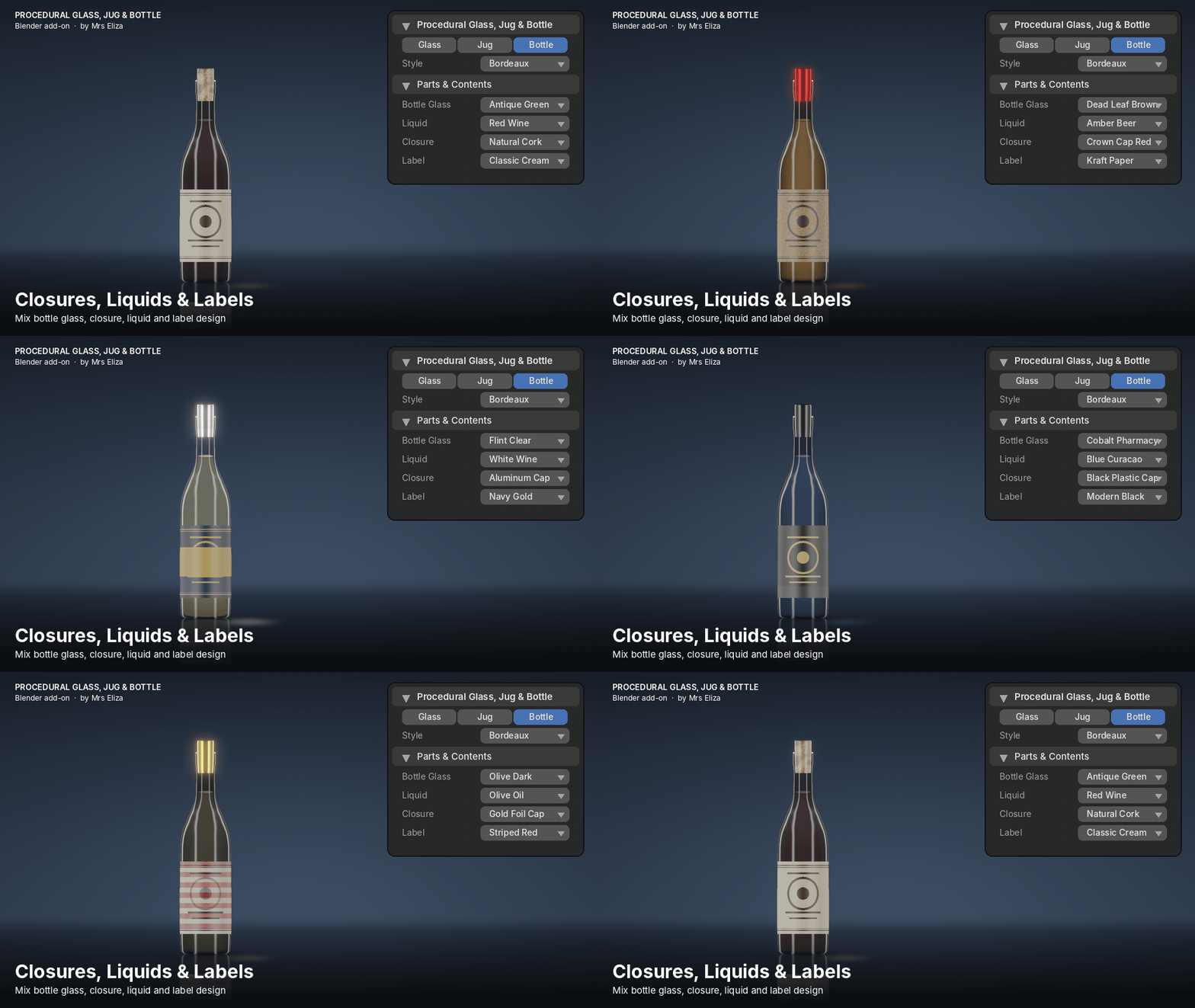
Bordeaux Bottle
Burgundy Bottle
Beer Bottle
Water Bottle
Oil Cruet
Round Flask
Perfume Bottle
Milk Bottle
Apothecary Jar
Each style provides a customizable starting point. Adjust dimensions, proportions, materials, and additional components to create your own designs.
Fully Procedural Geometry
Create detailed and realistic glassware and containers using adjustable procedural profiles.
Customize different parts of your products, including:
Overall height and radius
Wall thickness and base thickness
Rounded and shaped rims
Smooth profile geometry
Handles and handle thickness
Handle reach and positioning
Pouring spouts
Lids and closures
Bottle labels and wrapping
Liquid contents and fill levels
Mesh segments and profile detail
The geometry is generated from parametric profiles, with closed manifold meshes designed to work well with glass shaders and volume absorption.
Enable Live Update to regenerate your active product while adjusting its settings.
Procedural Material Library
Explore 72 procedural materials created using Blender shader nodes.
All materials are resolution-independent and require no external image textures.
Glass Materials – 24
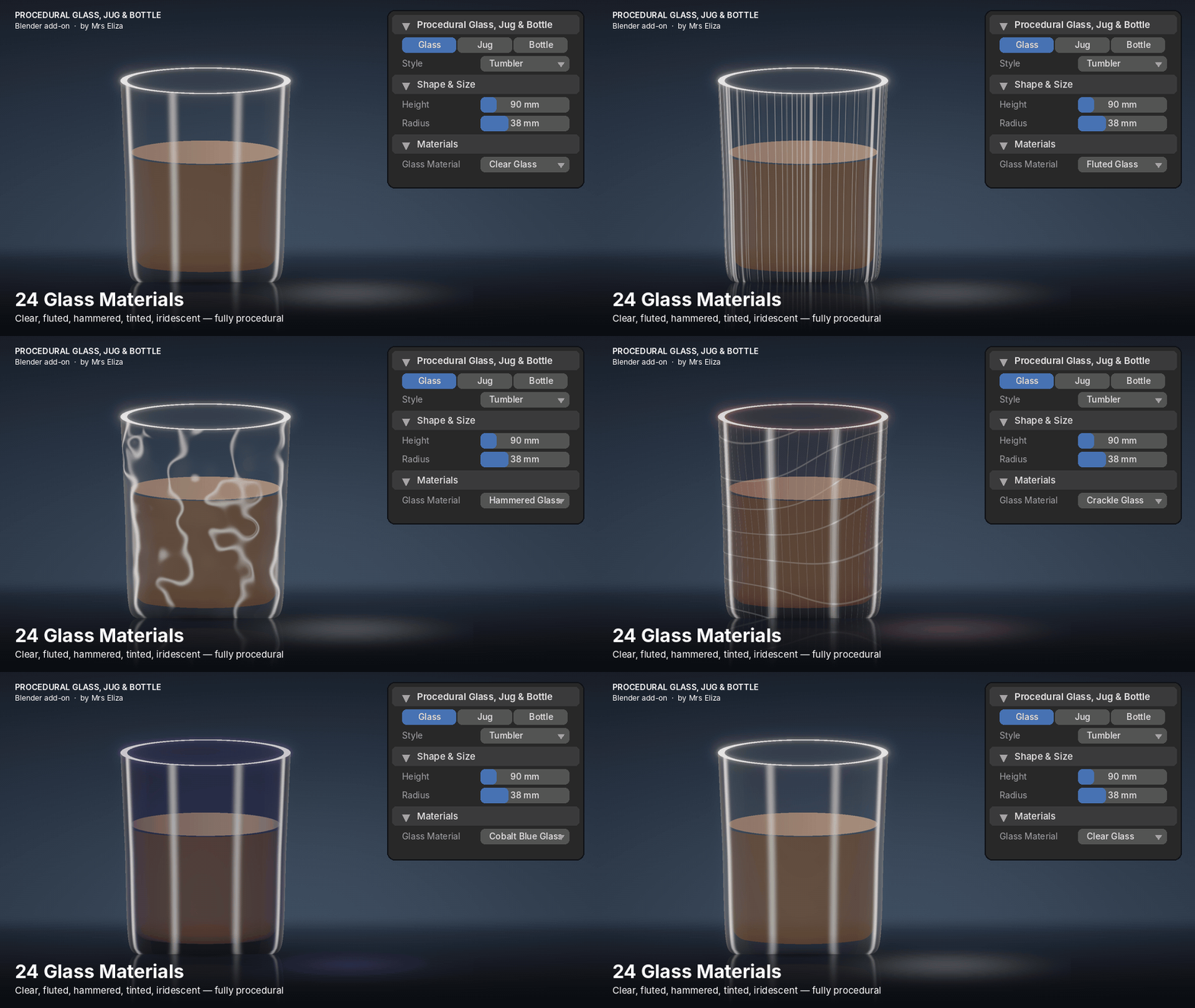
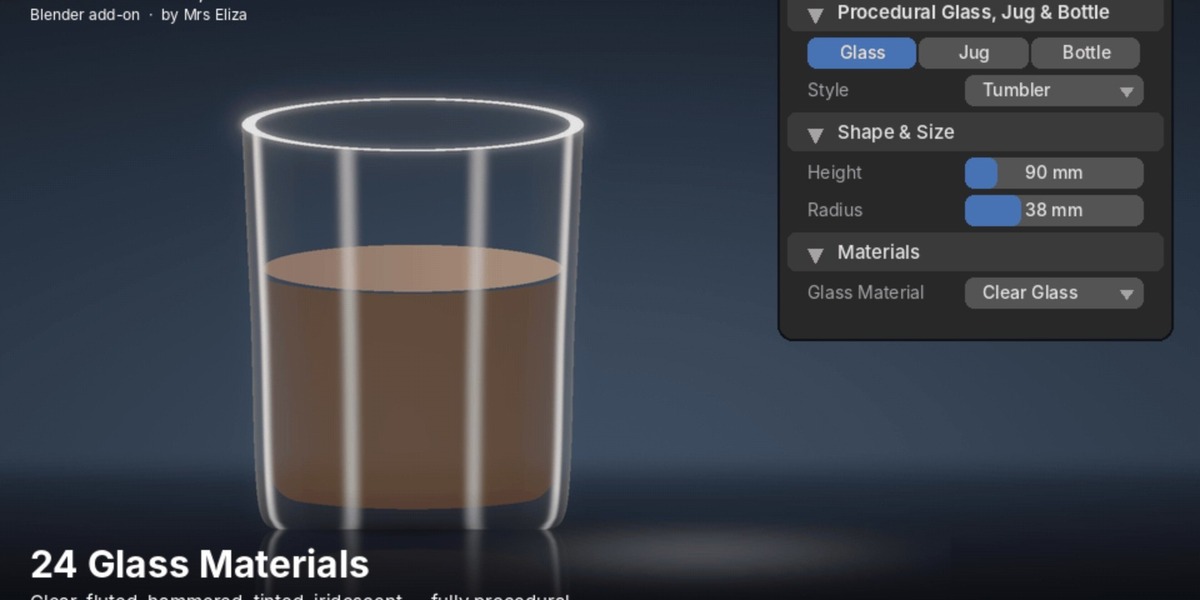
Clear, Crystal, Frosted, Hammered, Fluted, Diamond Cut, Iridescent, Ruby, Cobalt, and more.
Liquid Materials – 13
Water, Red Wine, Rosé, Beer, Whiskey, Milk, Olive Oil, Blue Curaçao, and more.
Ceramic & Metal – 18
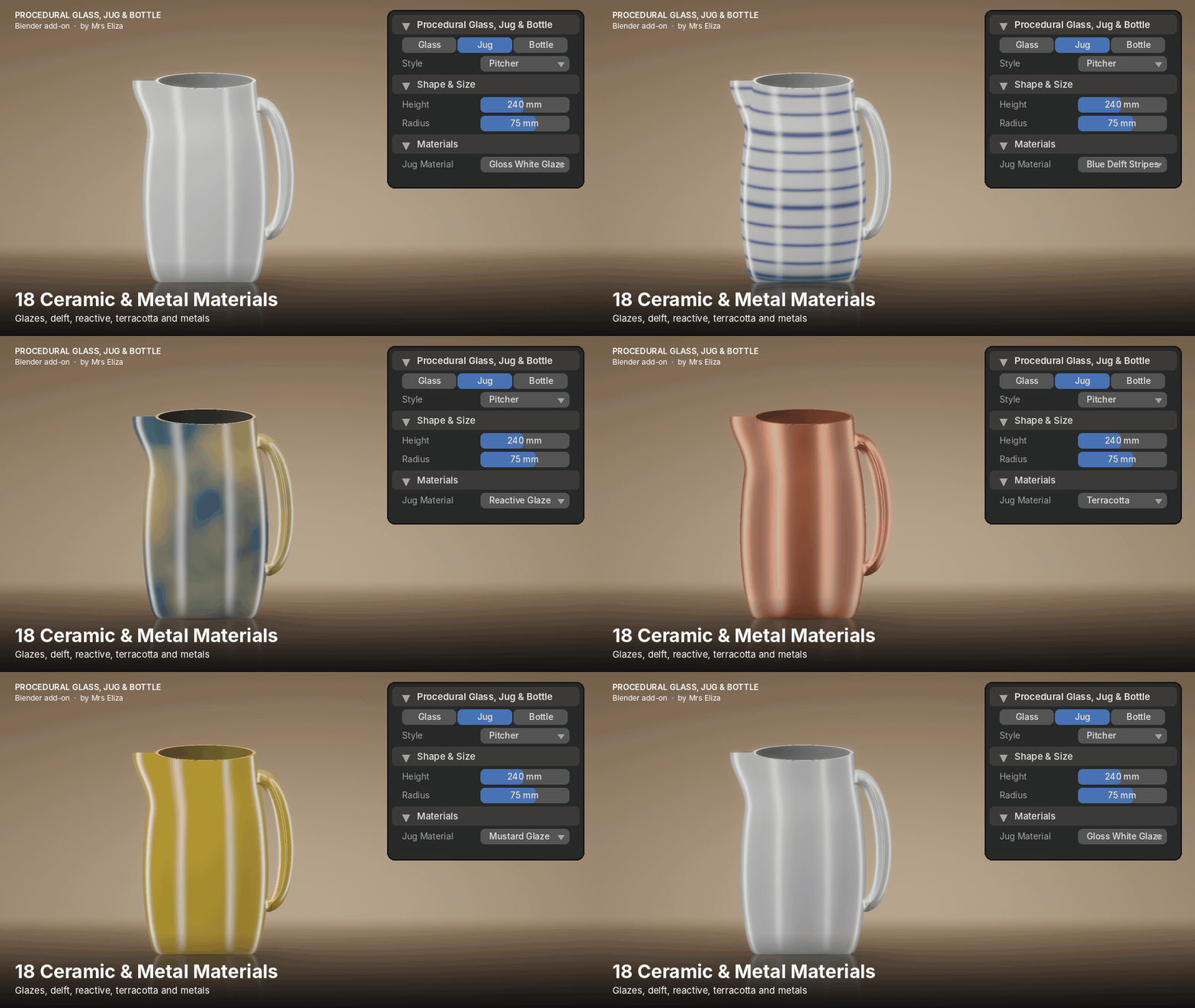
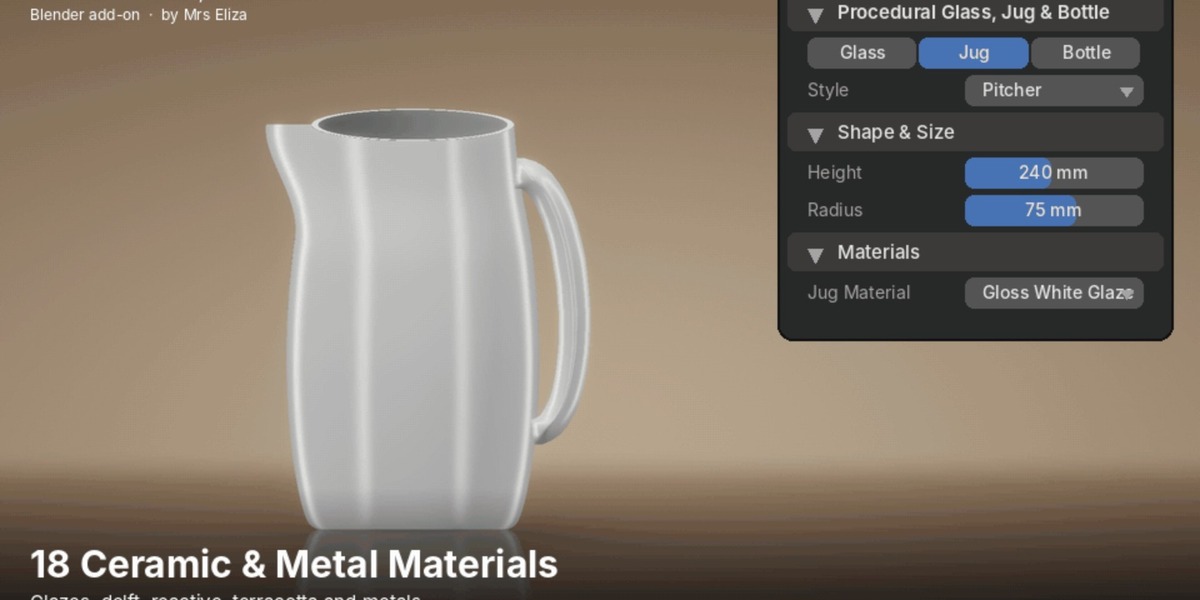
Gloss White, Celadon, Blue Delft, Reactive Glaze, Terracotta, Copper, Brass, and more.
Bottle Glass – 6
Antique Green, Flint Clear, Dead Leaf Brown, Cobalt Pharmacy, and additional bottle glass variations.
Closures – 6
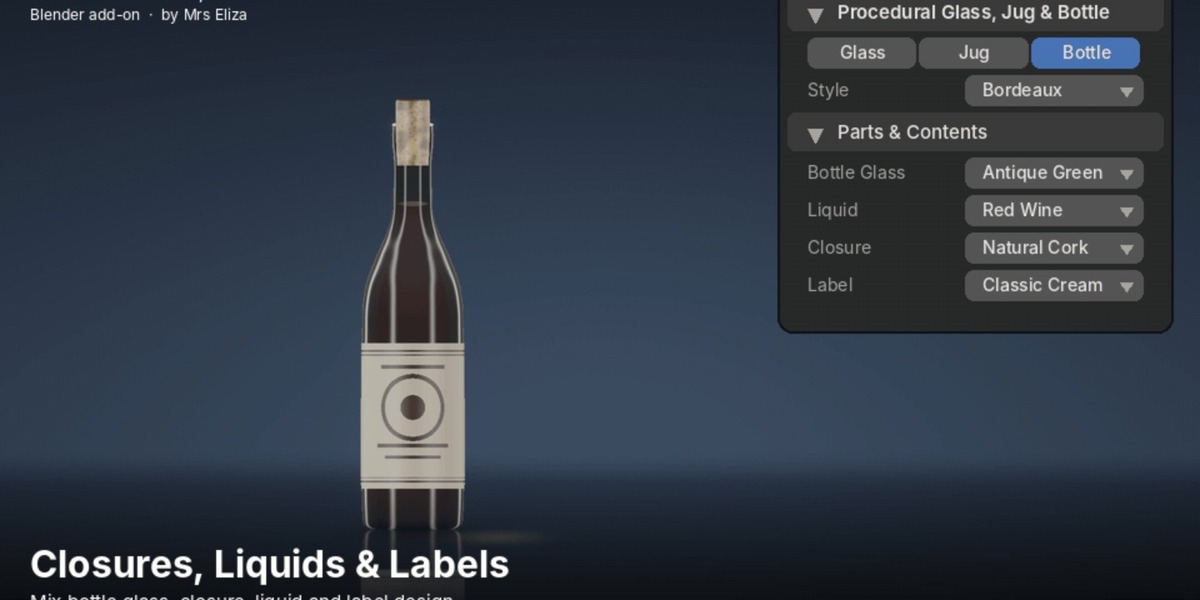
Natural Cork, Aluminum Cap, Gold Foil, Crown Caps, and more.
Labels – 5
Classic Cream, Modern Black, Kraft Paper, Striped Red, Navy Gold, and other label variations.
Additional procedural surface effects include frost, acid etching, hammered textures, crackle, vintage wavy glass, seeded bubbles, iridescence, speckled surfaces, brushed metal, cork, and paper labels.
Three Integrated Asset Libraries
Organize and reuse your favorite products and materials with three dedicated asset libraries.
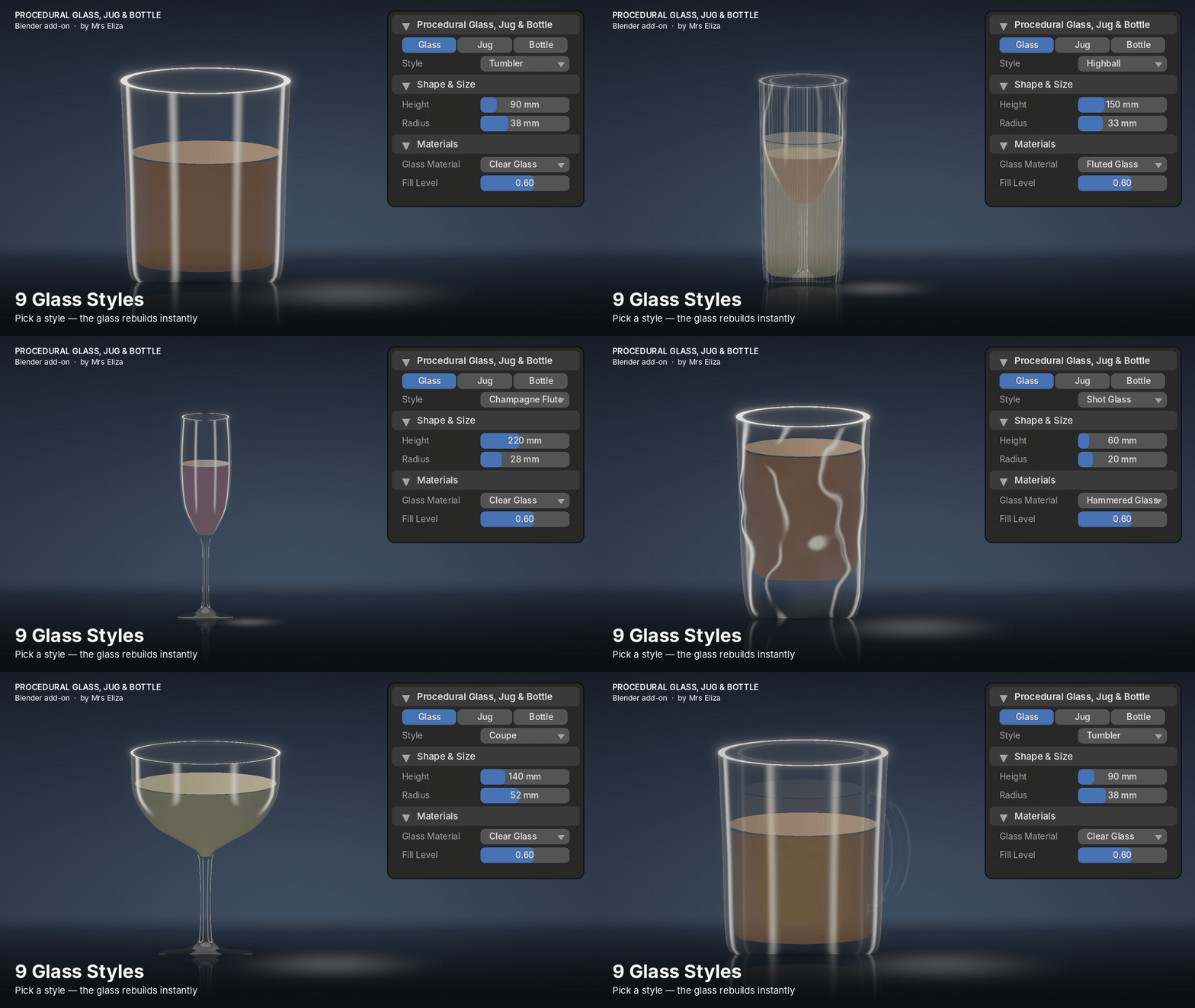
Glass Library: Includes 9 glass styles along with glass and liquid materials.
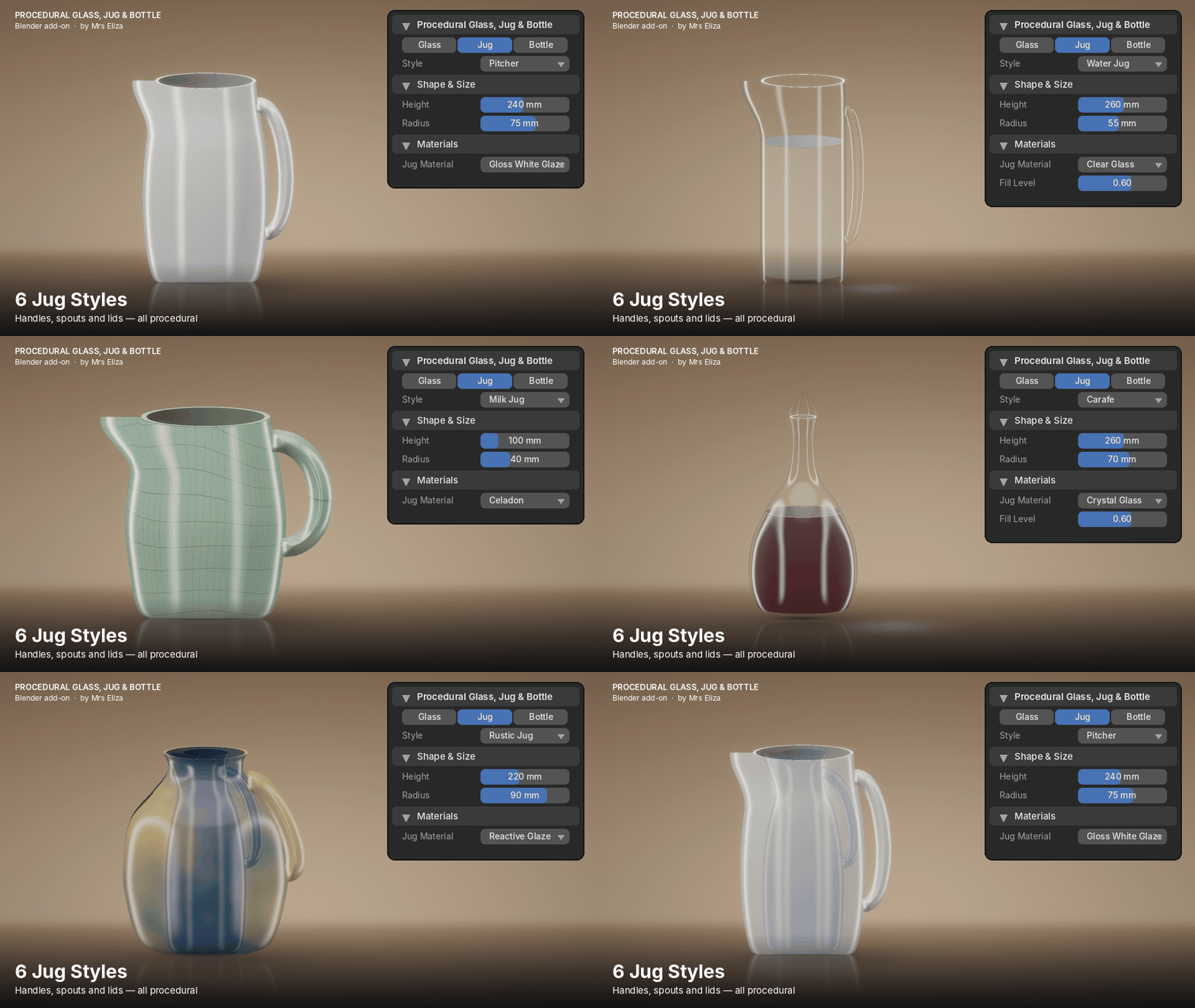
Jug Library: Includes 6 jug styles along with ceramic and metal materials.
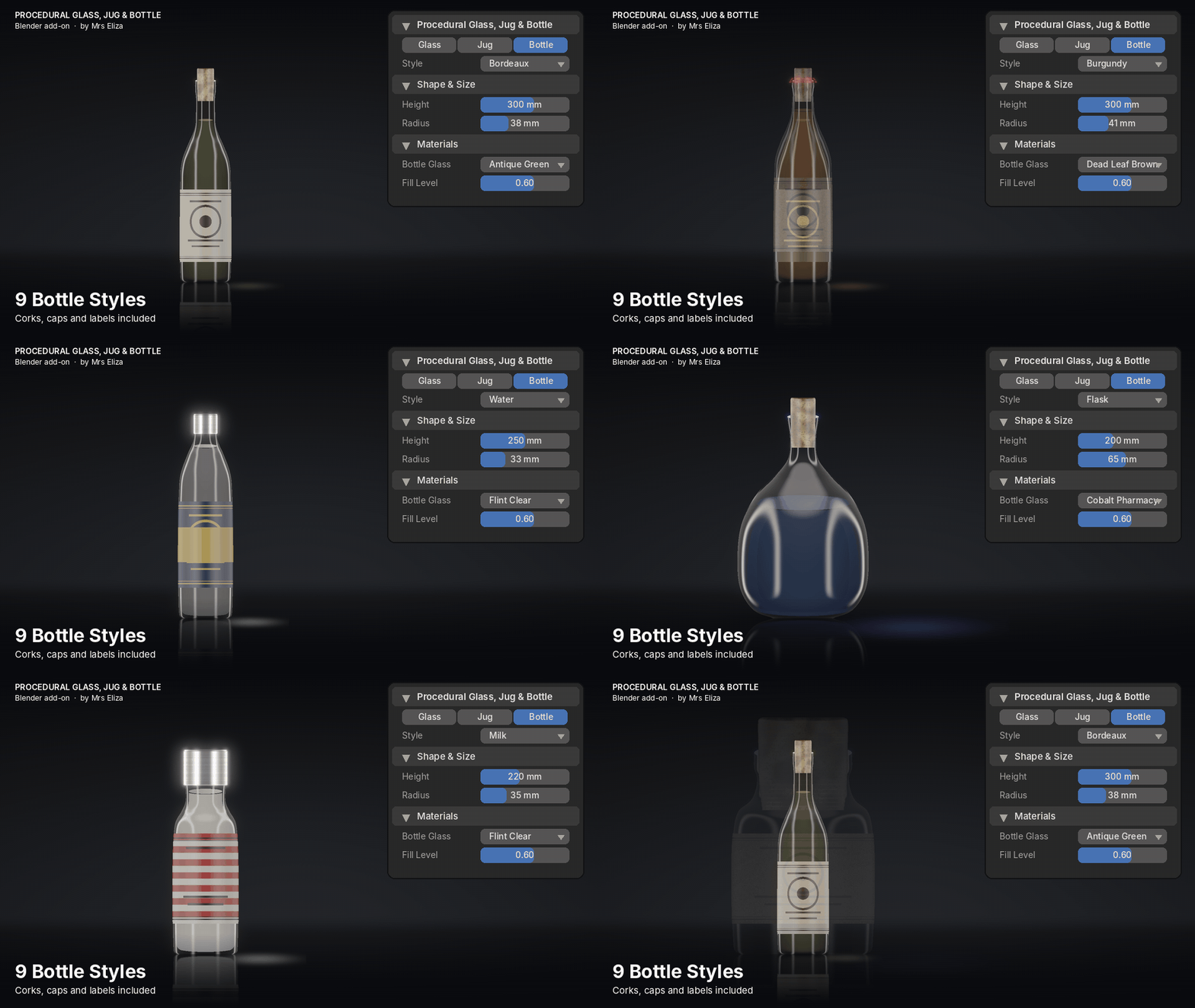
Bottle Library: Includes 9 bottle styles along with bottle glass, closure, and label materials.
The add-on automatically builds and registers the libraries in Blender's Asset Browser.
Each library includes organized catalogs, tags, and author information.
Drag and drop reusable assets into any Blender scene.
The default library location is ~/Procedural Glass Libraries, and you can change it through the add-on preferences.
One-Click Studio & Rendering Setup
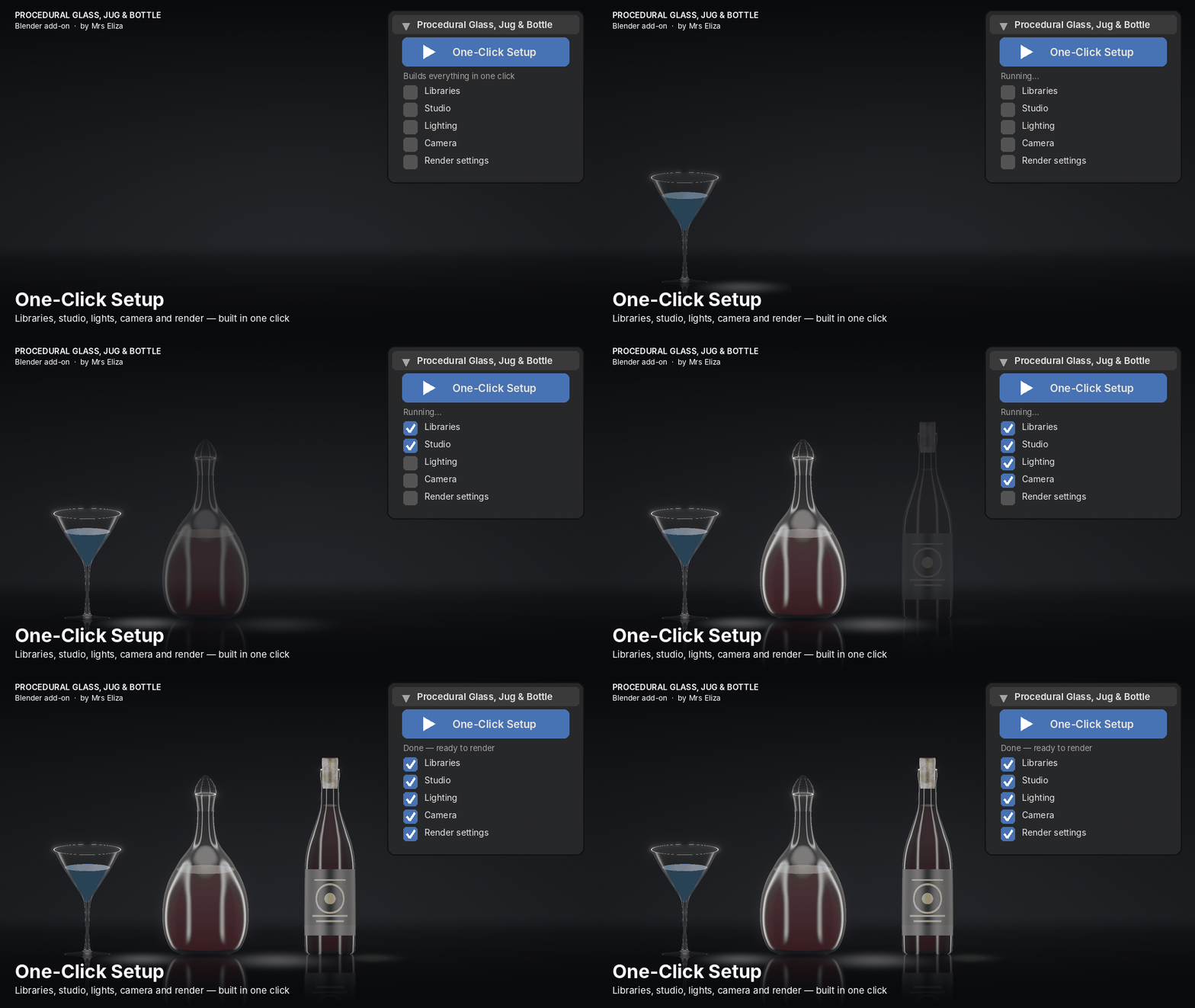
Create a complete product presentation scene without manually configuring everything.
The One-Click Setup feature automatically prepares your product and studio environment.
Studio Setup Includes:
Selected procedural product
Studio backdrop
Professional lighting setup
Camera with depth of field
Glass-optimized Cycles settings
Render resolution presets
Color management
Preview animation setup
Lighting & Backdrop Options
5 lighting rigs
6 studio backdrops
Adjustable camera focal length
Customizable aperture and depth of field
Rendering Options
Cycles and EEVEE rendering
Adjustable samples and resolution
Adaptive sampling
OIDN denoising
Glass rendering optimization
PNG still image output
MP4 animation output
Cycles settings include glass-oriented bounce limits, caustics, clamping, and denoising options.
Animation & Preview System
Create attractive product presentations with five built-in animation presets.
Showcase: Present the product with a dedicated showcase animation.
Turntable: Rotate the product for a complete 360-degree presentation.
Camera Orbit: Animate the camera around the product.
-
Light Sweep: Create a moving lighting effect across the product surface.
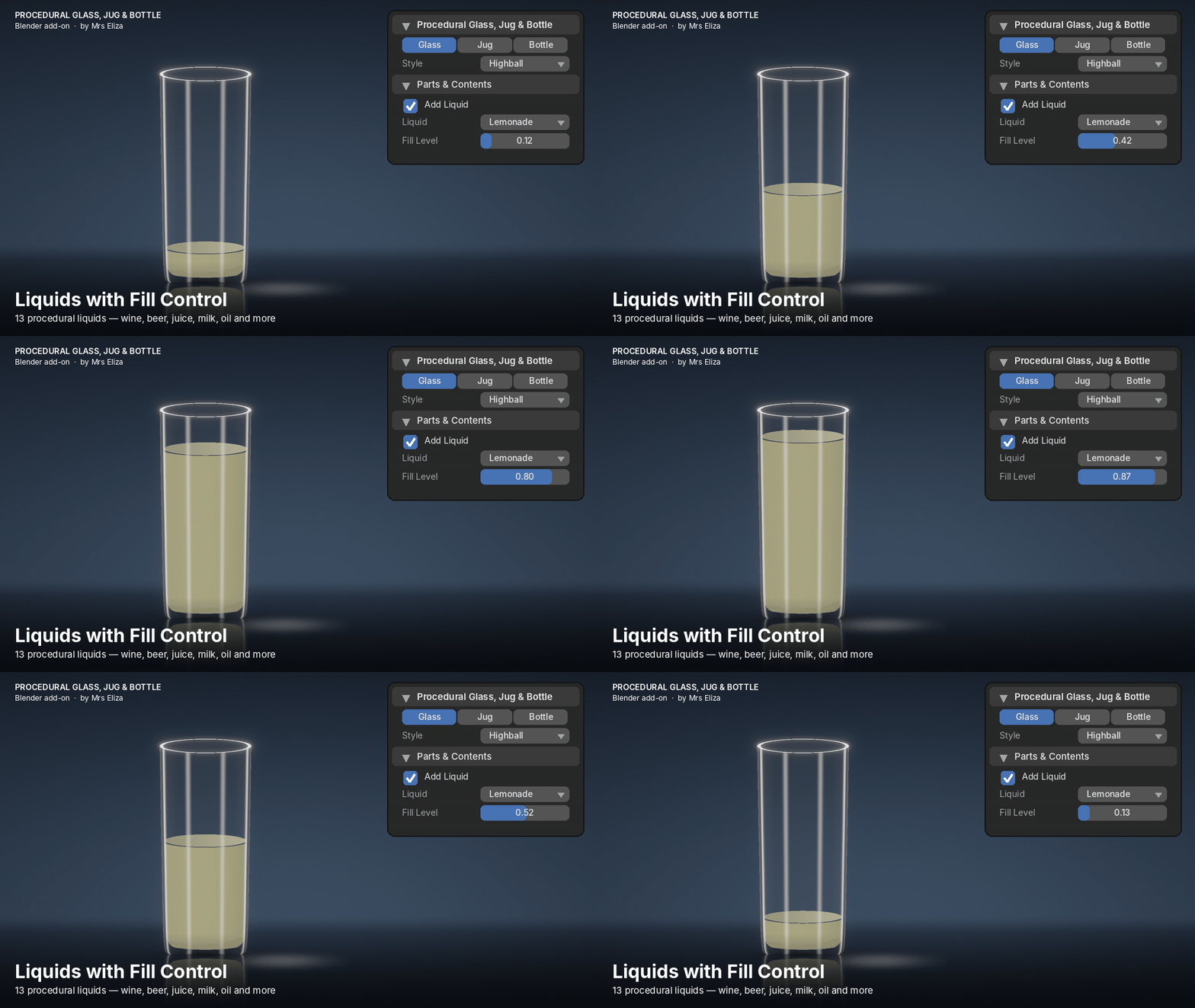
Liquid Fill: Animate the liquid level inside the container.
Preview animations directly inside Blender, create quick viewport renders, or generate full-quality animations.
Customize animation duration and FPS to suit your presentation.
Full Customization Controls
Every product provides dedicated controls for detailed customization.
Shape & Size
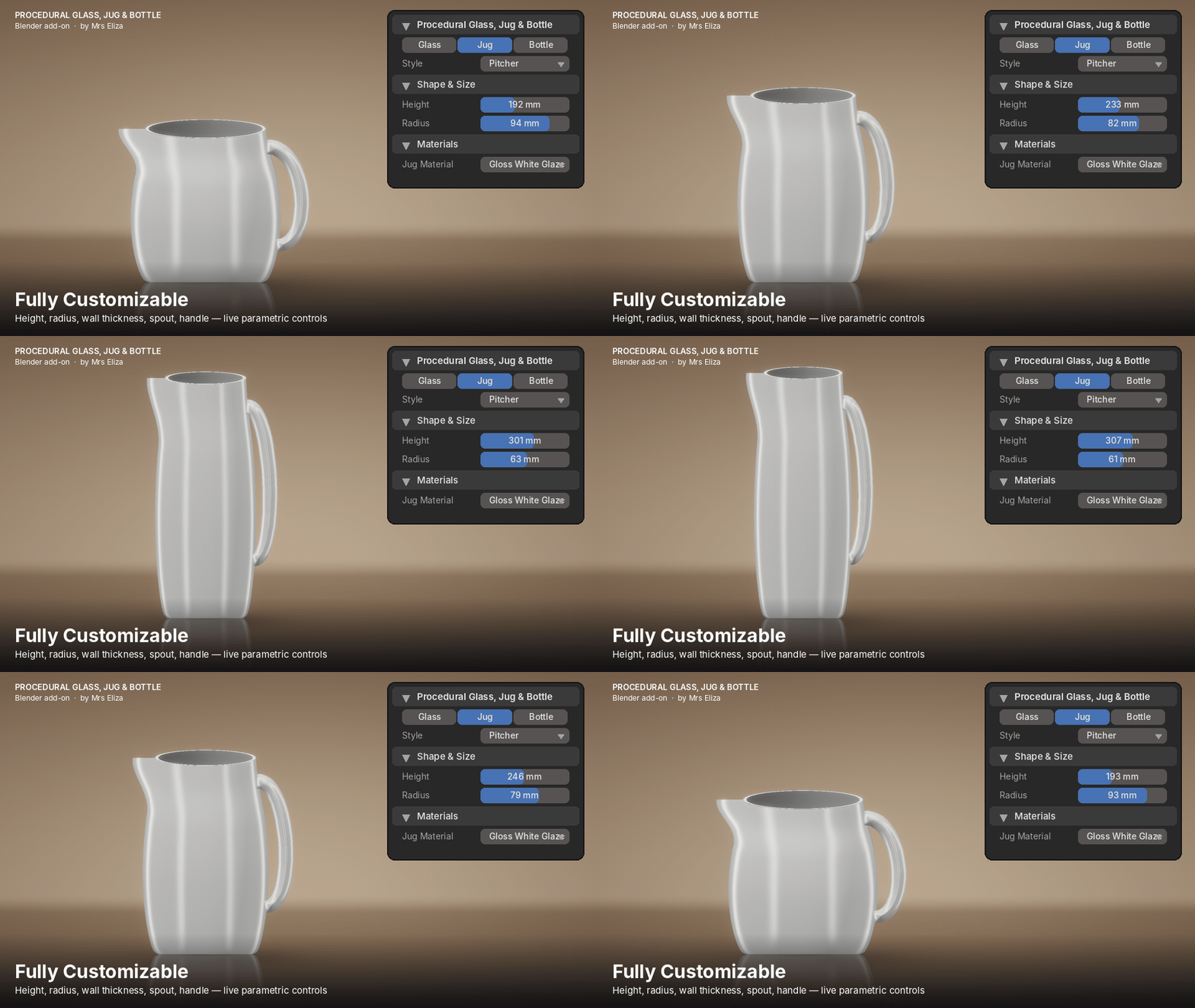
Height and radius
Wall and base thickness
Rim roundness
Profile detail and mesh resolution
Parts & Contents
Handle thickness and reach
Pouring spout
Lids and closures
Label wrapping and positioning
Liquid type and fill level
Materials
Glass or body material
Liquid material
Closure material
Label material
Scene & Rendering
Studio selection
Lighting rigs
Camera settings
Render engine
Resolution and samples
Denoising options
Animation settings
Use Live Update to see your changes reflected in the active product.
Add-on Panels & Tools
All features are organized inside the Procedural Glass tab in the 3D Viewport sidebar.
One-Click Setup: Create the complete product and presentation scene.
Create: Select product categories and styles, create new products, update existing products, or load settings from the active object.
Shape & Size: Control product dimensions, thickness, roundness, and geometry detail.
Parts & Contents: Customize handles, spouts, lids, closures, labels, and liquid contents.
Materials: Browse and apply the 72 procedural materials.
Asset Libraries: Build and access the three integrated asset libraries.
Studio, Lights & Camera: Customize the studio backdrop, lighting rigs, focal length, aperture, and depth of field.
Render: Configure the render engine, samples, resolution, denoising, still images, and animations.
Preview Animation: Select animation types, adjust duration and FPS, add animations, and preview your product presentations.
Requirements
Blender 3.6 or newer
Compatible with Blender 4.x and 5.x
GPU recommended for high-quality Cycles glass rendering
No external models or image textures required
Installation
Download
Procedural_Glass_Jug_Bottle_v1.0.0.zip.Open Blender and navigate to Edit > Preferences > Add-ons.
Click Install from Disk and select the downloaded ZIP file.
Enable Procedural Glass, Jug and Bottle.
Open the 3D Viewport, press N, and select the Procedural Glass tab.
You can also access the product creation tools through Add > Procedural Glass, Jug & Bottle.
Frequently Asked Questions (FAQ)
Q: Which Blender versions are supported?
The add-on supports Blender 3.6 and newer, including Blender 4.x and 5.x.
Q: Do I need additional models or textures?
No. All product geometry and materials are generated procedurally using Blender's geometry and shader nodes.
Q: How can I create a product quickly?
Open the Procedural Glass panel, select Glass, Jug, or Bottle, choose a style, and click One-Click Setup to generate the product and complete studio scene.
Q: Can I customize the product dimensions?
Yes. You can adjust height, radius, wall thickness, base thickness, rim roundness, and mesh resolution.
Q: Can I add liquid inside glasses and bottles?
Yes. The add-on includes a liquid system with different liquid materials and adjustable fill levels.
Q: Can I customize handles, lids, and pouring spouts?
Yes. Use the Parts & Contents panel to customize available product components and their dimensions.
Q: Can I change the glass material?
Yes. Choose from 24 glass materials, including clear, crystal, frosted, hammered, fluted, diamond-cut, and iridescent variations.
Q: Can I use my own materials?
Yes. You can assign and customize your own Blender materials for the available product material slots.
Q: How do I edit an existing product?
Select the product and click Load Settings From Active. Adjust the required parameters and click Update to regenerate it.
Q: How do I access the asset libraries?
Use the Asset Libraries panel to build the three libraries. Once generated and registered, you can access them through Blender's Asset Browser.
Q: Where are the asset libraries saved?
The default location is ~/Procedural Glass Libraries. You can change this location through the add-on preferences.
Q: Why are the library previews not appearing immediately?
Library previews are generated in the background. Wait a few seconds after clicking Build Asset Libraries while Blender completes the process.
Q: Which render engine is recommended?
Cycles is recommended for realistic glass materials, reflections, and transparency. EEVEE is also available for faster previews.
Q: Can I create product animations?
Yes. Choose from Showcase, Turntable, Camera Orbit, Light Sweep, and Liquid Fill animations. You can adjust animation duration and FPS.
Q: Can I render still images and animations?
Yes. The rendering panel provides options for PNG still images and MP4 animation output.
Q: How can I improve close-up renders?
Increase Segments and Profile Detail to create smoother geometry for close-up product shots and high-quality presentations.
Version & Credits
Add-on Name: Procedural Glass, Jug & Bottle Generator
Version: 1.0.0
Author & Maintainer: Mrs Eliza
Category: Add Mesh
Requirements: Blender 3.6–5.x
For technical support and updates, add your support email or marketplace contact page before publishing.