 Alexandr Zhuravlev

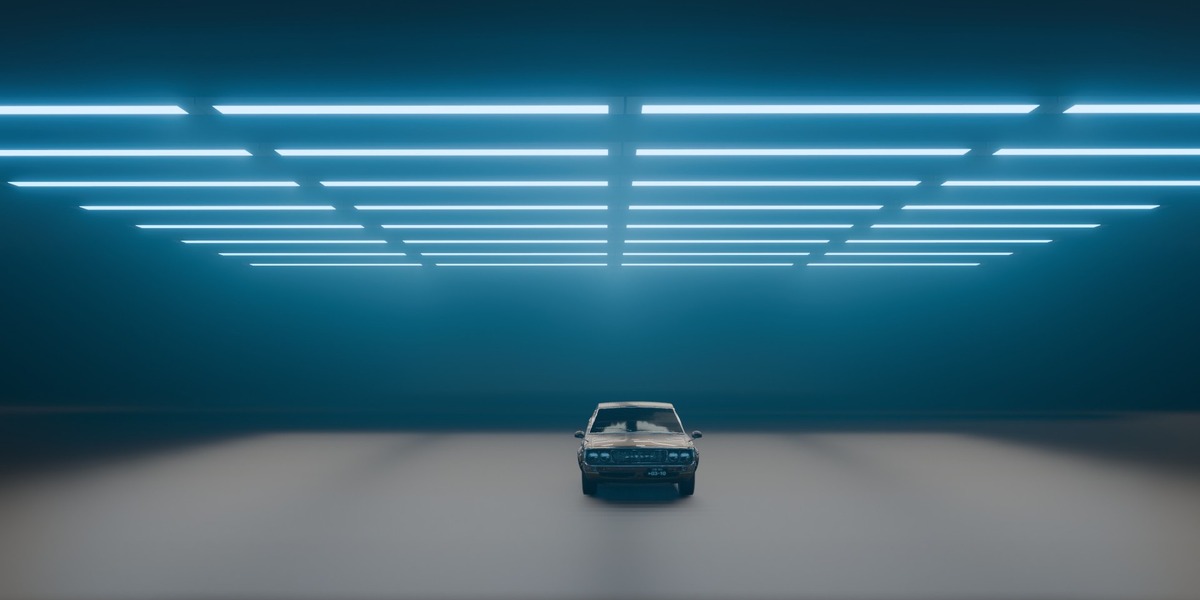
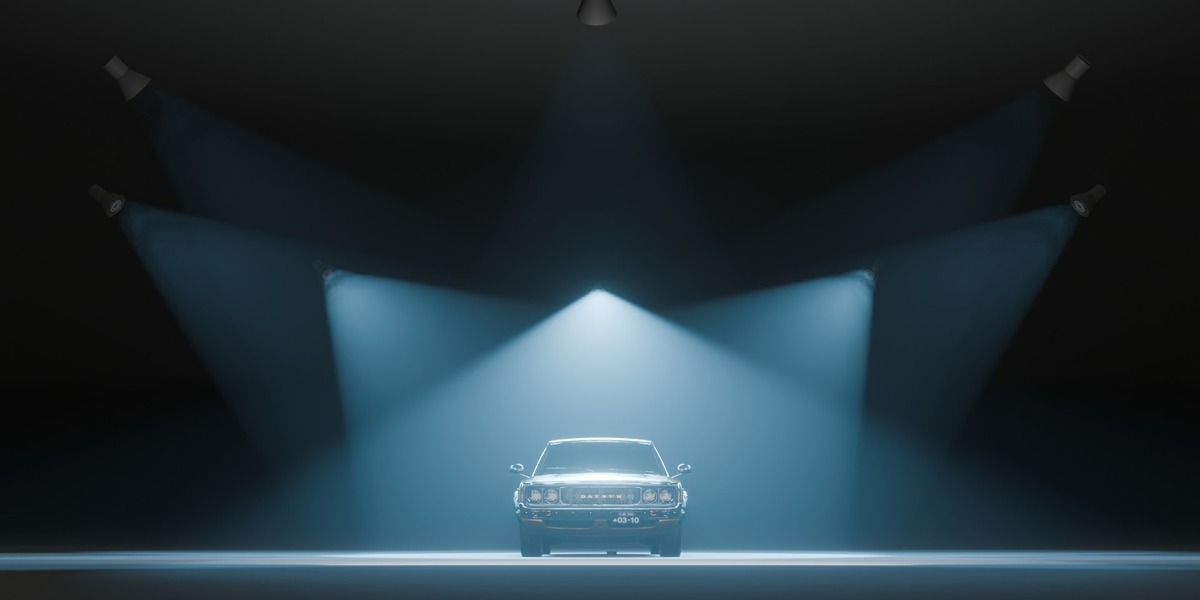
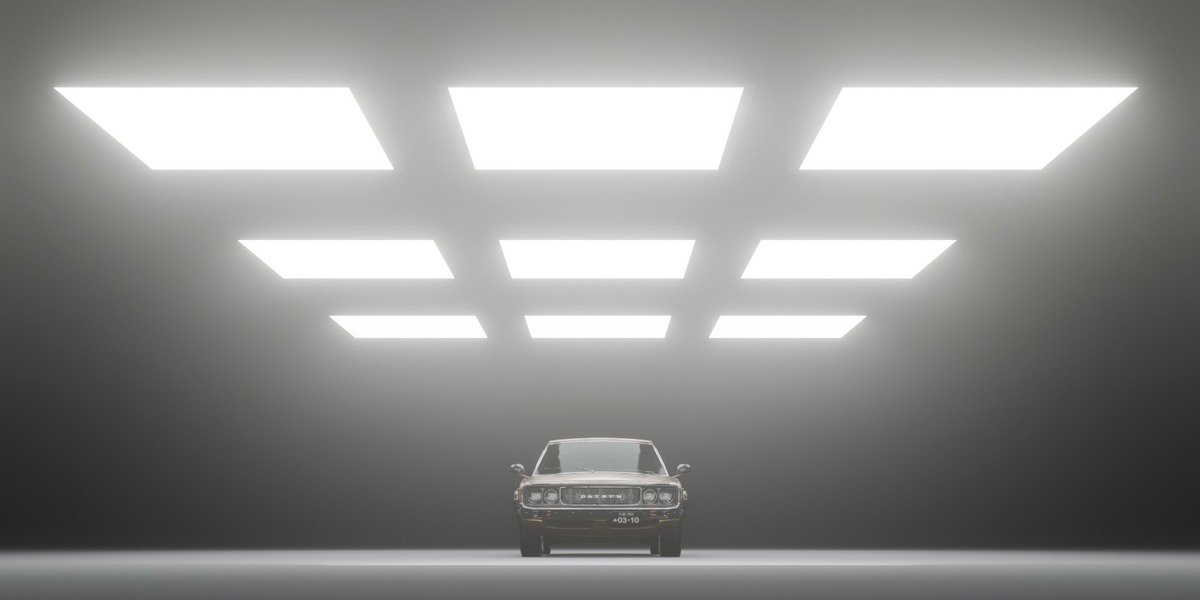
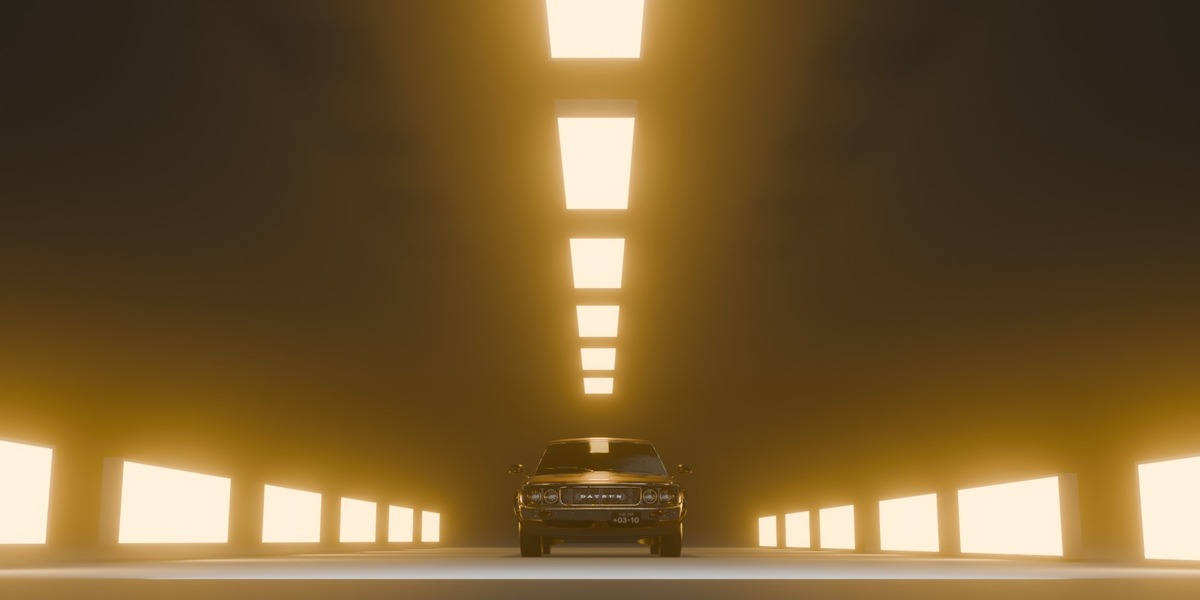
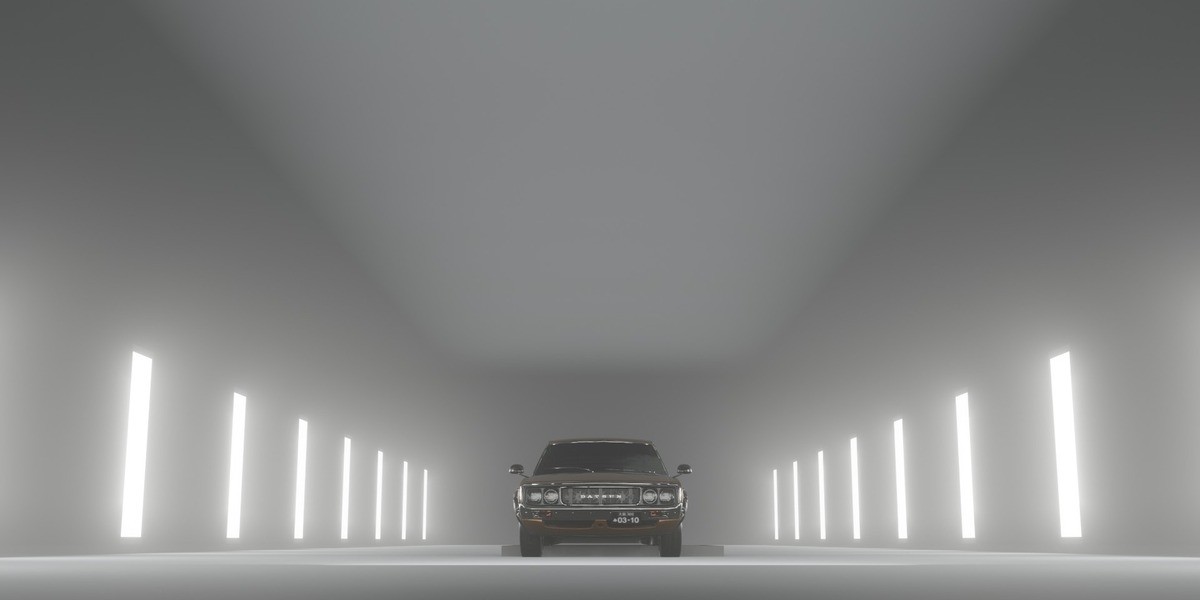
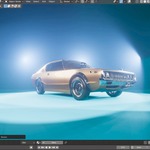


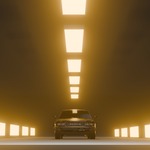
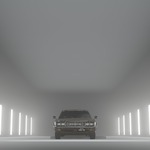
A ready studio in one click
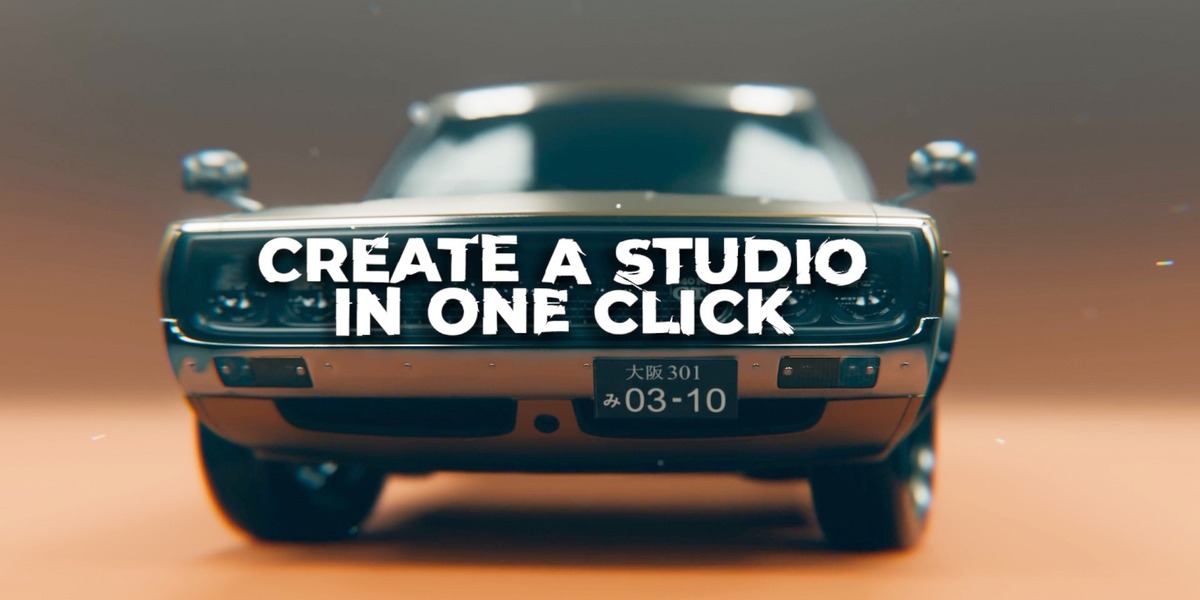
Fast Studio builds the whole studio scene for you: backdrop, lights, world, camera and render settings. You bring the model — the stage is ready in seconds.
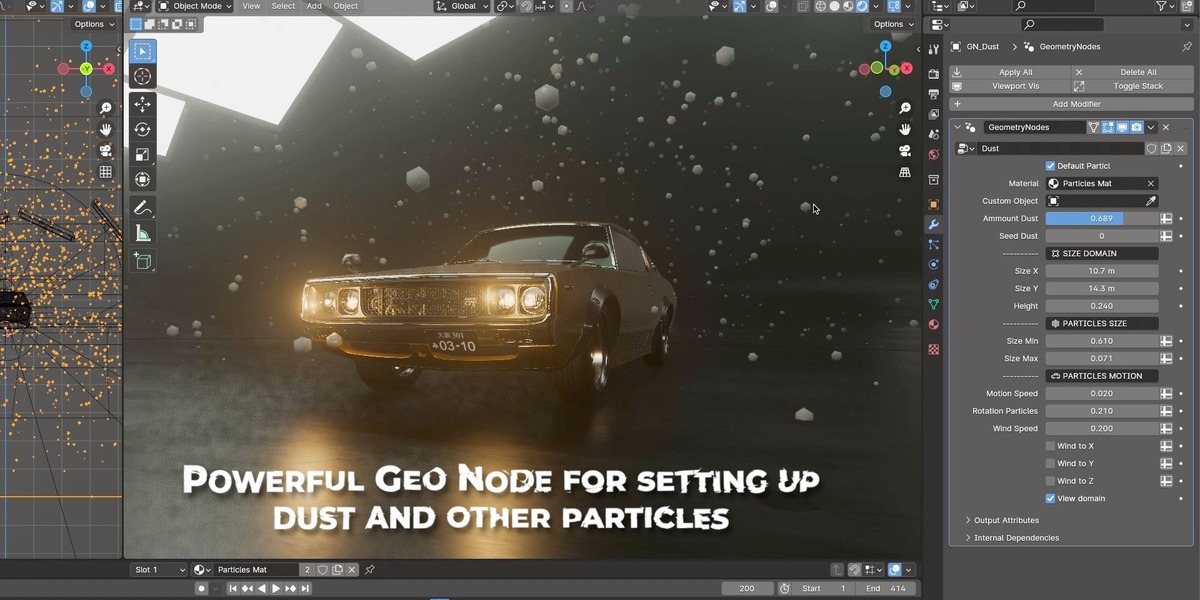
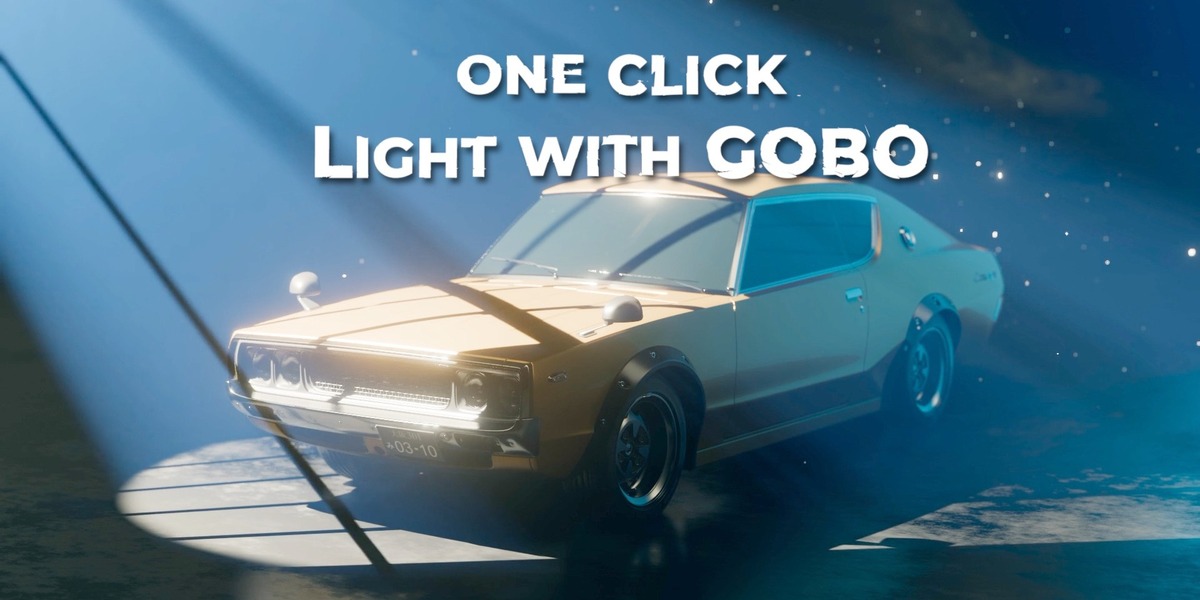
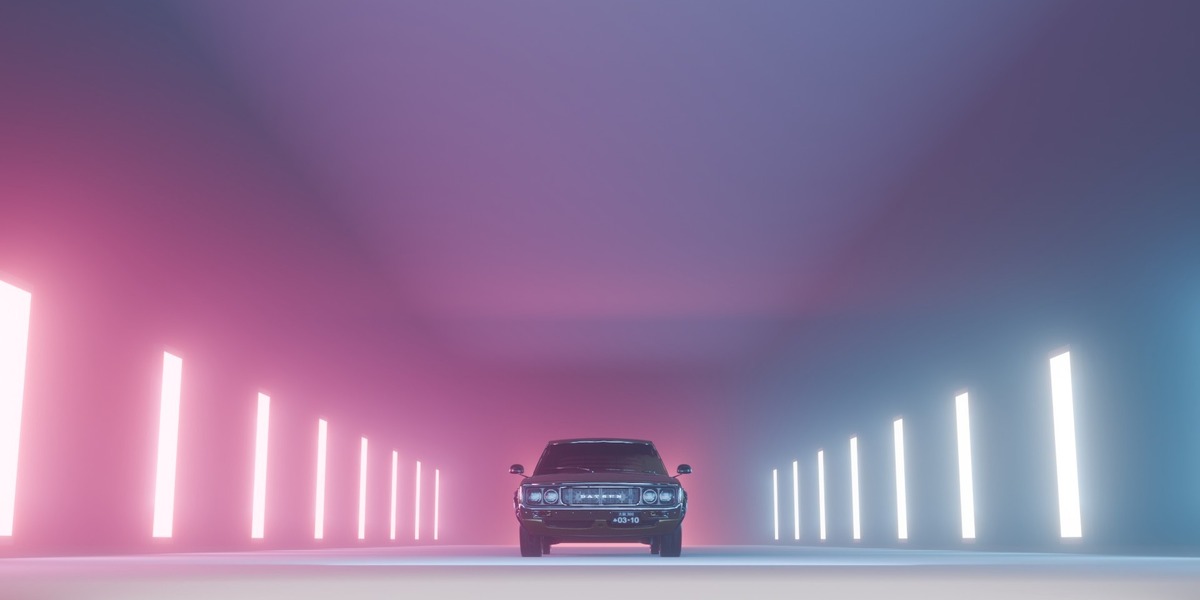
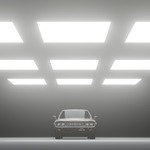
Big pavilion-style light arrays, gobo light, floating dust, a world with fog, a shadow catcher and studio materials — all in one panel.
Blender 4.0 – 4.5 and Blender 5 · EEVEE and Cycles · one download for all versions
How it works
- Press Studio — the backdrop and lights appear.
- Press Cam+Dof — the camera is in place and the view switches to it.
- Open the Light Gallery and click the look you like — it is added right away.
- Press Fast EEVEE or Fast CYCLES, then Img to render.

Light Gallery: click a setup and it is in your scene.
What you get
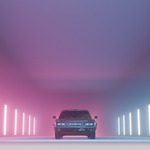
- 31 light setups — big pavilion-style rigs: grids, lines, circles, domes, curves and spots, picked from a gallery with previews.
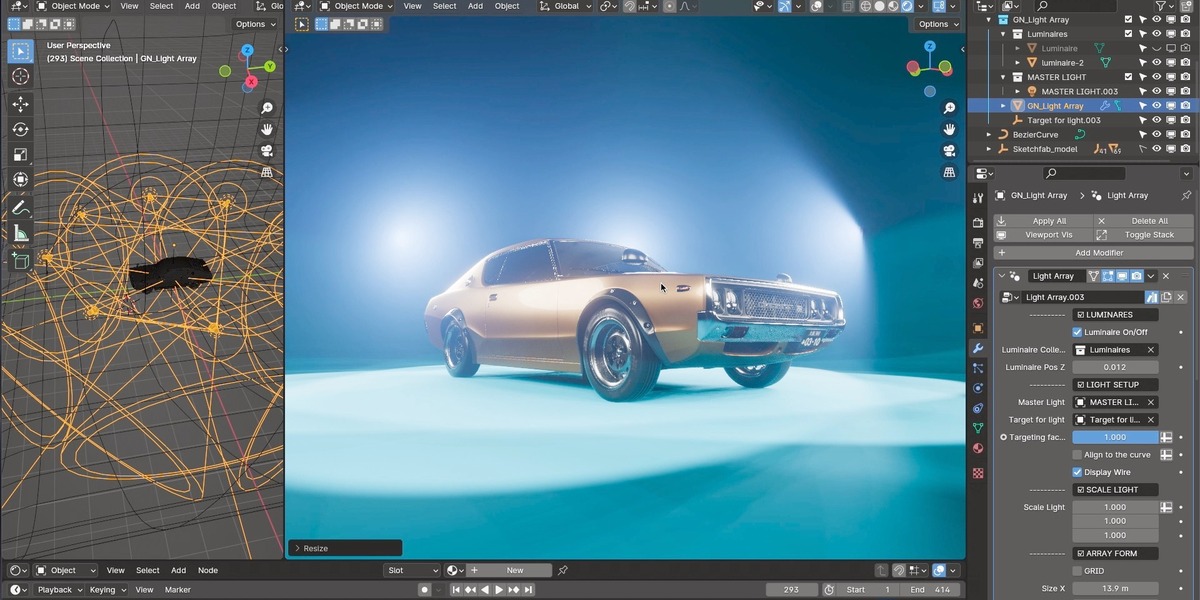
- Light Array — an adjustable array of lights built with Geometry Nodes. Change shape, count, size, colour and power right in the panel, or place the lamps along your own curve or object.
- Studio and Floor — a curved backdrop with a three-point light rig, or a simple floor with a soft light.
- Gobo light — a spot light that projects a pattern: window, leaves, trees, city. 7 patterns included, or use any picture of your own.
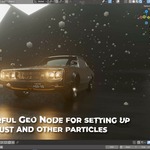
- Dust — floating dust particles that make light beams and close-ups look real.
- World with fog — a studio HDRI world with strength, fog density and fog colour in the panel.
- Shadow Catcher — render your object with its shadow on a transparent background. Works in EEVEE and Cycles.
- Camera with depth of field — added and made active in one click. Focal length and F-Stop are in the panel.
- 12 studio materials — gold, metal, marble, glossy and matte. Assign to all selected objects with one button.
- Scene Items — everything you add is listed in the panel. Click an item to open its settings; the bin icon removes it.

The light setups. They are also available as an Asset Browser library.
Render settings without the hunt
- Fast EEVEE — a good-looking EEVEE setup: shadows, reflections, volumetrics, AgX.
- Fast CYCLES — Cycles on the GPU with a fast, denoised preview.
- Draft / Final — switch Cycles quality between 64 and 512 samples.
- Alpha BG — a transparent background in one click.
- Output — resolution, frame rate, file format and a one-click video preset.

Light Array and Dust.

Studio materials: pick one and assign it.
New in version 4.0
- Blender 5 support, and one download for Blender 4.0 and newer.
- Own "Fast Studio" tab in the sidebar (press N).
- Scene Items — the settings of everything you add, one click away.
- Light Gallery — one click adds a setup; the same setup can be added many times.
- Gobo patterns in the panel, plus your own picture.
- Light Array, Dust and camera settings right in the panel.
- Shadow Catcher works in Cycles.
- Fixed for Blender 4.2 – 4.5: Fast EEVEE, icons, the missing Bloom option.
- Download is 8 MB instead of 20 MB.
Made by a 3D designer for daily work
I have worked as a 3D designer for many years, and I know how convenient it is to have the most necessary tools at hand. In this add-on I have collected what I often need for my own work. I am sure many 3D artists will enjoy it too.
Good to know
- After installation the panel is in the 3D Viewport sidebar: press N and open the Fast Studio tab.
- The light setups are also included as an Asset Browser library (see Documentation).
- Blender 3.6 is supported only by the old version 3.2.
- Questions? Message me here on Superhive.
Other products you might like
|
|


