 codesignprojects
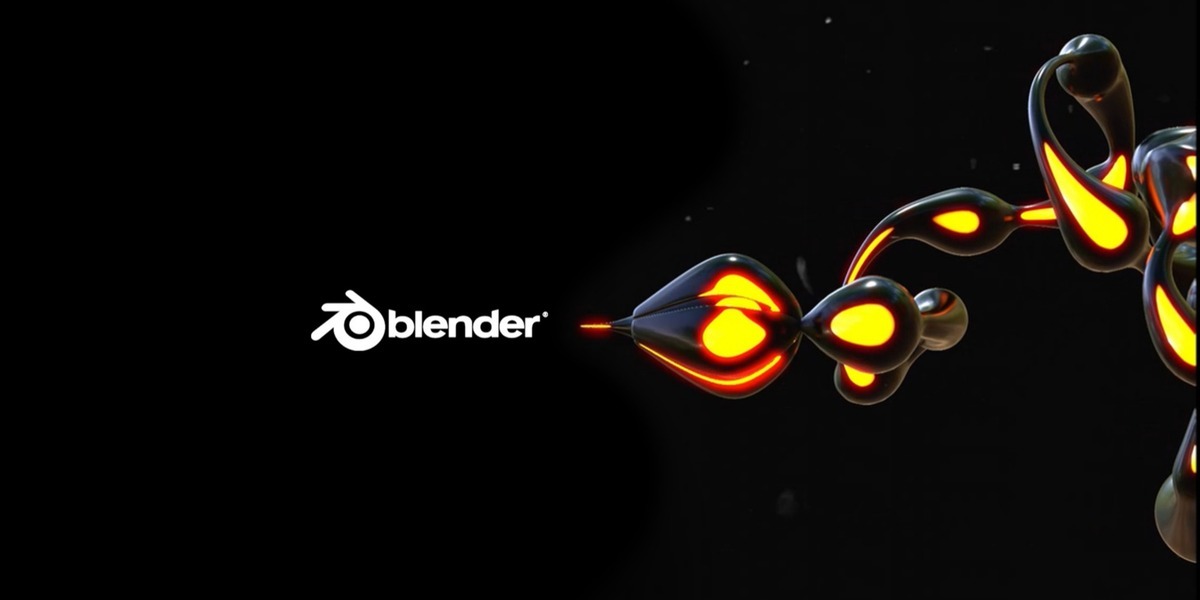
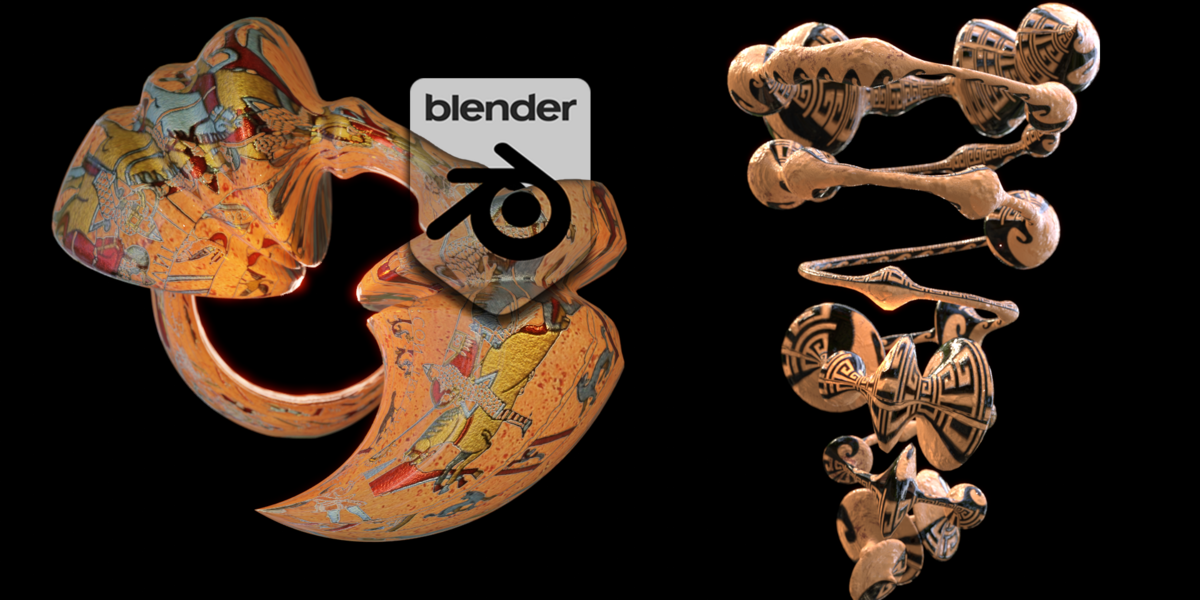
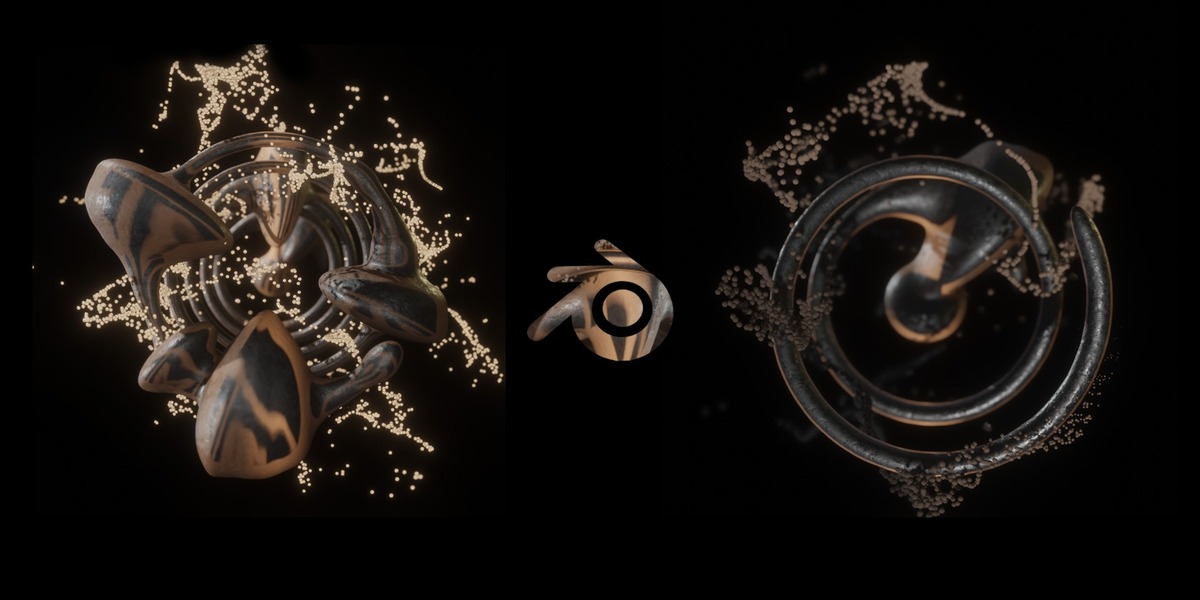
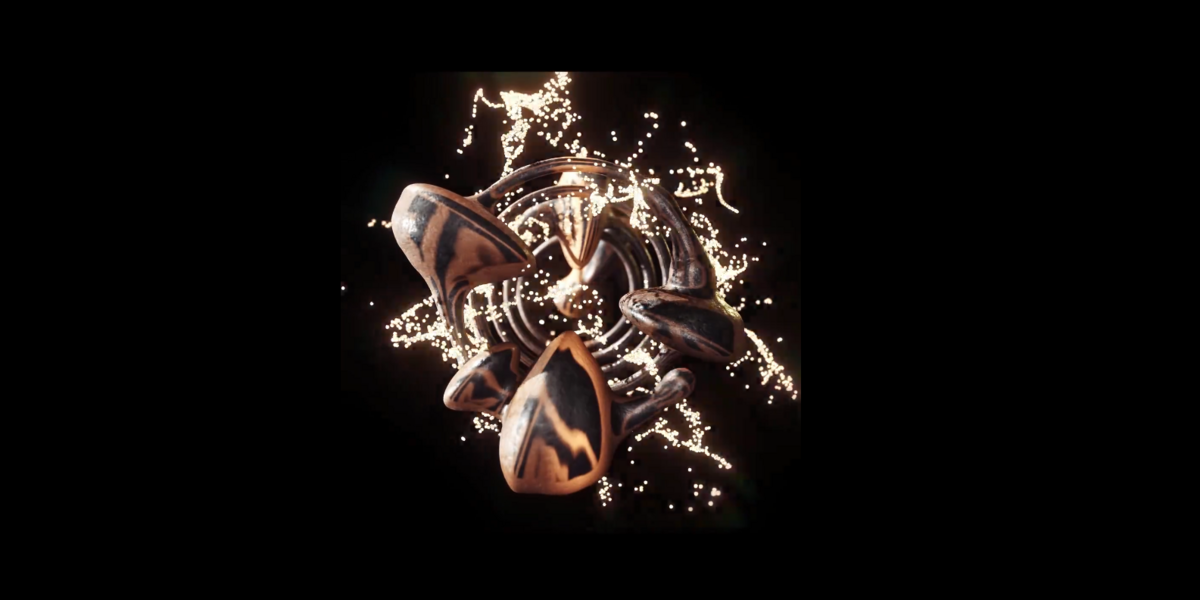
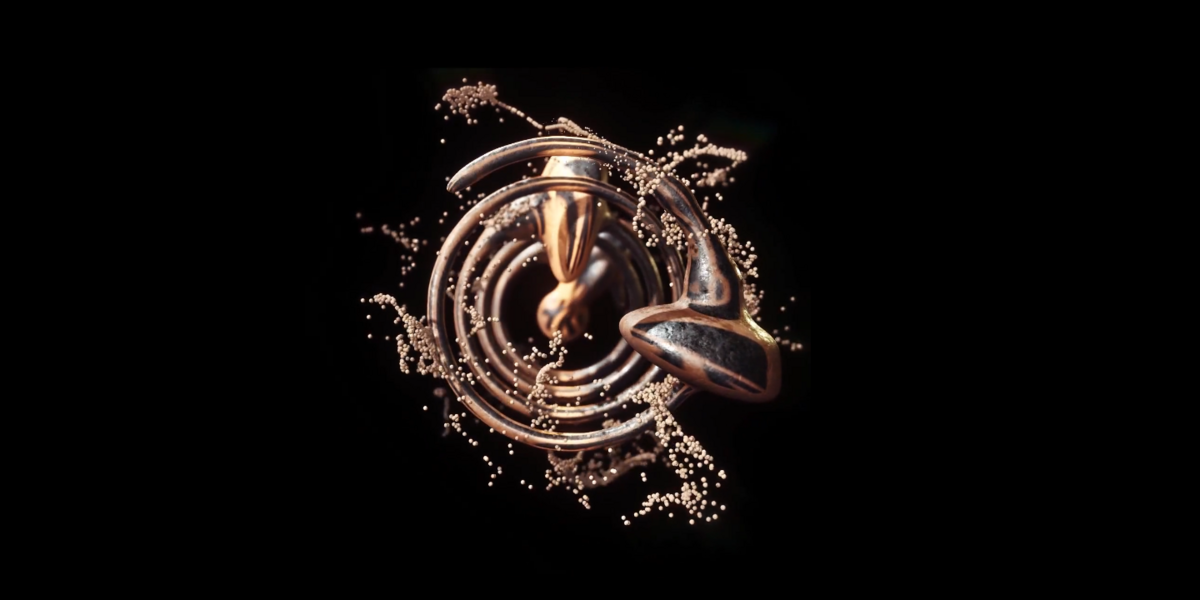

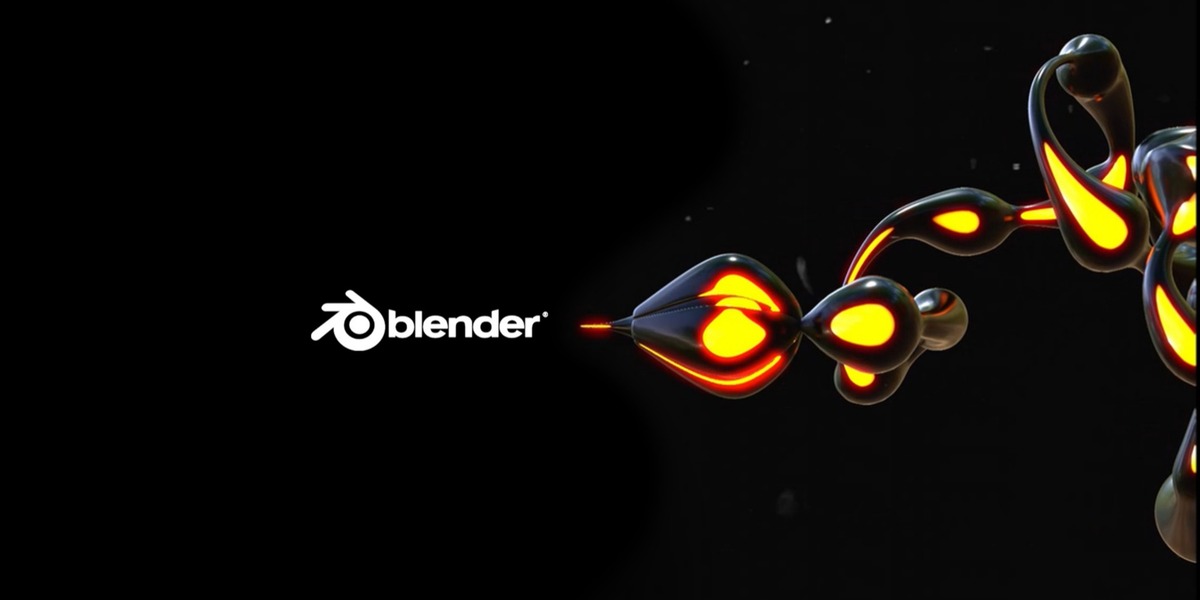

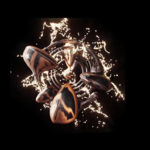



A pure GeoNodes setup of a frame-by-frame curve scaler, here driven by audio. Your curve radius is scaled by a current custom value, every frame, creating an evolving and reactive shape.
There is another setup with a similar effect available, where instead of scaling a curve radius frame-by-frame, we instance a standalone custom object and scale it by any current value.
A user-defined curve is scaled frame-by-frame. The curve radius itself is actuated every frame by the current value, be it audio or keyframe. The setup also serves as an example of curve and spline handling in Geometry Nodes. You can realize your own vision.
✦ The 5.2 update introduces real-time audio input in Geometry Nodes.
▶ Video demos: Demo 1 | Demo 2 | Demo 3 | Demo 4 | Emitter Version
---------------------------------------------------------------------------------------------
Features:
- Mechanism: Frame-by-frame spline radius displacement generating a continuous, audioshaped 3D taper along a guide curve.
- Audio Integration: Evaluates instantaneous audio levels per frame to scale curve radius, preserving a physical visual record of the audio track's historical dynamics.
- Controls: Spline resolution, taper decay rate, amplitude scale multiplier, and profile bevel topology.
---------------------------------------------------------------------------------------------
Get this setup alongside 5 other sound visualizers in the Audioreactive Motion Suite ($14.90) and save 35%.
---------------------------------------------------------------------------------------------
Developer Notes:
This setup comes in two versions. One is the main version. The second one is a special addition, where a particle emitter follows the created curve to create a swirl of particles. Both the clean geometric taper and the particle-trail variation are included.
The file is optimized for and rendered in Eevee (Render Viewport animation). Of course, you can set up any renderer you wish.
Follow the instructions in the description to change the setup and fine-tune it to your audio! (You need to bake it to an Fcurve, fine-tune it through the Map Range nodes, and add keyframes to the material to control the emission glow and colors as you wish).
(Since it is a concept demonstration, it is kept as simple as possible.) The GeoNodes trees are kept clean, the nodes are not contracted into nodegroups for easier readability and have detailed explanations. Everything is built from the base. The point of these setups is to provide a base core of the concept, node from node.
You can embellish, refine as you wish based on the core or realize your own ideas. Read the text description, it has a lot of useful info!