 Yasser Idris
ShadeForm
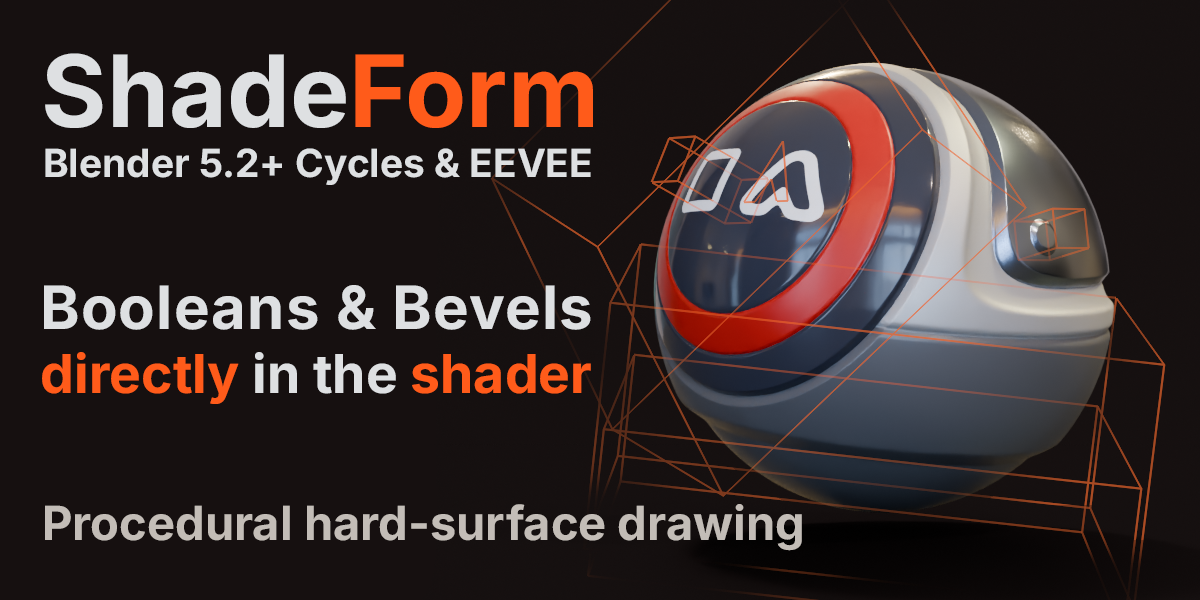
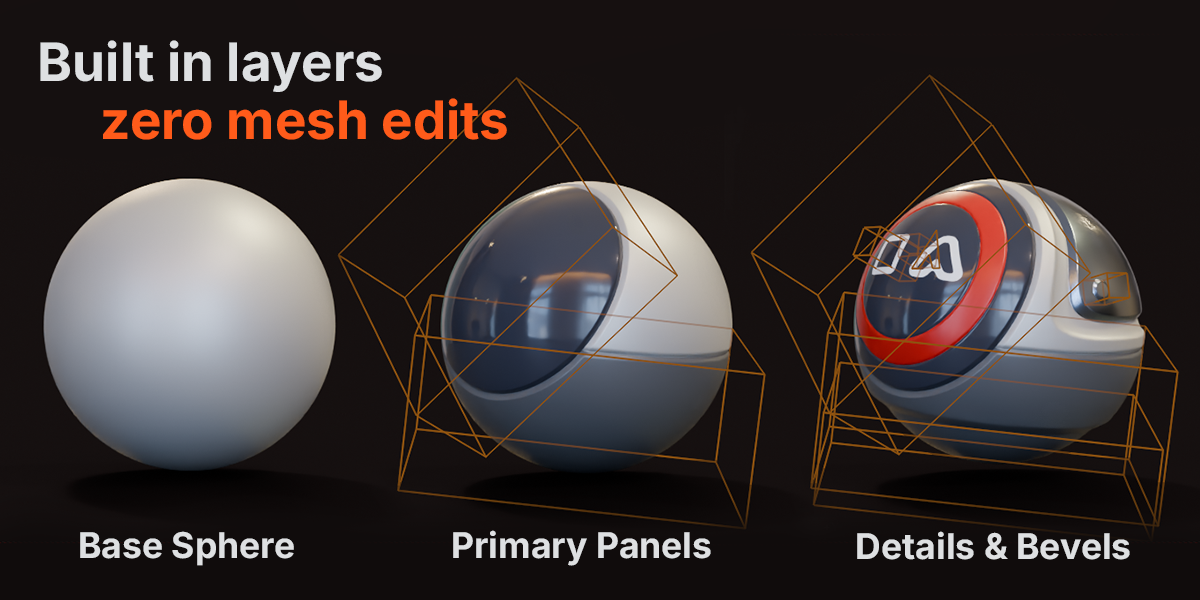
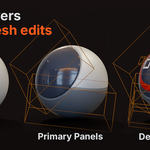
Design panels, cutouts, decals, and bevels directly on your model without cutting geometry, switching to external 2D tools, or re-baking every time you modify a shape.
Stay inside Blender
Create panels, decals, and custom 2D shapes with Blender's own tools, with no external 2D apps and no manual re-baking after small edits.
Direct on any surface
Draw directly onto Meshes, NURBS Surfaces, Text, and even intersecting Metaballs. Zero topology edits and zero UVs needed while designing.
Clean exit to any pipeline
Bake ShadeForm's shapes while keeping your base material live, or convert to a standalone node group to share or bake the full material with any in-Blender baker.
Draw 3D boxes or custom 2D N-Gons, then refine in Edit Mode.
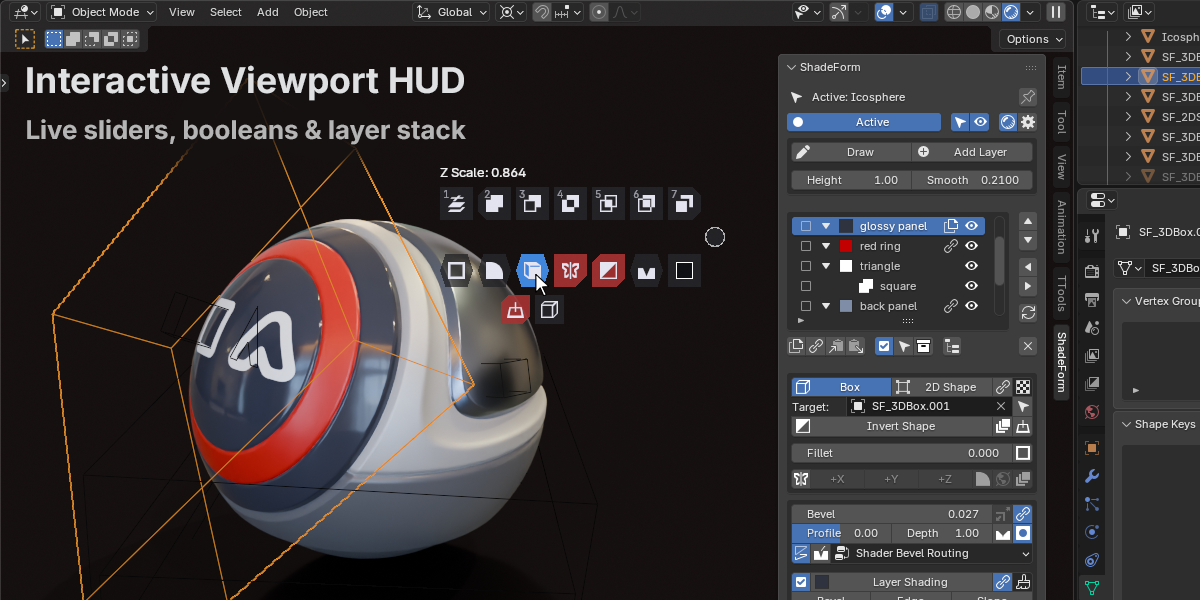
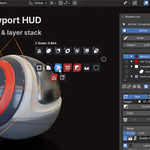
Draw analytical 3D Boxes or CAD-snapped Custom 2D polygons directly onto any surface with zero UVs. Hit Tab anytime to push vertices further in Blender's native Edit Mode, then dial in live Stroke thickness, offset, and smooth Corner Fillets right from the floating HUD.
Tab) · Live Stroke & Fillet · CAD Guides & = Math Switch boolean operations live with zero mesh cleanup.
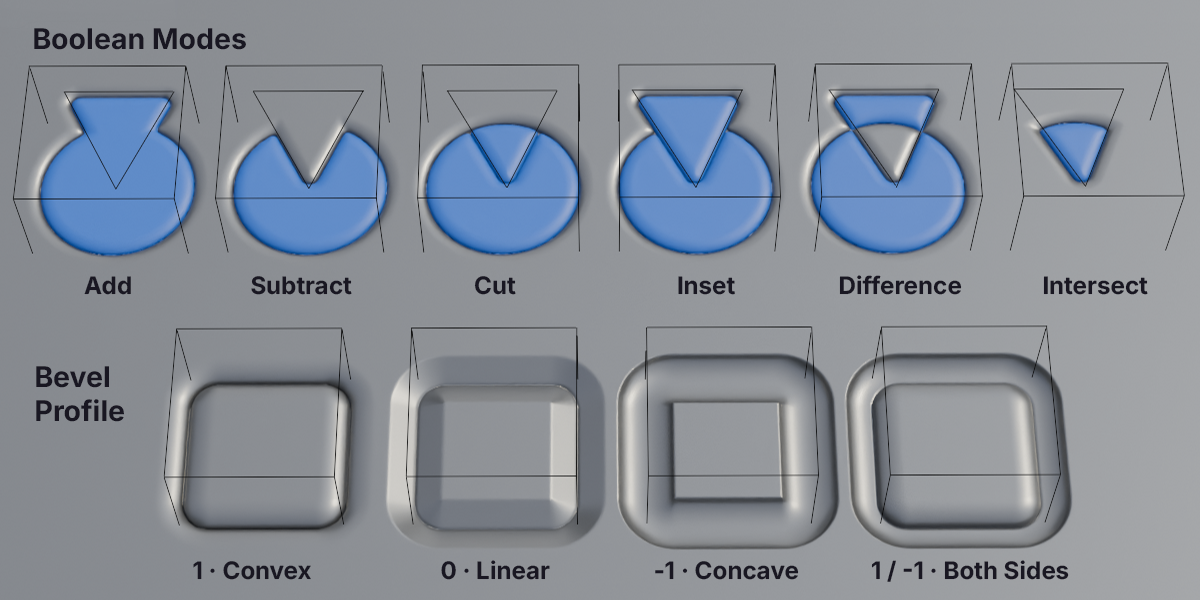
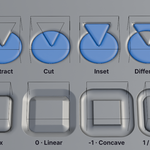
Stack sub-layers inside any shape and cycle effortlessly between Add, Subtract, Difference, Intersect, Cut, and Inset (1-7). Pair every layer with smooth Intersection Blend Radius, 6-axis Mirror, Invert, and Z-Depth. Everything stays non-destructive and editable anytime.
Artifact-free analytical bevels with independent inner & outer control.
Instead of noisy screen-space bump derivatives, ShadeForm propagates exact 3D analytical gradients across every shape and boolean. Separate Inside from Outside bevels (or link them), adjust Bevel Size and Depth on the fly, and sculpt Convex, Concave, or Linear profiles without pinching or stepping.
Full per-layer PBR control, or bevel-only surface detailing.
Tune Color, Roughness, Metallic, Opacity, and Color Feather directly inside the viewport HSV popover. Toggle individual channels on or off: disable all three and the layer drives pure bevel normals only over your existing base material. Or plug in any custom Blender shader node tree and switch to Directional Displacement.
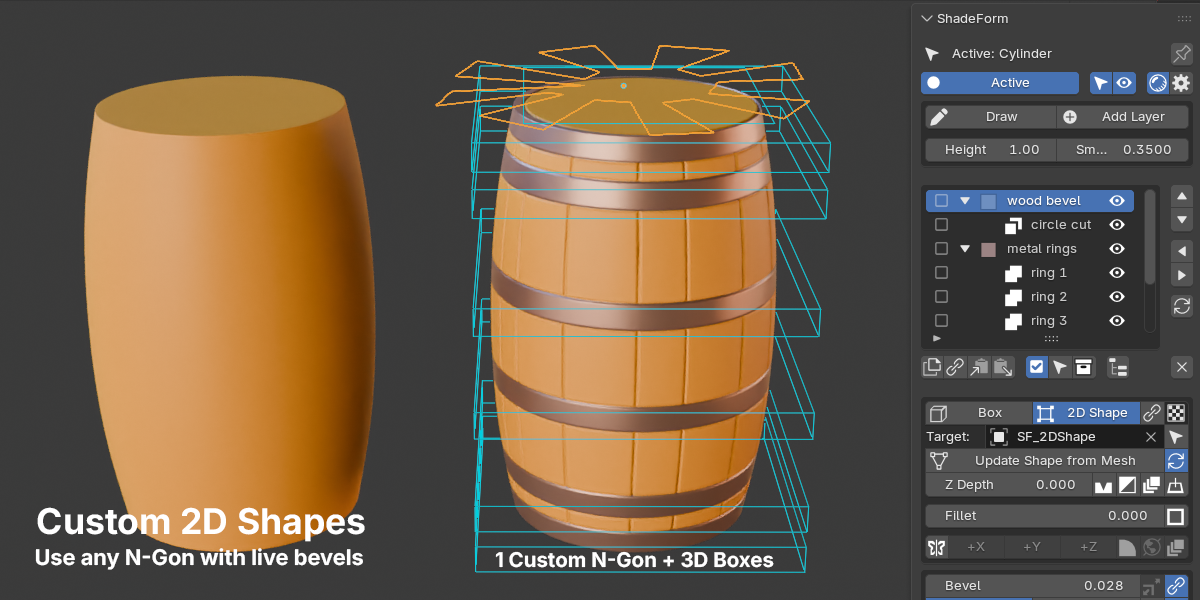
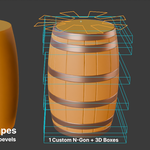
From a plain cylinder to a detailed barrel in a few layers.
See the full ShadeForm workflow in action: project a single Custom 2D N-Gon along local Z to carve the vertical wooden plank bevels, refine it with a boolean sub-layer, then stack simple 3D Box layers to wrap metallic hoops around the barrel. Everything stays non-destructive on an untouched cylinder mesh.
Bake the shapes, keep your base material live, or go standalone.
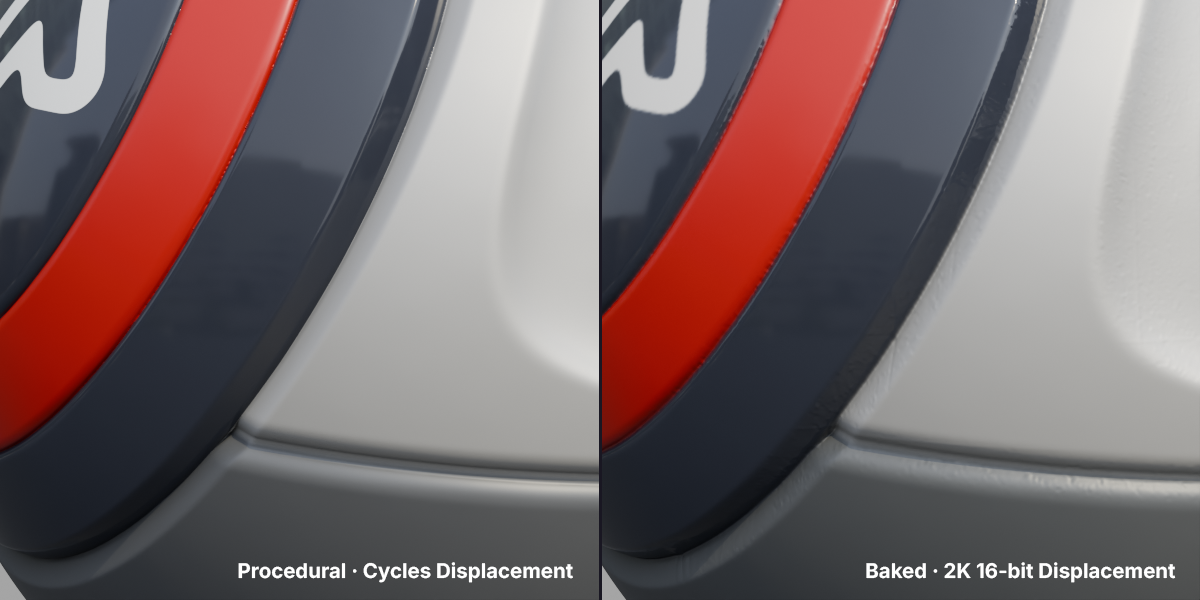
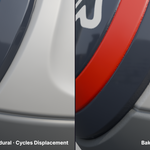
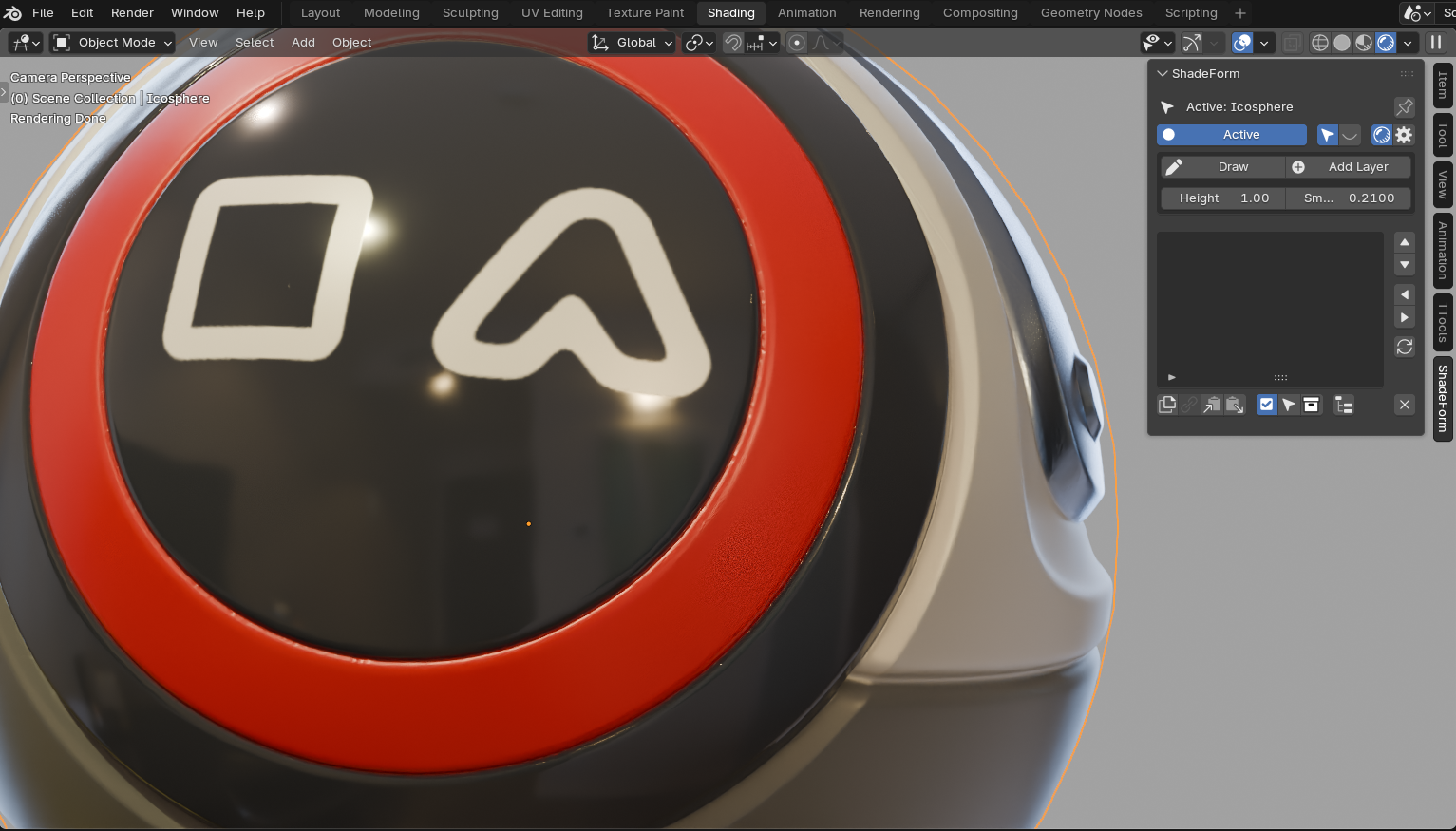
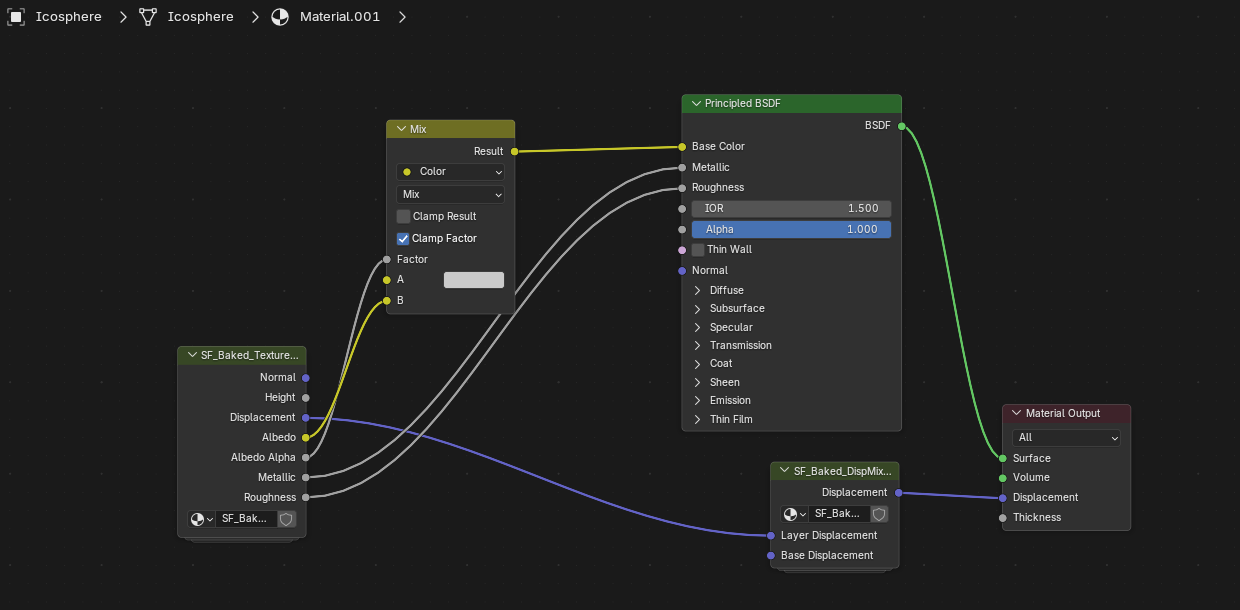
Use the built-in native Cycles baker to bake ShadeForm's shapes, normals, height, and masks while leaving your base material intact. Choose Switch to Baked to clear live layers and automatically wire the baked maps into your shader, or run Make Standalone to remove all addon dependencies for sharing or third-party in-Blender bakers.
- 1K to 8K Flexible Outputs: 8/16/32-bit Height, Normal, Albedo, Metallic, Roughness, Per-Layer Masks & Bevel/Edge/Slope Masks.
- Non-Destructive or Finalized: Toggle Keep Live Layers or Switch to Baked right inside the bake dialog.
-
Base Shader Preserved: Baked maps mix cleanly over your existing
Principled BSDF.
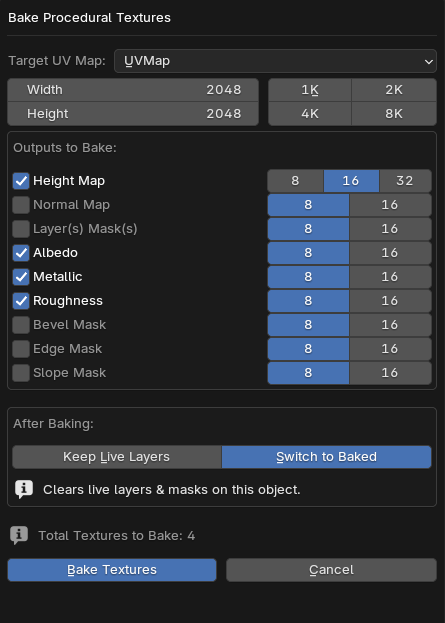
Principled BSDF stays untouched 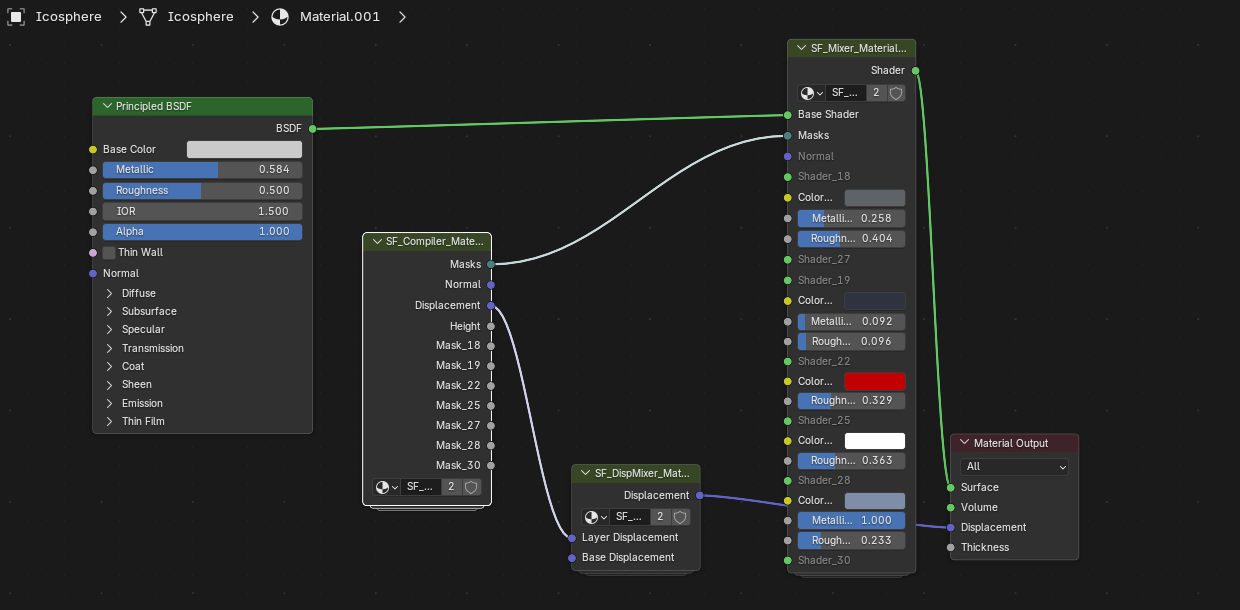
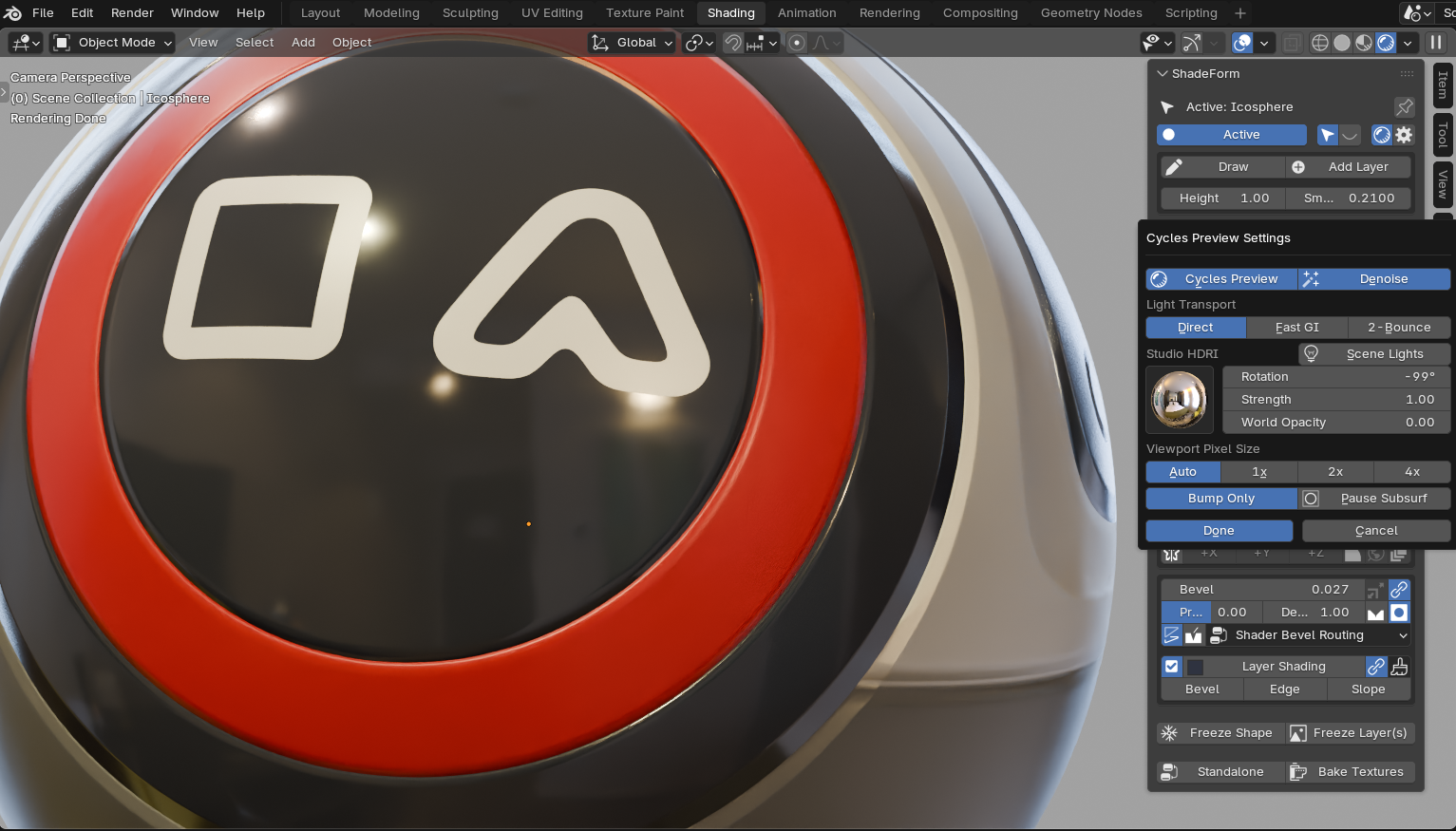
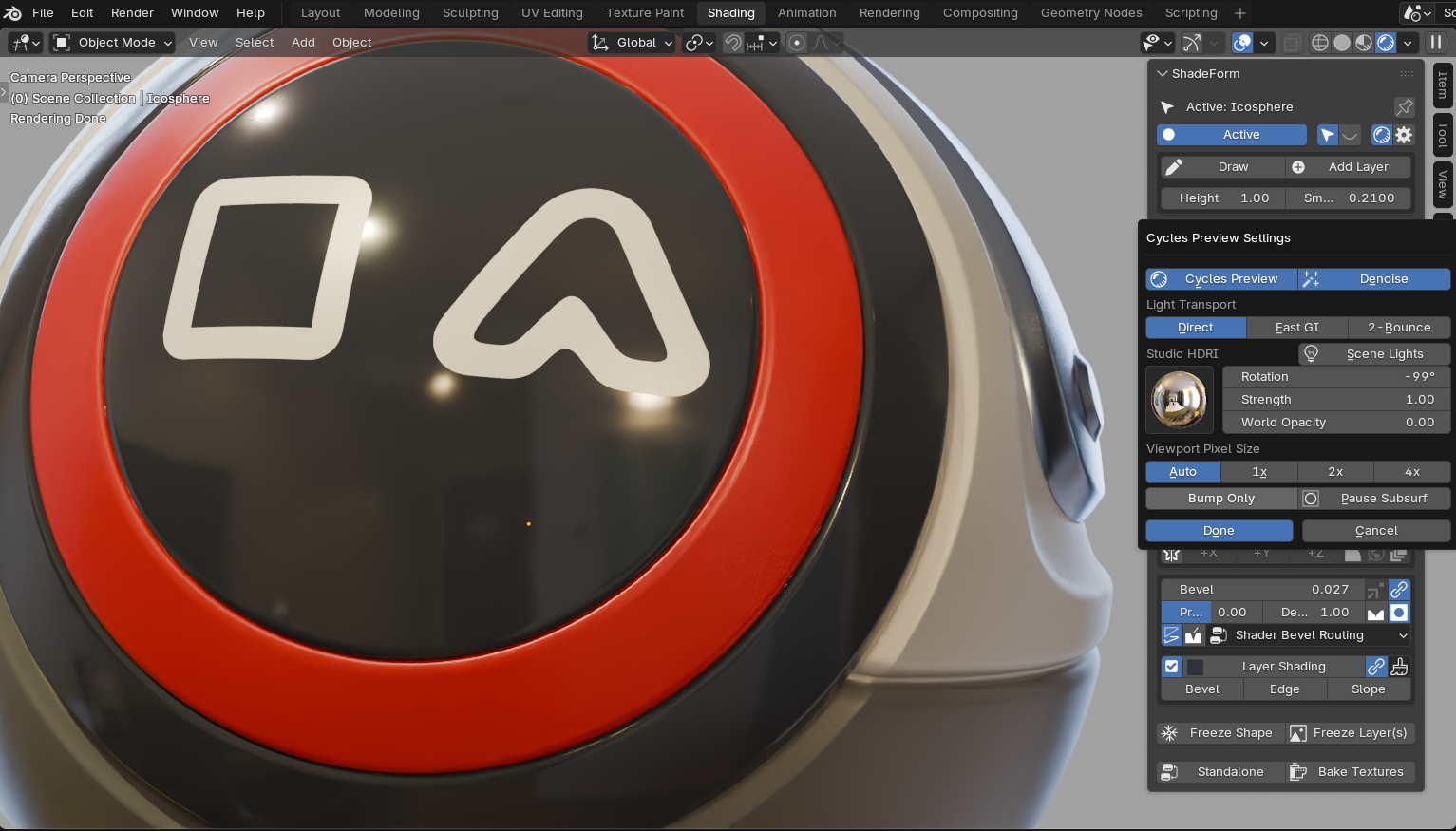
Cycles Preview vs. EEVEE: zero-stutter drawing meets 60 FPS editing.
In EEVEE, moving masks or dragging live sliders runs at 60 FPS with zero shader rebuilds, while adding new masks or reordering heavy stacks triggers GLSL shader compilation stalls. ShadeForm's new 1-click Cycles Preview Mode switches into a tuned Studio HDRI LookDev viewport powered by Cycles' SVM (with fast 1-sample denoising, Direct / Fast GI / 2-Bounce presets, and automatic scene restore) so drawing new masks responds instantaneously.
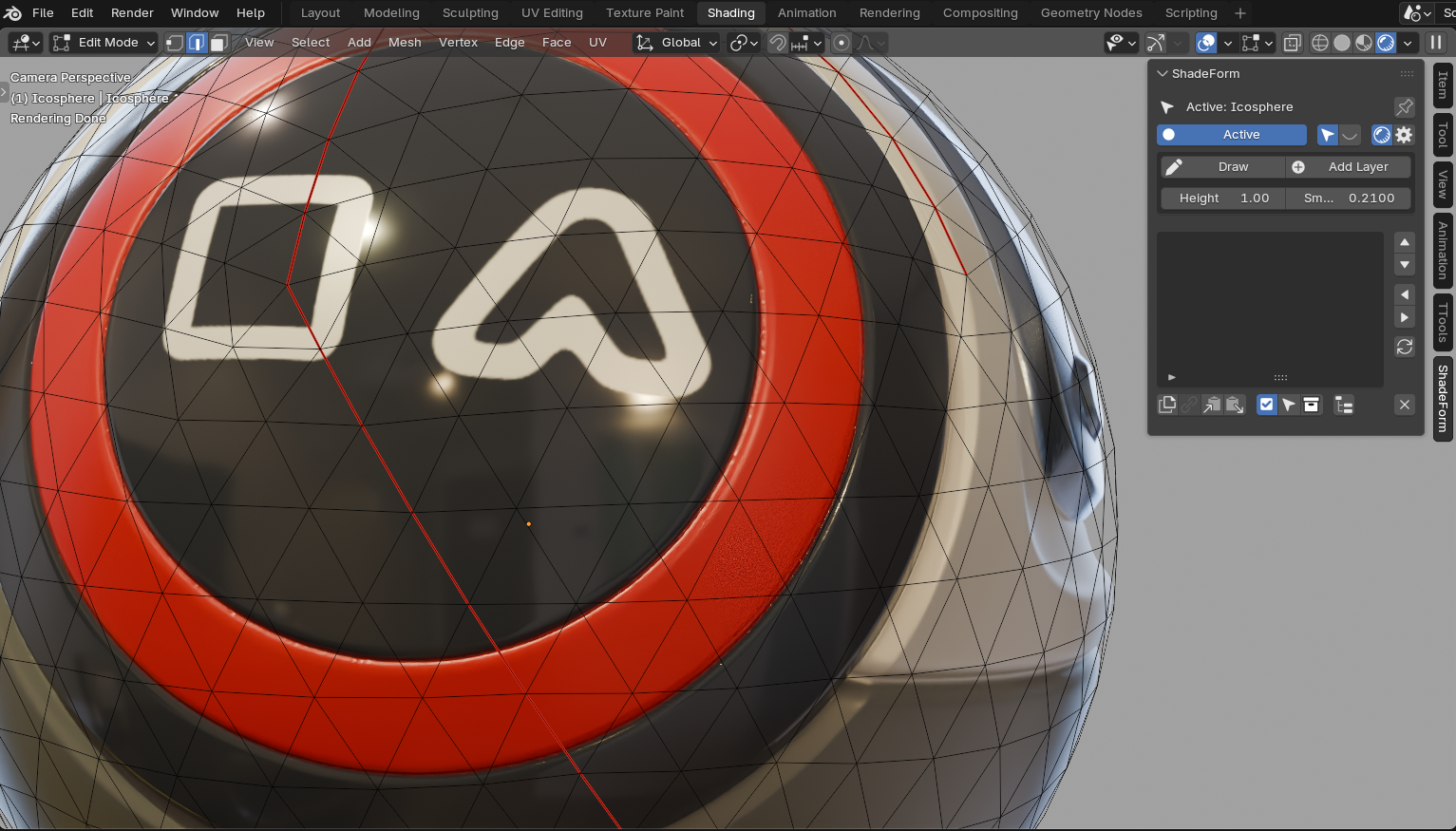
S/O/L Proxies, UV-free GPU Freeze Shape (keeps bevels live), or UV-baked Freeze Layer(s). .blend Saves Good to know
Shader-based by default. ShadeForm alters normals and shading without changing low-poly topology (not an STL mesh cutter). Enable Displacement on subdivided geometry for physical silhouette depth.
Blender 5.2.0+ LTS required. Built on Blender 5.x Shader Bundles and modern GPU offscreen shaders. Runs on EEVEE and Cycles; not compatible with Blender 4.x.
3D Boxes & Custom 2D N-Gons. 3D mode uses analytical 3D Box shapes (not arbitrary sculpted 3D meshes). 2D shapes evaluate one outer loop up to 1,024 vertices along local Z. Use SUBTRACT sub-layers for inner holes and Freeze Shape to remove combined limits.
Baking scope & UVs. Live drawing (including Surfaces, Text & Metaballs), GPU Freeze Shape, and Make Standalone need zero UVs. The built-in baker and UV Freeze Layer(s) require a UV-unwrapped mesh and bake only ShadeForm's shapes, keeping your base material untouched; for a full-material bake, go Standalone and use Blender's native bake or any in-Blender baking addon.