 VK Gamedev


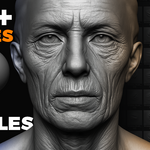
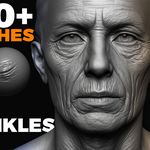
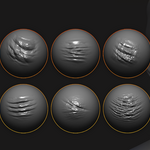
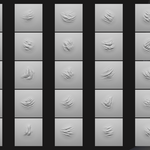
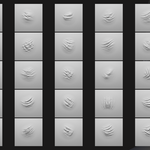
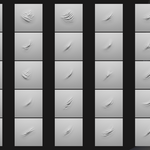
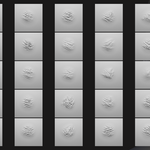
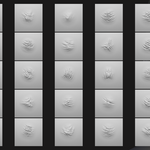
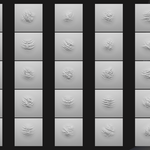
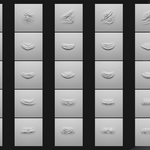
🔥 200+ Skin Wrinkles Sculpting Brushes for Blender & ZBrush
A professional collection of over 200 sculpting brushes for realistic wrinkles, folds and micro-details.
Brushes only — no alphas included.

📦 Included
- 245 Blender Sculpt Brushes
- 245 ZBrush Brushes (.ZBP)
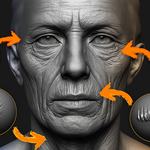
- Wrinkle categories:
- Fine micro-wrinkles
- Medium organic folds
- Deep directional wrinkles
- Forehead & brow lines
- Crow’s feet
- Nasolabial folds
- Neck & body creases

⚡ Key Features
- Hyper-realistic wrinkle detailing
- Natural anatomical wrinkle flow
- Clean & sharp sculpting behaviour (no alphas required)
- Optimized for Blender Sculpt Mode & ZBrush
- Perfect for realistic characters, aging, anatomy and creatures
- Ideal for close-up cinematic renders
-

🔧 Installation Instructions
Blender Installation
- Place the provided .blend brush file in a permanent folder.
- Open Blender → Edit → Preferences → File Paths.
- Click Add and select the folder where your brush .blend file is stored.
- Click Save Preferences.
- Blender now loads this brush library automatically.
ZBrush Installation
- Copy all .ZBP brushes.
- Paste them into:
C:\Program Files\Pixologic\ZBrush 2021\ZBrushes - Restart ZBrush.
- The brushes appear inside the ZBrushes menu (Lightbox / Brush).
🖥 File Formats
- Blender Brush Pack (.blend)
- ZBrush Brushes (.ZBP)
- No alphas are included in this pack.
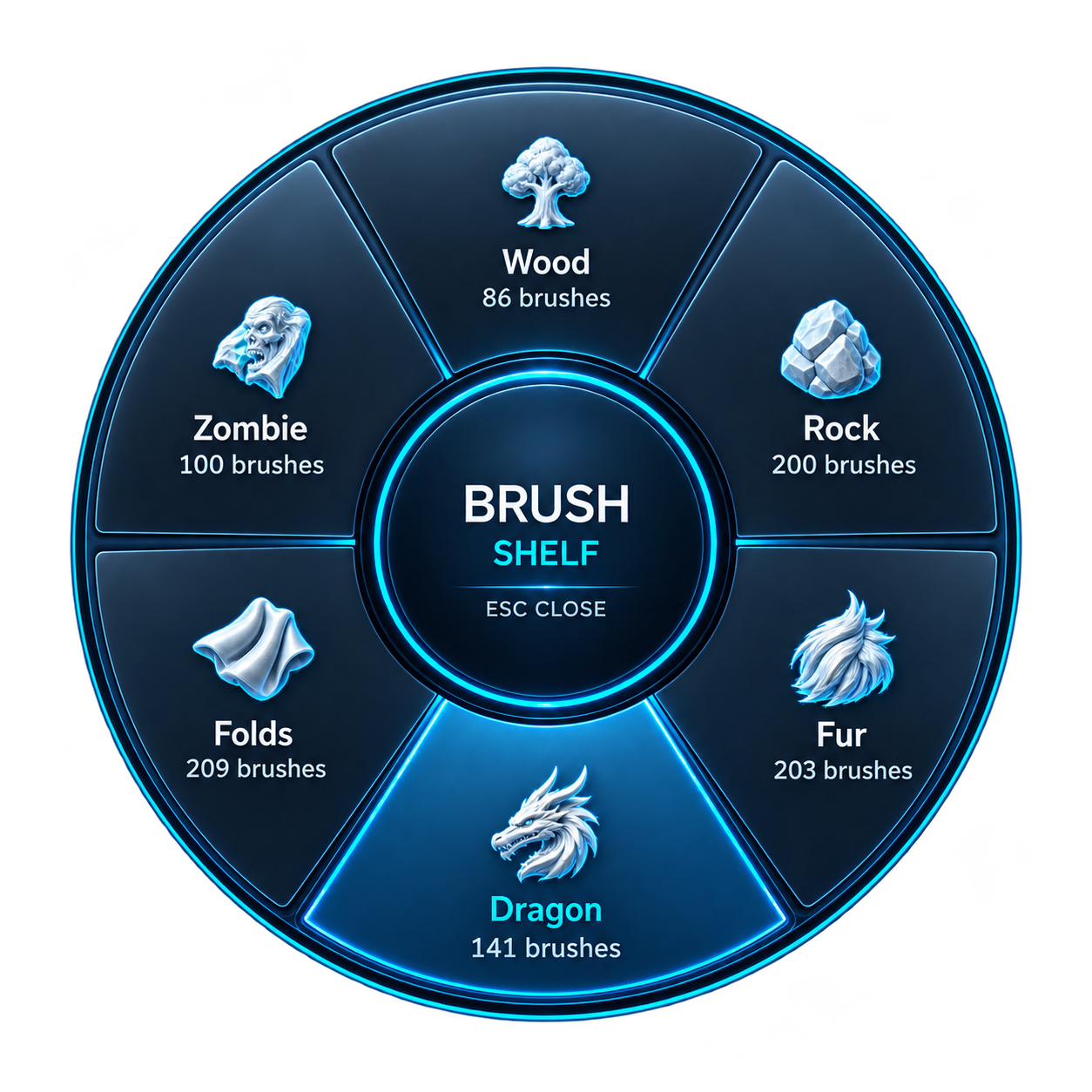
Your Brushes. One Shortcut Away.
Use these brushes with Brush Shelf for easy access while sculpting. Organize your personal brush library into custom categories, keep your favorites close, and press Q to select a brush directly in Blender’s 3D Viewport.
Discover Brush Shelf →
