 Casey_Sheep
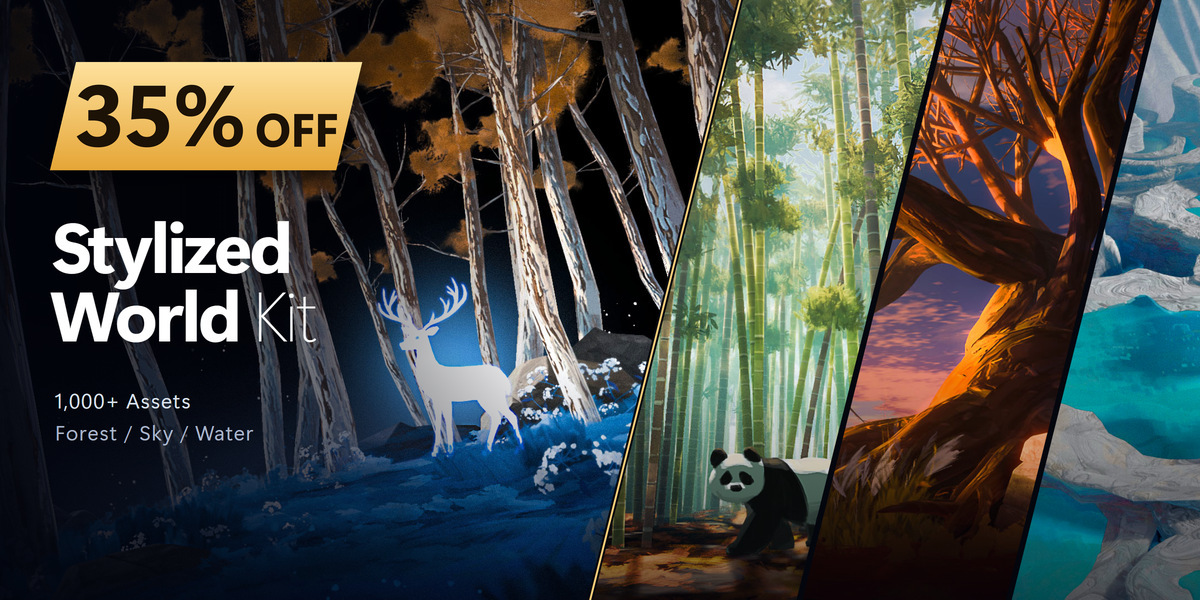

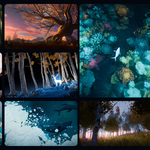
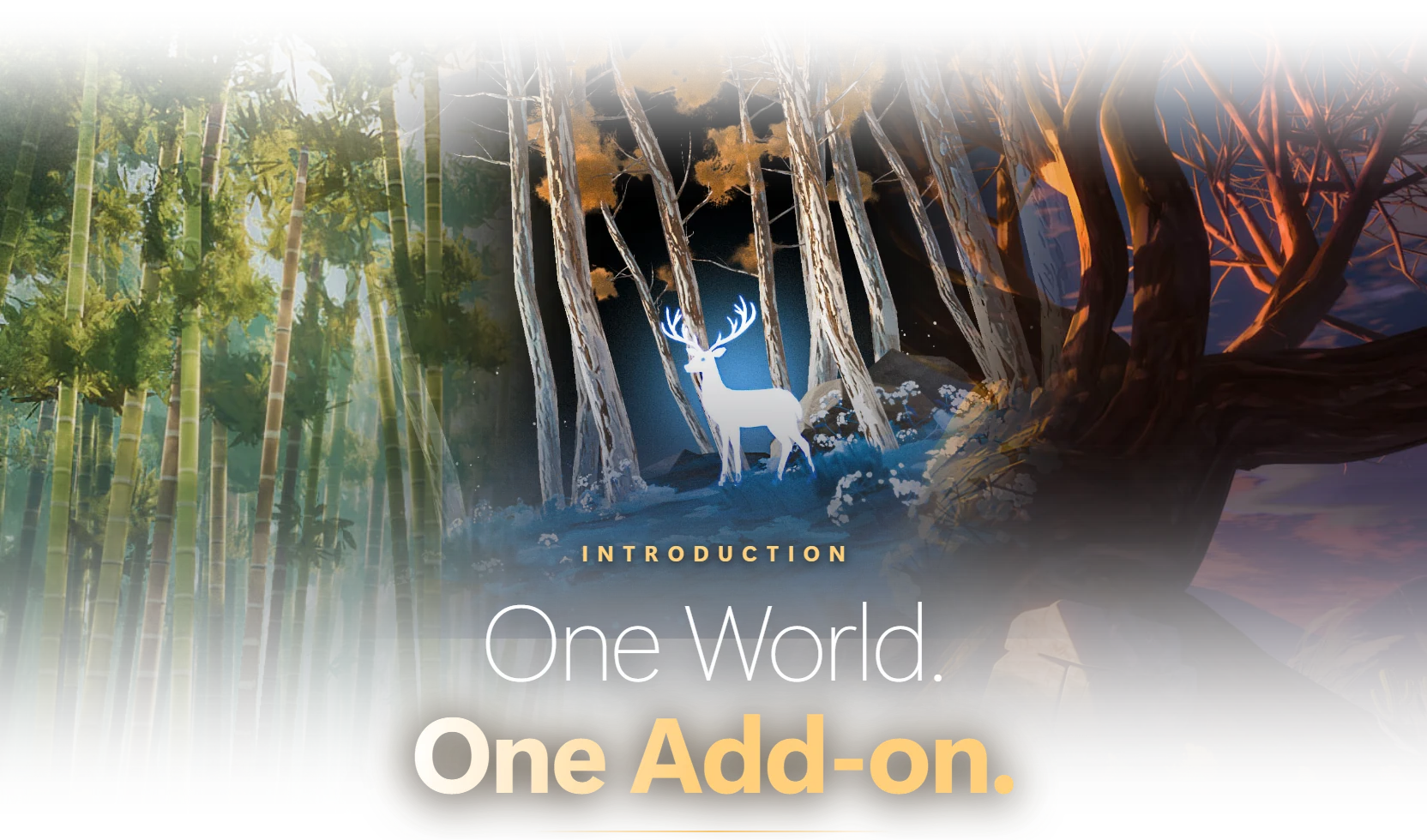
Stylized environments used to mean juggling a dozen asset packs, a forest tool, a sky setup and a water shader. Stylized World Kit pairs a new 750+ asset library with Stylized Forest Generator, SkyPaint and Stylized Water: everything that grows on the ground, the sky above it and the water around it share one workflow, one look and one library.
Built for stylized, toon, anime and concept-art work in Blender — no complex node setups, no tedious manual layout.
ALL IN ONE ADD-ON
From Empty Scene to Forest and Sky
Pick a forest preset, add it in one click, set up the sky and rotate the sun — all with one add-on.
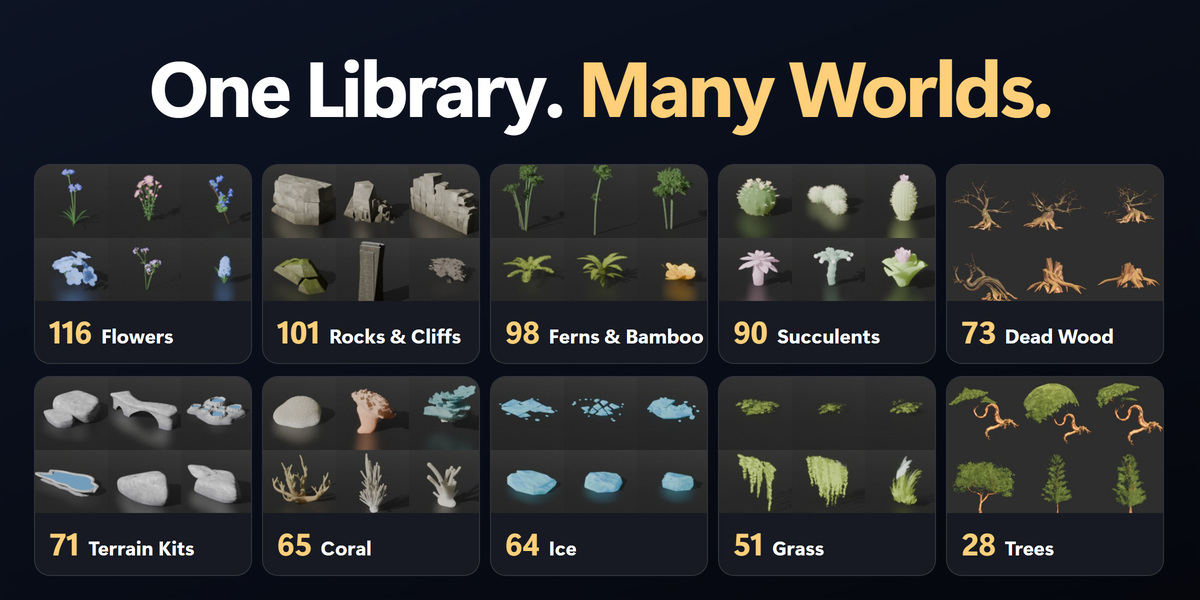
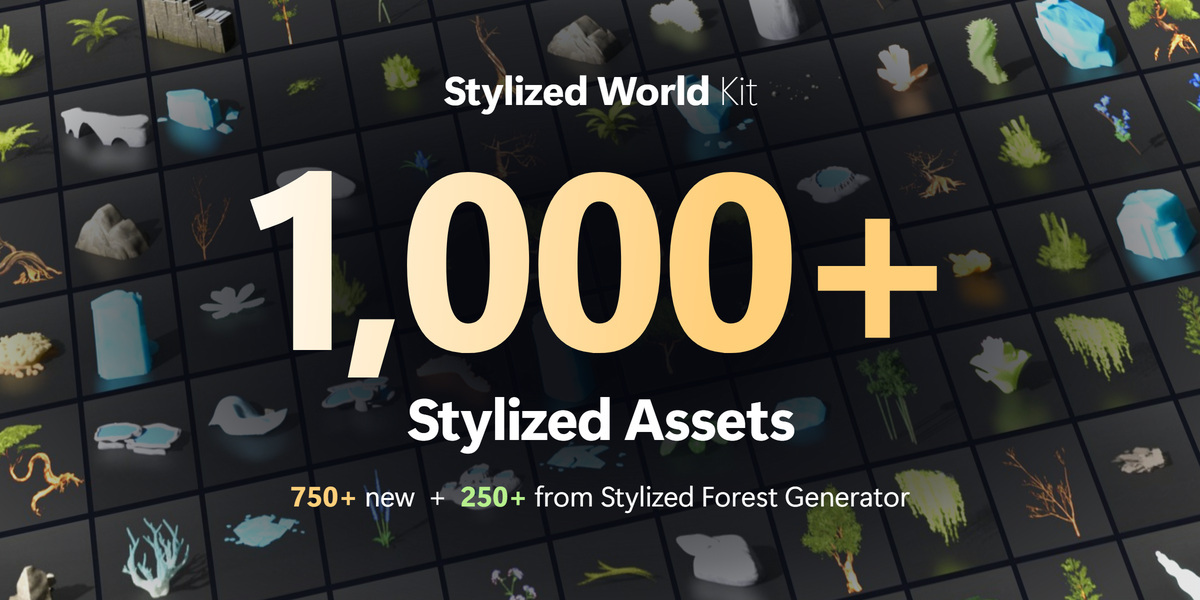
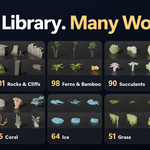
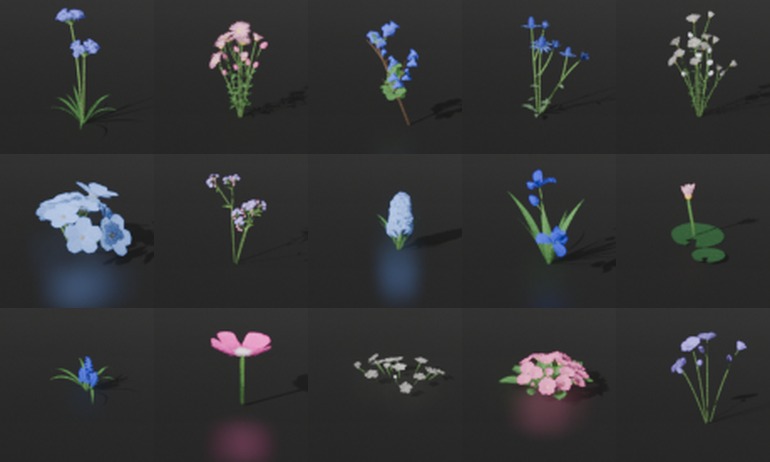
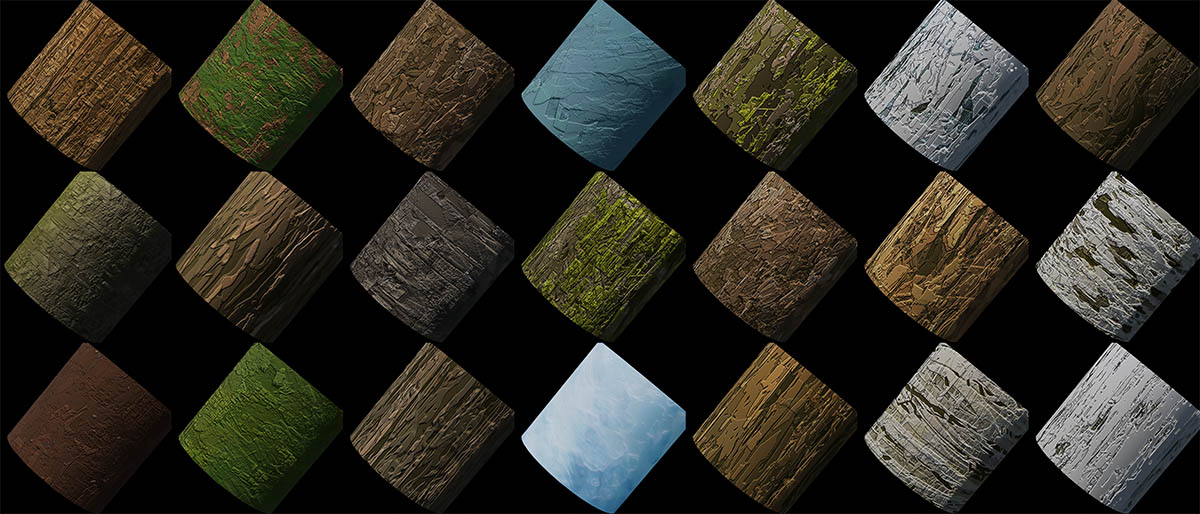
750+ new stylized assets join the original 250+ forest library — flowers, rocks, ferns, bamboo, succulents, dead wood, terrain kits, coral, ice, grass and trees, all in Blender's Asset Browser and set up with one click.
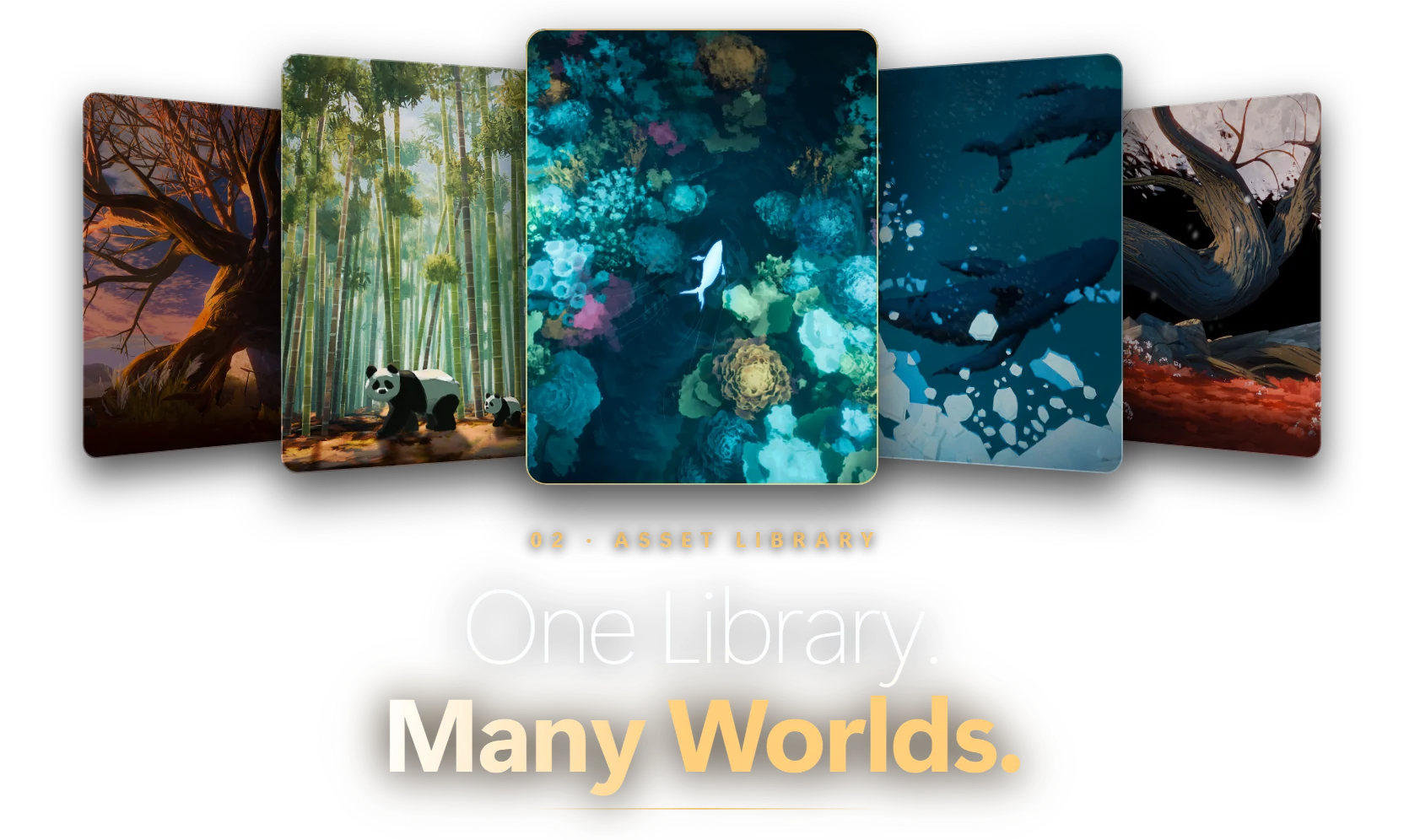
From lush forests and riverbanks to deserts, reefs and glaciers — all in one library.
750+ new + 250+ forest = 1,000+ assets in one kit
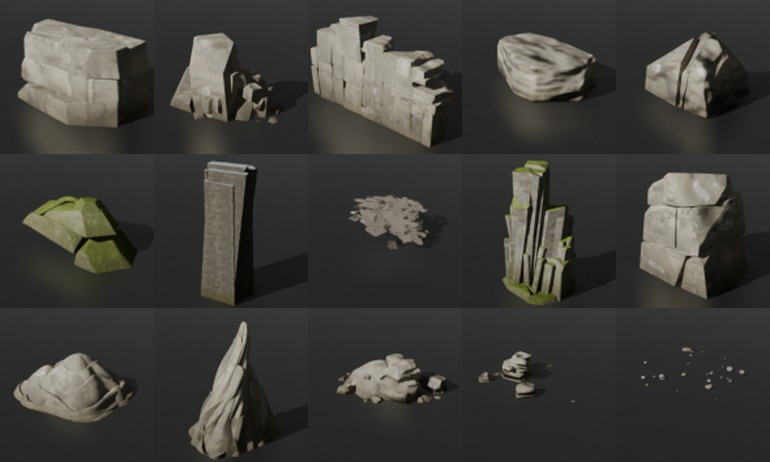
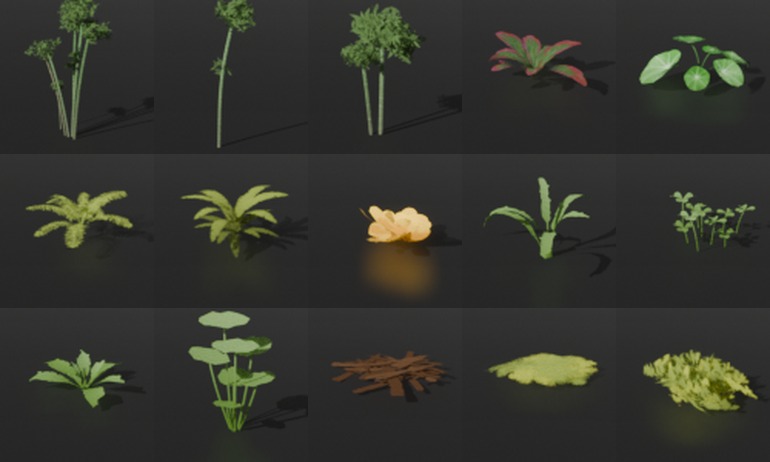
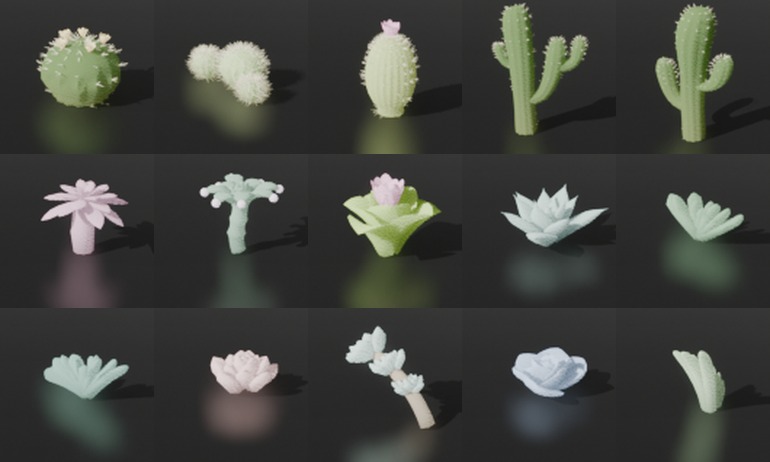
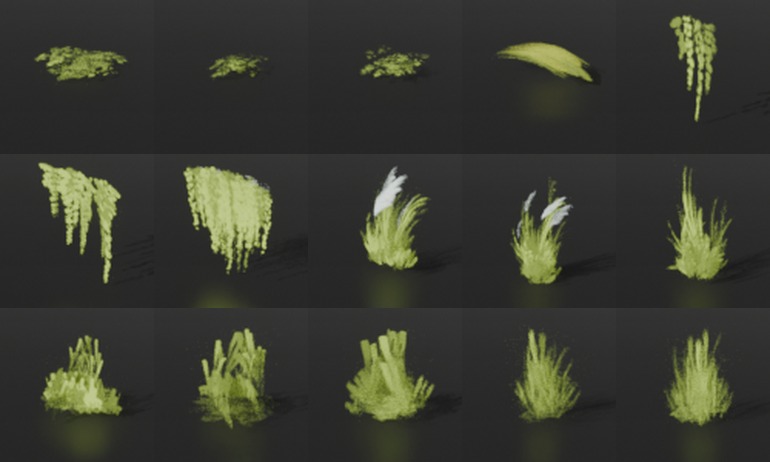
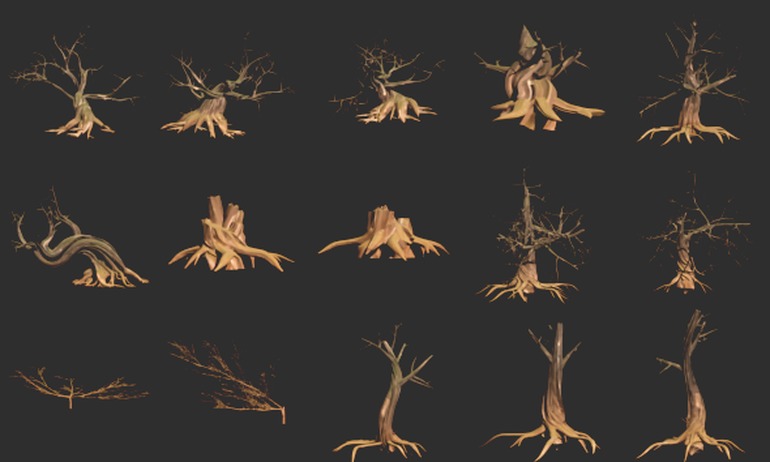
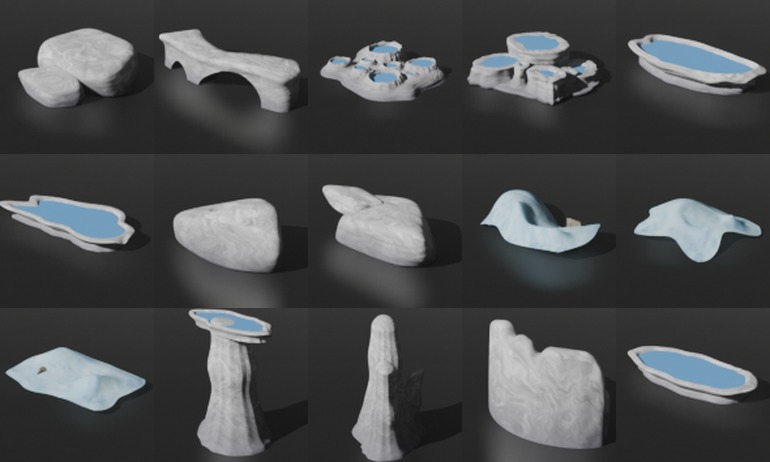
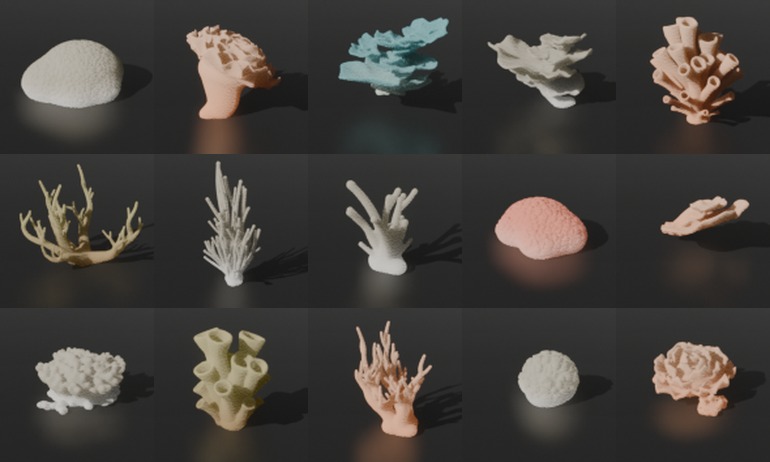
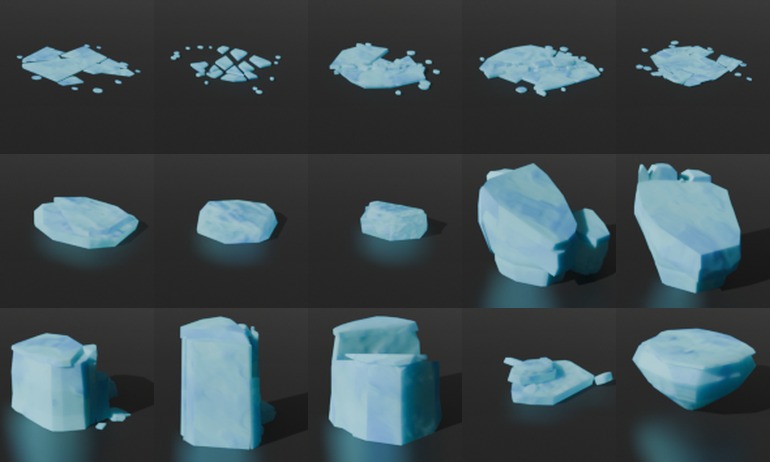
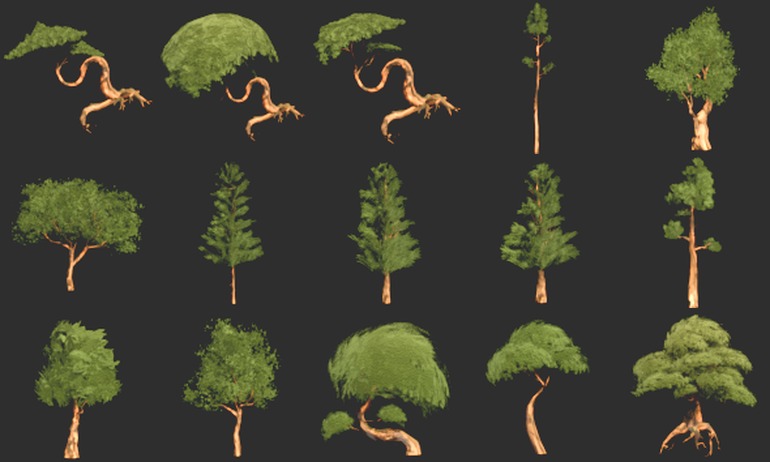
EDITABLE MESHES
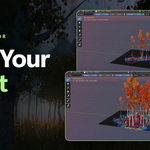
Sculpt It Your Way
Open a tree in Blender's Sculpt Mode to pull the branches, shape the silhouette or bend the trunk until it fits your composition.
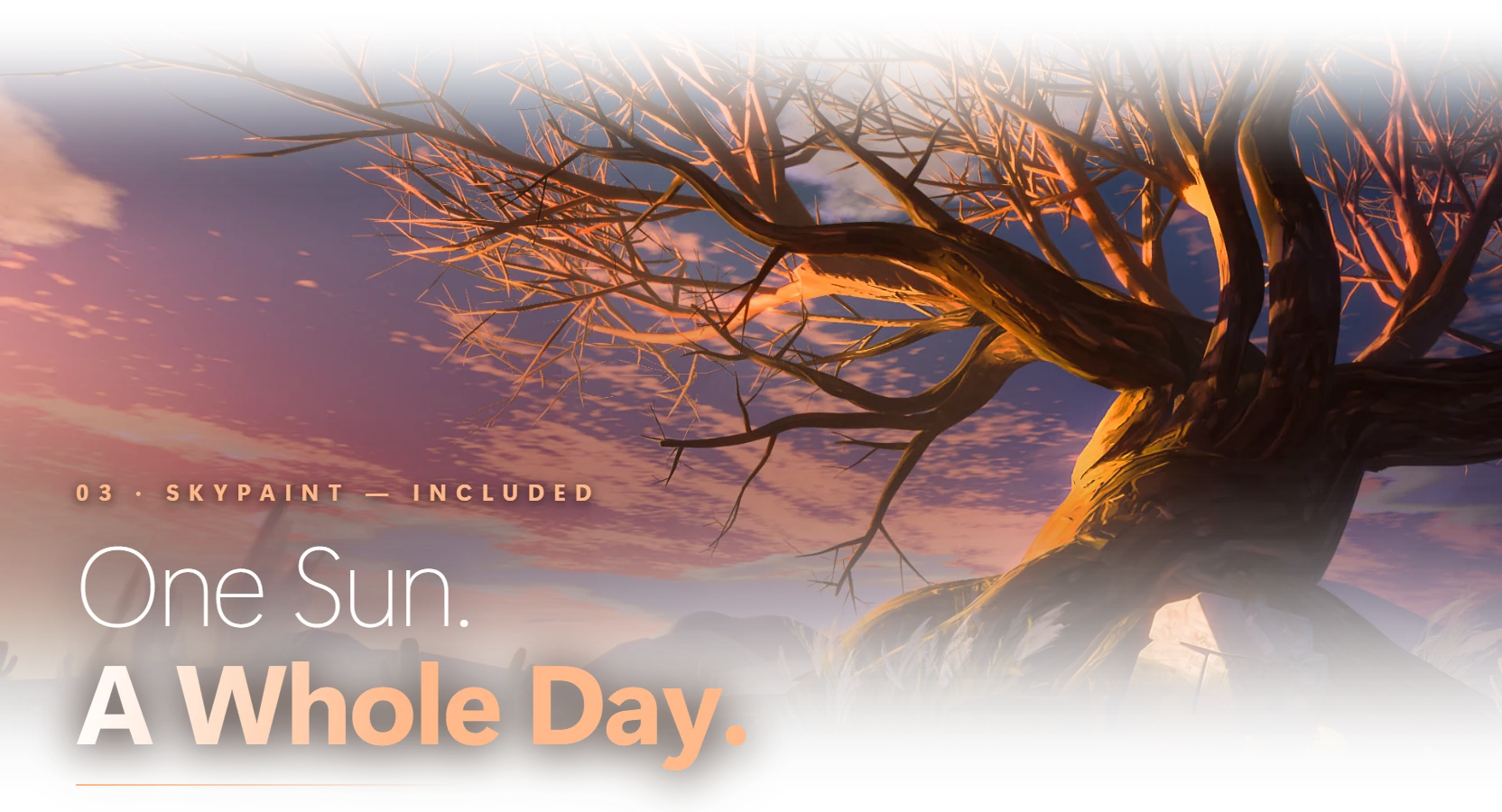
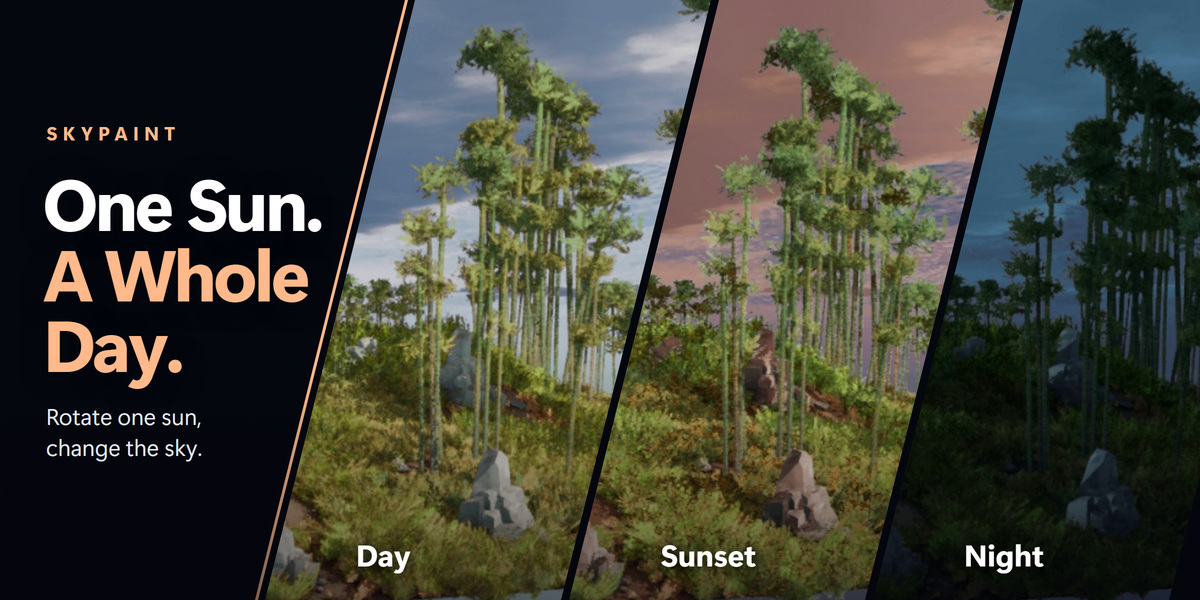
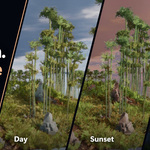
Procedural stylized skies in one click. Rotate the sun and the sky colours, light and atmosphere follow — from sunrise to a starry night.
Three adjustable cloud layers
Moon, stars and nebula after dark
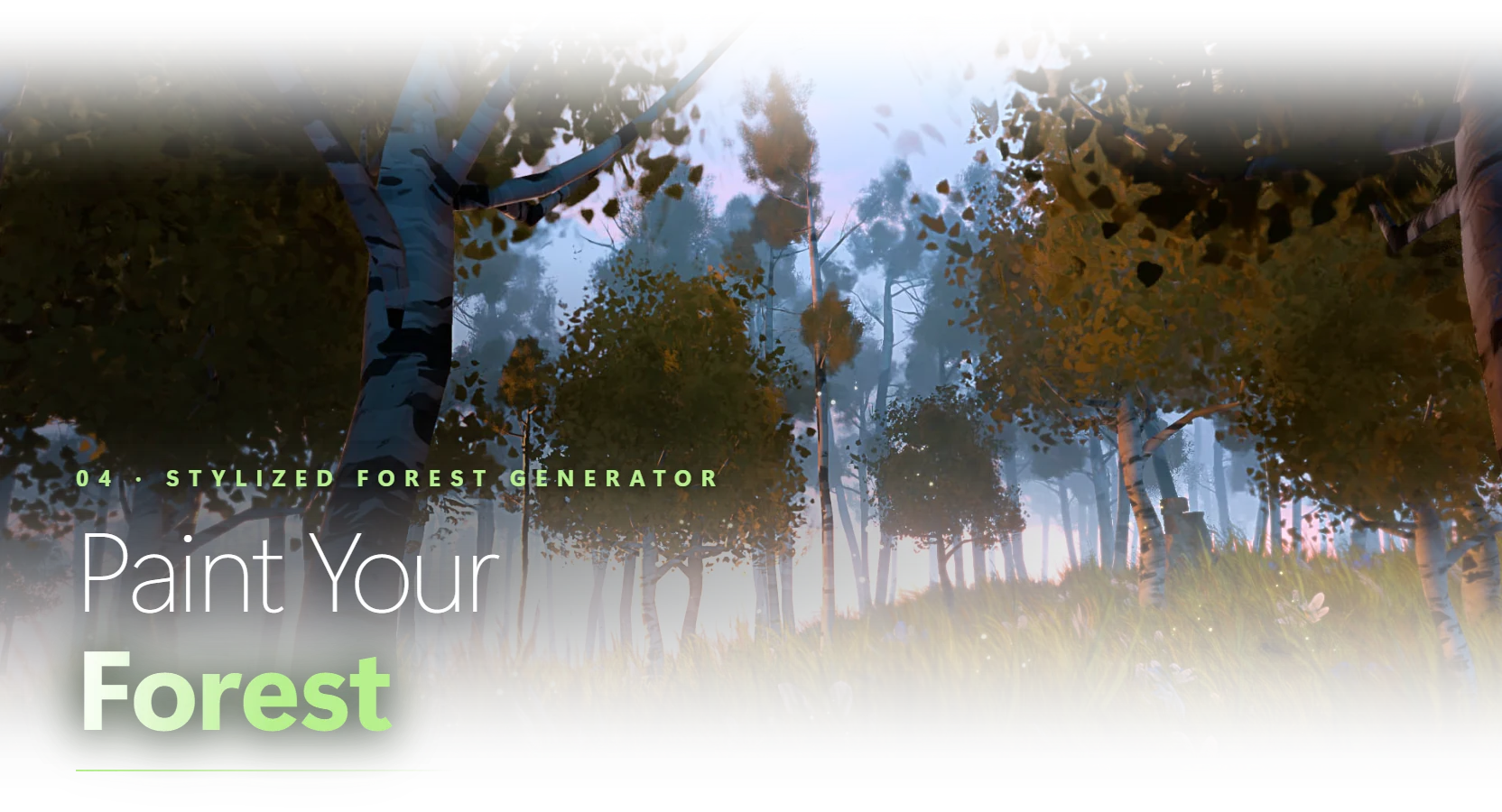
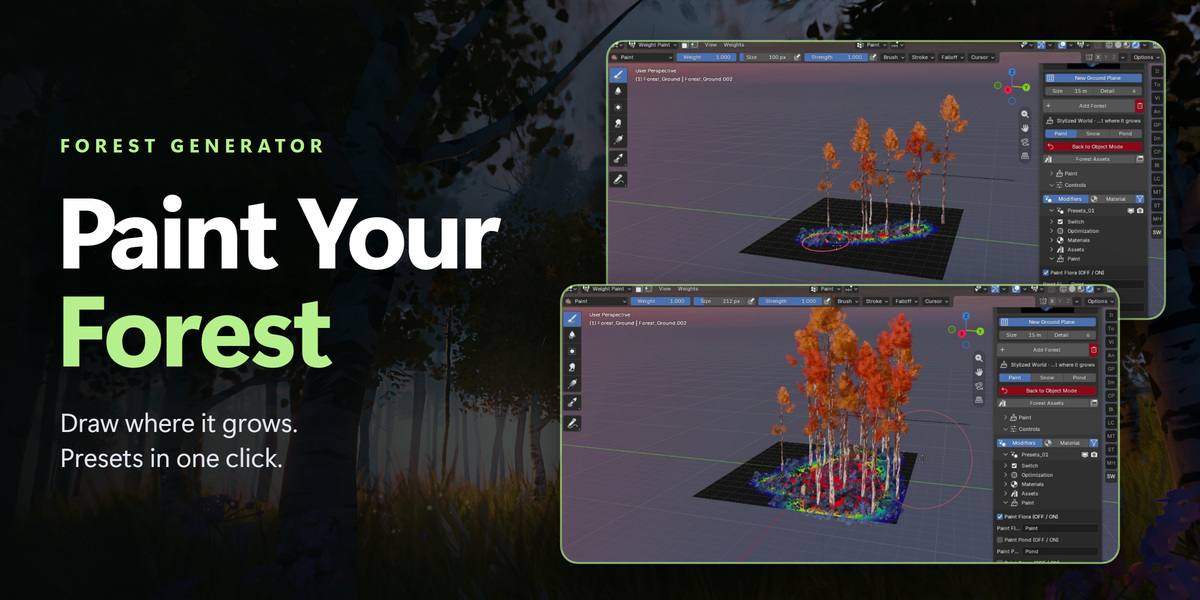
A highly customizable forest generator built on Geometry Nodes and wrapped in a simple, artist-friendly interface. Block out entire stylized forests in a few clicks, tweak them and render them — without fighting node trees.
Instead of placing dozens of assets by hand, you sketch the composition with paint strokes and the generator handles scattering, variation and layering.

Painting Mode — draw your forest
Paint where trees, ponds, snowy patches and plant zones appear, directly on the surface.
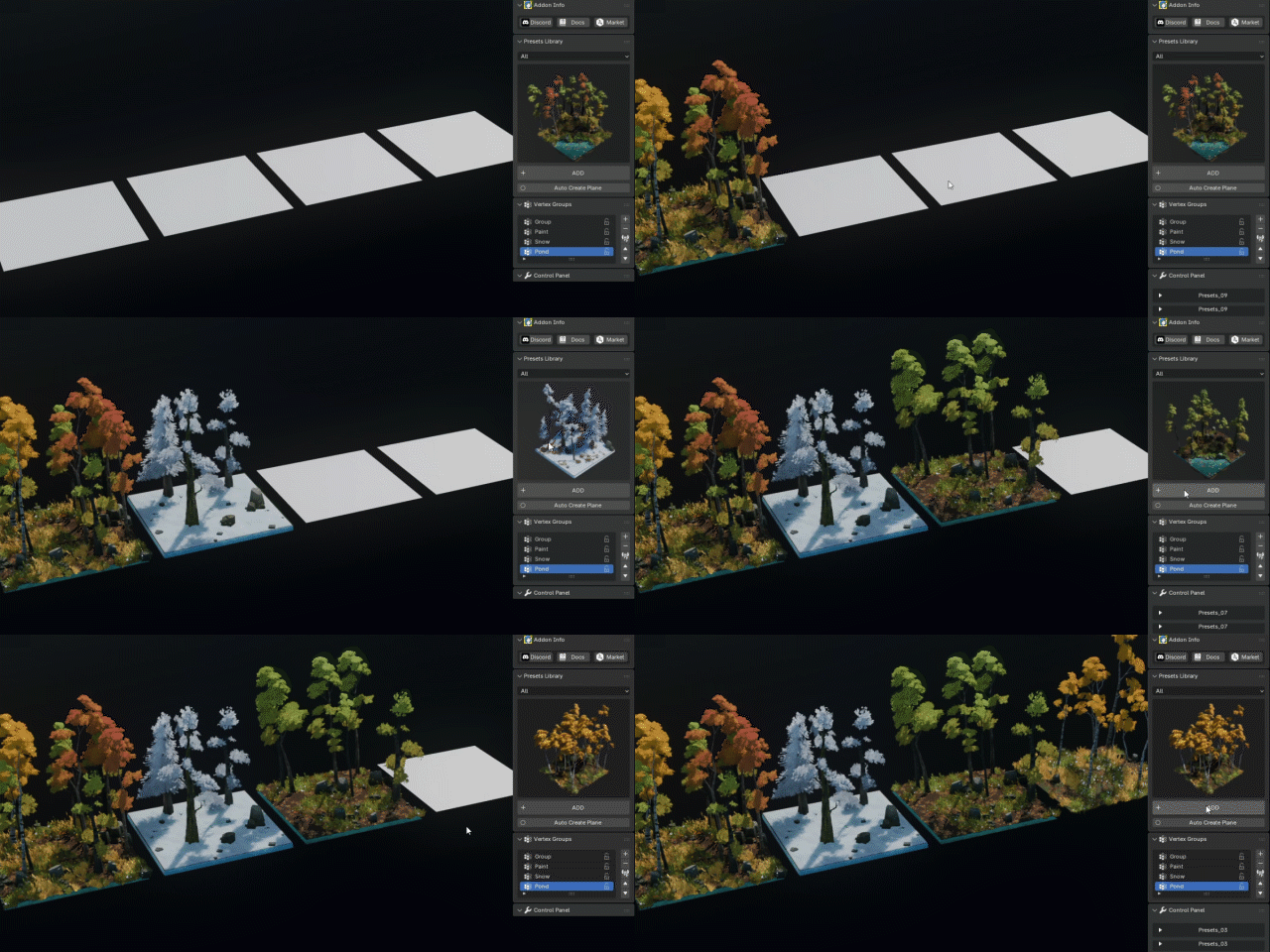
One-Click Presets
Around 10 curated presets build a complete forest in one click — from dense fantasy woods to light groves.
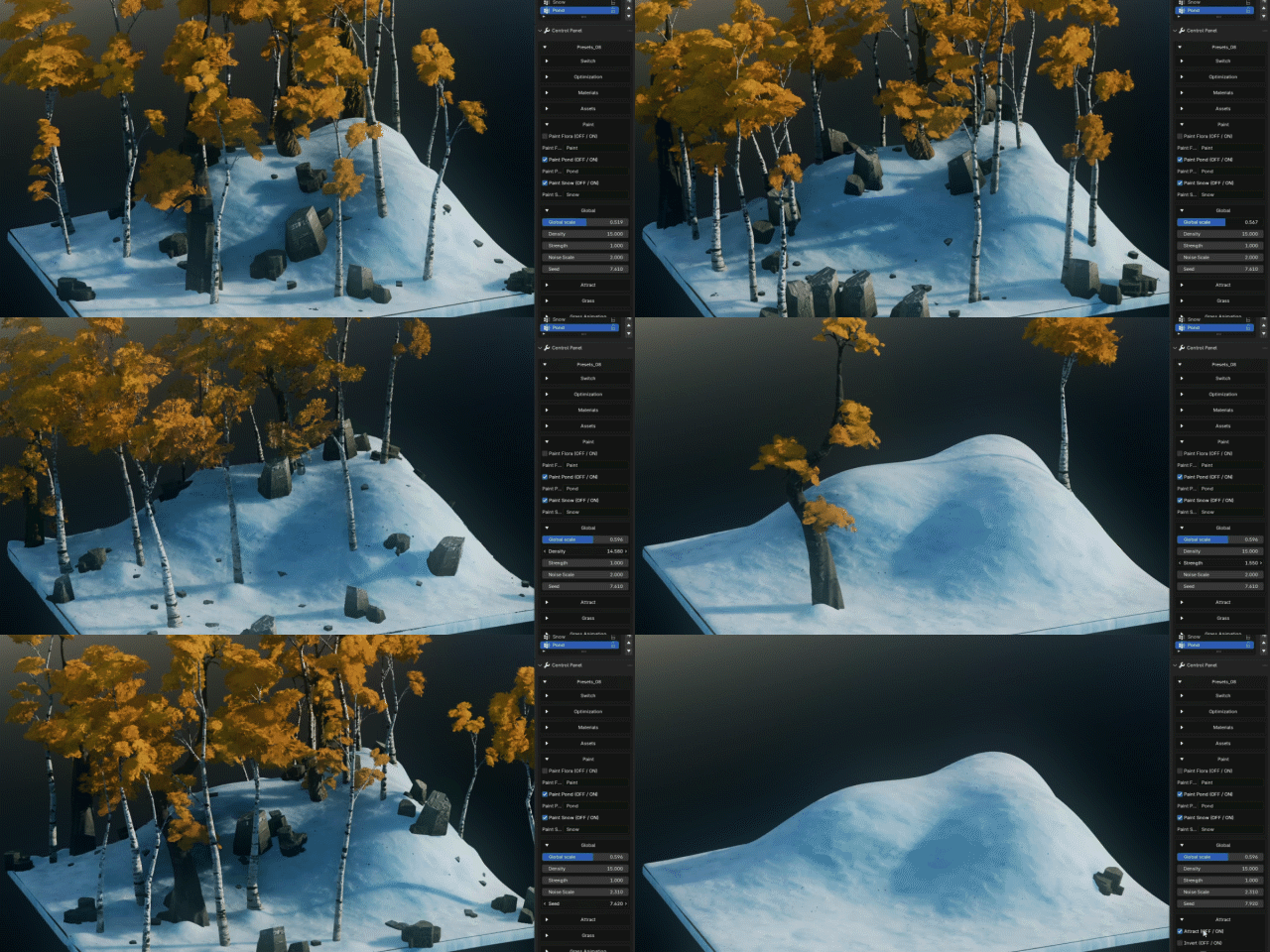
Endless Variations
Every preset stays editable: density, scale, randomness and more.
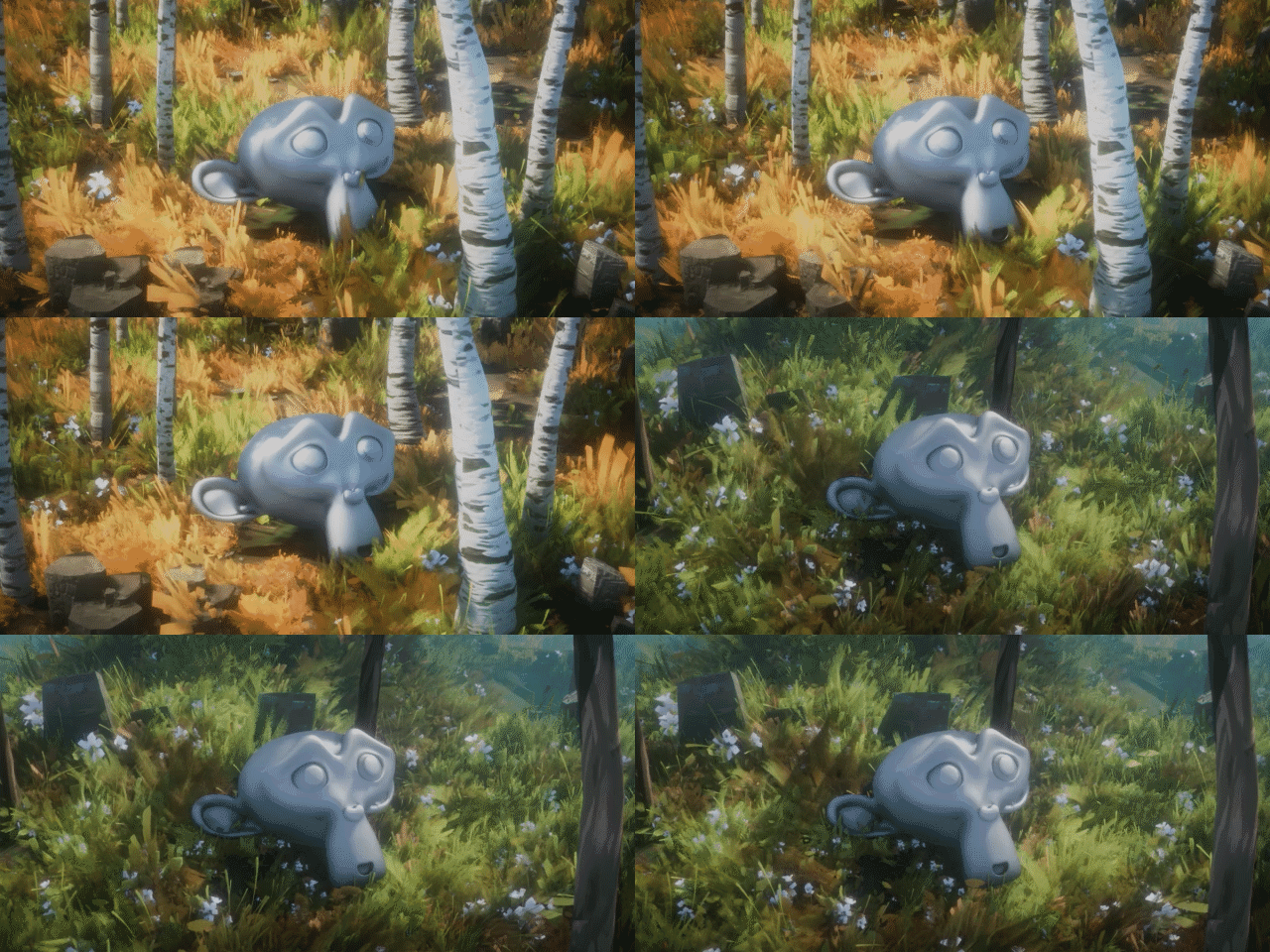
Built-in Wind Animation
Leaves flutter and grass sways out of the box — no rigging, no simulation.
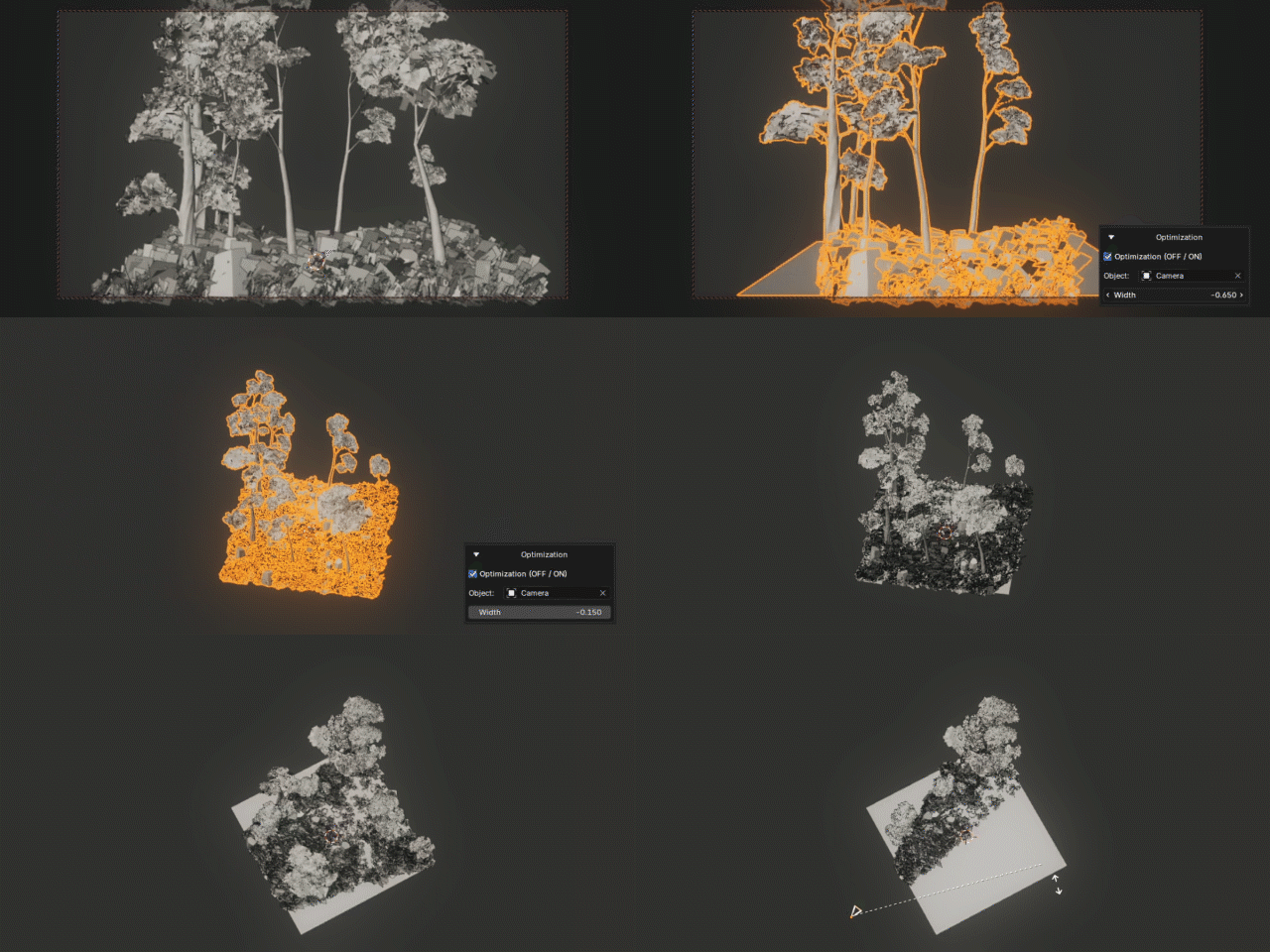
Smart Optimization
Camera culling, Lightweight Mode (80–90% fewer plants) and Viewport OPT mode — full detail returns at render.
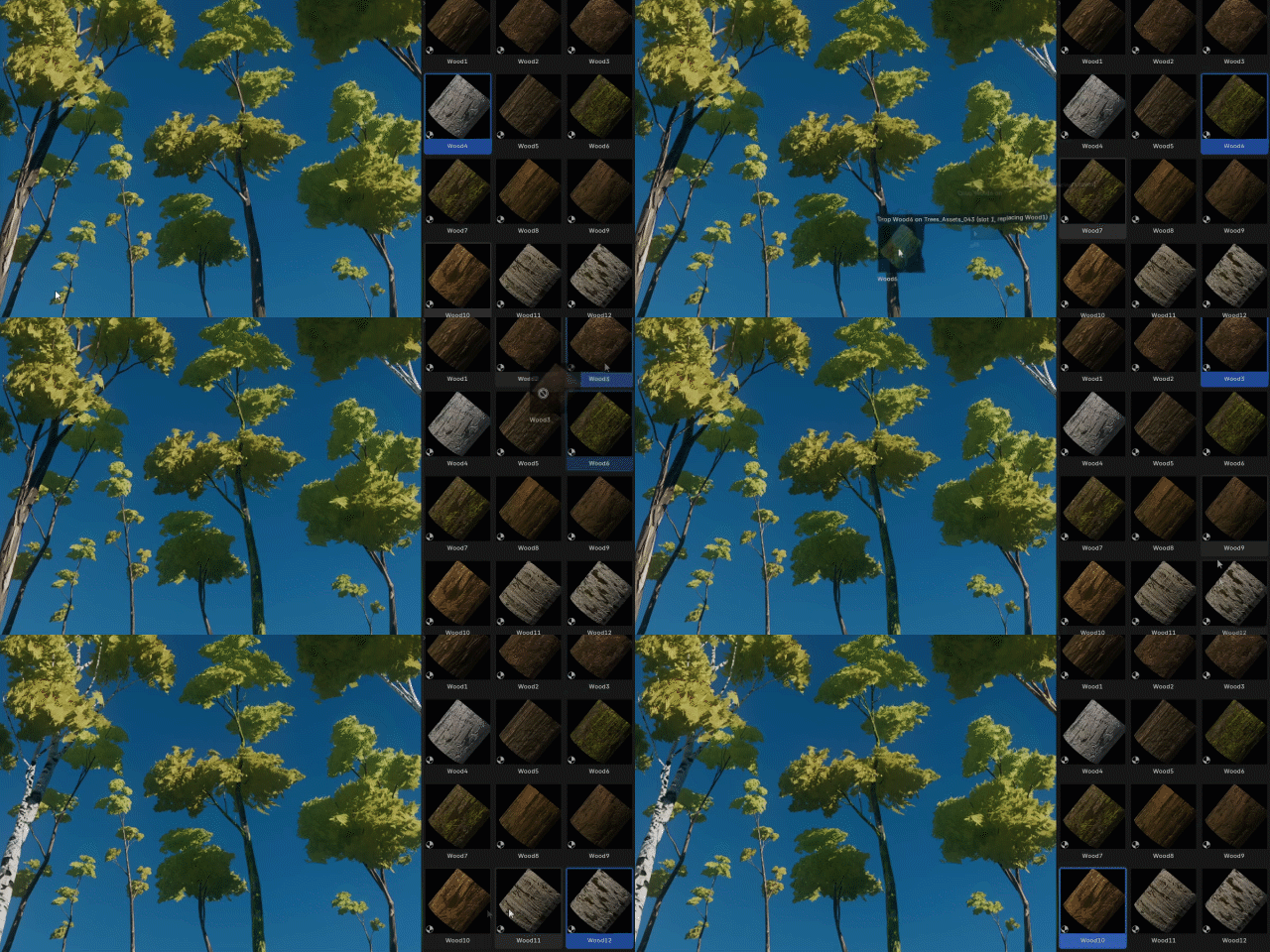
One Mesh, Many Styles
Swap materials or tune leaf and bark shaders to turn one tree into completely different looks.
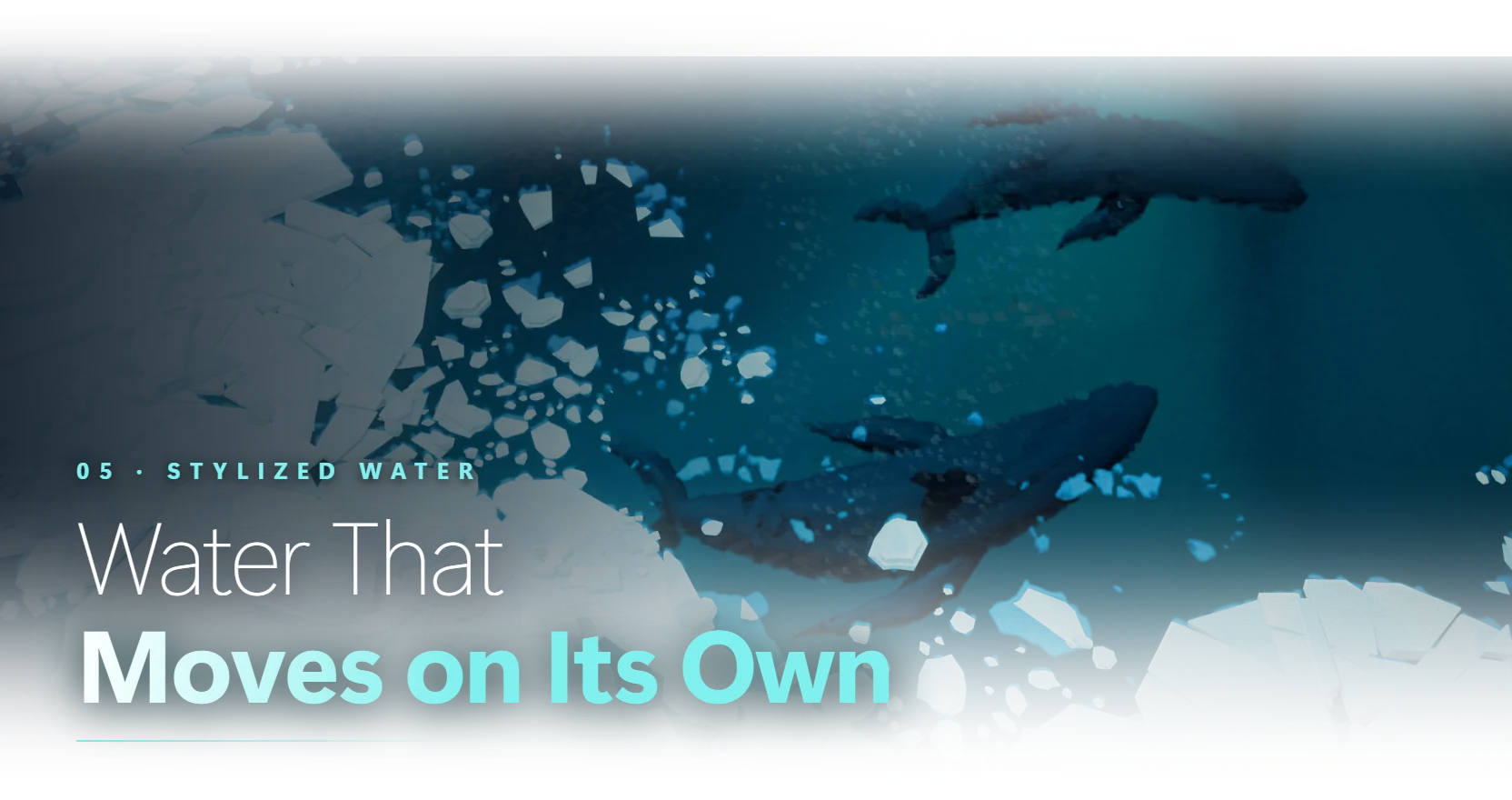
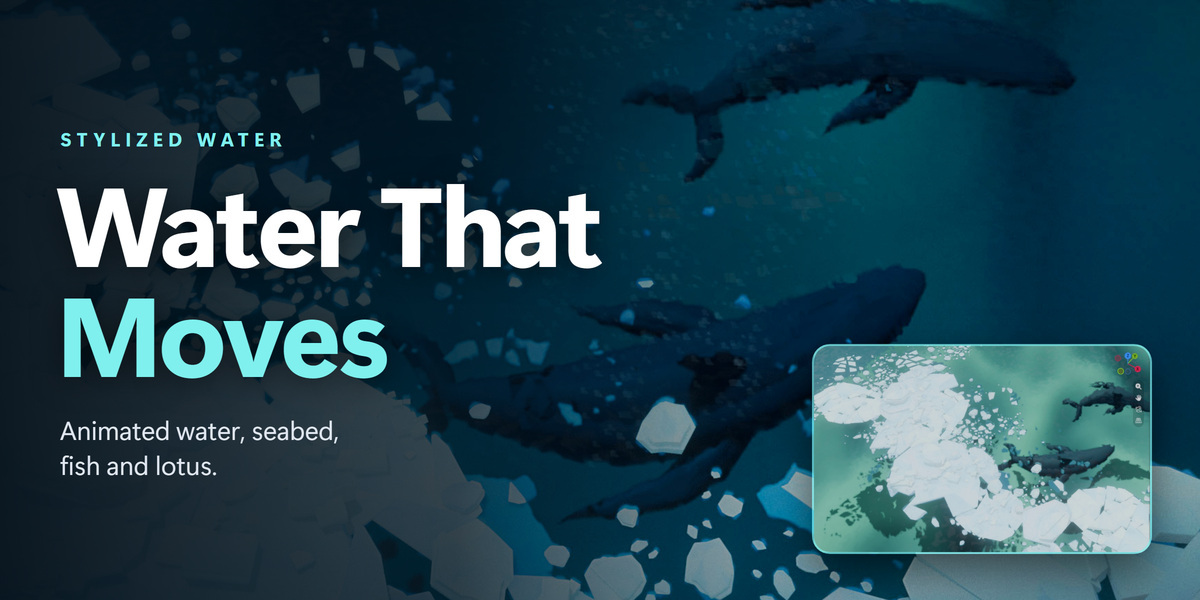
Animated stylized water with foam and ripples, plus seabed, fish and lotus generators and one-click floating motion — no baking, no simulation.
Procedural water shaders
Underwater terrain generator
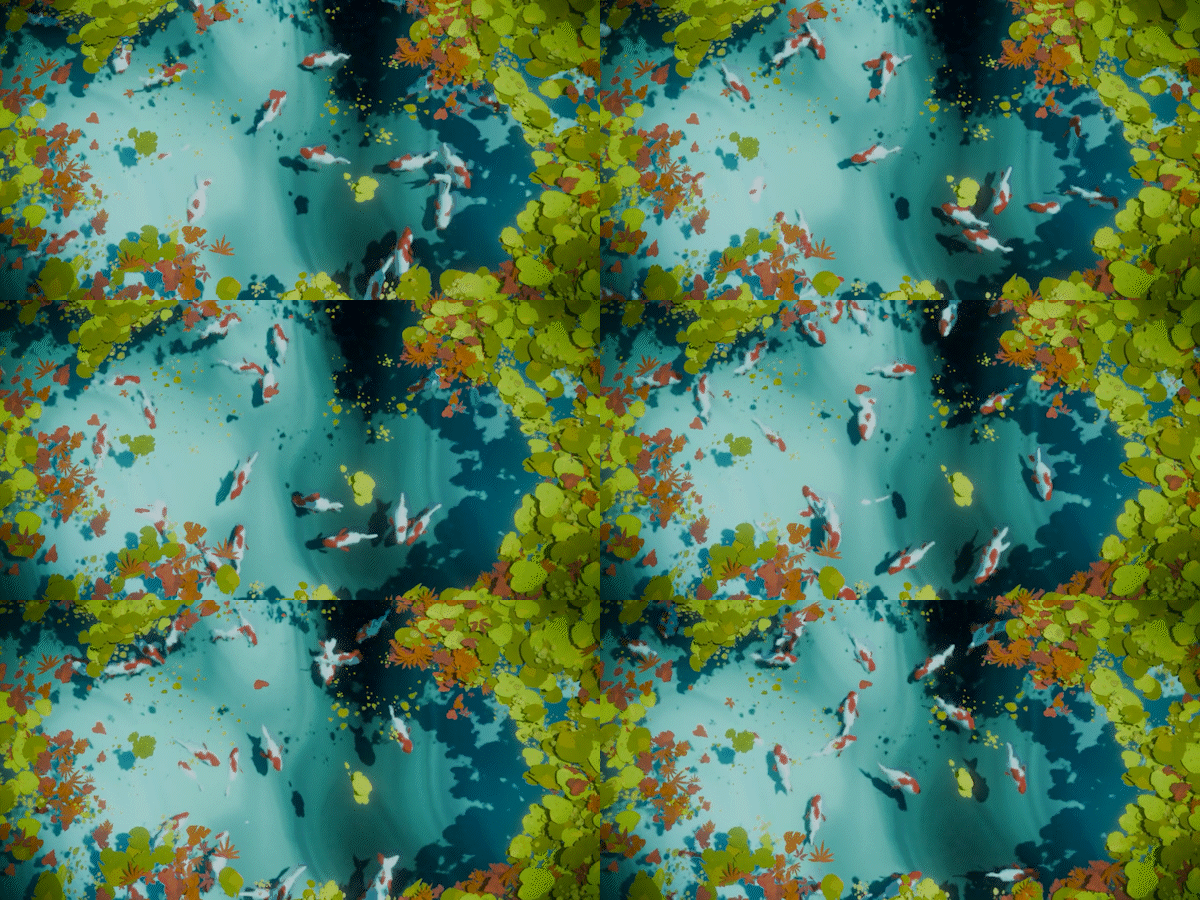
Fish schools (mid / far shots)
Lotus leaves with weight paint
STYLIZED WORLD BUNDLE
More Nature. Buildings. Clouds.
The Bundle is the full Stylized World Kit plus two asset libraries and one standalone cloud add-on, bringing the total to 2,000+ assets.
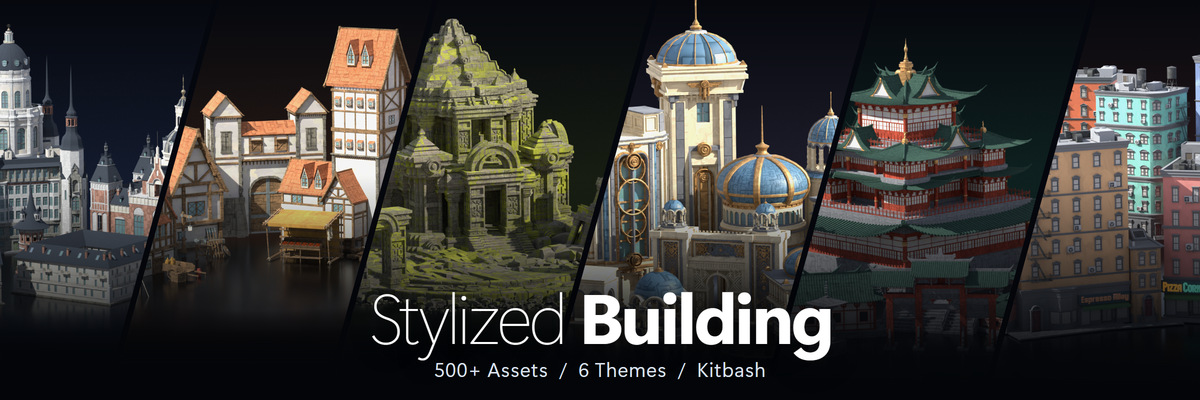
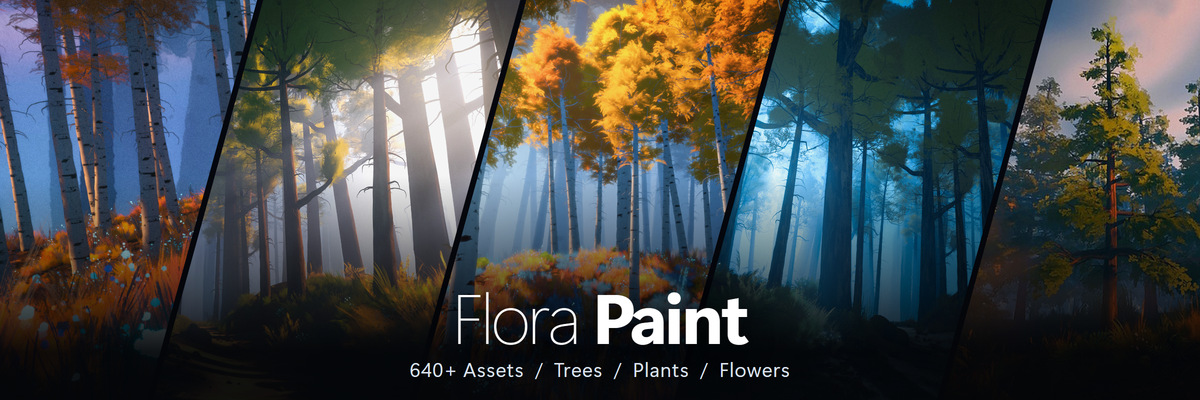
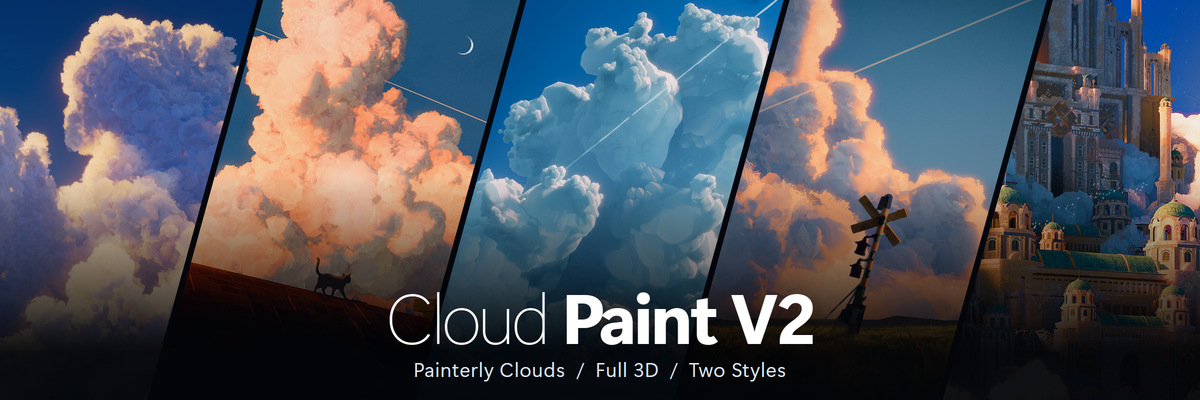
Good to know: Stylized Building Library and Flora Paint Pro are asset libraries, not add-ons. Cloud Paint V2 is a standalone add-on and must be installed separately. Each extra keeps its own requirements. Building Library: Blender 3.4–5.2. Flora Paint Pro: Blender 3.4–4.5. Cloud Paint V2: Blender 4.5 and above, Eevee only. See each product page for details.
ARTWORK SHOWCASE
Made with Stylized World Kit
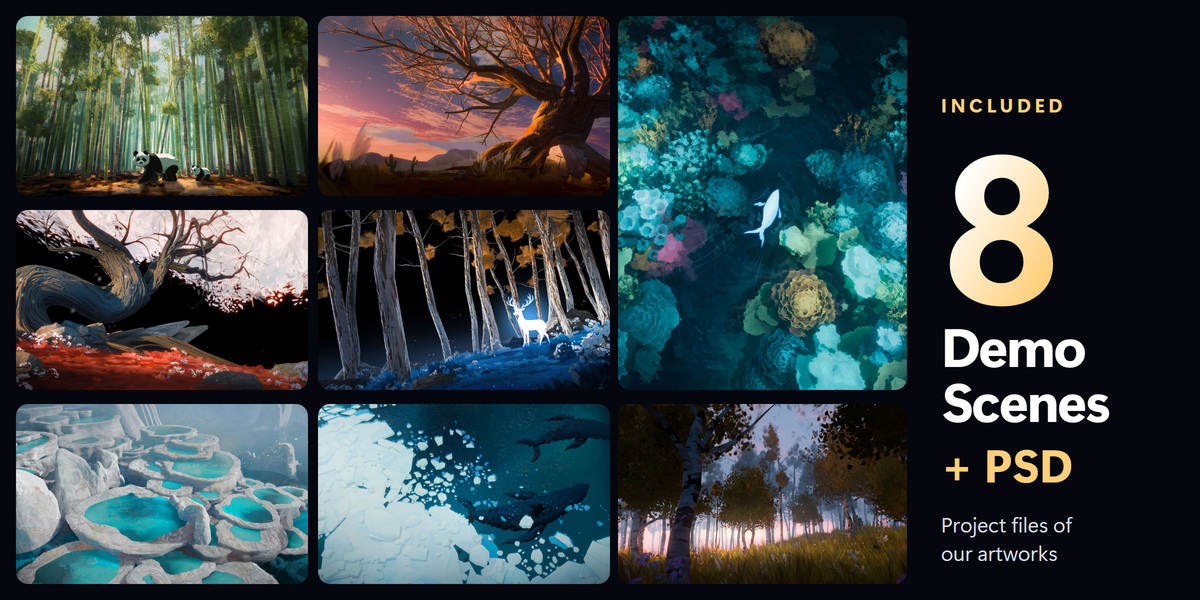
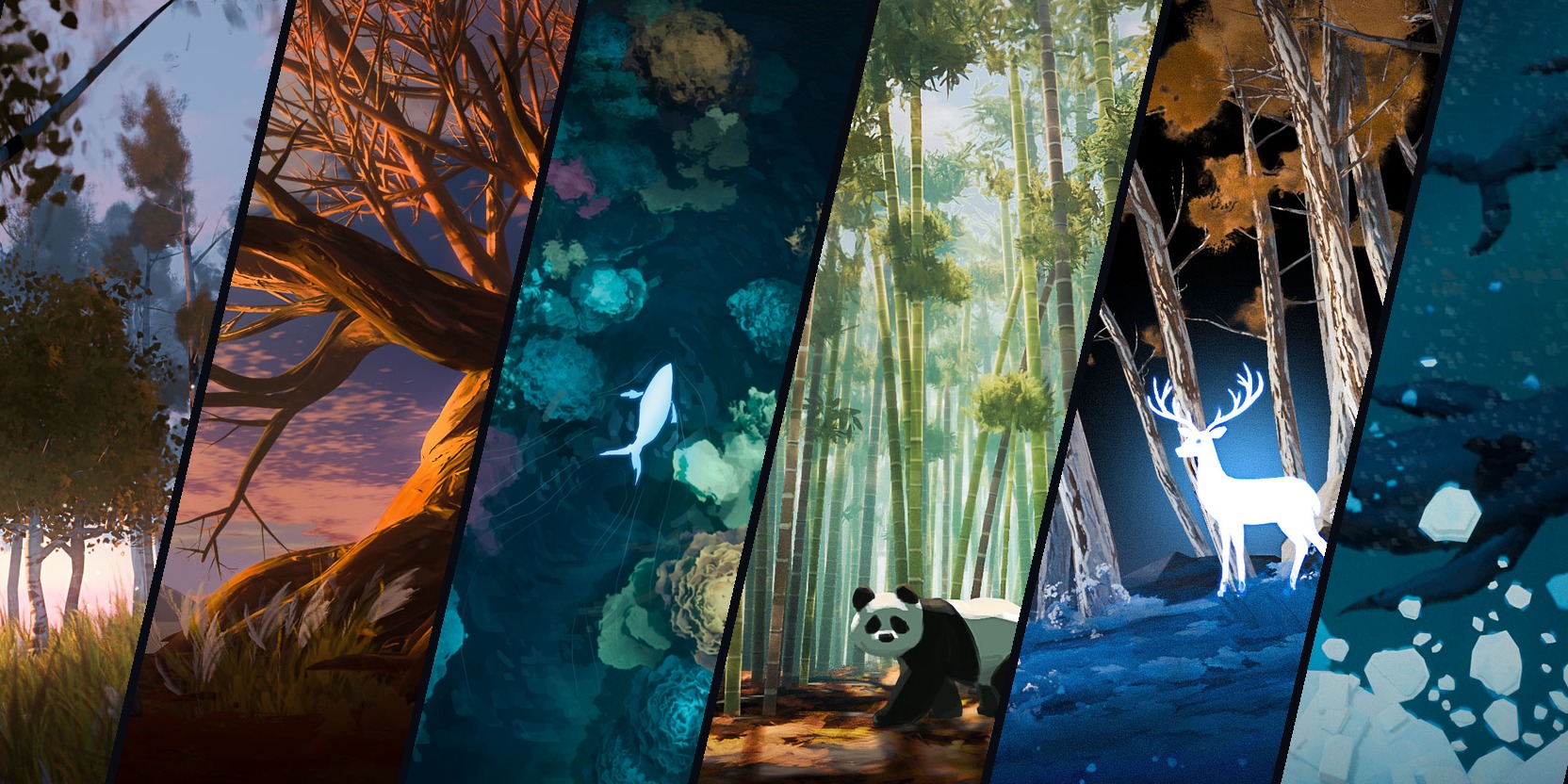
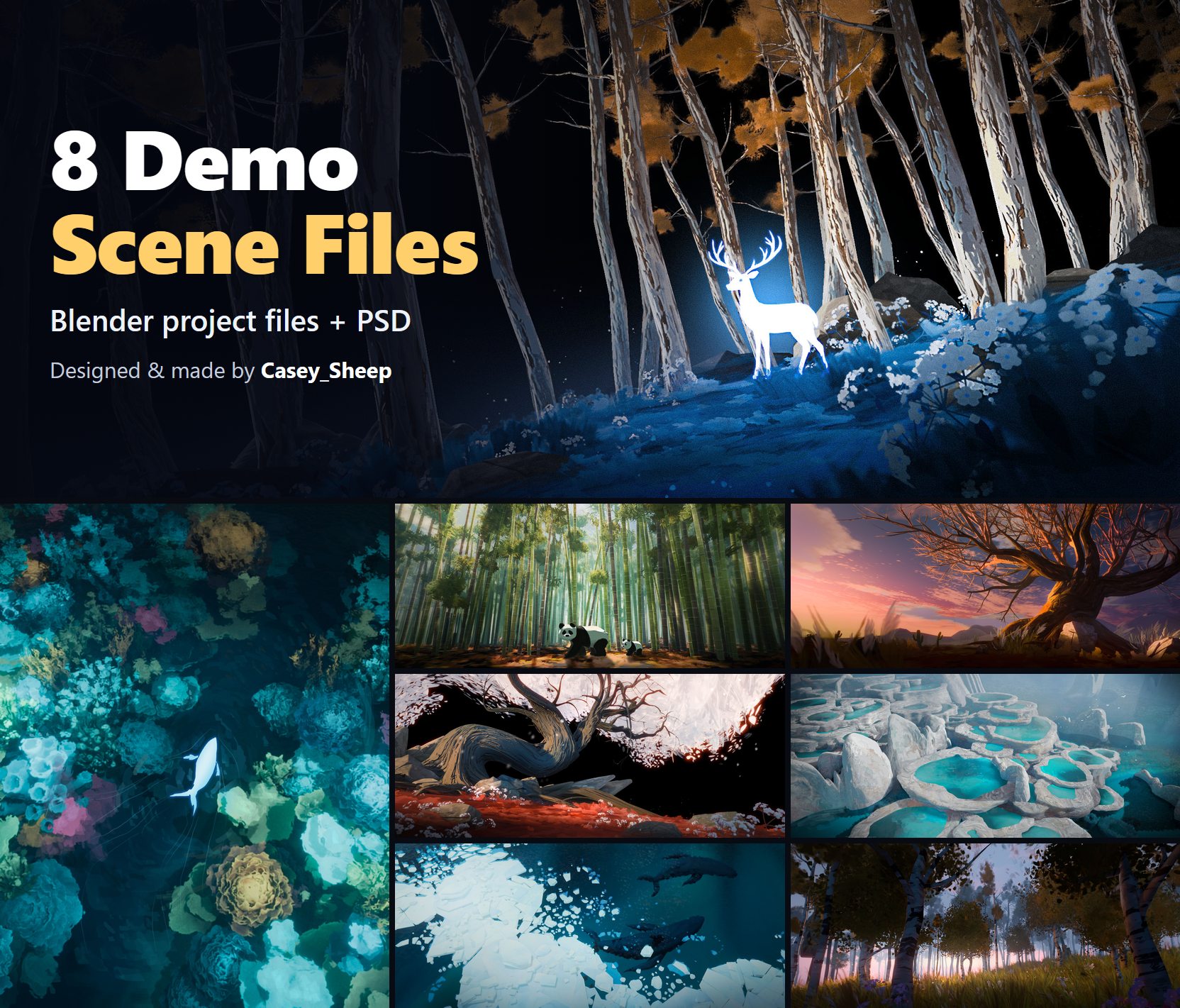
Eight scenes designed and made by Casey_Sheep — every one of them is included in Stylized World Kit as a project file.
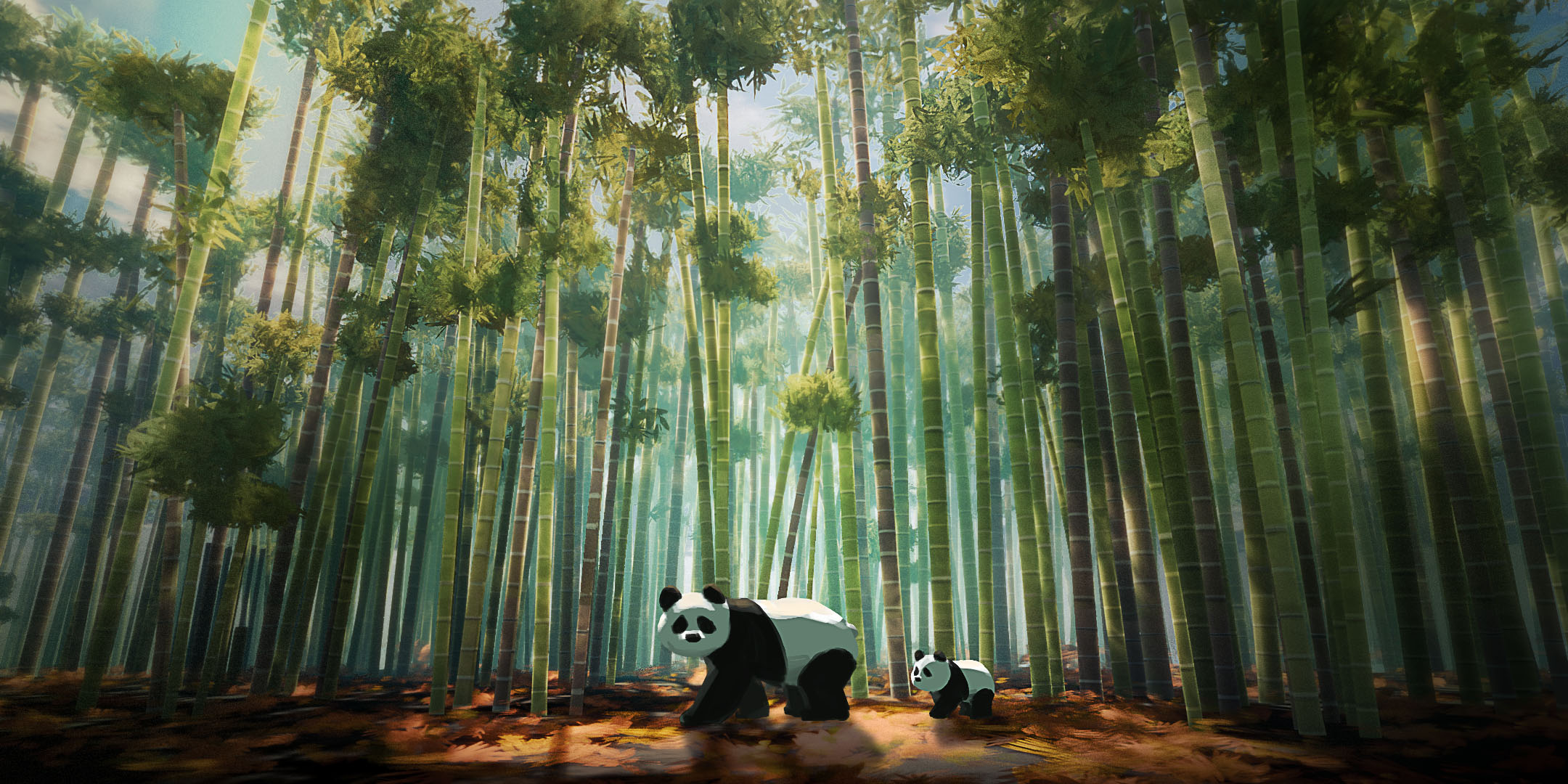
001 · Bamboo Grove
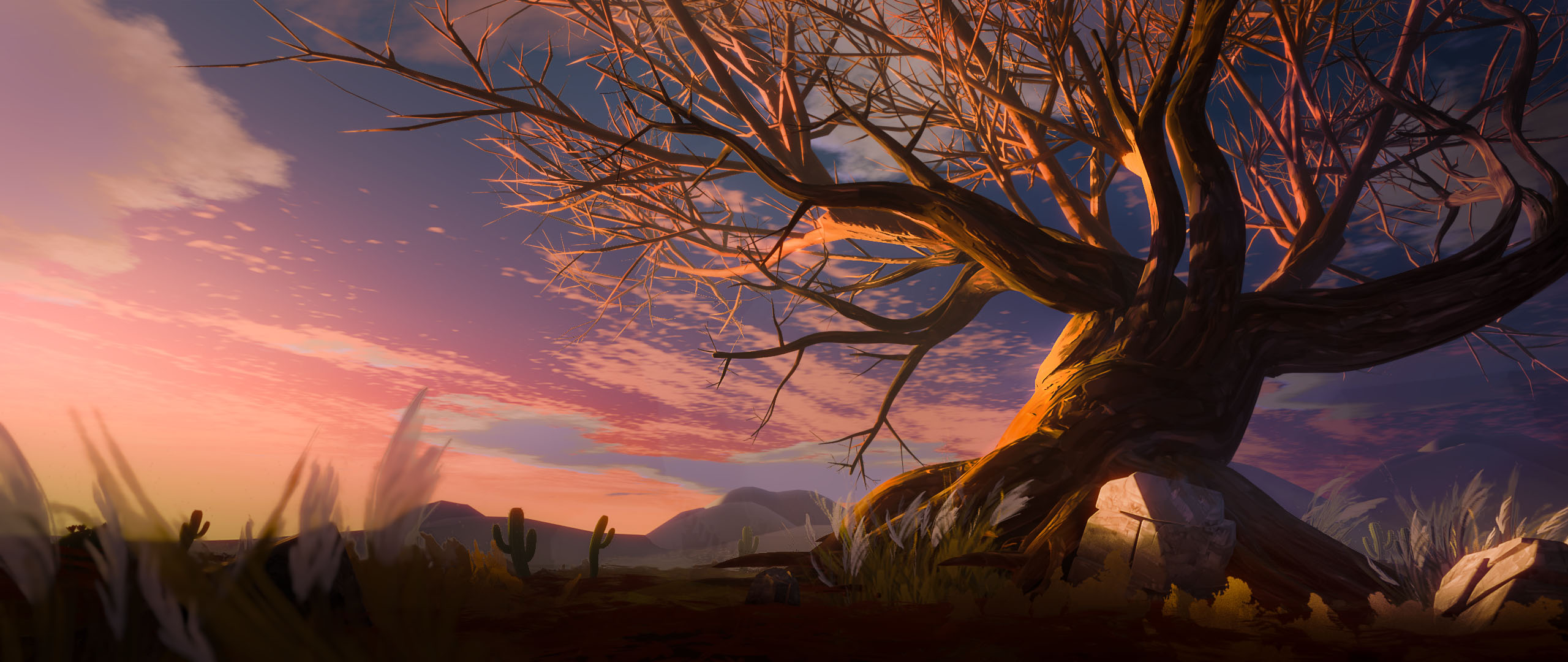
002 · Desert Dusk
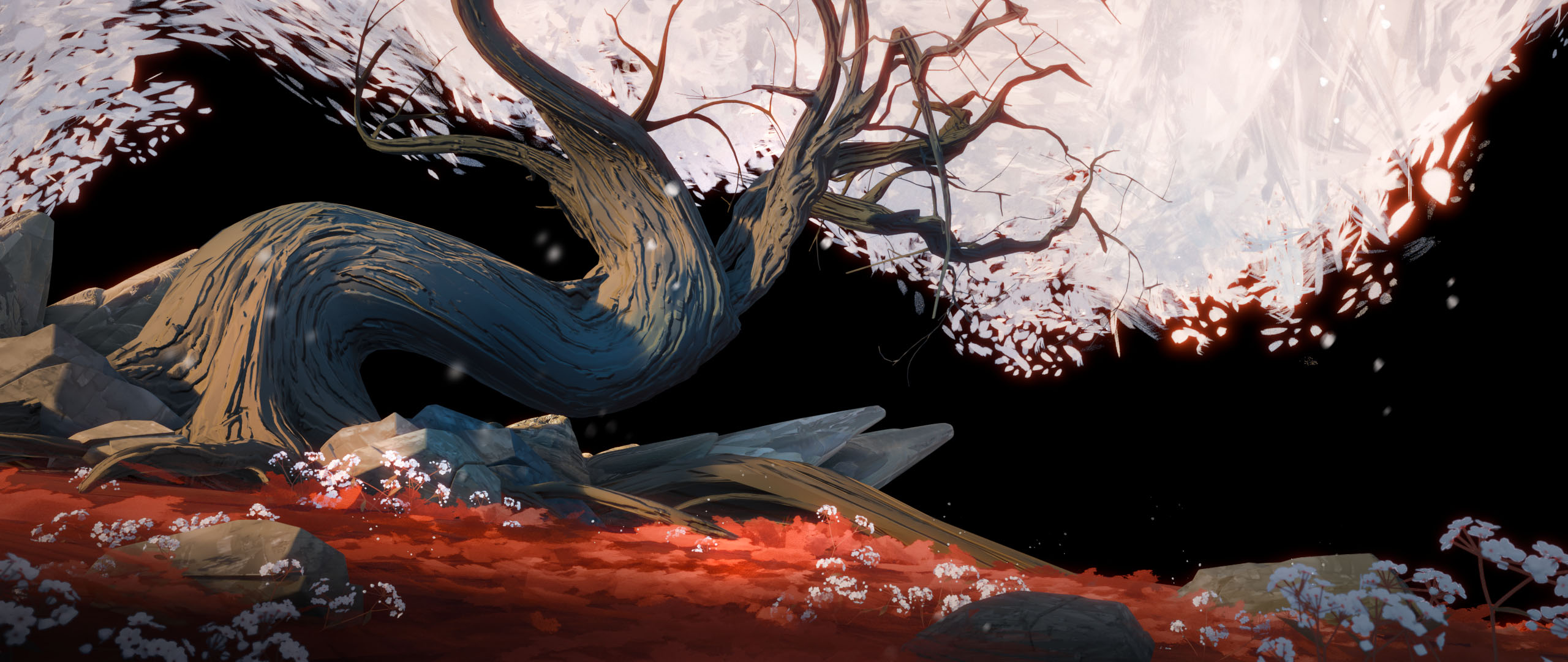
003 · Blossom Serpent Tree
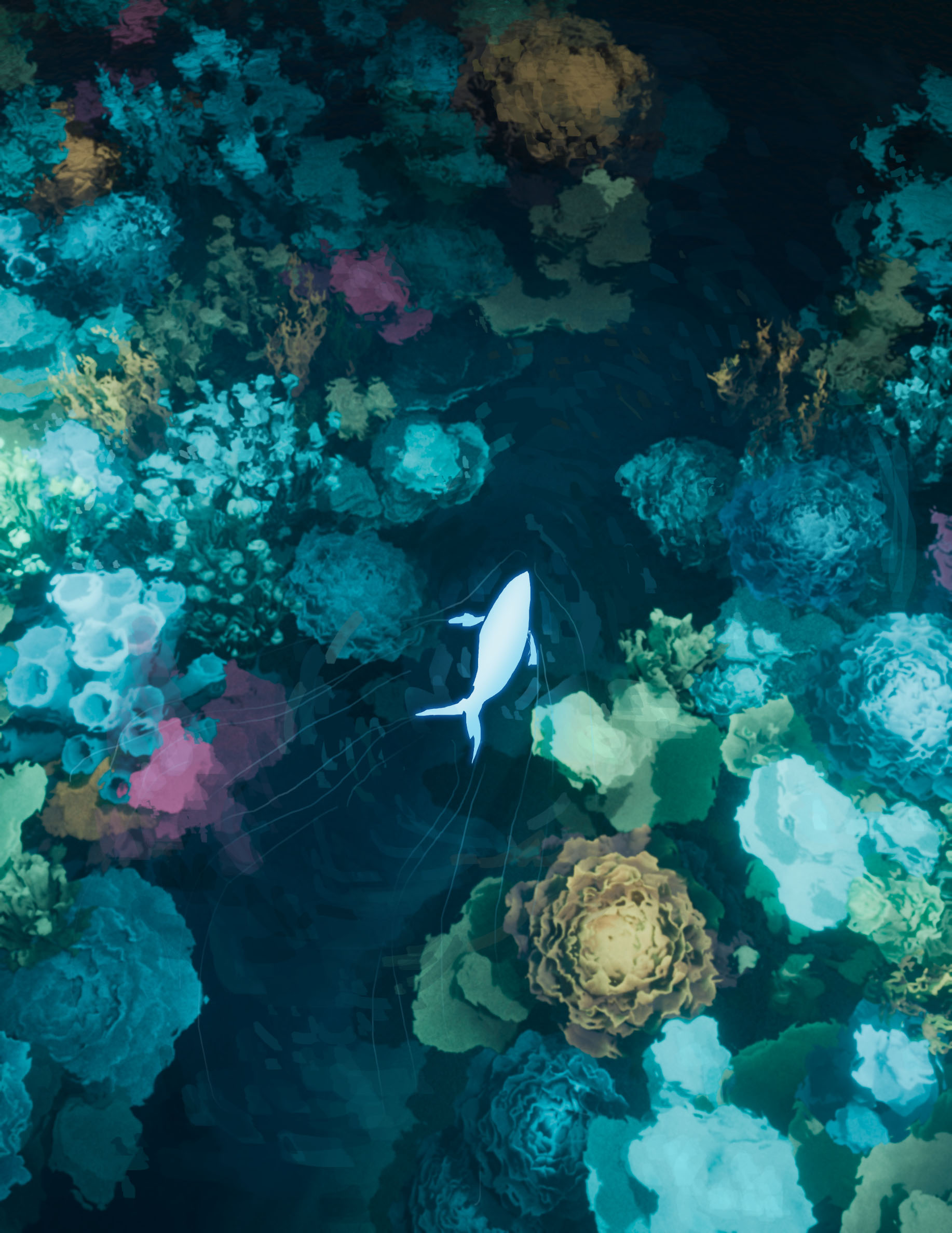
004 · Reef from Above
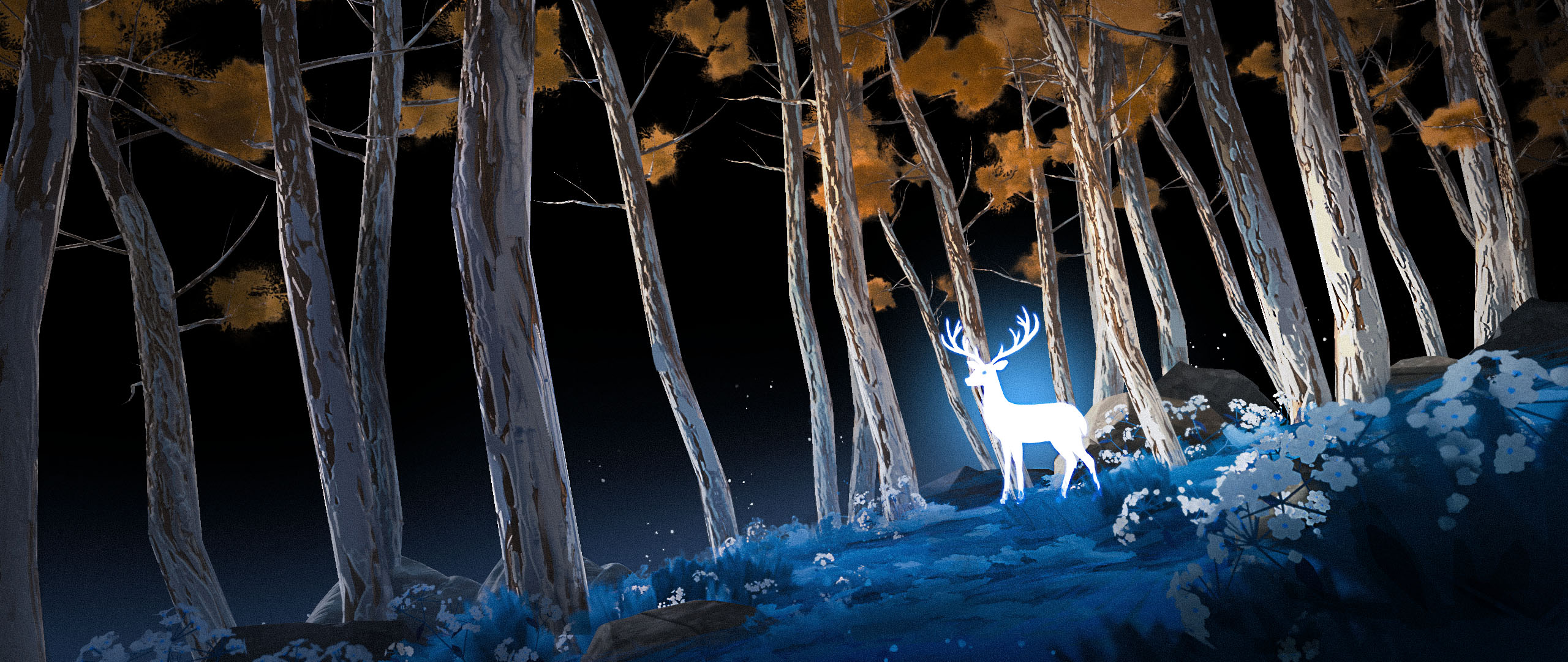
005 · Spirit Deer
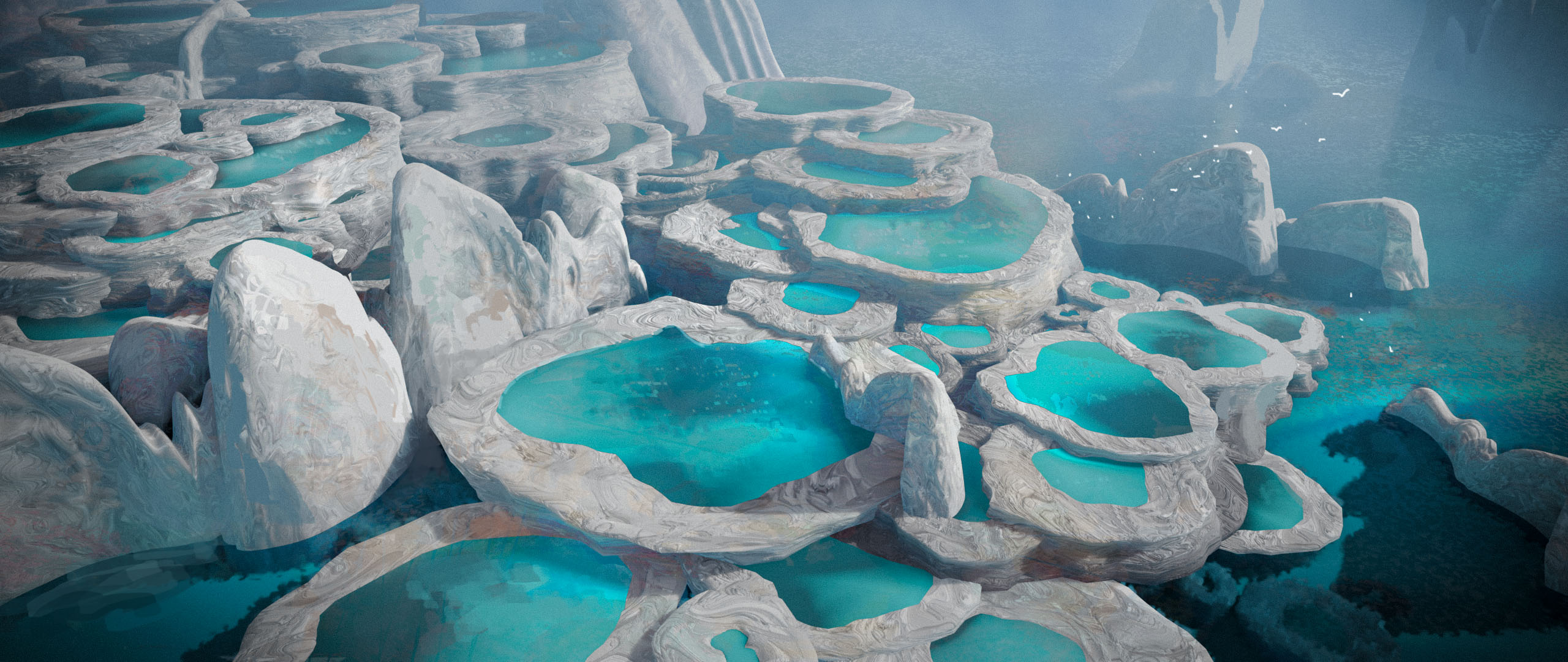
006 · Turquoise Terraces
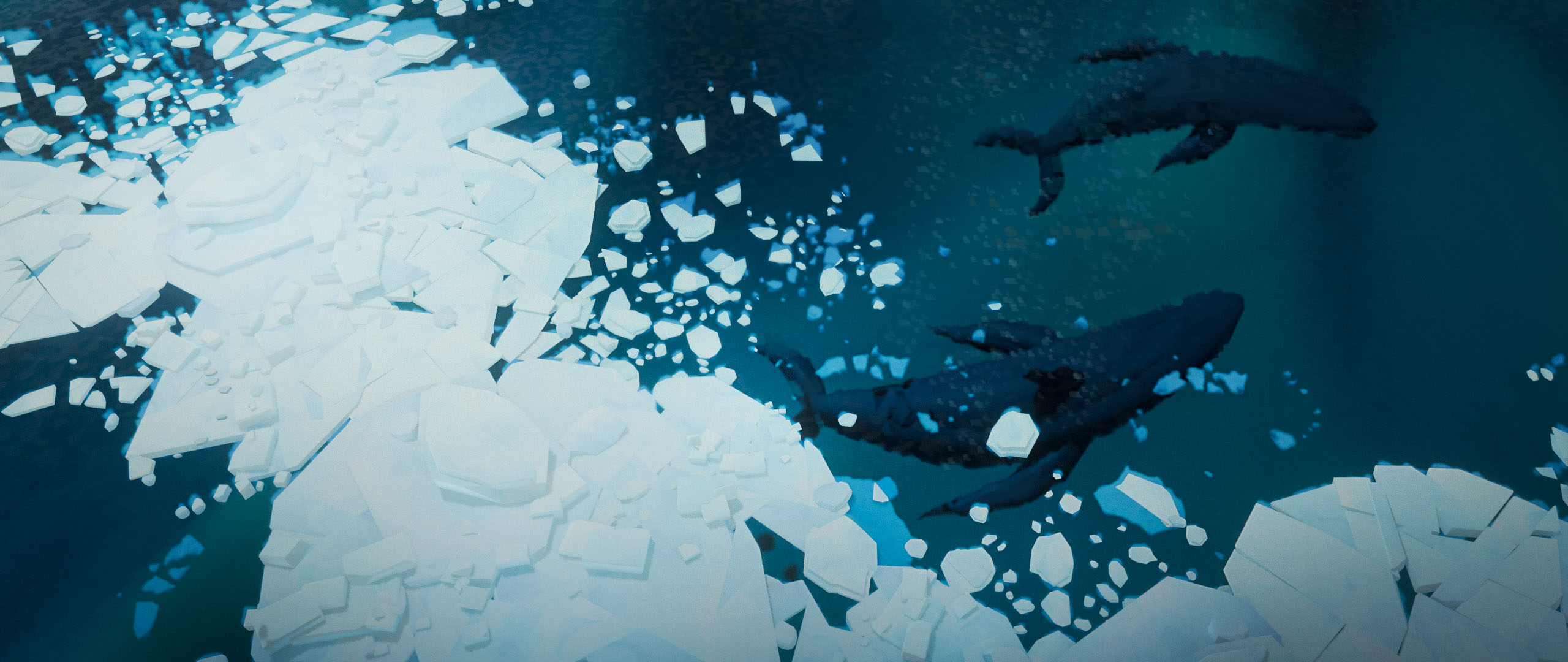
007 · Ice Drift & Whales
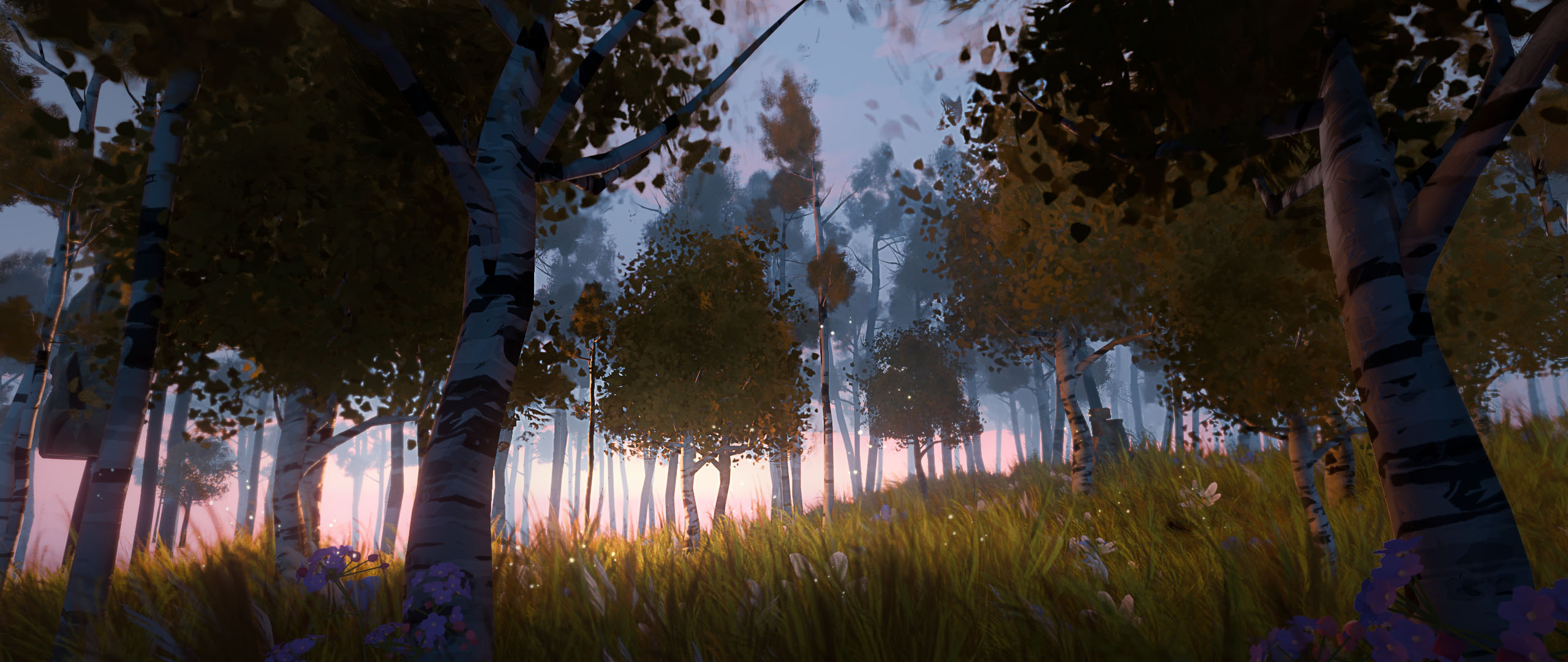
008 · Birch Meadow
INCLUDED BONUS
8 Demo Scene Files + PSD
Stylized World Kit includes the complete Blender project files of all eight showcase scenes, plus their PSD files — all designed and made by Casey_Sheep.
PRICING
Choose Your Edition
✦ Forest + SkyPaint + Water modules
✦ 10 forest presets, sky presets, water generators
✦ 8 demo scene files + PSD
✦ Free core updates
✦ Stylized Building Library Vol.1 ($32)
✦ Flora Paint Pro ($32)
✦ Cloud Paint V2 ($24)
✦ 2,000+ assets in total
CREATORS


BEFORE YOU BUY
Compatibility: Blender 4.5 and later, including 5.x.
Render Engine: Made for Eevee. In Cycles, only the sky shaders can be used — all other assets do not support Cycles. Water uses Eevee ray tracing (one-click enable).
Performance: Depends on your hardware, scene complexity, viewport settings and Blender configuration. Forests, animated Geometry Nodes generators and large scenes are demanding. Optimization modes help, but we cannot guarantee identical performance on every computer.
Fish & Kits: The fish generator is for mid / far shots. Terrain and rock kits are built for backgrounds and mid-range.
Demo Files: The 8 demo scenes and PSD files are included in Stylized World Kit and the Bundle.
Download Size: Stylized World Kit: approx. 1.0 GB, or 2.2 GB including the demo project files. Stylized World Bundle: approx. 5 GB for the complete download.
Notice on the Assistive Use of Artificial Intelligence in This Product
All images, texture assets, alpha masks, material maps, nodes, shaders, Geometry Node systems, as well as all demo project files and example artworks, were created and handled entirely by us, with no involvement from outsourcing artists, and are 100% free of AI-generated content.
The models in this product were primarily created by our team and outsourcing partners, with art direction and final quality overseen by the team.
During development, our team and outsourcing partners also use Claude AI to assist with some repetitive tasks, such as file organization, batch naming and sorting, batch application of materials and modifiers, file checks and fixes, and the development of Blender Python scripts and Add-ons that support modeling work, in order to reduce time spent on repetitive operations across large numbers of assets. Some models were also created or adjusted with the help of these workflows, to varying degrees.
Our promotional videos were also edited, and the title and text graphics on our promotional images were also designed, with the assistance of Claude AI. This applies to promotional materials only, which are not part of the product files, and the artworks shown in them are our own.
As the process involved multiple contributors and detailed records of individual operations were not kept, we are unable to specify each instance of AI assistance. These tools are mainly used for workflow optimization and efficiency.
If you have concerns about the above production approach, we do not recommend purchasing this product. Thank you for your understanding.
Blender Use Only: Designed exclusively for use inside Blender. We do not provide support for exporting, or guarantee compatibility with other software, game engines or external workflows.
By purchasing this product, you acknowledge and accept the following:
- Refunds are only considered for verified product defects that prevent the product from functioning as described.
- Refunds will not be granted due to hardware performance limitations, slow viewport performance, long render times, or other computer-specific performance differences.
- Refunds will not be granted for differences in personal workflow, user habits, preferred ways of working, or incompatibility with your existing workflow.
- Refunds will not be granted for subjective reasons, including simply not liking the product, changing your mind after purchase, or deciding it does not fit your personal preferences.
- Refunds will not be granted for attempts to use the product outside of Blender, or in unsupported render engines, software, pipelines, or game engines.
ABOUT REFUNDS
Creators do not have the authority to approve or deny refunds. Requests are reviewed by the SuperHive marketplace within 30 days of purchase, and only when the product's core functionality is confirmed unusable. Final refund decisions are made solely by the marketplace.
If you have any questions regarding refunds, please refer to the official SuperHive refund policy or contact their support team directly.
View Refund Policy [email protected]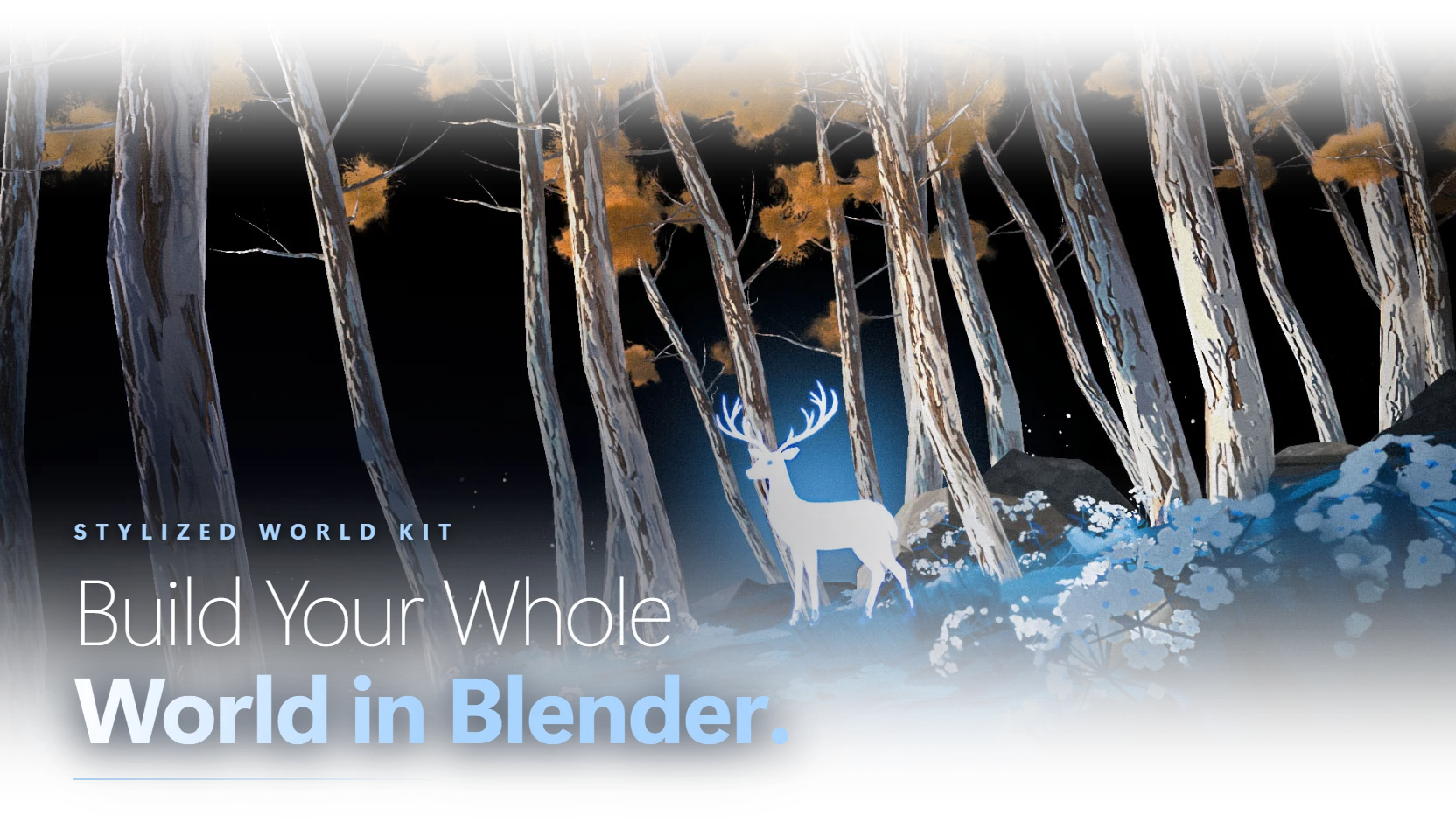
1,000+ assets, forest, sky and water — one add-on, one look, endless worlds.
Get Stylized World Kit →Get the Bundle →