 blenderVfxMaster




SyncTools Pro for Blender
Stop repeating export setup every time you move a model between Blender and another 3D application.
Copy. Paste. Keep working.
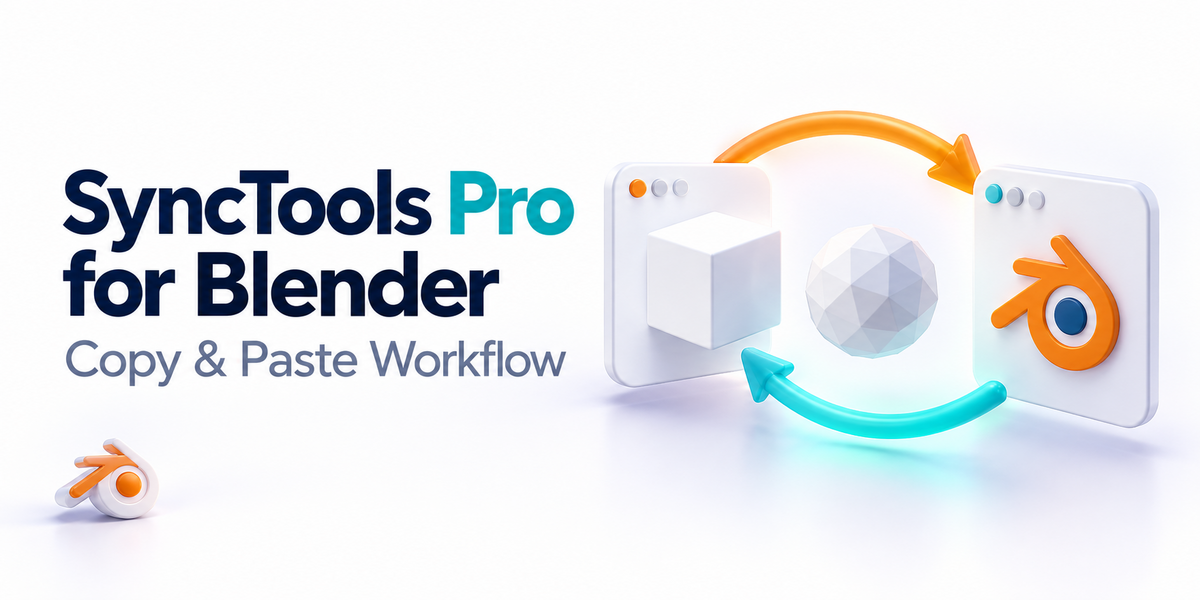
SyncTools adds a dedicated Blender sidebar for fast local model exchange. Select your objects, choose Copy, then use Paste in a compatible SyncTools connector.
Highlights
- Local Copy/Paste for selected Blender objects.
- Standard FBX exchange with axis and scale presets.
- Solid-colour material transfer in supported connectors.
- DCC presets for Cinema 4D, Maya, 3ds Max, Houdini, ZBrush, KeyShot, Plasticity, Fusion 360, DAZ Studio, SolidWorks, Modo and more.
- No cloud upload, licence server, telemetry or background service.
Compatibility
Blender 5.0.1 or newer. This download contains only the Blender add-on; other connectors are separate.
Installation
- Open Blender Preferences.
- Choose Add-ons and Install from Disk.
- Select the ZIP and enable SyncTools Pro.
- Open the SyncTools tab in the 3D View sidebar.