6 Add-ons to Transform Your Blender Workflow
-
 Written by Wes Burke
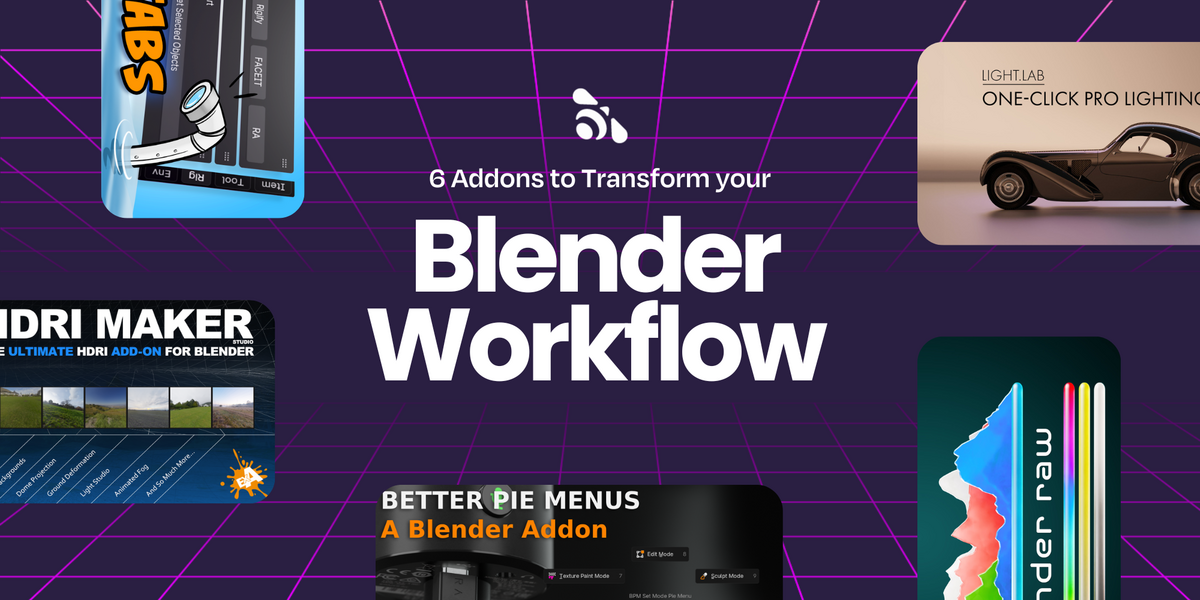
If you spend enough time in Blender, you know the smallest tools can make the biggest difference. These six add-ons smooth out those “why isn’t this easier?” moments so you can stay focused on creating instead of clicking around. These arrived recommended from our very own Matthew Muldoon, who has personally reviewed tens of thousands of products on this Blender marketplace.
To be clear, there are plenty of other great products; this post gives nods to these six, with us intending to write up more of these round-up posts. Enjoy!
Key Takeaways
- Six Blender add-ons that seriously speed things up
- Each one solves a specific pain point in your daily workflow
- All available now on Superhive Market
HDRi Maker
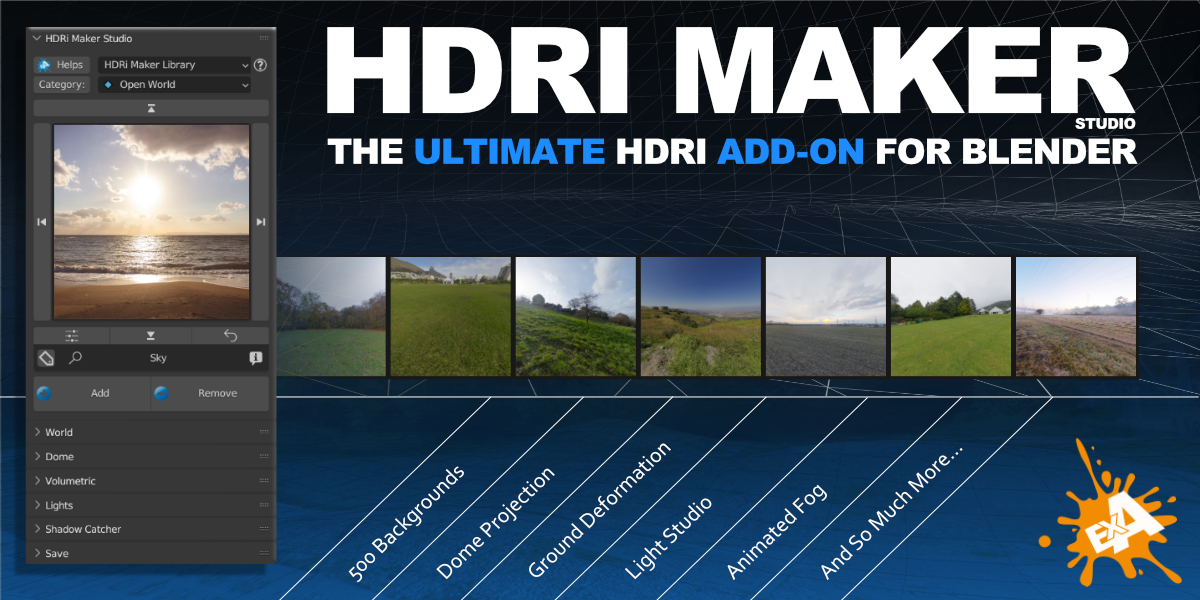
Swap skies and dial in environment lighting with a huge HDR library. Lighting can make or break a render. HDRi Maker gives you total control over your environment lighting with a massive library of HDRs and a simple way to swap skies in seconds.
Why it’s cool
- Instantly change lighting moods with drag-and-drop HDRs
- Realistic reflections and global illumination without setup headaches
Auto Highlight in Outliner
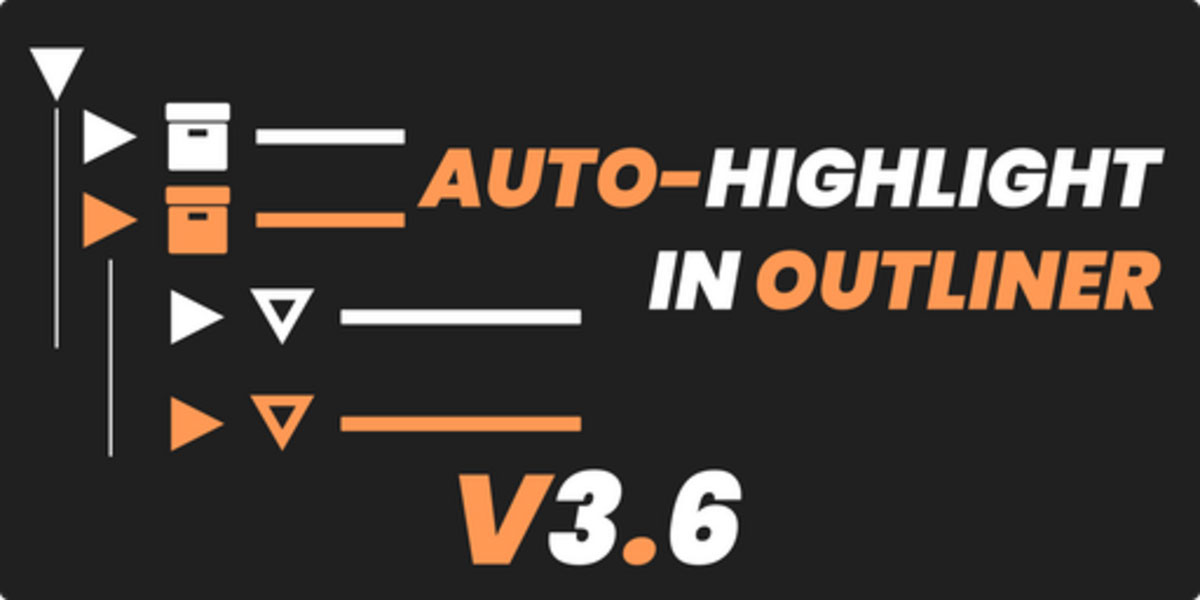
Never lose track of your active selection in complex scenes. Auto Highlight automatically highlights your active object in the Outliner so you never hunt again.
Why it’s cool
- Saves time in large scenes with dozens of objects
- Makes navigating the Outliner feel civilized
👉 Check out Auto Highlight in Outliner
N-Panel Sub Tabs
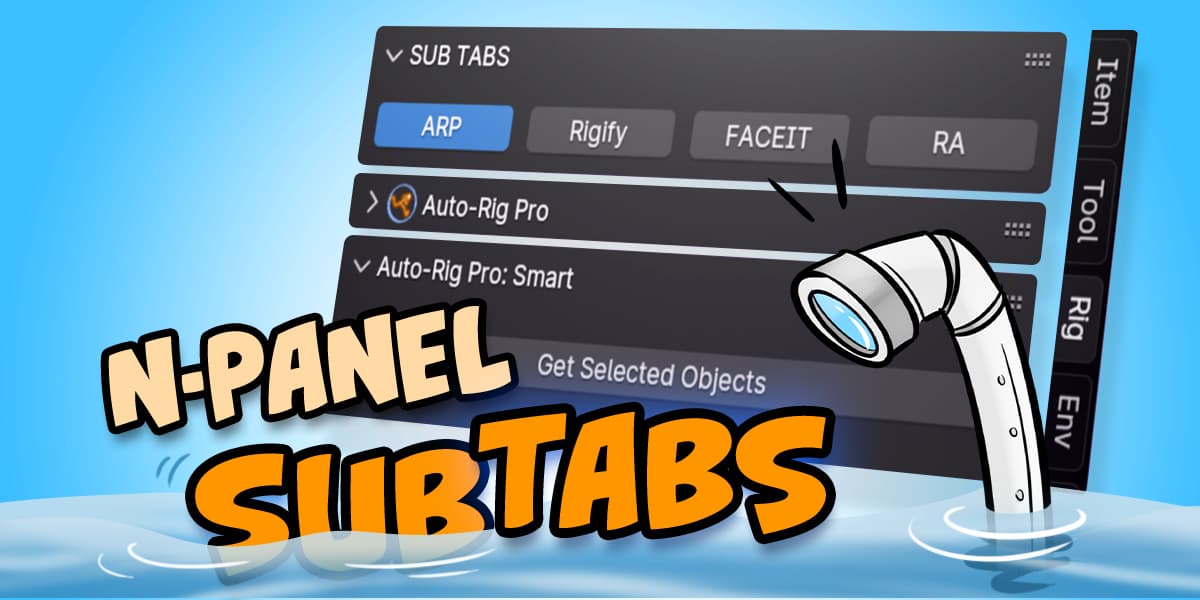
Tidy up your N-Panel with custom categories and sub tabs. If your N-Panel looks like a grocery list, this one’s for you. Sub Tabs lets you organize all those add-on panels into tidy categories so your workspace finally makes sense again.
Why it’s cool
- Turns a cluttered UI into a clean, organized space
- Customize tabs however you like
Render Raw
Output clean, layered data for flexible grading and compositing. Render Raw gives you the control of multi-pass rendering without the headache. It outputs clean, layered data you can tweak in post like a pro.
Why it’s cool
- More flexibility in color correction and compositing
- Great for finishing in Photoshop, DaVinci, or After Effects
LightLab
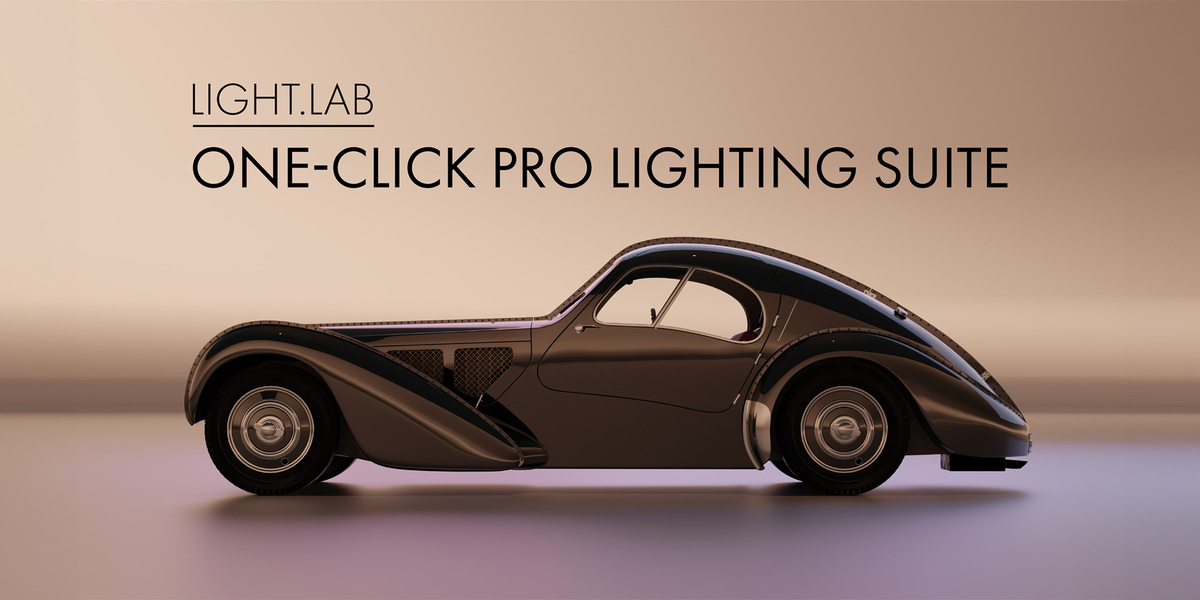
Ready-made rigs and previews for fast, cinematic lighting. LightLab makes lighting setups fun again with ready-to-go rigs and real-time previews.
Why it’s cool
- Professionally lit results with zero guesswork
- Easy to experiment with dramatic, soft, or stylized looks
Better Pie Menus
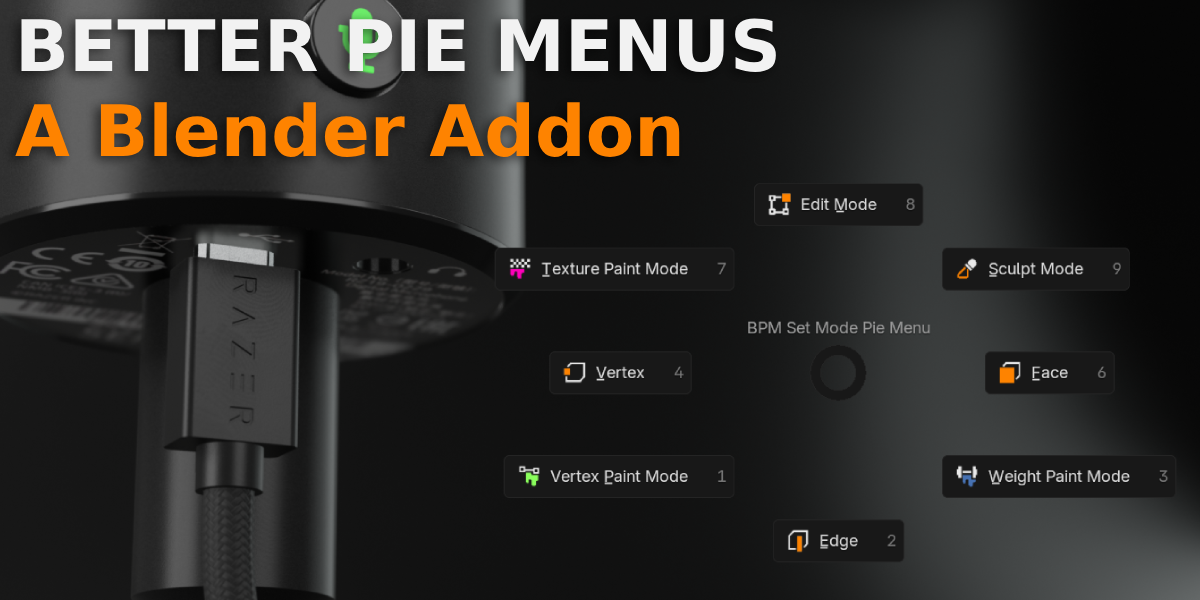
Pie menus are already great, but Better Pie Menus takes them to the next level. It lets you customize and streamline your shortcuts so Blender feels built for you.
Why it’s cool
- Build your own smart menus for faster workflows
- Reduce repetitive clicks (your wrist will thank you)
Wrap-up
You don’t need a full add-on library to level up your workflow, just the right tools that do their job well. These six are some of our favorites for a reason: they save time, clear clutter, and make Blender a more enjoyable place to work.
If you try one, tell us how it changes your setup. We love hearing how you make Blender your own. Thanks for reading and happy Blending!
Wes