Asset Libraries
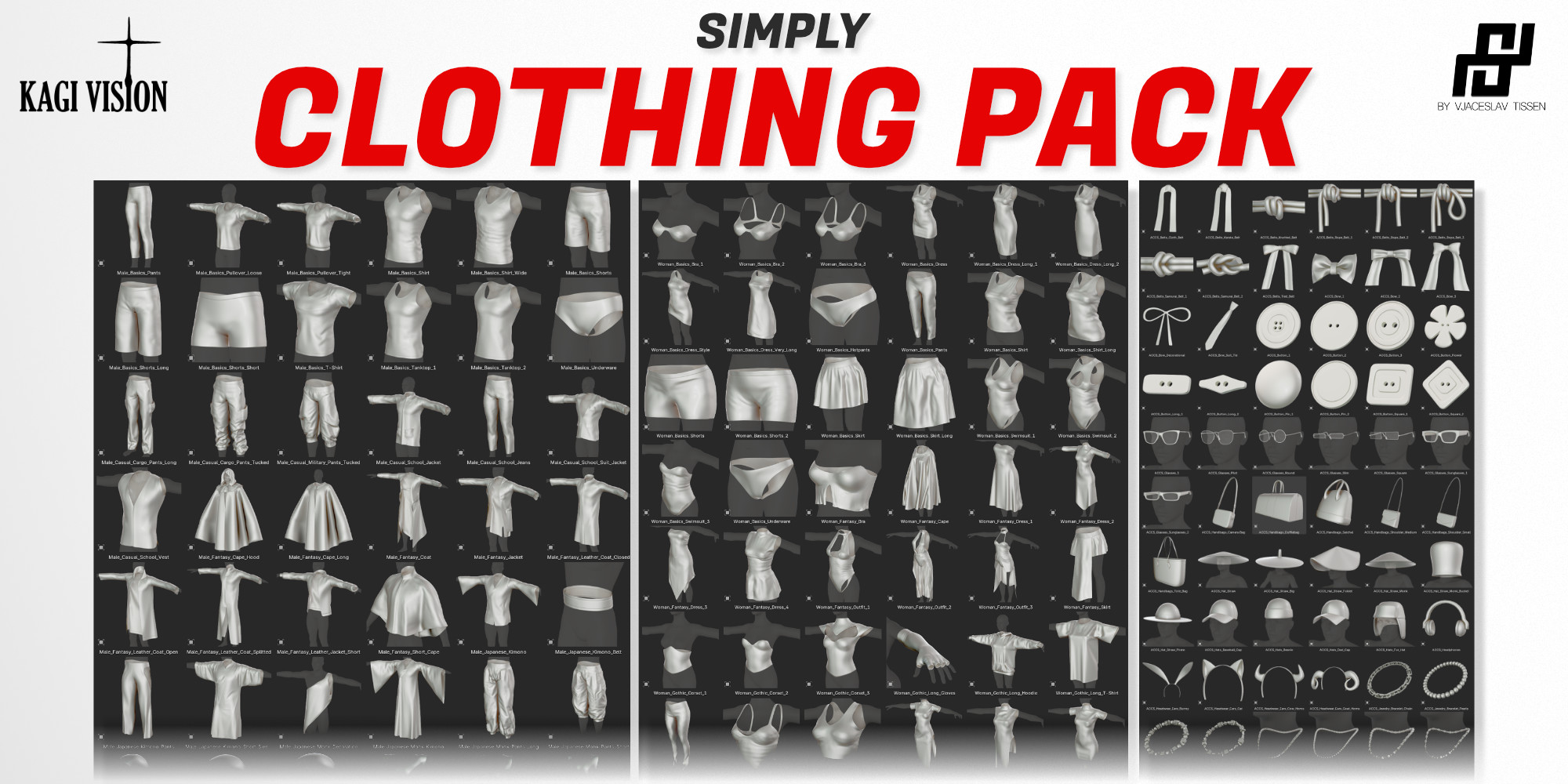
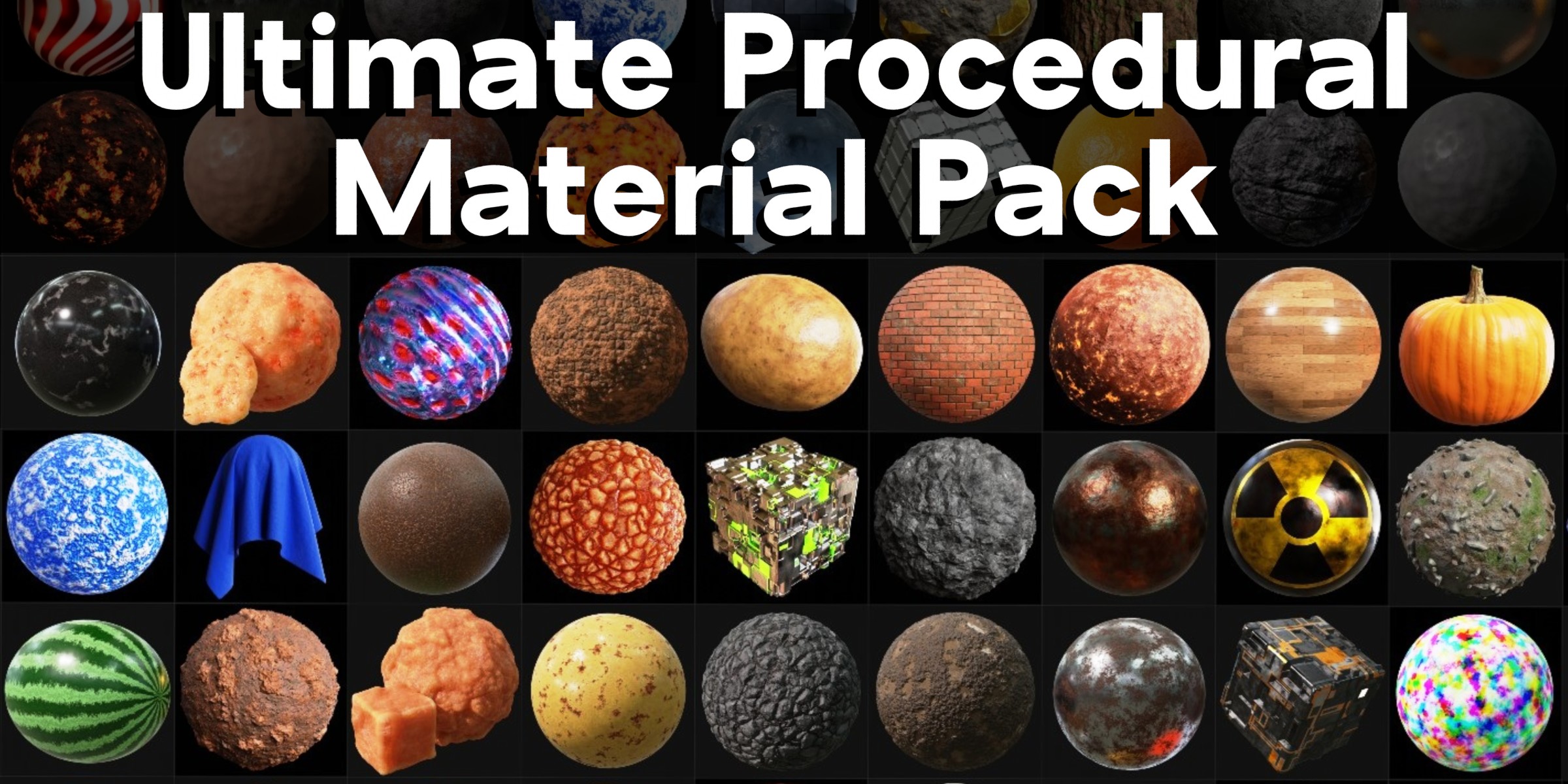
Kick-start your next project with professionally made models, materials, node groups, and more. All ready to drag and drop.
1. Buy a product with an Asset Library
Look for the Asset Library badge. Every asset in the library is included with your purchase.
2. Connect Blender
Add Superhive as a Remote Asset Repository to link your purchases straight into Blender.
3. Drag, drop, done
Your assets appear in Blender’s native Asset Browser, organized into catalogs. Drop them into any scene.