How to Add Grass in Blender: Add-ons and Asset Packs
-
 Written by Wes Burke

Creating convincing grass in Blender can be one of those time sinks that slow down your environment work. Whether you’re going for hyper-realism, a painterly stylized look, or just need something fast and functional, the right grass add-on or asset pack can save you hours.
Below, we’ve rounded up a few of the best grass products available on Superhive to help you speed up your workflow and make your scenes look all grassy. 🤪
Key Takeaways
- While fun, you don’t have to model grass by hand — these add-ons and assets do the heavy lifting.
- Different packs fit different styles: realistic, stylized, or fast-and-easy.
- Blender Asset Library compatibility makes drag-and-drop workflows simple.
- Add-ons like Grassblade and Grass It! automate scattering and shading for instant results.
Ultimate Realistic Grass Pack | 40 Ready Asset Library

Enhance your outdoor scenes with this diverse pack of 40 grass assets, including both single plants and pre-arranged clusters. Optimized for Cycles and Eevee, the pack delivers high detail without crushing performance. Ideal for natural landscapes, abandoned areas, or wild environments.
Highlights:
- 40 ready-to-use grass assets
- Works seamlessly with Blender’s Asset Library
- High detail, optimized for both Cycles & Eevee
- Great for archviz, games, and natural landscapes
Stylized Animated Grass – Grass Paint
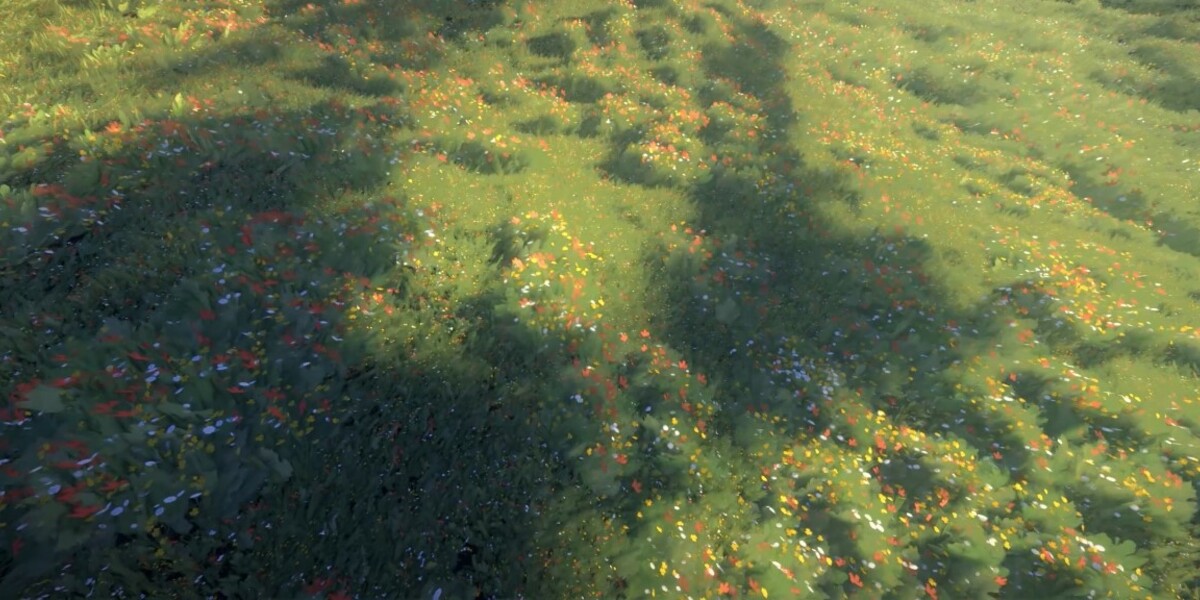
GrassPaint is an animated grass asset library for stylized environments. Built on geometry nodes, it offers presets and customization options to quickly bring creative ideas to life. While it works in Cycles, the full effect shines in Eevee.
Why it stands out:
- Animated stylized grass with presets
- Highly customizable with geometry nodes
- Optimized for Blender 3.4–4.4, best in Eevee
- Perfect for cartoon, anime, or stylized workflows
Grass It!
If you want grass instantly, Grass It! is your tool. With one click, it scatters photorealistic grass into your scene. The add-on is lightweight but powerful, with performance-focused clumps that improve efficiency on large scenes. You can still tweak density, shape, and color to fit your vision.
Best for:
- Beginners who want grass in seconds
- Fast test scenes and production deadlines
- Adjustable color, shape, and density
- Lightweight performance-friendly scattering
Grass (Geometry Nodes Asset Library)
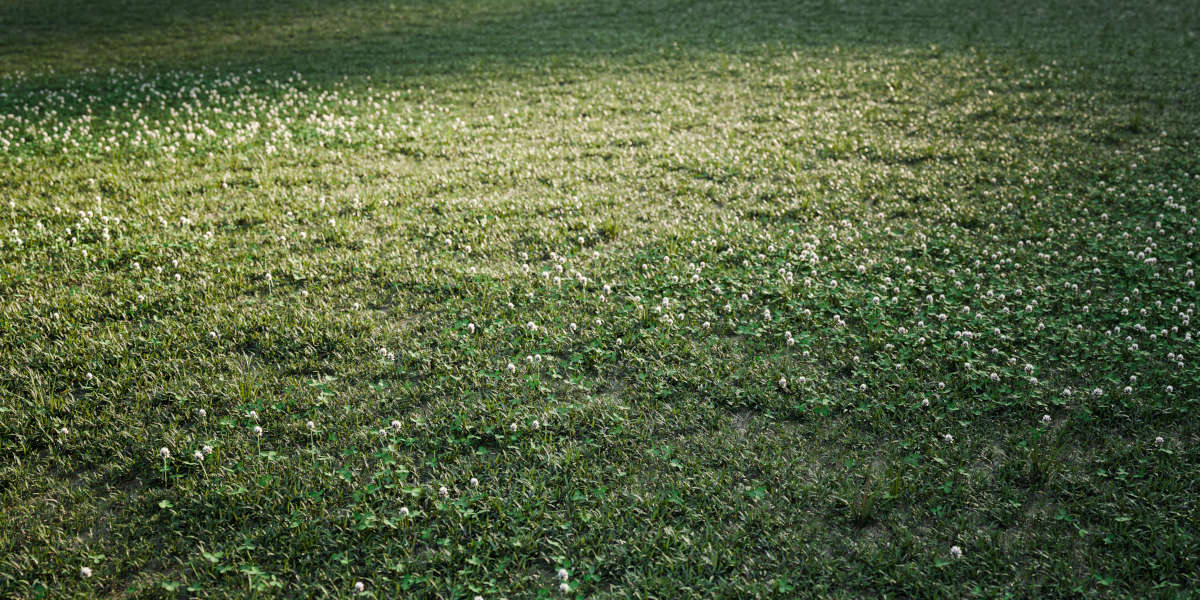
A geometry nodes-based grass generator that offers full procedural control. With adjustable parameters, you can create infinite random variations and physically accurate grass species.
What you get:
- 12 grass species & 8 weed species
- 2 culling systems & 2 simulation systems
- Fully procedural generation (no textures)
- Asset Browser-ready, drag and drop into your scenes
- Physically accurate materials, from dead grass to tall stems
Grassblade – Add-on for Grass, Weed, Field, Meadow, Lawn
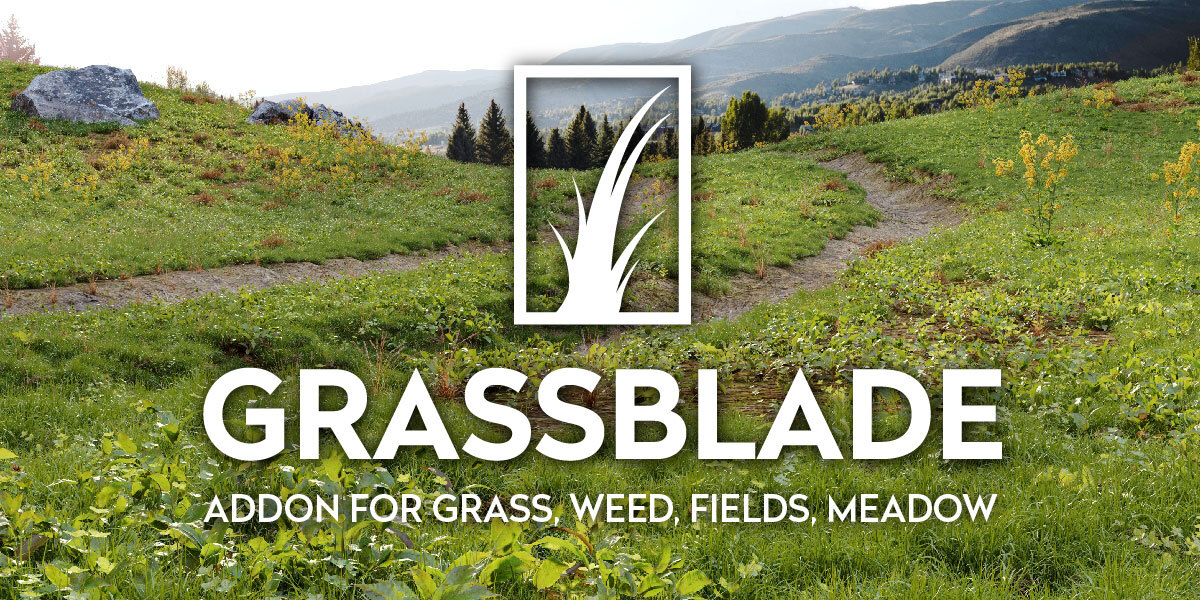
The ultimate grass add-on for Blender, Grassblade delivers over 550 photorealistic assets spread across 204 customizable biomes. From neat lawns to wild meadows, everything is optimized for both Cycles and Eevee. Assets are built from precise photoscans with PBR materials for professional-level realism.
Why it’s a staple:
- 550+ assets, 200+ biomes
- Asset Browser-ready with drag-and-drop workflows
- Categories include grass, weeds, flowers, rocks, pebbles, mushrooms, and more
- Customizable shaders: change seasons, add moss/dirt, adjust grass height
- Proxy system for smooth viewport performance
- Includes bonus zen garden biomes for stones and pebbles
FAQs
What is the easiest way to add grass in Blender?
For beginners or quick workflows, Grass It! is the simplest option. One button and you’re done.
Which Blender grass add-on is best for realism?
The Ultimate Realistic Grass Pack and Grassblade both excel at realism. Grassblade offers more customization, while the Realistic Grass Pack is faster for drag-and-drop.
Can I animate grass in Blender?
Yes. Stylized Animated Grass – Grass Paint includes geometry nodes setups for animated grass movement, perfect for stylized renders.
Are these compatible with the Blender Asset Library?
Yes. Packs like the Ultimate Realistic Grass Pack, Grassblade, and Grass (Geometry Nodes) are fully Asset Library compatible.
Do I need a powerful computer to use these?
Procedural setups like Grassblade and Grass (Geometry Nodes) can be heavy, but packs like Grass It! and Stylized Animated Grass are designed with performance in mind.
There are a ton of other great Grass products being built by amazing creators on Superhive. Explore other asset packs and discover ways to add grass to Blender.