TACOS Tuesday!
-
 Written by Jason van Gumster
 Written by Jason van Gumster
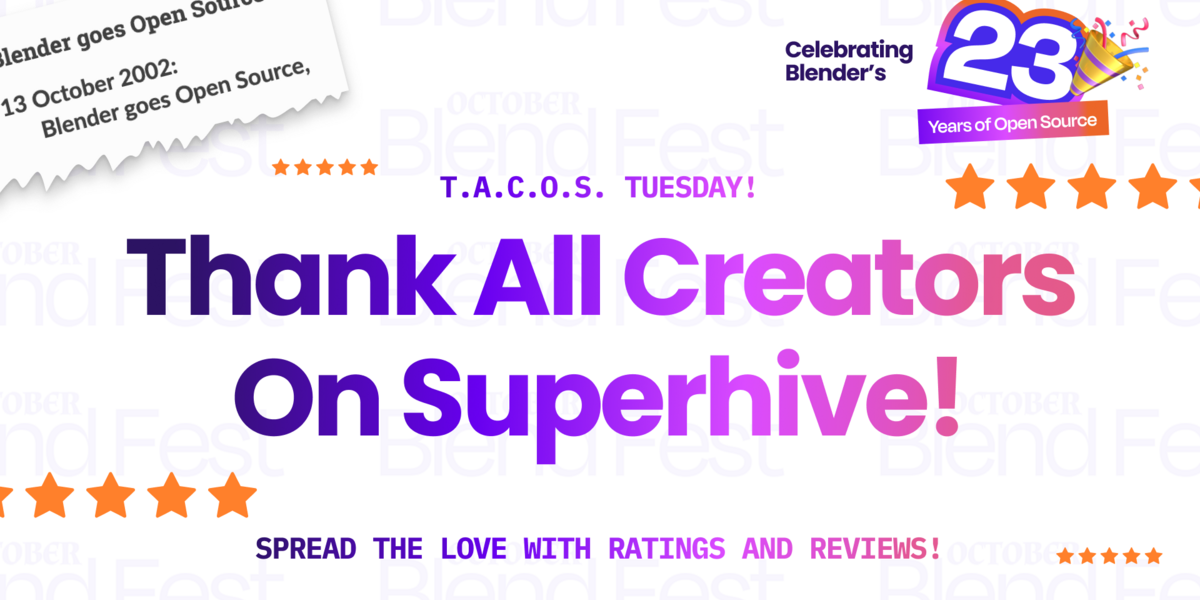
We're coming up on the end of our Superhive October Blend Fest, where we're celebrating Blender's 23 years of open source. And since tomorrow is our sitewide sale, I thought it might be nice to take a break from the deals and crazy challenges... and have some T.A.C.O.S., you know, because it's Tuesday. This isn't the TACOS Tuesday that you're used to. In this case, T.A.C.O.S is short for Thank All Creators On Superhive. We're dedicating this day to letting our favorite Creators know how much we appreciate their products.
Maybe it's a Blender add-on that helped you get a project done faster. Or perhaps it's an asset pack that helped you breathe life into a scene. Or a training course that helped you better understand one of Blender's many features. Whatever the reason, there are products on Superhive that we love, and they're made by people, our Creators.
So what's the best way to thank a Creator on Superhive? Give a rating and review on their product!
Yes, creators do actually read your reviews. And seriously, a great review on a product can absolutely make a Creator's day. That's what I'm asking you to do. Go through the products you've gotten here on Superhive and find the ones that you really love. Then rate and review them.
Not only are you likely to put a smile on a Creator's face, but you're also sharing your genuine experience with the add-on, asset, or course. Your review could be the thing that helps another Blenderhead decide if the product will be useful to them. It's wins all around!
If you've never given a rating or review of a product on Superhive, it's very easy to do. Use the following steps:
- Go to the page for the product you want to review (I suggest looking through the links on your orders to get there the fastest).
- Click the Ratings tab, just under the featured image for the product.
- Scroll to the bottom where it says, "How would you rate this item?"
- Select the number of stars you'd like to give the product (we're being appreciative here, so let's aim for a high number)
- Write a review of the product, detailing how it's helped you and how much you appreciate it.
- Click the Submit your Thoughts button.
That's all there is to it! Now you can do that for all the products that you love!