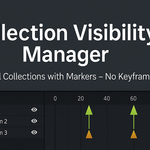
Collection Visibility Manager
 Basem ALi Deeb



📥 Installation:
-
Open Blender 4.0 or newer.
-
Go to Edit → Preferences → Add-ons.
-
Click Install... and select the downloaded file
collection_visibility_manager_v1_6.zip. -
Enable Collection Visibility Manager from the list.
✅ Done! You’re ready to take control of your scene visibility.
🛠️ How to Use:
Step 1:
Organize your objects into Collections in Blender.
Step 2:
Open the Collection Visibility Manager panel from the N-Panel (side panel).
Step 4:
From inside the add-on:
Select the desired Collection you want to control.
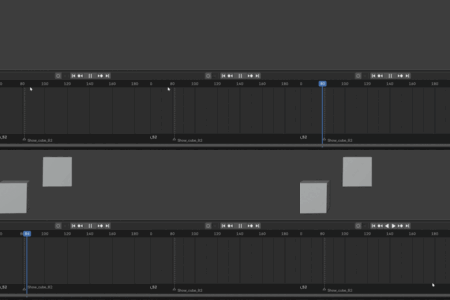
Click Show to make it visible, or Hide to make it invisible at that frame.
✅ No keyframes are created — the add-on directly manages Collection visibility based on your actions.
✨ Key Features:
🎯 Manual control: Select Collections and hide/show them instantly.
🧹 No keyframes required: Manage visibility cleanly and efficiently.
🚀 Timeline friendly: Move through frames easily and control visibility where needed.
✅ Optimized for Blender 4.0 and newer.
Have questions about this product?
Login to message
| Published | over 1 year ago |
| Blender Version | 4.4 |
| Extension Type | N/A |
| Render Engine Used | Cycles, Eevee |
| License | GPL |

Discover more products like this
Scene Management scene organization Marker Control Visibility Tools collection manager Animation Workflow timeline tools Blender productivity blender tools blender addon