 Hatem Elseidy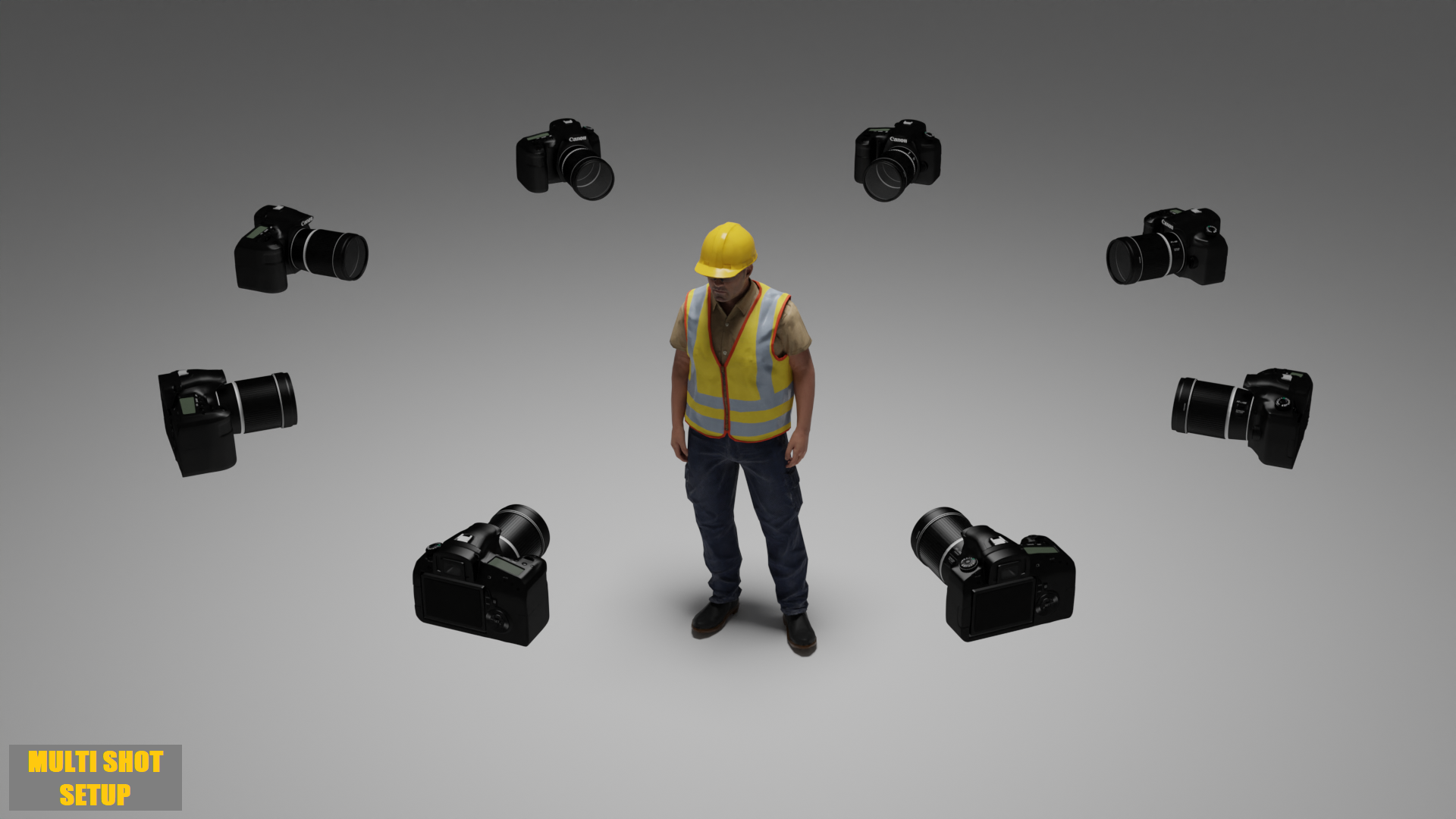
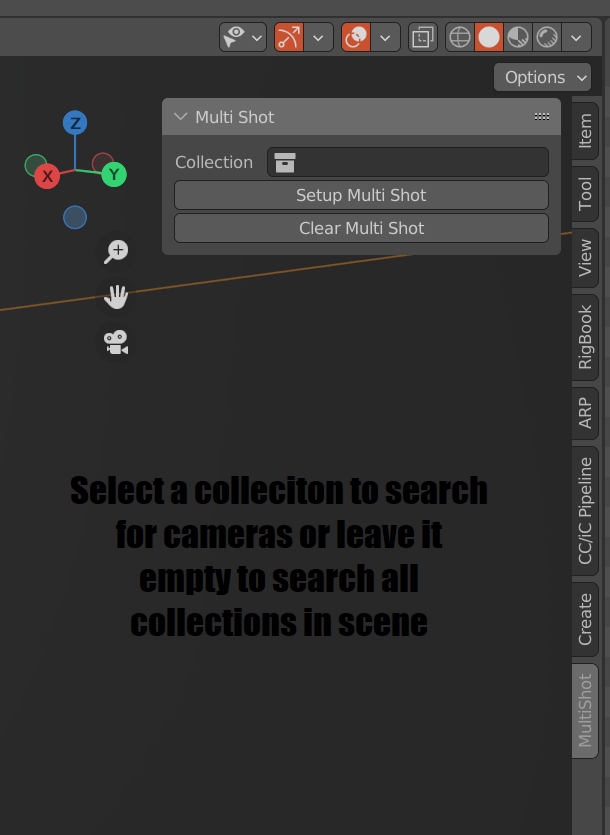
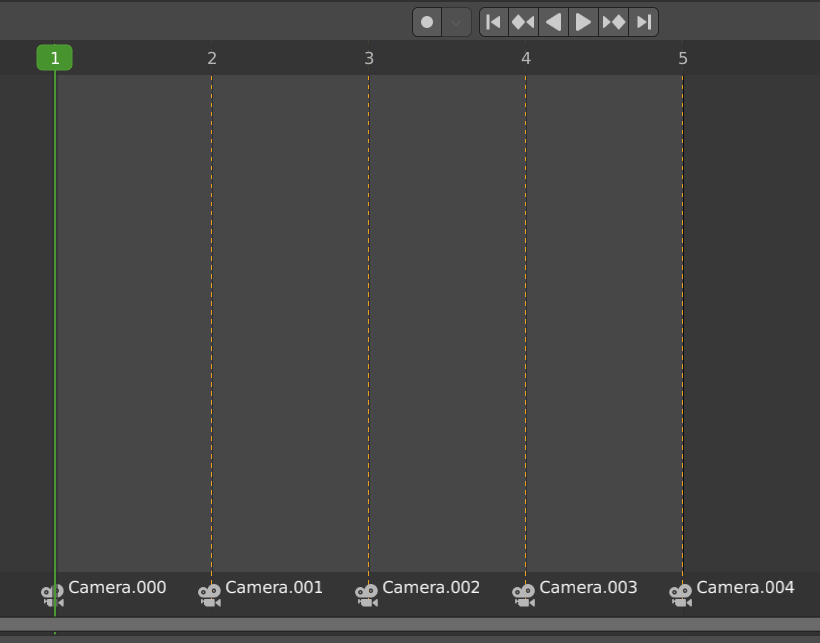
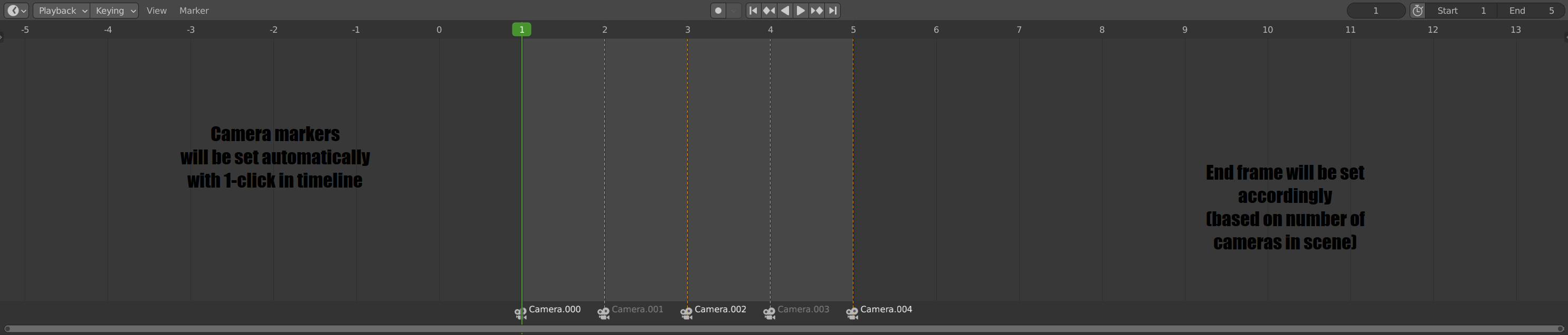
Setup multiple render shots with 1 click for as many cameras as you want. Do you have 10 camera setups in your scene that you want to render? Just click "Setup Multi Shot", Hit "Render Animation" and go get a cup of coffee or head to the park. Get back and enjoy 10 rendered images stored on your disk.
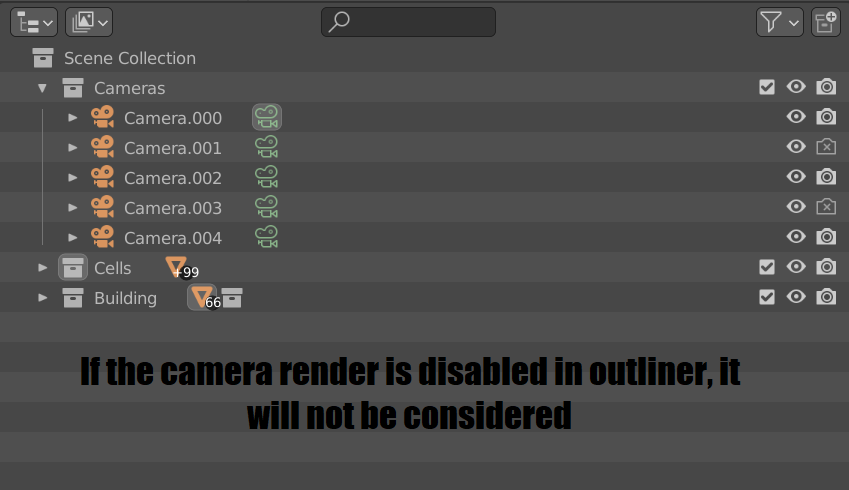
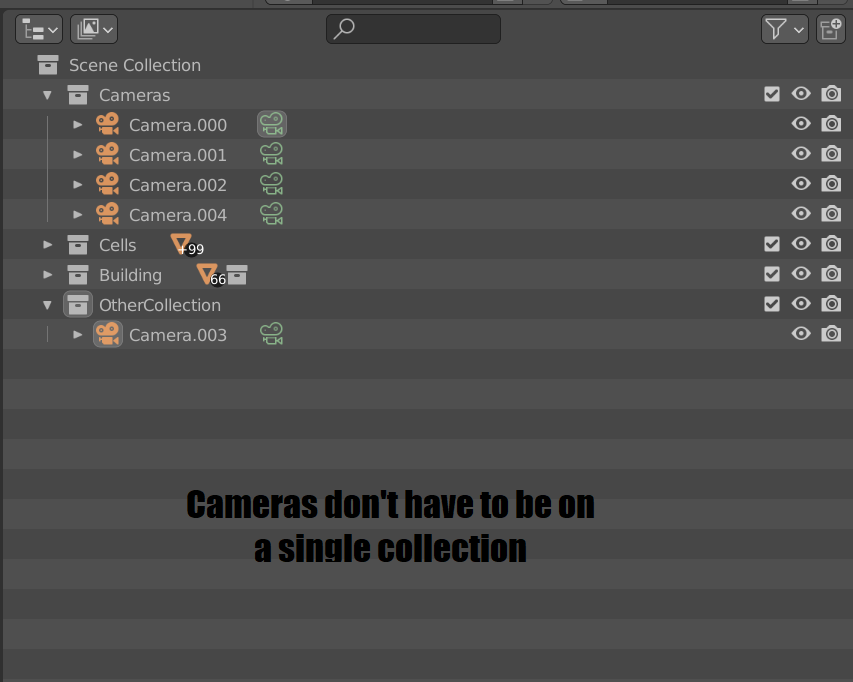
You can keep your camera objects anywhere you want in your collections. The addon will scan all collections for camera objects and consider any camera with "render" enabled in outliner. You can also specify a collection to use for the search i.e. find cameras only on that collection. The addon will:
- Set end frame according to how many cameras were detected.
- Report the number of cameras detected for you to verify.
- Add markers in the timeline.
- Associate cameras to markers.
You can hit "Setup Multi Shots" as many times as you want. It won't re-add markers.
Now all you need is specify your render settings and hit "render animation", you'll end up with X renders if you had X cameras in your scene. This way if you have too many cameras or too large scene. You can just leave it to render and get back to find all your scenes ready and stored.
Demo Part 1
Demo Part 2
