 Yves
Yves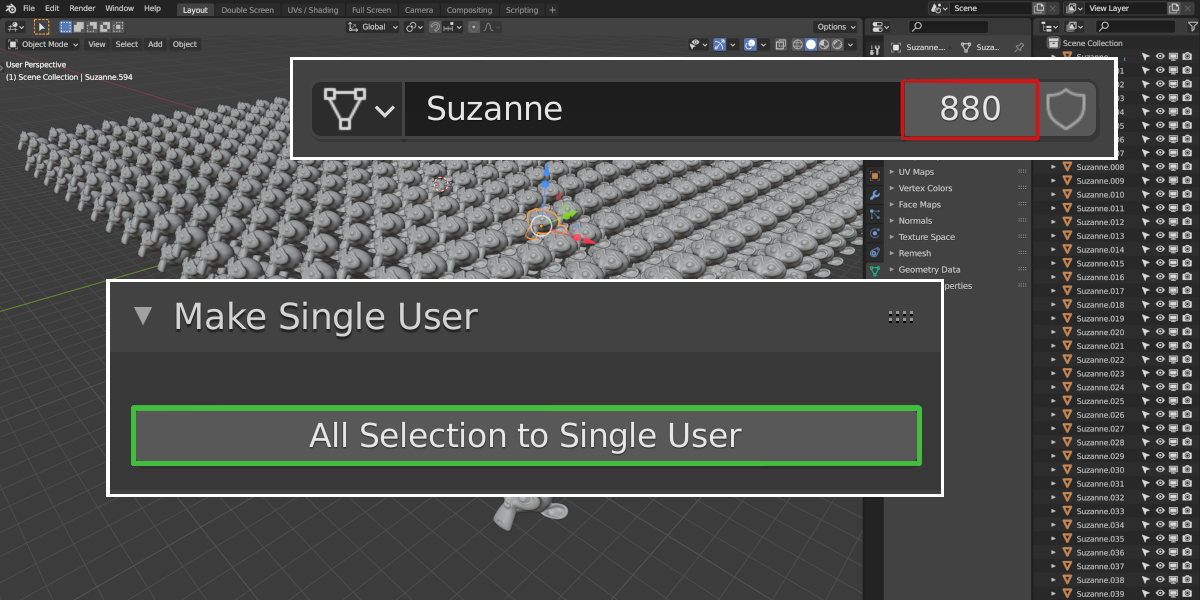
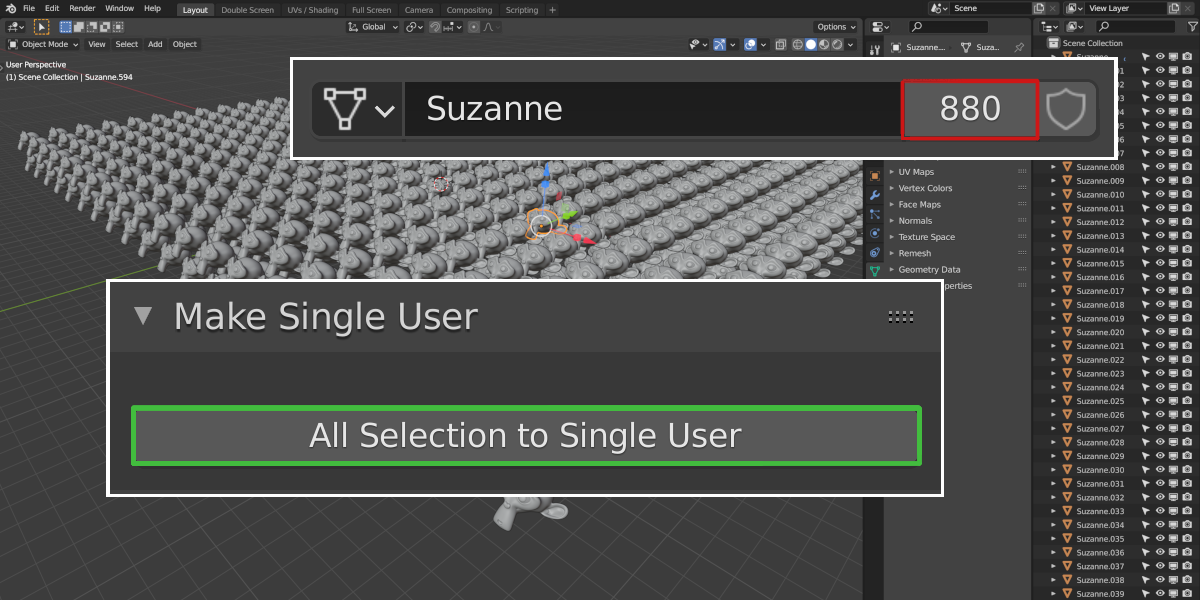
Install the "1 clic single users" addon like any other Blender addon :
Go to Edit > Preferences > Add-ons
then clic "Install" (top right corner of the window) and brows to the zip folder to install it.
Once it's installed, enable the checkbox to activate the addon and if you allways want it active (I mean next time you open Blender) don't forget to save your preferences via the sandwich menu in the bottom left of the window.
Once the addon is installed, select all the objects that share data-blocks and that you want to turn into single users and head to the properties editor under the Data context you'll find a new tab called "1 Clic Single Users". Clic on the button under that tab and you'll have acheived your goal !
Have questions about this product?
Login to message
| Sales | 10+ |
| Published | over 5 years ago |
| Blender Version | 2.78, 2.79, 2.8, 2.81, 2.82, 2.83, 2.9, 2.91, 2.92, 2.93 |
| License | Creative Commons |