10 Procedural Wood Shaders for Blender
 Redmoon Studio


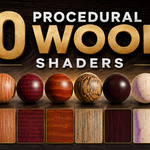
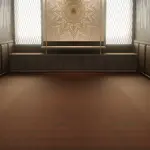
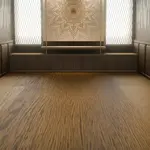
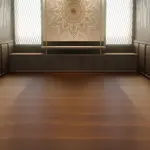
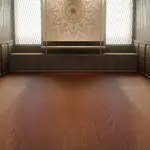

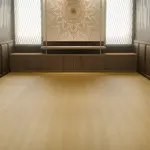
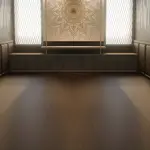

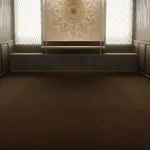

Procedural Wood Shader Pack
Thank you for purchasing this Procedural Wood Shader Pack!
Method 1 – Append the Materials
Open your Blender project.
Go to File → Append.
Select the included
.blendfile.Open the Material folder.
Select the material(s) you want and click Append.
Assign the material to your object from the Material Properties panel.
Method 2 – Add as an Asset
You can also add the included .blend file to your Asset Library.
Go to Edit → Preferences → File Paths → Asset Libraries.
Click + and select the folder containing the
.blendfile.Save your preferences.
Open the Asset Browser.
Select the asset library and drag the wood material onto your object.
Enjoy creating with the Procedural Wood Shader Pack!
Have questions about this product?
Login to message
| Published | 3 months ago |
| Blender Version | 5.0 - 5.2 |
| Render Engine Used | Cycles, Eevee |
| License | Royalty Free |