Lance Phan




The Ultimate 124 Procedural Wood Collection: True 3D Volumetric Textures
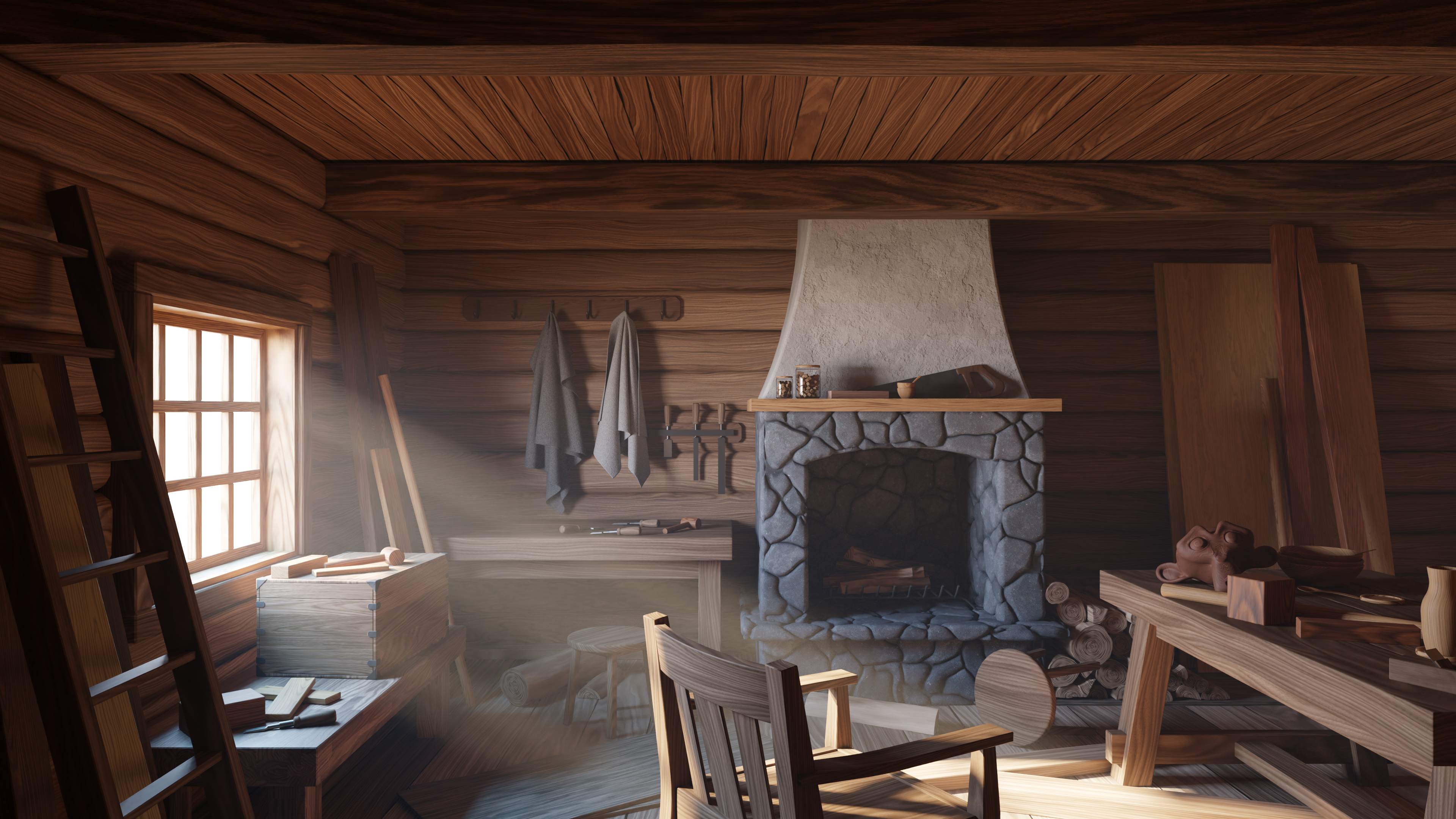
Stop wrapping flat images around your 3D models. It’s time to start carving them out of digital wood.
Introducing the most biologically accurate wood shader collection for Blender. While standard image textures are just surface deep, this collection is powered by a True Wood Generator that mimics the actual growth of a tree. Whether you are creating architectural visualizations, furniture renders, or complex assets, this library ensures your wood looks realistic from every single angle.
The "True Wood" Difference
Most procedural wood shaders just generate noise. Ours mimics nature.
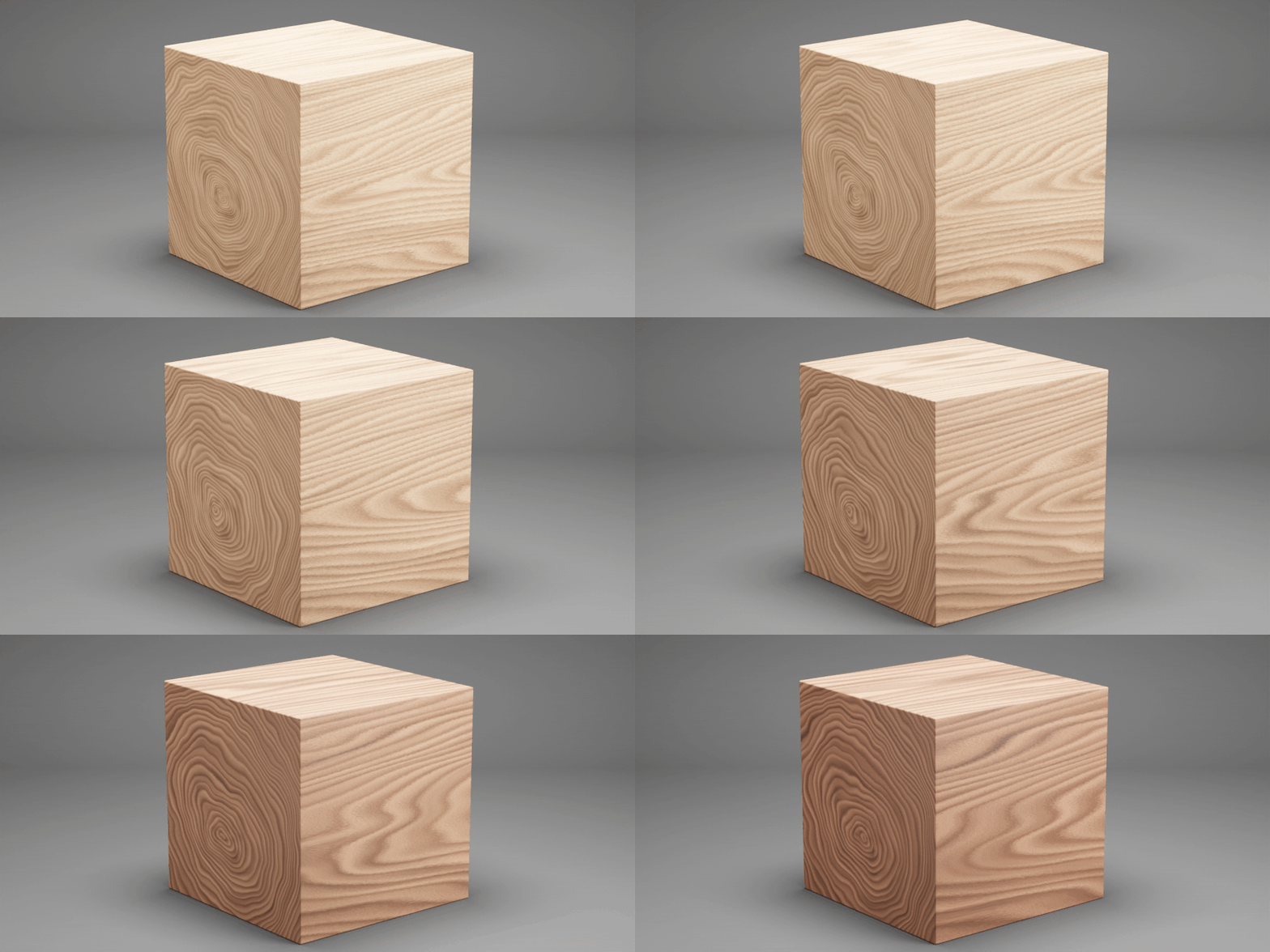
The core of this collection is a volumetric generator based on nesting cylindrical layers. It simulates the biology of a tree trunk.
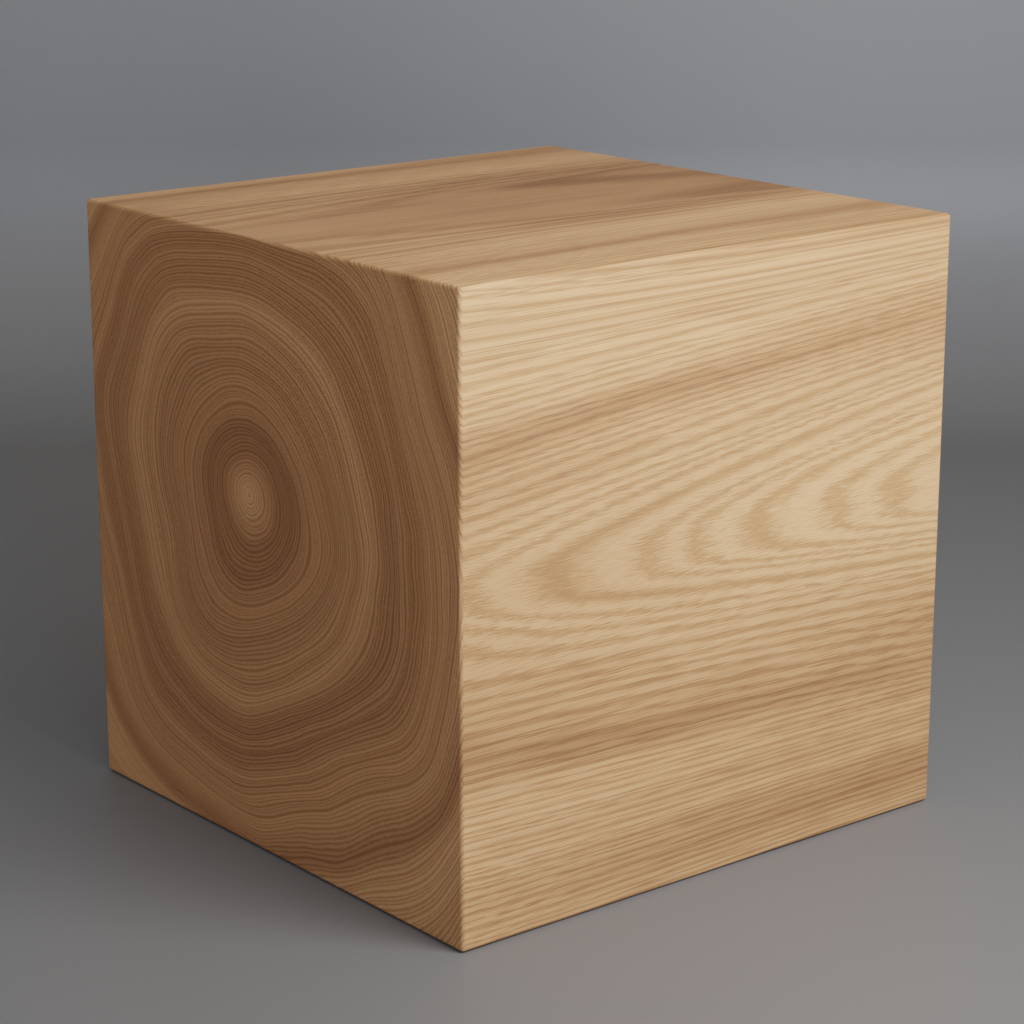
- Slice it sideways: You get realistic growth rings (End Grain).
- Slice it vertically: You get beautiful, wavy wood grains (Face/Edge Grain).
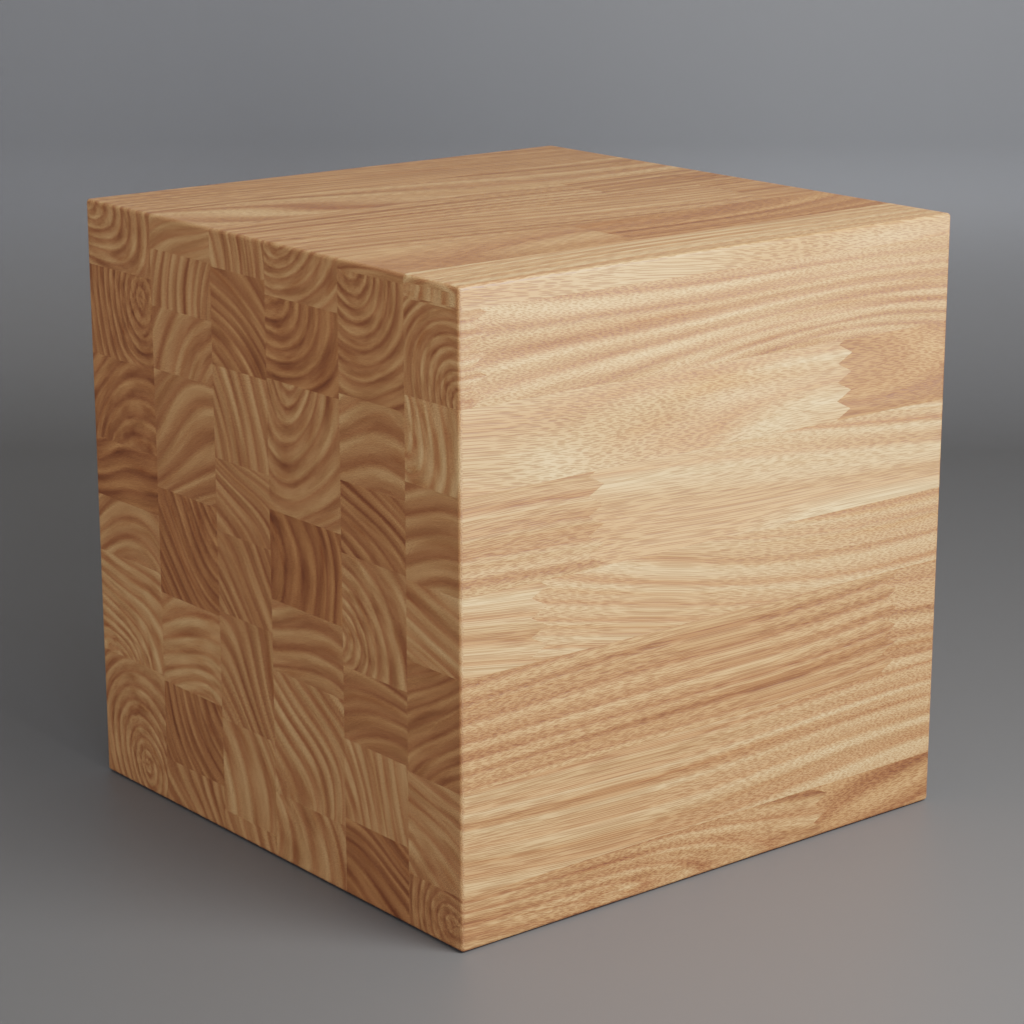
This means you can apply these materials to any shape, cut holes in them, or bevel the edges, and the grain will flow exactly as it would in the real world.
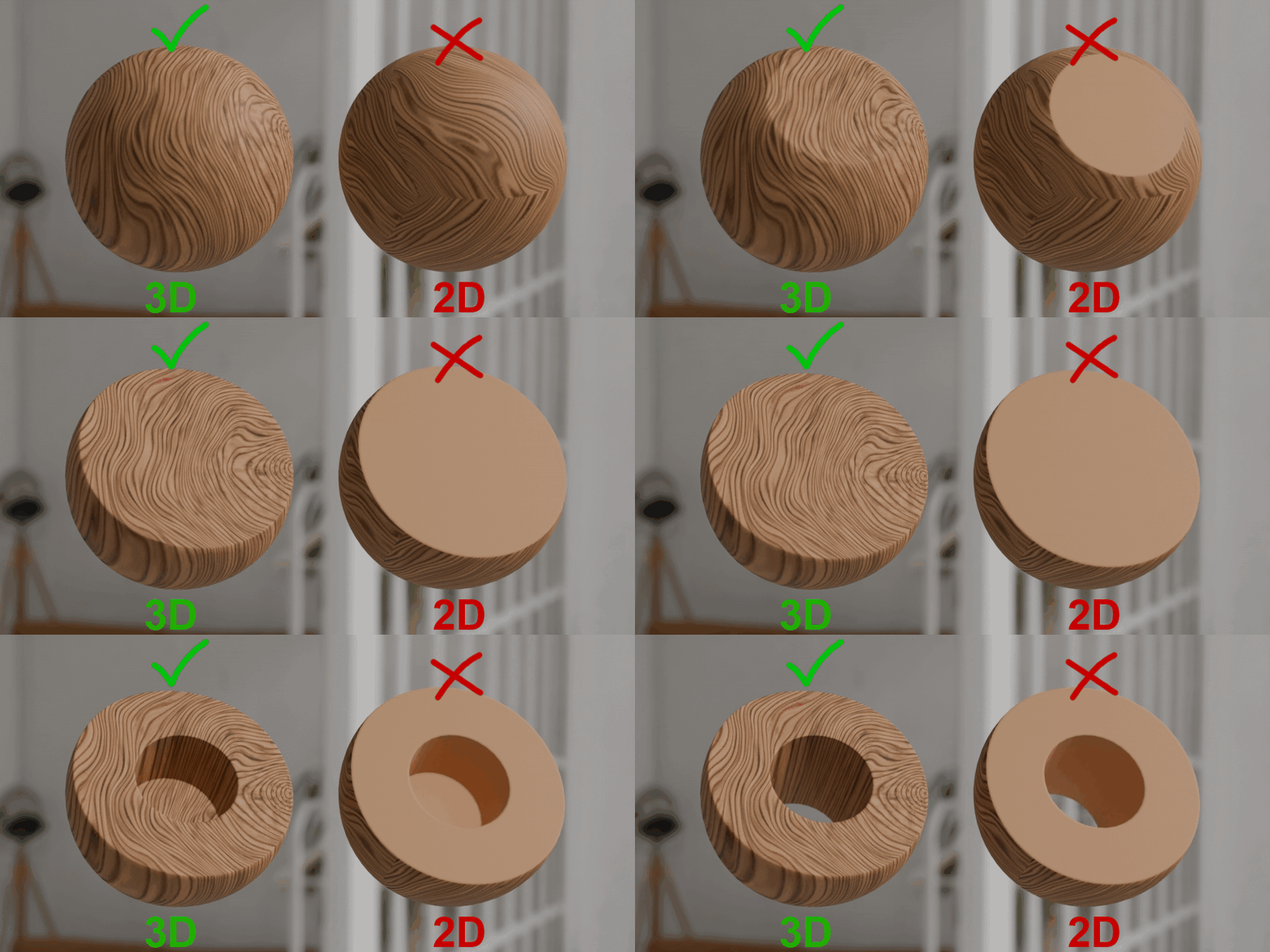
3D texture vs 2D texture
What’s Inside the Pack (124 Materials)
This collection gives you a massive library of 124 fully procedural, customizable presets divided into four specialized categories:
1. The Advanced Flooring System (84 Materials)
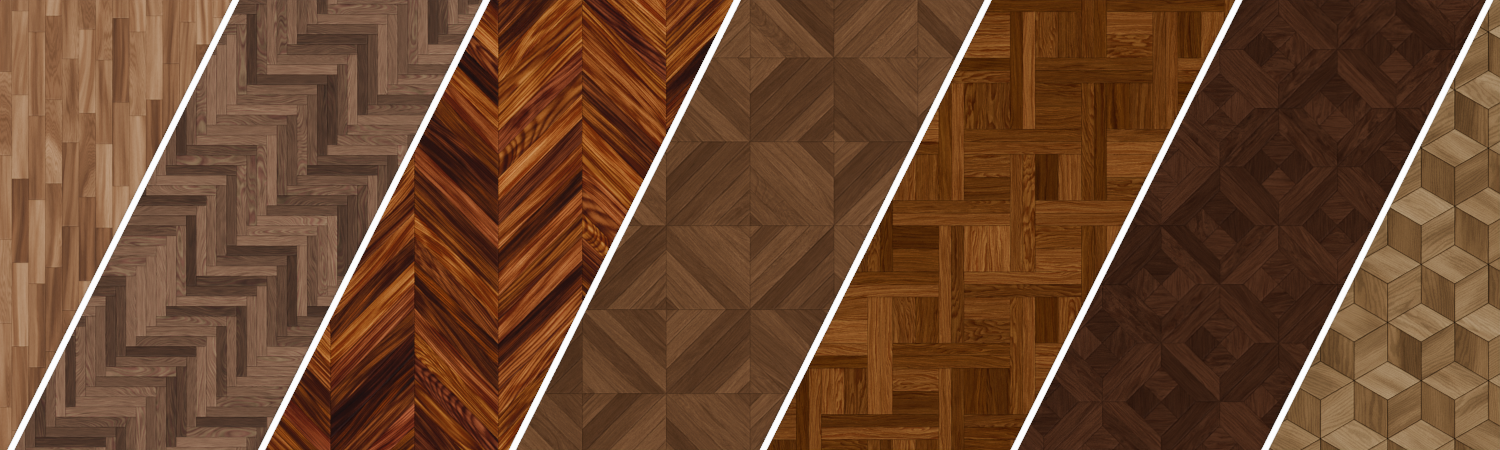
I have included 7 specific floor pattern generators that go far beyond simple textures. You have full control over the geometry of your floor without touching a modeling tool.
- Total Customization: Easily configure plank shapes, specific arrangements, plank size, extrusion height, and the gap width between planks.
- Variety: Each of the 7 floor patterns comes with 12 distinct wood material variations, giving you 84 flooring options right out of the box.
2. Realistic Plywood Cutter (12 Materials)
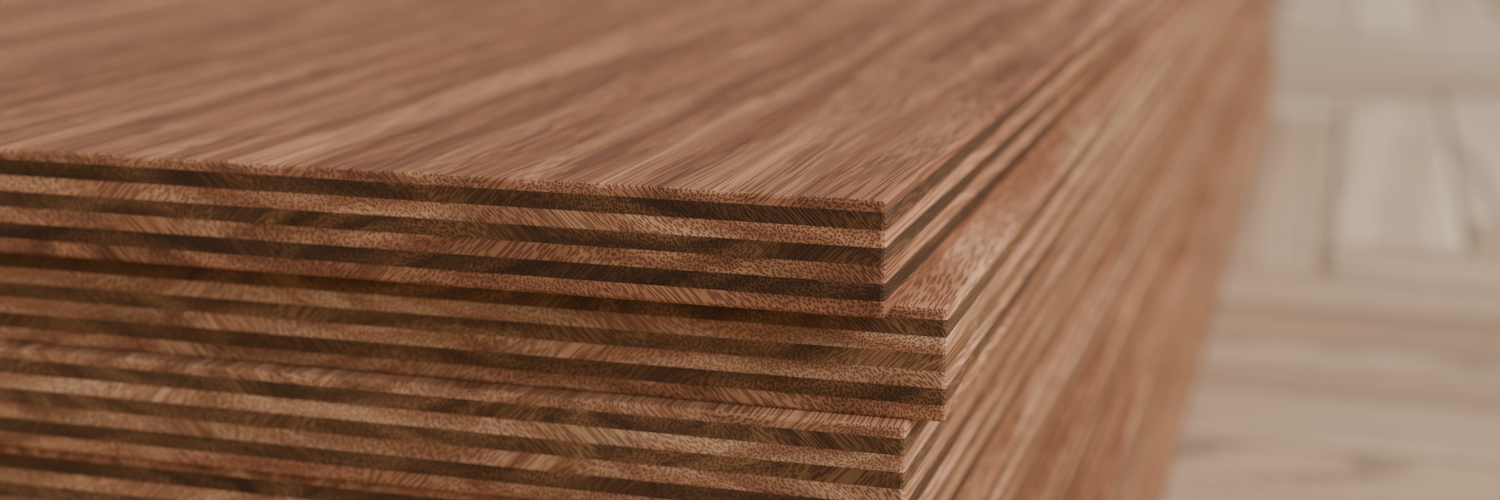
Plywood isn't just wood texture; it is a manufacturing process. Our generator replicates the real-world "rotary cut" method.
- Trunk Unrolling: The shader mimics unrolling a tree trunk to create long, continuous veneers.
- Stacked Layers: It stacks these thin wood sheets together to create true-to-life plywood edges and surfaces.
3. Glued Wood / Butcher Block Maker (12 Materials)
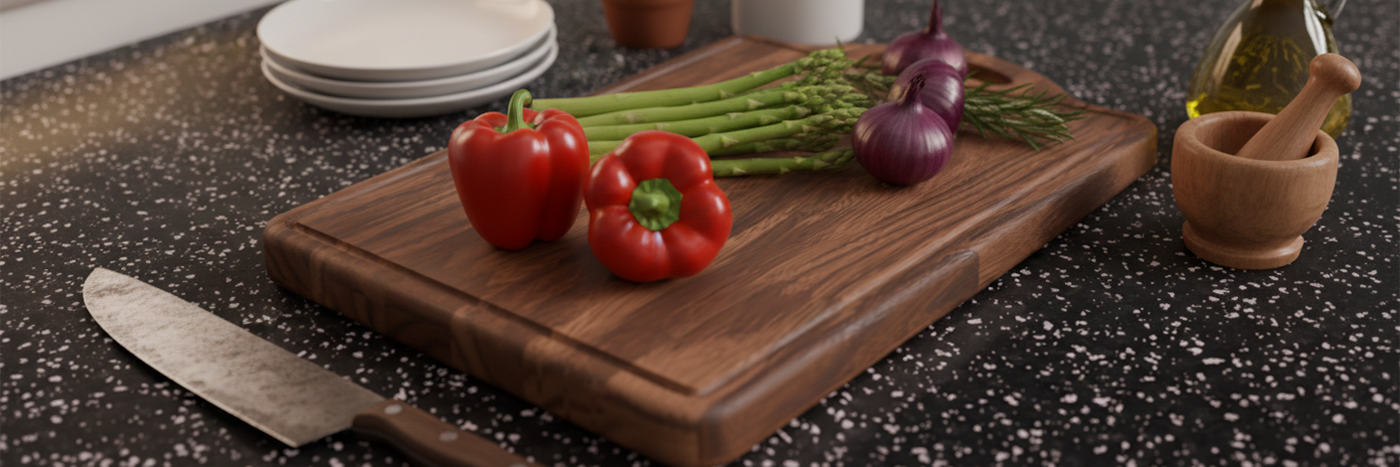
Perfect for countertops, furniture, and modern architectural details.
- Block Generation: Generate blocks of uniform or randomized sizes sticking together.
- 3D Depth: Just like the solid wood, these blocks are volumetric, cut into them and the grain remains consistent.
4. Solid Wood Library (16 Materials)
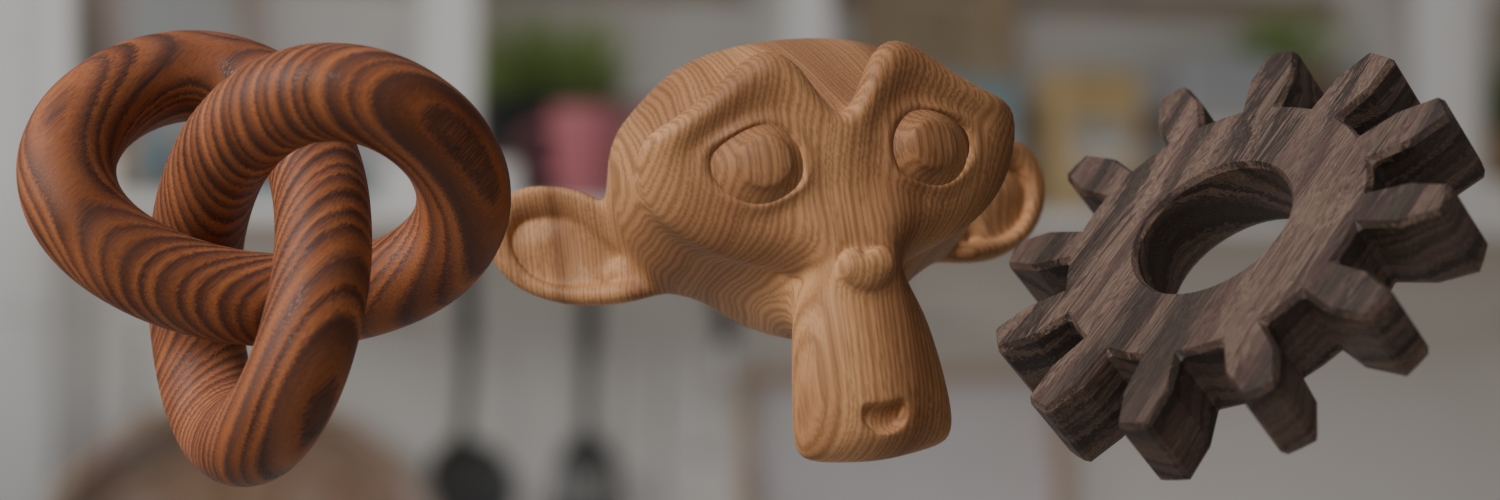
The essential collection for props and assets.
- Drag & Drop: Apply these to any 3D object (from a simple chair leg to a complex sculpture) to instantly turn it into a solid block of wood.
- Seamless: No UV unwrapping required for the grain to flow through the object correctly.
Beyond the Presets: Create Your Own Species
You are not limited to the 124 materials included in the library. At the heart of this collection is a highly flexible Wood Generator engine.
If you have a specific look in mind that isn't in the catalog, you can easily pop the hood and tweak the settings. The generator is built to be versatile, allowing you to manipulate the grain intensity, color values, and pattern density. Whether you are trying to match a specific reference photo of Walnut or creating a fantasy timber for an alien world, the generator gives you the freedom to craft an infinite variety of custom textures to suit your specific project needs.
Here is the text for the Tutorial section. I recommend placing this after the "Create Your Own Species" section and before the "Installation" section. This reassures the buyer that they won't be left alone with complex node graphs.
Comprehensive Tutorials Included
Procedural nodes can sometimes look intimidating, but I want you to get the absolute most out of this collection. So I have prepared a series of tutorials designed to a digital wood master. You will learn:
-
The Core Generator: A deep dive into the settings of the main wood engine and how to control the volumetric layers.
-
Flooring Mastery: How to manipulate the 7 floor pattern generators to create the perfect parquet, planking, or herringbone layout for your architectural scenes.
- The Cutters: Detailed guides on using the Plywood Cutter and Glued Wood Maker to get those realistic construction edges.
You can find the tutorial series here.
Simple Installation
This collection is built as a native Blender Asset Library, you don't need to install python scripts or complex add-ons.
- Download & Unzip: Download the .zip file and extract/unzip the folder to a permanent location on your computer.
- Link to Blender: Open Blender, go to Edit > Preferences, and select the File Paths tab.
- Add Library: Scroll down to the Asset Libraries section, click the + button, and navigate to the folder you just unzipped. Click "Add Asset Library."
- Start Creating: That’s it! Open your Asset Browser editor in Blender, select the wood library, and simply drag and drop the materials onto your objects.
Why Go Procedural?
- Infinite Variations: Because these materials are mathematically generated, no two renders have to look the same. Tweak the seed value and get a brand new piece of wood instantly.
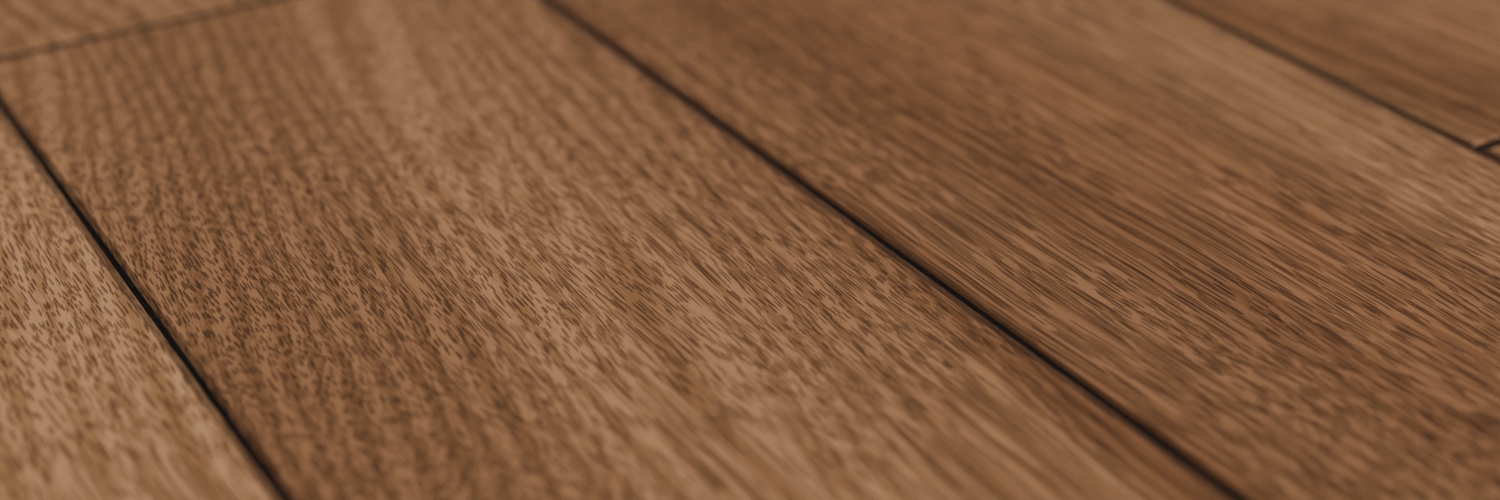
- Infinite Resolution: Never worry about pixelation again. Whether you are rendering from a distance or doing an extreme macro close-up, the texture remains perfectly crisp.
- Non-Destructive: Modify the color, grain intensity, and scale at any time during your workflow.
Create with Confidence
This collection is designed to remove the headache of UV unwrapping complex wood grain. By simulating the internal structure of the wood, I guarantee that your "cuts" always look authentic.
Get the 124 Procedural Wood Collection today and bring the natural warmth of true 3D wood to your renders.