 SADQ74
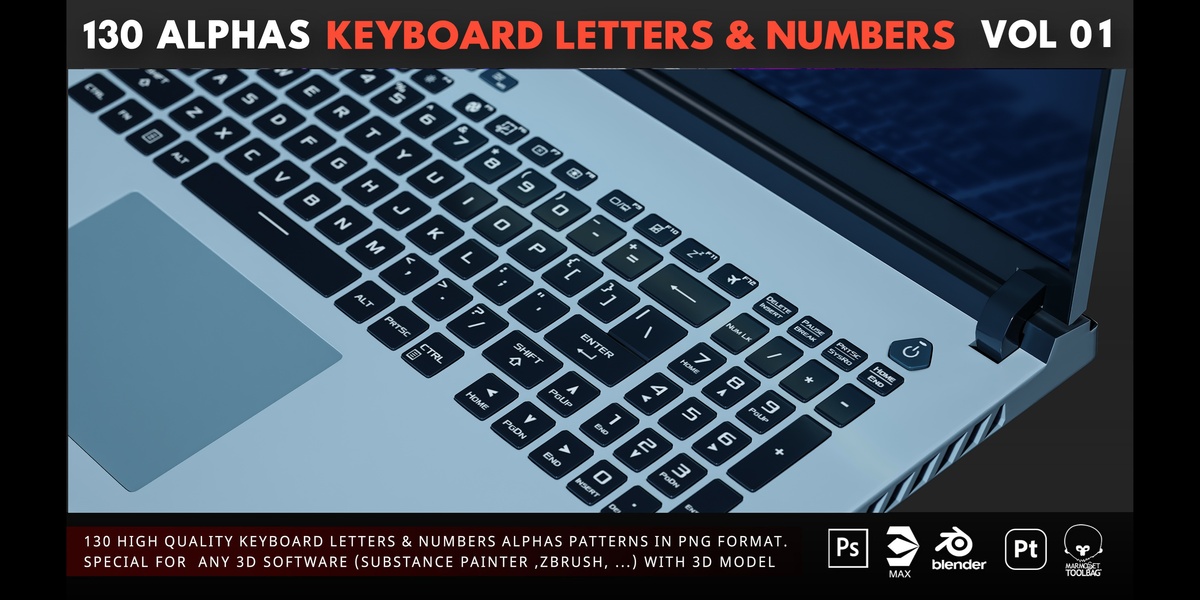
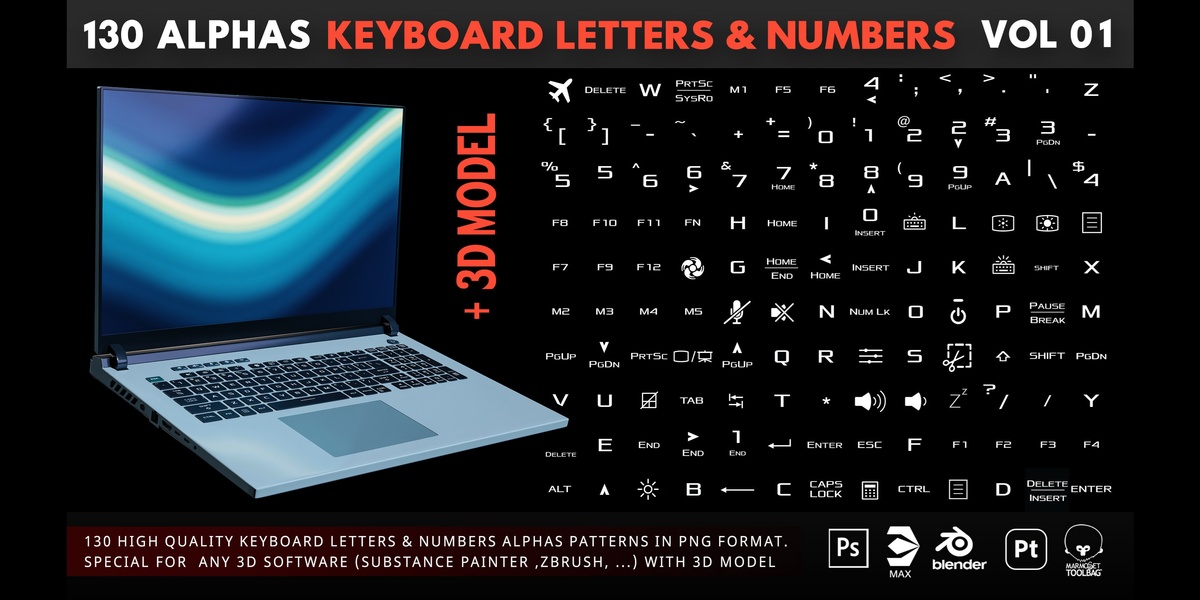
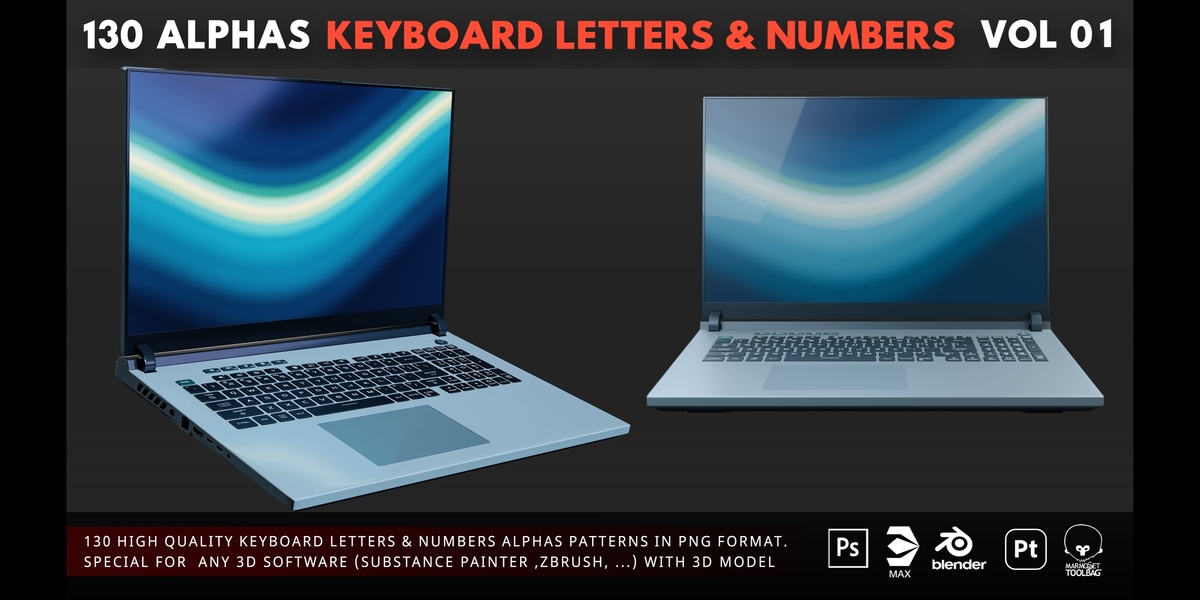
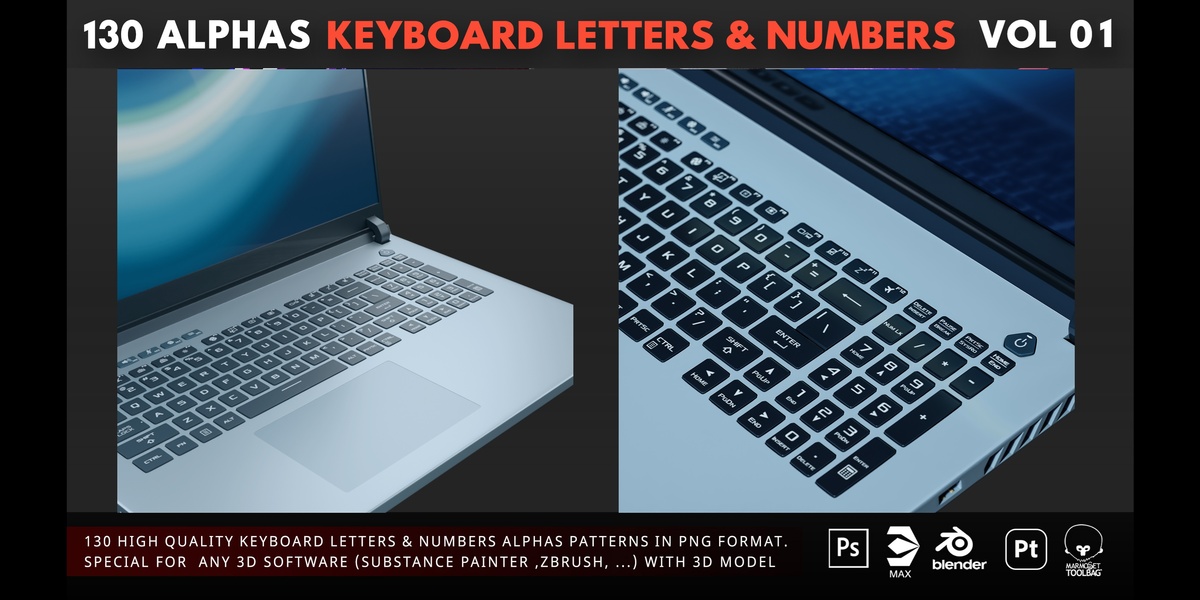
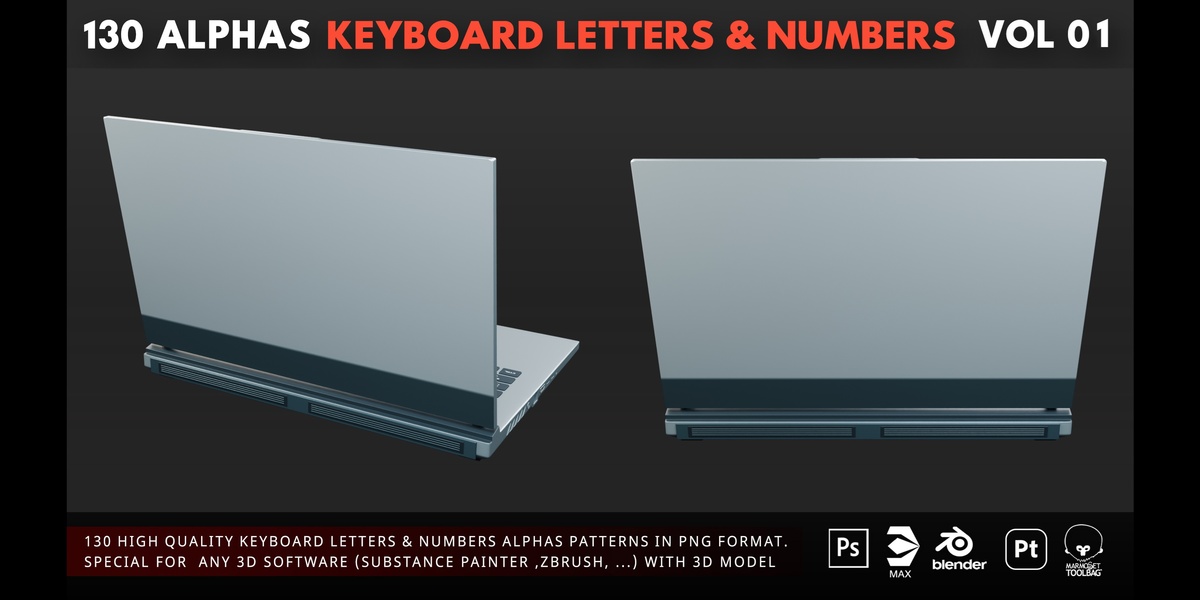
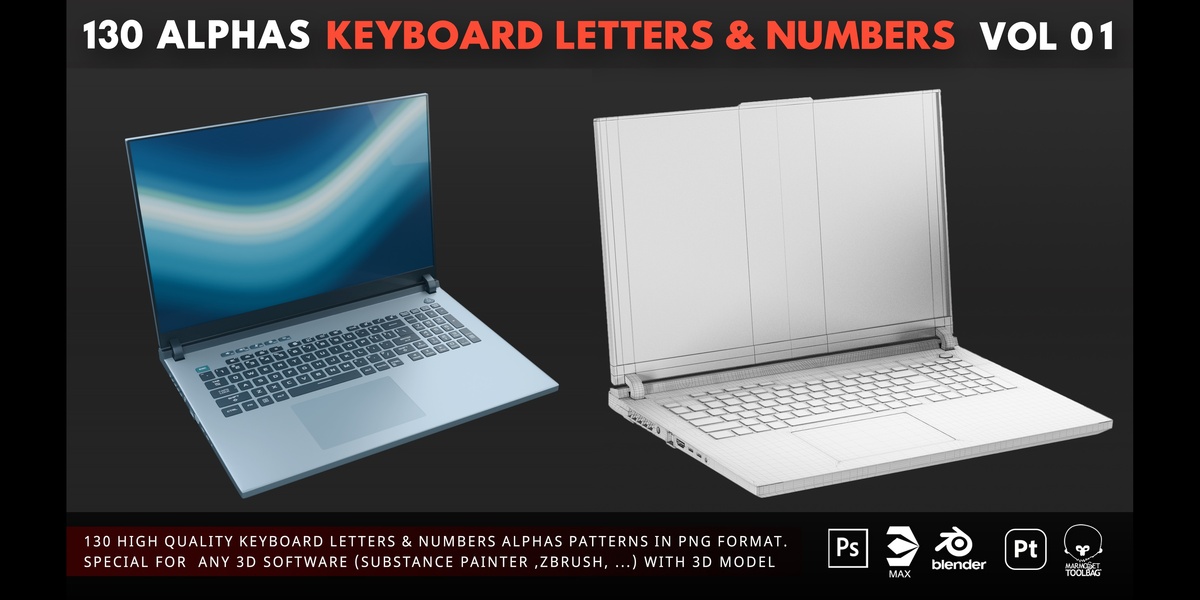
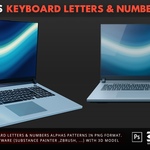
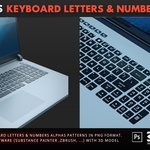
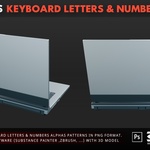
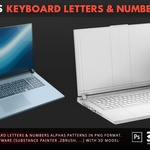
Extract the full ZIP before opening the laptop files. Keep the Textures folder beside the FBX, OBJ, and MTL files.
Using the alphas
The Alphas folder contains 130 grayscale PNG masks for letters, digits, punctuation, and keyboard symbols. Import a PNG as an alpha or stencil in your texturing app. White marks the mask and black leaves the surface unchanged. For a Blender material, load it as Non-Color data and connect it to the height or mask input. Invert the mask if you want an engraved effect.
Opening the laptop
Open Laptop_Unbranded.blend in Blender 5.2 or Laptop_Unbranded_Blender4.blend in Blender 4.x. The scenes include the model, materials, camera, and lights. Use Render Image to render the studio view. The included 3ds Max 2021 scenes use Corona and V-Ray. Open the MAX scene for your installed renderer and keep the Textures folder next to it.
The Laptop folder also includes UV-mapped FBX and OBJ files. If your importer leaves textures unassigned, use the supplied maps. Set albedo and emissive to sRGB, and use linear or non-color data for roughness, metalness, and the tangent-space normal.
Have questions about this product?
Login to message
| Published | 2 days ago |
| Blender Version | 4.0 - 4.5 |
| Render Engine Used | Cycles, Eevee, Vray |
| Misc Data | Uvs-Unwrapped, Normal-Mapped, Textured |
| License | Editorial |