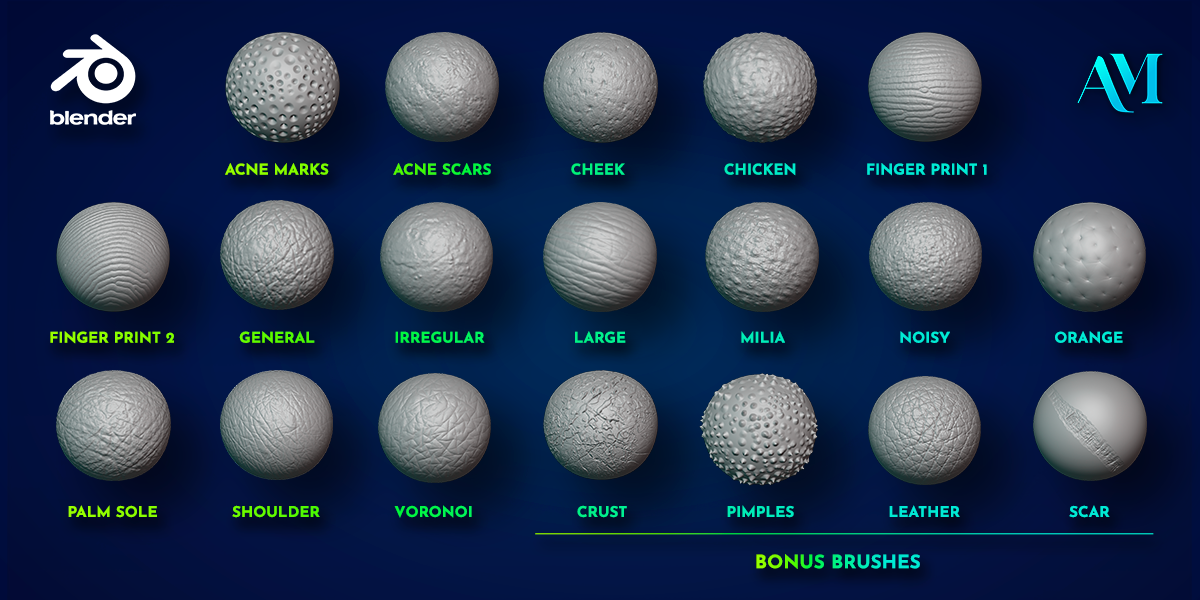
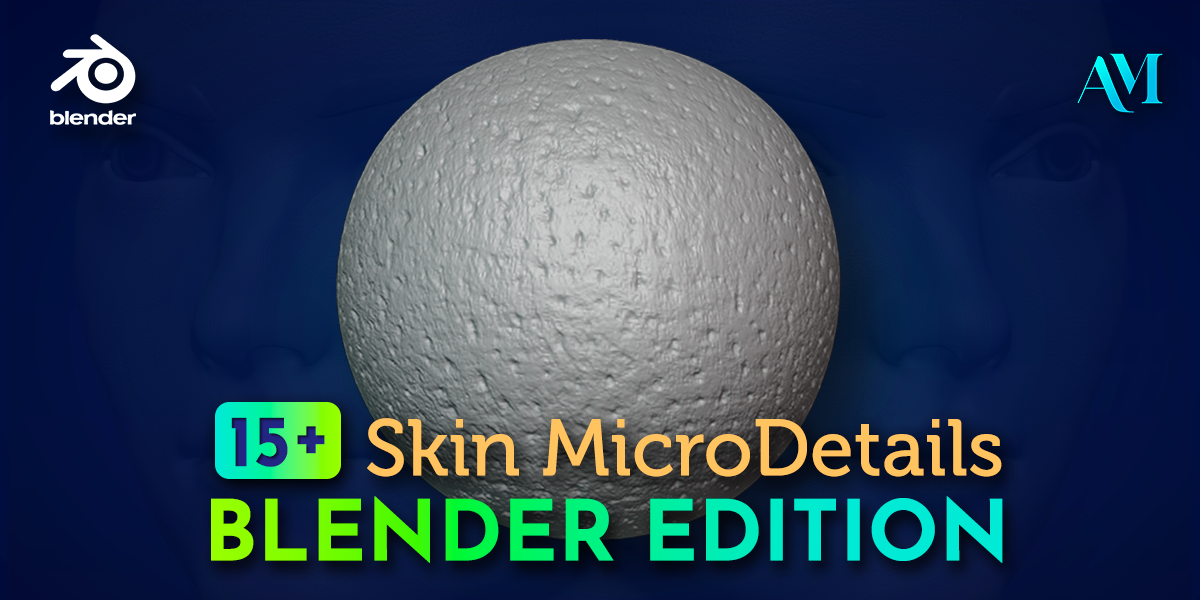
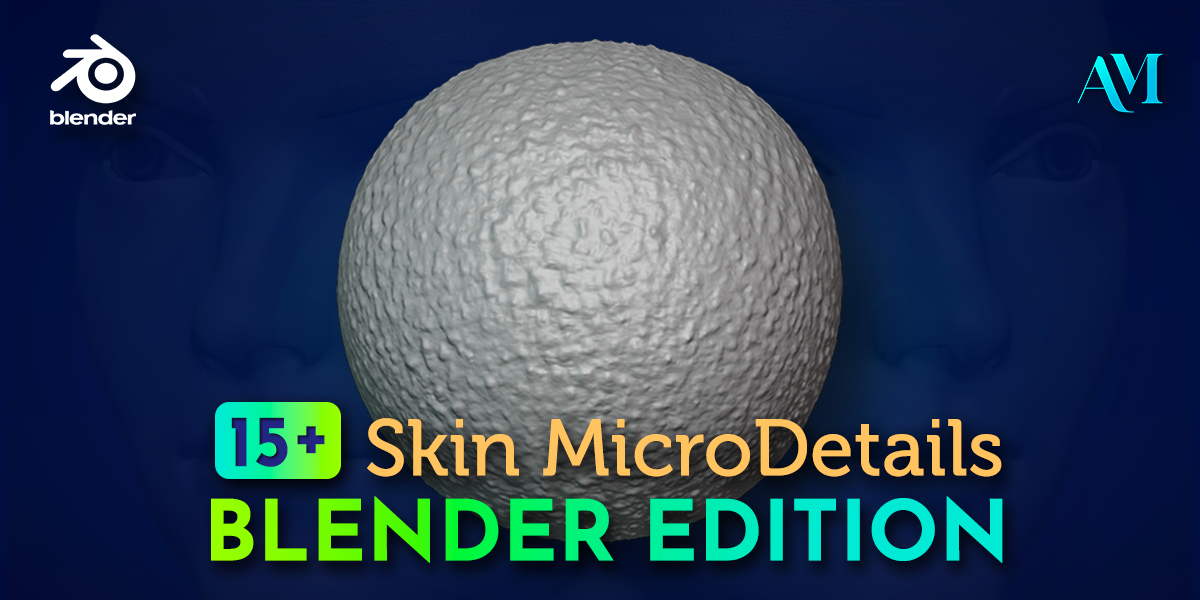
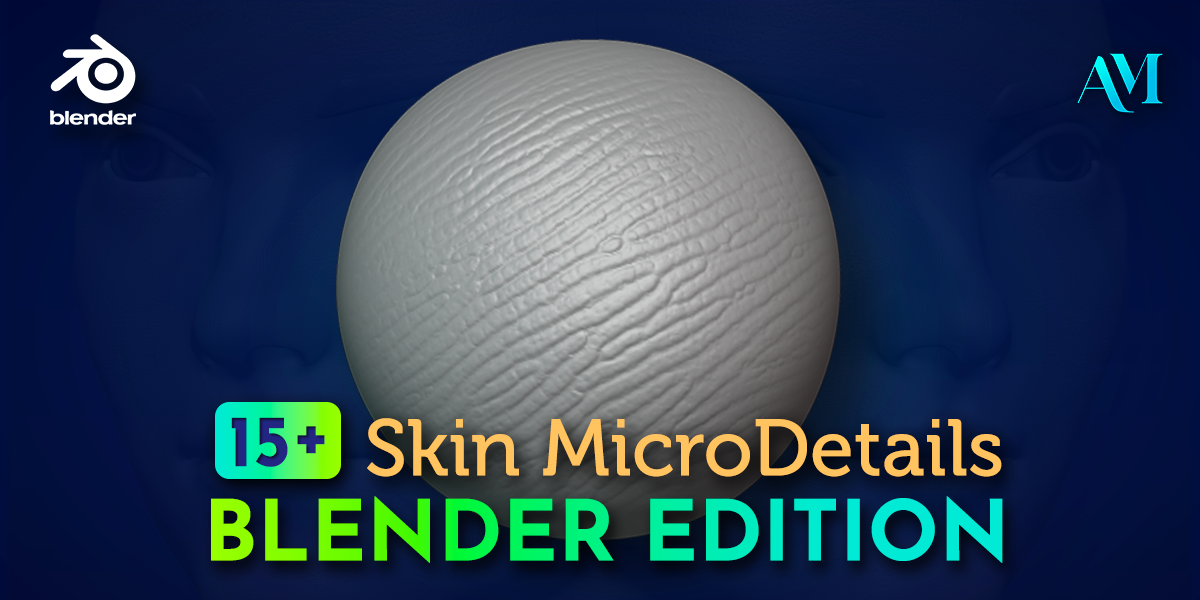
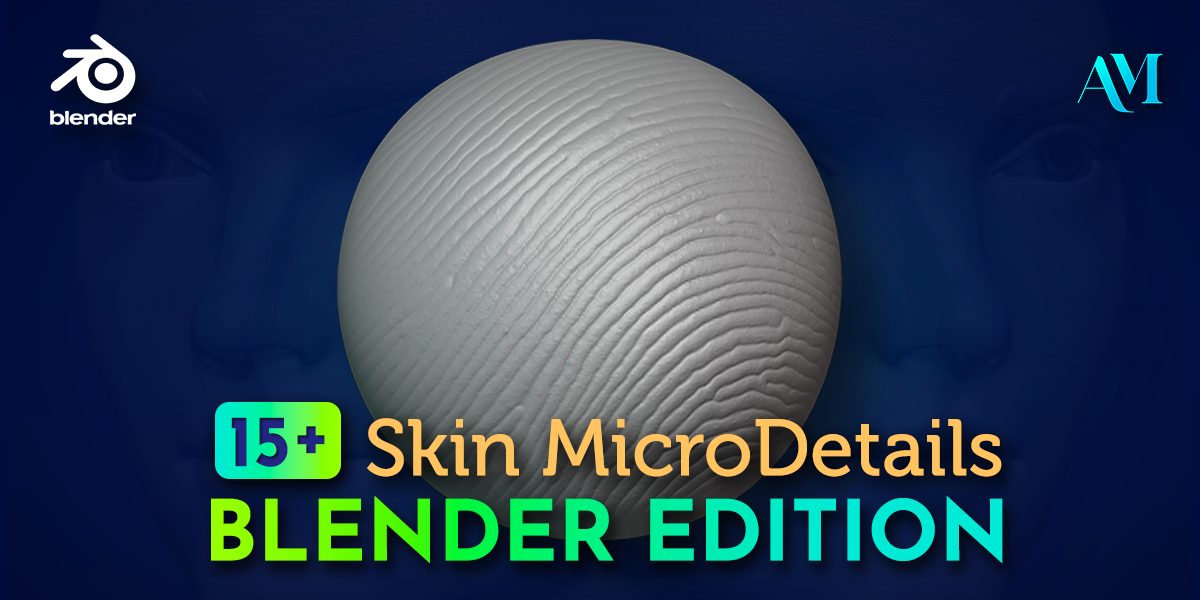
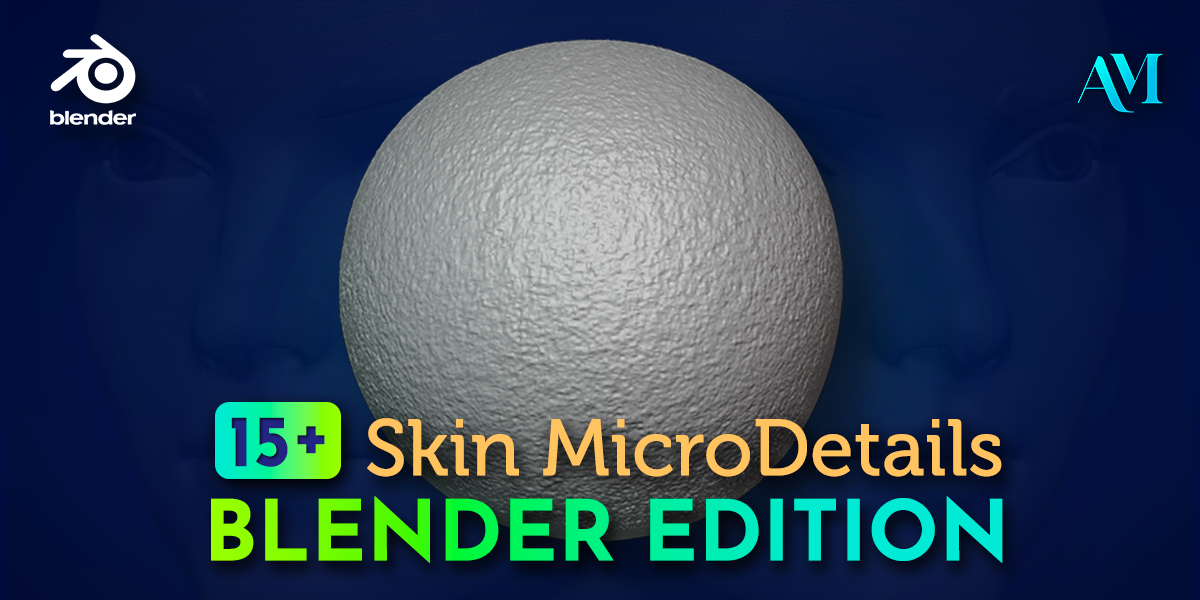
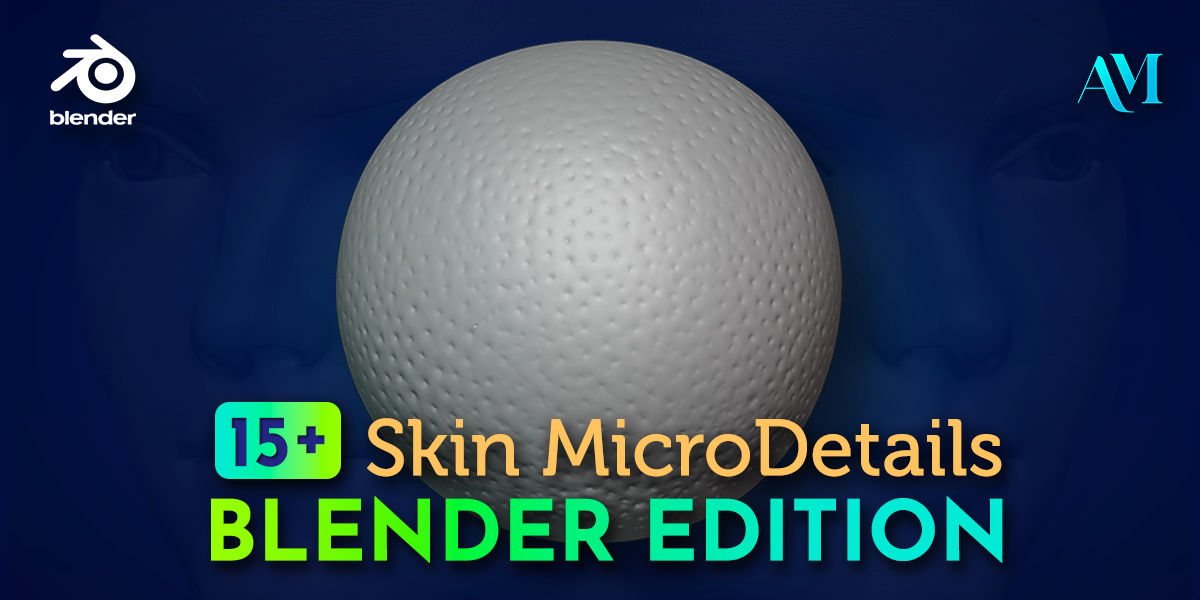
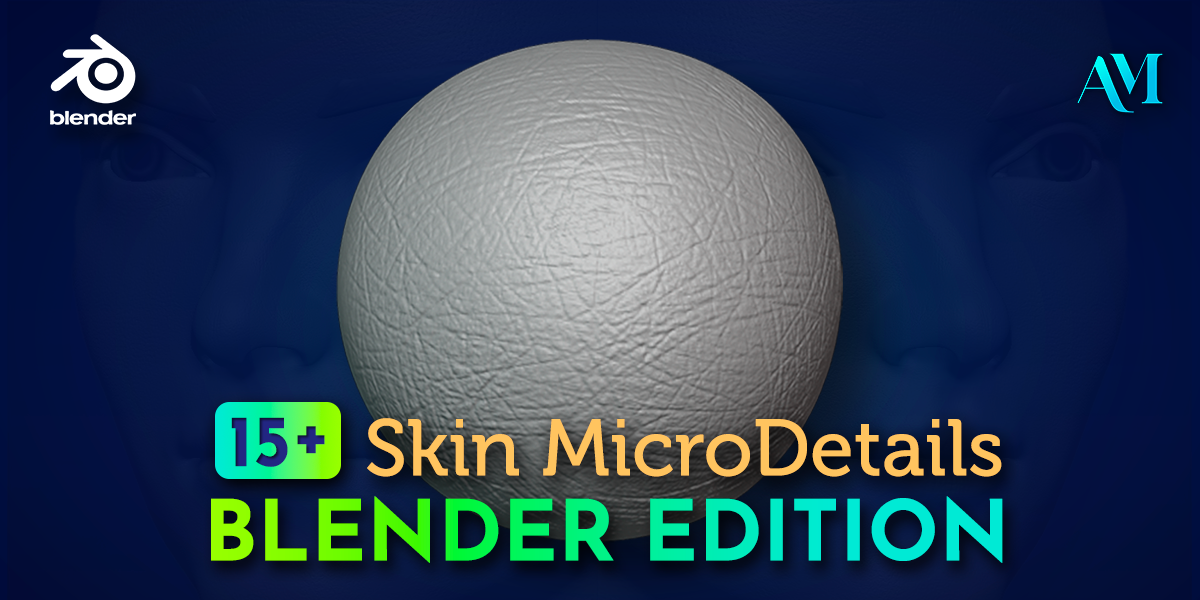
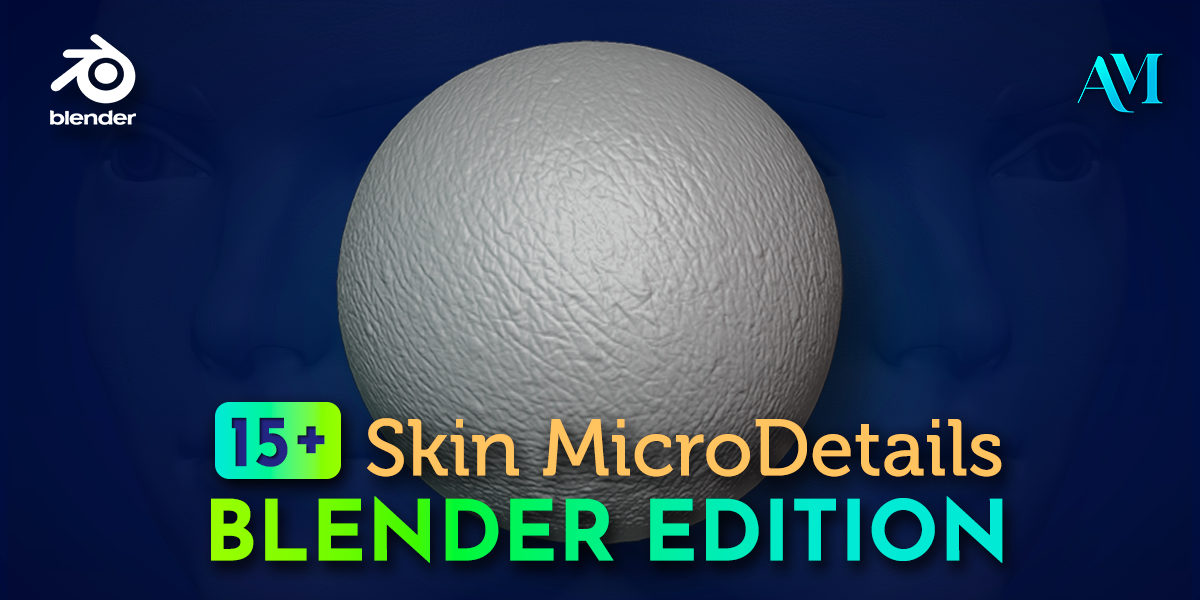
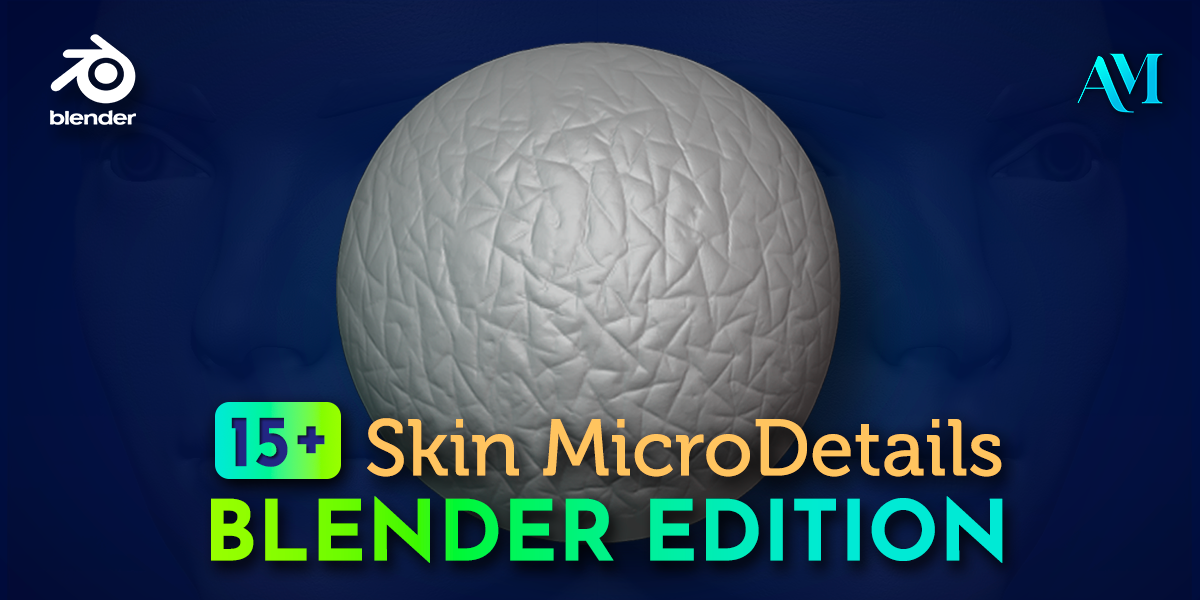
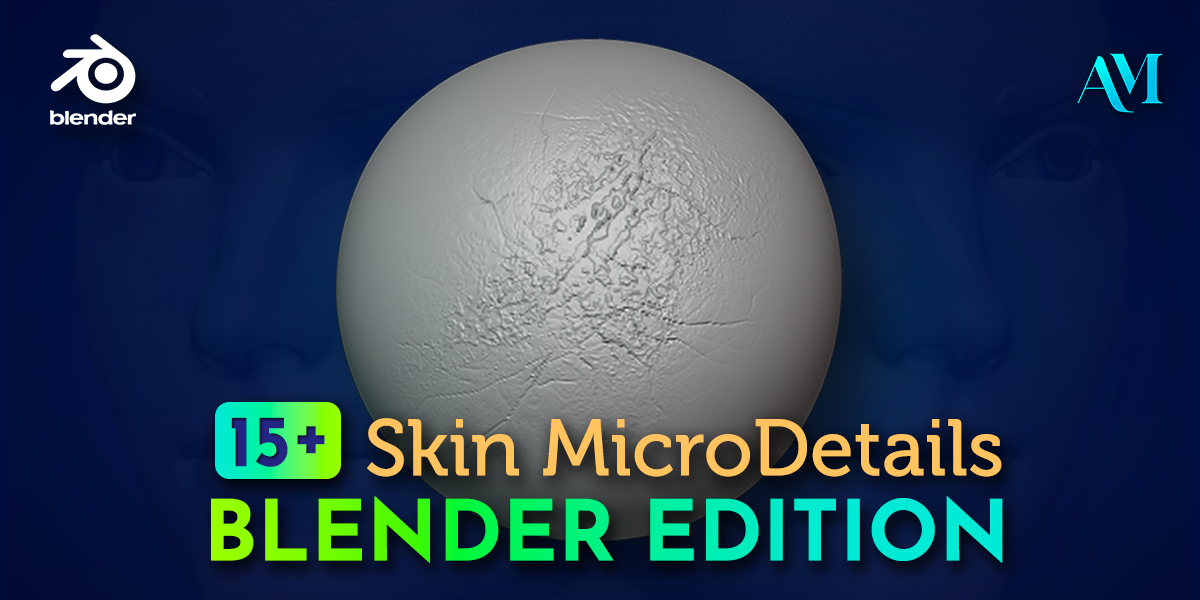
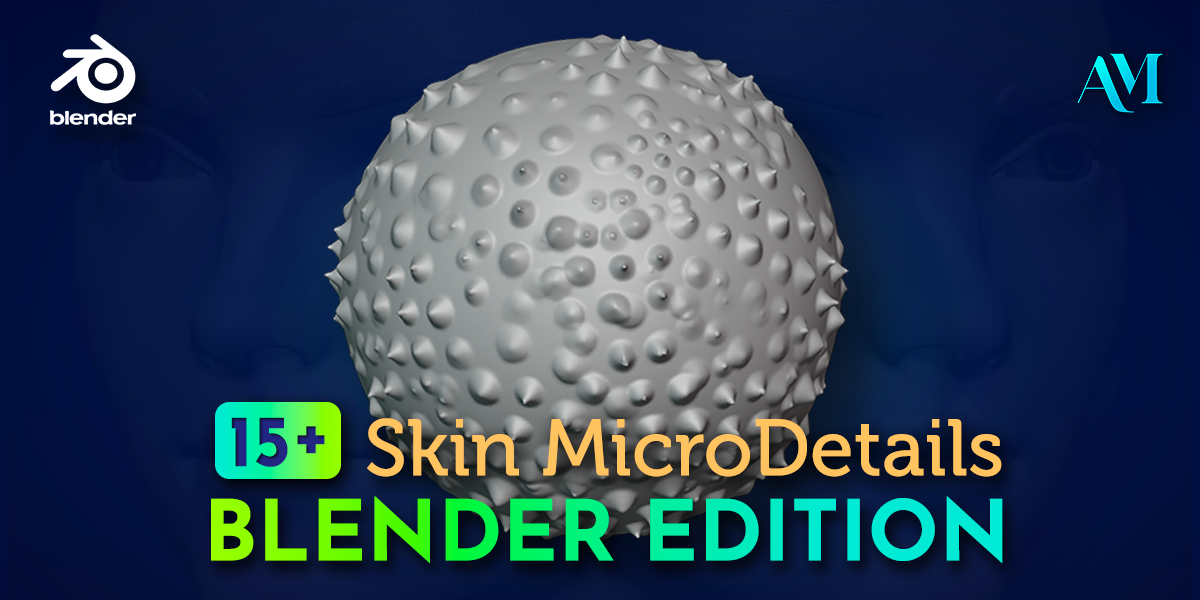
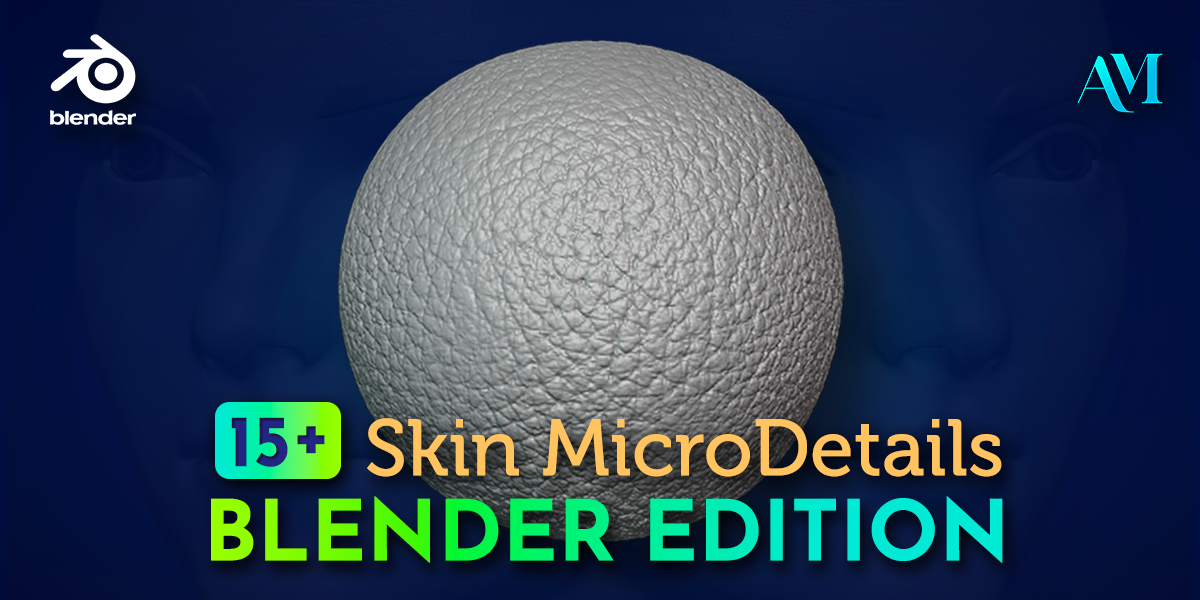
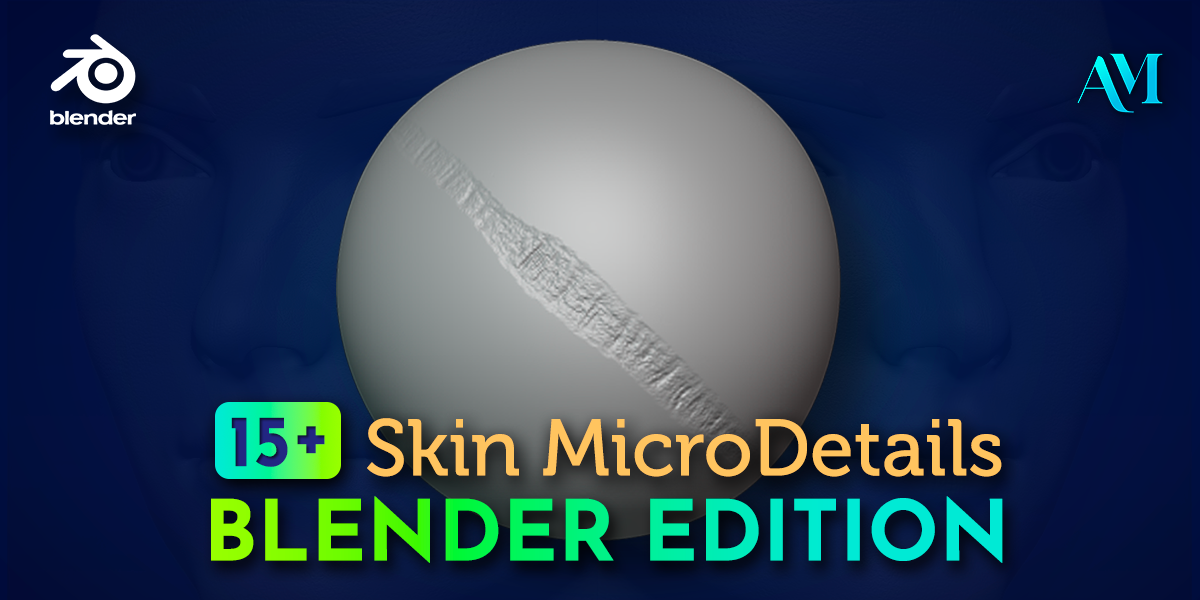
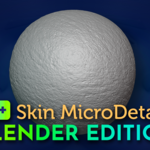
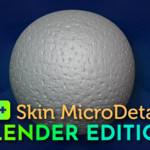
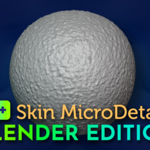
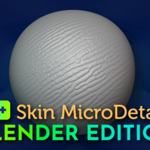
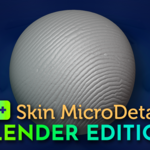
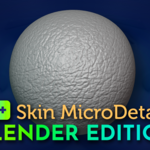
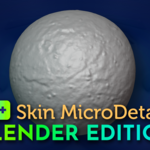
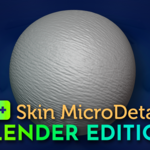
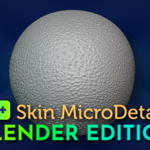
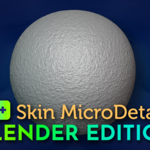
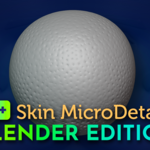
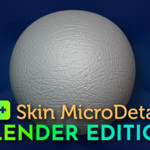
15 Skin Microdetails Brushes Blender Edition
 AndrewMZcroft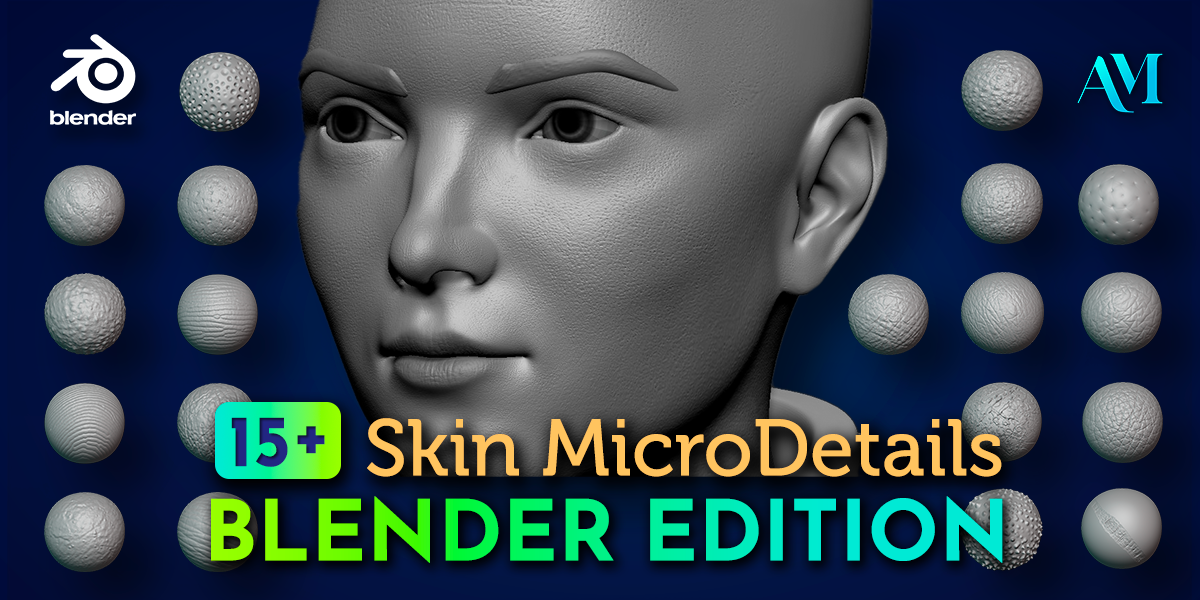
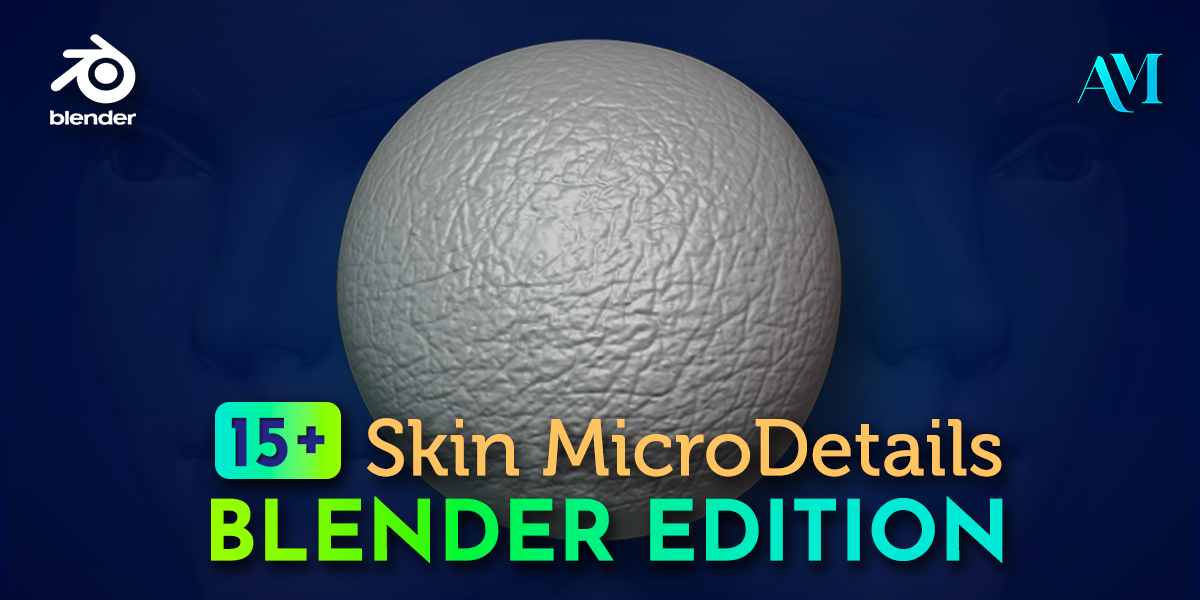
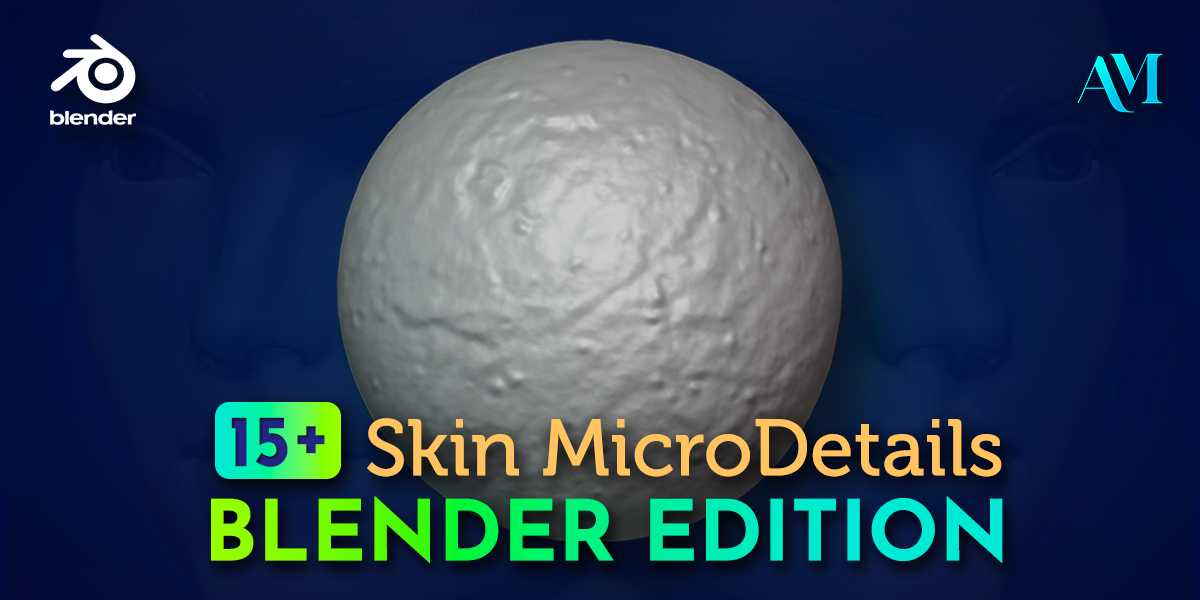
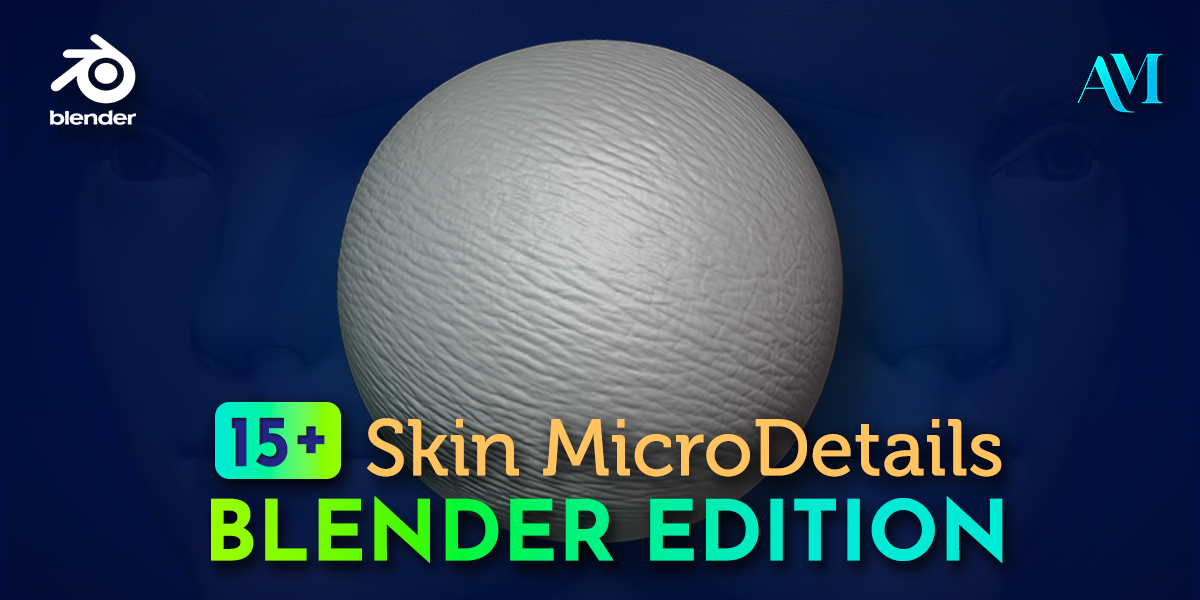
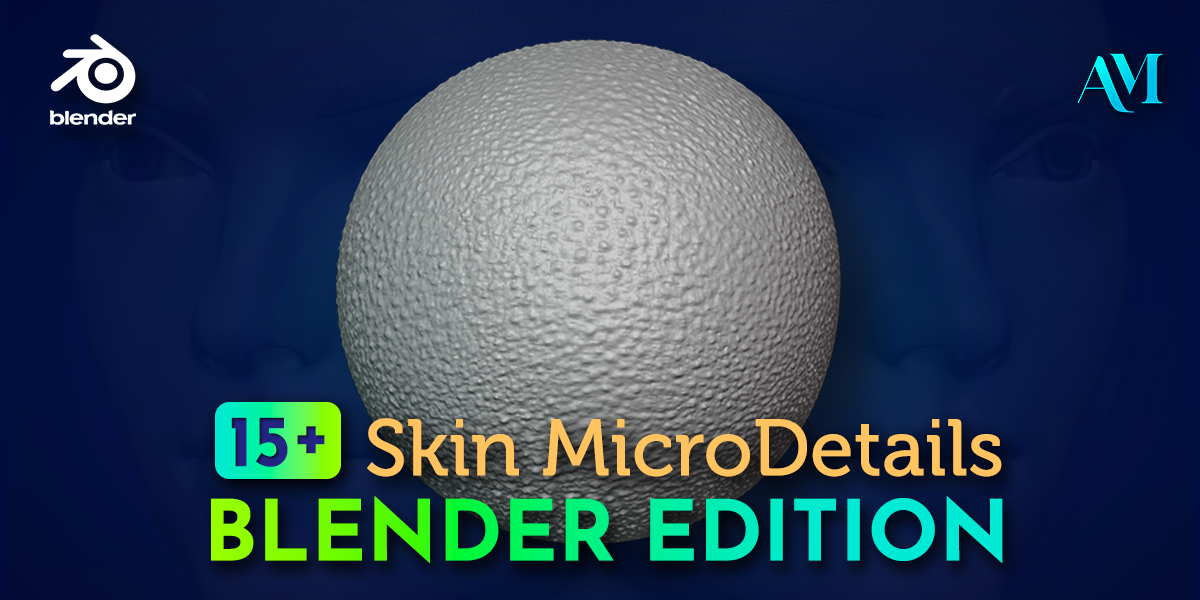
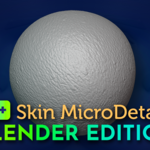
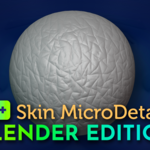
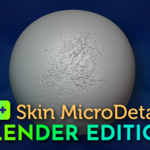
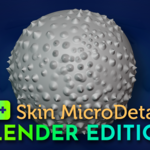
How to install
Note: If you dont have more catalogs or tabs of brushes added into Blender brushes panel you only have to extract or drag the contents of Assets folder into C:\Users\[Your User Name]\Documents\Blender and replace or merge folders if necesary. In case you have more catalogs or tabs into Blender brushes panel start from the step 1.
- Go to C:\Users\[Your User Name]\Documents\Blender\Assets and open with Notepad the files named blender_assets.cats.txt and blender_assets.cats.txt~
- Add the following line: dcfe0b94-3e00-4394-b126-8bf9b44a7bb4:15_Skin_Microdetails:15_Skin_Microdetails before the line 042fe149-5fe9-425f-b710-6e856576ecc7:Brushes:Brushes
- Extract or drag the contents of Brushes folder into C:\Users\[Your User Name]\Documents\Blender\Assets\Saved\Brushes and replace or merge folders if necesary.
- Open Blender and enjoy.
For earlier versions than 4.4 that support VDM Brushes (3.5 to 4.3):
- Go to Edit => Preferences.
- Go to File Paths tab.
- In the Asset Libraries section, click the + button.
- Select the folder where you extracted the brushes from this pack.
For more details you can watch the tutoral video file included in the .zip file.
Have questions about this product?
Login to message
| Sales | 20+ |
| Published | over 1 year ago |
| Blender Version | 4.4, 4.3, 4.2, 4.1, 4.0, 3.6, 3.5 |
| Render Engine Used | Blender-Internal, Cycles, Eevee |
| Misc Data | Textured |
| License | Royalty Free |
Discover more products like this
alpha-3d-brushes alpha-skin textures pack 3D Sculpting Brush pores sculpting alpha brushes character substance-3d-painter realistic details Human Skin 3d brushes 3dCharacter Brushes alphas 4kalpha