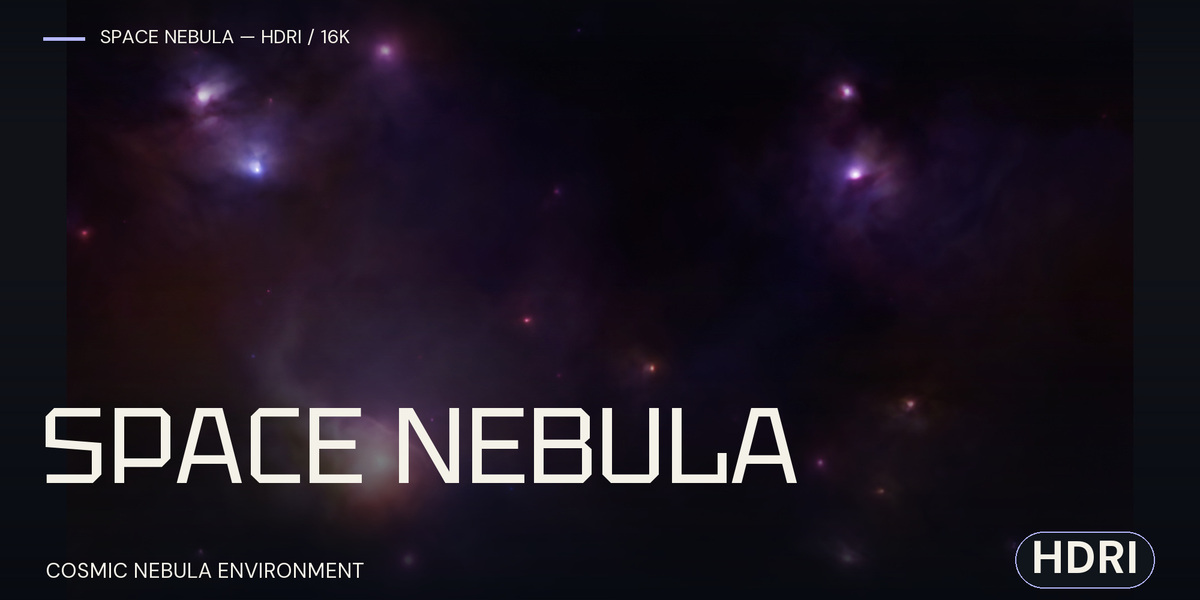
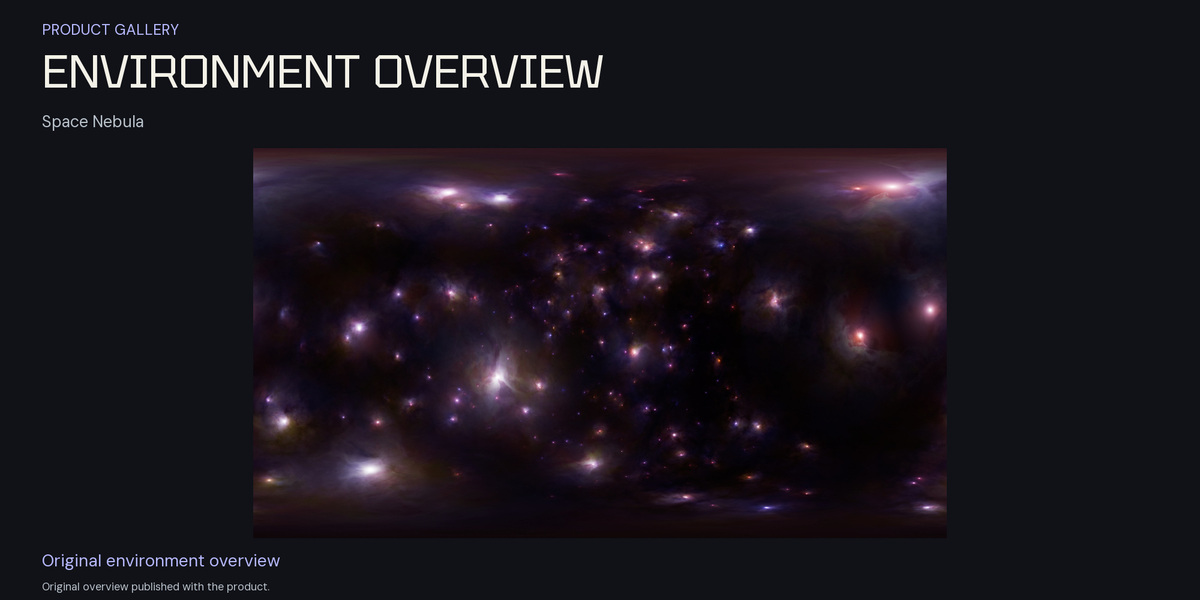
Space Nebula — HDR Background / 8K & 16K Editions
 Space Store
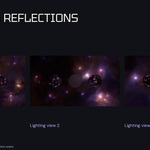
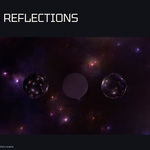
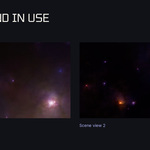
Download the selected edition
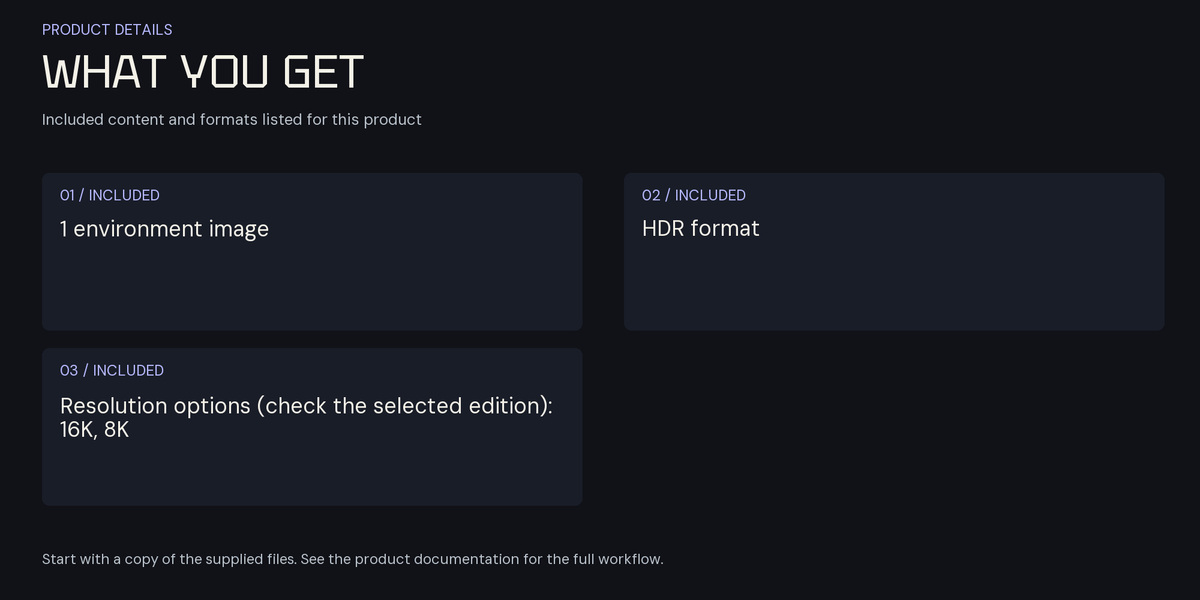
- Choose the 8K or 16K offer before purchasing, then download its HDR file.
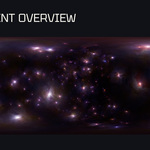
- The 8K file is 7680 × 4320 pixels and the 16K file is 15360 × 8640 pixels. Both are 16:9 images. Start with 8K when you want a lighter preview.
- Keep the file in a permanent project folder so image links remain valid when you reopen your scene.
Use the native image composition
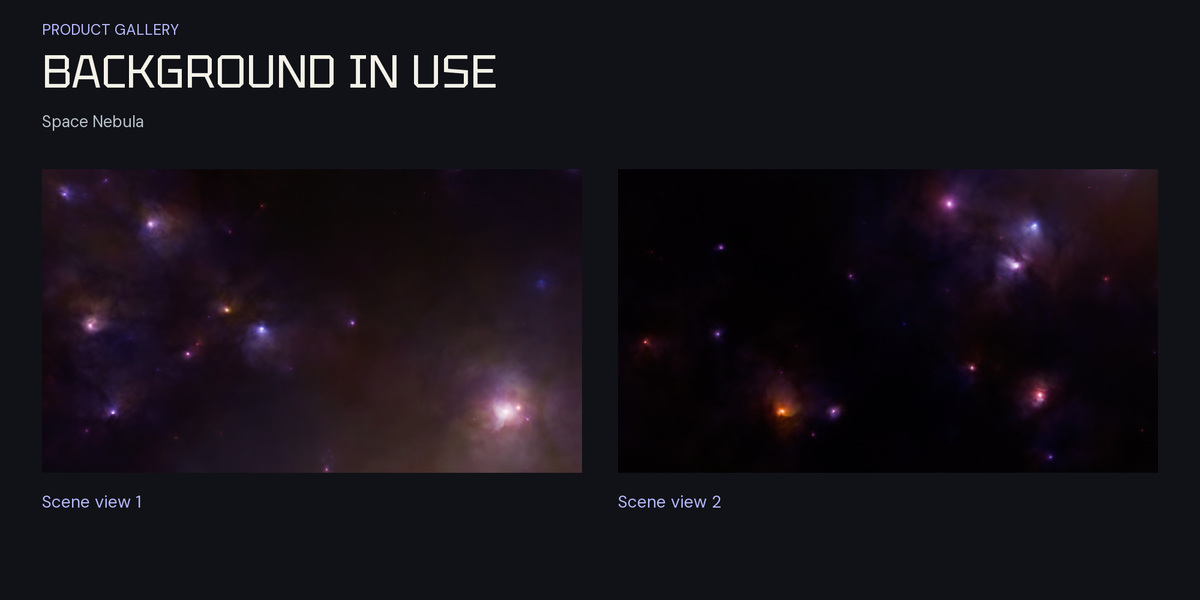
For a camera background, load the HDR in your image-plane or compositing workflow. In Blender, an image plane with an Image Texture connected to an Emission material can display the image behind your subject. Match the framing to the 16:9 composition and adjust the material strength and scene exposure.
Use as a World environment in Blender
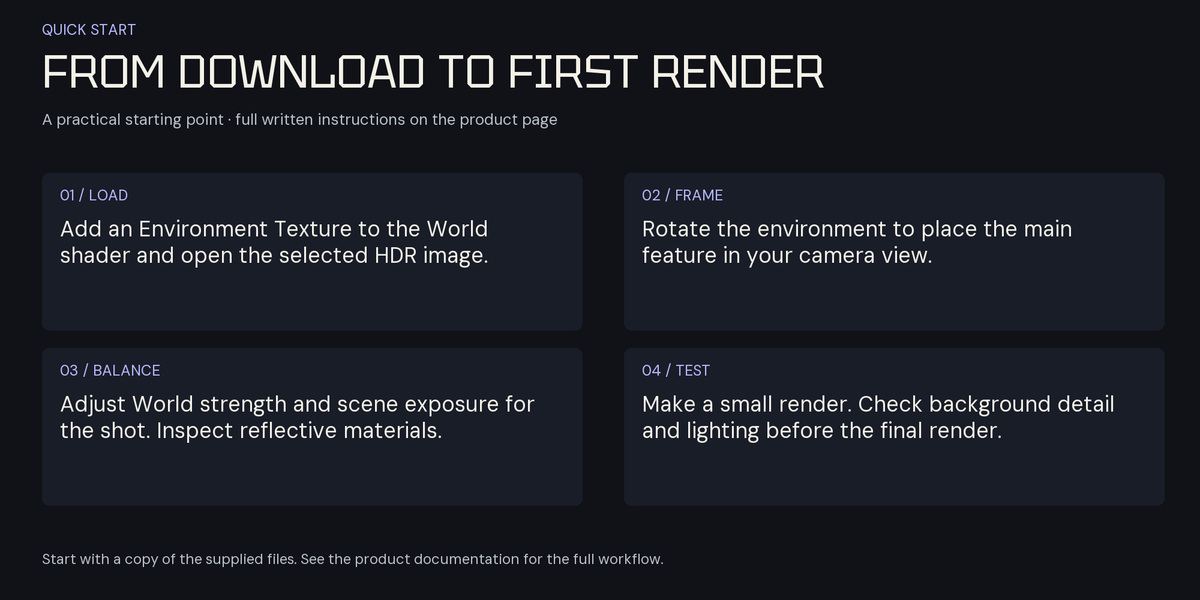
- Open the Shader Editor and switch its context to World.
- Add an Environment Texture node and open the downloaded HDR.
- Connect its Color output to the Background shader Color input, then connect Background to World Output.
- Use Rendered viewport shading to inspect the result. Adjust Background Strength and scene exposure; use a Texture Coordinate and Mapping setup if you need to rotate the environment.
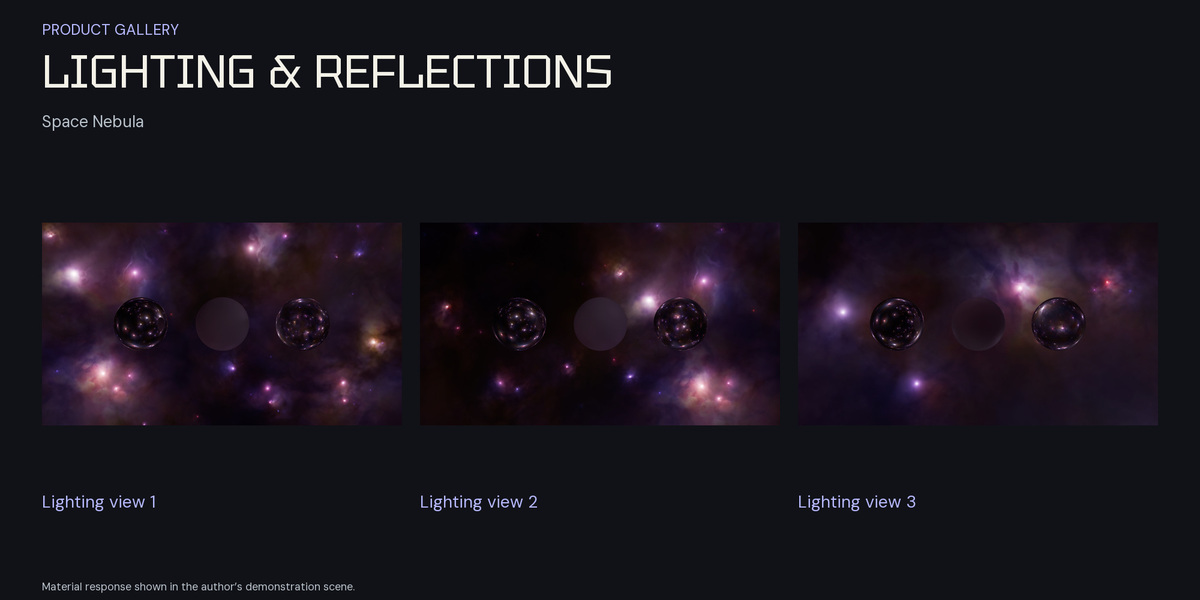
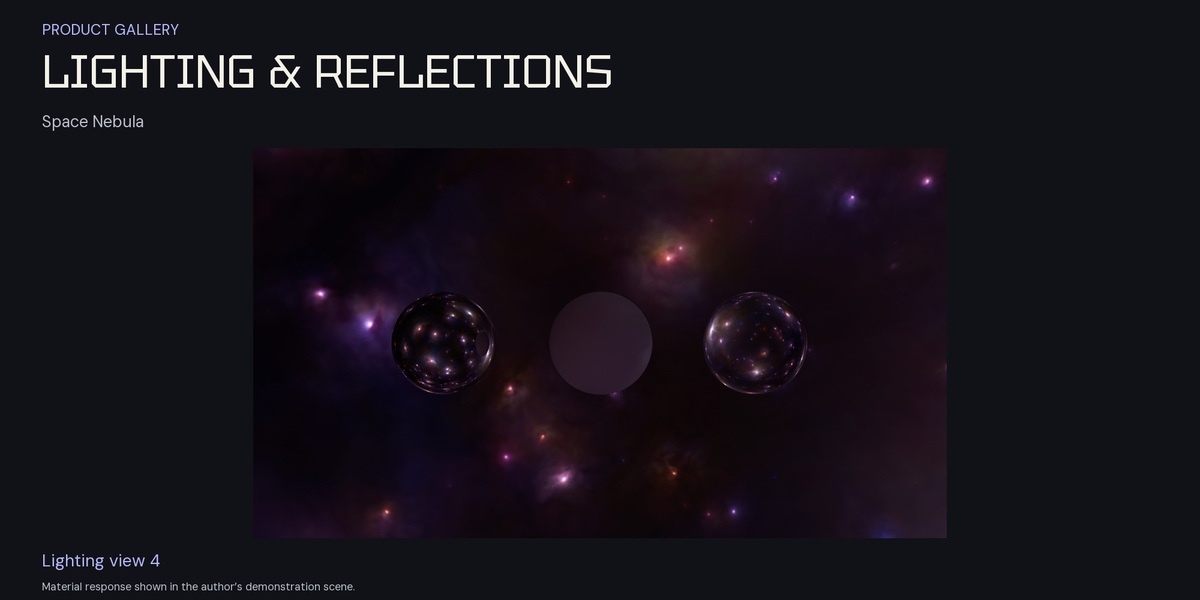
- Check the view direction and mapping in your own scene. These files are supplied as 16:9 backgrounds; seamless 360-degree dome coverage is not promised.
Move or share a Blender scene
Keep the linked HDR with the project, or use File > External Data > Pack Resources to include it in your working BLEND. If the file was moved, use Find Missing Files to relink it. Save a separate working scene before making a final render.
Scope and license
This download is a static HDR image, not an editable shader or VDB. New purchases use the Superhive Standard Royalty Free license. Previously granted licenses and applicable third-party terms remain valid.
Have questions about this product?
Login to message
| Sales | 30+ |
| Dev Fund Contributor | |
| Published | about 3 years ago |
| Blender Version | 2.8 - 5.2 |
| Render Engine Used | Cycles, Eevee |
| License | Royalty Free |