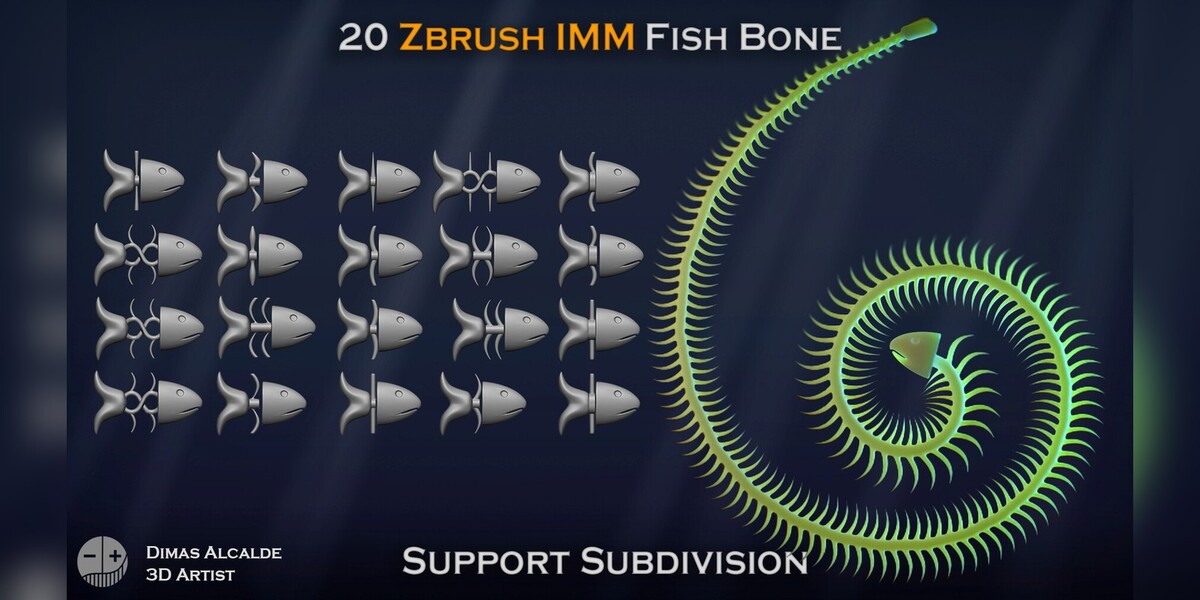
20 Fish Bone Imm Brushes for ZBrush & Blender
 Dimas Alcalde
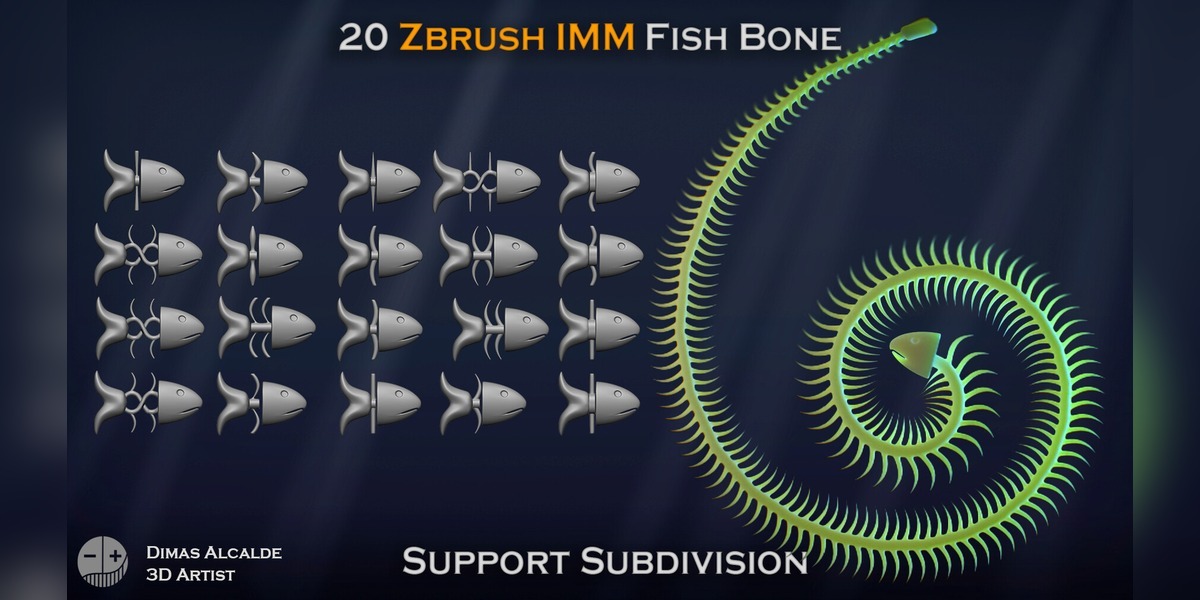
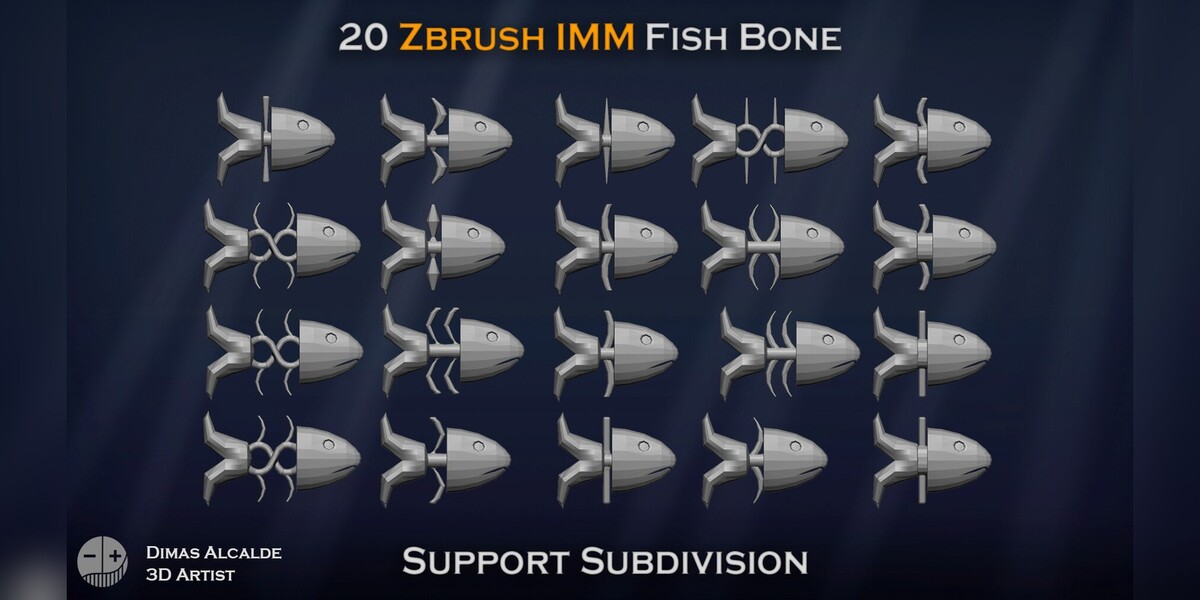
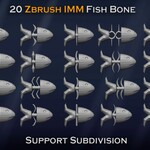
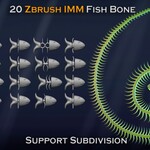
How to use
1. Install the brush using the guide: In ZBrush, open Brush > Load Brush and select the .ZBP file (or copy it into ZStartup/BrushPresets).
2. Select the IMM brush and place bones directly on your sculpt or scene.
3. For other software, import the Blender, FBX, OBJ or ABC files. See the Blender guide PDF.
Compatible software
- ZBrush 2020.1 or newer
- Blender
- Any 3D application that imports FBX, OBJ or Alembic
If you have any problem with the files or the installation, contact me through Superhive support.
Have questions about this product?
Login to message
| Published | about 9 hours ago |
| Blender Version | 2.8 - 5.3 |
| Render Engine Used | Cycles, Eevee |
| License | Royalty Free |
Discover more products like this
zbrush-imm-brush dark-fantasy fossil horror props bone-brush imm-brush fish skeleton