 Dimas_alcalde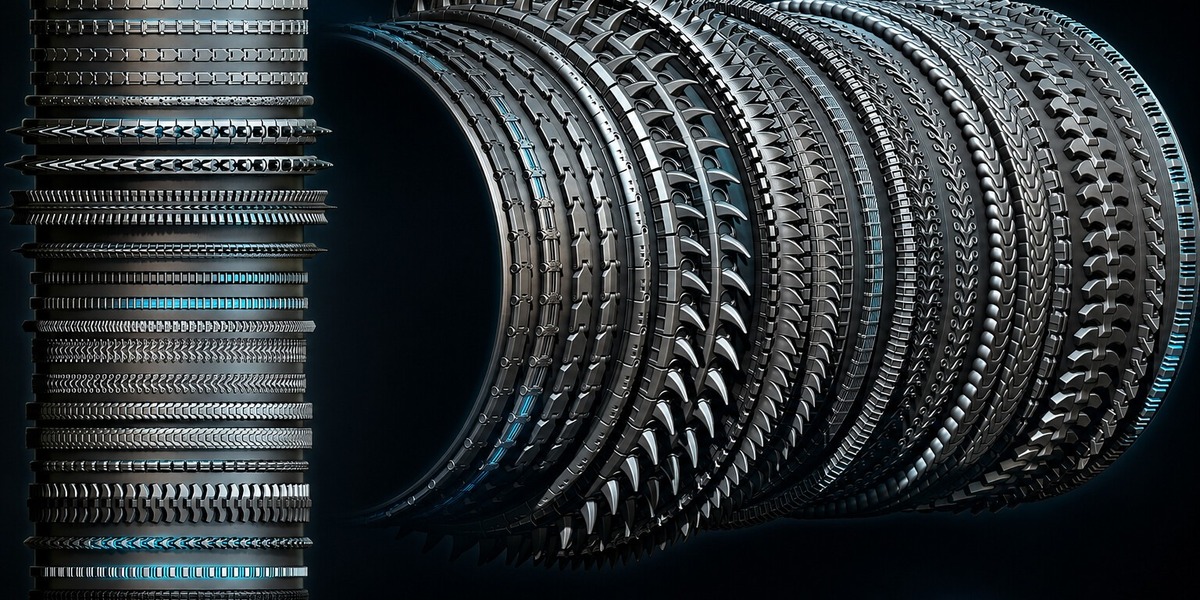
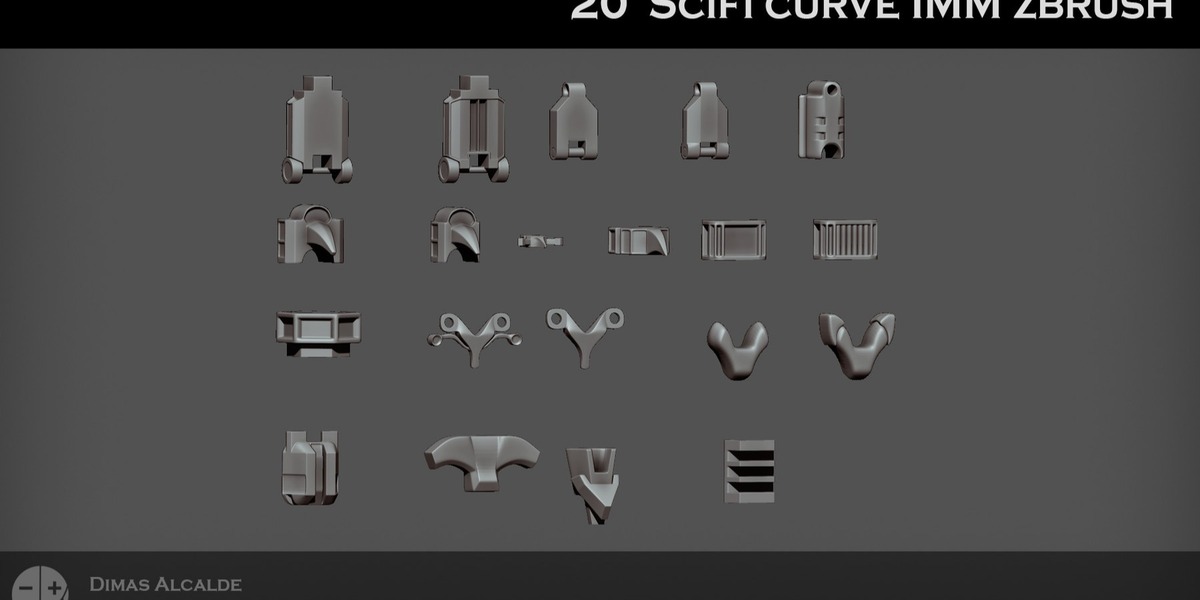
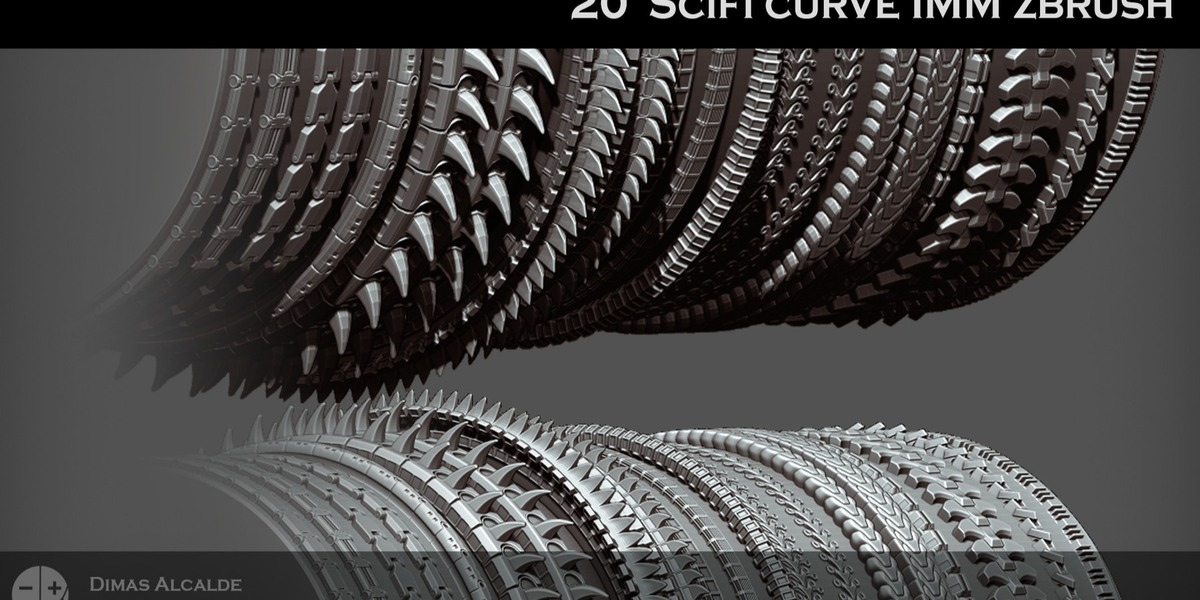
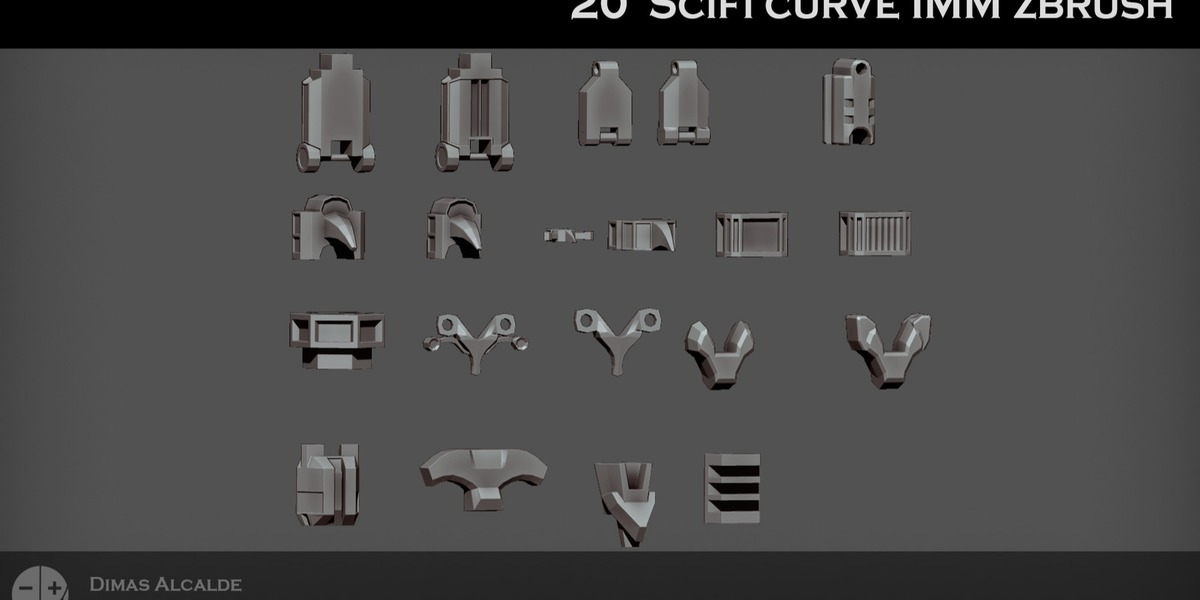
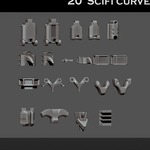
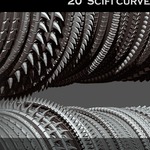
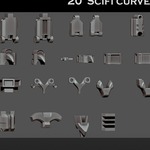
Create detailed sci-fi panels, conduits, mechanical strips and cyberpunk surface details in seconds with this collection of 20 IMM Curve Brushes for ZBrush.
Designed for hard-surface artists, character artists, environment artists and concept designers, this pack lets you draw repeating technological details directly along editable curves instead of manually modeling and placing every element.
Ideal for cyborg armor, android bodies, robots, mech suits, spaceships, machinery, futuristic environments and techno-organic designs.
WHAT'S INCLUDED
• 20 Sci-Fi & Cyberpunk IMM Curve Brushes
• Panel strip variations
• Flat panel designs
• Recessed panel designs
• Raised panel designs
• Beveled panel designs
• Conduit and pipe channel designs
• Round conduit variations
• Segmented conduit variations
• Tech-ribbed designs
• Mechanical ridge variations
• Greeble strip designs
• Hard-edge technological borders
• Frame-style curve brushes
• ZBrush .ZBP brush files
• Editable OBJ source geometry
• Optimized low-poly base meshes
• Subdivision-safe geometry
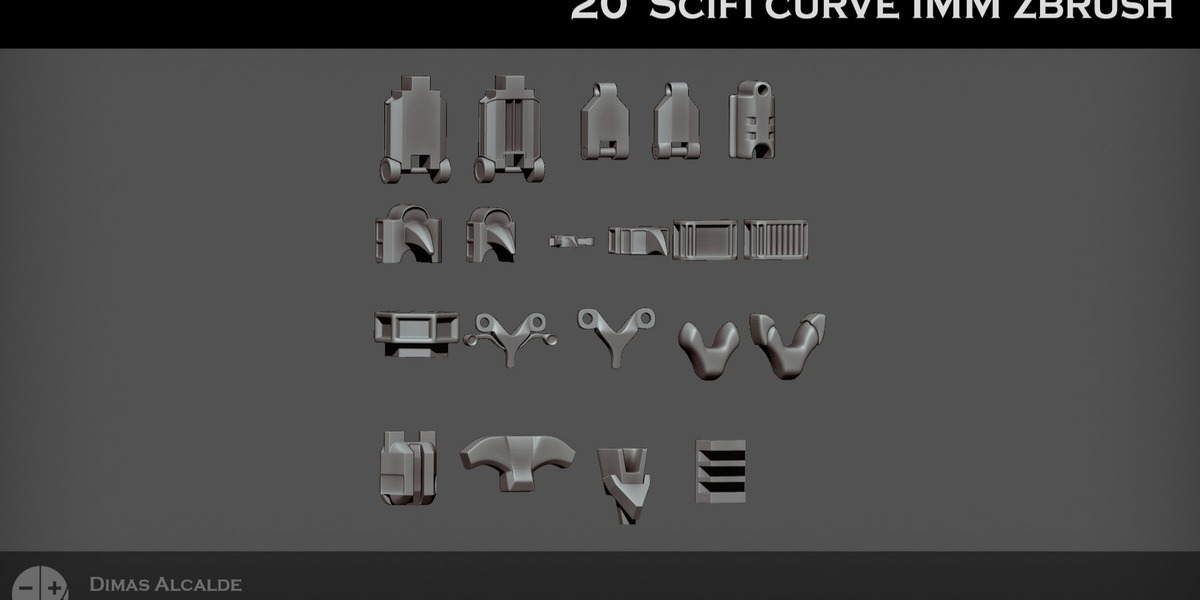
• Visual index of all 20 brushes
• ZBrush installation guides
• Blender workflow tutorials
• Documentation in English and Spanish
FAST IMM CURVE WORKFLOW
Select the desired IMM Curve Brush and draw directly along a surface.
The repeating technological geometry follows the stroke automatically, conforms to the curvature and tiles continuously along the path.
This allows you to quickly create complex surface details without manually placing every repeated component.
Adjust the:
• Curve shape
• Position
• Scale
• Brush size
• Placement
• Orientation
You can then subdivide the geometry when additional resolution is required while maintaining the mechanical design.
IDEAL FOR
• Sci-fi characters
• Cyberpunk characters
• Cyborgs
• Androids
• Robots
• Mechs
• Armored suits
• Futuristic armor
• Spaceships
• Vehicles
• Machinery
• Technology panels
• Futuristic walls and floors
• Sci-fi environments
• Mechanical props
• Hard-surface modeling
• Tech accessories
• Biopunk designs
• Techno-organic implants
• Game assets
• Cinematic assets
• Concept art
PANEL & CONDUIT VARIATIONS
The pack contains multiple types of repeating technological geometry, allowing you to combine different visual languages within the same project.
Use the panel and border brushes for:
• Armor divisions
• Mechanical seams
• Futuristic frames
• Surface paneling
• Hard-surface borders
Use the conduit and ribbed variations for:
• Cable channels
• Mechanical connections
• Pipes
• Technology lines
• Cybernetic details
• Machinery surfaces
LOW-POLY & SUBDIVISION WORKFLOW
The source geometry uses optimized low-poly base meshes designed for subdivision.
This allows you to:
• Work efficiently with lightweight geometry
• Modify the original shapes
• Adjust proportions
• Create your own variations
• Add subdivision only when additional resolution is required
BLENDER WORKFLOW
Editable OBJ source geometry is included for Blender users.
The supplied meshes can be:
• Imported and edited
• Scaled and modified
• Used with Blender curves and modifiers
• Repeated along custom paths
• Adapted to characters, props and environments
• Used as starting geometry for custom sci-fi details
• Combined to create more complex technological designs
A dedicated Blender workflow tutorial is included.
TECHNICAL INFORMATION
• 20 Sci-Fi & Cyberpunk IMM Curve Brushes
• ZBrush .ZBP format
• ZBrush 2020.1+
• Editable OBJ source geometry
• Optimized low-poly topology
• Subdivision-safe geometry
• Blender-compatible mesh workflow
• Visual brush index
• English documentation
• Spanish documentation
DOCUMENTATION INCLUDED
Written and visual documentation is included covering installation, basic usage and implementation.
The product includes:
• ZBrush installation guide
• Visual index of all 20 brushes
• Basic IMM Curve workflow
• Blender implementation tutorial
• Source geometry workflow
Documentation is provided in both English and Spanish.
Build detailed futuristic surfaces faster and spend less time manually modeling repetitive technological elements.