Cosmic Skies — Space HDRI Environments
 Space Store
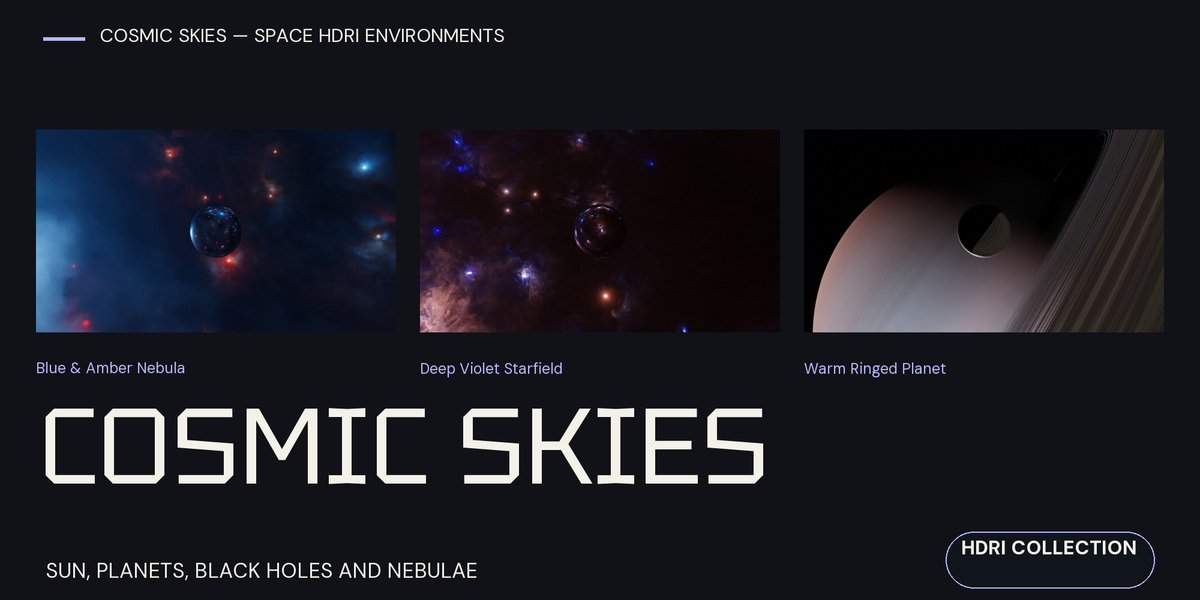
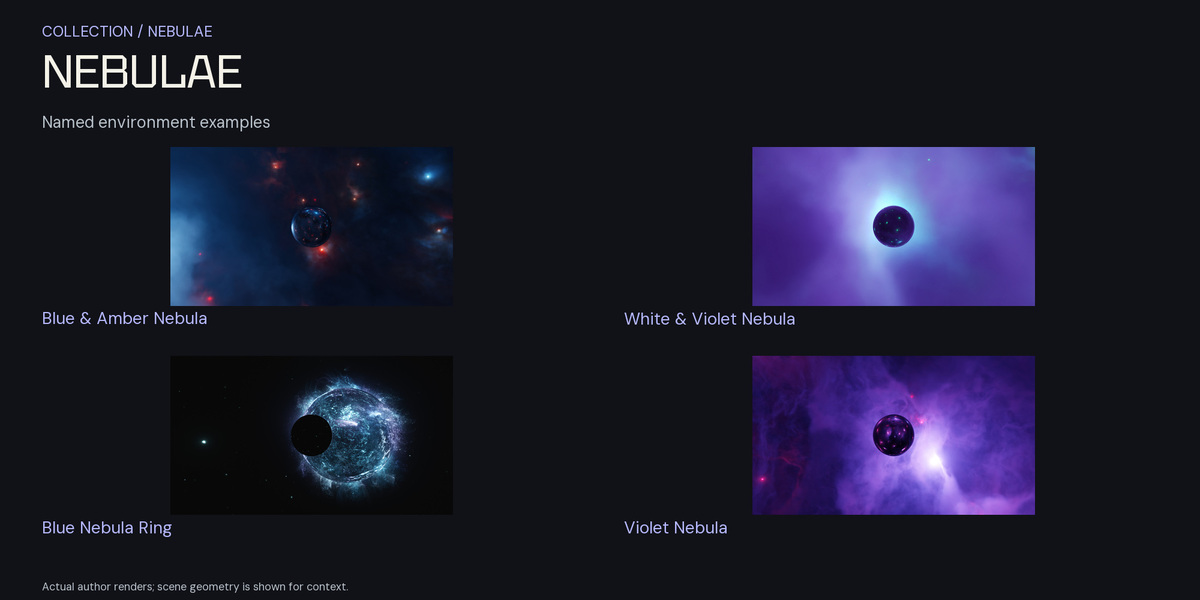
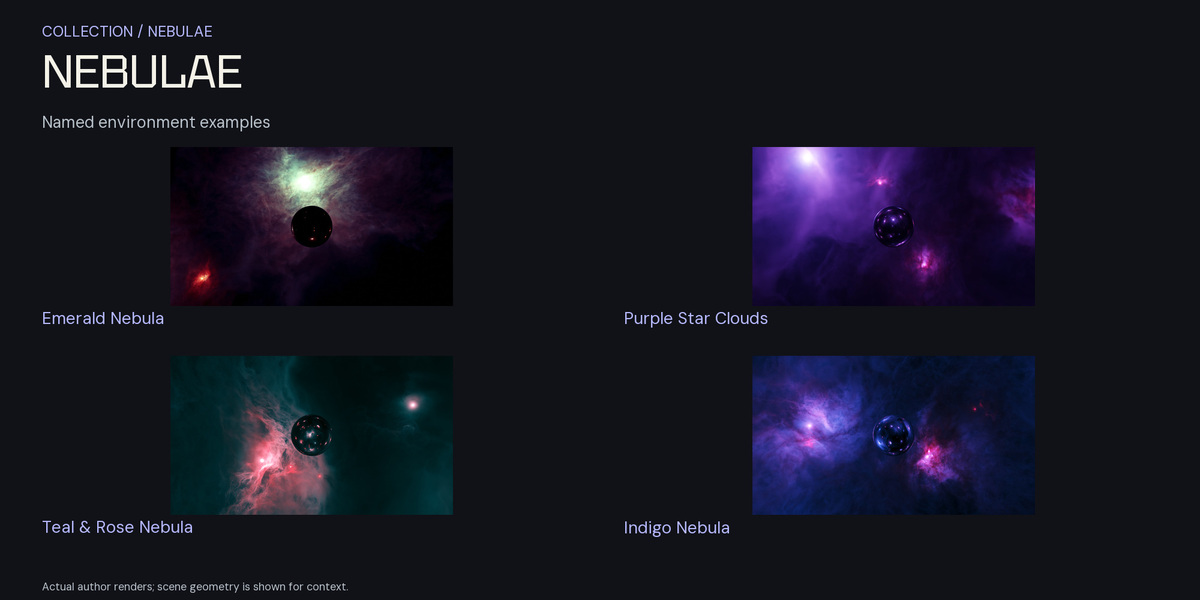
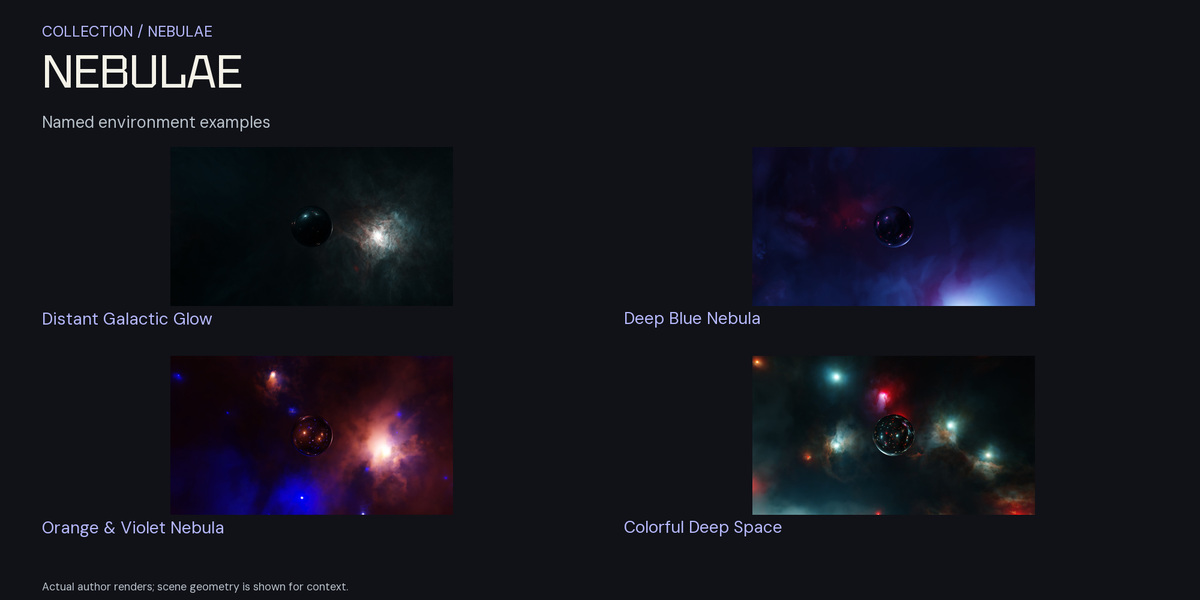
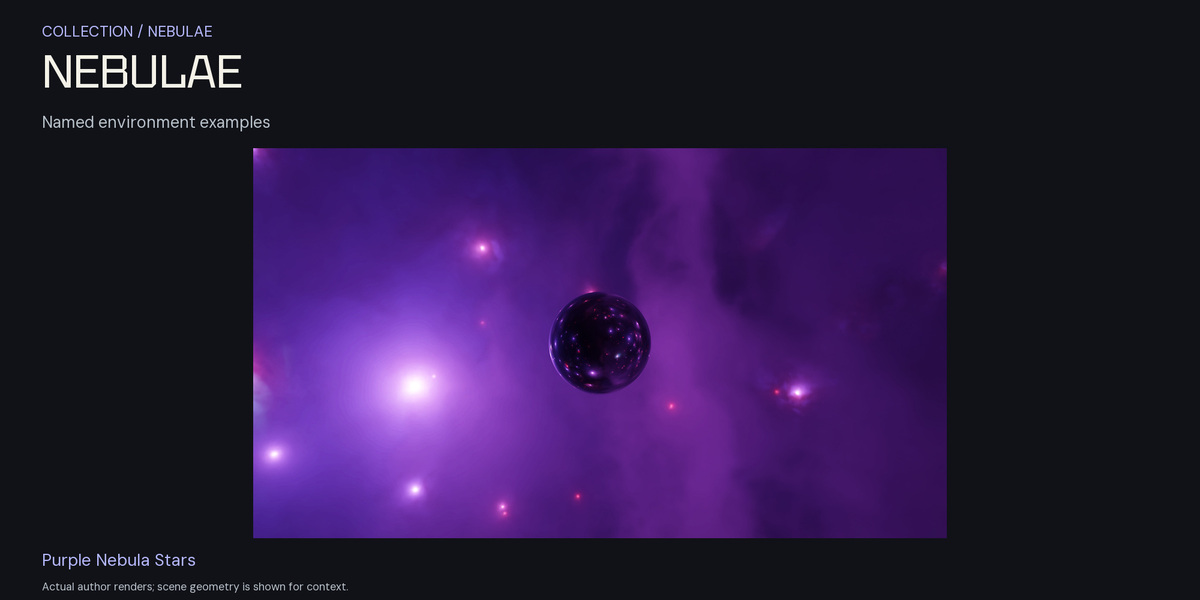
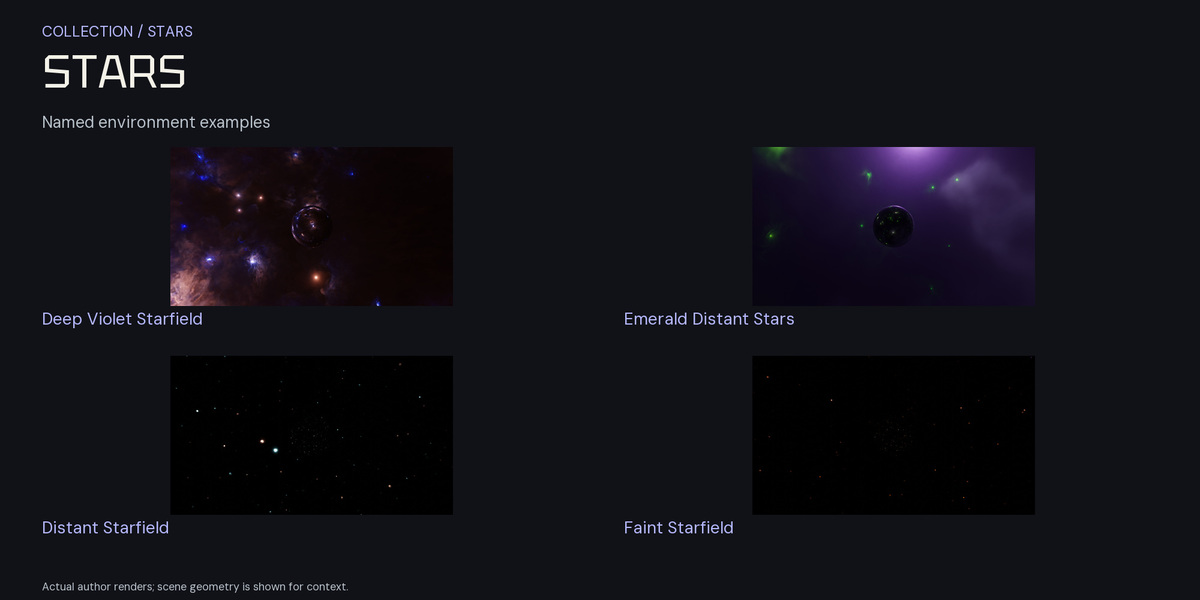
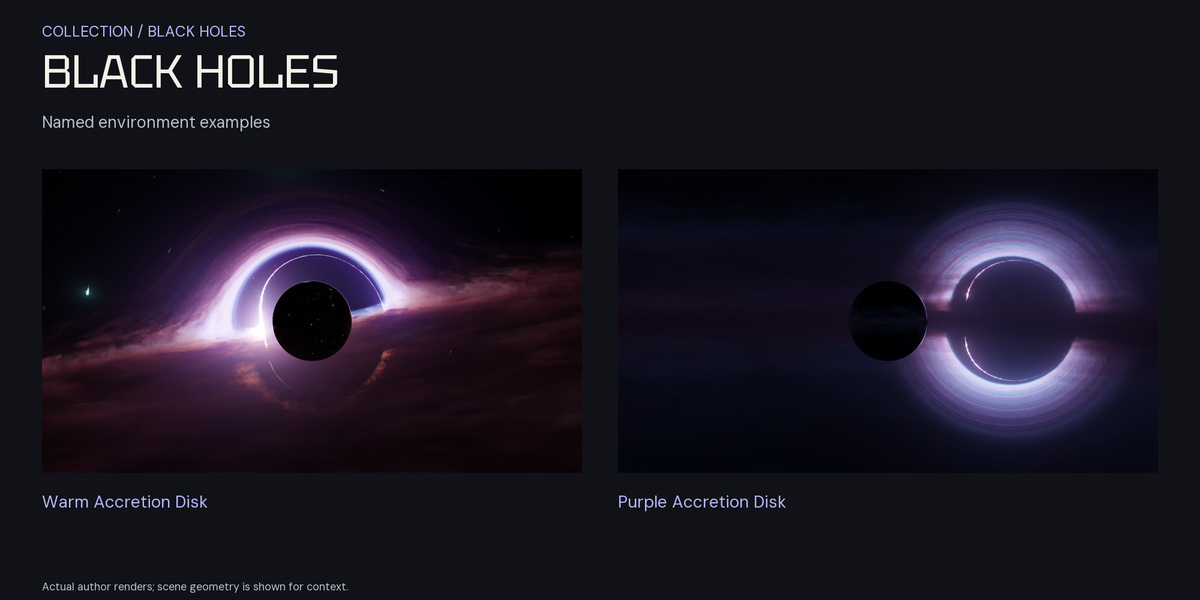
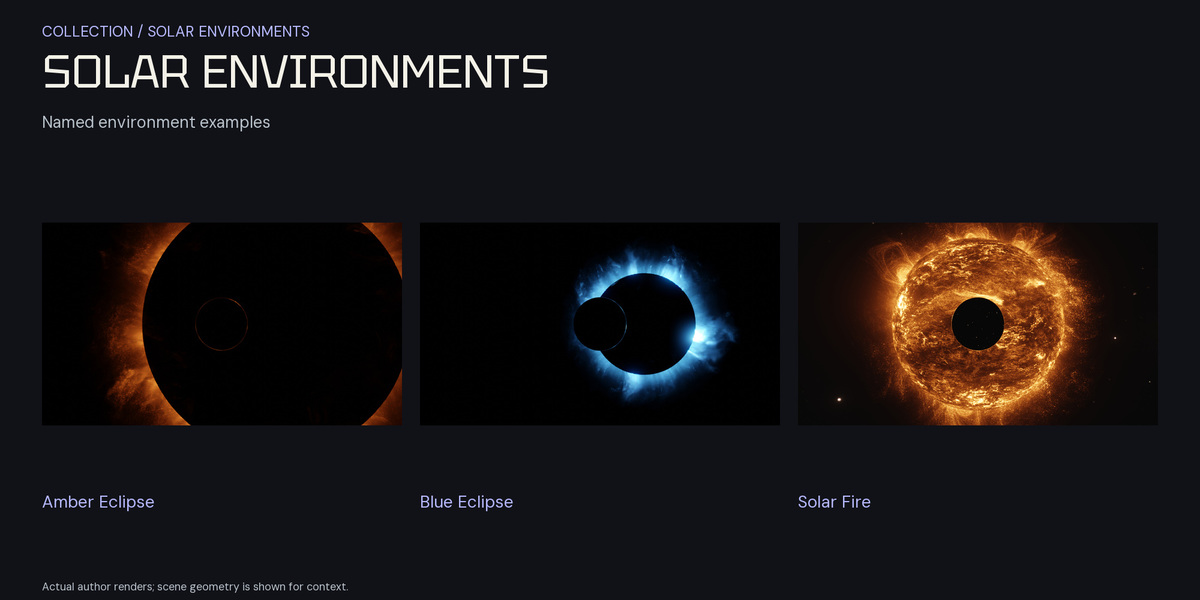
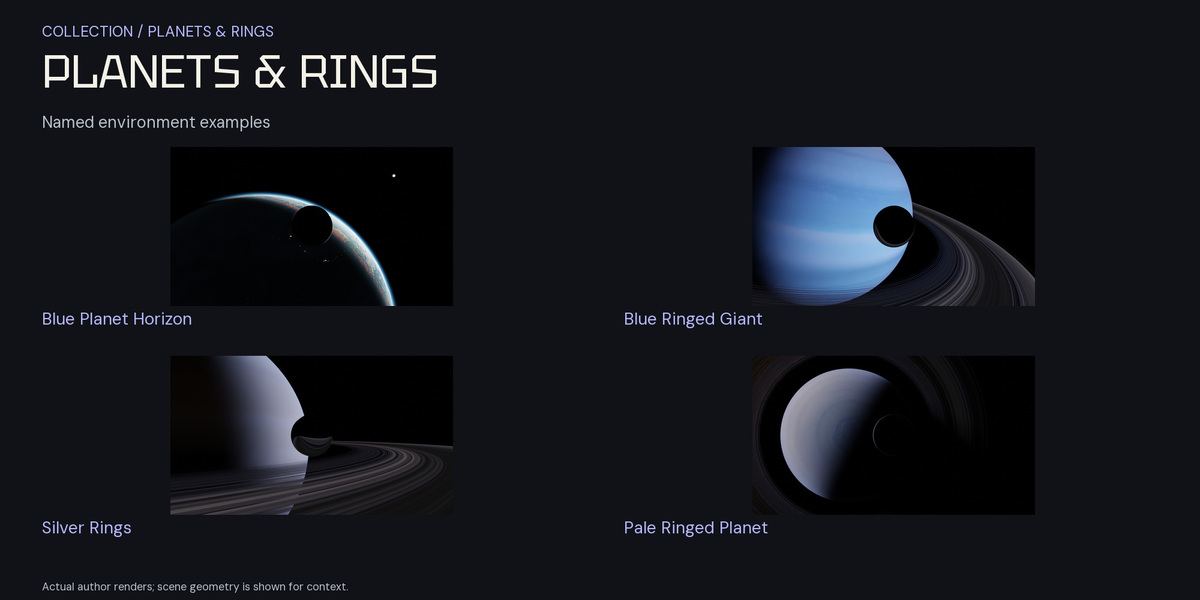
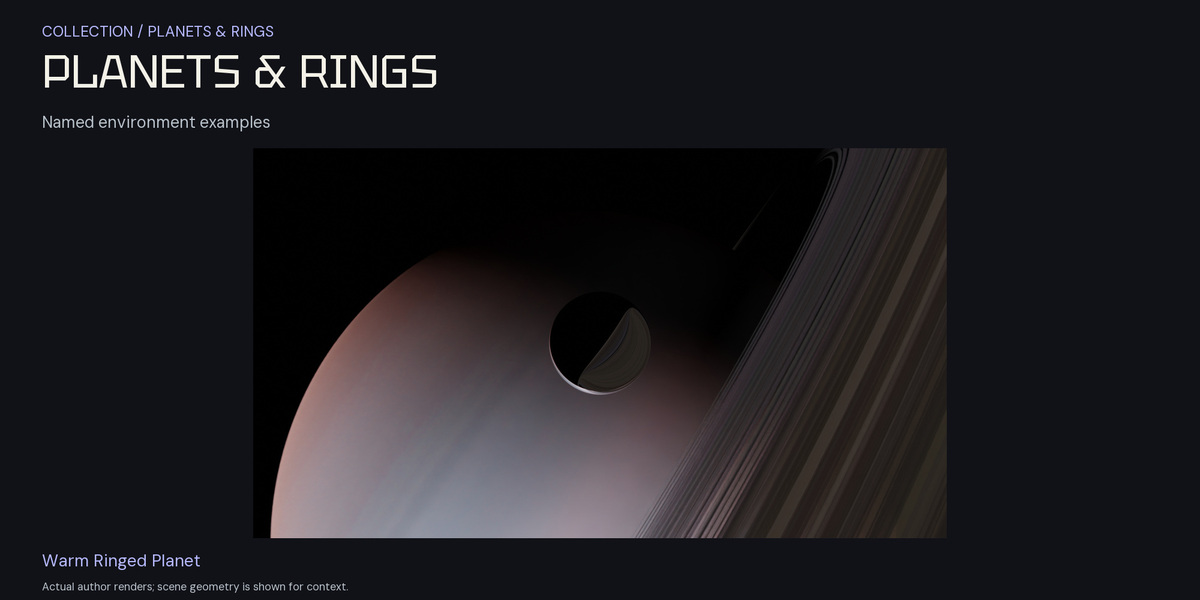

Quick start
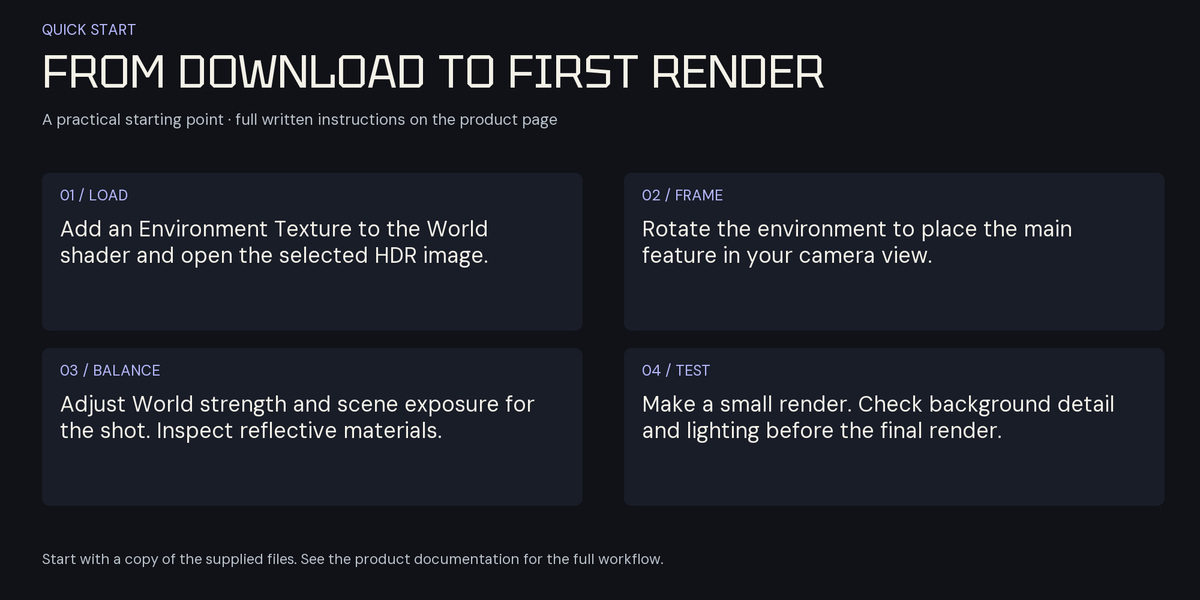
- Extract the downloaded archive to a permanent folder and keep the image files with the project.
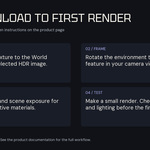
- In Blender, open the Shader Editor, switch to World and enable Use Nodes. Add an Environment Texture node and load a supplied environment image.
- Connect Environment Texture Color to Background Color, then Background to World Output Surface. Start with Background Strength 1 and check the scene exposure.
- Set the Environment Texture projection to match the map, then check the horizon and wrap in a small rendered preview.
- Rotate the environment with Texture Coordinate / Mapping nodes when positioning the background. Make a small rendered preview and inspect the desired camera direction.
- Before a final render, check memory use with the chosen resolution. Keep a lower resolution working copy only when one is actually supplied or deliberately generated from the source.
- Save the Blender project and package the used image paths so the project can be reopened on another machine.
Working with this collection
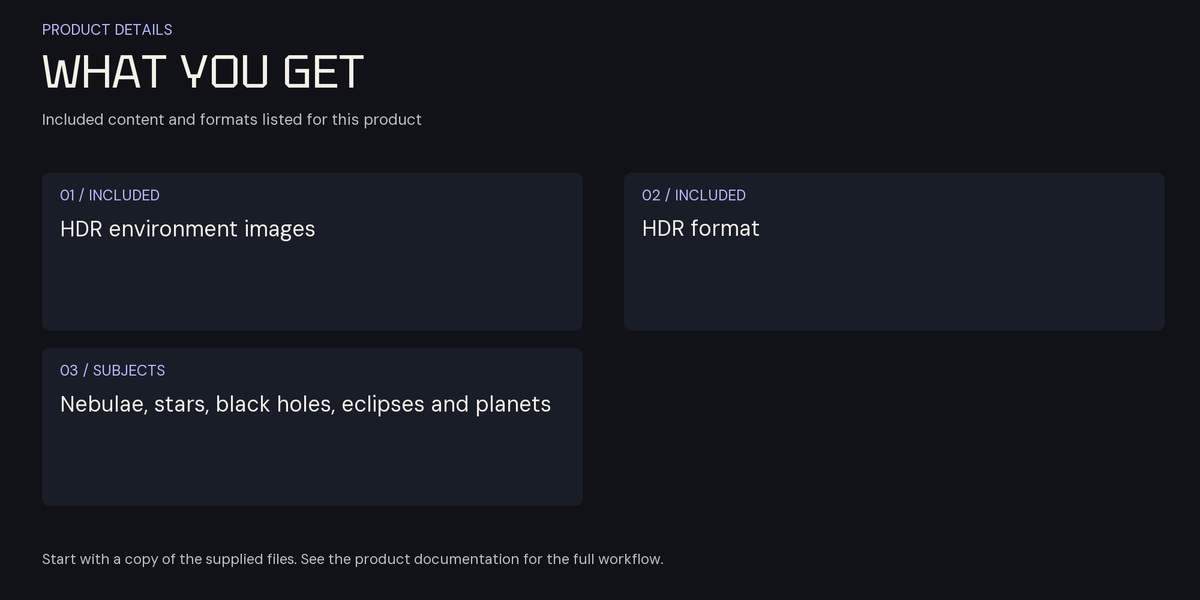
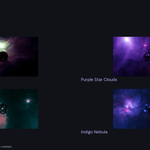
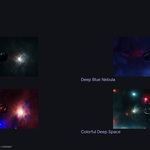
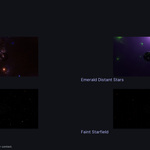
The collection contains 27 static HDR images, each 7680 × 4320 pixels. Keep the original files when making lower-resolution working copies. Environment images do not provide separate 3D geometry or camera parallax.
License and older projects
New purchases use the Superhive Standard Royalty Free license. Previously granted licenses remain valid. Original downloads are retained in the Legacy version for projects that refer to their original filenames.
Have questions about this product?
Login to message
| Sales | 10+ |
| Dev Fund Contributor | |
| Published | over 3 years ago |
| Blender Version | 2.8 - 5.2 |
| Render Engine Used | Cycles, Eevee |
| License | Royalty Free |
Discover more products like this
hdri background space sky environment blender eclipse planet sci fi Starfield nebula black-hole