Nebulae — 3 HDR Backgrounds / 4K
 Space Store
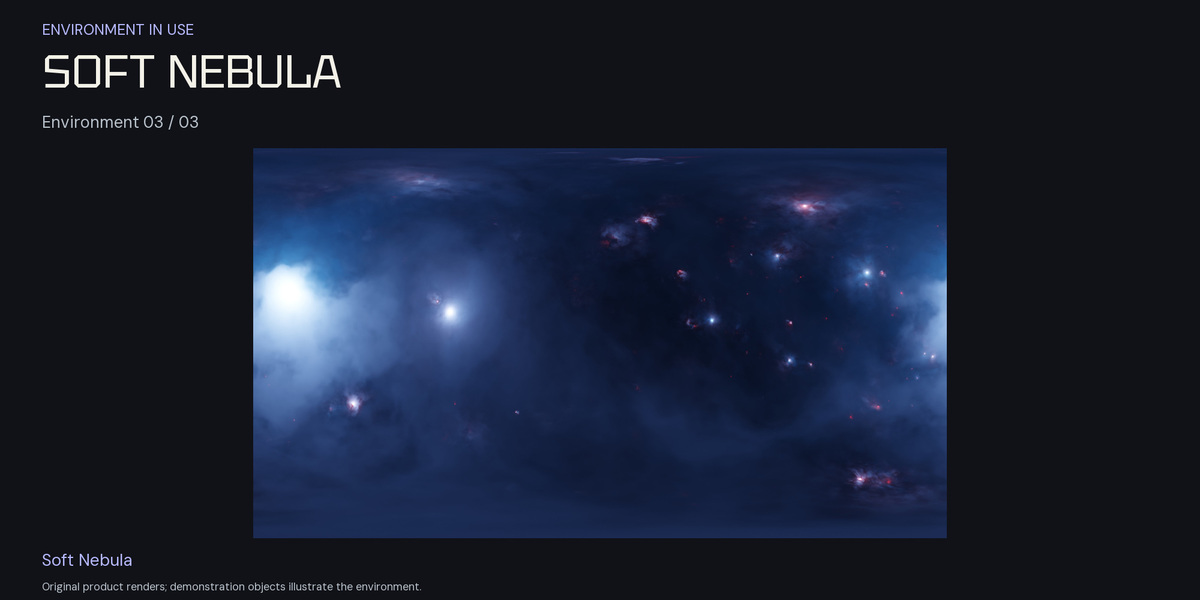
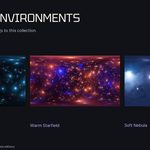
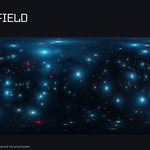
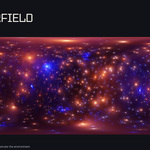
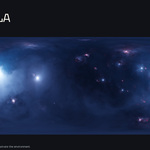
Download and choose
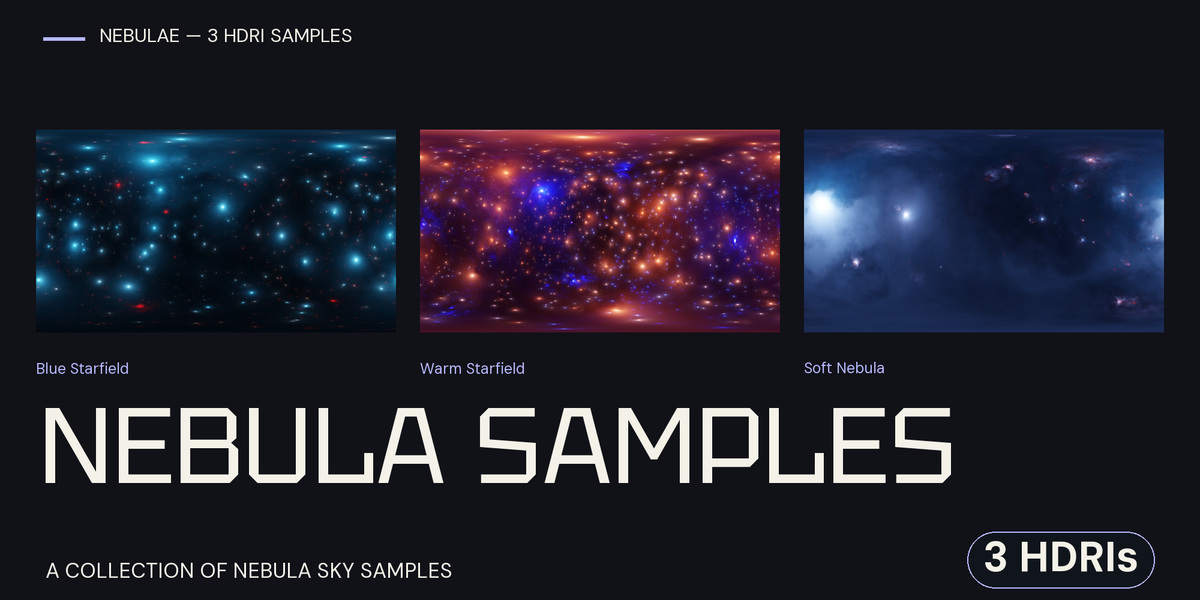
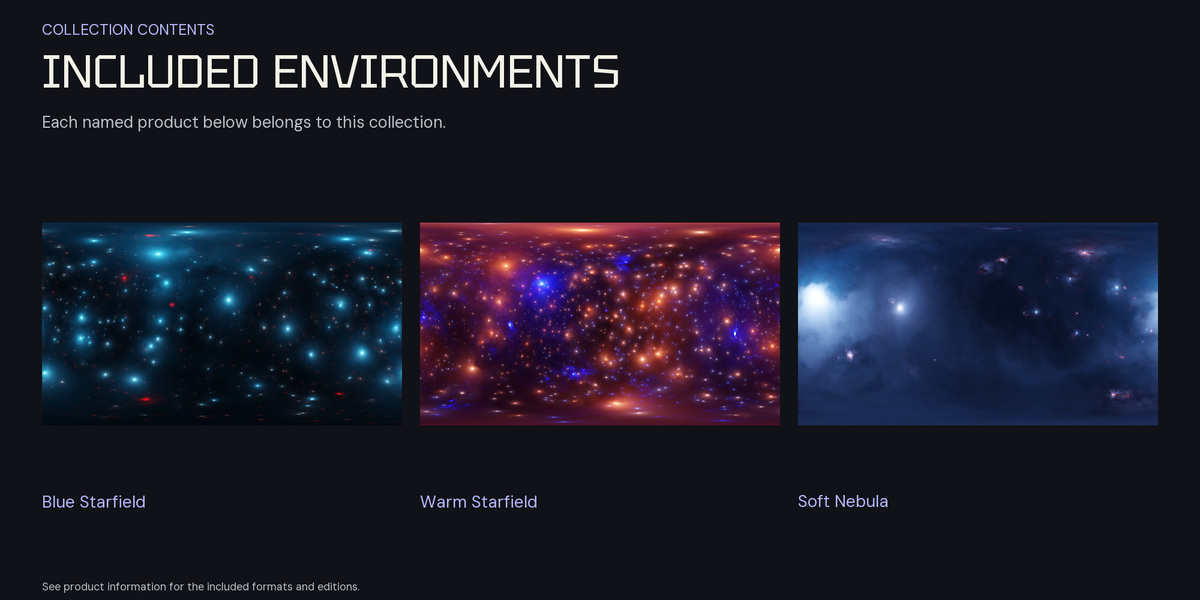
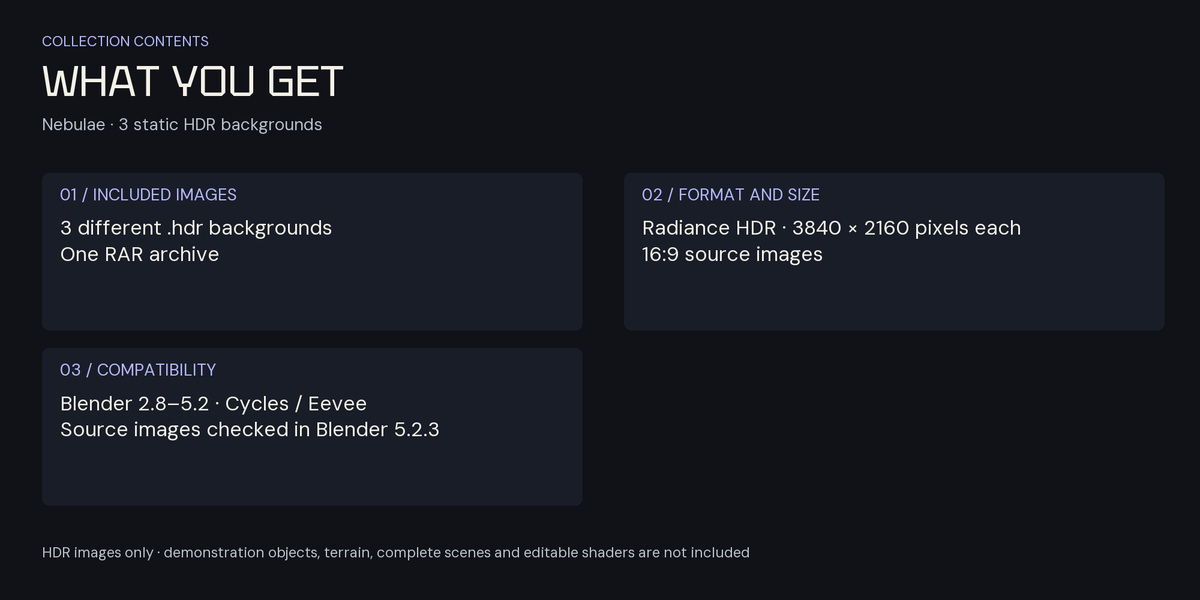
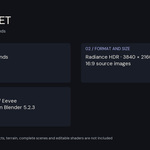
One RAR archive, Nebula HDRS 4k.rar, containing 3 static Radiance HDR images. Save the originals in a permanent project folder. Extract the archive with a RAR-compatible utility if supplied.
| HDR filename | Pixels |
|---|---|
nebula 3.hdr |
3840 × 2160 |
nebula 1.hdr |
3840 × 2160 |
nebula 2.hdr |
3840 × 2160 |
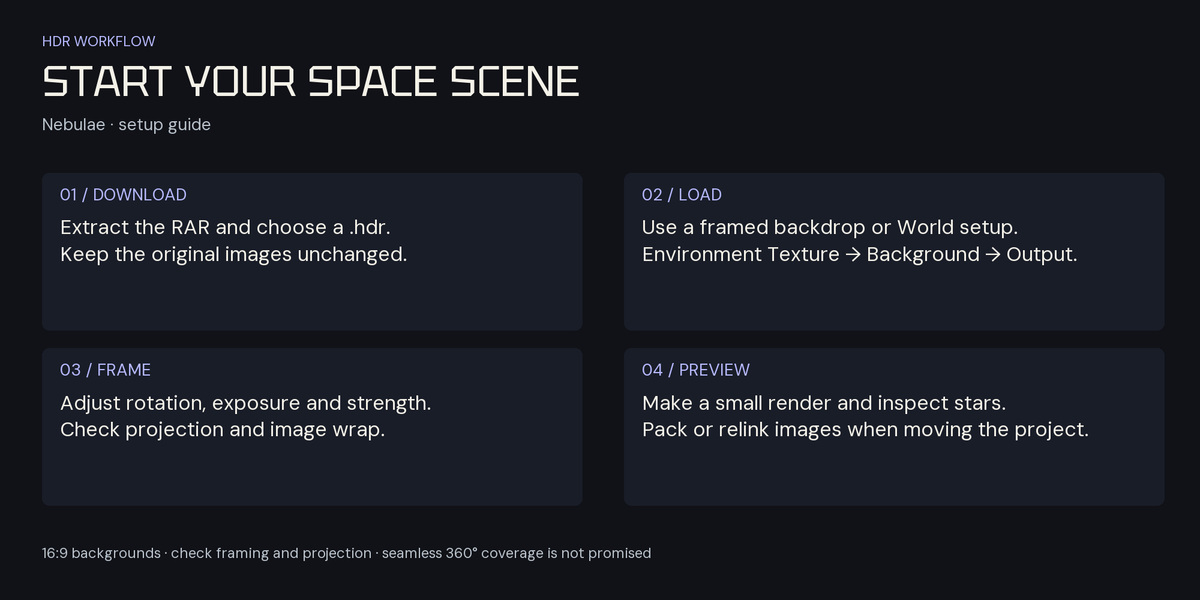
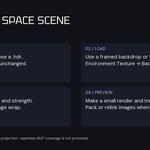
Set up a Blender World
- In the Shader Editor, switch to World and enable Use Nodes.
- Add an Environment Texture, open a supplied HDR and connect Color to Background Color, then Background to World Output.
- Use Texture Coordinate and Mapping nodes to control rotation. Inspect the camera view in Rendered shading.
- Adjust World strength and exposure; add scene lights as needed.
Projection and framing
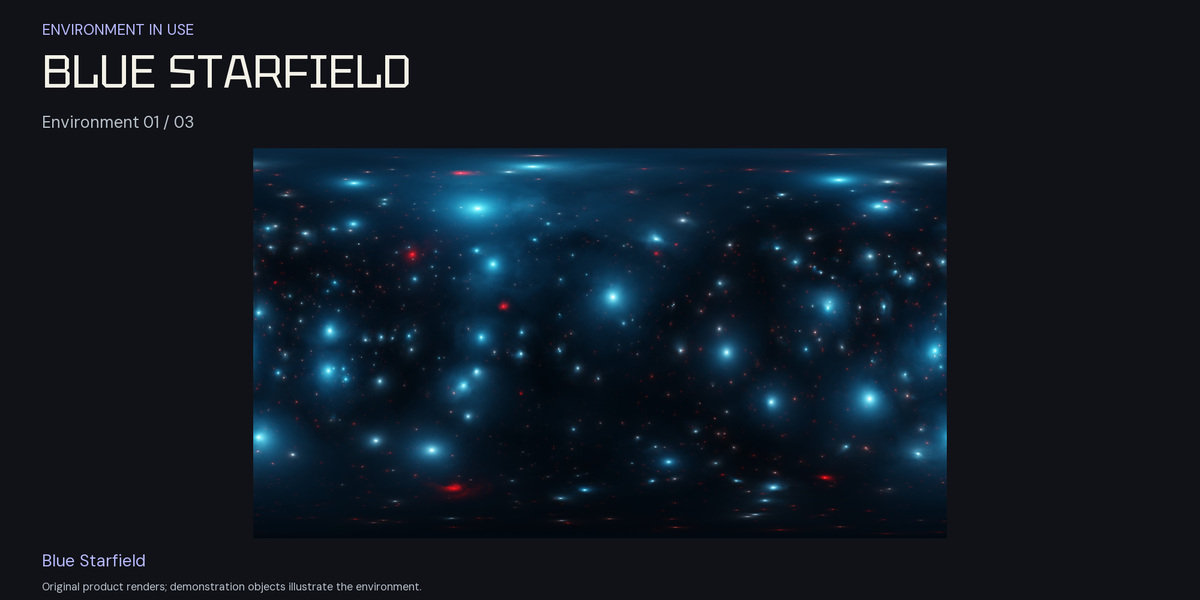
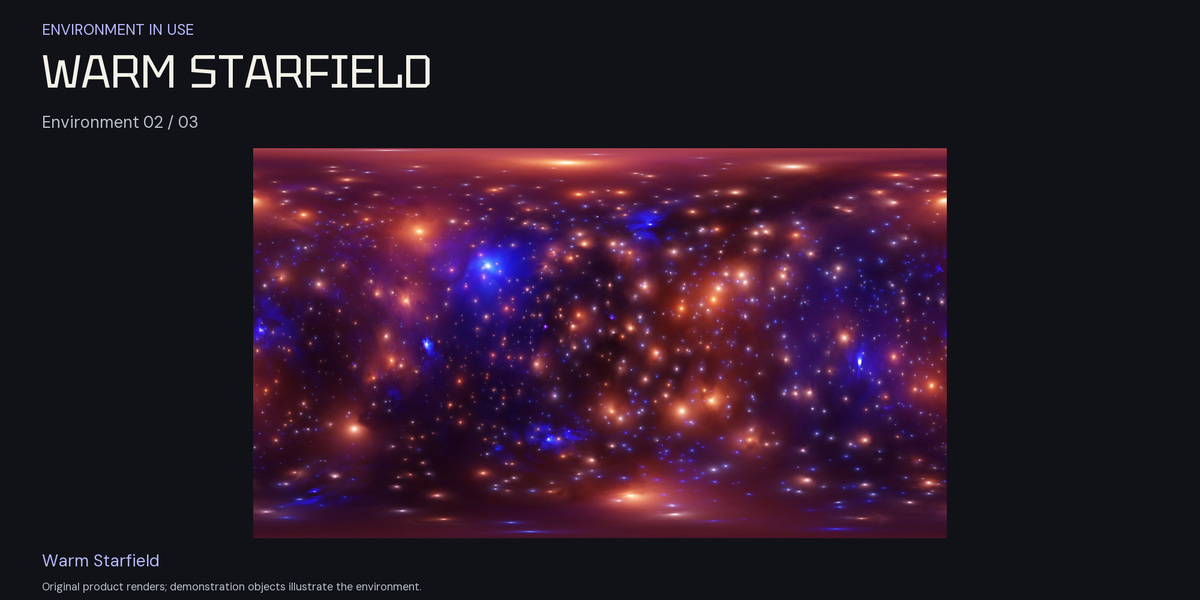
The sources are 16:9 images. Check projection, framing and image wrap in your setup; seamless 360° coverage is not promised. A camera-facing image backdrop is an alternative for a particular source composition. These images do not provide geometry or motion parallax.
Before final rendering
Make a small preview and inspect stars, bright regions and framing at the intended output size. Pack or relink the image paths when moving the Blender project.
Compatibility and contents
Use the HDR images with Blender 2.8–5.2 in Cycles or Eevee. Reference source images were checked in Blender 5.2.3 LTS. Make a small preview with your chosen camera, projection and lighting.
The download contains HDR images only. Demonstration objects, terrain, complete Blender scenes, editable procedural shaders and animation are not included.
License
New purchases use the Superhive Standard Royalty Free license. Previously granted licenses and applicable third-party terms remain valid.
Have questions about this product?
Login to message
| Published | about 3 years ago |
| Blender Version | 2.8 - 5.2 |
| Render Engine Used | Cycles, Eevee |
| License | Royalty Free |