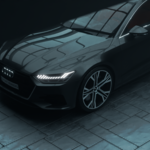
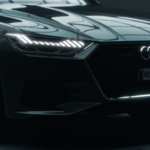
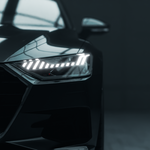
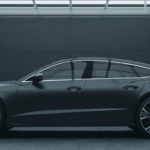
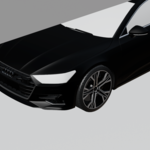
3D Automotive Scene
 NERD
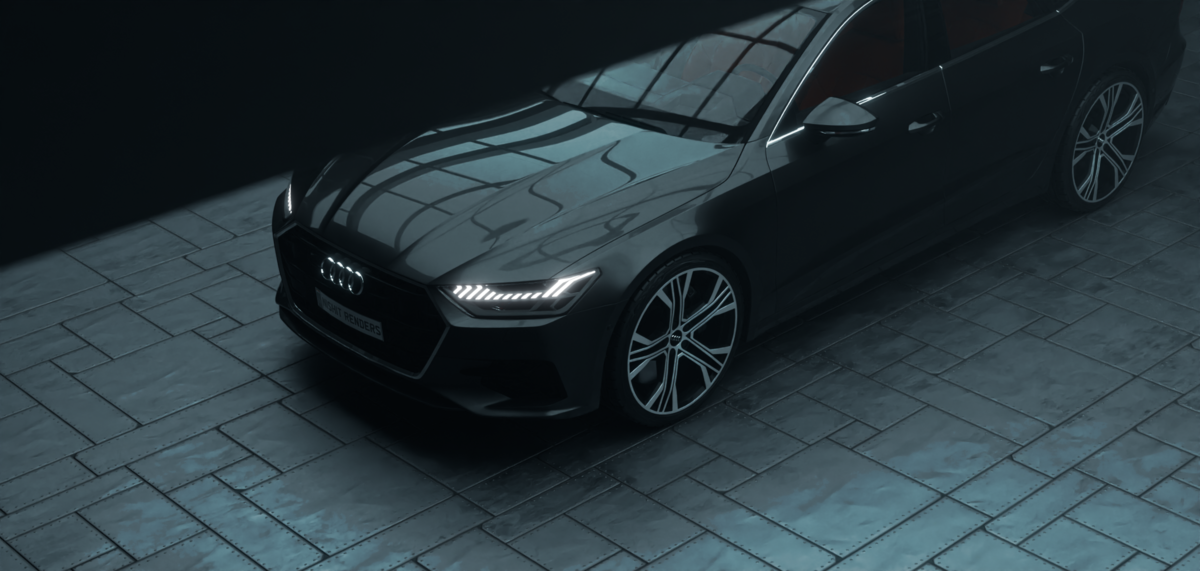
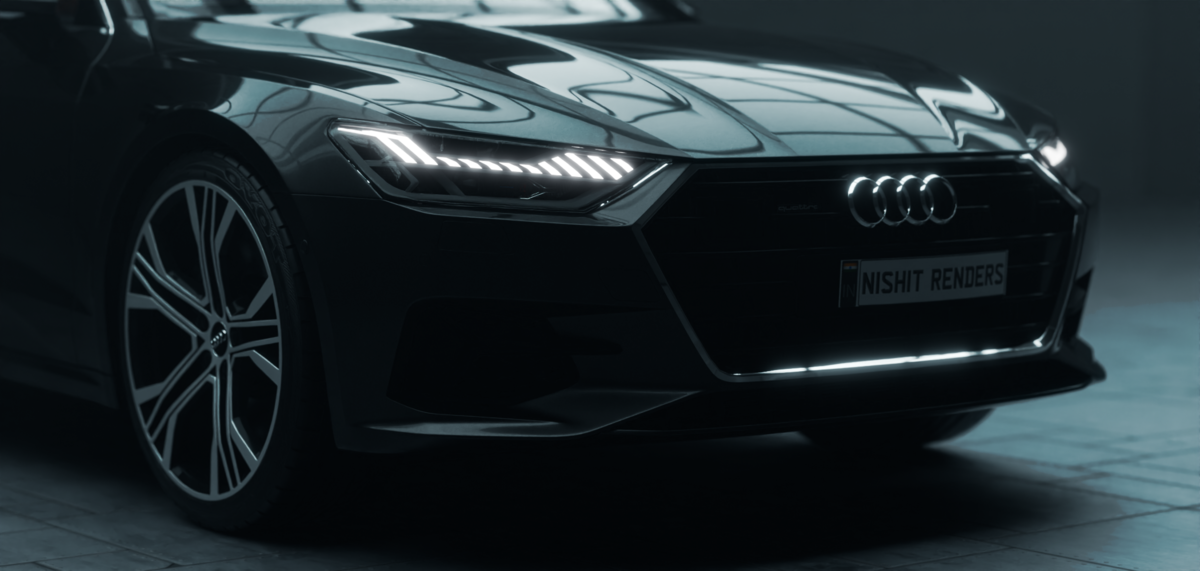
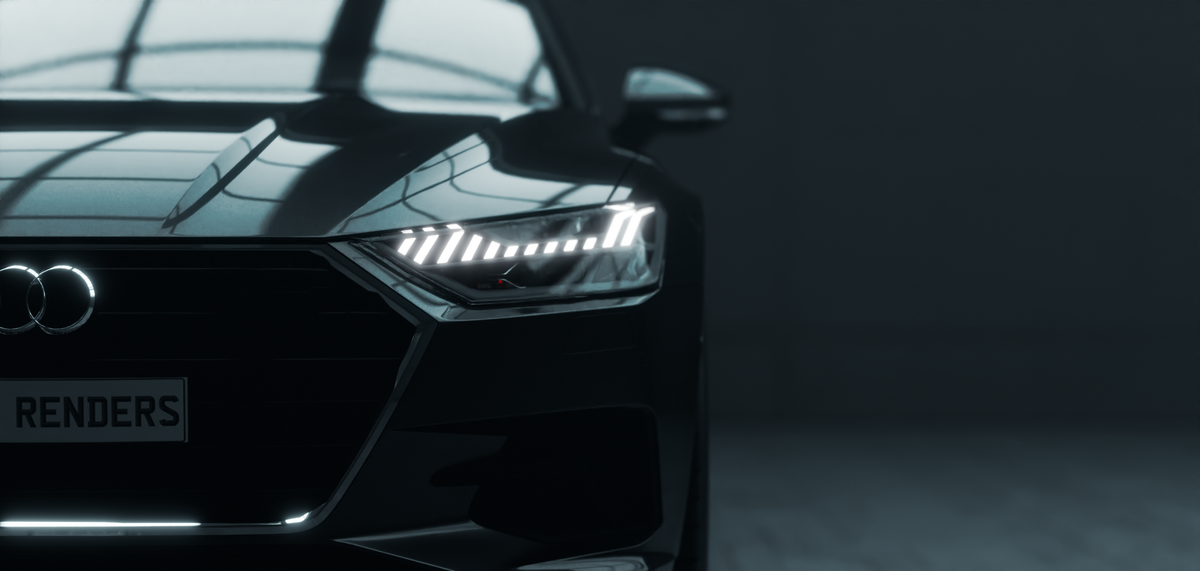
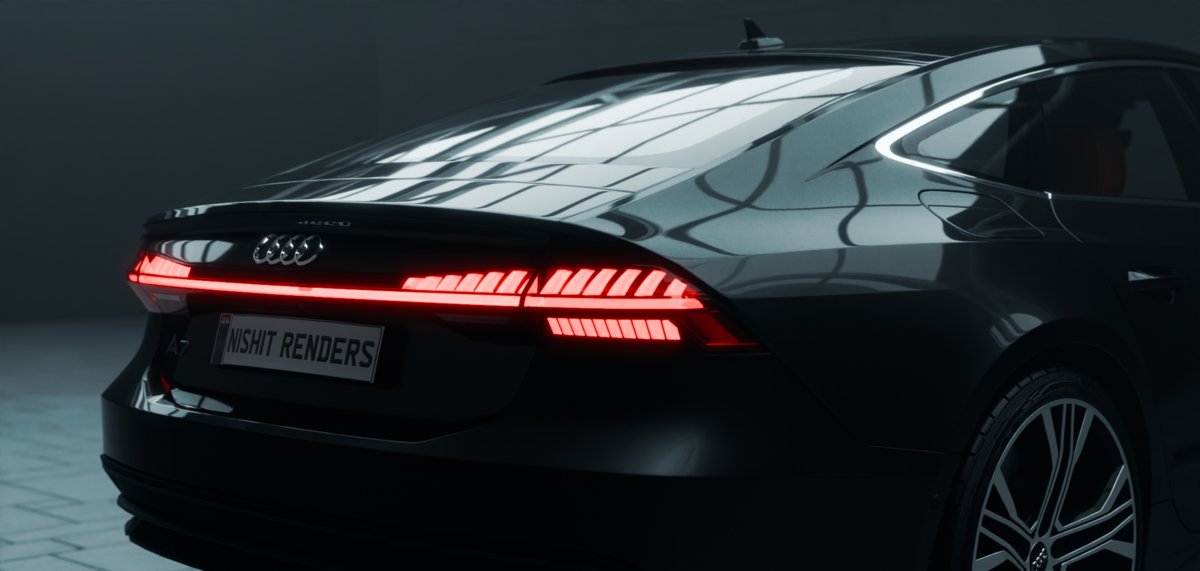
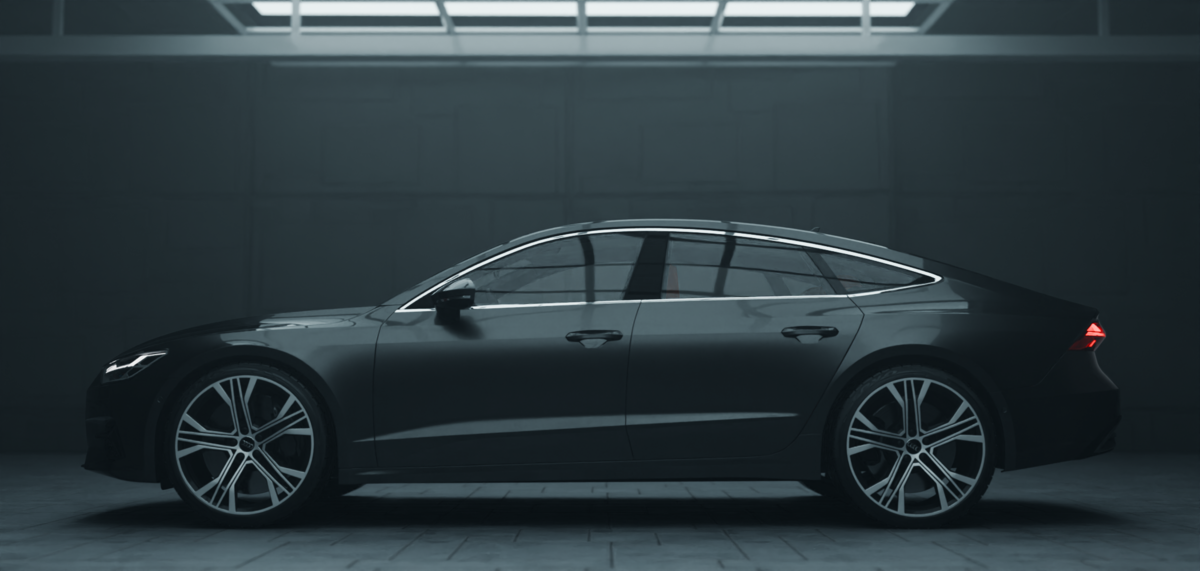
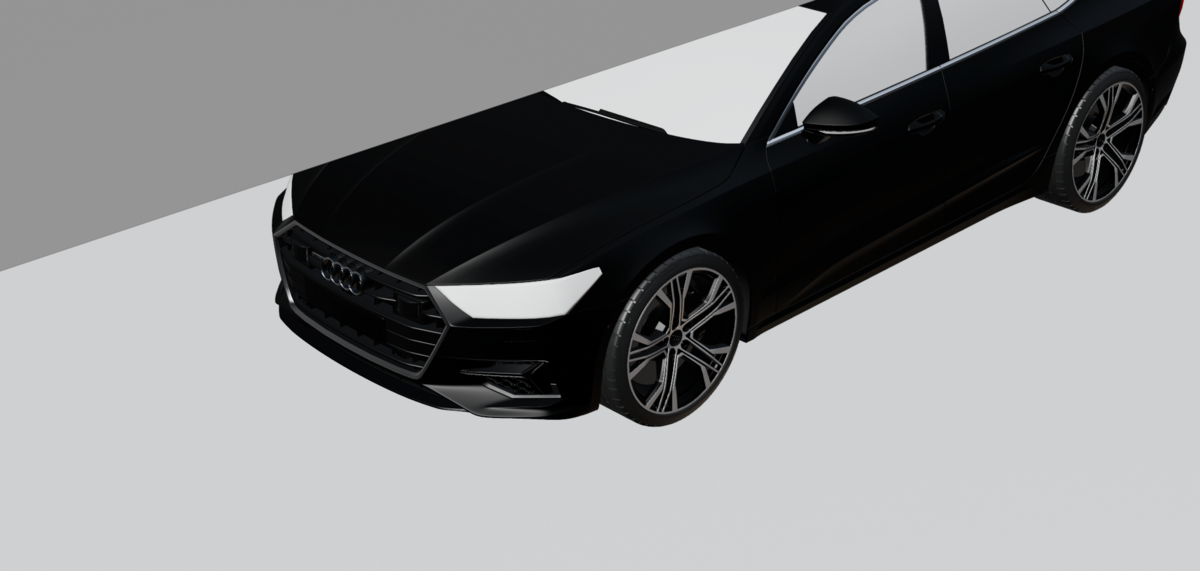
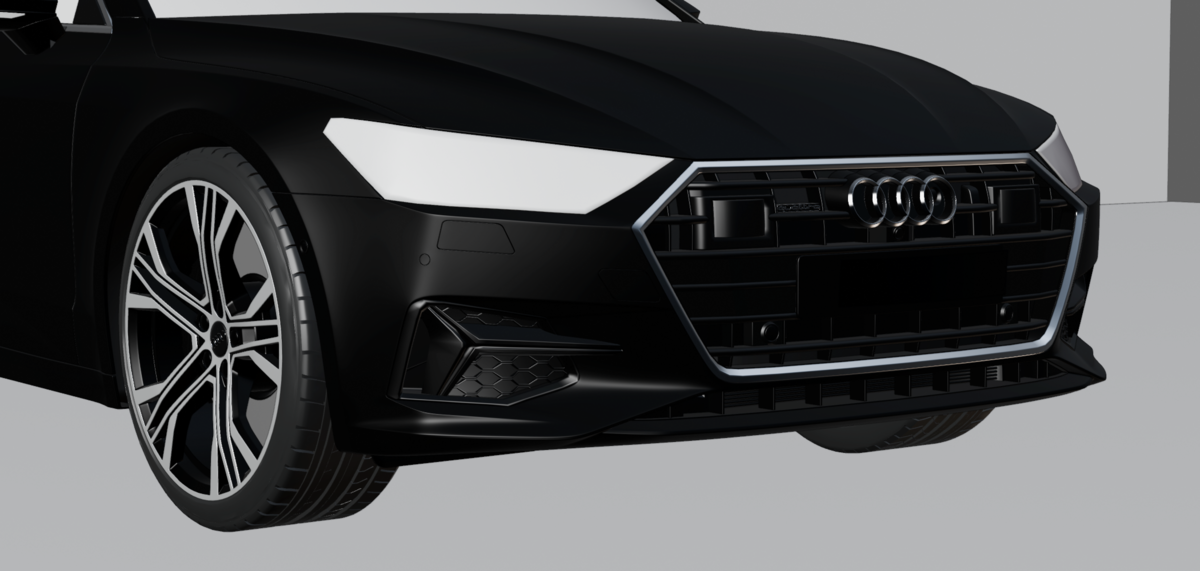
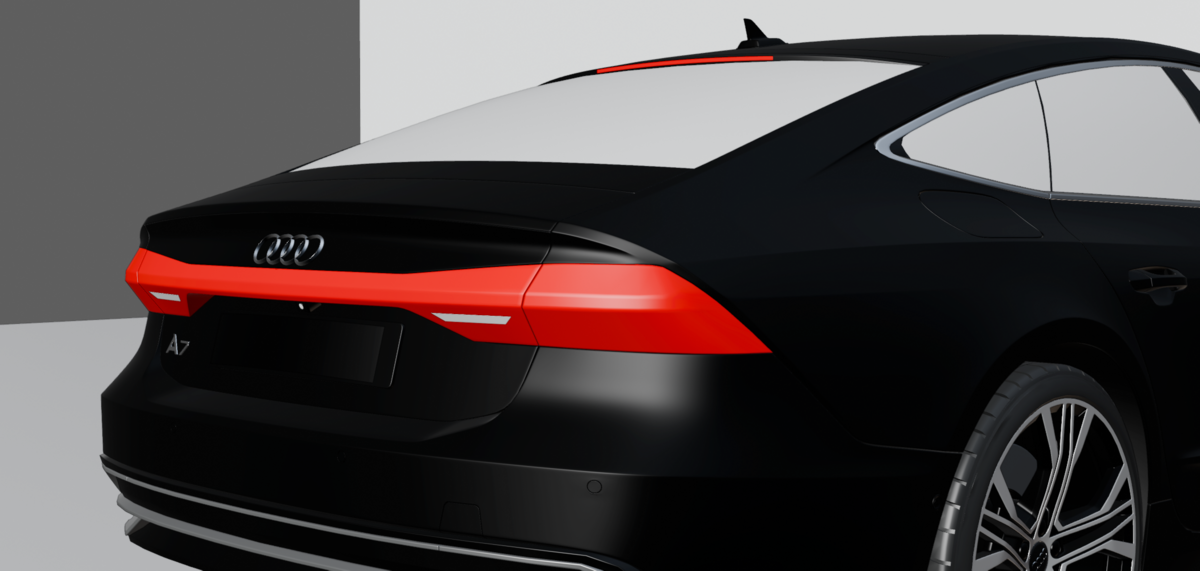

Getting Started:
-
Open the .blend file in Blender 4.0, 4.1, or 4.2.
The scene is fully compatible and optimized for these versions. -
You'll see a complete Cycles render setup with studio lighting, camera, and render settings ready to go.
-
To use your own car model:
-
Hide or delete the included car.
-
Import your car via
File > AppendorFile > Import, and position it at the center of the scene.
-
-
Once your car is placed, just press
F12to render.
What's Included:
-
Clean, professional studio-style lighting
-
Pre-set Cycles render settings for clean output
-
Fully adjustable camera rig
-
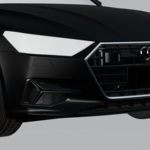
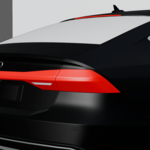
High-quality demo car included for immediate results
-
Custom materials & reflections tailored for automotive surfaces
Recommended Settings:
-
Render Engine: Cycles
-
Device: GPU (recommended)
-
Samples: 512+ for final quality
-
Denoise: Enabled (Render Properties > Denoising)
Tips:
-
You can adjust the brightness or mood by tweaking the light planes or background strength.
-
Designed for 16:9 aspect ratio, but easily changeable in Output Properties.
-
File is non-destructive — feel free to duplicate and customize!
For any support, feel free to reach out. Happy rendering!
Have questions about this product?
Login to message
| Sales | 10 |
| Rating | 1 ratings |
| Published | over 1 year ago |
| Blender Version | 4.2, 4.1, 4.0 |
| Render Engine Used | Cycles |
| License | Royalty Free |