3D Christmas Elf Girl Globe Lantern STL
 STLForge



Product Documentation: Winter Elf Girl Globe Lamp (STL)
Items in [brackets] are details only you can confirm. Fill them in or delete the line before publishing, so buyers never see inaccurate information.
Overview
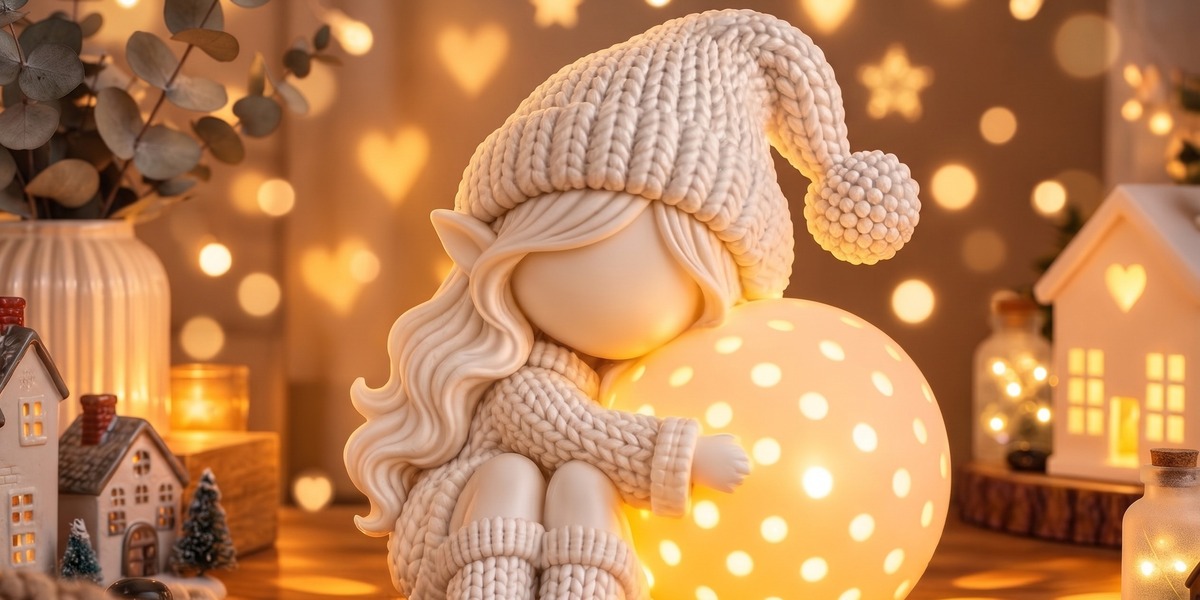
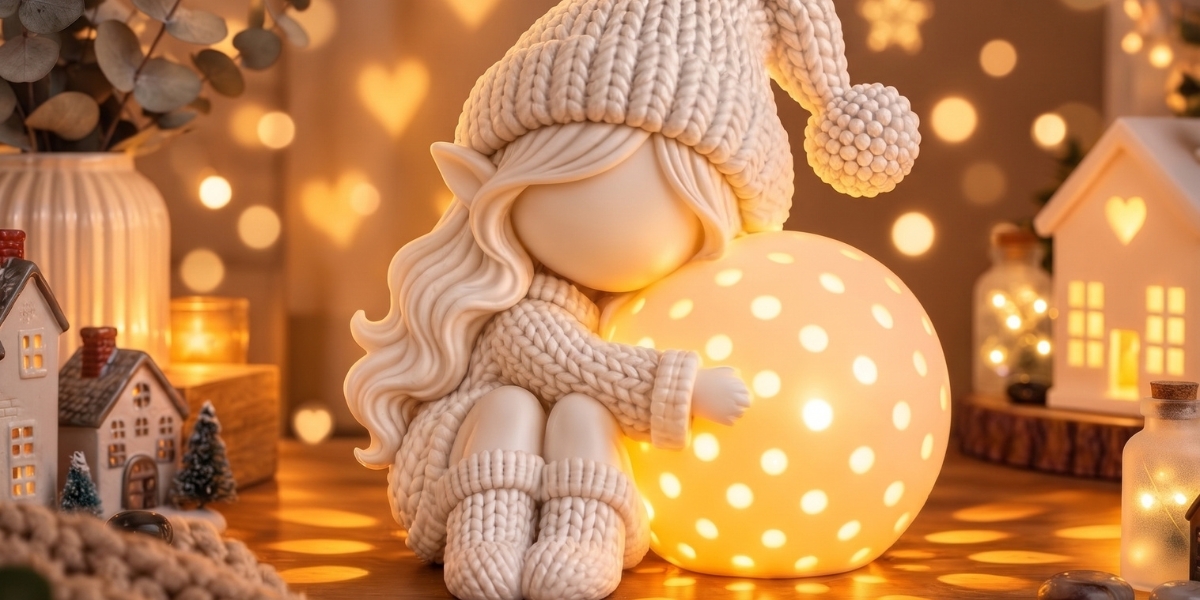
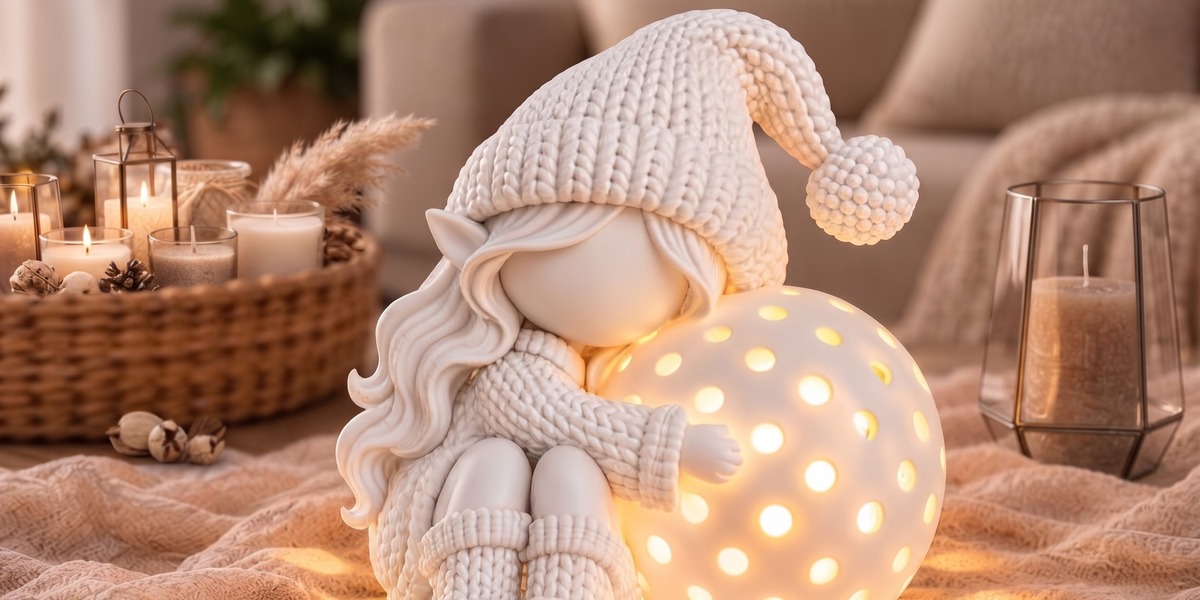
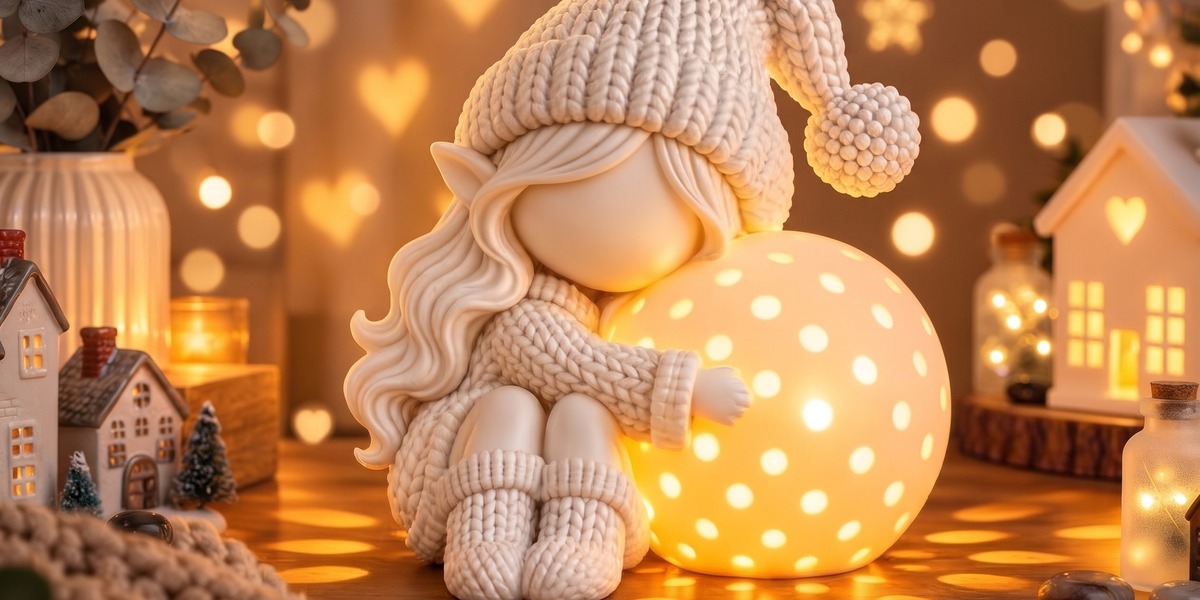
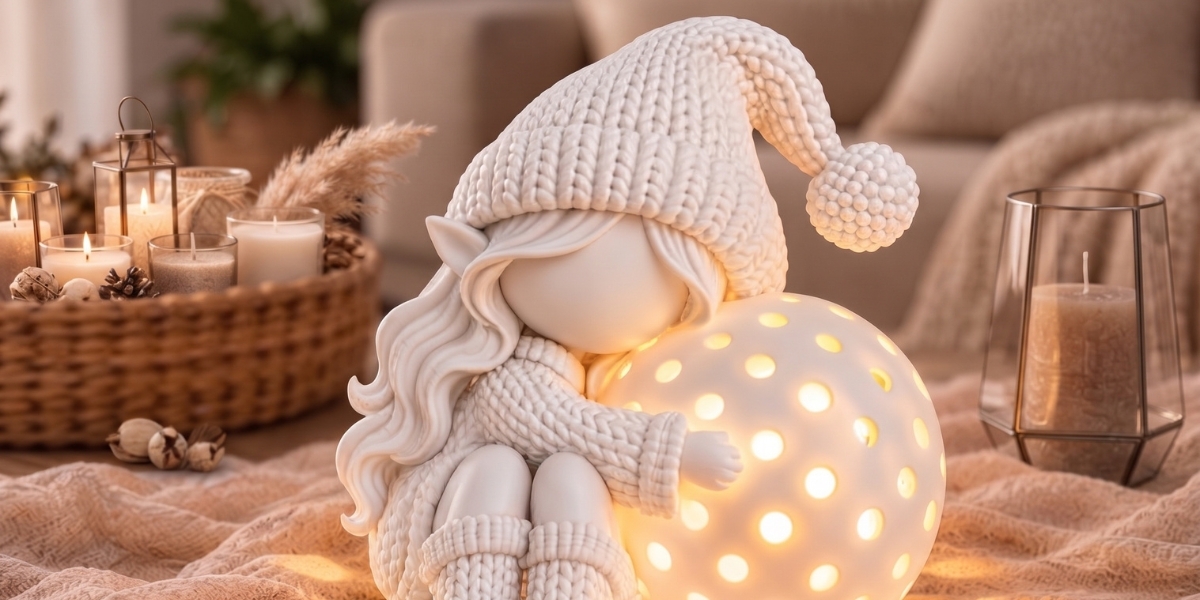
The Winter Elf Girl Globe Lamp is a 3D printable decorative lamp. It features a faceless elf girl in a knitted pom-pom hat, with curly hair, a winter outfit, and boots. She sits beside a spherical globe and hugs it gently. The globe has small circular openings that project a soft pattern of light when a suitable LED is placed inside.
This document explains what is included, how to prepare and print the model, and how to light and finish it.
What Is Included
- Digital STL file(s) containing the 3D model geometry
- [Number of STL files and their names, e.g. “Elf_Girl.stl, Globe.stl”]
- [Approximate assembled dimensions, e.g. “Height: 20 cm / 7.9 in at original scale”]
What Is Not Included
- Physical item (this is a digital product, nothing is shipped)
- Colored model files, textures, or material files
- LED lights, electrical parts, or hardware
- Printed or pre-assembled parts
Colors in the listing images are digital mockups for illustration only. Your result will depend on your filament, printer, settings, and finishing.
Requirements
- A 3D printer (FDM or resin)
- Slicing software (for example Cura, PrusaSlicer, OrcaSlicer, Bambu Studio, Chitubox, or Lychee)
- A suitable LED light source, such as a small battery tea light or a low-heat LED module
- Optional: glue, paint, and basic finishing tools
Recommended Print Settings (FDM)
These are starting suggestions. Every printer behaves differently, so test and adjust.
| Setting | Suggested value |
|---|---|
| Material | PLA or PETG |
| Layer height | 0.12 to 0.20 mm (finer for better hair and hat detail) |
| Nozzle | 0.4 mm |
| Wall count | 2 to 3 |
| Infill | 10 to 15% |
| Supports | Likely needed under the arms, hair, and globe contact areas |
| Orientation | Upright, as imported [adjust if your files are oriented differently] |
Resin printing: The model can also be printed in resin. Orient it at an angle, use light supports, and wash and cure according to your resin’s instructions.
Lighting Tips
- Use LED only. Do not use incandescent bulbs or any heat-producing light source inside a printed model, as PLA softens at relatively low temperatures.
- For the best glow, print the globe in white, natural, or a light translucent filament. Darker colors will show less light through the surface.
- Thinner walls transmit more light, but the globe will be more fragile.
- Warm white LEDs give a cozy look. Cool white gives a crisper, icy effect.
- Make sure your light source fits through the opening you plan to use. Check the globe’s inner dimensions in your slicer first.
Assembly and Finishing
- Remove supports carefully and sand any marks, especially on smooth areas.
- If the model prints in multiple parts, join them with cyanoacrylate (super glue) or a plastic-safe adhesive. Do a dry fit first.
- Paint with acrylics for the best results. A light coat of primer helps the color stick.
- Painting the elf’s clothing, hat, and hair in different colors gives a more detailed look. Keep the globe light in color if you want a strong glow.
Software Compatibility
The STL format is universal and opens in all major slicers and 3D software, including Blender, Meshmixer, and Fusion 360. No specific Blender version is required, and no render engine applies, since the files contain geometry only.
Usage and License
[Choose one and edit as needed:]
- Personal use only: Files are for personal, non-commercial use. Redistribution, resale, or sharing of the digital files is not permitted.
- Limited commercial use: You may sell physical prints you make yourself. Redistribution or resale of the digital files is not permitted. [Add any credit or quantity requirements.]
Before You Buy
- This is a digital download. Because digital files cannot be returned, please read this page carefully before purchasing.
- Make sure you are comfortable working with STL files and slicing software.
- Check the dimensions and make sure the model suits your printer’s build volume. You can scale it up or down in your slicer.
- Print results vary with printer calibration, material, and settings.
Support
If you have a question about the files or run into a problem, send us a message and we will do our best to help. [Add your response time, e.g. “We usually reply within 24 hours.”]
Thank you for choosing our digital 3D design collection. We hope your little elf brings a warm glow to your winter season.
Have questions about this product?
Login to message
| Published | about 10 hours ago |
| Blender Version | 2.8 - 4.2 |
| Render Engine Used | Freestyle, Luxrender, Mental-Ray |
| Misc Data | Textured |
| License | Editorial |