 3d illusions

3d illusions Full Access Bundle
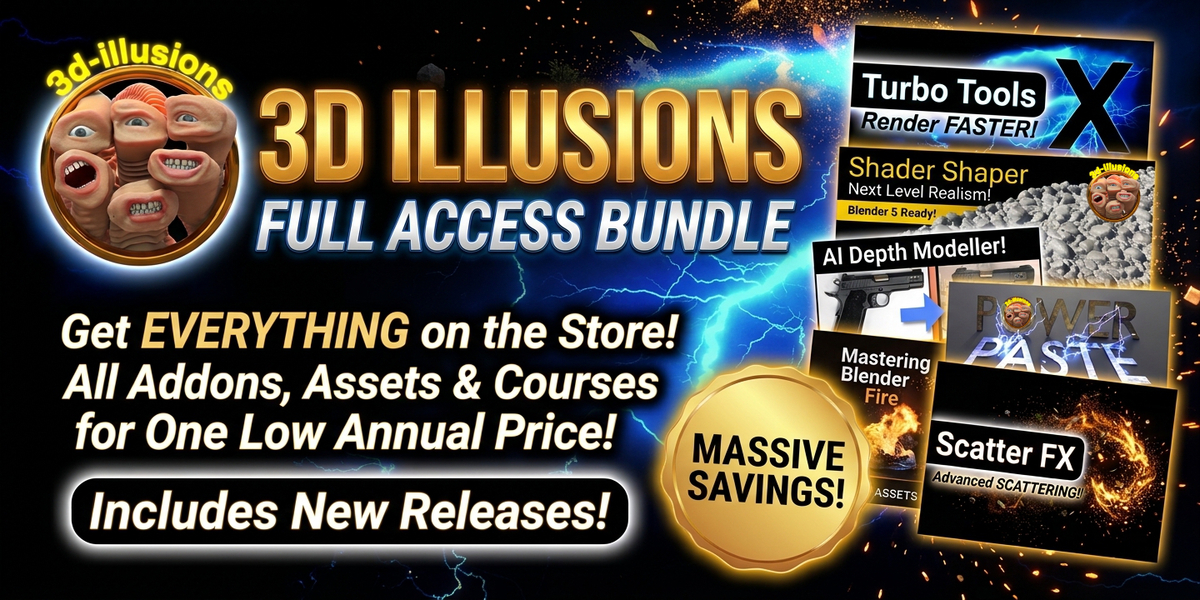
A more affordable way to access all current and future content!
12 months access to the entire 3d-illusions product range, including unreleased products!
Products are alternatively sold separately with lifetime updates if preferred.
Currently Included Content
Click the thumbnails to see full product details and reviews 👍
Turbo Tools X (blender 5 +)
Turbo Tools X is a fully overhauled version of the popular Turbo Tools V4 addon, utilising the new features found in Blender 5 and above. 3-5x faster Cycles renders, automatic render setup using artist friendly options, real-time compositing, & removes flicker from animations that would usually require up to 40x longer render times!
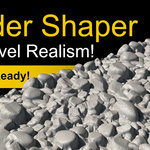
Shader Shaper
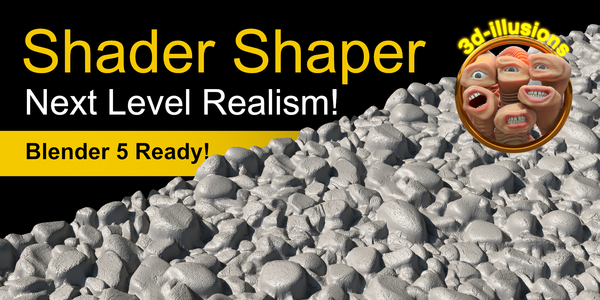
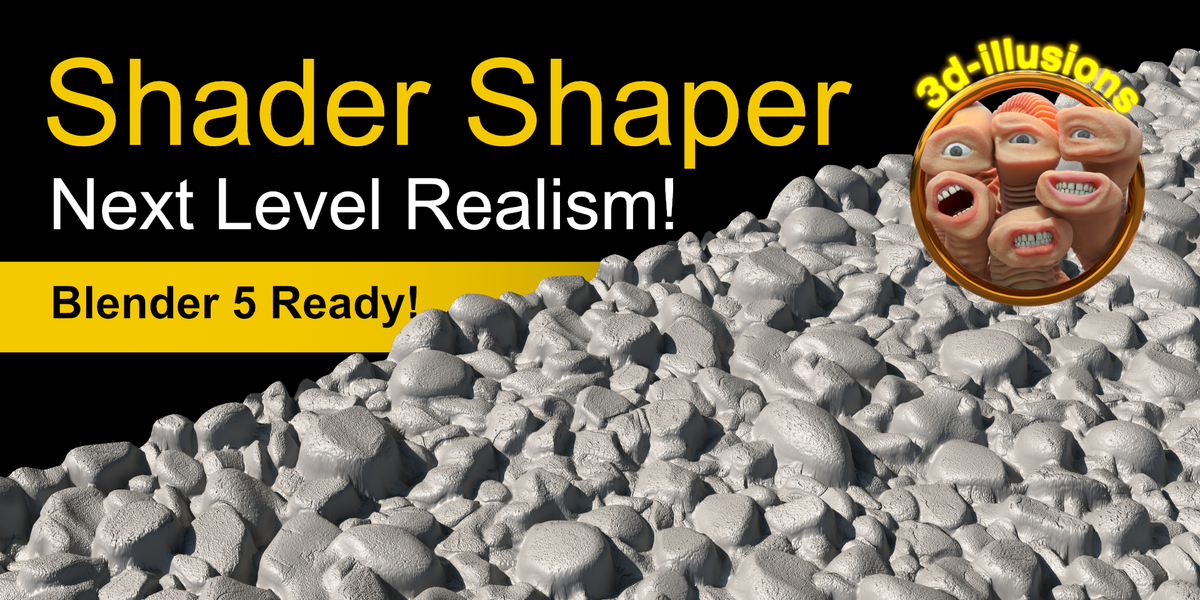
In a single click, Shader Shaper adds realism to your materials by letting you interactively generate ultra detailed depth, bump and normals. It sets up the material for you and outputs maps suitable for blender, game engines, and other 3d software. Use it to breathe new life into your entire material library or create brand new materials from any image! Supports AMD, Nvidia, and CPU.
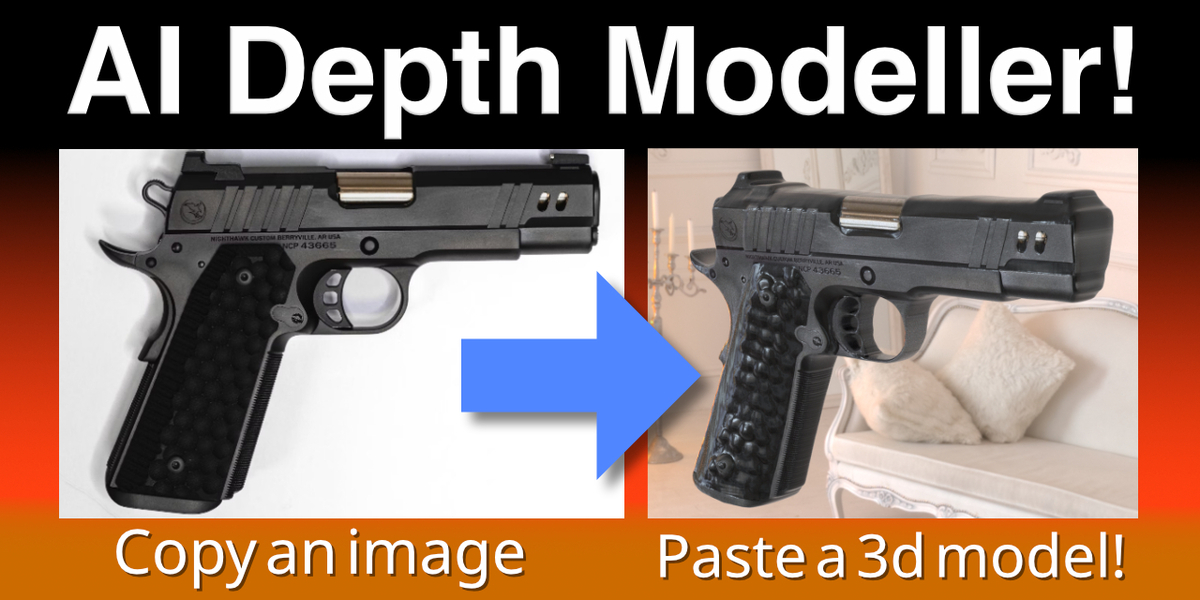
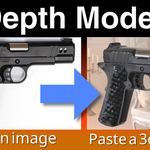
AI Depth Modeller
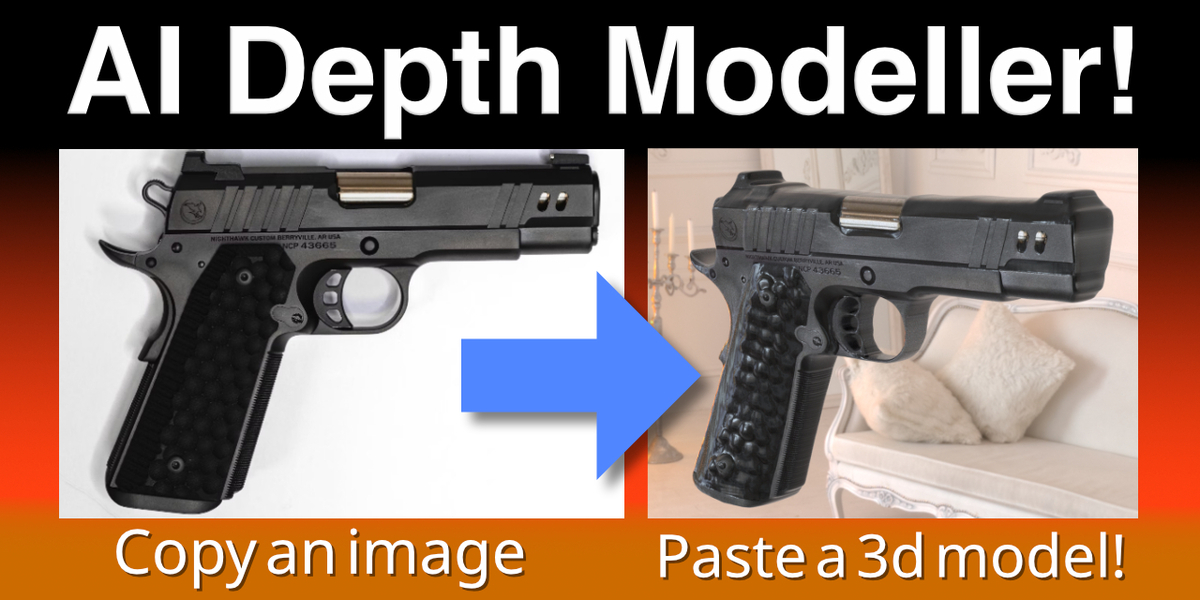
AI Depth Modeller generates depth-based 3D models directly from the clipboard, then provides a suite of simple but powerful controls to modify and refine the model.
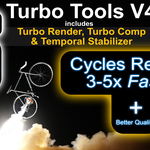
Turbo Tools V4 (blender 2.9.3 to 4.5.1)

Since 2021 Turbo Tools has been used in more than 150 countries by both major studios and hobbyists alike. It automates professional workflows at the click of a button to speed up Cycles rendering, compositing, and even removes flicker from animations that would otherwise require up to 40x longer rendering time.
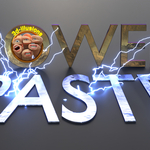
Power Paste
Copy an image from any source, then paste it directly into any of Blender's editors. When pasted into the viewport, it will create either an empty or an image plane, and allow you to interactively align it to the view, or a specific axis (ideal for fast reference setup). Pasting into node editors will setup the nodes for you, or pasting into the image editors will load the image in for you. It will also re-process the clipboard image to make it suitable for depth and bump maps, to avoid the usual stepping artefacts 8 bit produces.
Coming Soon!
These are new products that are currently under development, and will be added to the bundle!
Scatter FX
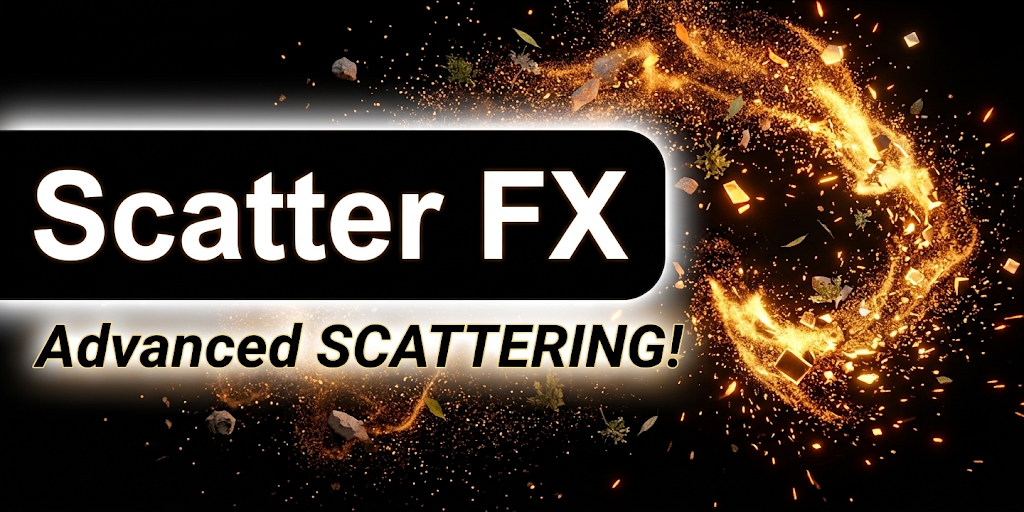
I don't want to give too much away just yet about what makes this addon unique, other than it takes scattering to a whole different level. It's been in development for several months, and is probably the most fun I've had in Blender for a long time!
Mastering Blender Fire (full course)
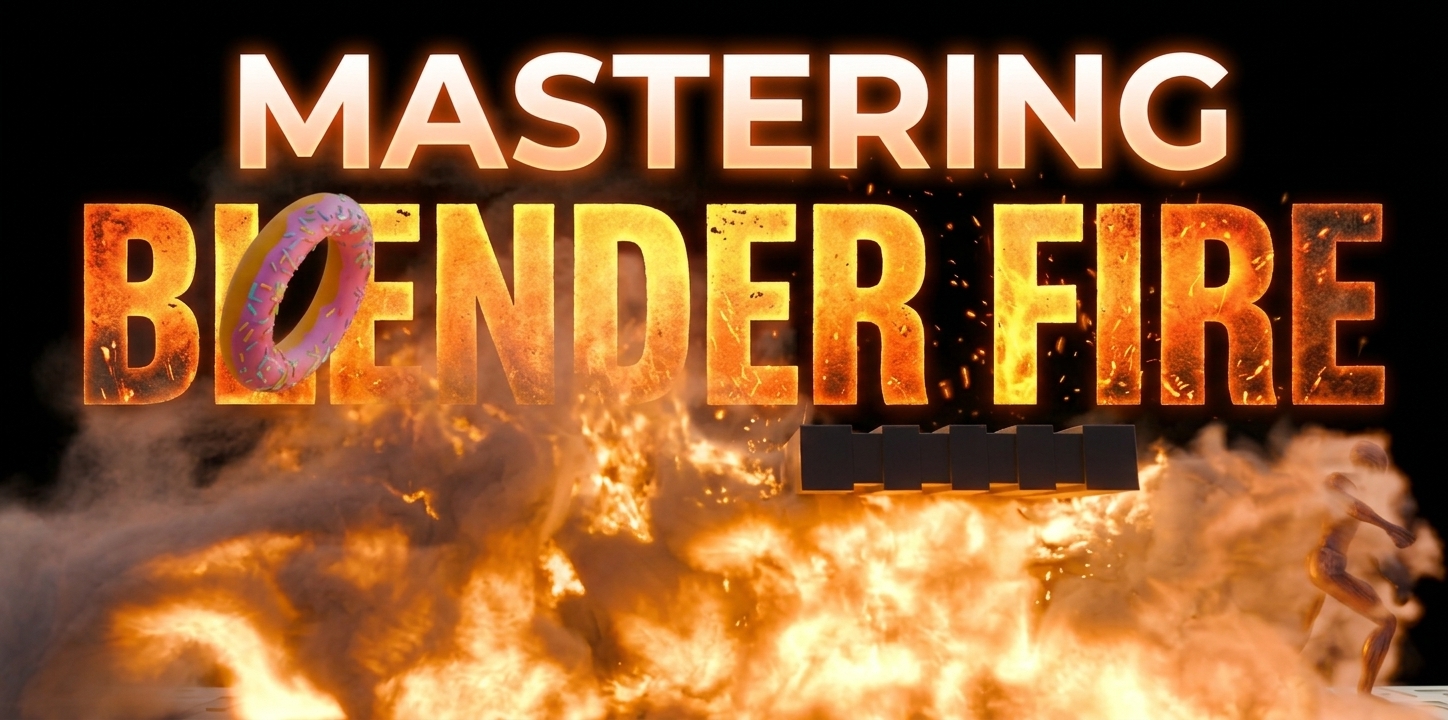
Mastering Blender Fire is a comprehensive, step-by-step guide designed to take you from basic setups to cinematic, production-ready Mantaflow simulations. Whether you are creating roaring infernos, billowing smoke plumes, or dynamic explosions, you'll learn how every setting under the hood actually works, and how to make your simulations react realistically to the world around them.
